|
| Group |
Round |
C/R |
Comment |
Date |
Image |
| 14 |
May 22 |
Comment |
Hi Kamal. This is a very interesting scene and your cropping is excellent, creating a nice simple composition emphasizing the boats and the fishermen, but providing ample surrounding context. I love the fact that the fishermen seem to be waving at you. The only suggestion I would make is to try to significantly zoom in on the fisherman in Photoshop, and to try to clone out the white haloes around them, which I find a bit distracting. Thanks for sharing this story which I would never have the opportunity to see for myself! |
May 15th |
| 14 |
May 22 |
Comment |
Hi Xiao. You have done an excellent job of improving this image with your re-edit. I'm very impressed with your recovery of the shoe and I think that the adding the edge of the step at the bottom provides a nice base for the model. The darkening of the background, especially the branches in the upper right has really improved the composition and brought more attention to the model. You should be proud to have this in your porfolio. |
May 15th |
| 14 |
May 22 |
Comment |
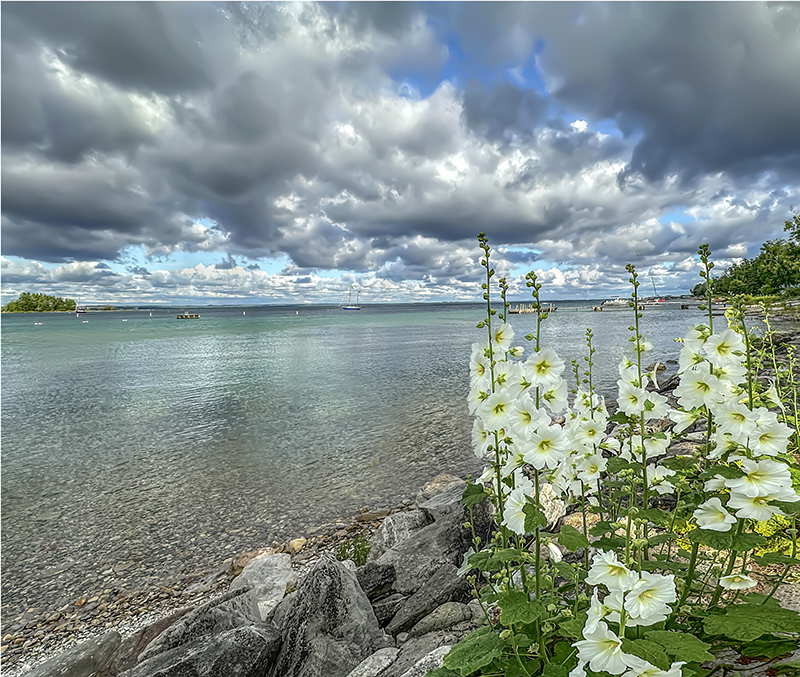
Hi Tom. This is a beautiful moody image and the long exposure was definitely the right choice to smooth the water and the sky. The lighting on the rocks is very effective and I love the way the brightness diminishes as the wall goes into the distance. I think the issue of the pontoon on the right is a difficult one. On one hand, removing it would simplify the composition and bring more attention to the wall, but it does provide a nice anchor on that side. If you were going to take it out, I wouldn't crop it but clone it out with the content aware fill to maintain the proportion of the wall ending at the one third mark. If it is left in, I would suggest using the Tranform skew tool to pull out the lower right corner a bit to make the pontoon vertical to mirror the pole at the end of the wall. I agree that the lighting makes this image and it is very serene and enjoyable to experience. Thanks. |
May 15th |
| 14 |
May 22 |
Comment |
You certainly have done a good job of placing the model in the background and the way you have softened the edges of the model have really helped her to fit better against the background. I agree that the lighting on the model does seem a bit bright to feel realistic against the nighttime background. Have you ever tried the Photoshop Neural filter 'Harmonization' to make the colors of the layers more coordinated? I just watched a webinar showing how this works, and it might be worth a try. |
May 15th |
| 14 |
May 22 |
Comment |
Hi Darcy. This is a great capture of a bee enjoying spring and I love the detail and texture of his wings. I agree that the almost blown out brightness of the bloom distracts from the bee and maybe bringing down the highlights would diminish this effect. I love the indistinct blurred plant shapes in the bottom behind the stem and would not crop out the stem to preserve this feature. Realizing it could be defficult, if you could select the grey area behind the flower and bee, cloning some of the blurred green into the grey space at the top might also simplify the composition emphasize the subjects. Thanks for sharing this slice of spring. |
May 15th |
| 14 |
May 22 |
Comment |
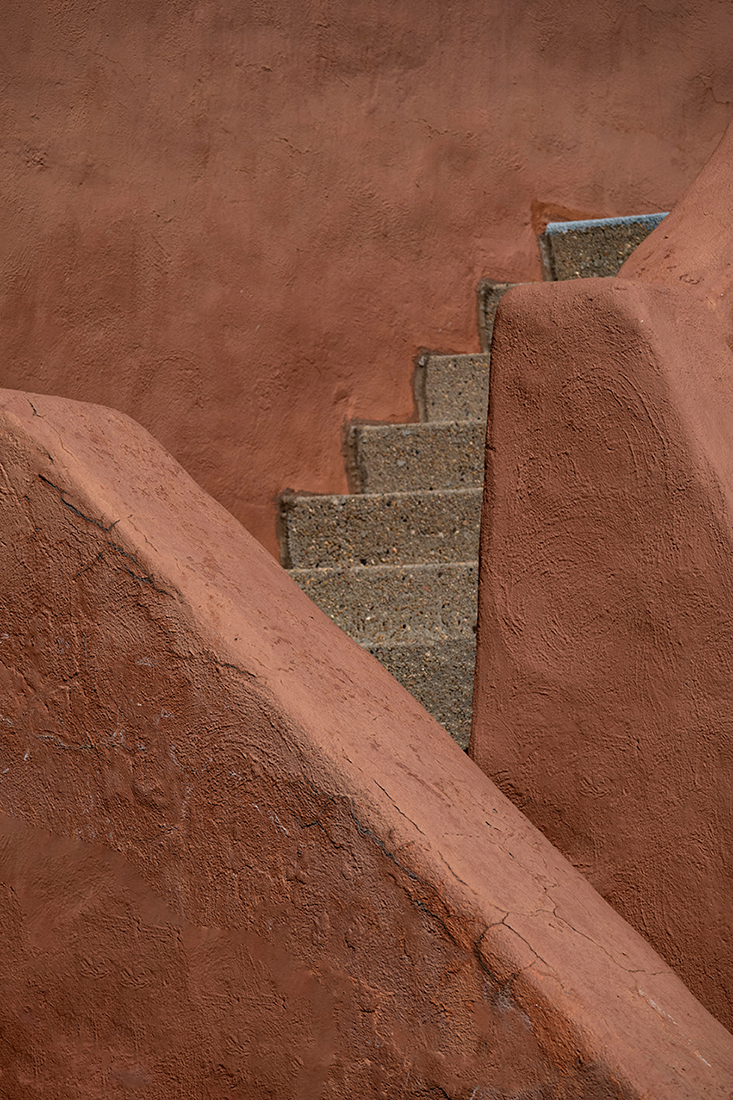
I am a definite fan of architectural detail compositions, and you have done an excellent job of bringing together this composition. The contrasting colors of blue and terra cotta add to the interest of the composition as well. I agree that removing the bannister on the right might simplify the image and add to its graphic quality. One other idea would be to use the transform skew tool to make the verticals vertical which is often a benefit with architectural compositions. I love Albuquerque and its architecture! |
May 15th |
6 comments - 0 replies for Group 14
|
6 comments - 0 replies Total
|