|
| Group |
Round |
C/R |
Comment |
Date |
Image |
| 32 |
Feb 25 |
Reply |
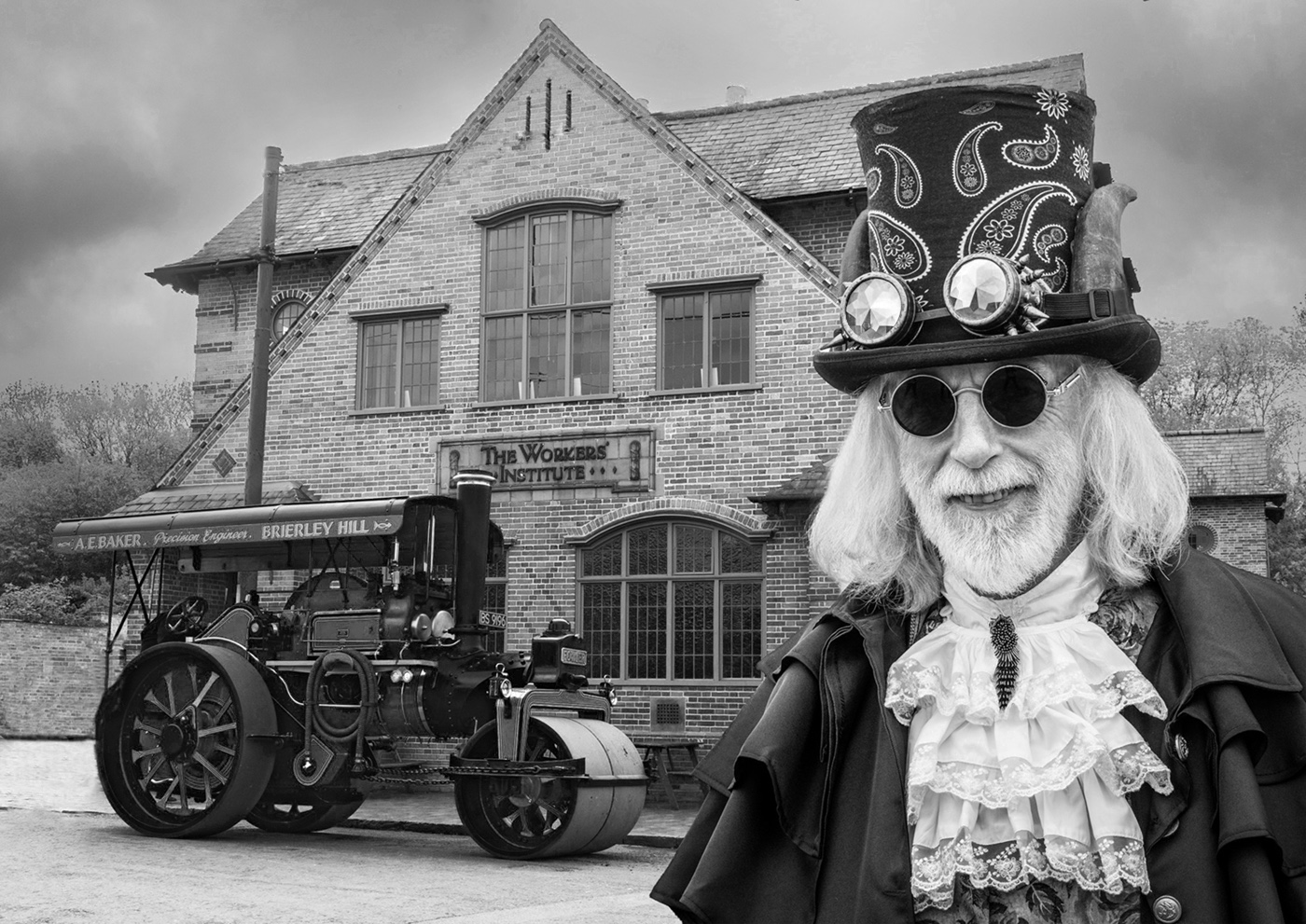
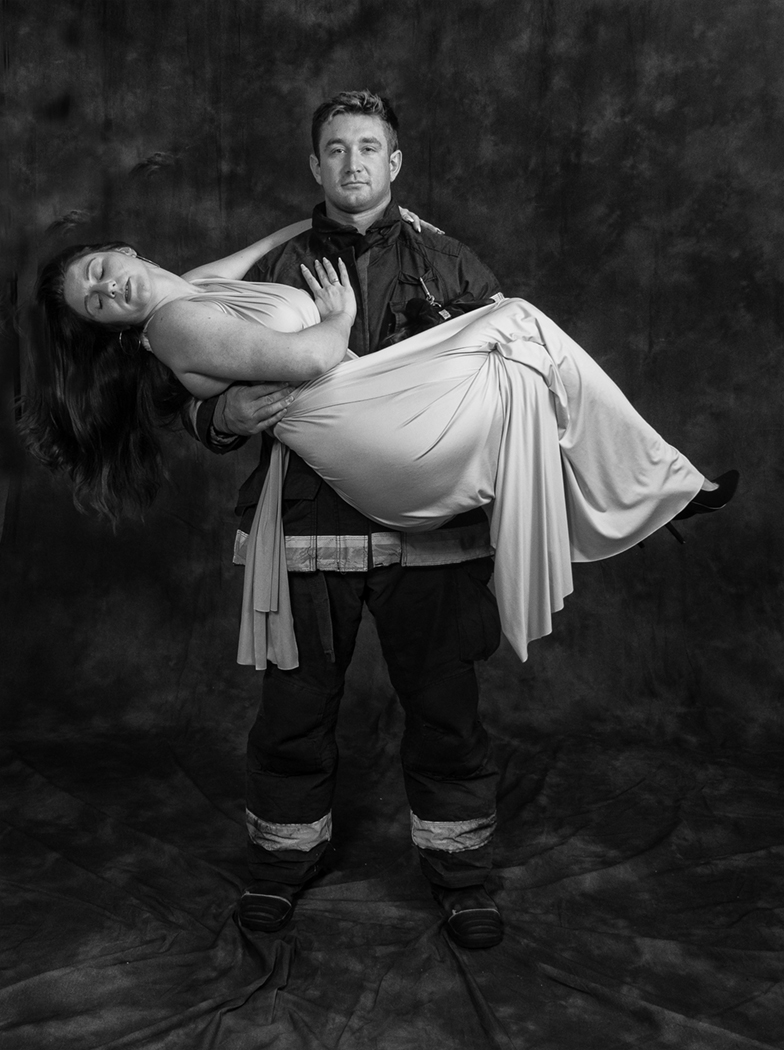
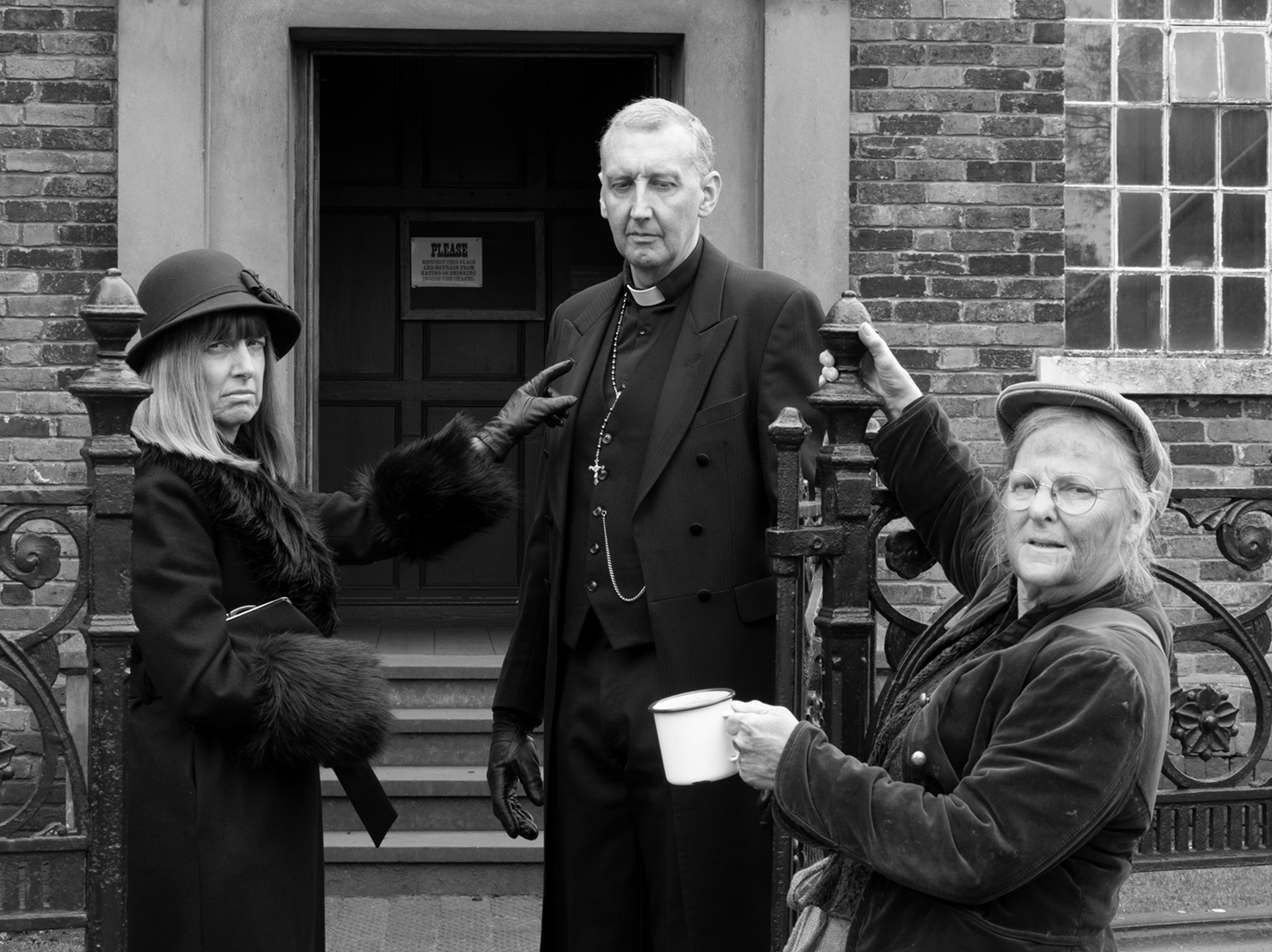
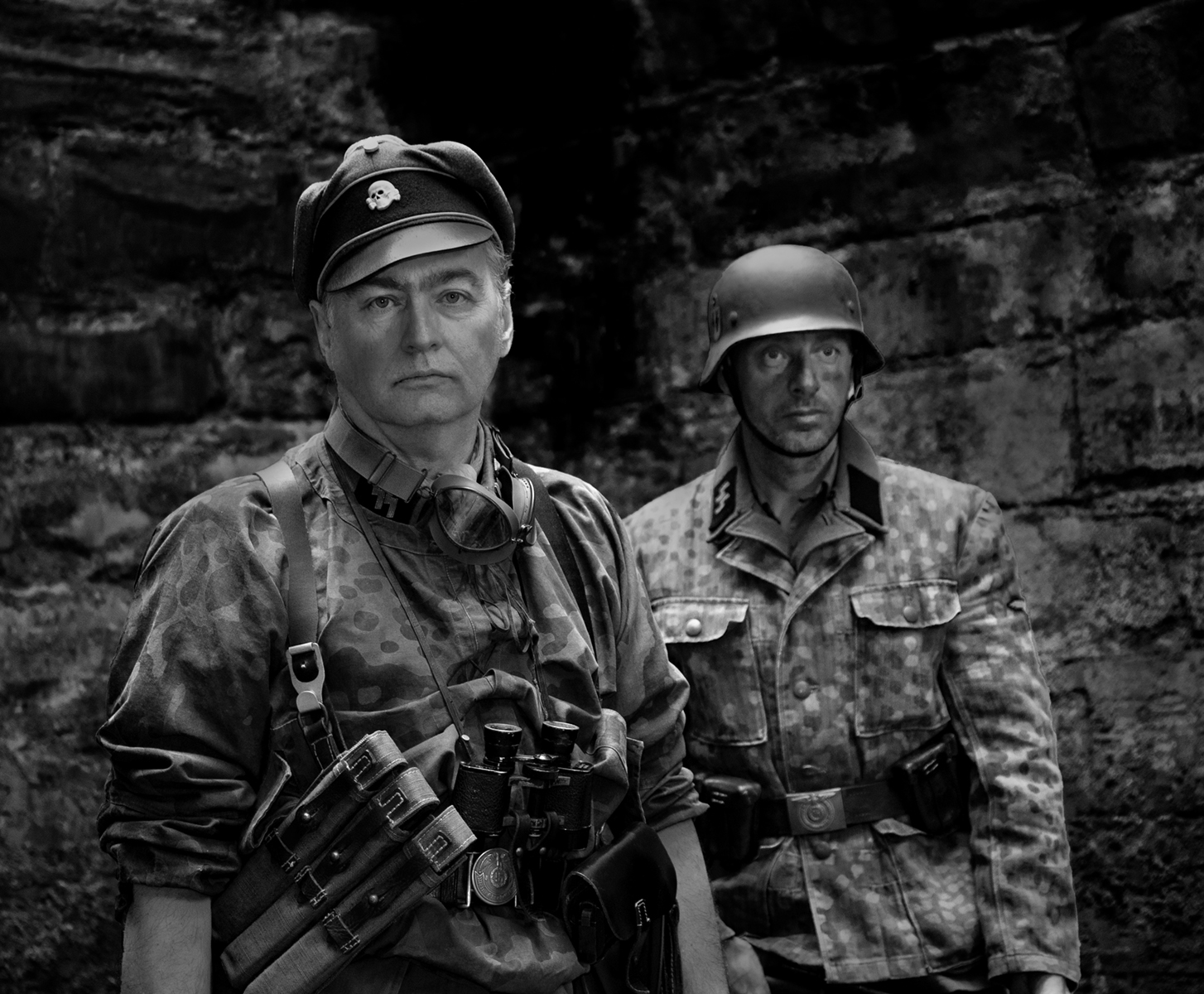
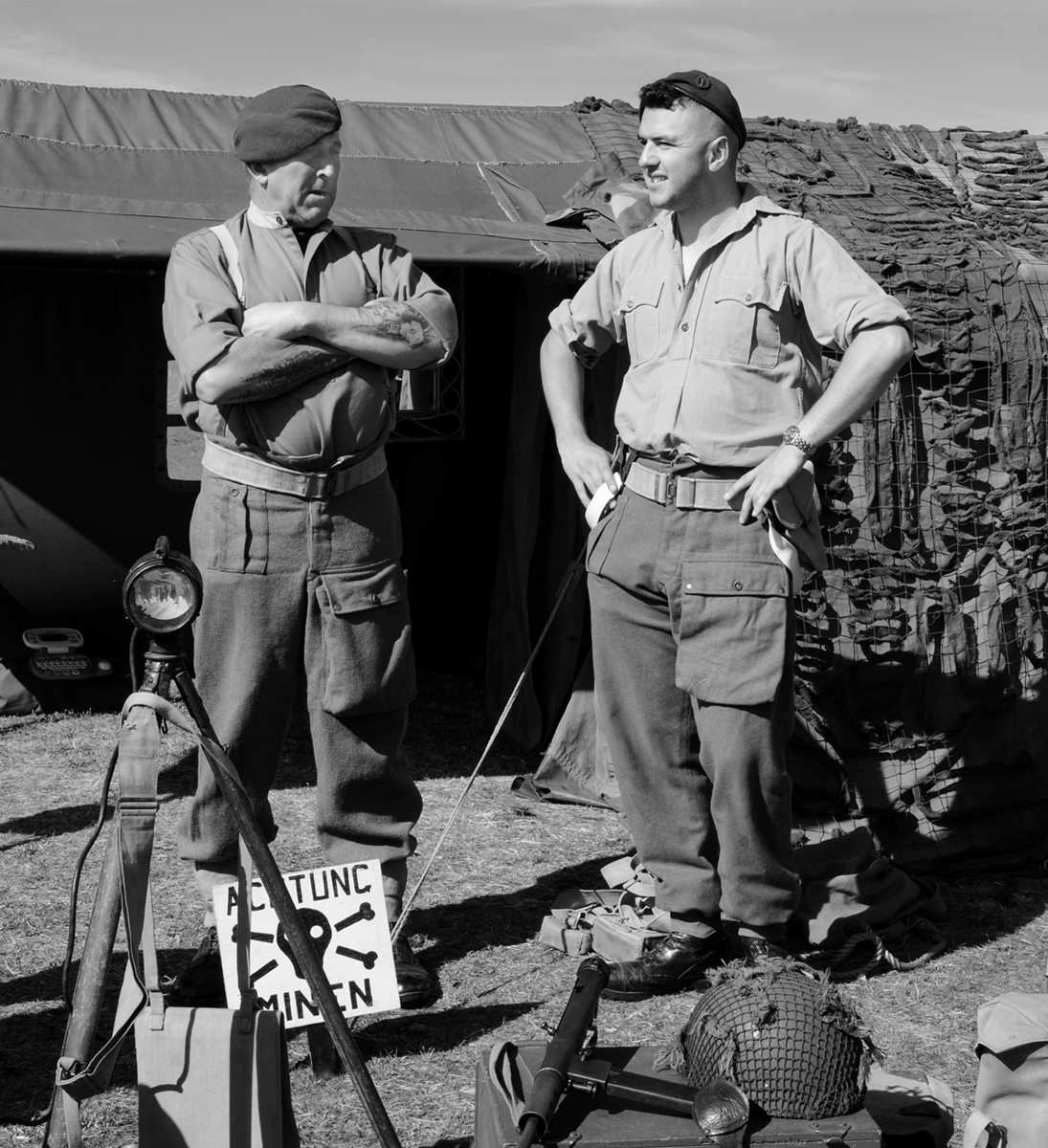
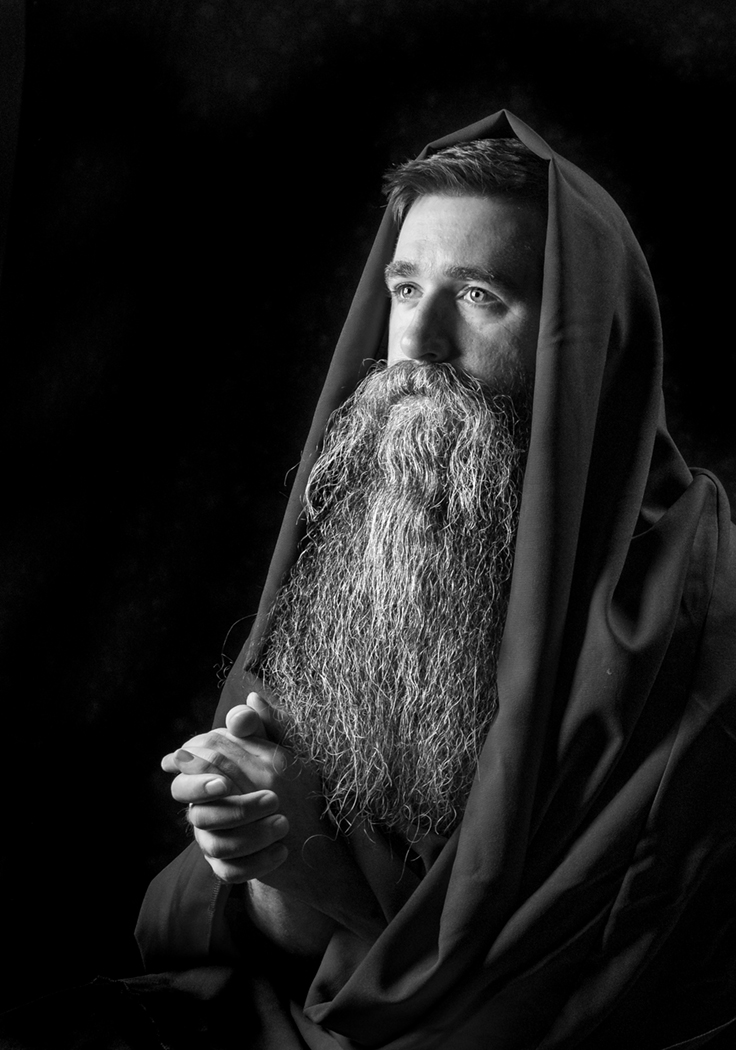
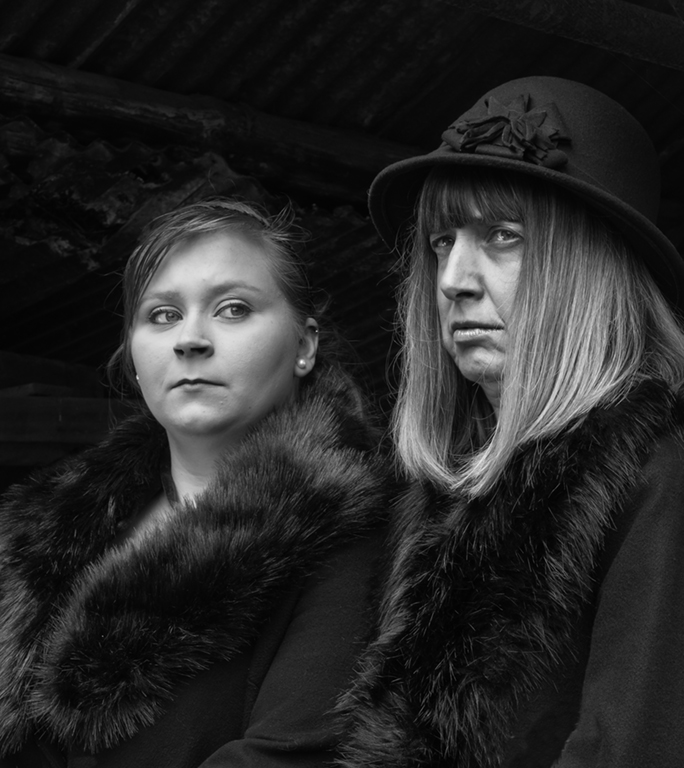
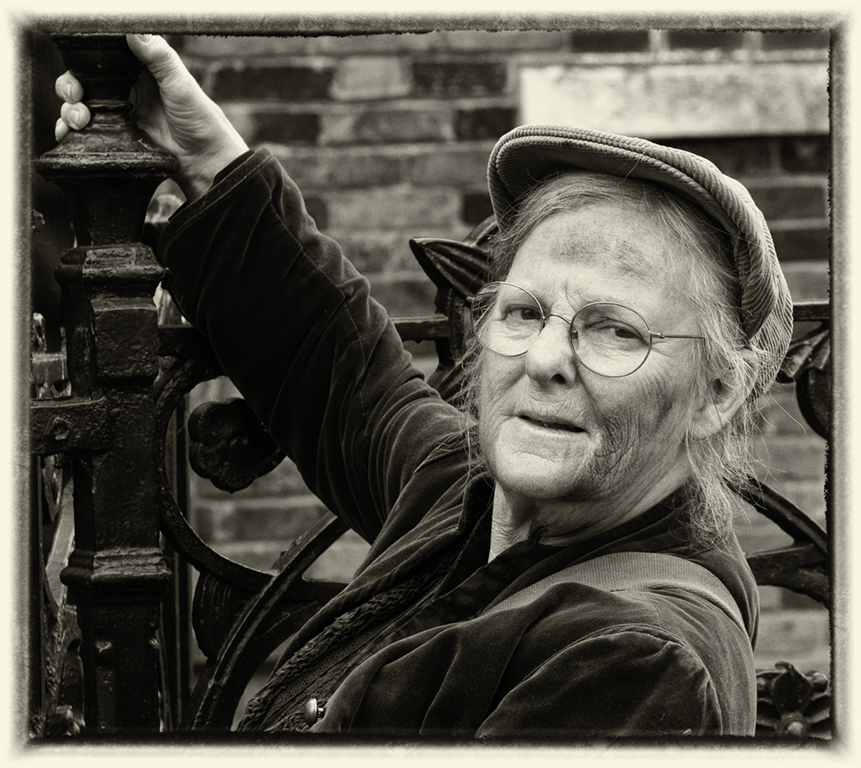
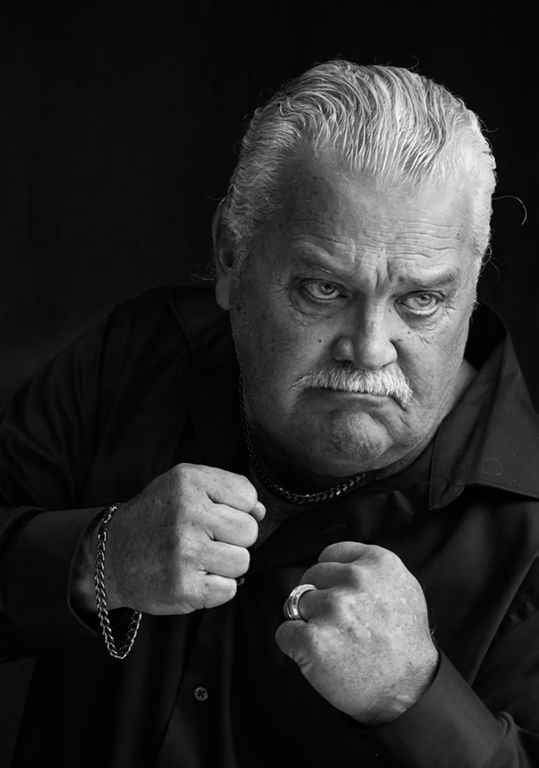
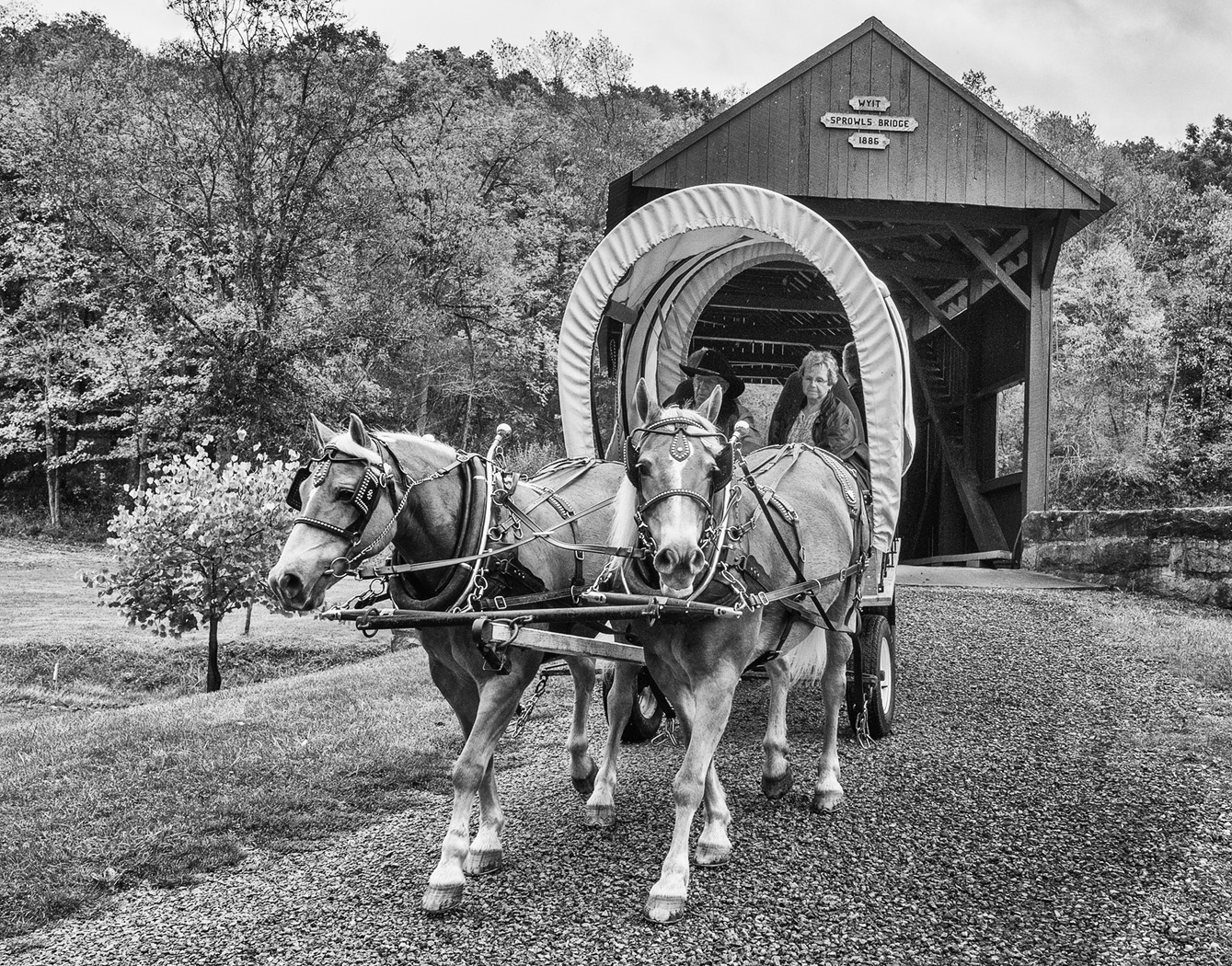
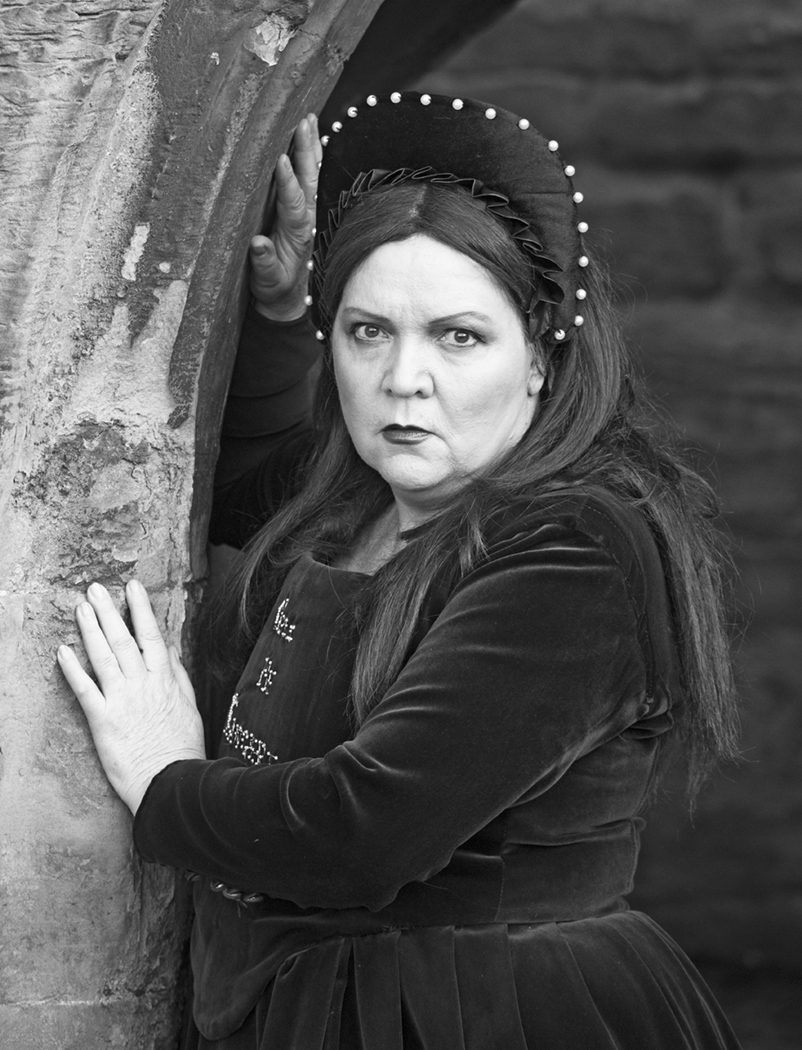
The pose was intentional since they were trying to imitate Henry VIII and one of his many wives. In that day and age, the King was all powerful and the wives were subservient -as we can tell from the fact he went through 6 of them and every day must have been a stressful one, teetering on the edge of wondering if they would last through his next temper tantrum. He had all the power. So a chin dipped down for her and an arrogant chin up for him.
I didn't think about the wedding ring and I suspect it is far too plain and modern for Tudor times.
I do most of my processing first in Lr and afterwards in Ps, but I wanted the slight yellow tinge to suggest age and I knew Nik had a preset for that. |
Feb 16th |
| 32 |
Feb 25 |
Reply |
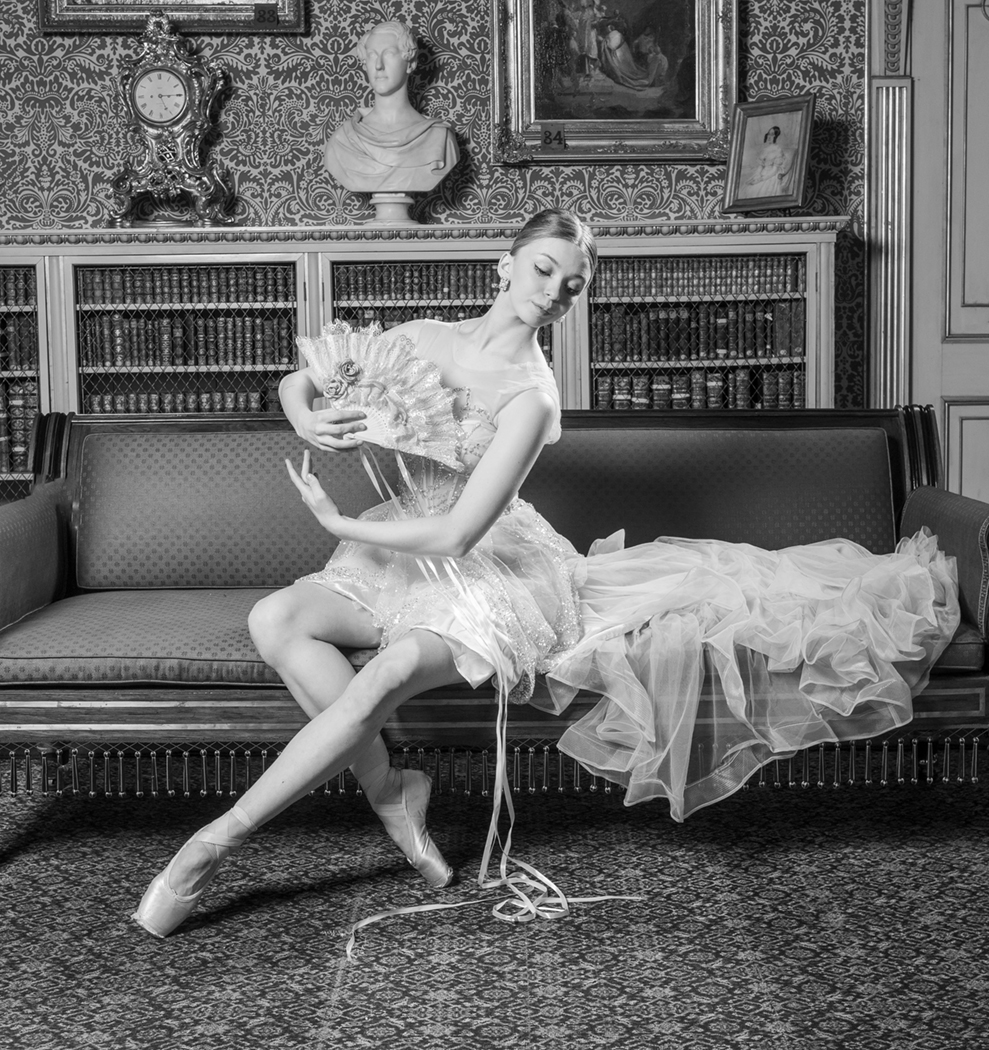
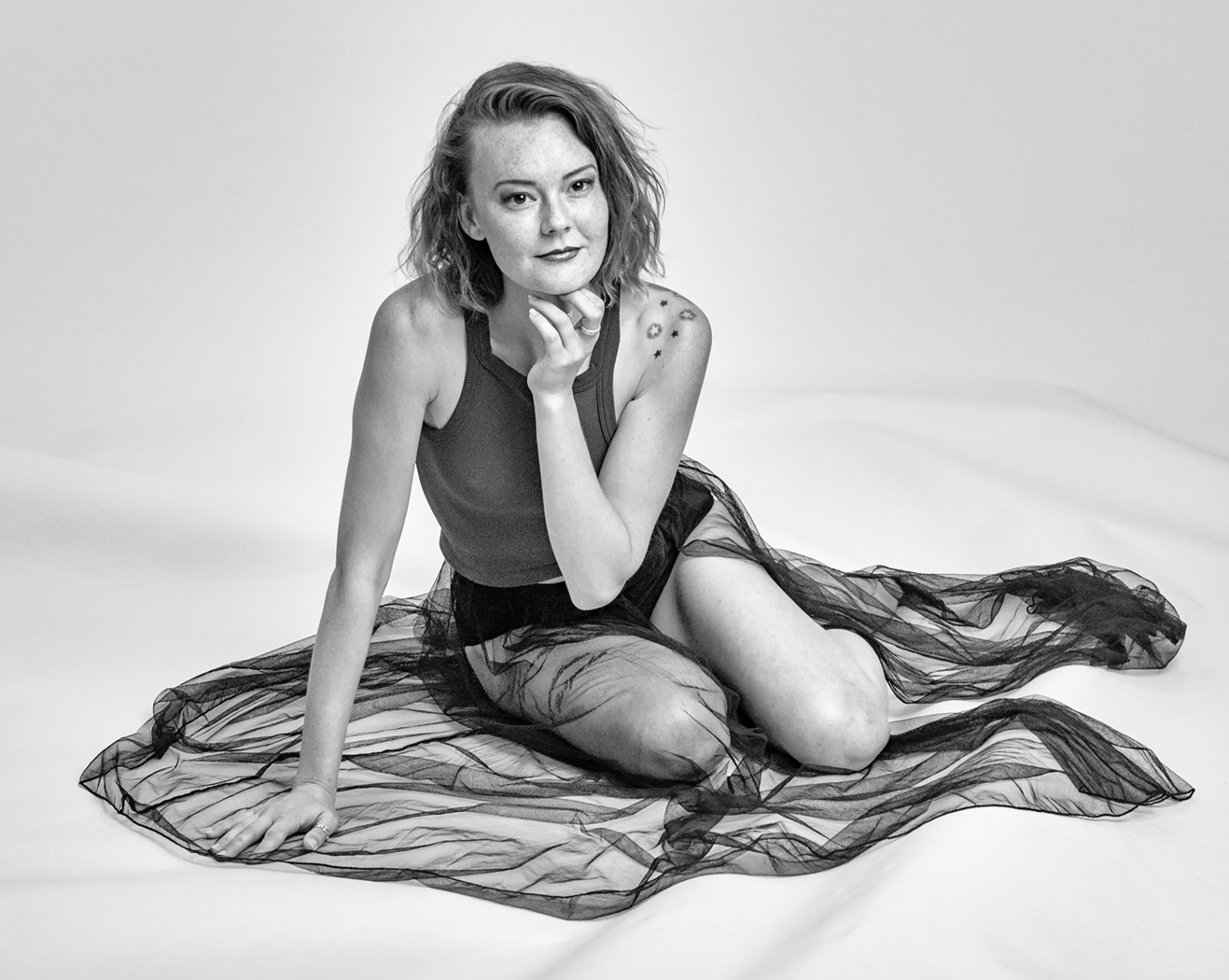
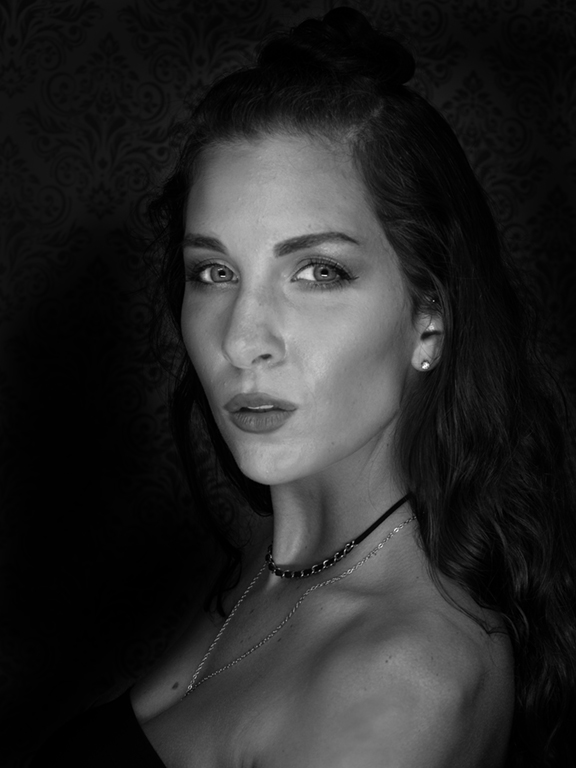
Thanks. She is an experienced model and has just married the guy so he has started modelling as well. |
Feb 14th |
| 32 |
Feb 25 |
Reply |
I usually don't like models looking like plastic either. I do like your sharpening. |
Feb 14th |
| 32 |
Feb 25 |
Reply |
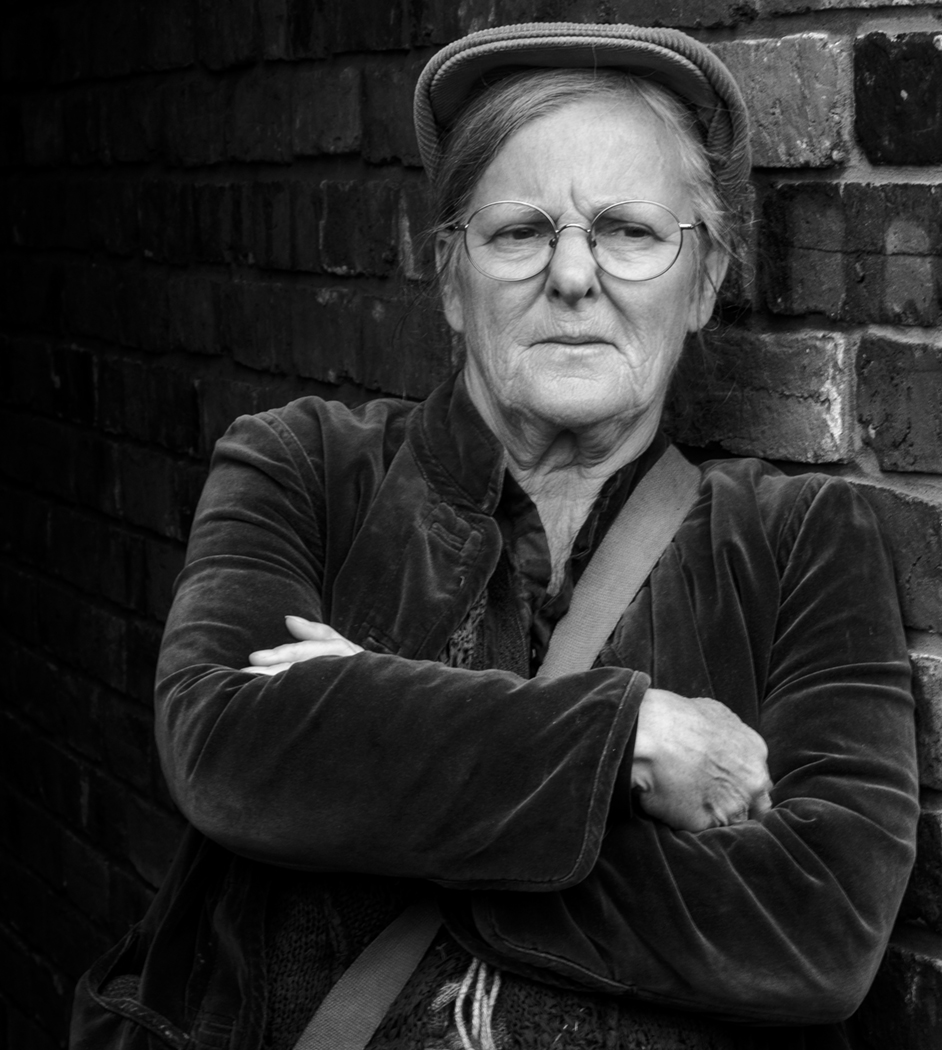
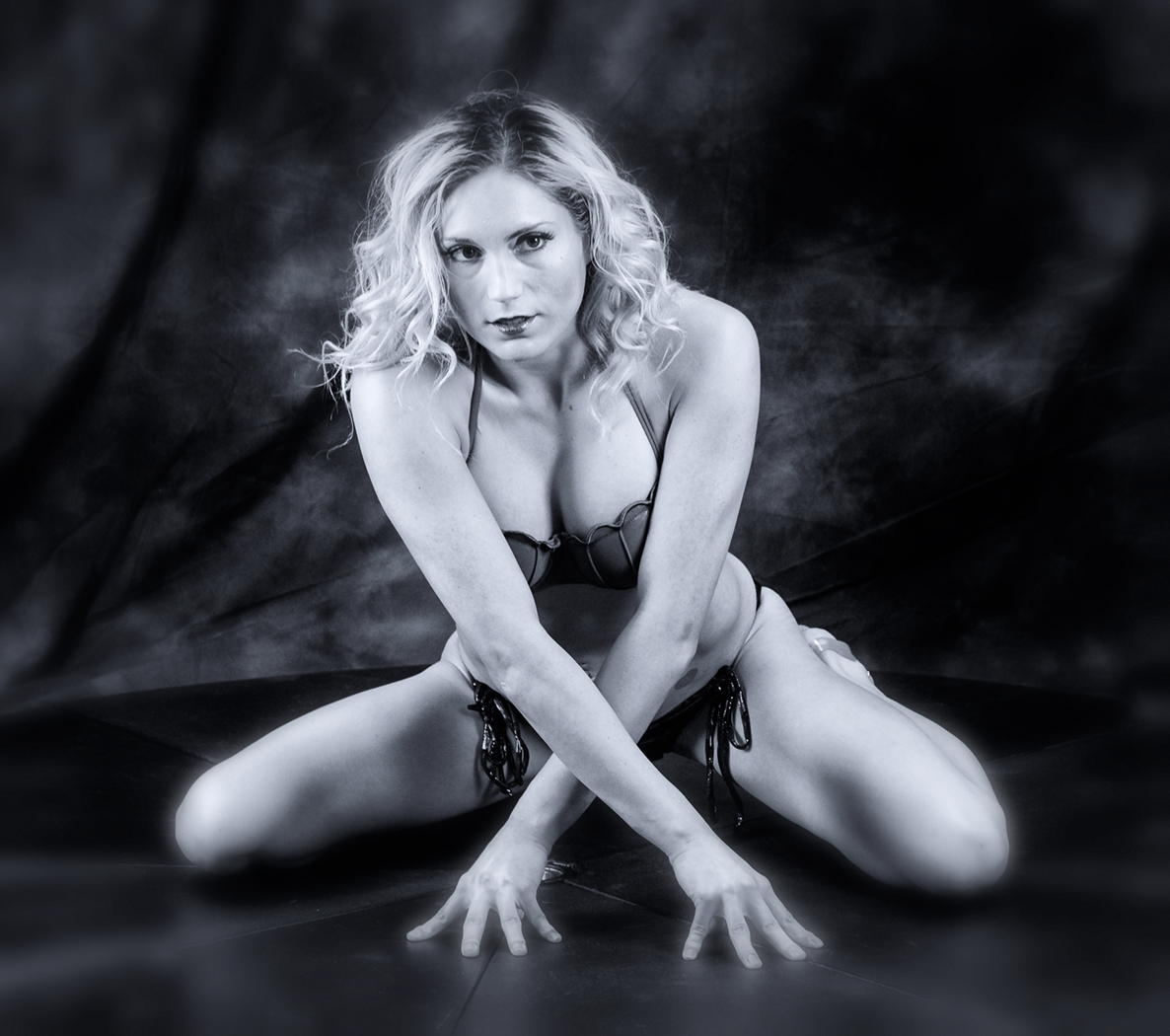
I think that the skin can quite often look bad when using Nik so you are right that it needs something done. She does have freckles and I think they need help. At the moment I don't have topaz-it seems to have disappeared the last time I did an upgrade of Ps and Lr and I haven't reinstalled it. I'm not very good with anything other than Nik once I've finished with Ps. I try to do most changes in Ps. |
Feb 12th |
| 32 |
Feb 25 |
Comment |
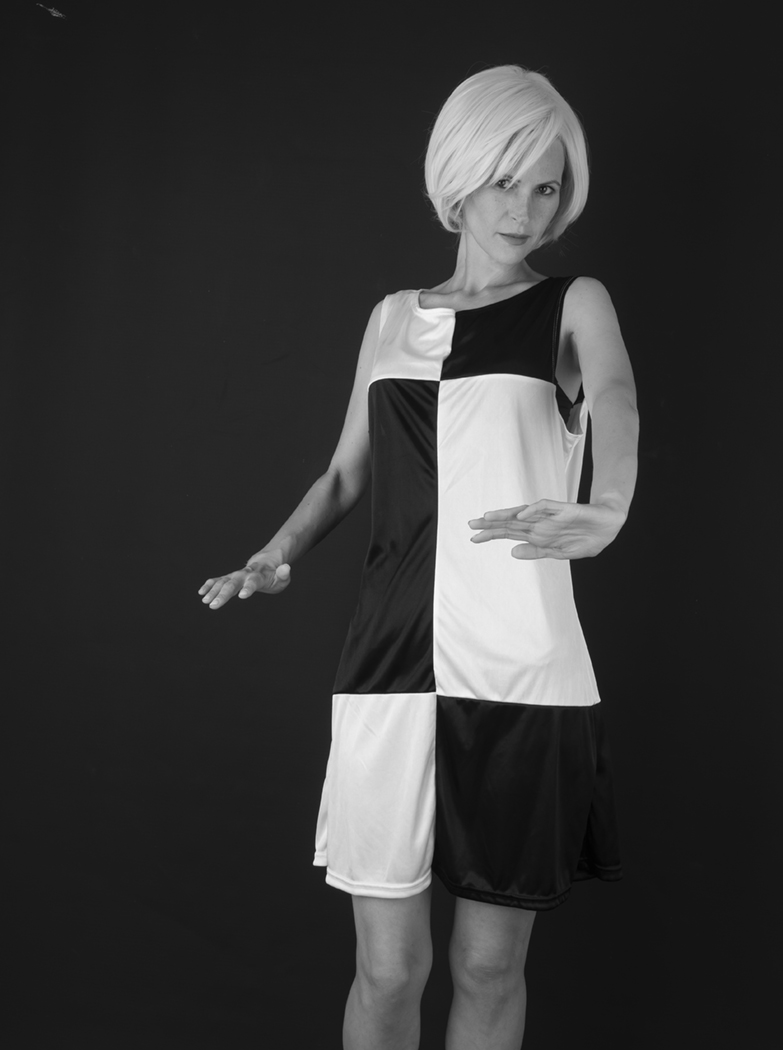
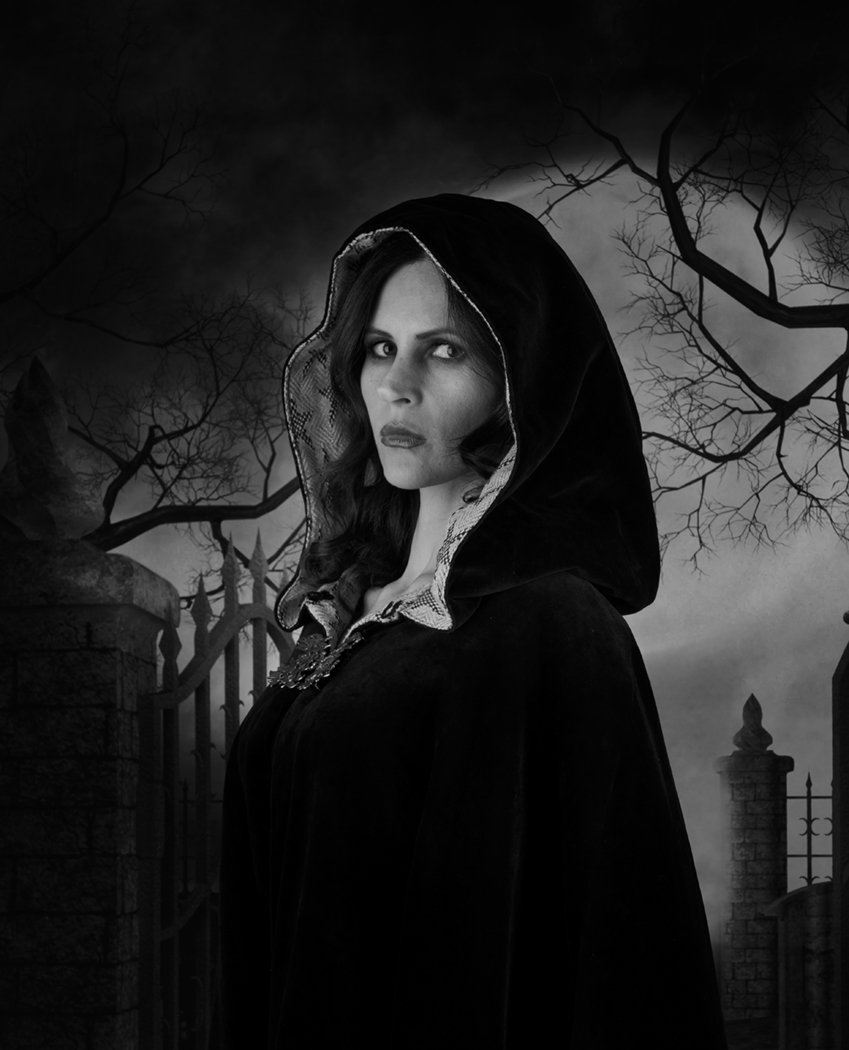
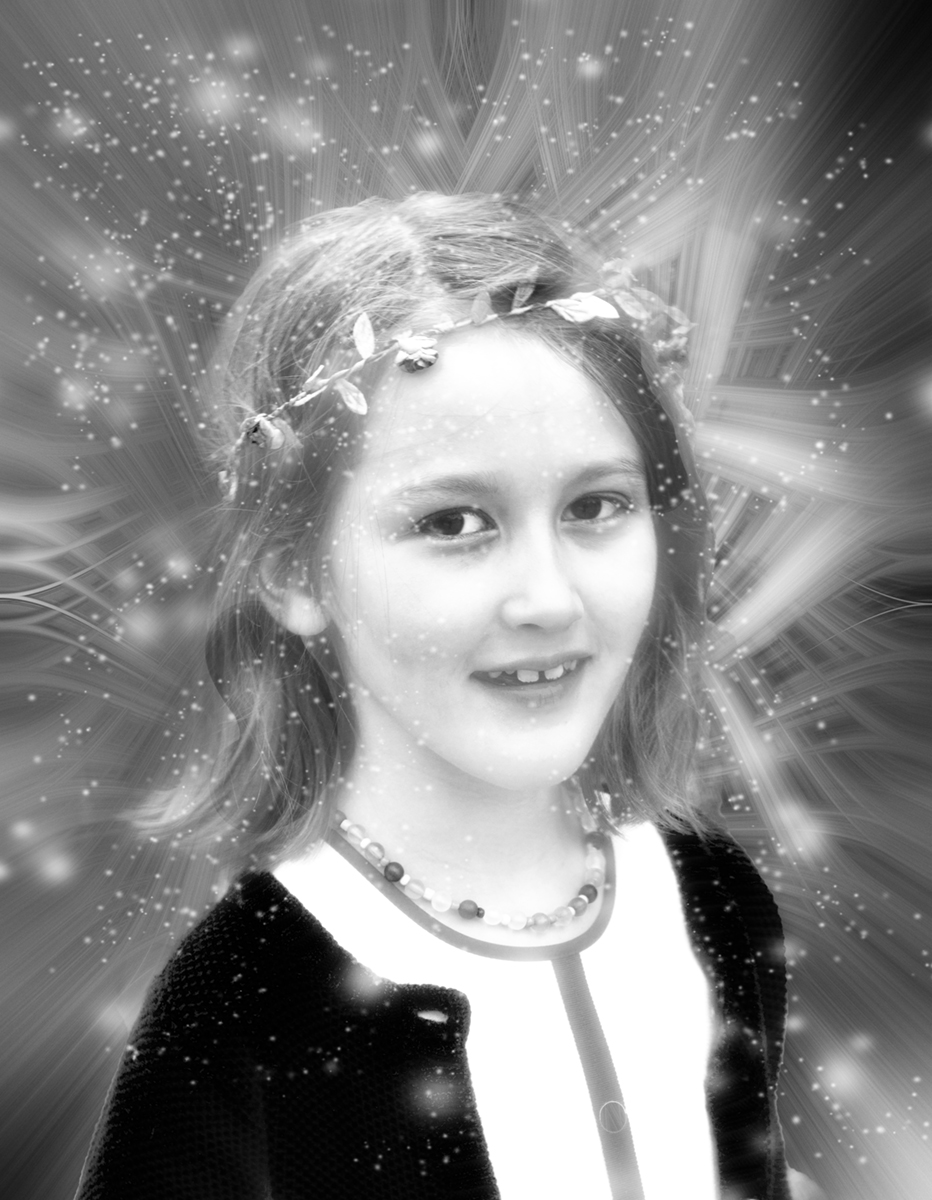
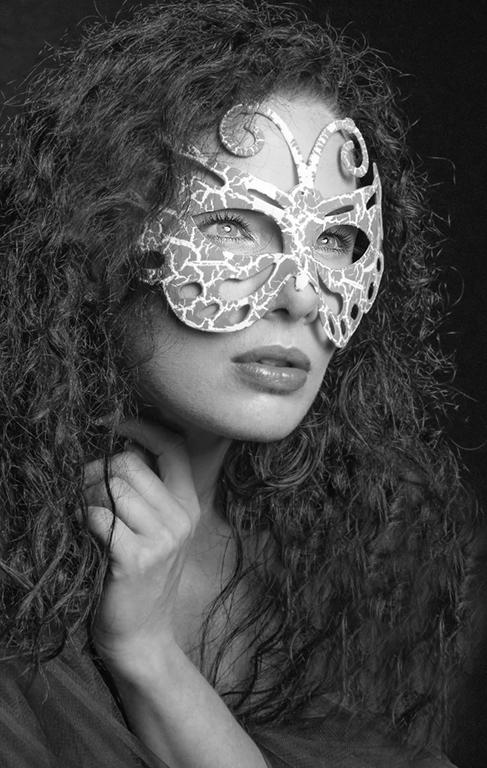
OK what I've done, is open in raw camera filter, draw the dehaze slider to the left and also the clarity slider halfway left. That made the whole image much softer. Then I lassoed both eyes and in Ps, I dodged just the eyes so the eyeliner and pupils went darker and more defined. Then I sharpened just the eyes several times to make them stand out more. I felt it made the whole image look as if you meant to have a soft focus flattering look. Do you like it? |
Feb 11th |
 |
| 32 |
Feb 25 |
Comment |
She does have a lovely face but I find the slightly out of focus effect neither one thing nor the other. I would like you to try sharpening or even better doing something creative to emphasise the softness even more. I'll have a think and see what I can come up with. |
Feb 11th |
| 32 |
Feb 25 |
Comment |
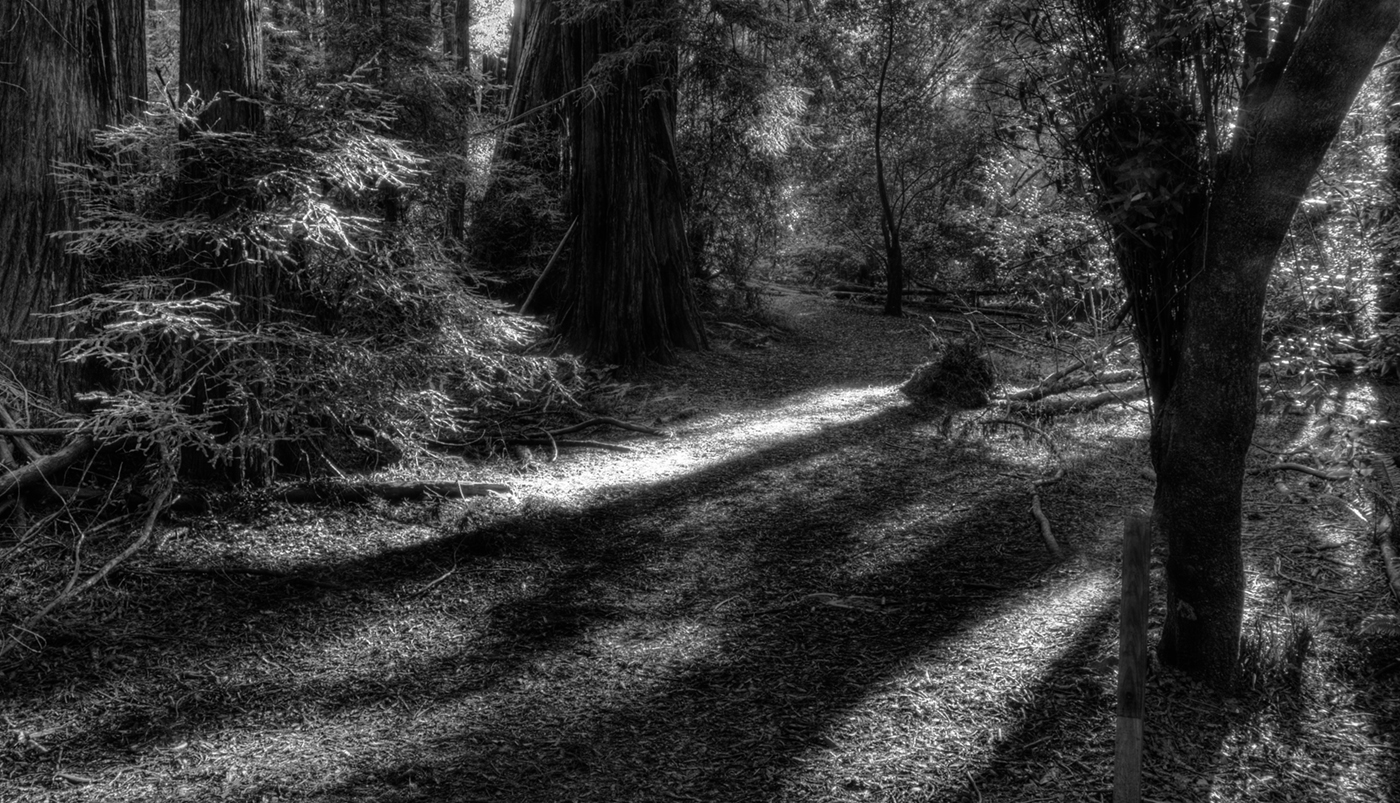
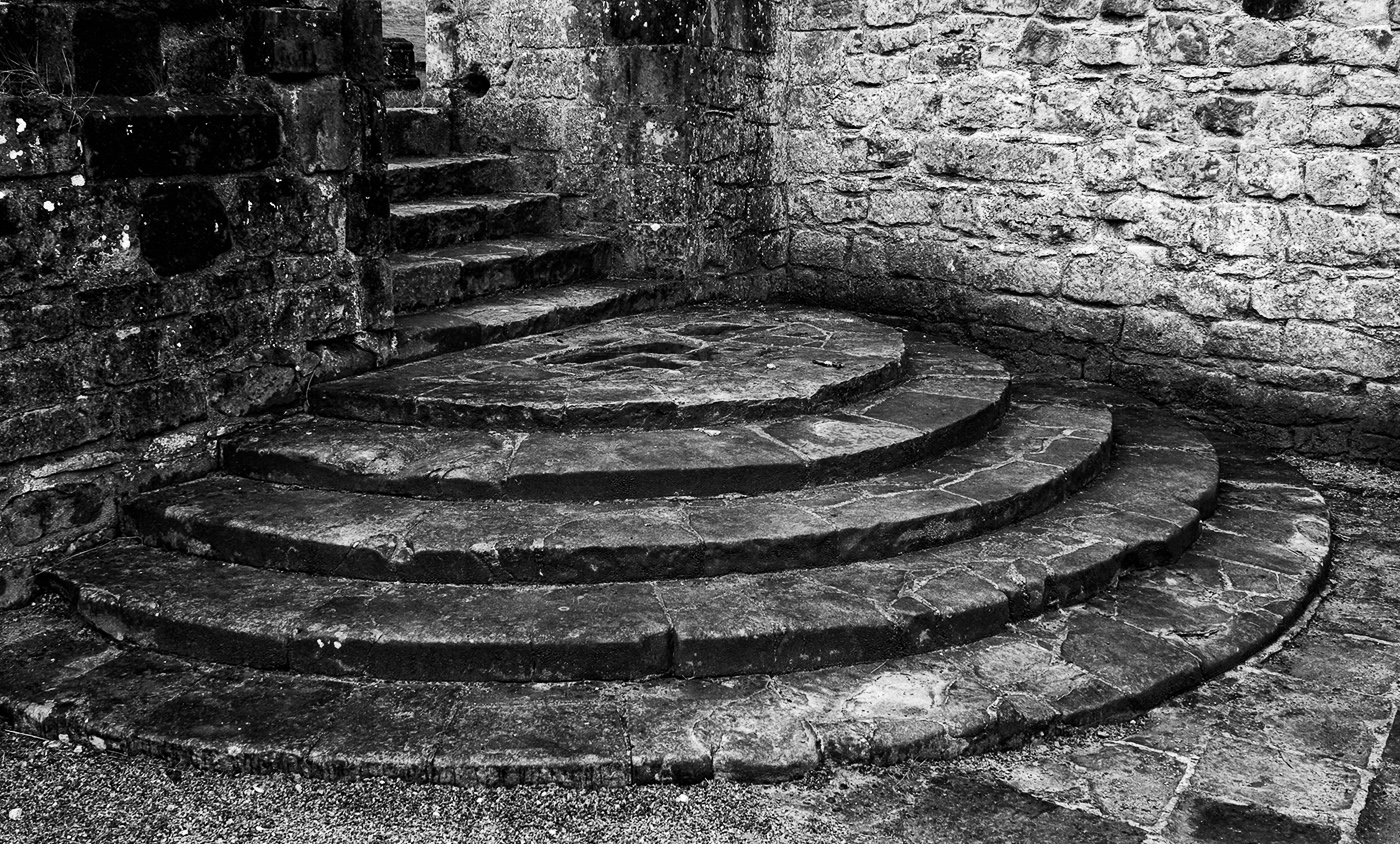
I would have been taking this shot too. I like the perspective created by the arches and you've brought out the detail of the stonework. However, I found it a bit empty and wanted something at the far end, so how good are you at montage. Could you introduce a monk or a cat somehow? |
Feb 11th |
| 32 |
Feb 25 |
Comment |
I wondered whether the mid tone was the best so I tried an alternative, using curves to darken the carpet and lighten the people. Then I tried emphasising the diagonal cross made by the people, by cropping the left and the bottom. That cut some people in half on the left so I cloned them out at the frame edge. I thought that made a good cross pattern and a contrasty image. Maybe the contrast is too much and your midtone is better but I do prefer the simpler cross shape. |
Feb 11th |
| 32 |
Feb 25 |
Reply |
OK I didn't realise one could change the borders. I will have a look. Thanks. I must have an old version because mine doesn't have those sliders so I need to download the latest version. |
Feb 11th |
4 comments - 5 replies for Group 32
|
4 comments - 5 replies Total
|