|
| Group |
Round |
C/R |
Comment |
Date |
Image |
| 75 |
Aug 21 |
Reply |
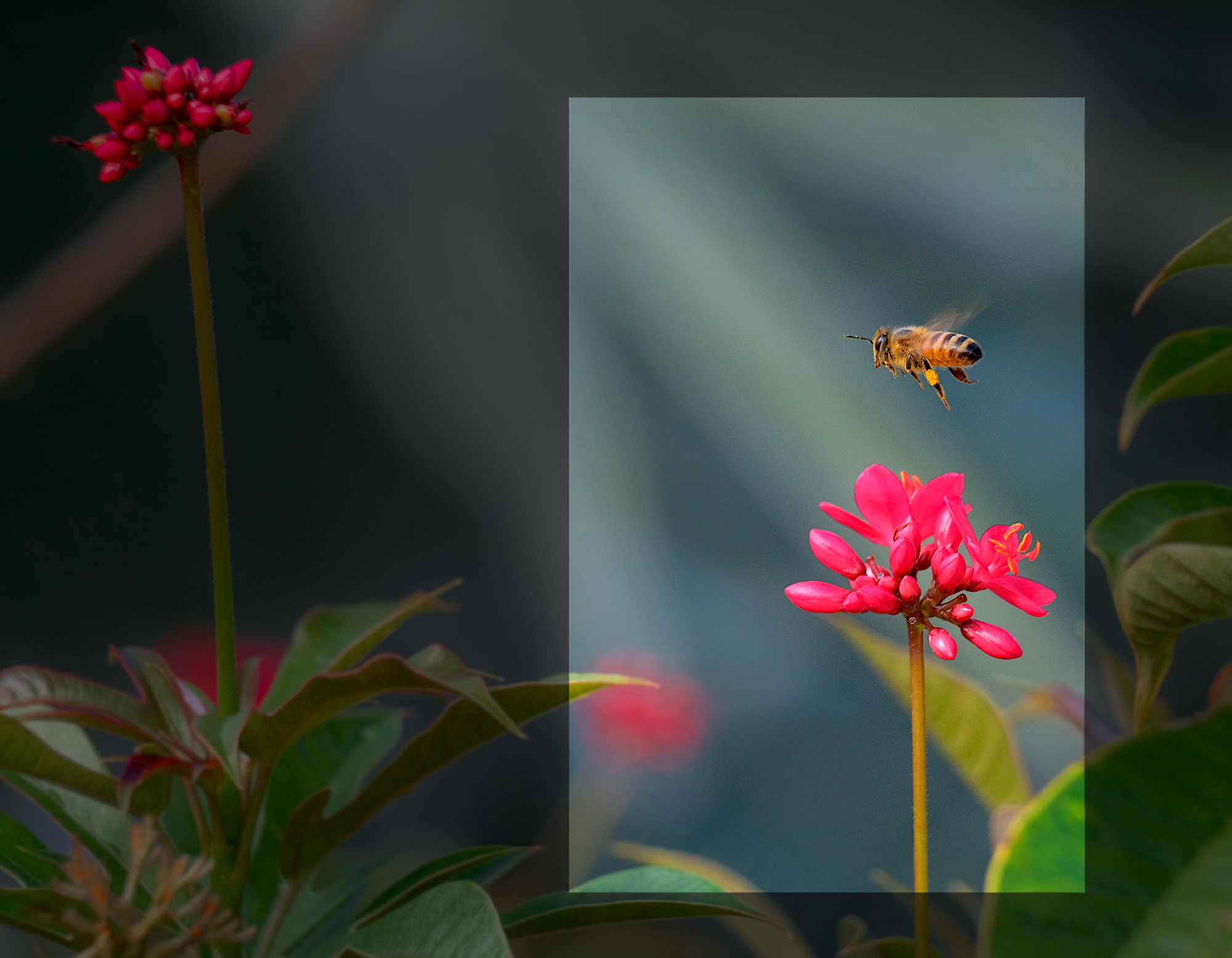
Thanks Pauline for the feedback. The darker colors do tend to draw the focus more to the bee and flower. |
Aug 22nd |
| 75 |
Aug 21 |
Reply |
Thanks for the feedback. That red color really got away from me quickly. |
Aug 22nd |
| 75 |
Aug 21 |
Reply |
Thanks for the comments and interesting idea about 2nd flower. |
Aug 22nd |
| 75 |
Aug 21 |
Comment |
Just a suggestion (unless I'm doing something wrong at my end), post a larger image so more detail is available. The size posted here is 320 x 213, which doesn't do justice to your photo. |
Aug 22nd |
| 75 |
Aug 21 |
Comment |
I've never seen one in this pose. Cute. In response to you question about how to alter exposure on just one spot, you can try the dodge/burn tool. It can help sometimes, unless highlights are clipped beyond redemption. That's why they saw it's always better to underexpose, then to risk blown highlights. |
Aug 22nd |
| 75 |
Aug 21 |
Comment |
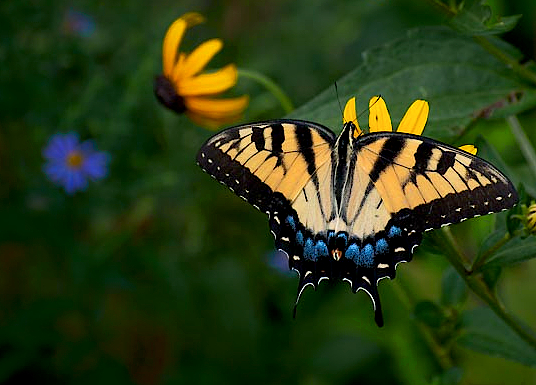
Lovely colors and subject, but agree its a little overexposed. I re-cropped, leaving a bit more color from flowers, adjusted exposure and re-saturated. |
Aug 22nd |
 |
| 75 |
Aug 21 |
Comment |
Very Zen indeed. Soothing. Only suggestion might have been to shoot from a lower angle, depending what was in background. |
Aug 22nd |
| 75 |
Aug 21 |
Reply |
Thanks Nicole, glad you liked the effect -- I see a related effect on websites (called glass-morphism) but I haven't seen it used for photos. I'm using the term pseudo-crop (I don't think that's a real term) to refer to a method of highlighting what normally would cropped, but not actually physically cropping the rest of the image. I just created a rectangle "selection" where I'd normally have cropped, then treat everything inside the selection rectangle normally to enhance visually (exposure, highlights, etc) and suppress visual elements outside the rectangle (a little blur, de-saturate, etc.). |
Aug 9th |
4 comments - 4 replies for Group 75
|
4 comments - 4 replies Total
|