|
| Group |
Round |
C/R |
Comment |
Date |
Image |
| 8 |
Aug 18 |
Comment |
Hi Mark,
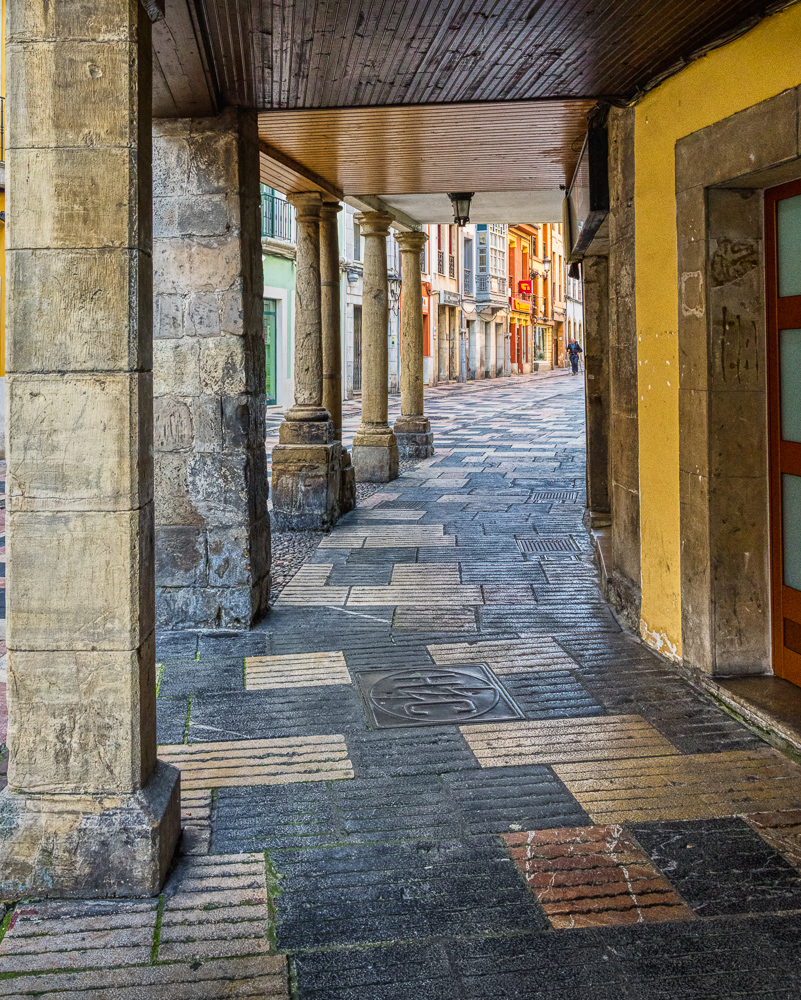
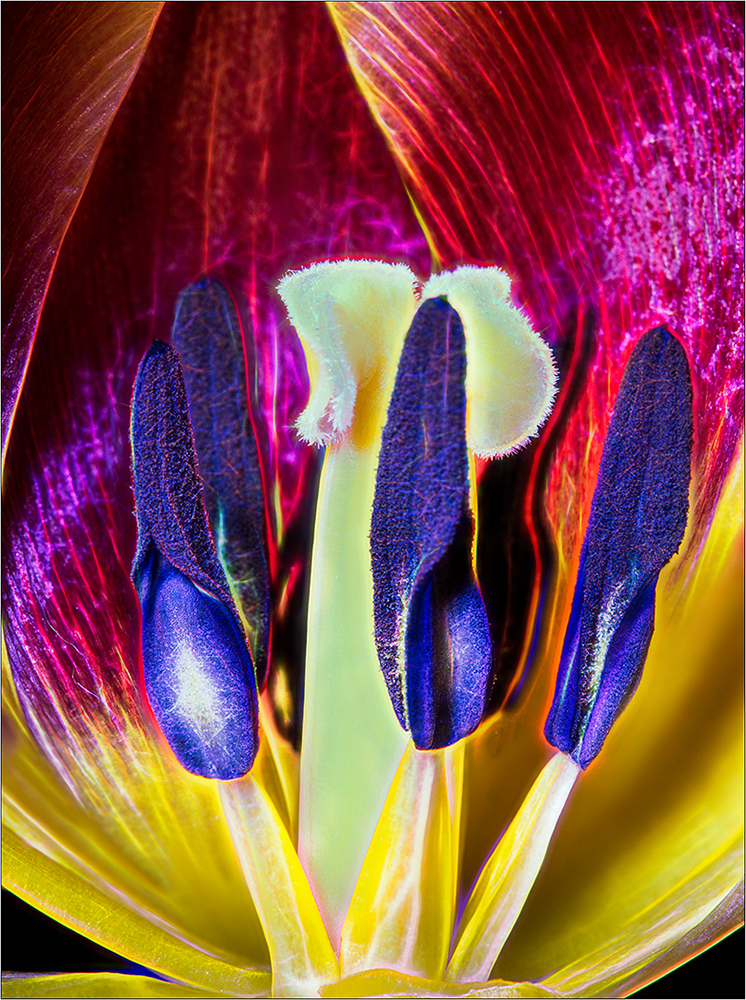
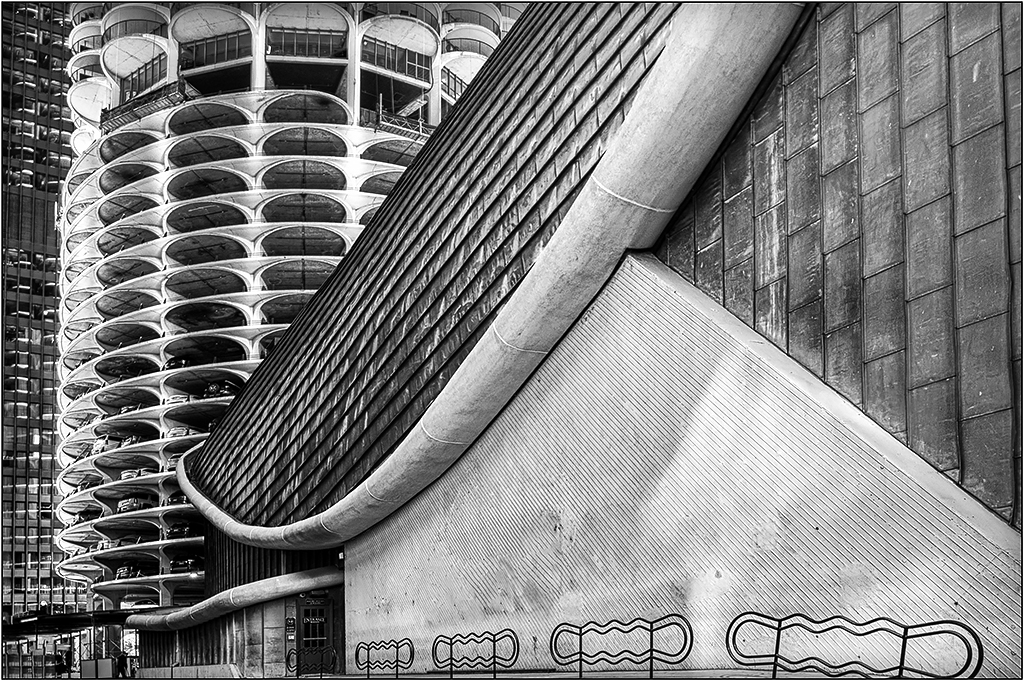
Only you could look at something so simple and make a picture work from it. Have you tried using Image>Distort, and moving the left "triangle" so it is pointing to the upper left corner? |
Aug 18th |
1 comment - 0 replies for Group 8
|
| 26 |
Aug 18 |
Comment |
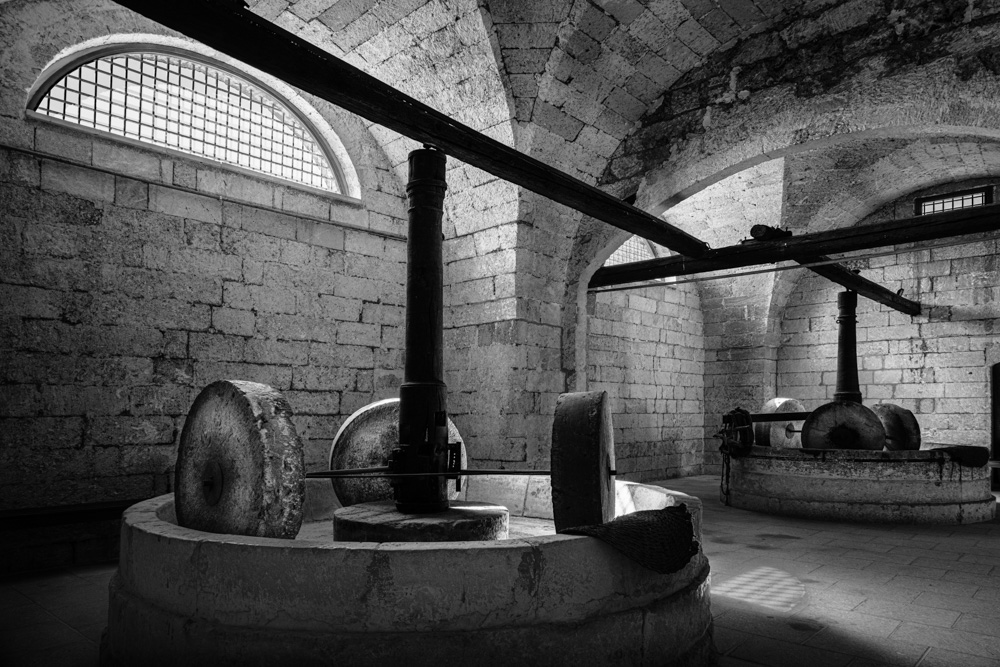
Nicely done. After Belinda noticed the reflection? in the window, I am intrigued by this, and wonder what the context is. Is it some large painting inside? |
Aug 18th |
| 26 |
Aug 18 |
Comment |
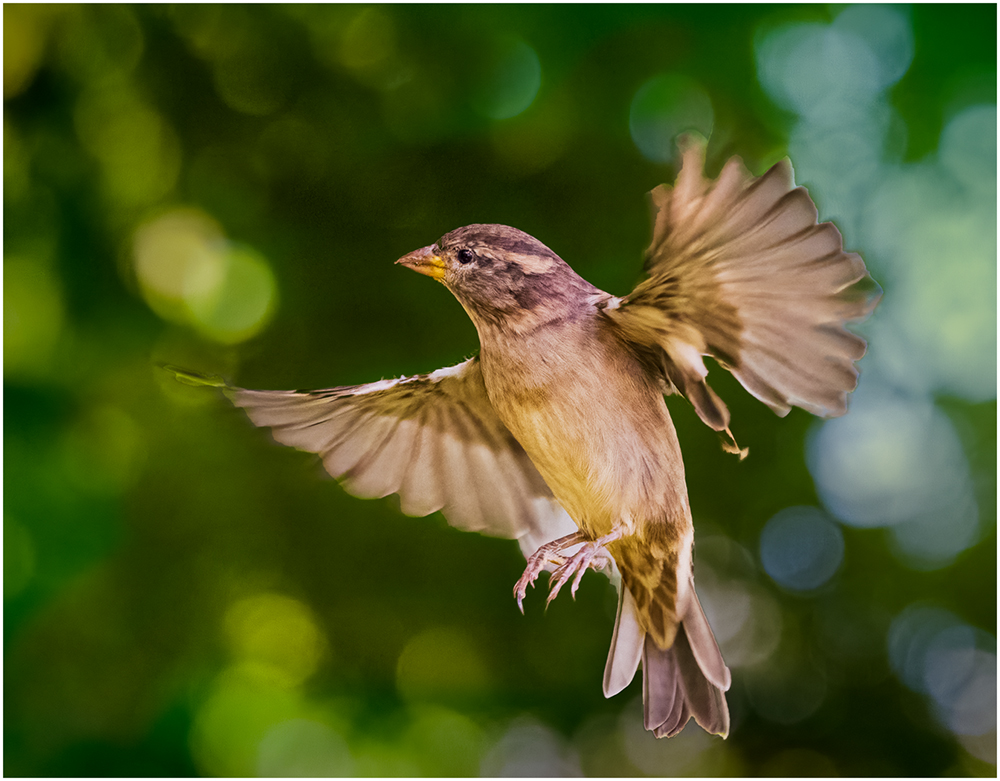
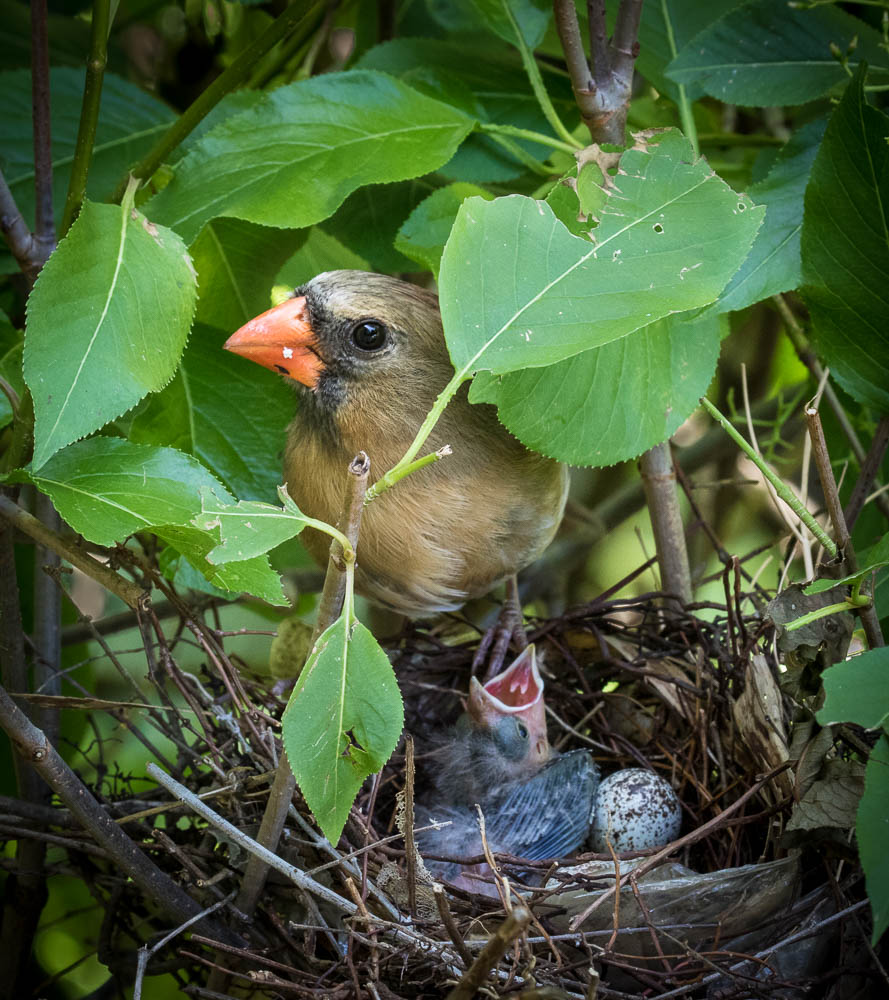
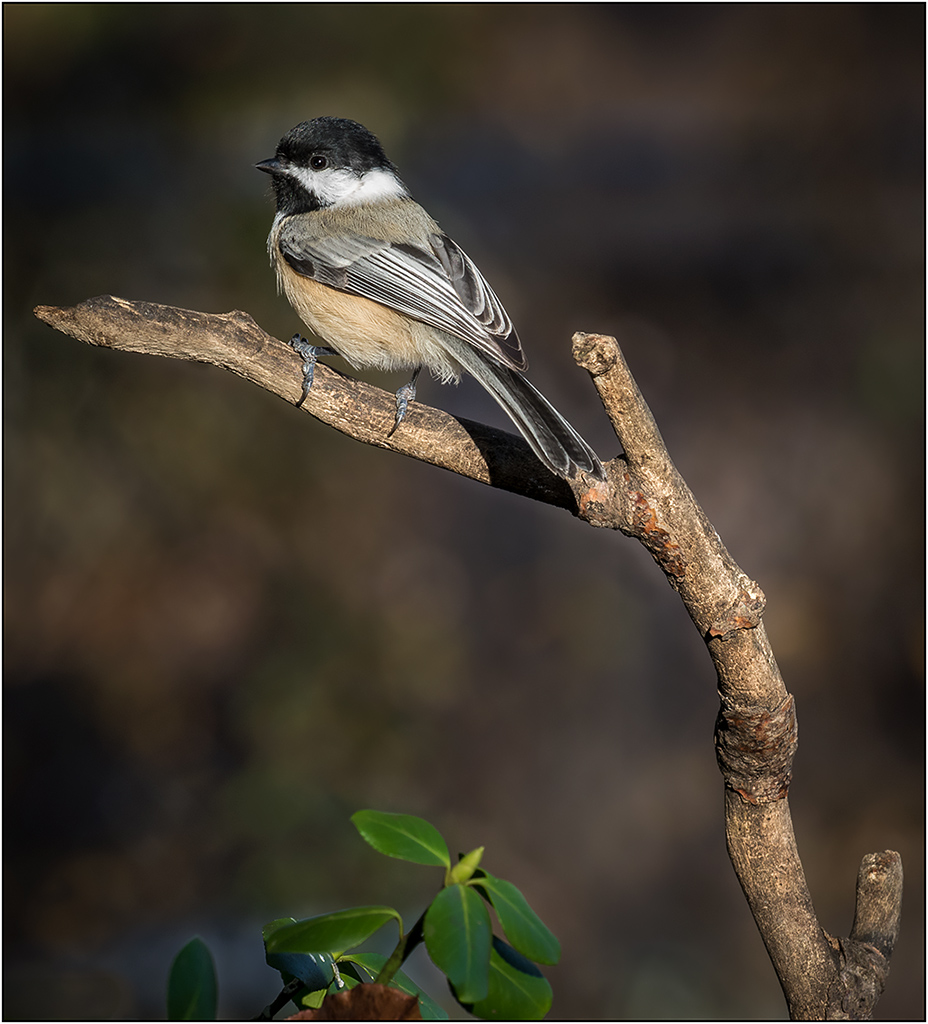
I think you should add some contrast, as it seems a little flat, so I tried that. I also darkened the edges and some of the bright stems. Not sure if it just because it is a jpeg, but the bird still seems soft to me, like it had been enlarged a lot. |
Aug 11th |
 |
| 26 |
Aug 18 |
Comment |
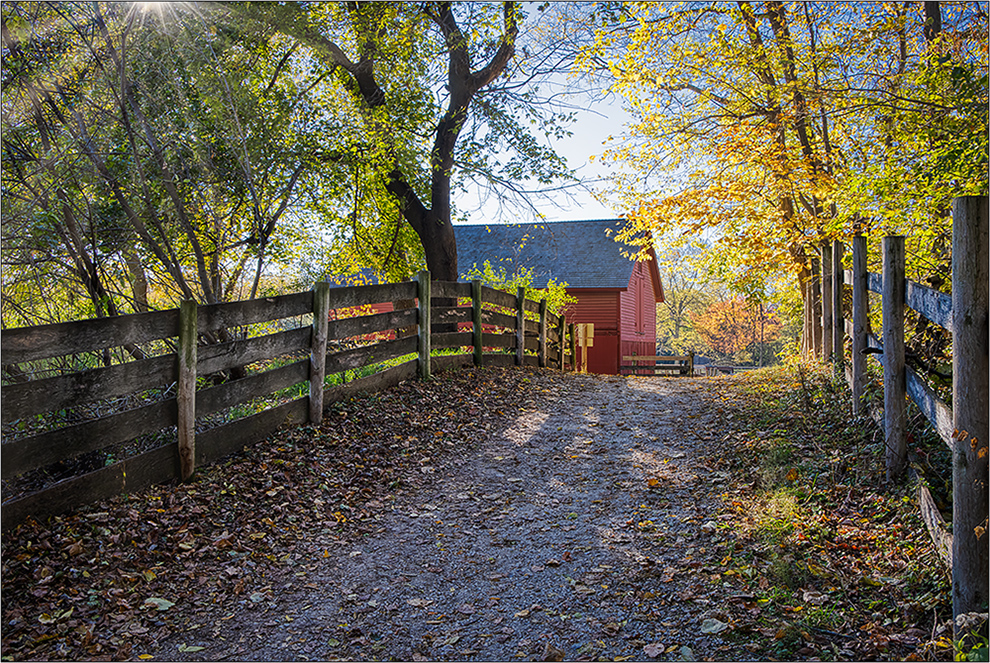
As you saw when driving past, there is a picture here. You suffer from a huge contrast range, with the overly bright background. Have you considered HDR with 3 exposures? (Maybe on a return visit?) The shady area lacks contrast, so I tried bumping that up, and applied even more highlight reductions.
But because the barn is in the middle, perhaps cropping the frame to reposition the barn might help too. |
Aug 10th |
 |
| 26 |
Aug 18 |
Reply |
It would seem that you only need to increase the selection of the windows by a few pixels to eliminate the problem. If it is not on a layer, redoing by using the expand command after the selection should do it. I would suggest increasing the contrast on the sky portion to make it fit better with the contrast inside. It looks like there were other rooms to explore? |
Aug 5th |
| 26 |
Aug 18 |
Comment |
What a nice view to have so close to your house. The original has more of a "soft" feel than the adjusted, and your processed version is more "snappy", but that is okay, just a different look. (I am sure the smaller jpeg version here just accented the effect even more.) You might consider blending in the original's mid lake area just a little bit, as the post processing increased the textured lake ripples, making them stand out.
I would suggest cloning out the small white structure at the end of the fence, which I think would be an easy job. My eye keeps wanting to seek it out, and figure out what it is.
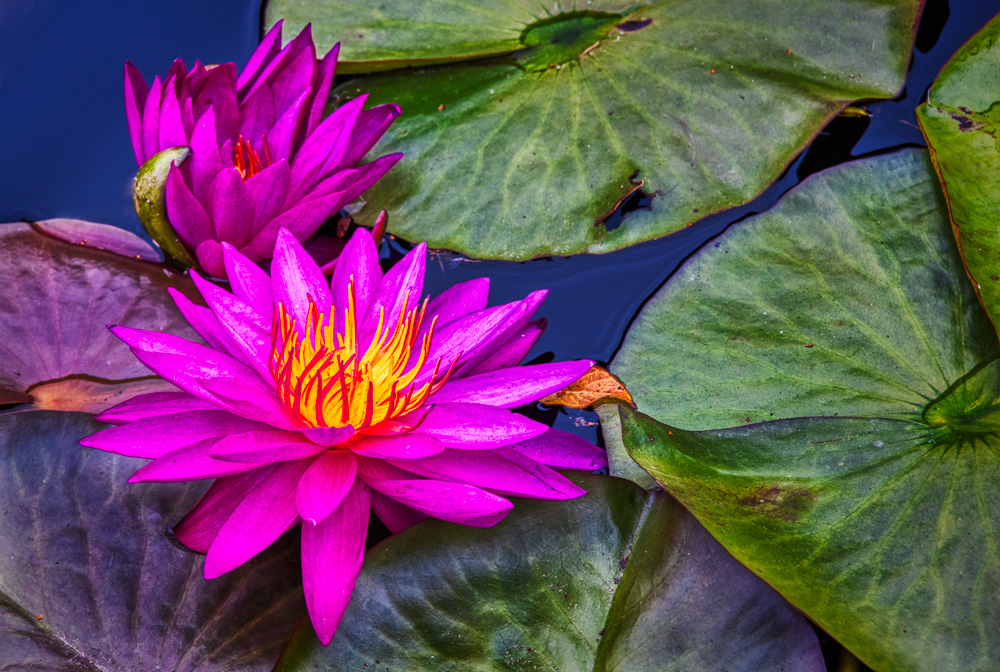
Do you have a chance to photograph the waterlilies when in bloom? |
Aug 4th |
| 26 |
Aug 18 |
Comment |
What a great find. I like the starburst on the top. There seems to be a strong halo around the windows; did you replace the sky here, or is it jpeg artifacts I see? I wonder if you might tone down the bright window light on the left corner foreground slightly, so as not draw us away from the bride. |
Aug 4th |
| 26 |
Aug 18 |
Comment |
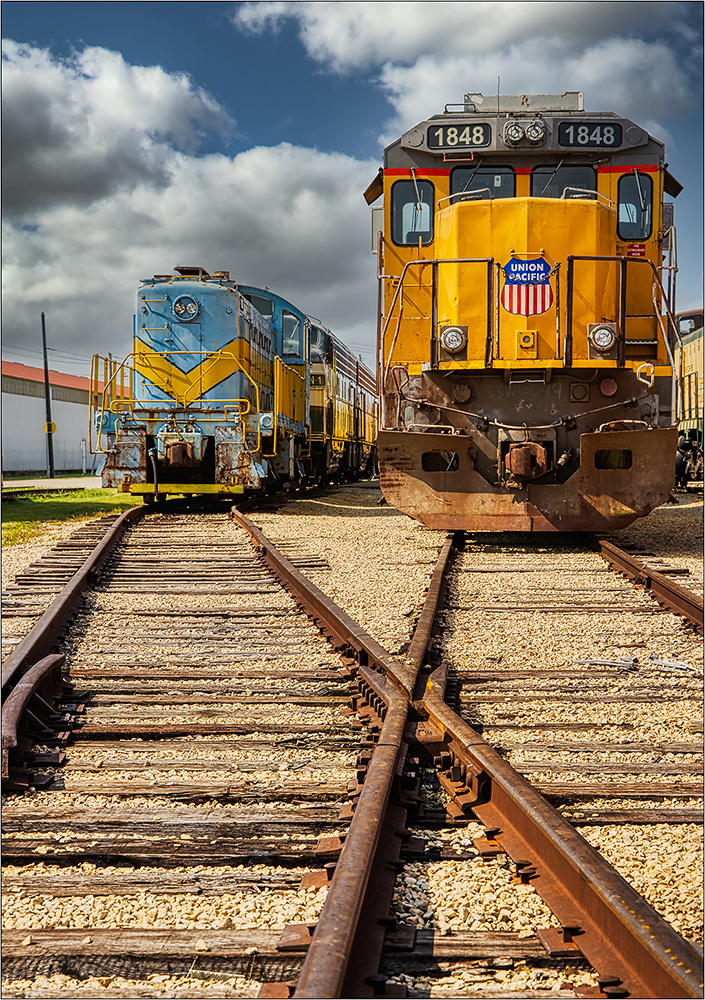
I believe this should be an easy perspective correction; probably the problems you are having are do to the limitations of the software, which would not be the problem so much with Lightroom or Photoshop. In this case, I used Edit>Transform>Distort to correct it most of the way. (Perspective would have worked here too, but the Distort command allows individual adjustment on each side.) I also selected the boarded windows on top, and made them a little more saturated for impact.
I think you have a good potential "work in progress". |
Aug 4th |
 |
6 comments - 1 reply for Group 26
|
7 comments - 1 reply Total
|