|
| Group |
Round |
C/R |
Comment |
Date |
Image |
| 26 |
May 18 |
Comment |
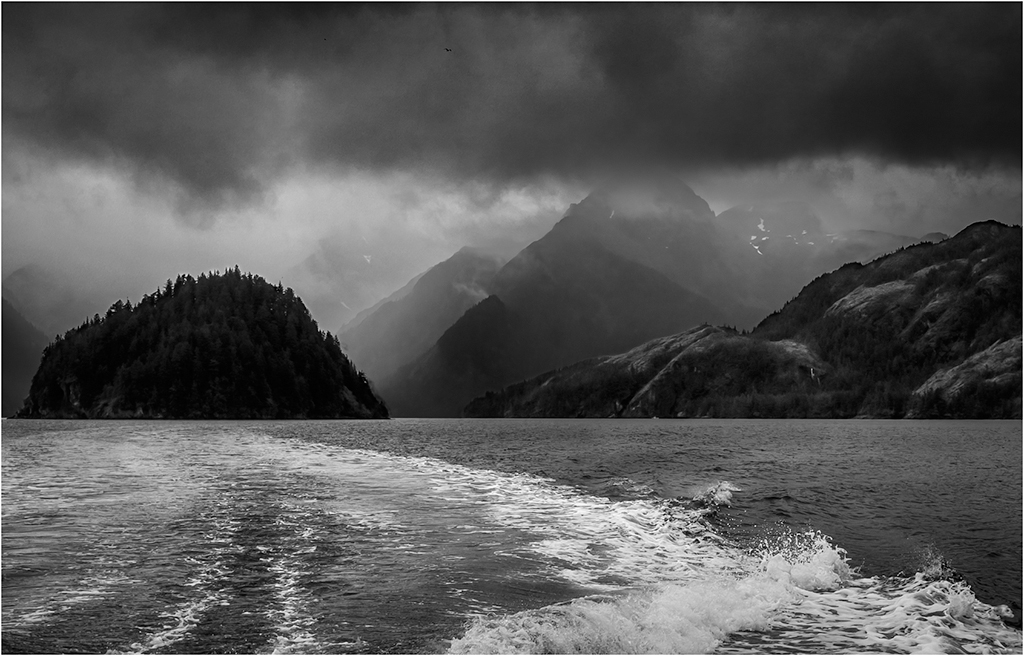
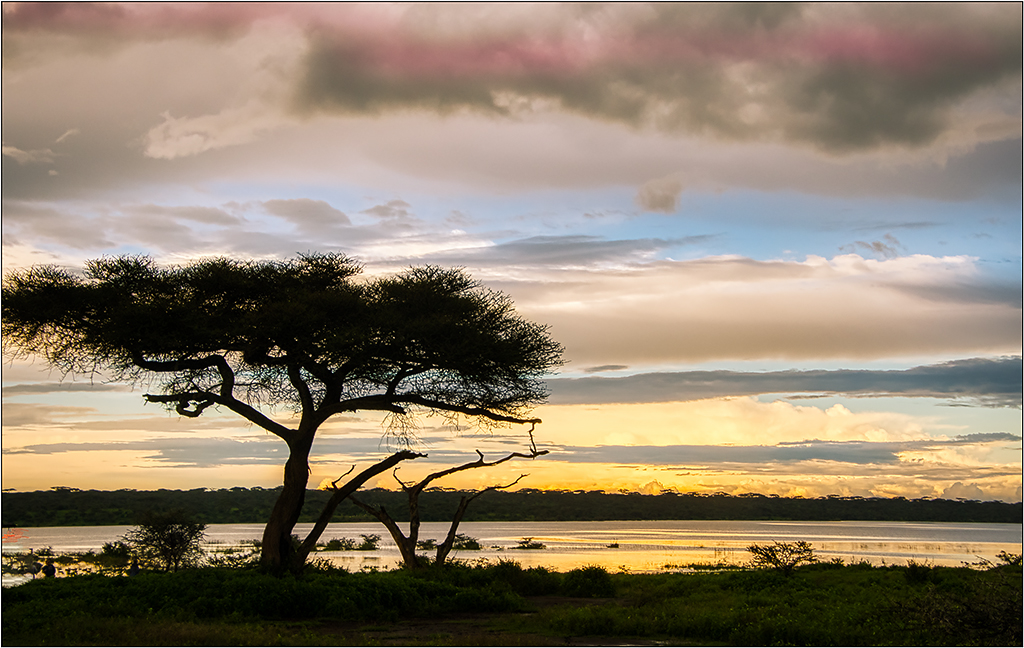
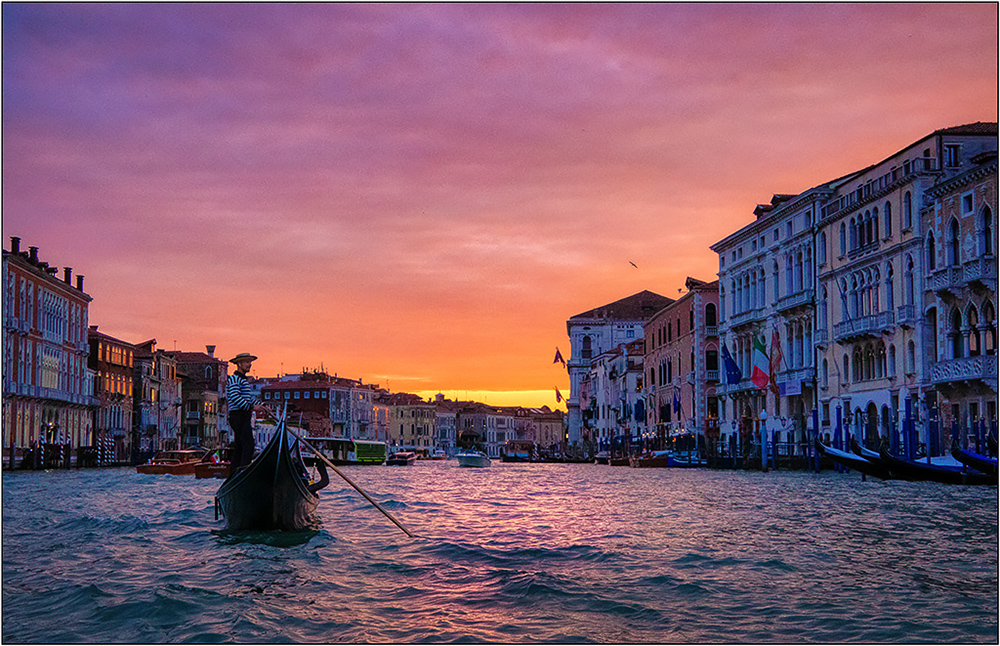
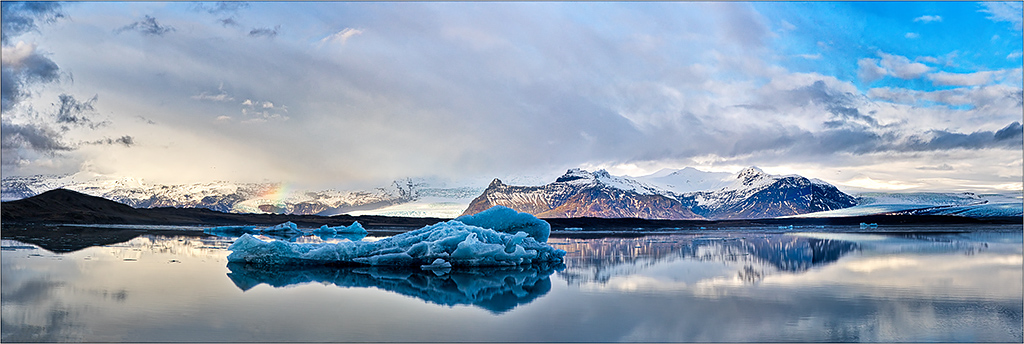
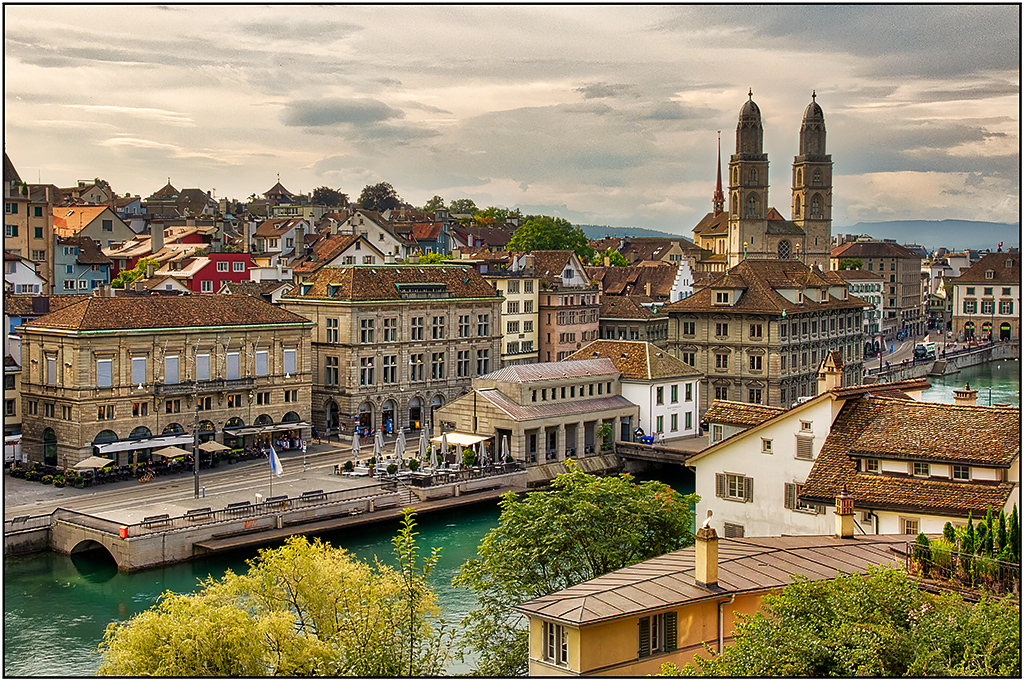
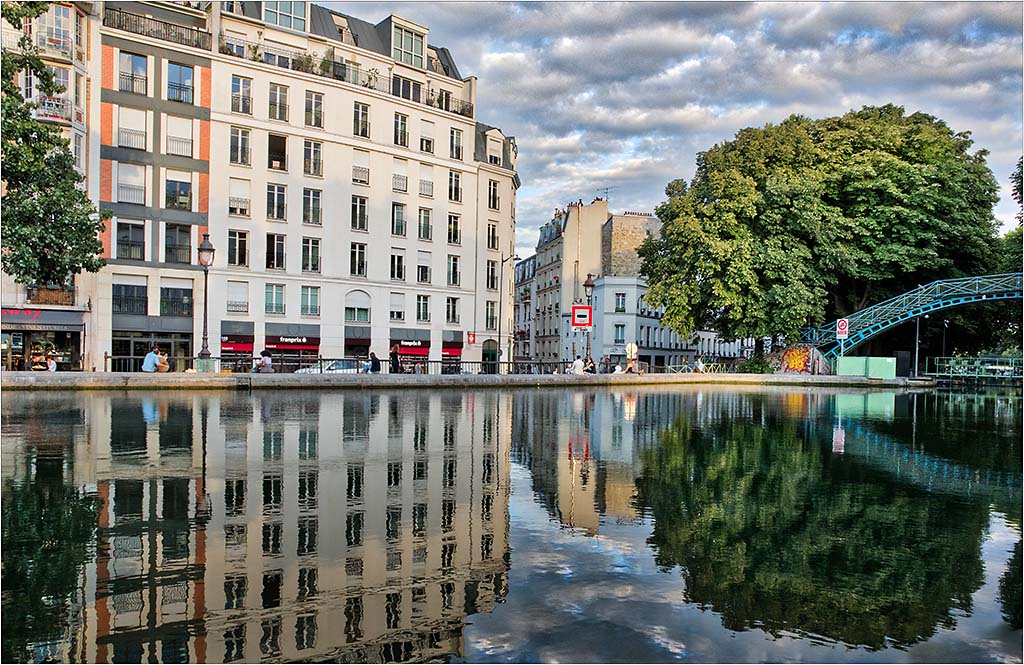
Was this a scan originally? There are lots of "scratches" in the image, and when I tried boosting the contrast, these became more evident. In my example, I used four curves, one targeting just the highlights, another the midtones (where just about the entire image resides), and another with even heavier in midtones. I then did an easy selection of the sky and put more contrast there. One more selection was done on the reflection in the water, and it was feathered heavily before brightening it slightly. I copied the main layer, and used a Dust and Scratches filter in the Noise filter choices to hide the scratches, and then used a mask to paint back sharpness on the cloud edges and the skyline. The colors became more saturated with all the curves (which I liked), but those can be reduced by changing the blend mode of each curve adjustment to Luminosity to avoid the saturation. If you like some of what you see, I could email you the PSD layer version for you to look at to see what I did. |
May 10th |
 |
| 26 |
May 18 |
Reply |
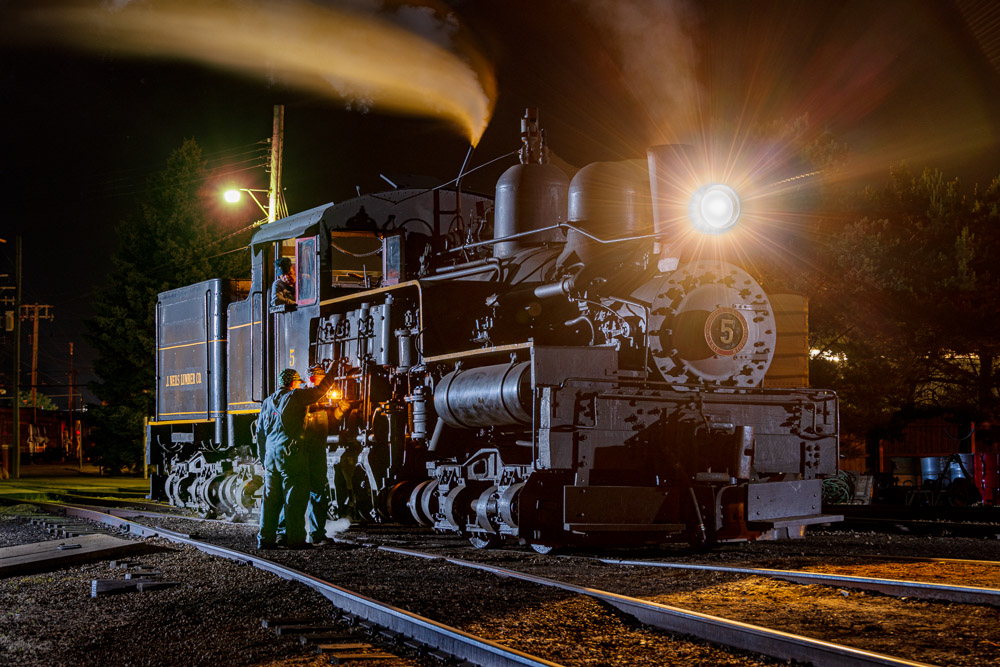
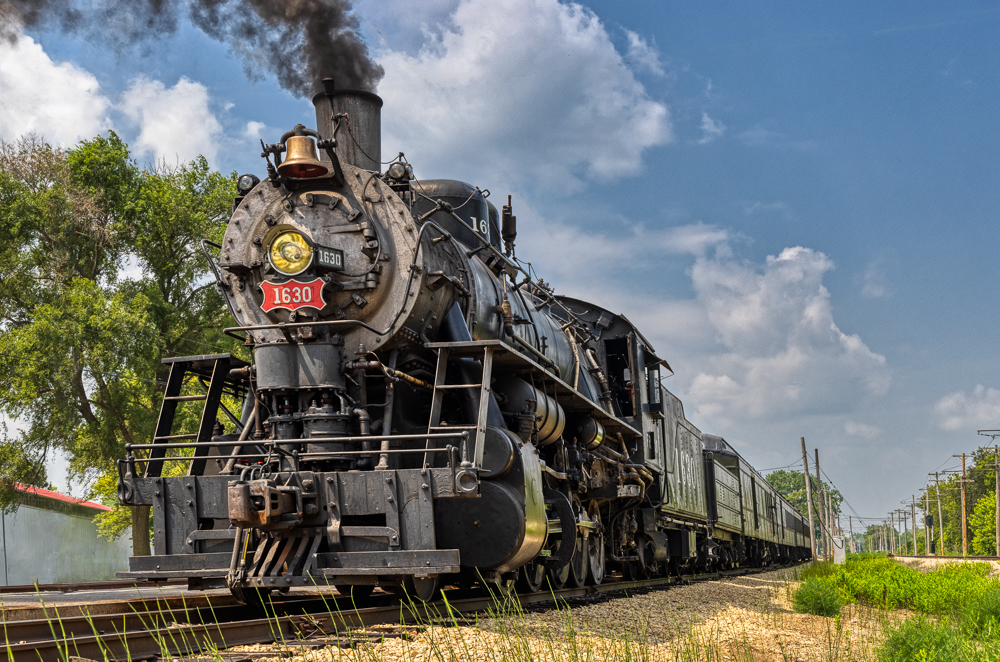
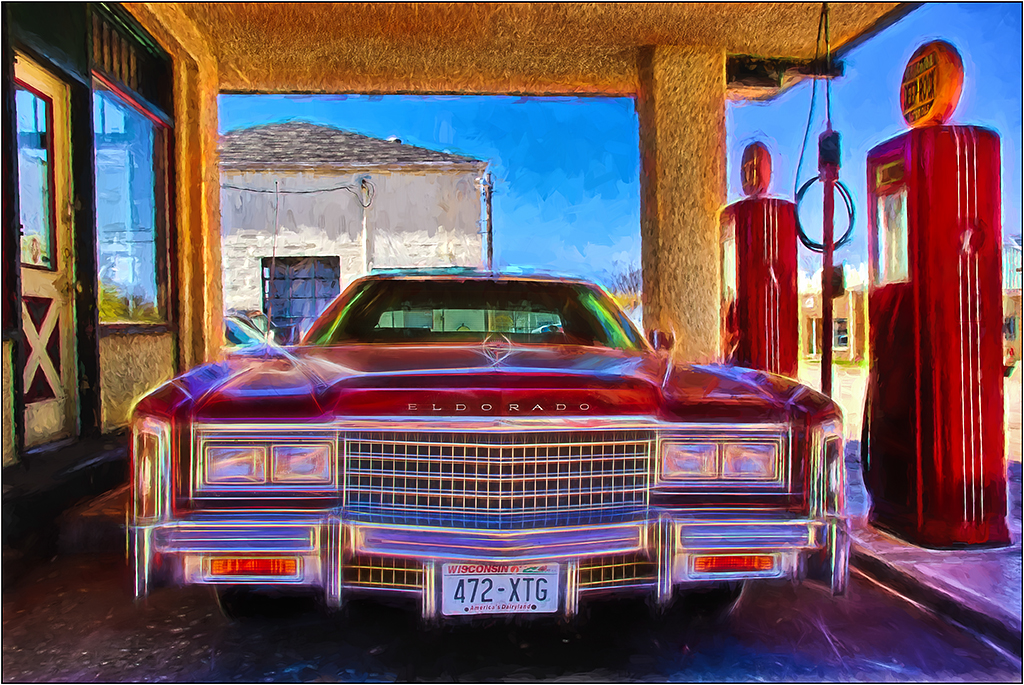
The tonal range changes may not be needed as much in the color version, but I think "turning on the headlight" so to speak would help a lot. Here is the color with just the light brightened, and a little yellow thrown in too. |
May 8th |
 |
| 26 |
May 18 |
Comment |
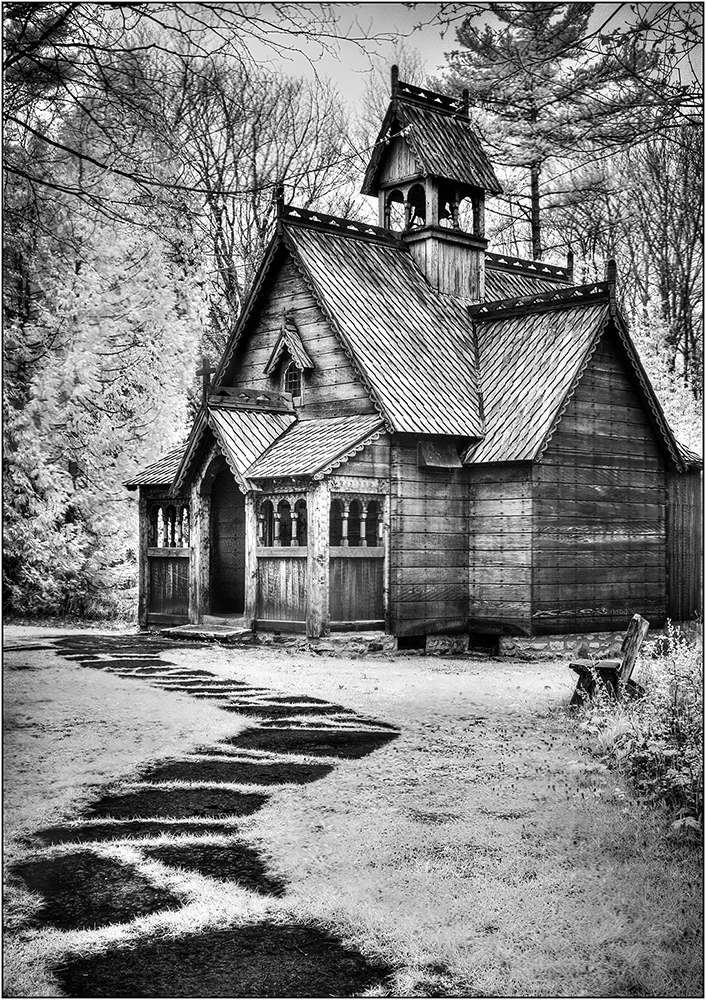
I actually like the color version better. But I think if you did some selective toning, or dodging and burning, the B&W version would be improved. I also made a very blurred selection inside the lamp and brightened this up. |
May 7th |
 |
| 26 |
May 18 |
Comment |
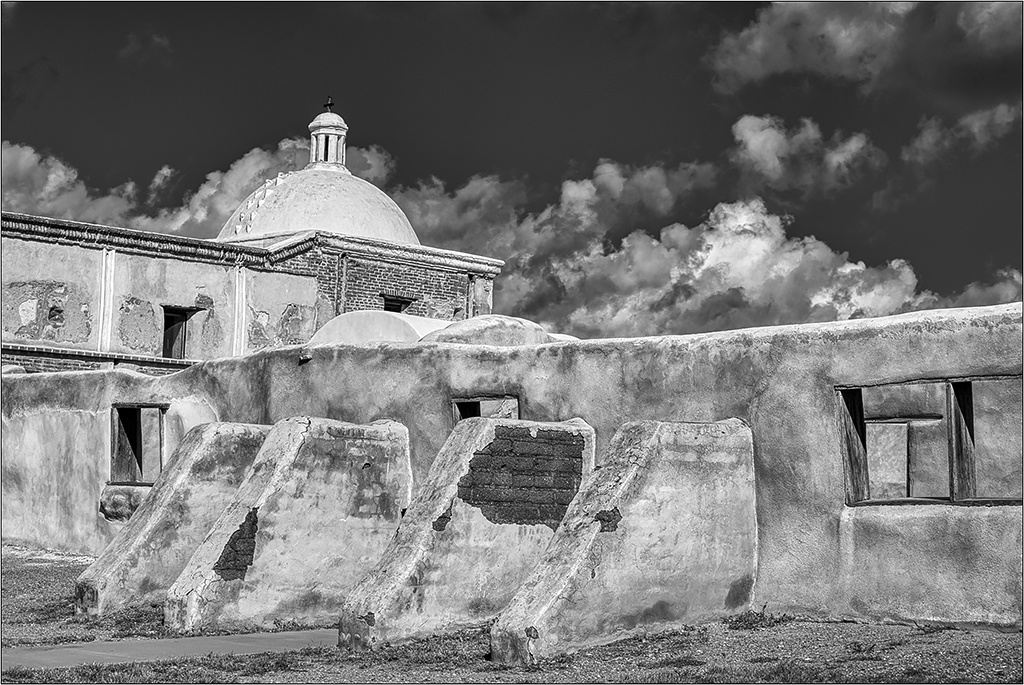
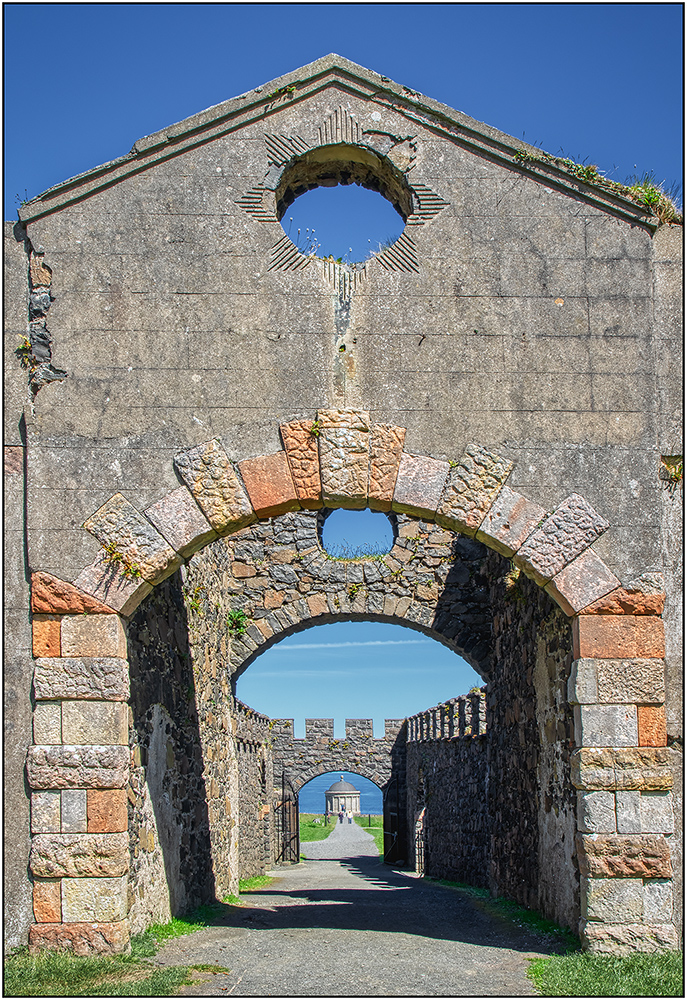
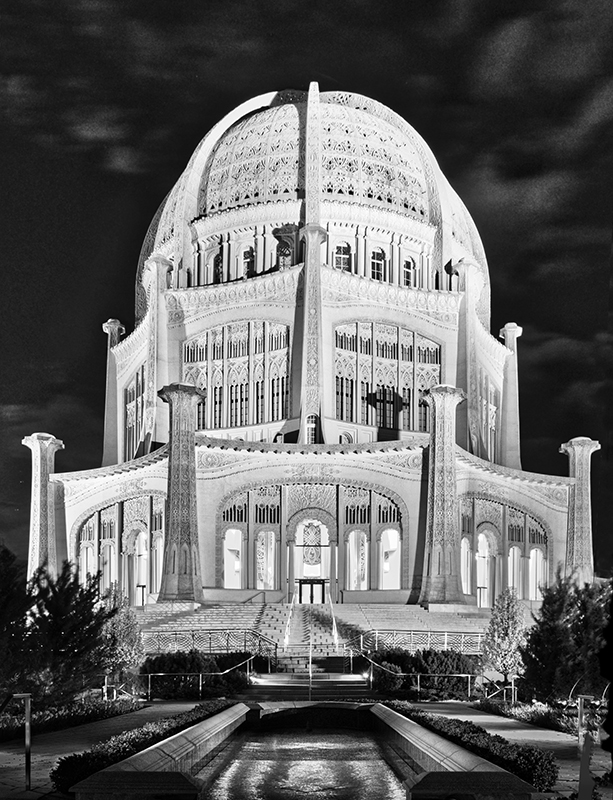
I recommend you crop even more, and eliminate the path on the right. Also, perhaps darken the foreground to act as a base. You did a good job of taking the heavy shadows out of the monument. |
May 7th |
| 26 |
May 18 |
Comment |
This repeating pattern is powerful, and you did a good job of lining everything up in post processing. In looking at it more, I might suggest cloning in dark window frames into the one window on the lower left side, third row, as my eye keeps wandering back to that one, due to the light curtains in it. The window on the top right second row is okay for me, as it is more uniform and not as light, plus makes a good stopper. |
May 6th |
| 26 |
May 18 |
Comment |
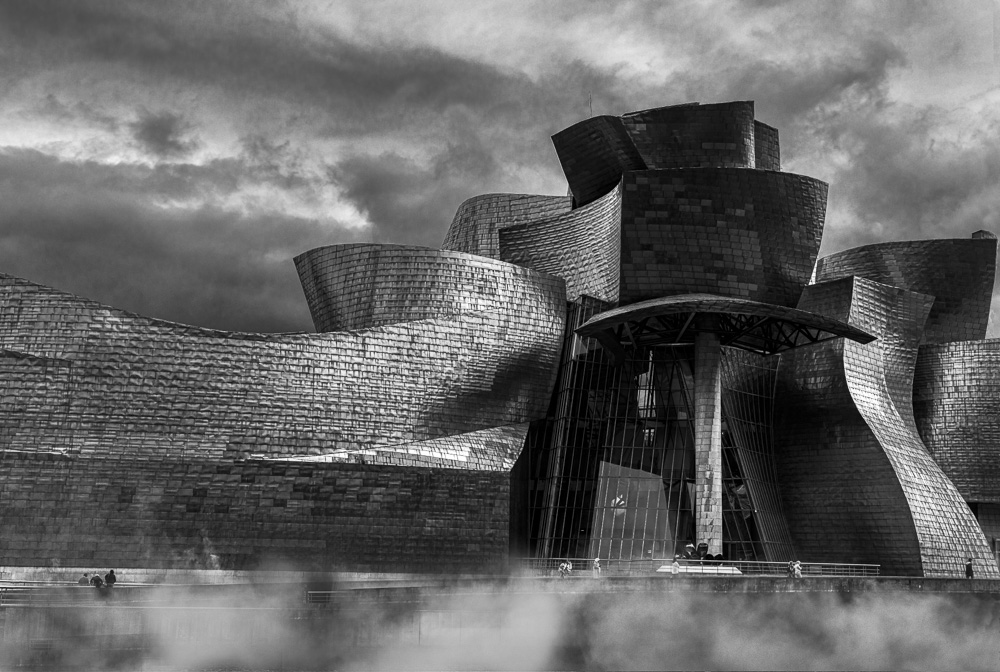
Interestingly, this building reminds me of the Milwaukee Art Museum, which has gull style wings on it with the same type of pattern. As you note, the fog simplifies the image. I suggest you look at using the Distort command in Transform to move just the right side over, which straightens the side buildings somewhat. It has the added benefit of stretching the peak of the wing over towards the corner. |
May 6th |
| 26 |
May 18 |
Comment |
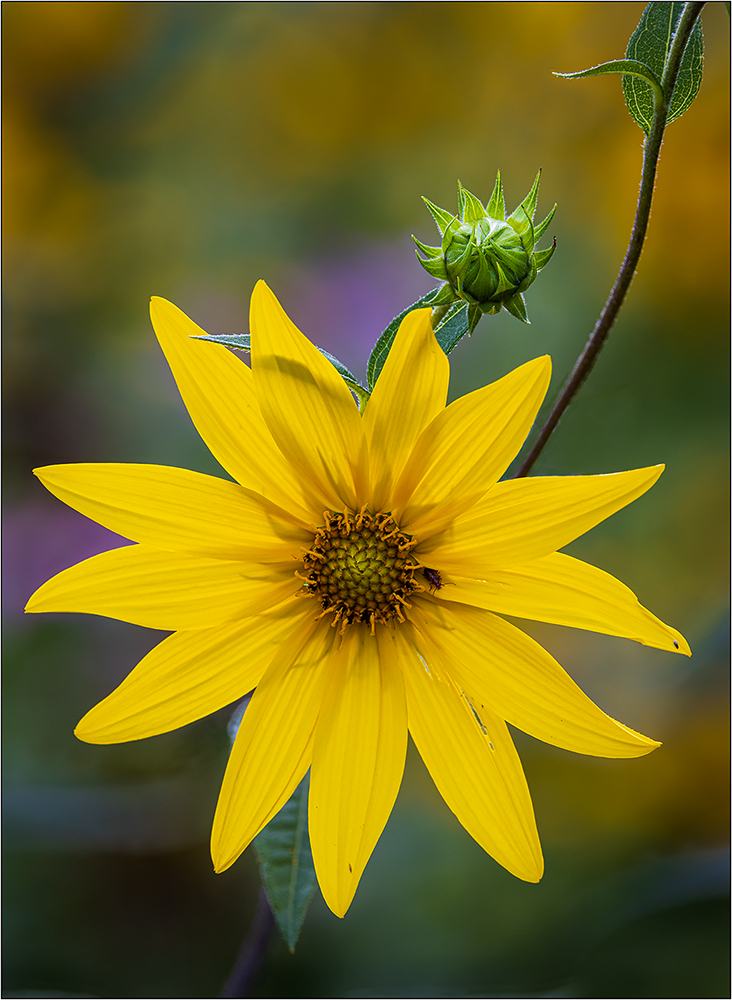
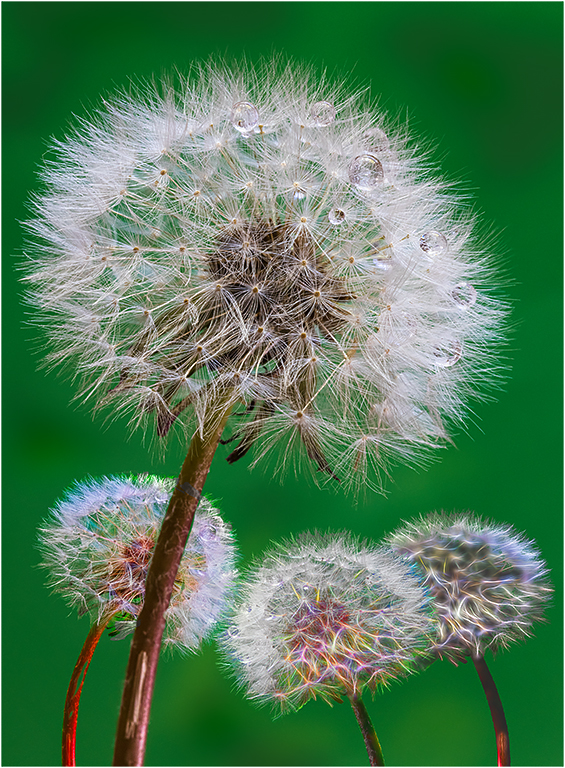
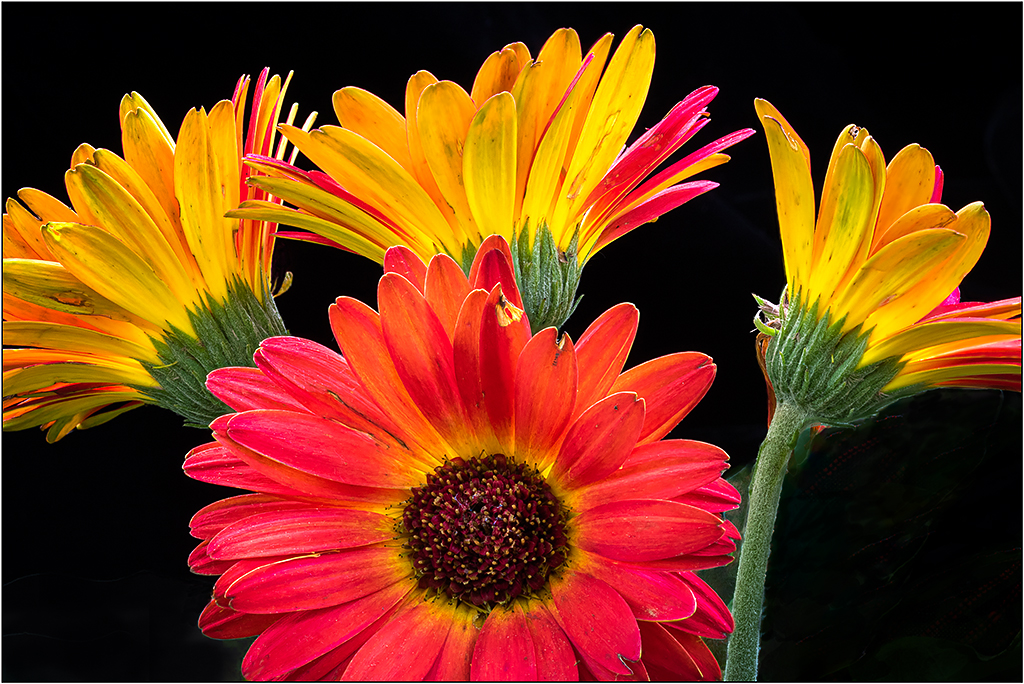
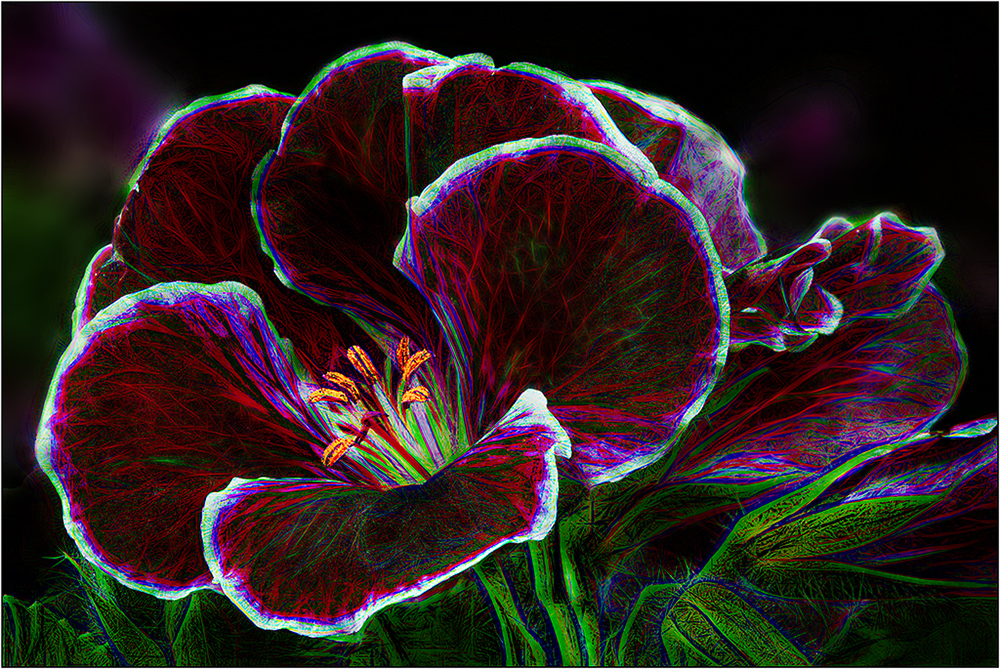
I like your use of the black background, as it makes the flowers really pop. The triangle shape of the image is a basic pattern that adds strength. Since these images are presented on black backgrounds, I would suggest adding a white stroke to your pictures to set them from the background. (I did this with your original, so others can see that you cropped from the original.) |
May 6th |
6 comments - 1 reply for Group 26
|
6 comments - 1 reply Total
|