|
| Group |
Round |
C/R |
Comment |
Date |
Image |
| 26 |
Nov 17 |
Reply |
And it is free now (until the new owners start charging for updates). It is plugin only, so you will need to be using a program that supports plugins, like LR, Elements, PS, or Luminar |
Nov 27th |
| 26 |
Nov 17 |
Comment |
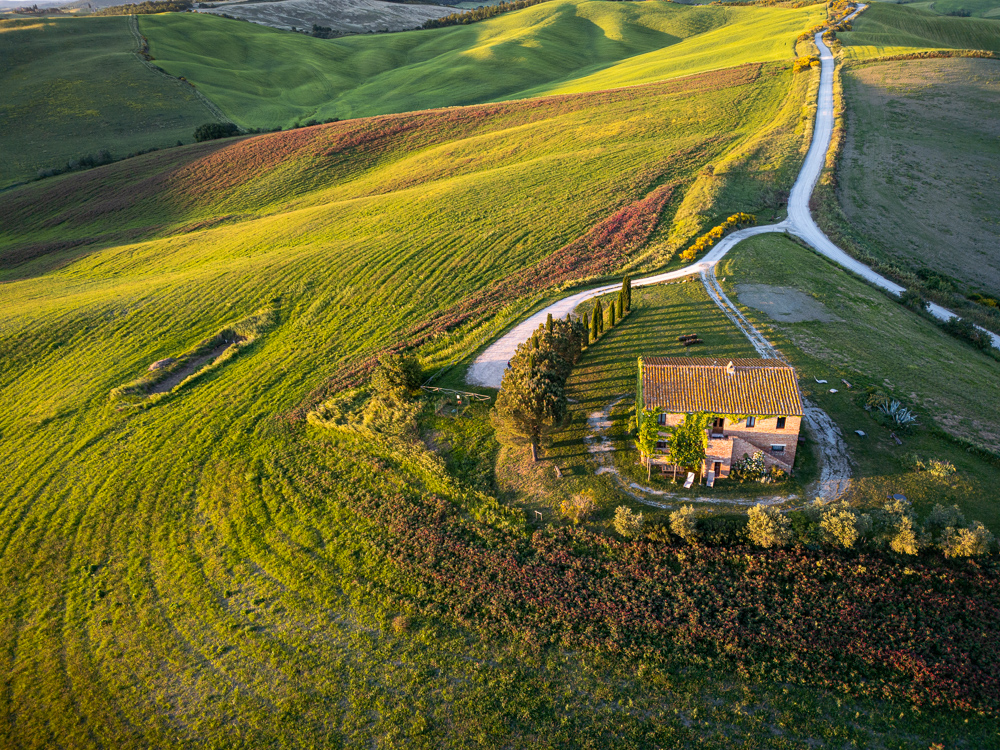
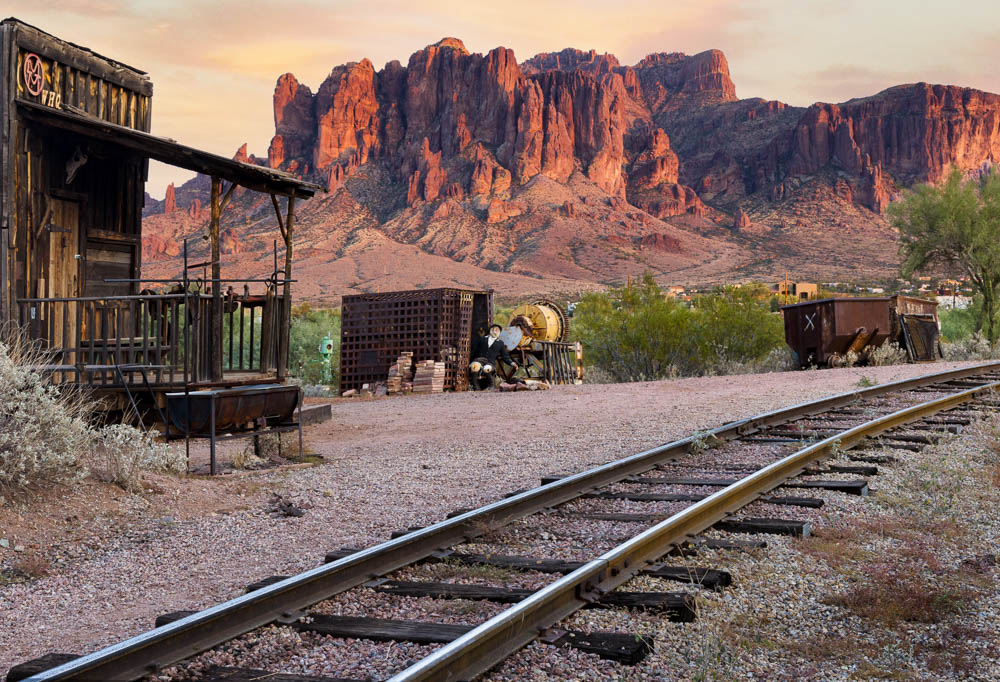
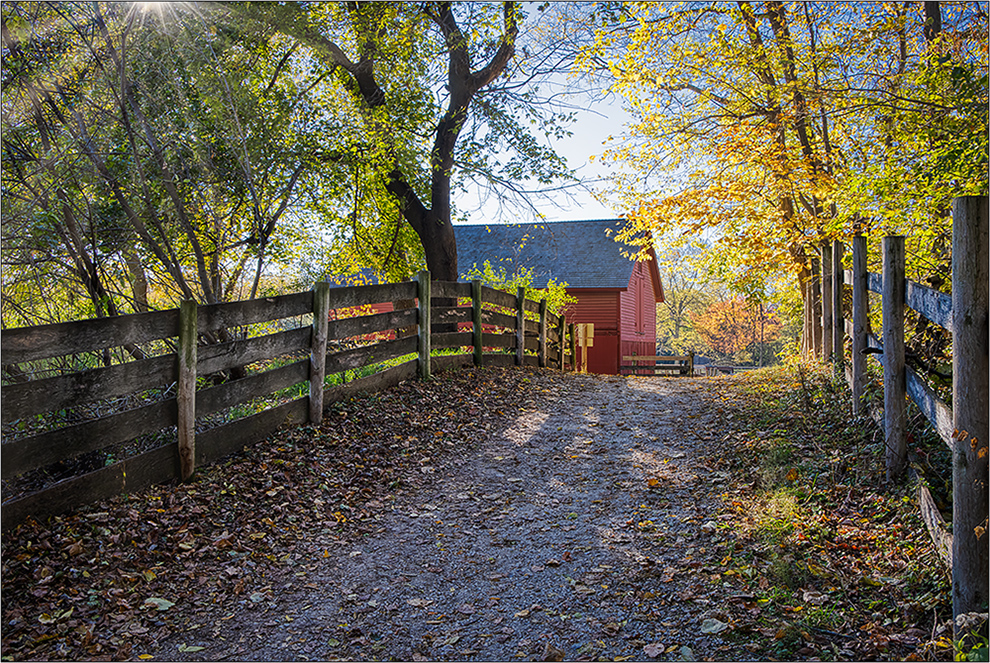
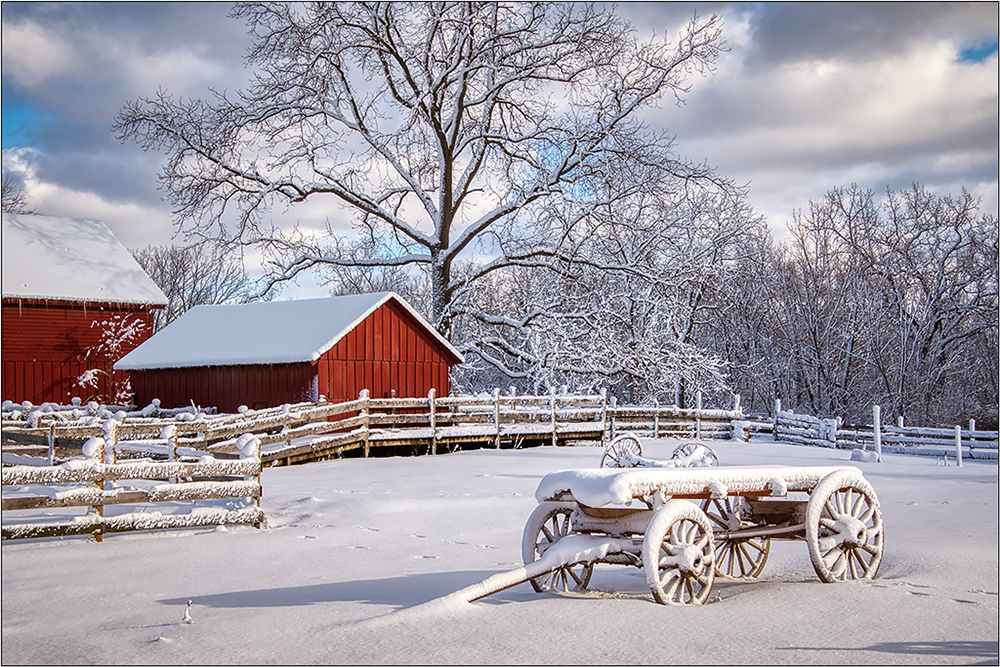
I certainly would not want to tone down any detail; in the landscape like this, I think all the detail you can get is important. I like the placement of the barn and the results you have here, although the reduced painterly effect out of Photomatix might be a tad strong-hard to tell. (But it certainly allows the maximum structure and colors to show.) It might have been interesting to see the before and after here, so that we could see what you had to work with.
I agree that possibly darkening the background mountains and sky somewhat may help by adding drama. I did that in this version, plus lightened the barn subtly to focus more attention that way. Finally, I applied a darkened edge, and used a little sharpening, as I felt the details were a little soft from lack of sharpening. in this small example, the minor differences may be hard to see. |
Nov 12th |
 |
| 26 |
Nov 17 |
Comment |
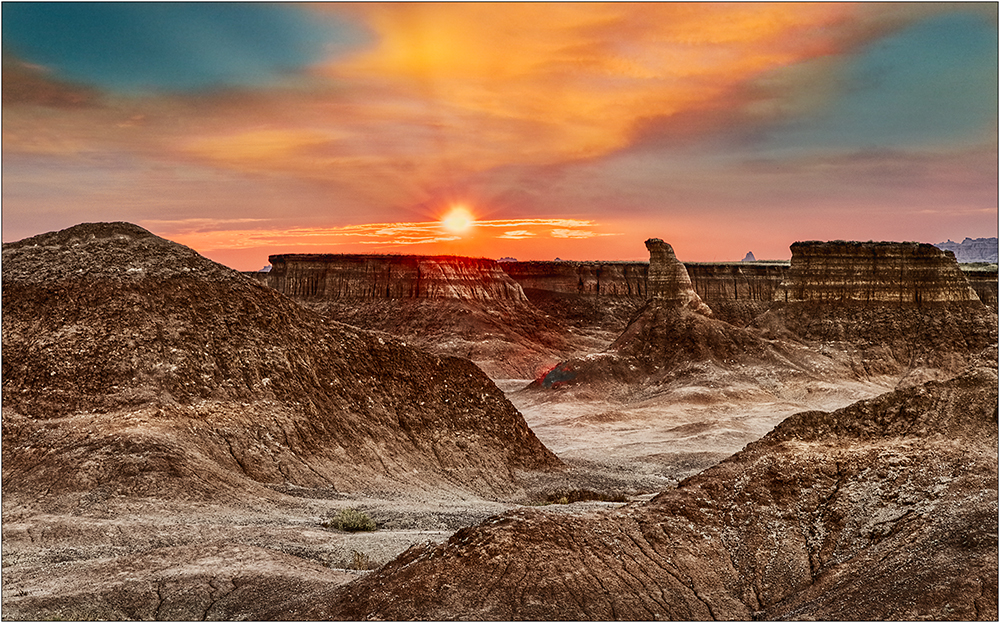
It would seem that perhaps the image is tilted slightly, although with so many hills, it may not be the case.
To match your stated vision of this scene, I wonder if you have a vertical of just the part of the image that shows the layers of monuments without the trees on either side? |
Nov 8th |
| 26 |
Nov 17 |
Comment |
I like the whimsical nature of the result, although I still see the majority of the important part of the image as being someone else's copyrighted work. But as an illustrative function, it shows how the simple matter of an adding the sky makes a big difference. |
Nov 8th |
| 26 |
Nov 17 |
Comment |
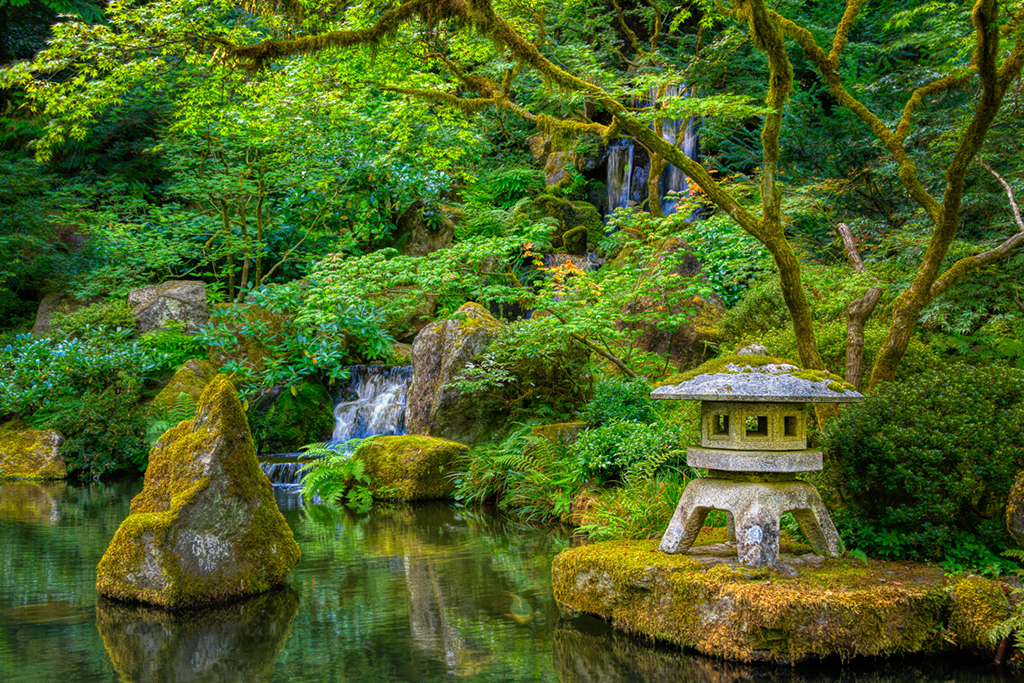
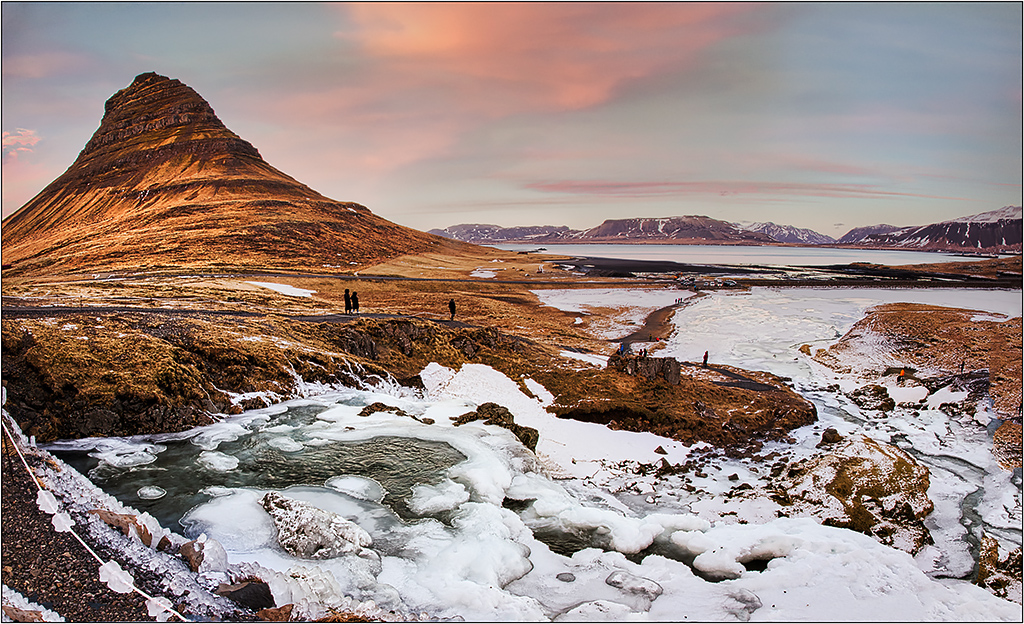
This certainly has all the great colors for a metal print. The only suggestion I have is to apply a little bit more local burn in for the left edge to darken the flat bright rocks slightly, and help to draw the eye into the falls more. Maybe better yet, would be to do a subtle vignetting all the way around.
Have you considered cropping the left and bottom? While the view you have is perfectly fine, this view emphasizes the falls more. Just another viewpoint. |
Nov 6th |
 |
| 26 |
Nov 17 |
Comment |
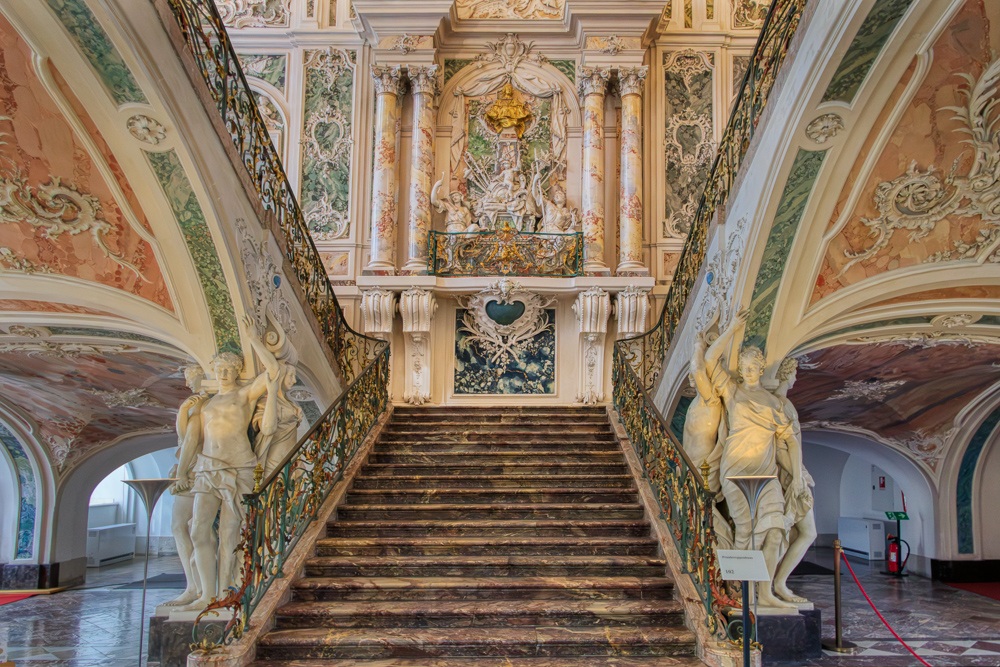
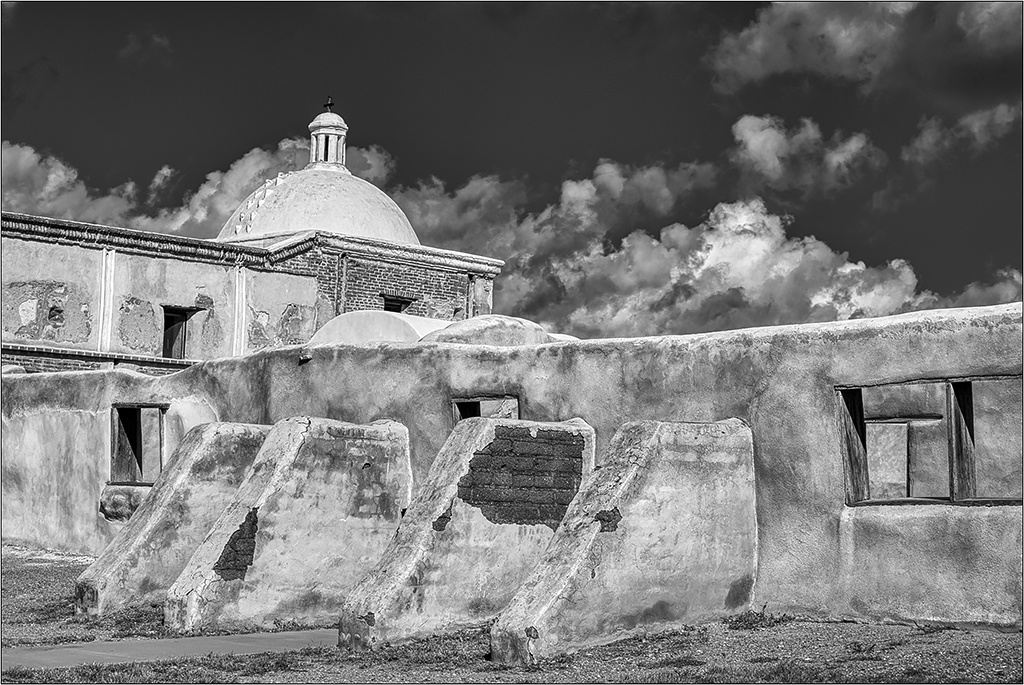
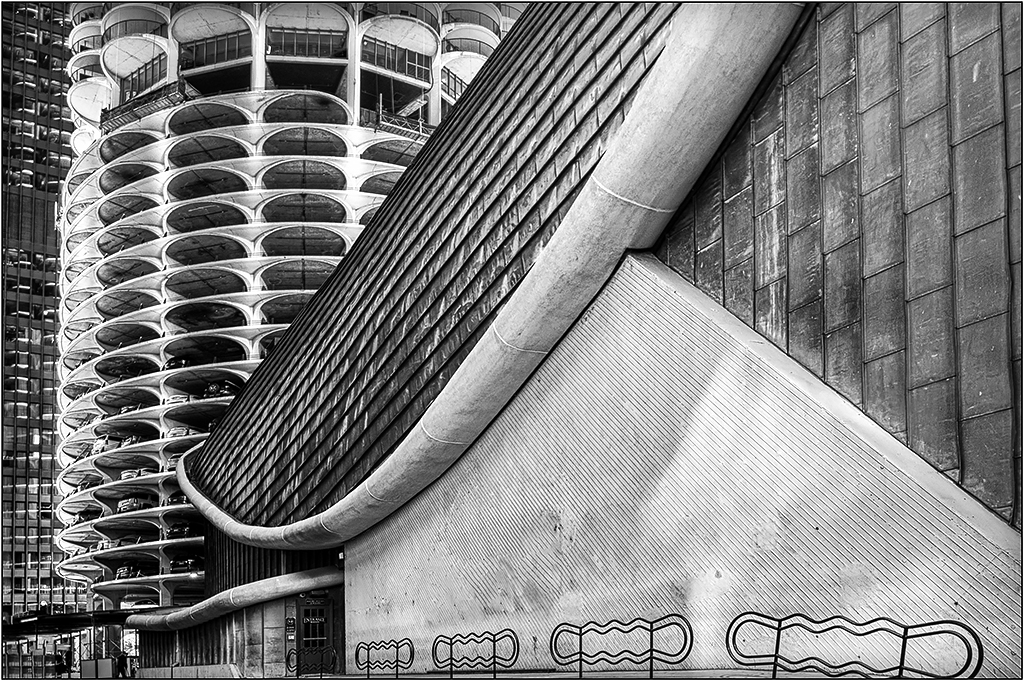
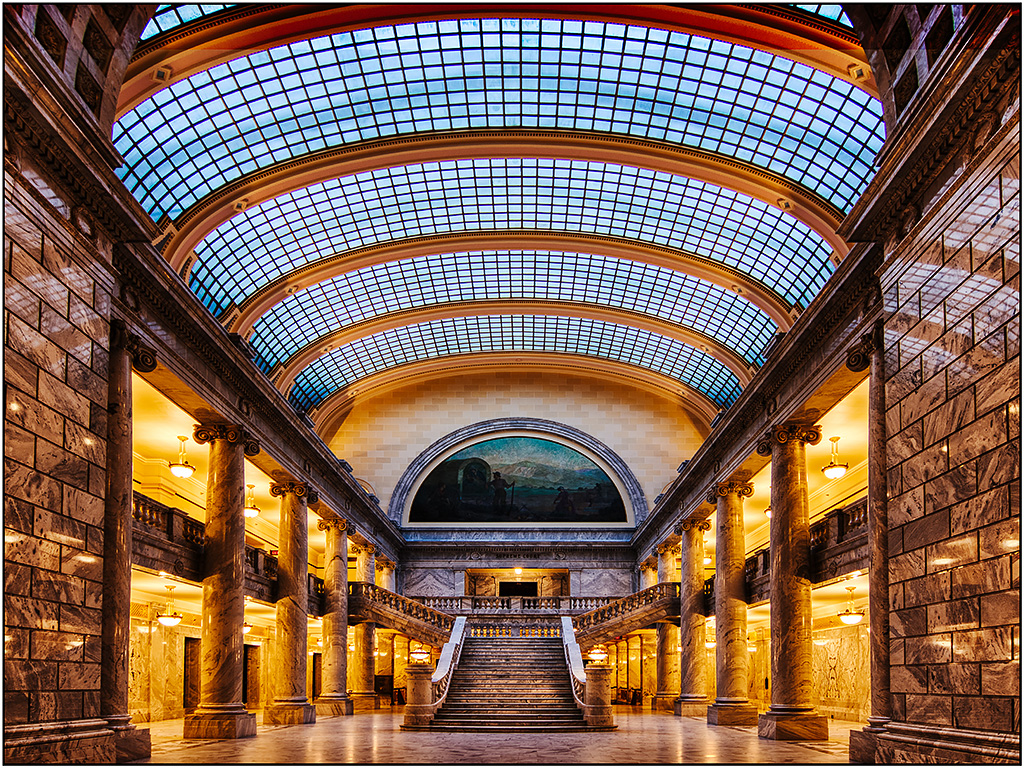
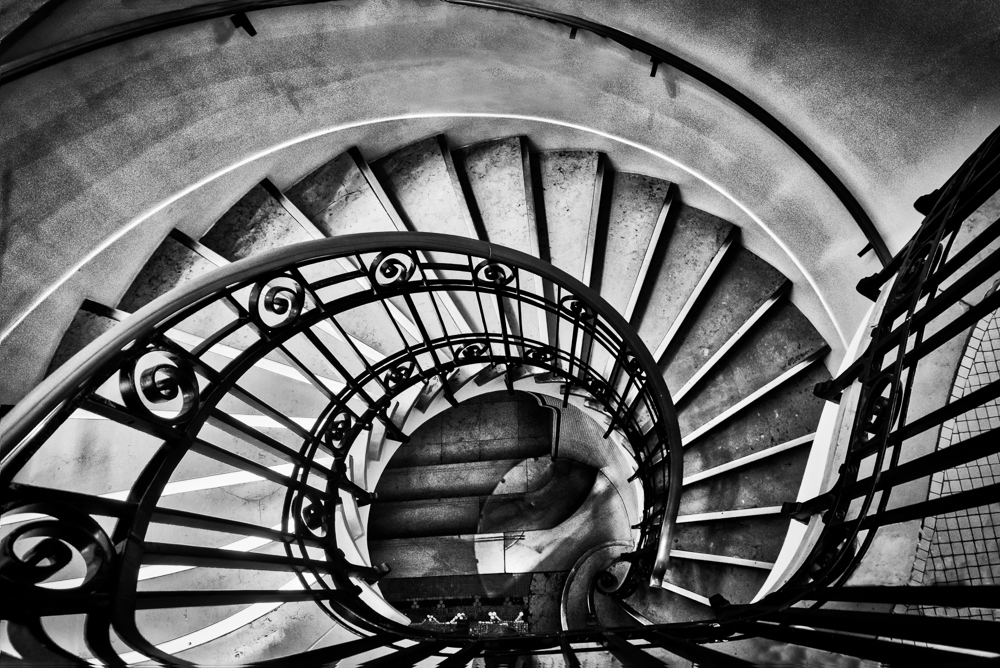
I like this perspective and tone range. The only suggestion I have is to consider darkening part of the upper left corner, since it is so bright. (Since it is so bright, and there is likely little information to work with, you might have to partly clone in some darker wall and blend it in.) |
Nov 5th |
| 26 |
Nov 17 |
Comment |
Not sure why the text has the symbols for the apostrophe- very strange.
I like both versions, and I do not feel that the colors are over saturated. If you feel that the blue tones in the rock are too strong, you can selectively desaturate that area only. And I don't have a strong sense of needing straightening, as the perspective of the shot gives some of that distortion. You could try selecting fewer elements, but I do not think the image is "overly complicated" by any means. |
Nov 5th |
6 comments - 1 reply for Group 26
|
6 comments - 1 reply Total
|