|
| Group |
Round |
C/R |
Comment |
Date |
Image |
| 66 |
Jun 24 |
Reply |
Thank you. |
Jun 5th |
| 66 |
Jun 24 |
Reply |
Thank you. |
Jun 5th |
| 66 |
Jun 24 |
Reply |
Thank you.
|
Jun 5th |
| 66 |
Jun 24 |
Reply |
Thank you.
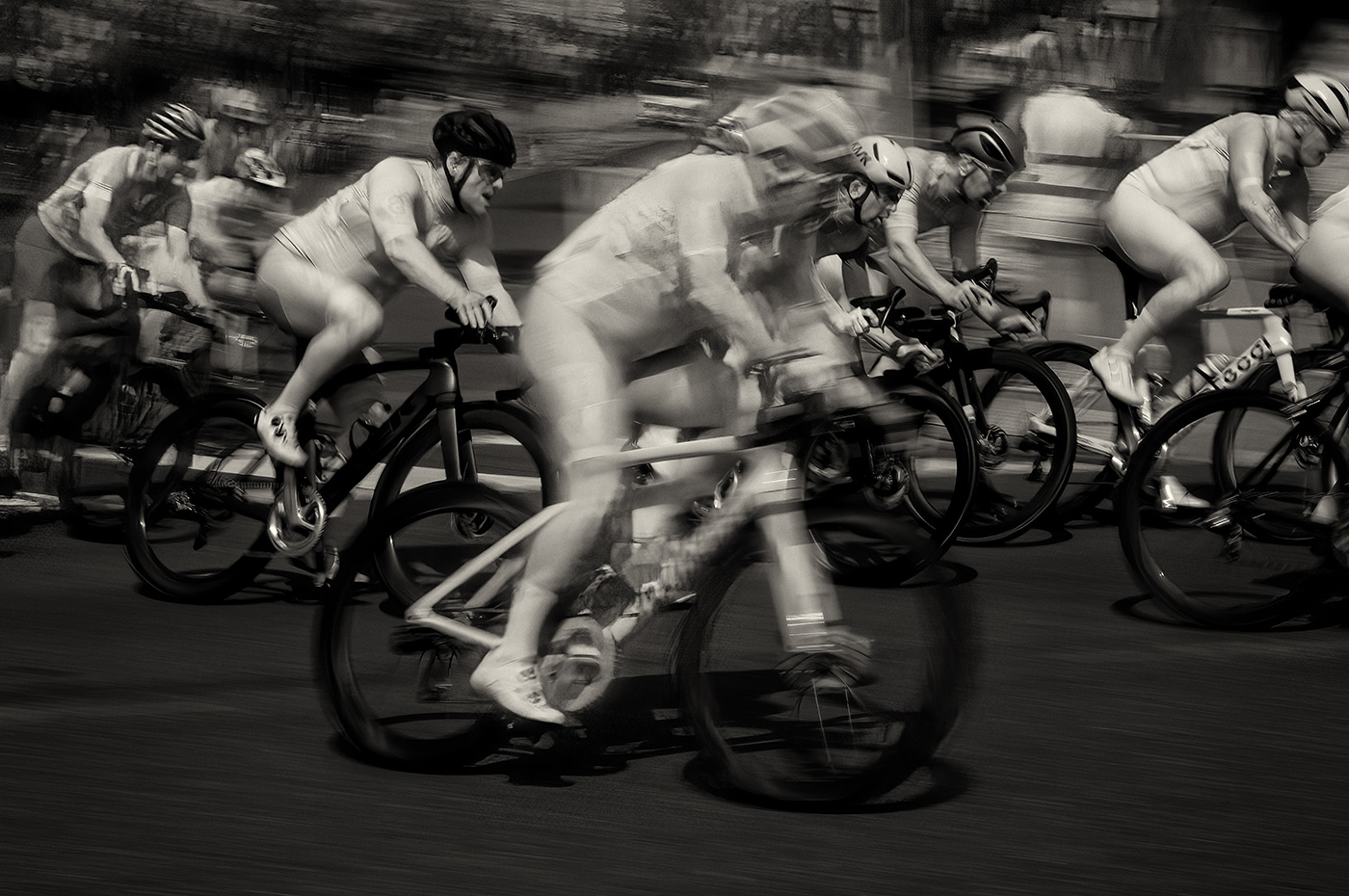
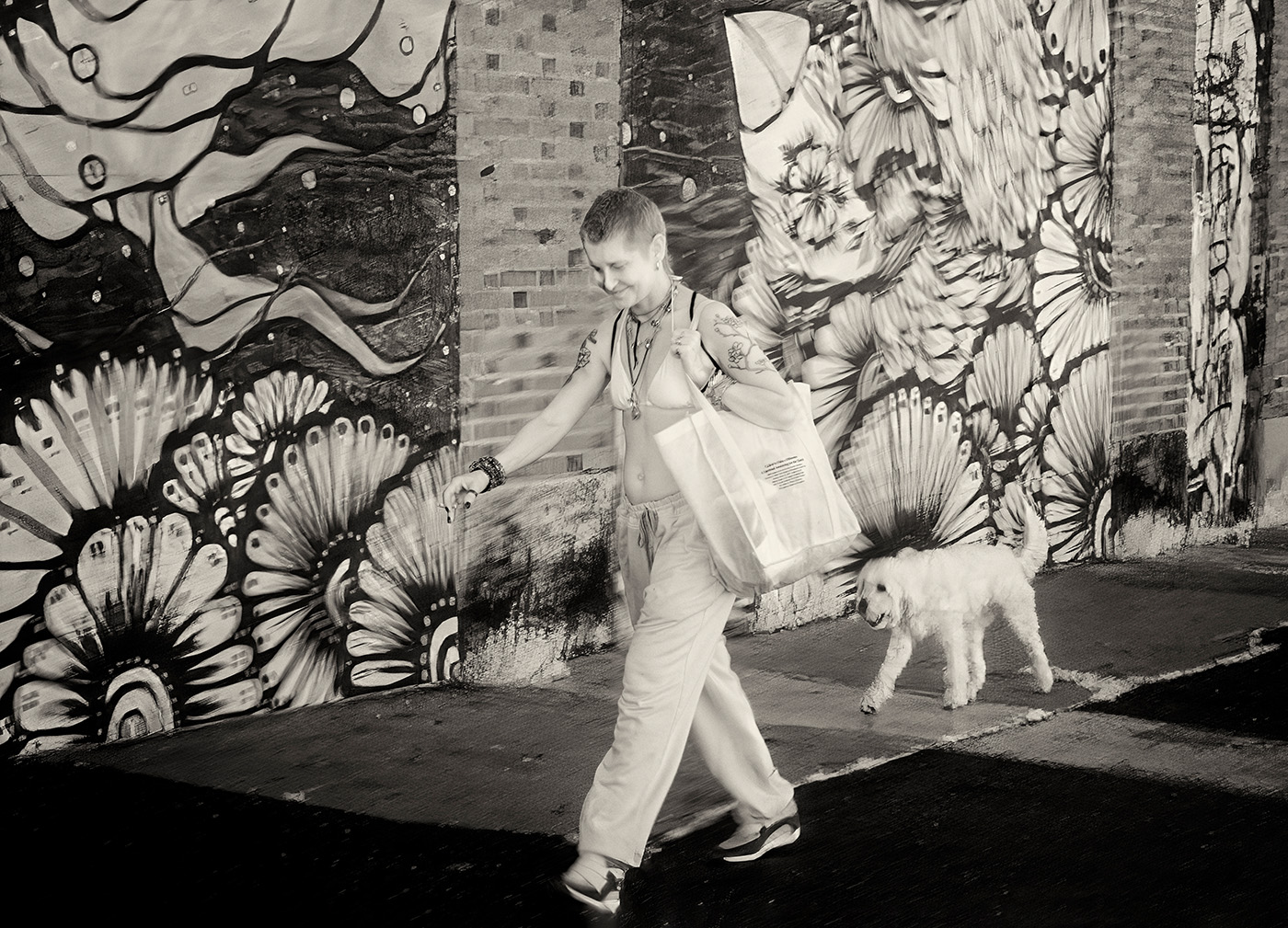
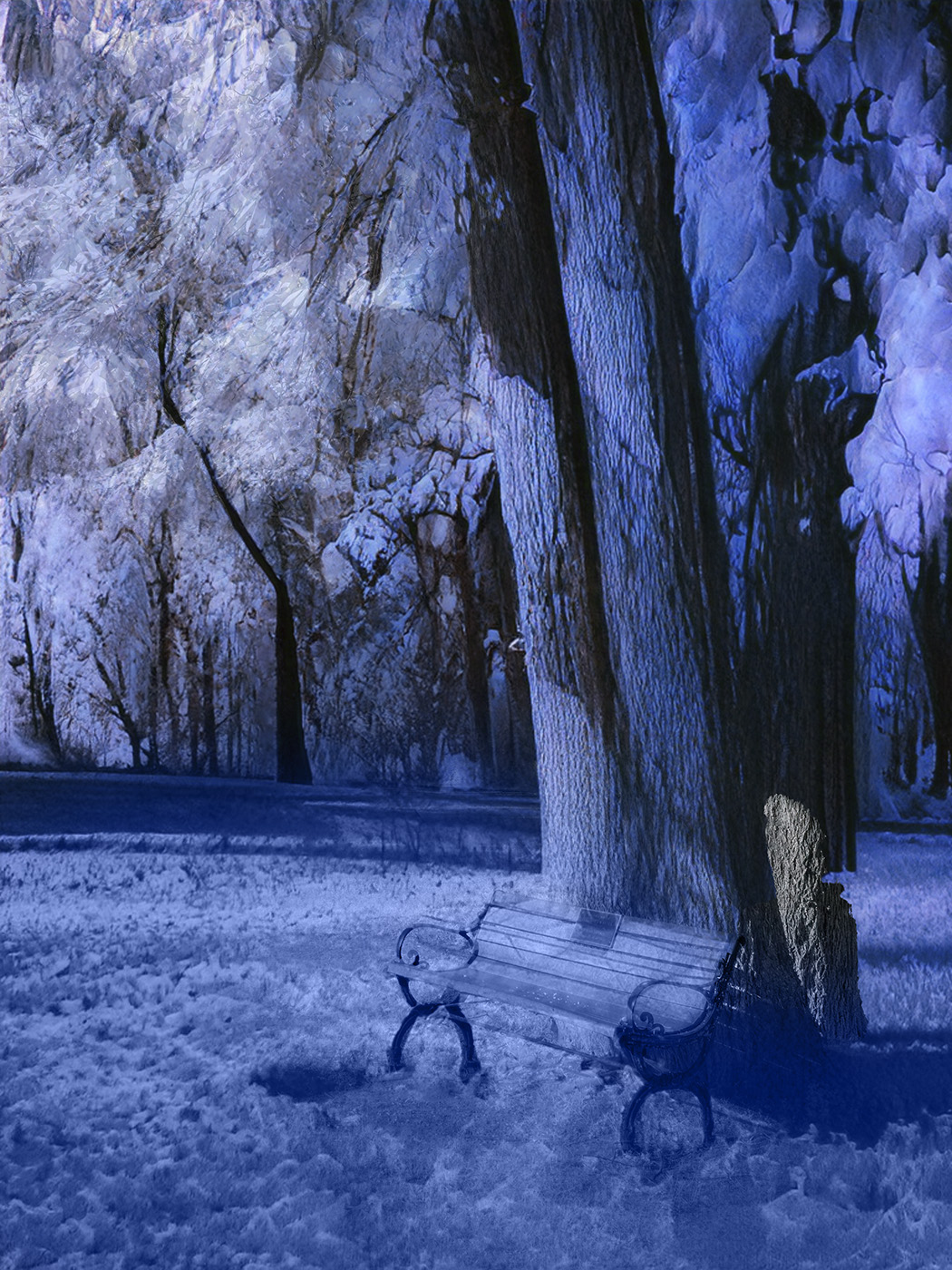
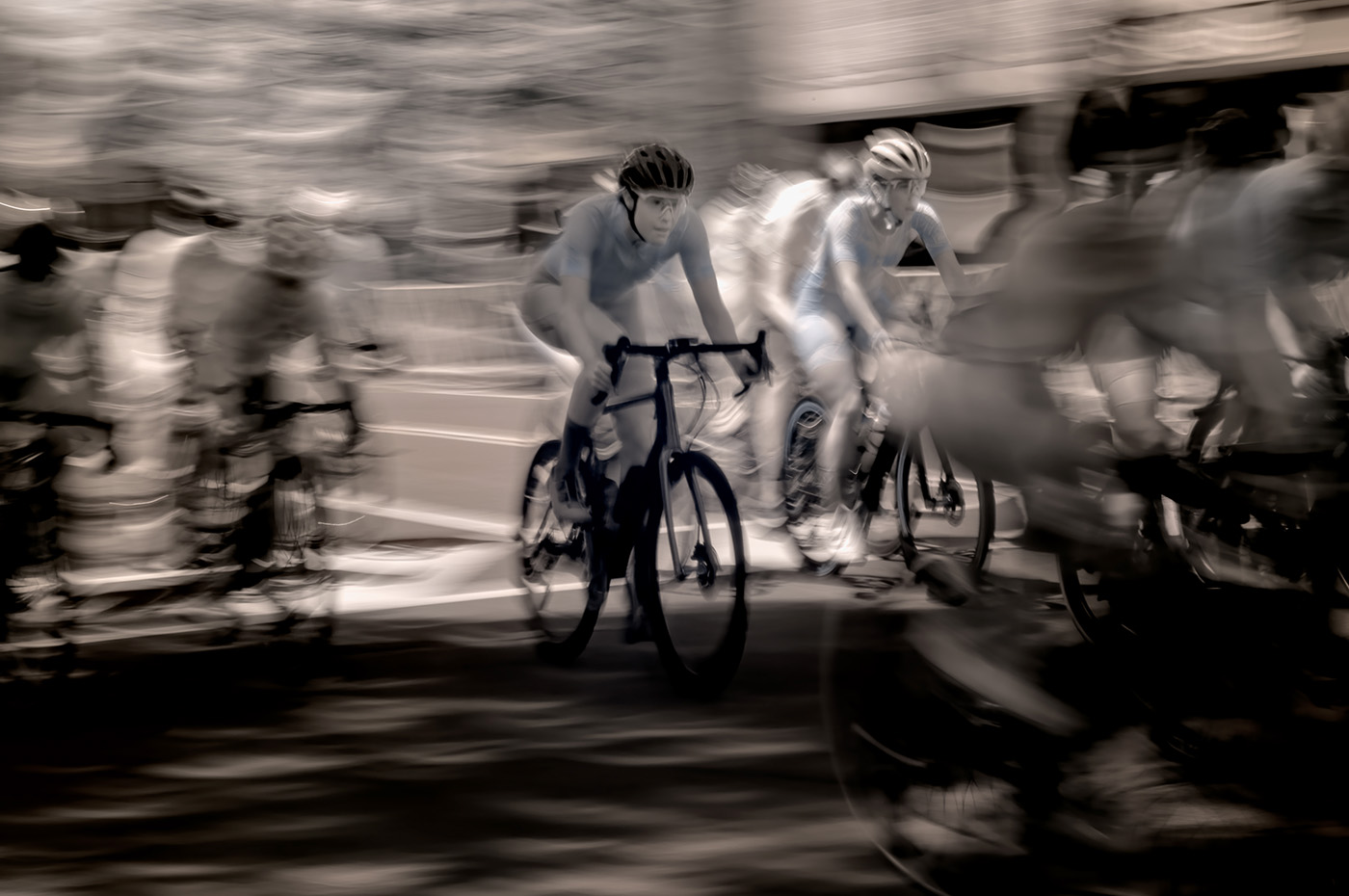
ICM means that you move the camera during the exposure. Usually, the movement is fast and can be seen in exposures of 0.1 to 0.5 of a second. ICM can be done by moving the camera up or down (e.g., to create a vertical blur of trees or buildings), sideways (e.g., to create a horizontal blur of street scenes, cars, bikes…), or forward or backwards to create a different type of blur. ICM is not about rules, but creative freedom. I walked on the street and took pictures of people walking while I was walking and having the camera bounce in my hands.
With stationary scenes, such as trees, I often take two pictures. One with ICM and one standard. Then, in Photoshop, I overlay the two images and use Layer Masks to reveal some of the sharp parts of the scene and some blurry ones. I usually adjust opacities of the layer and the mask, so it's not sharp or blurry, but varying mixes of both.
A low ISO setting and a small aperture are often best. You want the blur to be limited to the ICM technique, not a result of shallow DOF. On bright days you may need to use an ND filter to allow for the slower shutter speed.
|
Jun 5th |
| 66 |
Jun 24 |
Comment |
Hi Jack. This is a unique and interesting scene that you captured and processed well. I like the final toning and the overall handling of the picture. Nicely done. |
Jun 2nd |
| 66 |
Jun 24 |
Comment |
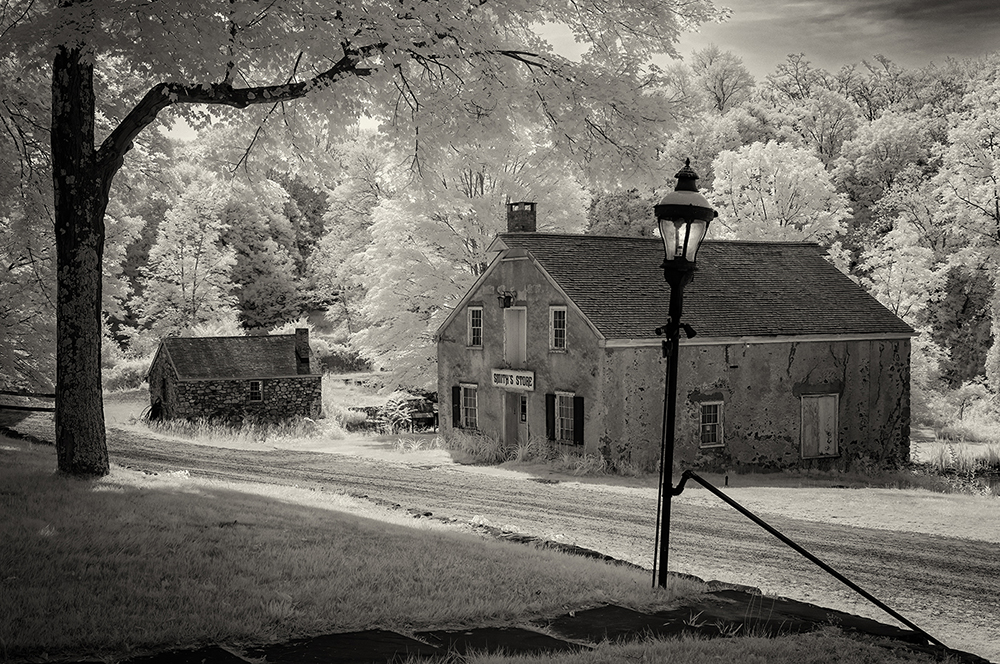
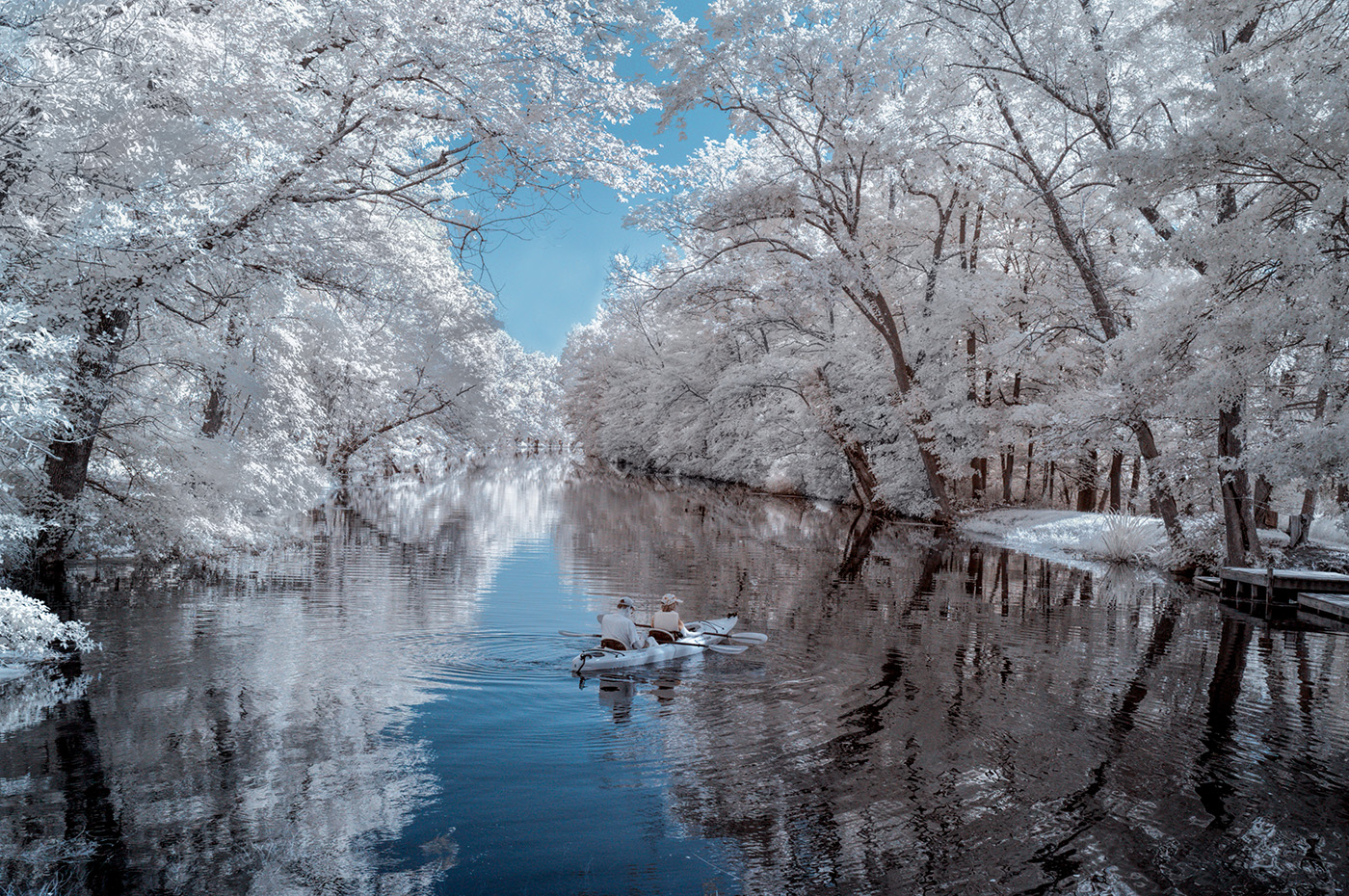
Hi Henry. Beautiful scene and picture. The high vantage point is perfect. I often process IR pictures in both color and b&w. I do like this color presentation. It helps with a relatively-busy scene. The composition is good too. I would probably try to remove the people in the bottom left area, using the Generative Fill function with no text in the prompt. Still, the picture is beautiful as presented. |
Jun 1st |
| 66 |
Jun 24 |
Comment |
Hi Emil. I like the final image very much. I think that your post processing here was excellent and turned a mundane scene into a beautiful picture. The warm tones work well. The contrast is also handled nicely. I like the way you rendered the water. Great work. |
Jun 1st |
| 66 |
Jun 24 |
Comment |
Hi Palli. Nice work with such a simple scene. The picture is about tones, textures, and details. The angle of the plant makes the picture dynamic. Good post processing of this IR image. Well done. |
Jun 1st |
| 66 |
Jun 24 |
Comment |
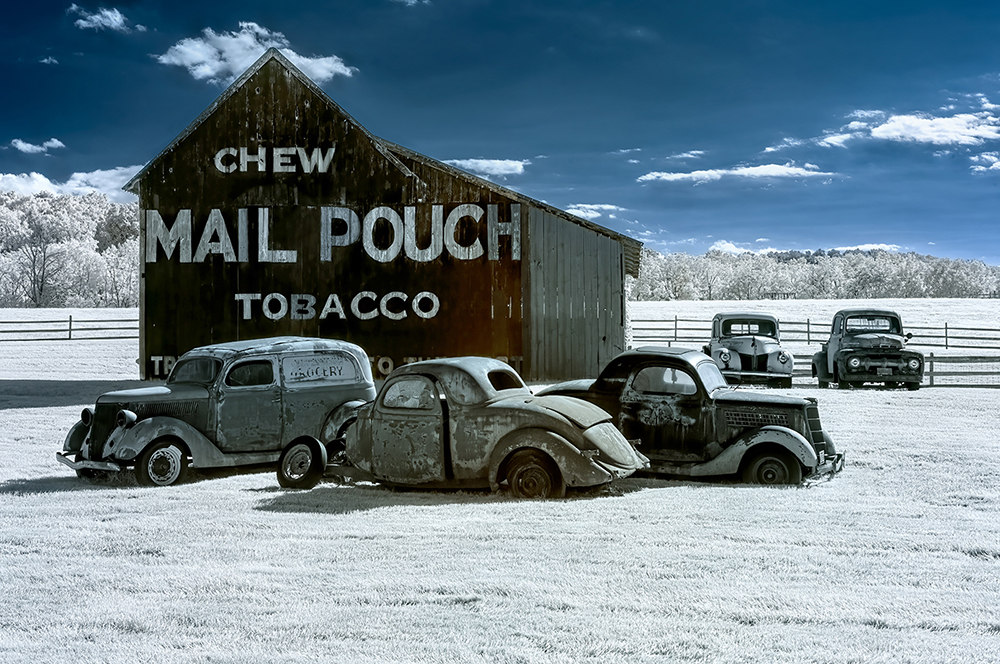
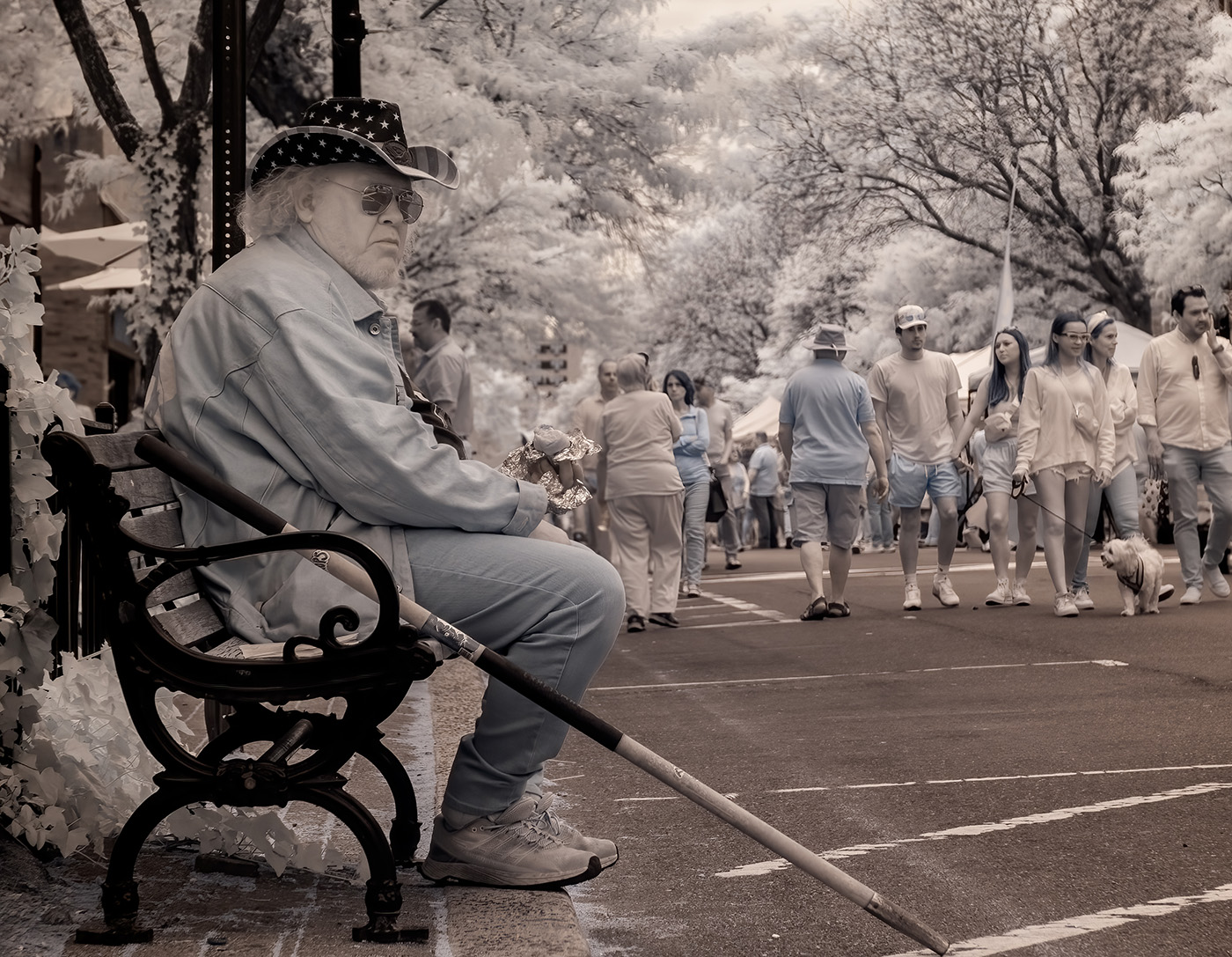
Hi Gary. What a difference between the original and the final image. Very nicely seen, captured, and processed picture. While the scene doesn't have the standard elements that we love to shoot in IR, I agree that the IR camera helped in pulling out the details. I use mine for street photography for the same reason. Excellent work and a beautiful interesting picture. |
Jun 1st |
| 66 |
Jun 24 |
Comment |
Hi Charles. Good post processing to make the picture work better than the original. The curve in the road is great. The picture is a bit grainy, which I find to work fine. Nicely done. |
Jun 1st |
| 66 |
Jun 24 |
Comment |
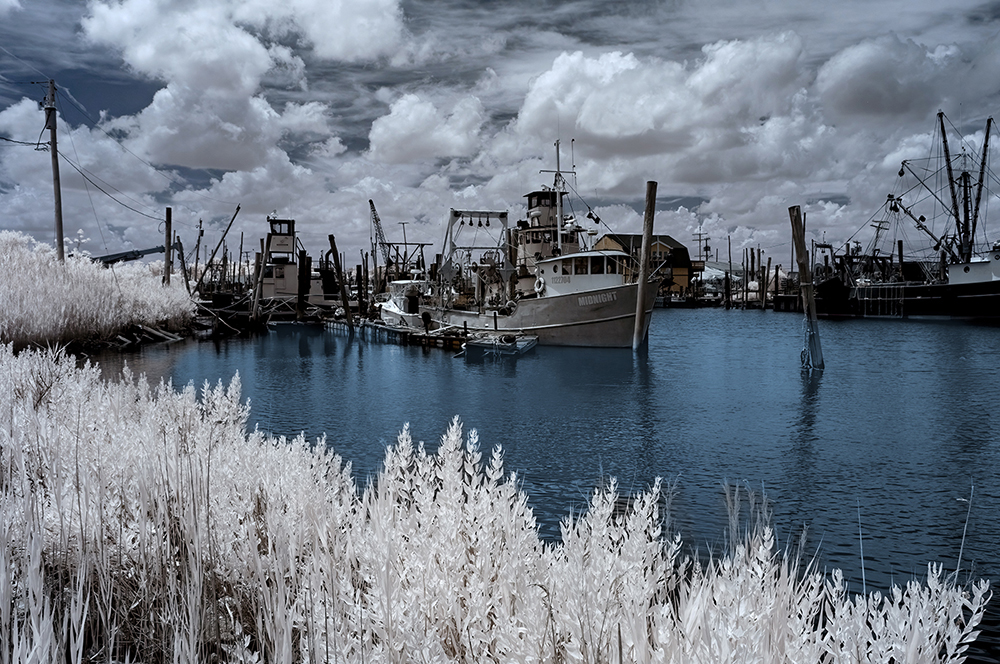
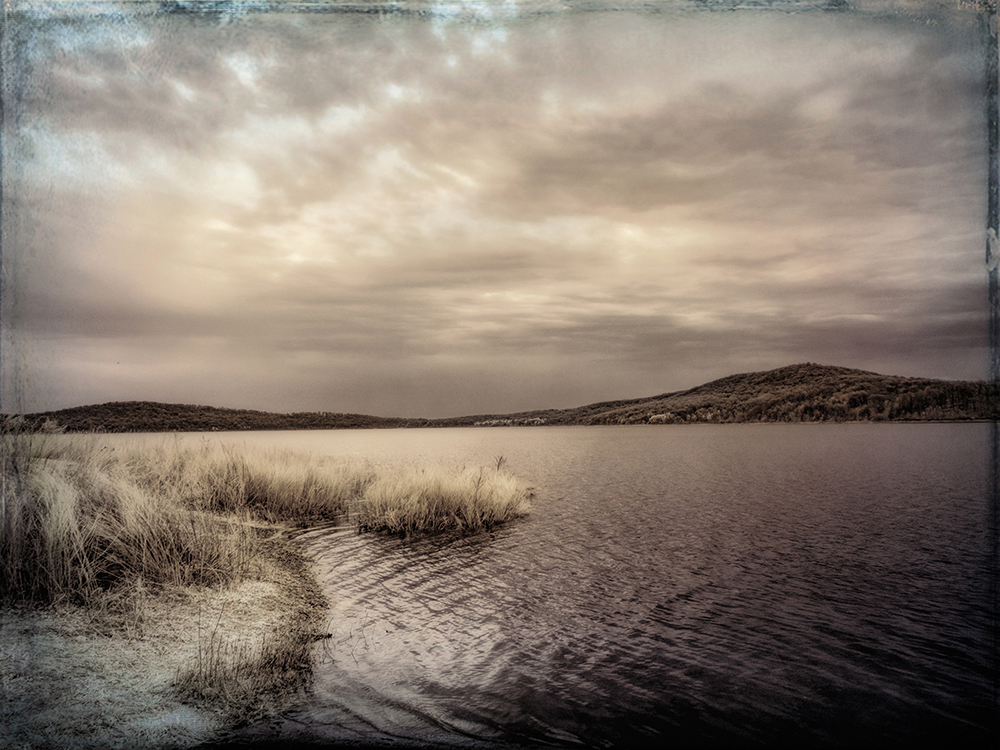
Hi Melanie. Beautiful scene that you captured and processed well. The scene is perfect for IR. I like the colors. They add interest and created some separation between the solid objects and the water and sky. To me, the picture looks leveled and not tilted. |
Jun 1st |
7 comments - 4 replies for Group 66
|
7 comments - 4 replies Total
|