|
| Group |
Round |
C/R |
Comment |
Date |
Image |
| 66 |
Nov 23 |
Reply |
Thank you. See you online on 11/30. |
Nov 20th |
| 66 |
Nov 23 |
Reply |
Thank you. |
Nov 7th |
| 66 |
Nov 23 |
Reply |
I'll be glad to do it. |
Nov 7th |
| 66 |
Nov 23 |
Reply |
Thanks. I'll try it.
|
Nov 6th |
| 66 |
Nov 23 |
Reply |
Thanks. I cropped a little from the original. It's interesting that some of us like the top tight (me) and some like the bottom cropped.
|
Nov 5th |
| 66 |
Nov 23 |
Reply |
The Photoshop Virtual Summit 5 just ended yesterday. Every day they had one or two lectures that included the Generative Fill tool. I didn't have a chance to watch everything, but as a paying VIP attendee I have unlimited access to the sessions. It's all pre-recorded anyway.
|
Nov 4th |
| 66 |
Nov 23 |
Reply |
Thanks. There's another method that I use instead of channel swapping. It often works better. The steps are:
1) Create a Levels Adjustment Layer.
2) Swap the Black Point and White Point handles in the lower ruler (Move the left handle of the lower ruler all the way to the right and the right handle all the way to the left).
3) Change the blending mode to Color. |
Nov 4th |
| 66 |
Nov 23 |
Reply |
Thank you.
|
Nov 2nd |
| 66 |
Nov 23 |
Reply |
I was going for a minimal adjustment:
|
Nov 2nd |
 |
| 66 |
Nov 23 |
Comment |
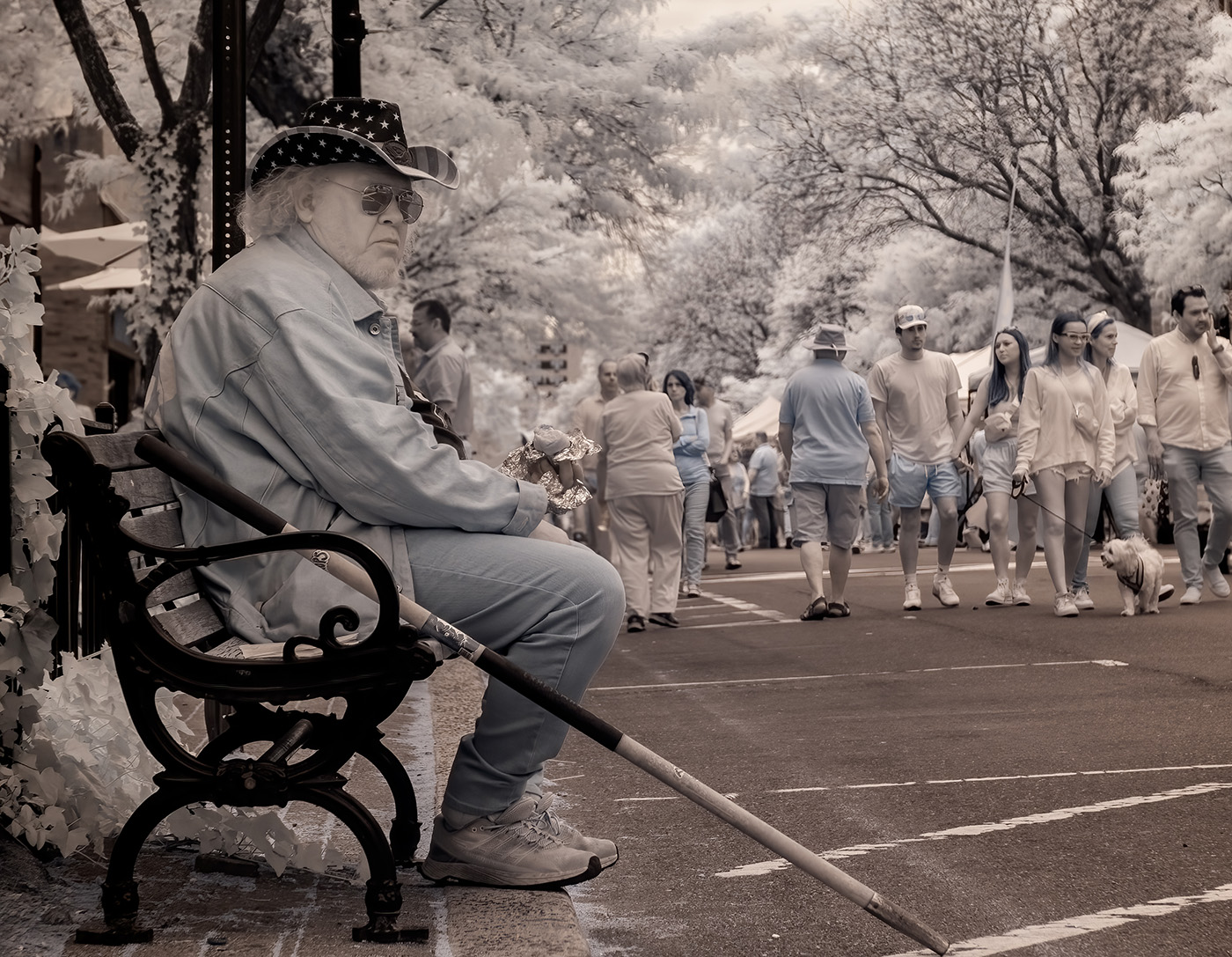
Interesting scene and picture. I like your use of the Generative Fill to clean up the scene. Nicely done. I may add some midtone contrast, probably by just adjusting the black point to restore some blacks. |
Nov 1st |
| 66 |
Nov 23 |
Comment |
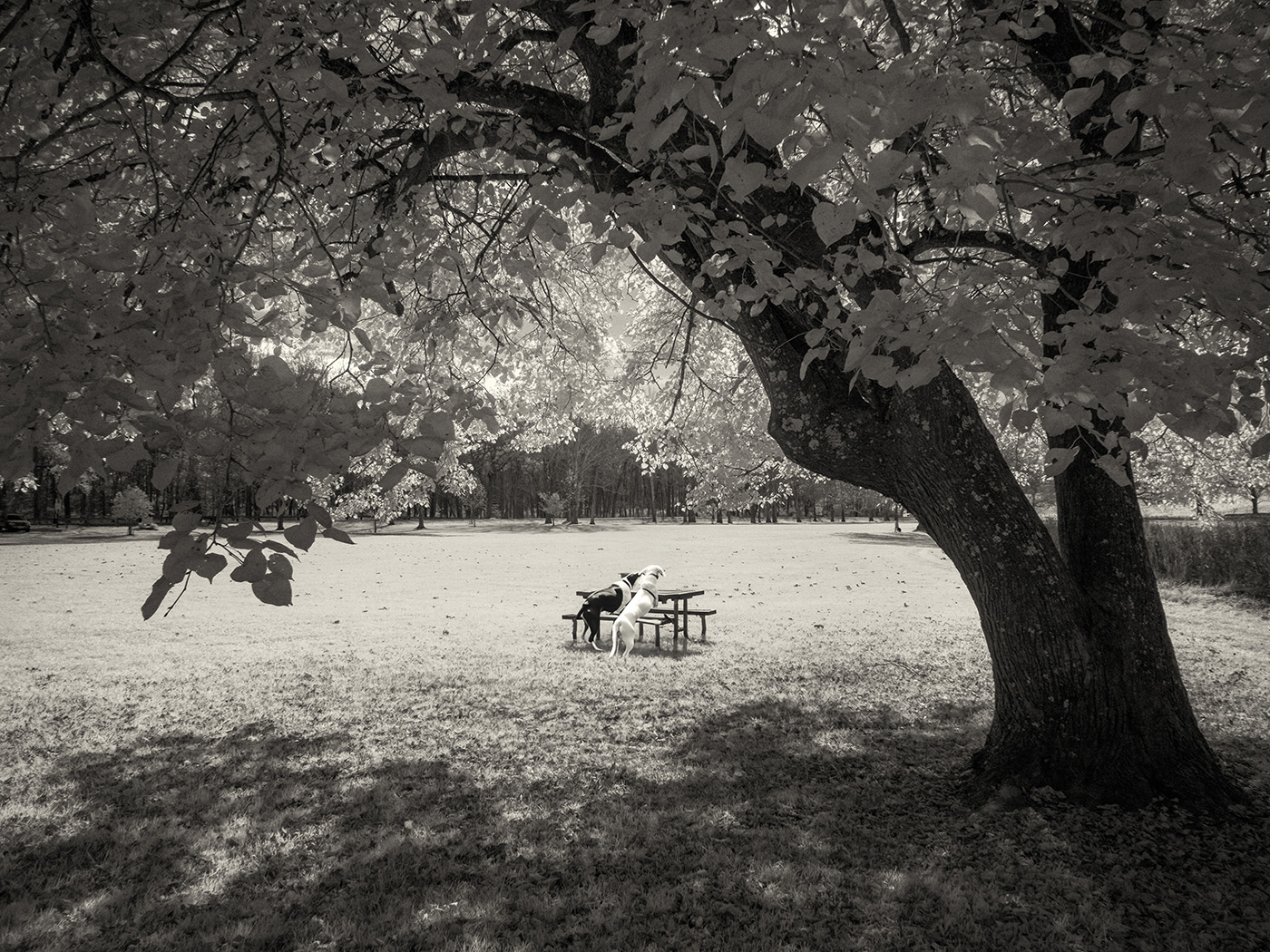
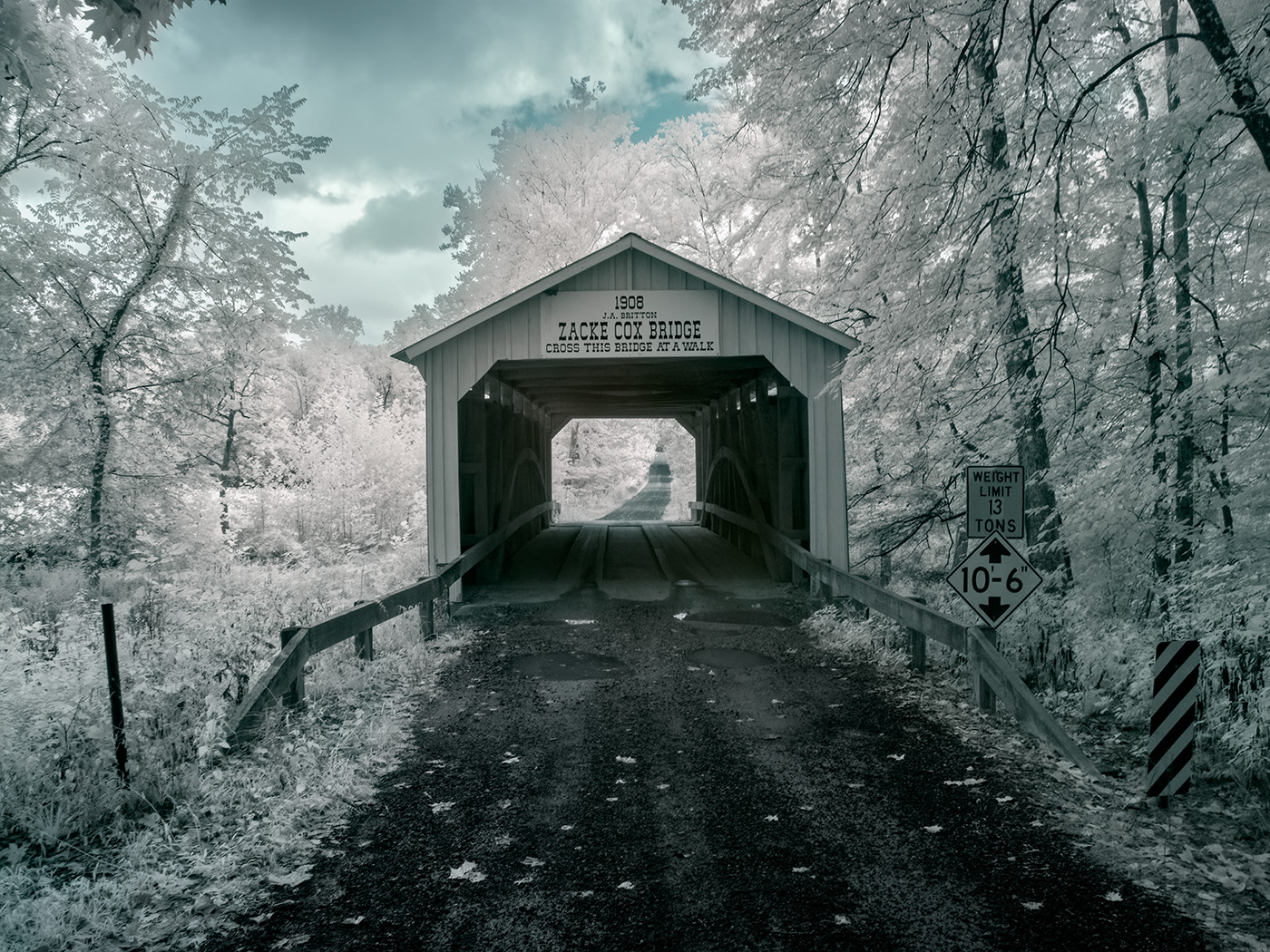
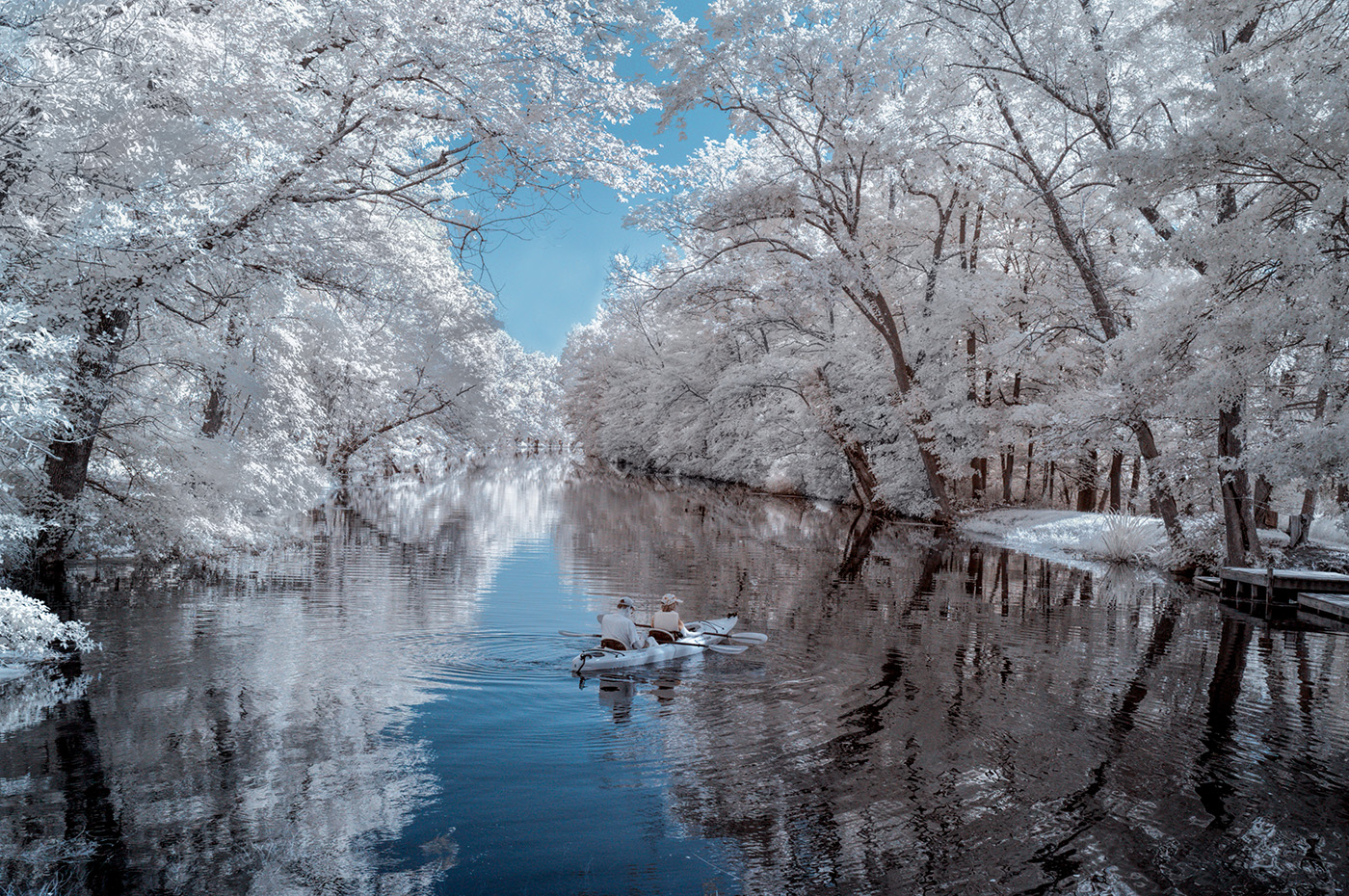
Nice composition, especially after you cropped the image. This is a story-telling picture that is interesting. I would fill the small washed-out area to the right of the tree with some grass from the darker area. You may use a low opacity clone brush. |
Nov 1st |
| 66 |
Nov 23 |
Comment |
Fantastic and creative use of Generative Fill to create your own art. Yes, PSA and most camera clubs don't consider it your photography and don't allow it in competitions. I agree with that, but I think it's still your art, but not your photograph. I've been using it a lot. There are a few techniques that make it work better. Using the Quick Mask tool to draw the selection and apply various opacities allows you to refine your "instructions" to the Generative Fill engine. Drawing a more precise shape of the object that you want to insert produces better-fitting AI objects. I'll be glad to do a Zoom session on AI.
Back to your image here, I like the result very much.
|
Nov 1st |
| 66 |
Nov 23 |
Comment |
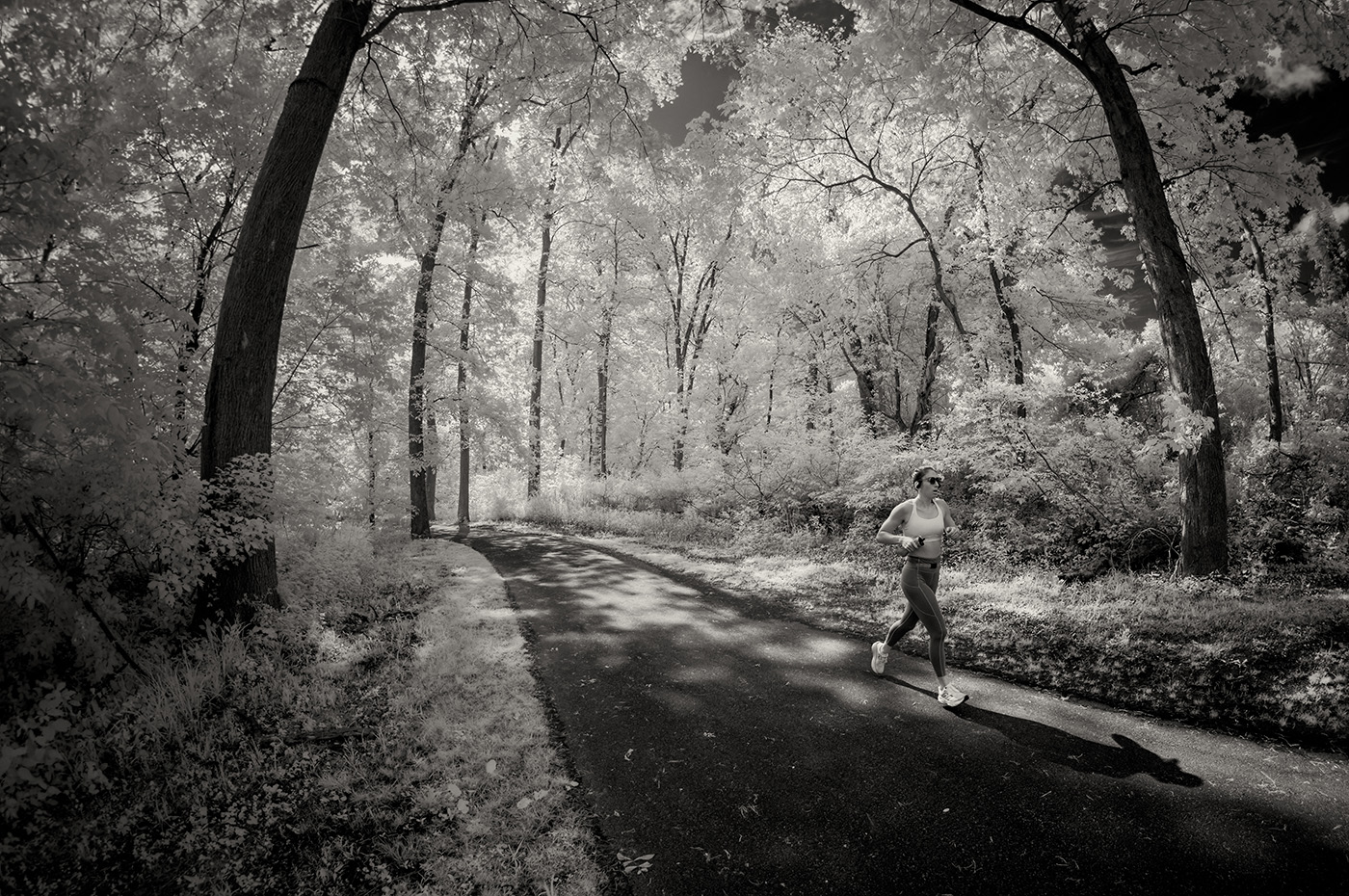
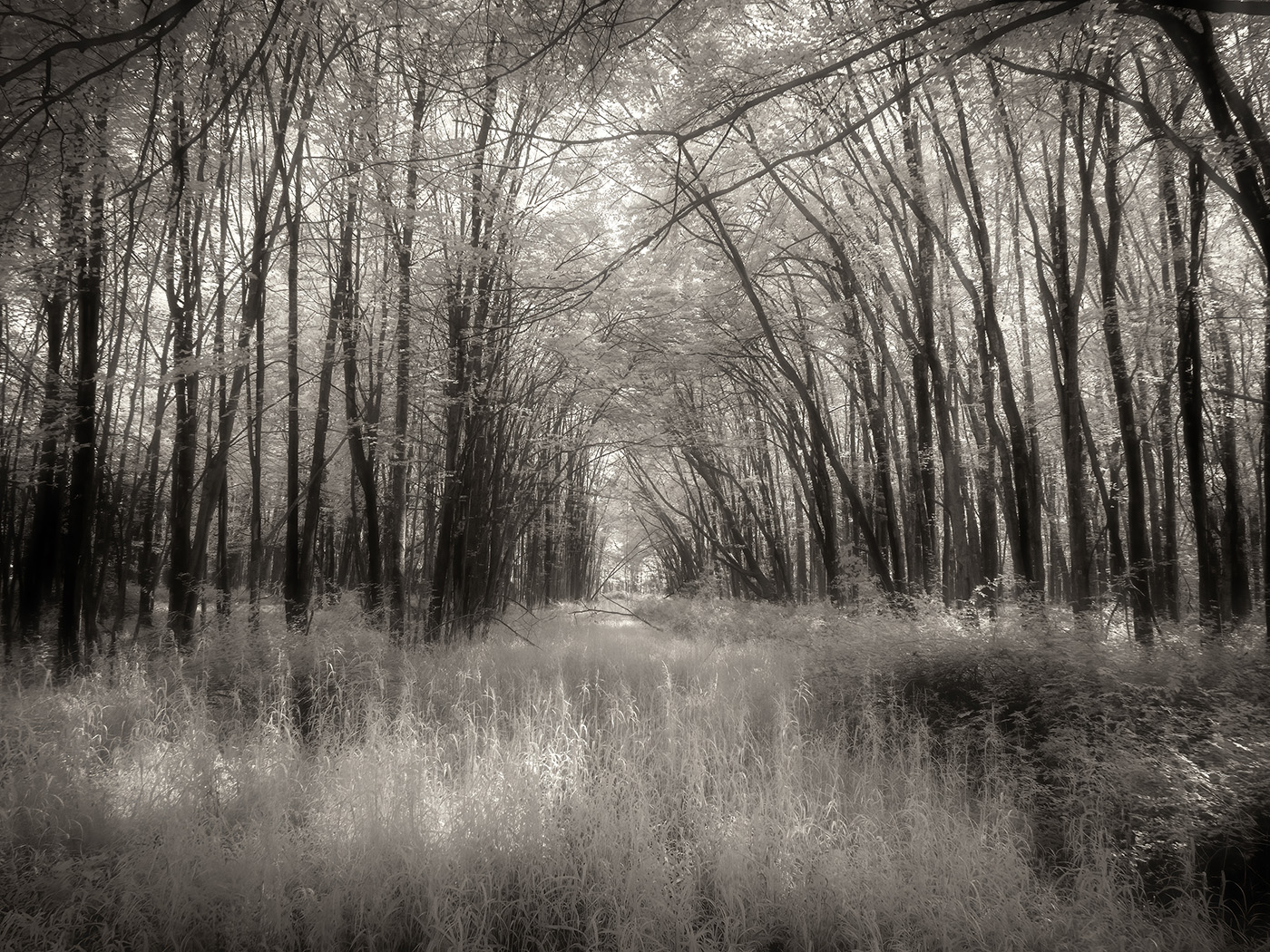
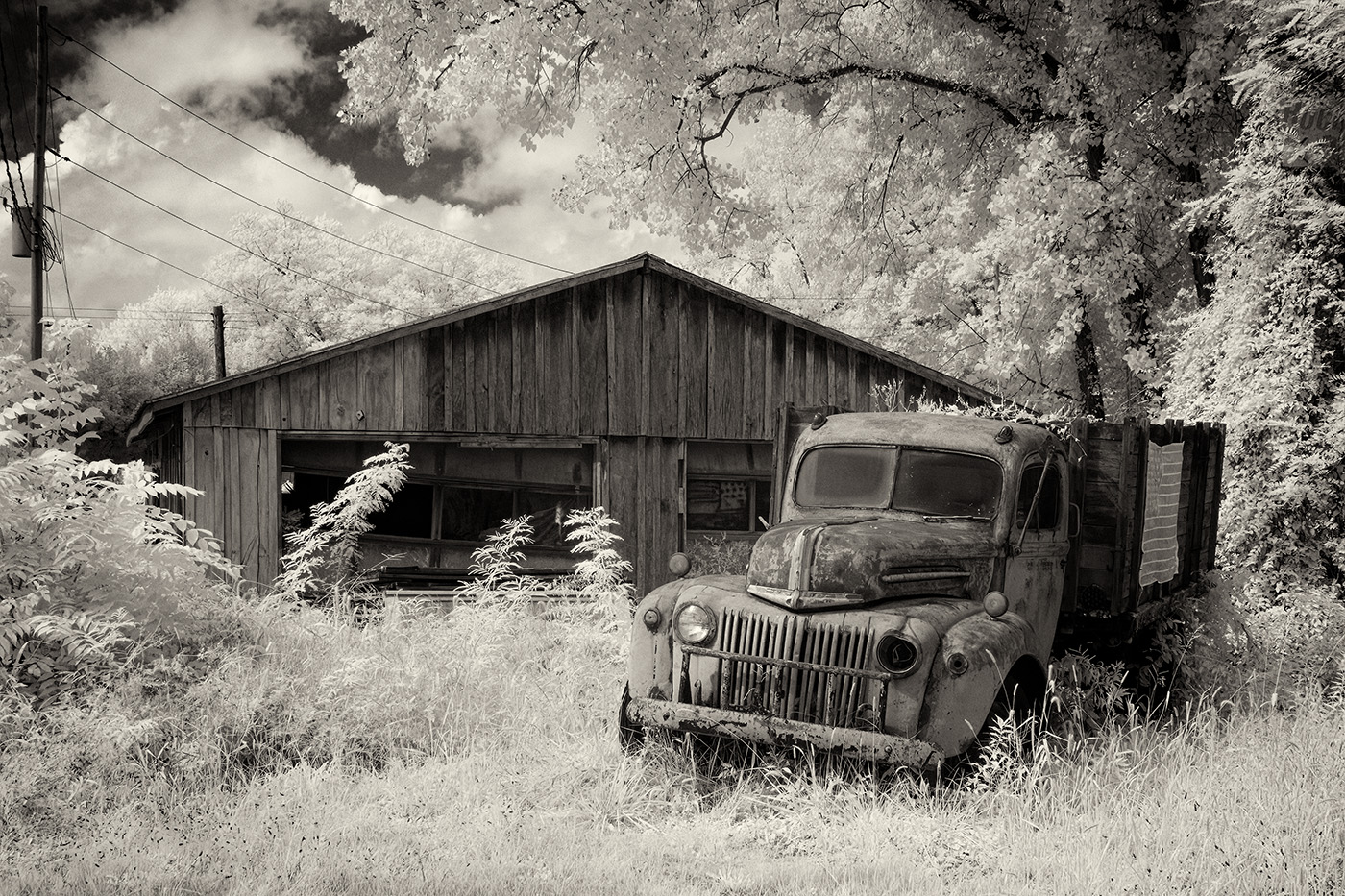
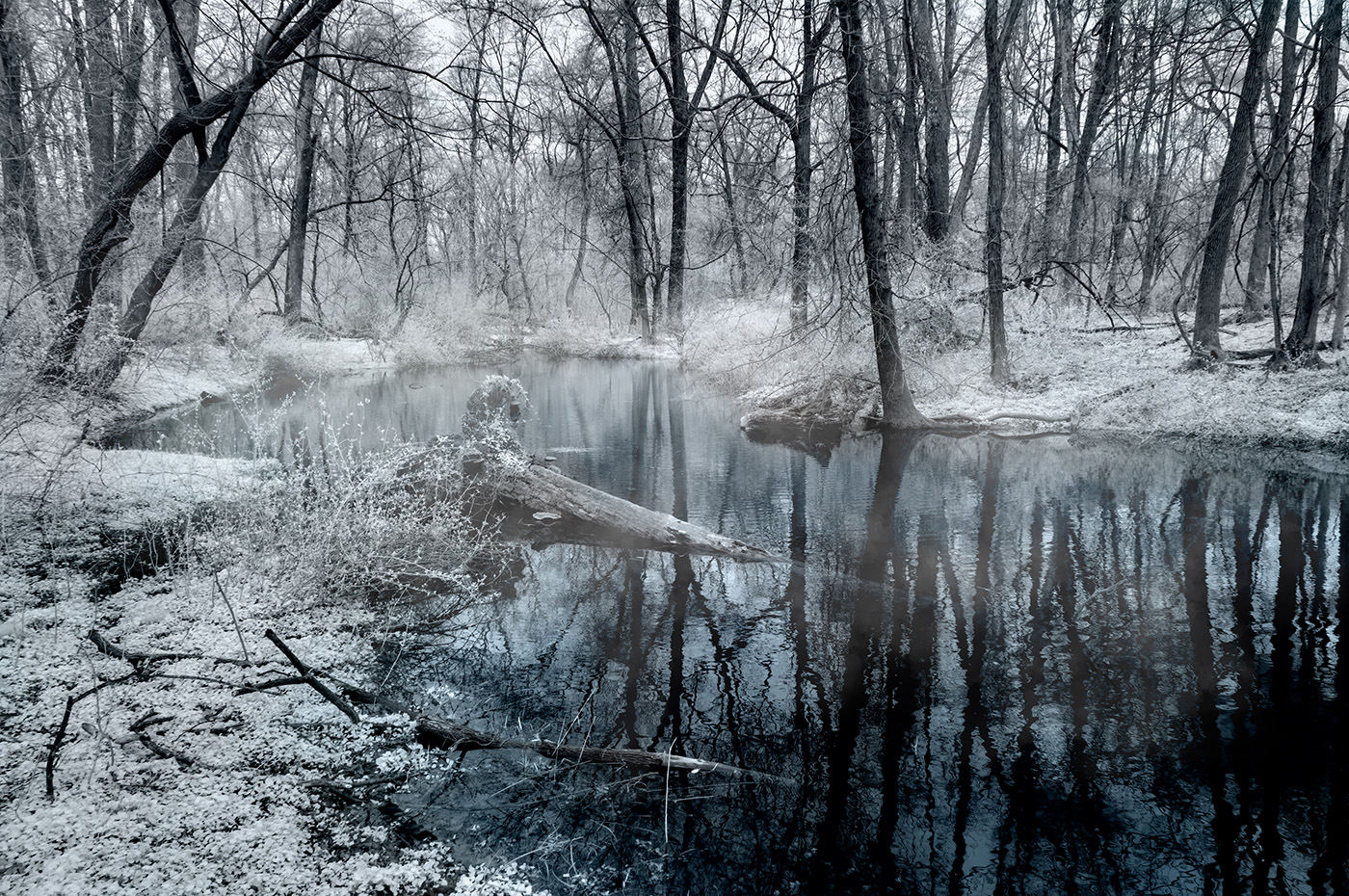
I really like the foreground with the leading path and the beautiful tones. You kept good details, yet the vegetation is close to white. I'm not sure that the sky fits. The light quality and direction don't match the foreground. |
Nov 1st |
| 66 |
Nov 23 |
Comment |
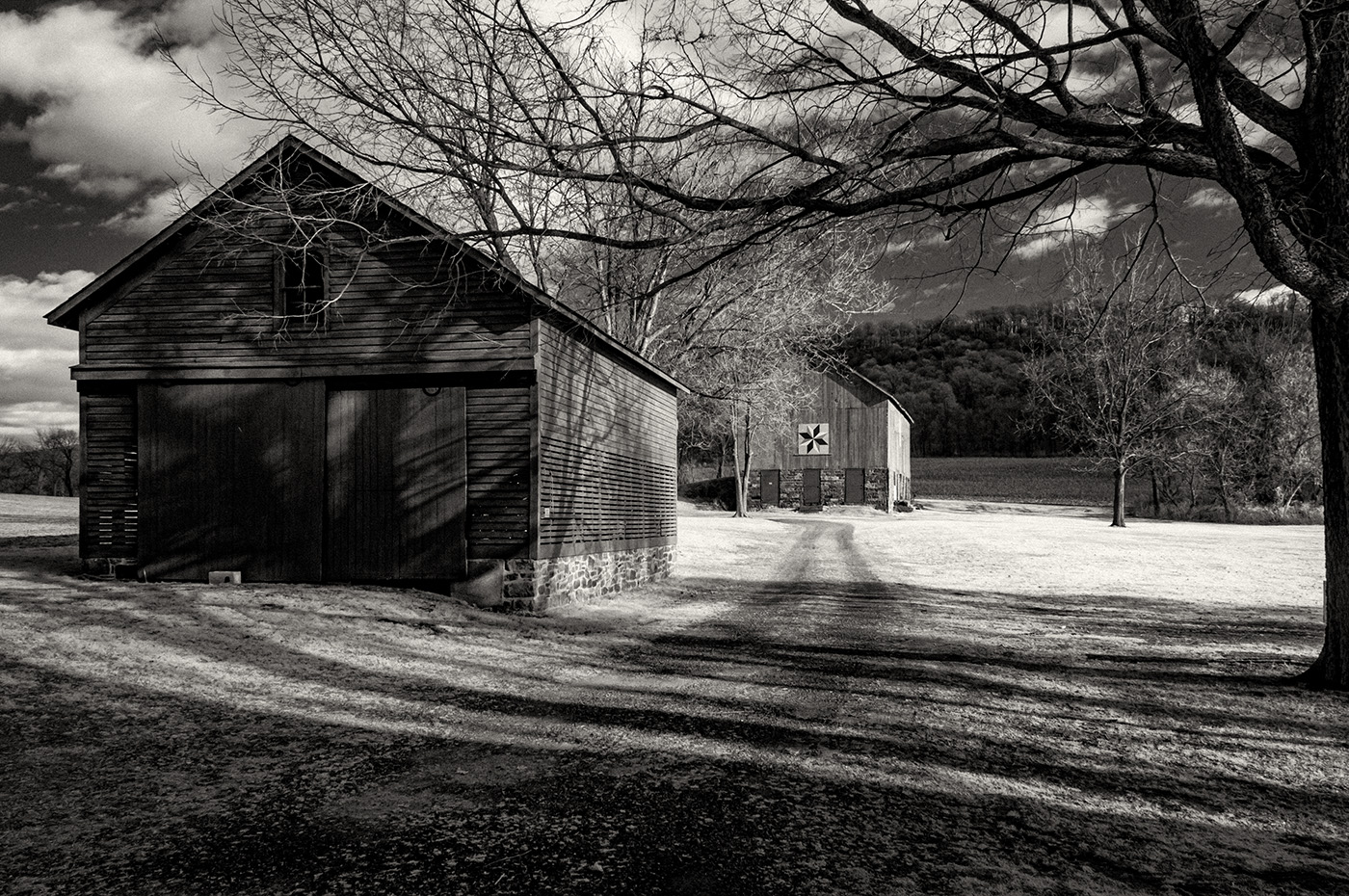
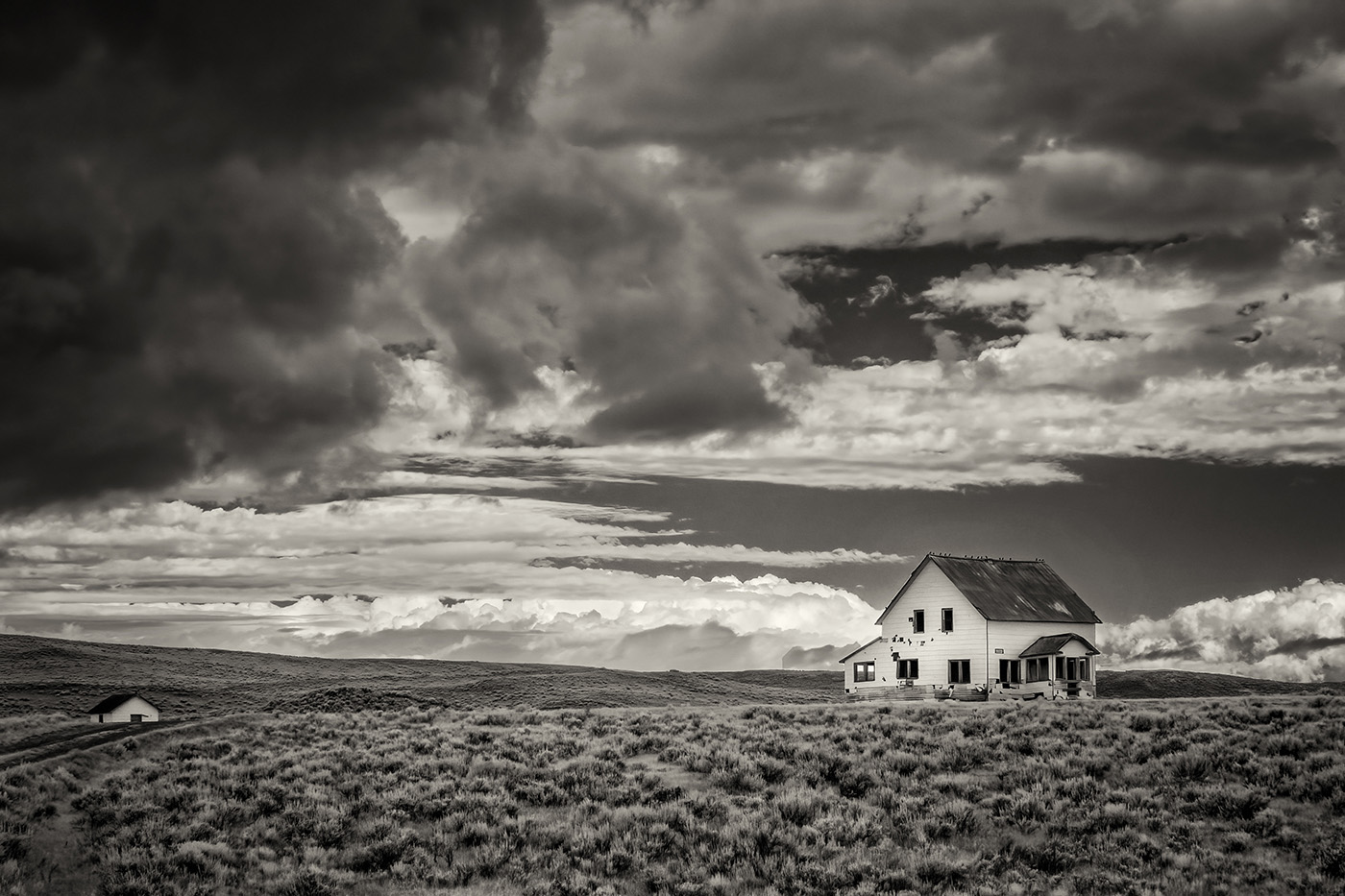
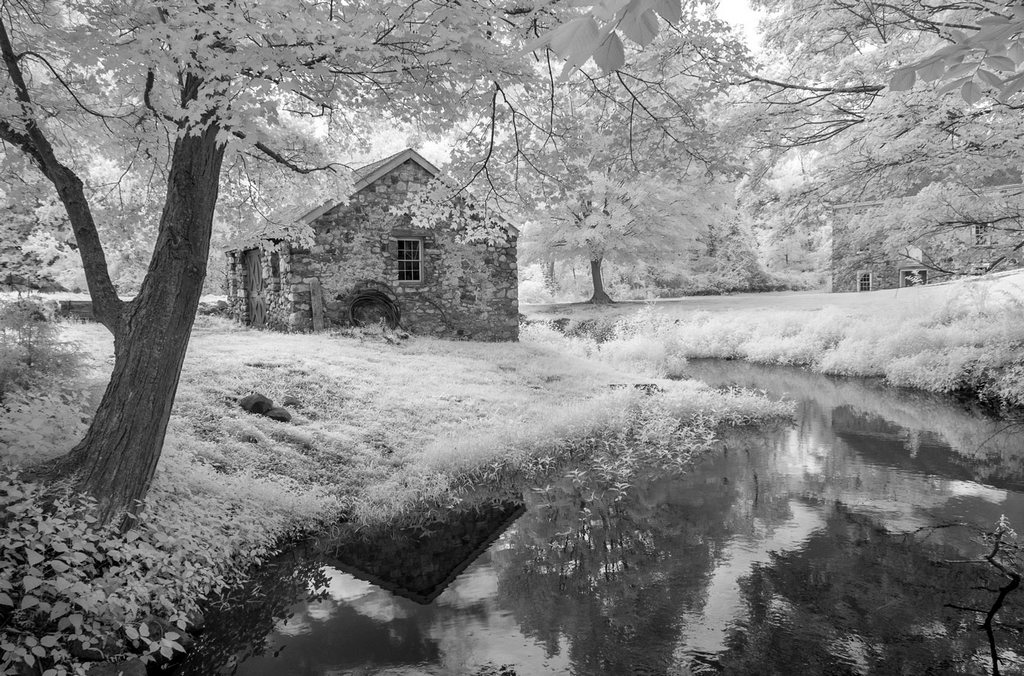
Nice scene with a good leading path and interesting clouds. Some of the highlights appear washed out. I suspect that you can recover them when you process it on the computer. |
Nov 1st |
| 66 |
Nov 23 |
Comment |
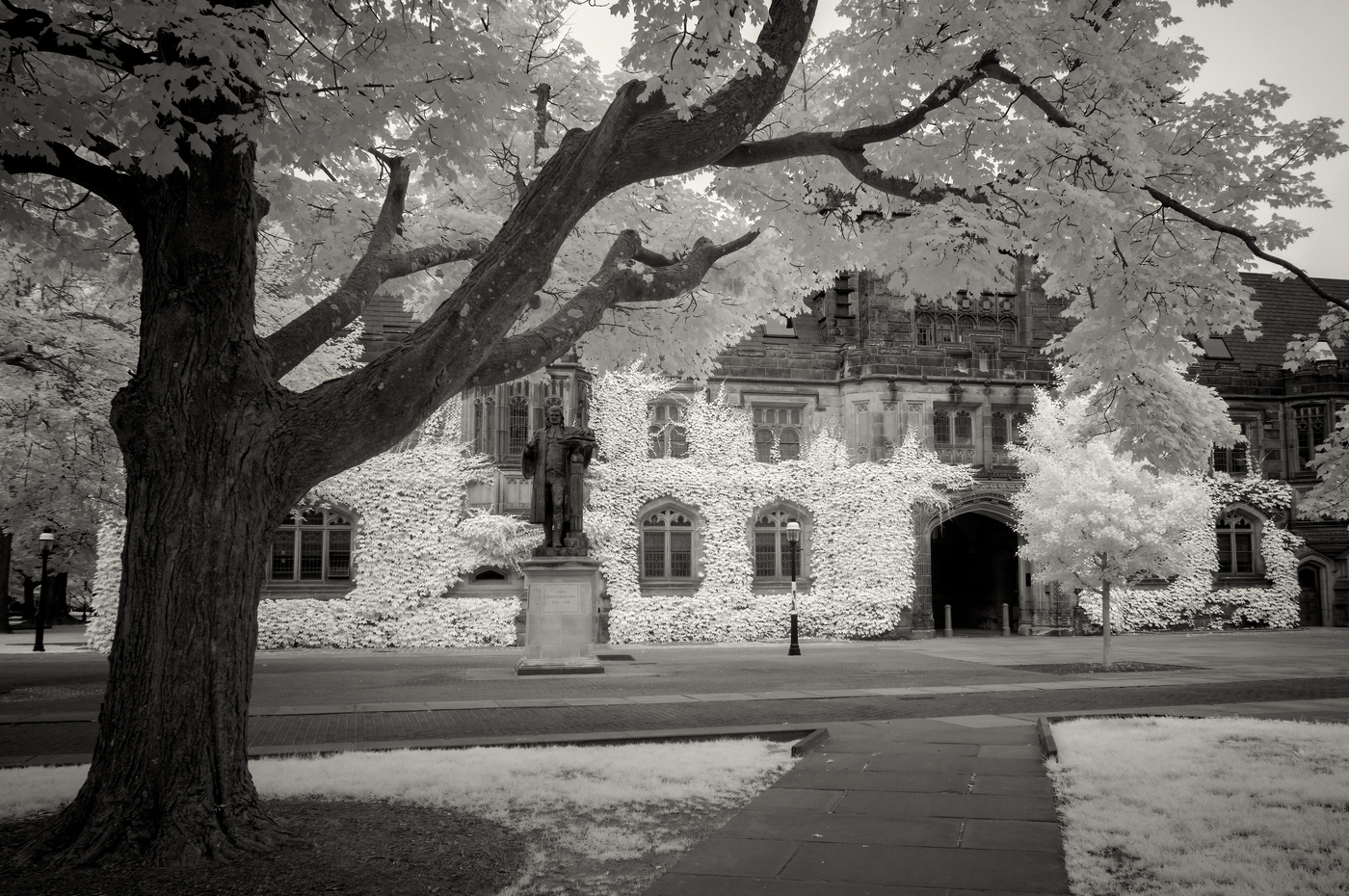
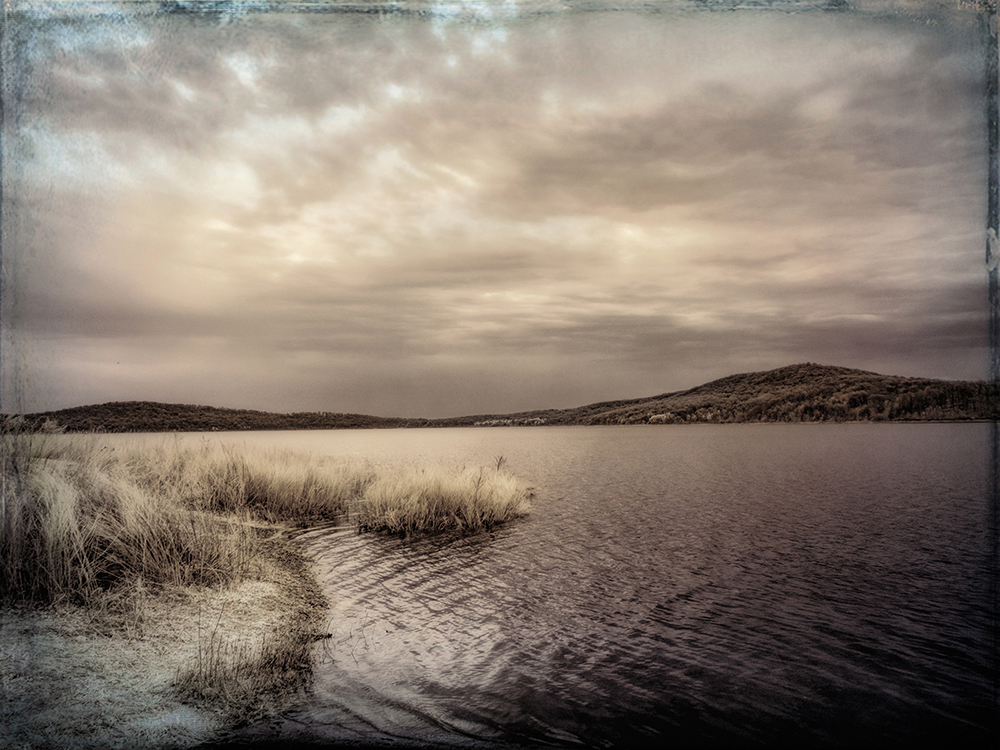
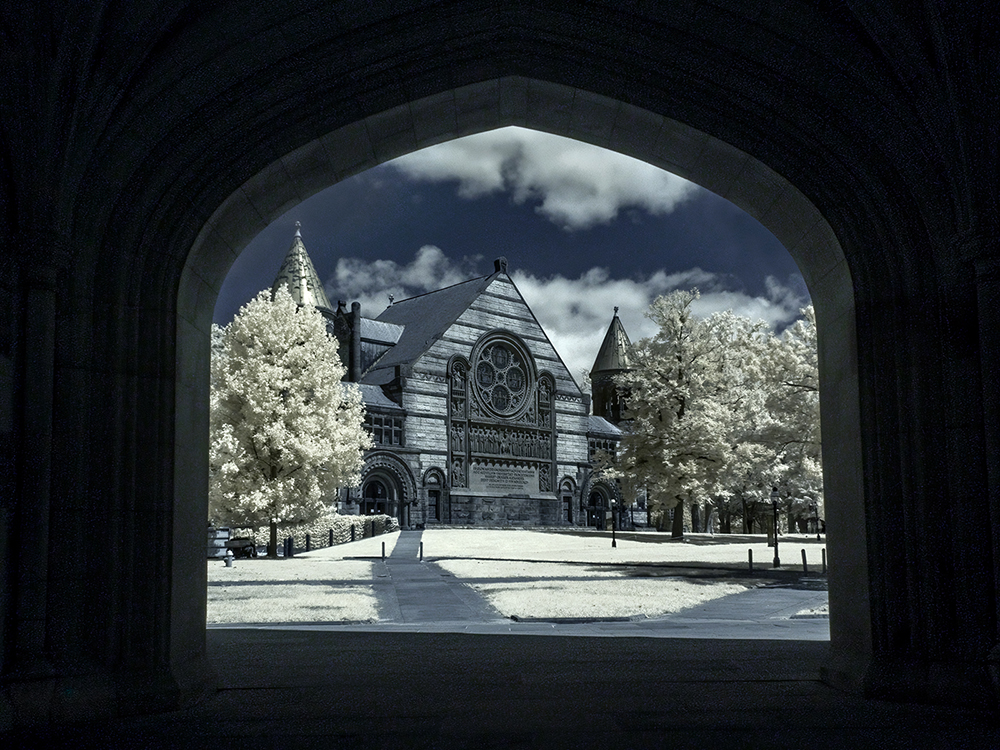
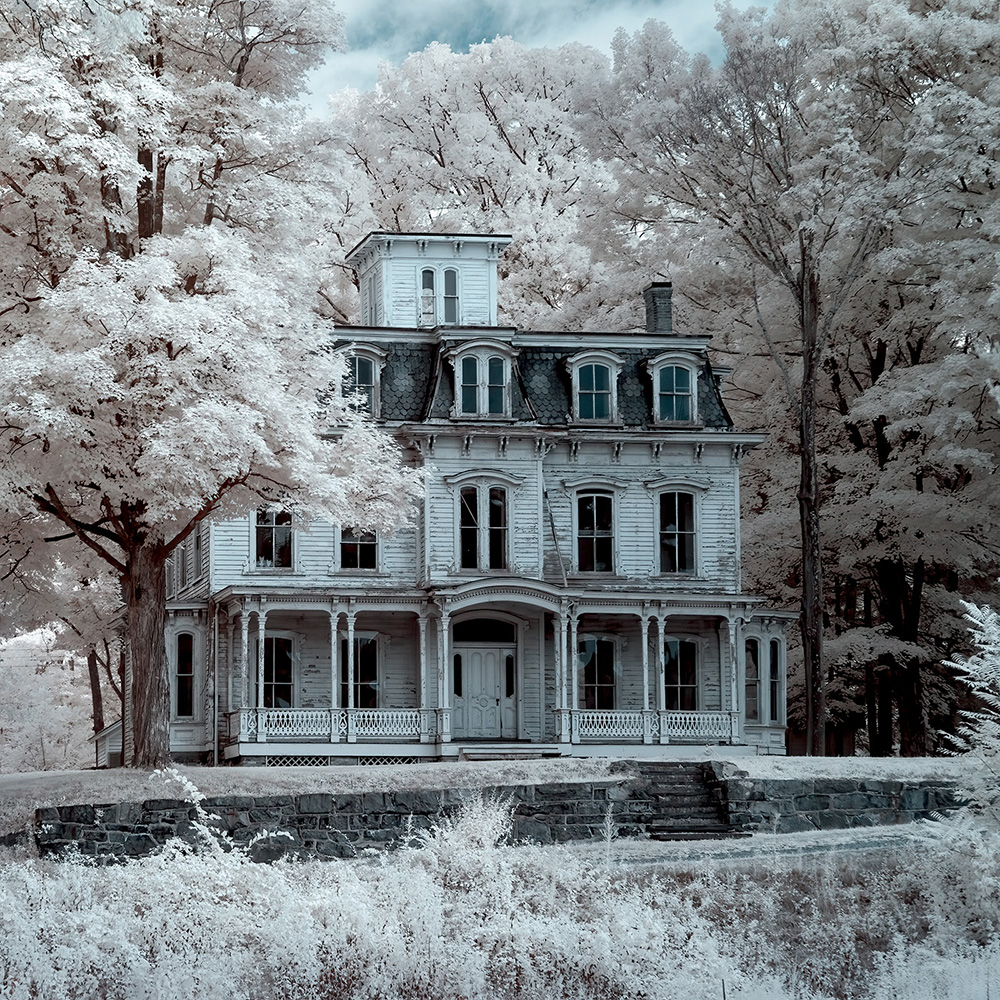
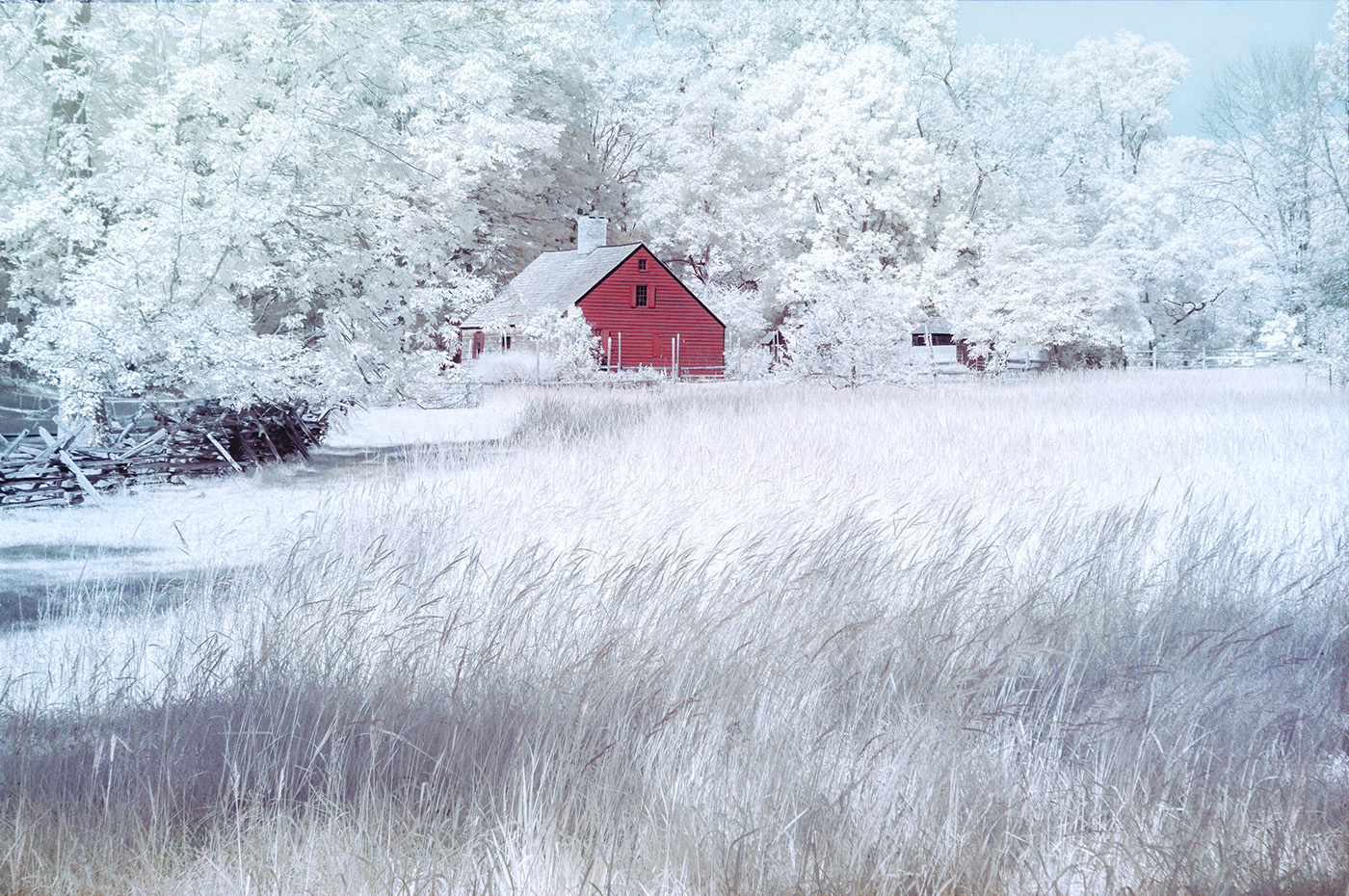
The composition and tones are nice. The scene is beautiful and is great for IR. I would reduce the intensity of the vignette and remove the Tonal Contrast effect from the sky. It created some texture in the sky. |
Nov 1st |
6 comments - 9 replies for Group 66
|
6 comments - 9 replies Total
|