|
| Group |
Round |
C/R |
Comment |
Date |
Image |
| 66 |
Jun 23 |
Reply |
Thank you, Charles.
|
Jun 15th |
| 66 |
Jun 23 |
Reply |
Thanks, Pali. |
Jun 15th |
| 66 |
Jun 23 |
Reply |
Thank you, Henry.
|
Jun 15th |
| 66 |
Jun 23 |
Reply |
Glad it worked out.
|
Jun 15th |
| 66 |
Jun 23 |
Reply |
Thank you, Emil. |
Jun 6th |
| 66 |
Jun 23 |
Reply |
Thank you, Jack. |
Jun 4th |
| 66 |
Jun 23 |
Reply |
Thank you, Melanie. |
Jun 4th |
| 66 |
Jun 23 |
Reply |
Thank you, Palli.
|
Jun 4th |
| 66 |
Jun 23 |
Reply |
Thank you, Gary. |
Jun 4th |
| 66 |
Jun 23 |
Reply |
Blending modes are very useful when used with various brushes or layers. I often use the clone tool in Darken or Lighten blending modes to reduce the appearance of skin problems. Certain adjustment layers, such as Levels and Curves, work better when set to Luminosity blend mode. They don't modify colors, only luminosity, which is what we want. Using the clone brush in Darken mode also makes it easy to clone sky over white halo around trees and buildings. Usually, it doesn't affect the trees or buildings that are darker than the sky.
When you use the Burn tool to make something darker, it usually makes it gray. Then, I use the brush in color mode to bring the color back in. I sample the color from an area near the gray where the original color still exists. |
Jun 1st |
| 66 |
Jun 23 |
Comment |
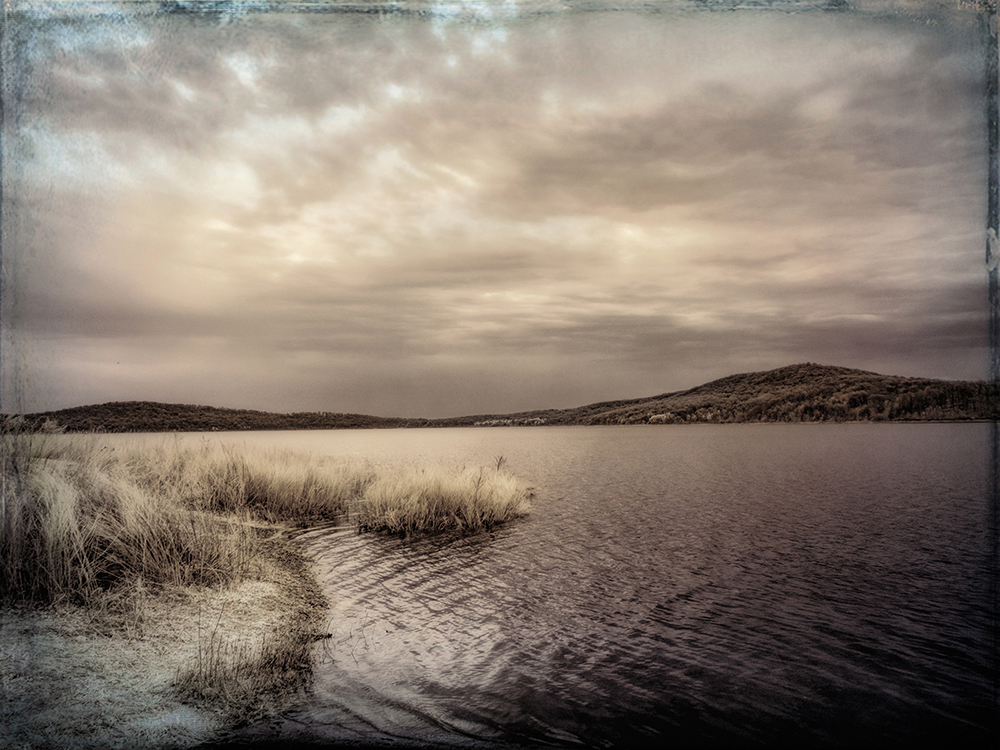
Beautiful scene and picture. The clouds, IR, and post processing made it your work, not just another snapshot from a common vantage point. Nicely done. The IR made the grass white and created a nice path to the lighthouse. I started using the new remove tool more than the spot healing brush. It's amazing. |
Jun 1st |
| 66 |
Jun 23 |
Comment |
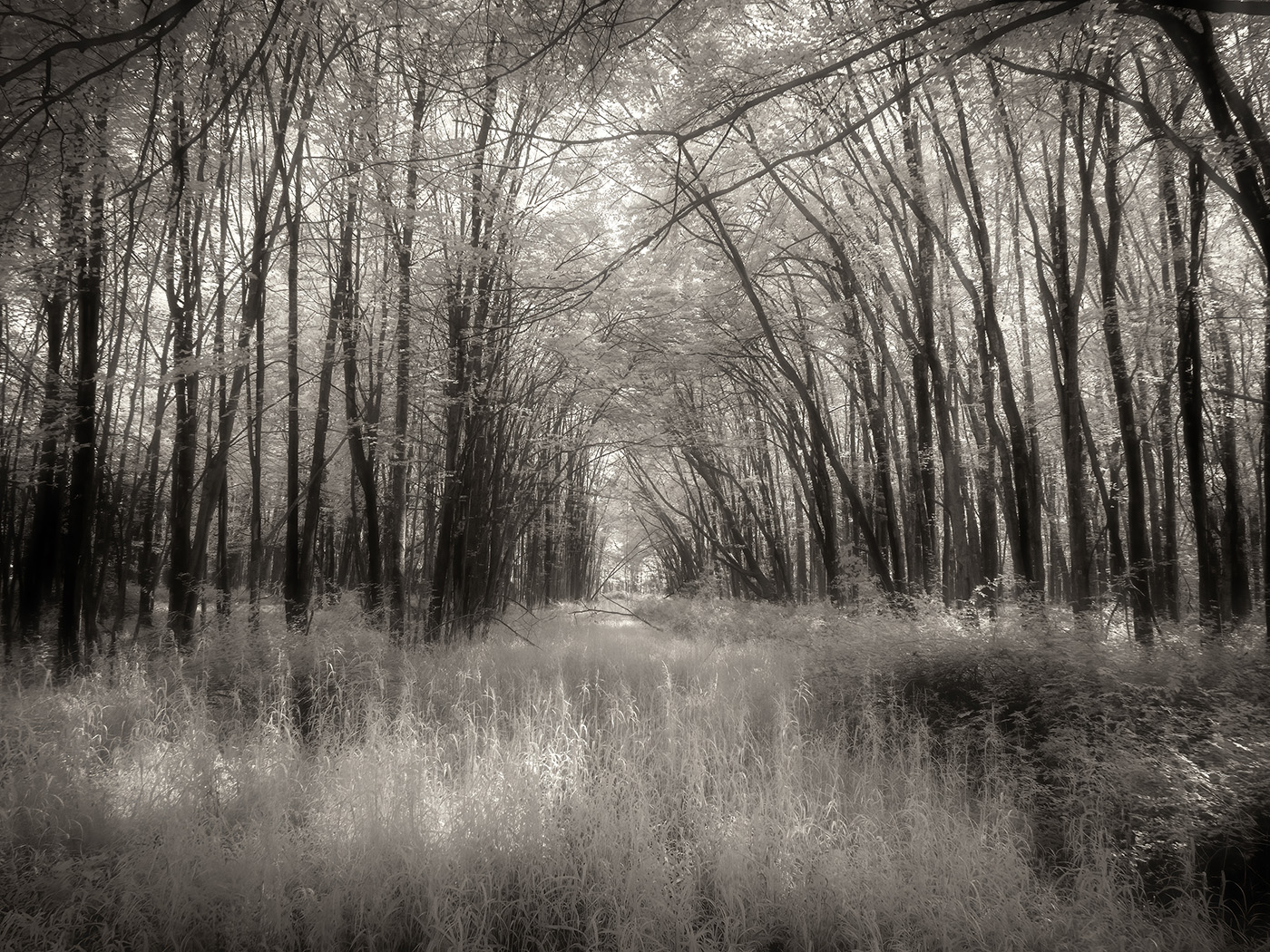
Interesting scene and picture. You were able to recover details in the shadows and made the picture work in spite of the light coming from the right. The picture has nice shapes and textures and interest created by the light and shadow play. |
Jun 1st |
| 66 |
Jun 23 |
Comment |
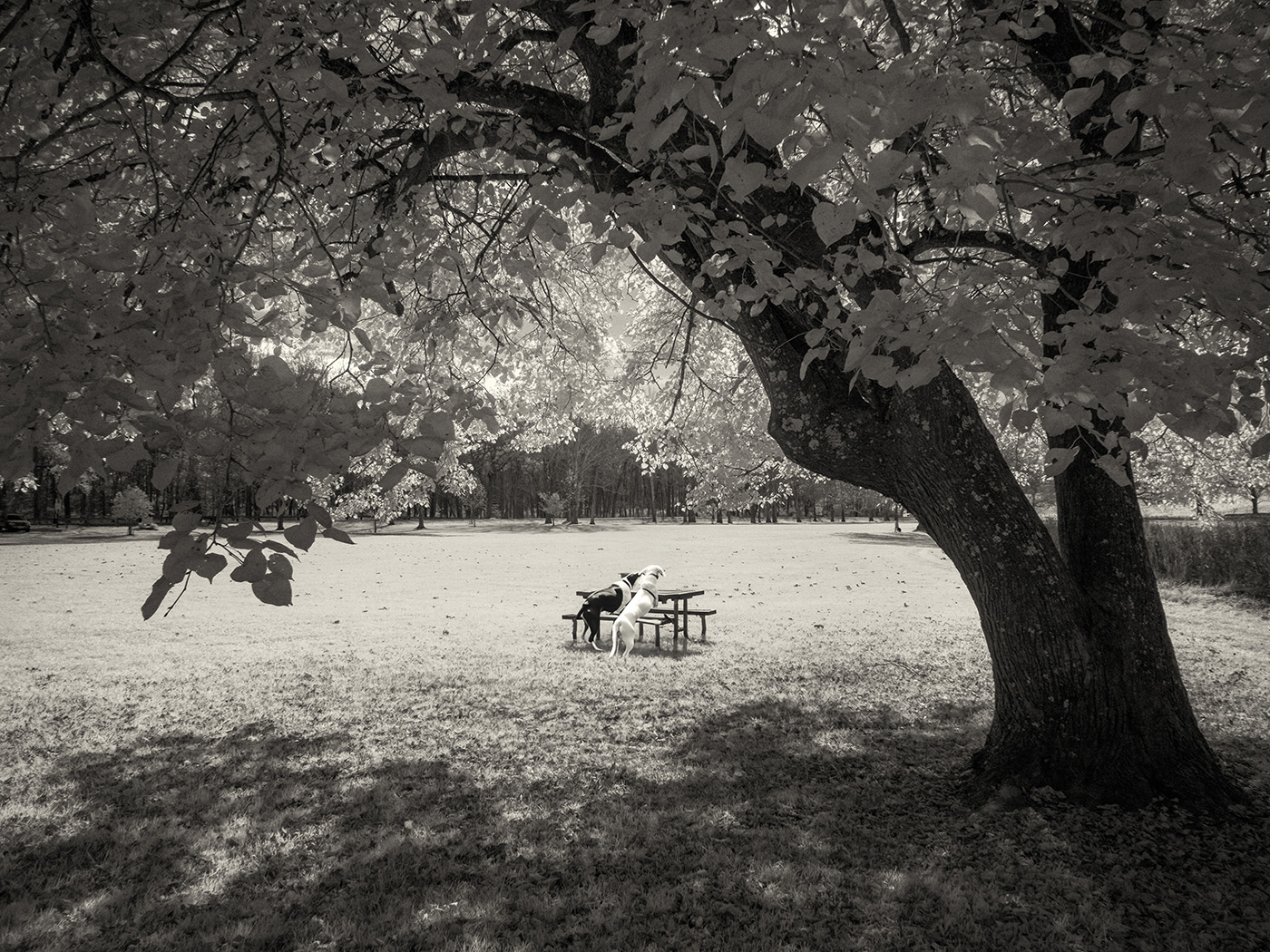
Did you leave the check for the bird to pay? Obviously, you didn't have much time to move around and get an angled view of the bird's head. Still, nice story-telling capture and good handling.
|
Jun 1st |
| 66 |
Jun 23 |
Comment |
Nicely done. Selective coloring doesn't always work, but here it makes the picture stronger. I'm not sure why you cut off the bottom of the main flag, but maybe you wanted to avoid too much empty grass in the lower part of the frame.
I usually change my brush blending mode from Normal to Color when I want to color a subject without modified the texture. |
Jun 1st |
| 66 |
Jun 23 |
Comment |
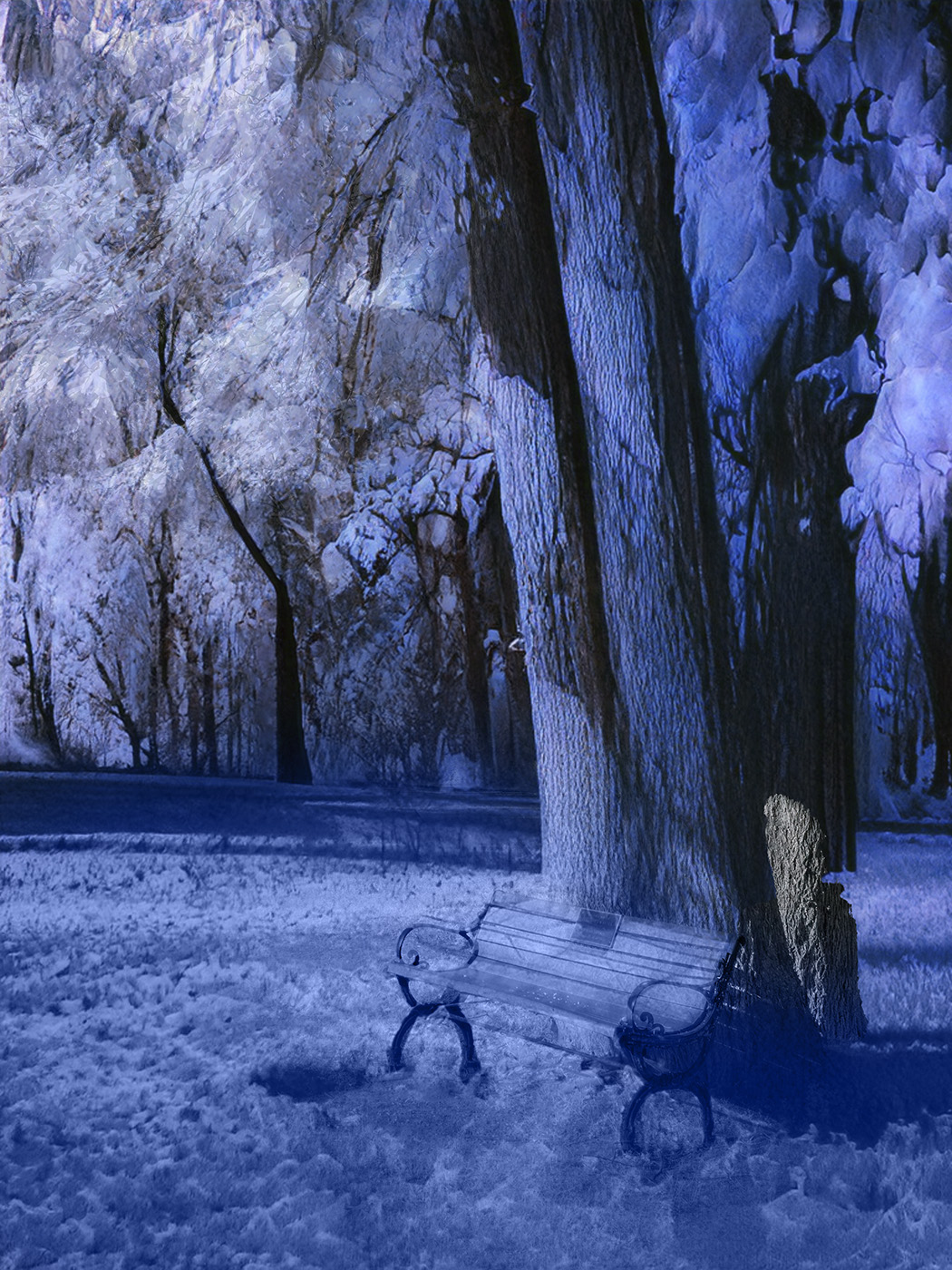
Well, my post this month also have some artificial coloring. Your creativity makes it your own work, not a "me too" picture that follows specific aesthetic rules. I like the scene, composition, and handling. I think that a little more pink would make it stronger. Nice idea and a unique image.
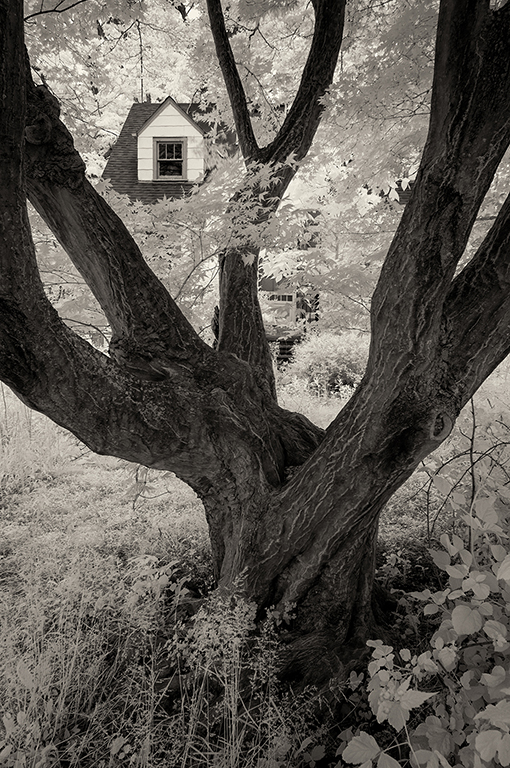
In the last couple of weeks I was out shooting trees in IR for the same reason. I wanted to get some leaves, but still have the branches visible, before the foliage gets too thick.
|
Jun 1st |
| 66 |
Jun 23 |
Comment |
I agree that lily ponds are great for IR. You captured this here in this pictures. I don't mind the trees not competing with the lily pads. They provide a nice background. Maybe the sky could be darkened and not draw as much attention to the cloud formations. Maybe even cropped above the trees. |
Jun 1st |
| 66 |
Jun 23 |
Comment |
You found an interesting place and took advantage of the curved grassy patch to lead the viewer to the main subject. This play with light and shadows worked well because of the IR camera. You created a story-telling picture by standing far in the parking lot and capturing this path of light and shadows. Since Adobe introduced the improved masking tools in ACR and LR, I spend more time making local tonal adjustments to enhance my story and better control the way the viewer sees the image. Here, I would create some highlights on the structure and darken the trees in order to make the structure stand out as the main subject. Still, beautiful picture as presented.
|
Jun 1st |
7 comments - 10 replies for Group 66
|
7 comments - 10 replies Total
|