Activity for User 145 - Dr V G Mohanan Nair - vgmn@yahoo.com

avatar
Avatar

Close this Tab when done


1141 Comments / 242 Replies Posted

  = Current Round   = Previous Round
Group Round C/R Comment Date Image
16 Jul 22 Reply You are welcome. For own image we normally forget to think out of box.(I forget frequently) Jul 24th
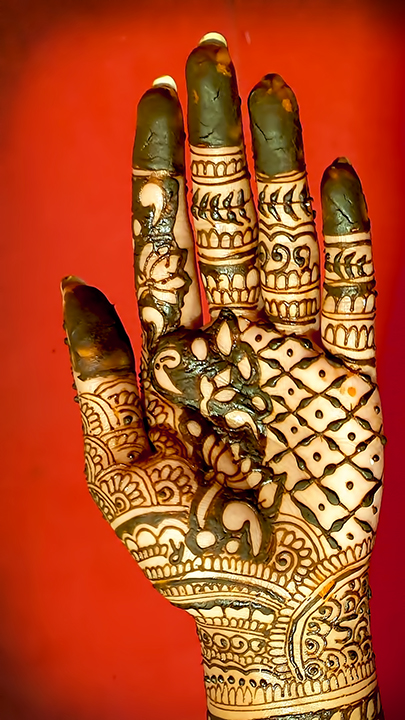
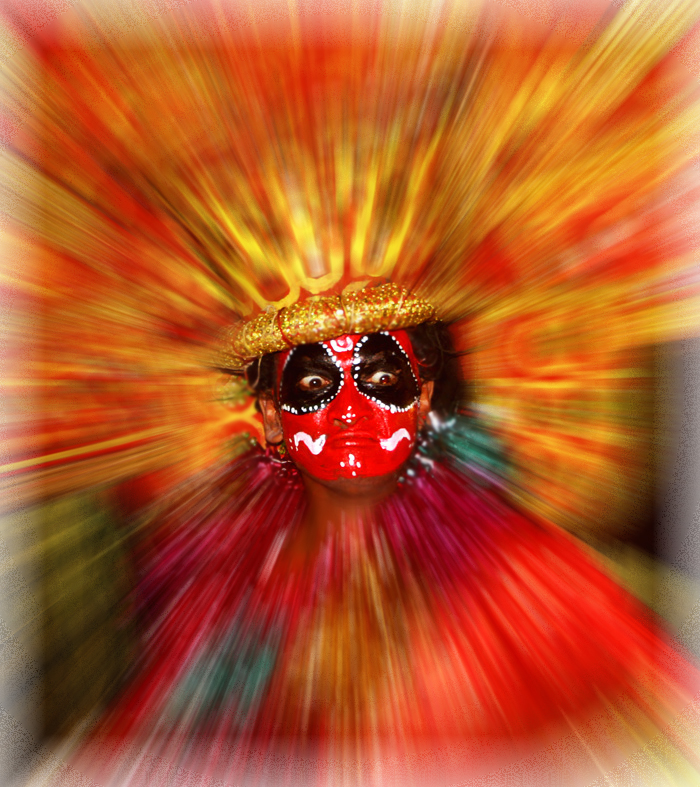
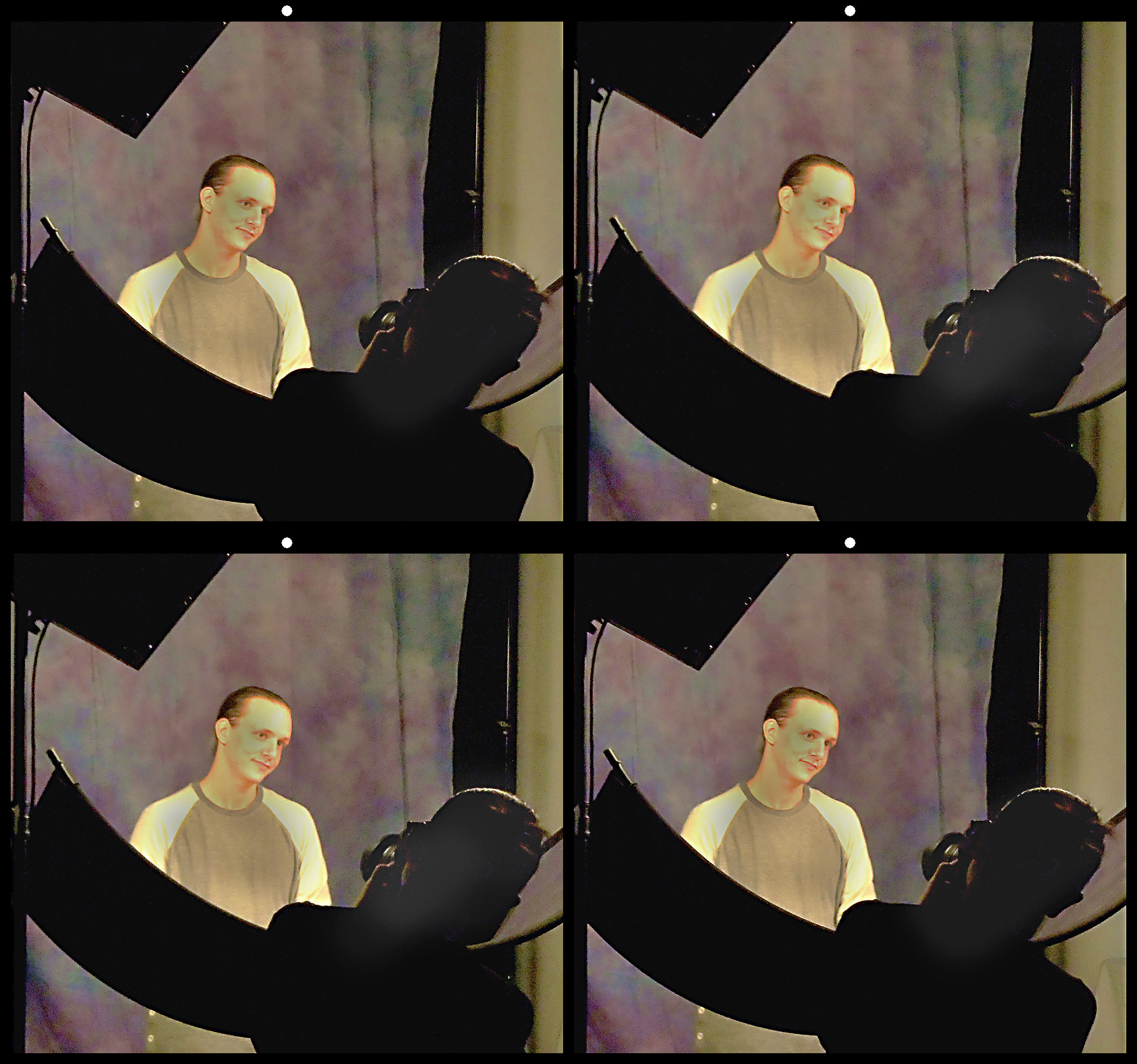
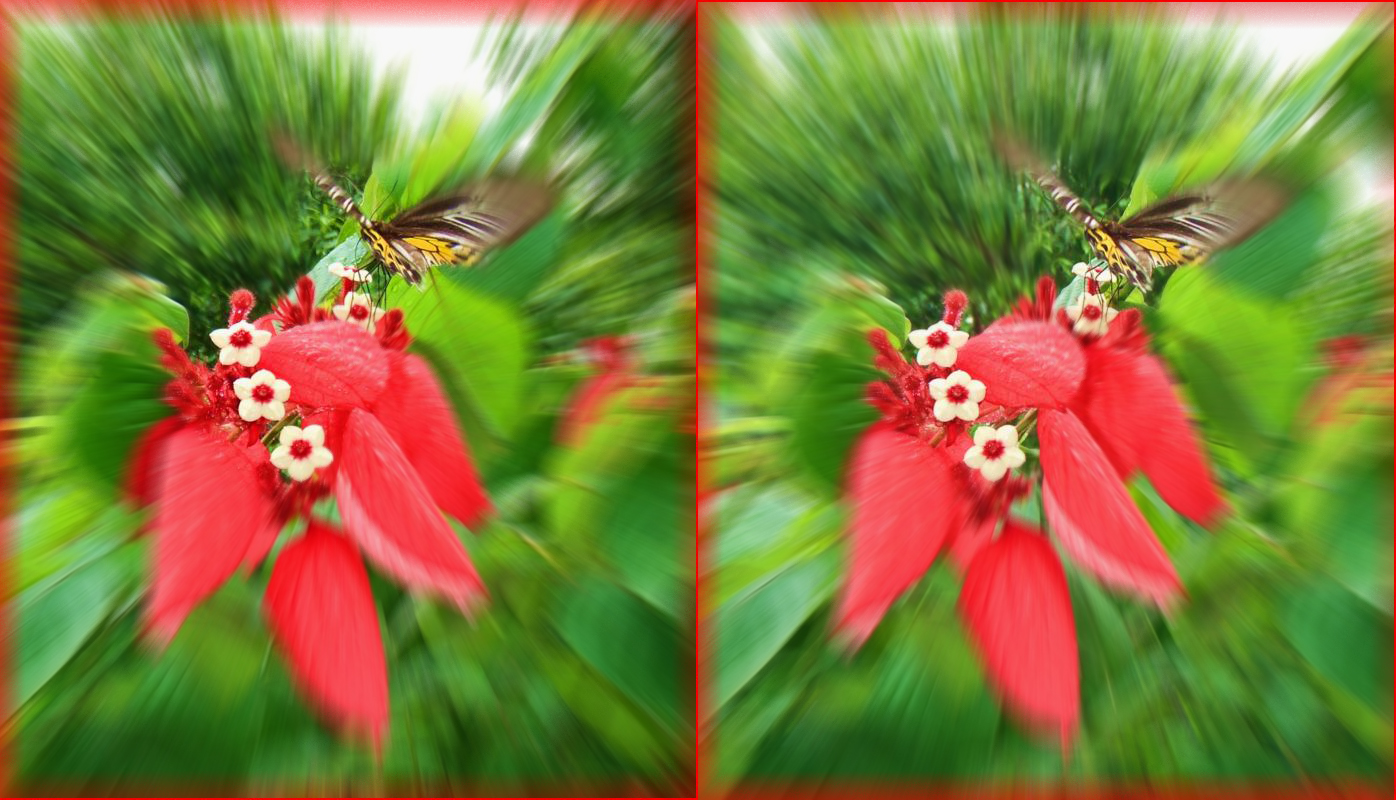
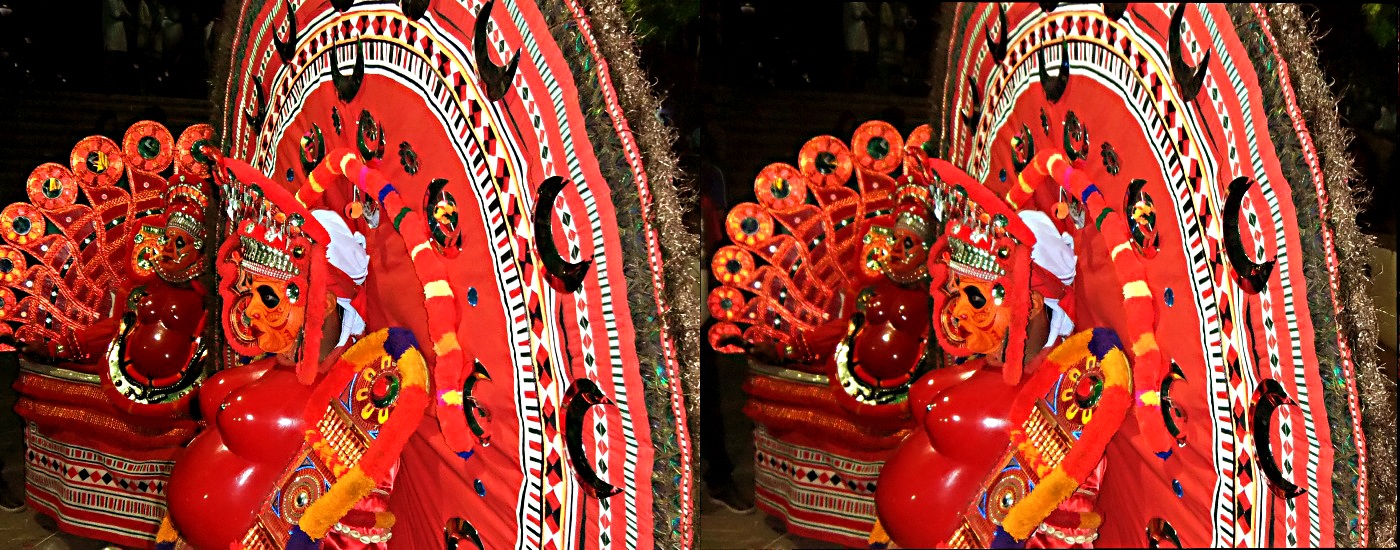
16 Jul 22 Comment Excellent photo. I liked your post processing. The image is sharp and has nice lighting. The background and vignette add to the image. Well done
Jul 20th
16 Jul 22 Comment Excellent shot. I liked the way you framed the church with cherry blossoms. The image is sharp with good lighting and colors. I would trim 1/5th portion from the top and a little from right side to make it more landscape. Nice work. Jul 15th
16 Jul 22 Comment Excellent action shot. I liked the details of the falling water. Yes, there was a choice of blurred rotor blades or the details of the falling water. The composition looks good and the image is sharp enough to give all details. Well done. Jul 15th
16 Jul 22 Comment A good image of Pelican in flight. Your original image is dark and you have tried to correct it to a great extend. This resulted in lack of sharpness. May be a little level adjustment is required. Otherwise everything looks good. Jul 15th
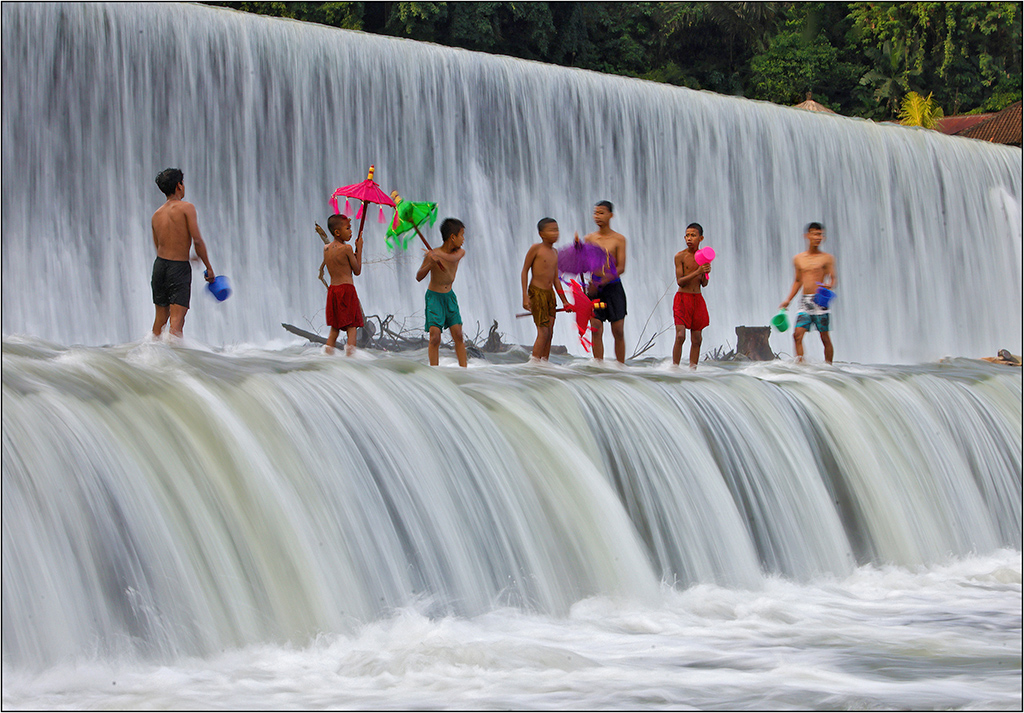
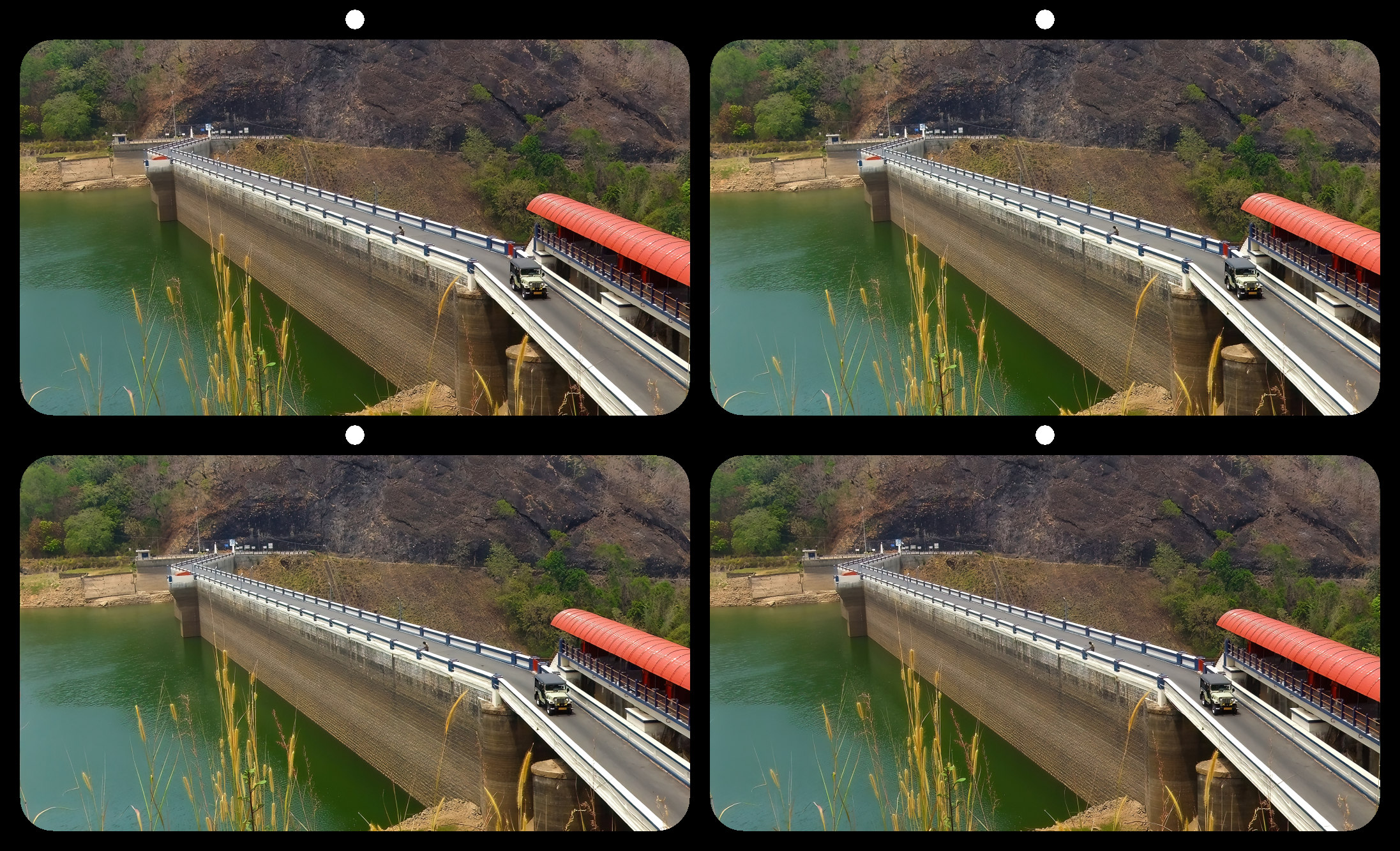
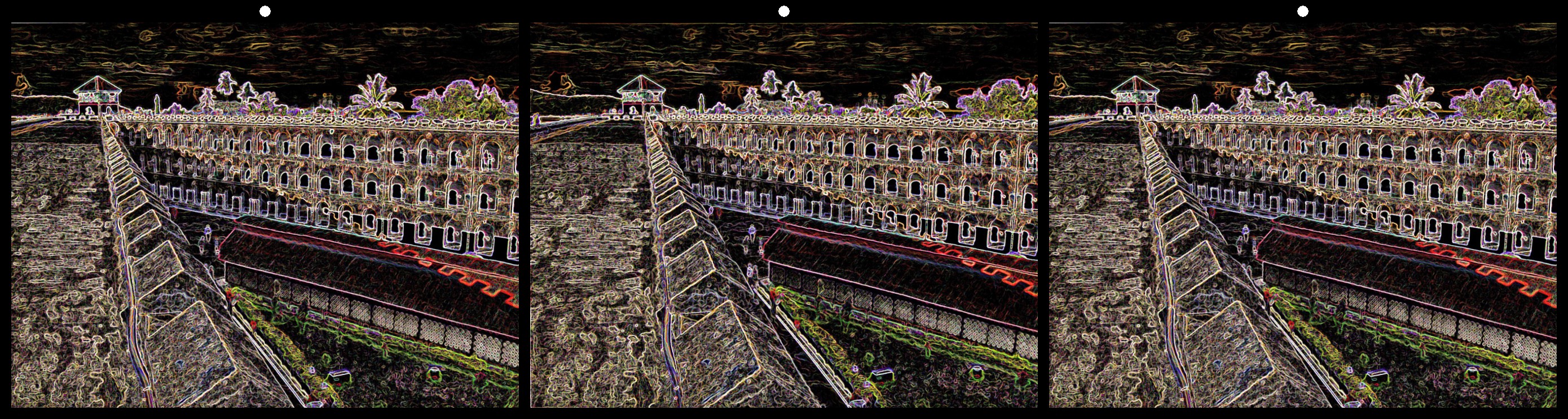
16 Jul 22 Comment Nice shot. Your post processing looks good to me. The image is sharp. I think, the lighting adjustment needs a selective approach. May be a vignette may correct it. To me, my eyes mainly fall on the lower left side structures due to bright line in that area rather than the man on the rim of the dam. I just tried a quick correction with vignette and a little burning of the lower portion. The resulting image is given below. I too agree that it may be a good source for B/W image as Terry has pointed out. But, to me, she has over processed it. Jul 15th
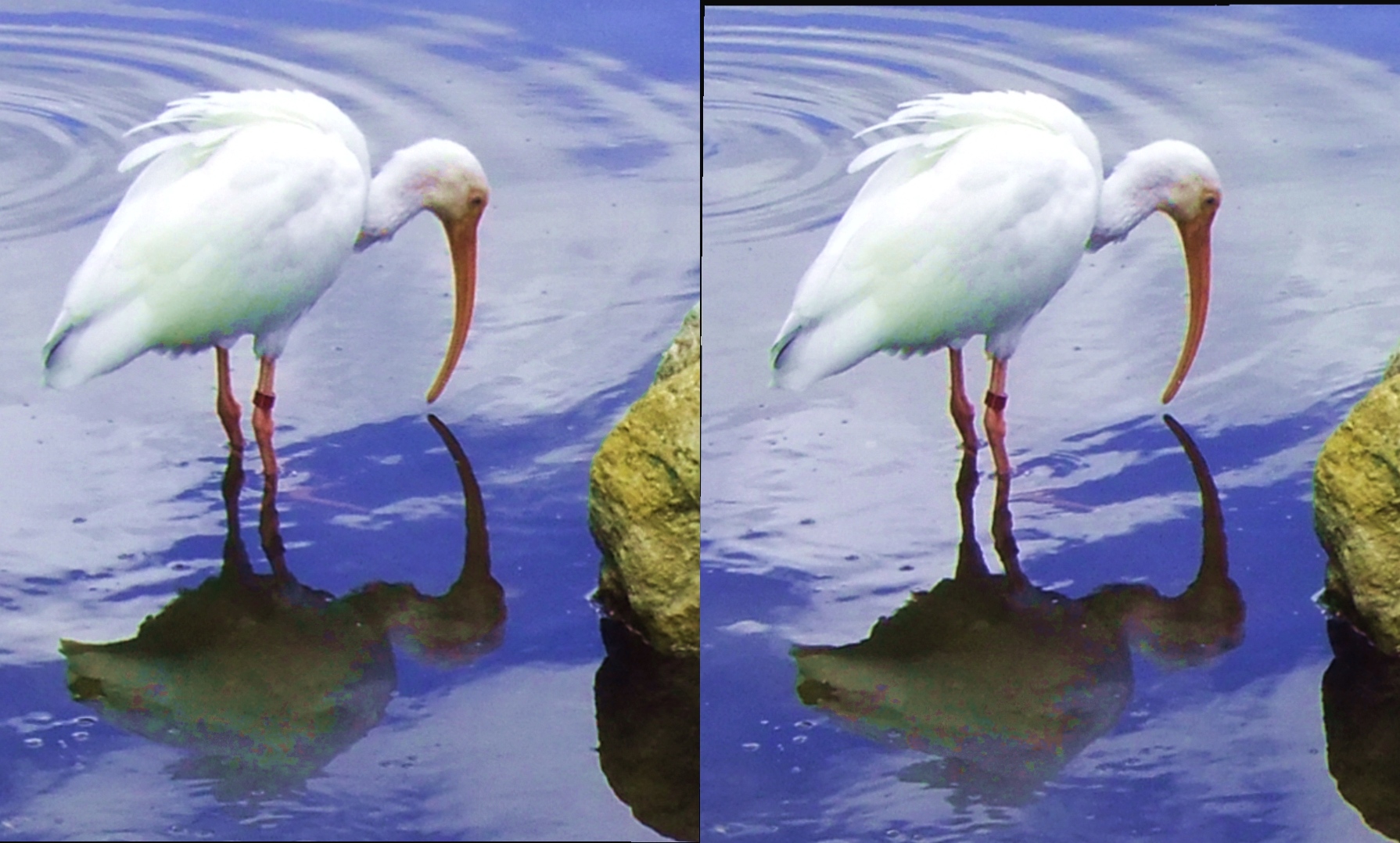
16 Jul 22 Comment Good shot of bird about to fly. A little lower angle of the camera would have placed the beak and catch in front of the water. Better luck next time!!! Your image is sharp and has good lighting. When I enlarge the image to 400%, the lack of shadow of the bird near the oyster bed near the left leg and the shape of the leg give an impression of a composite picture. Jul 15th
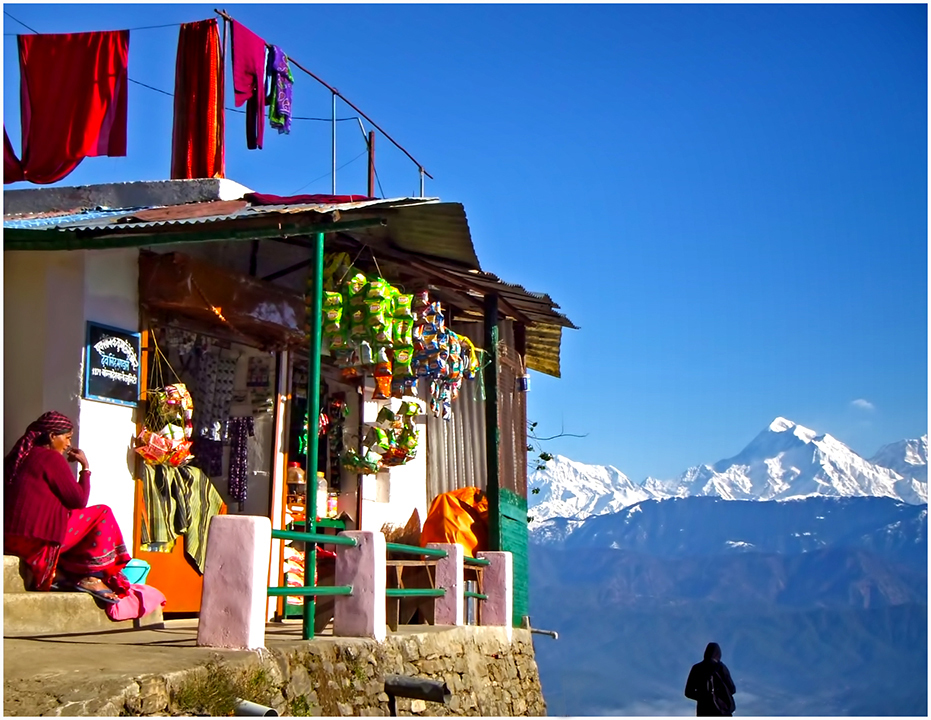
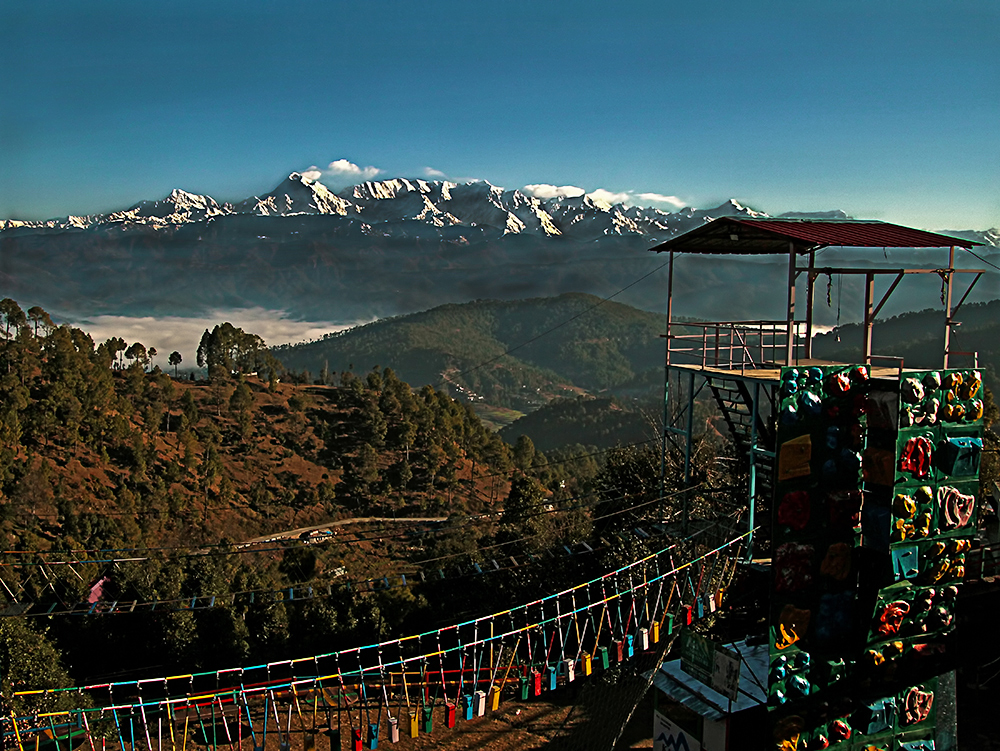
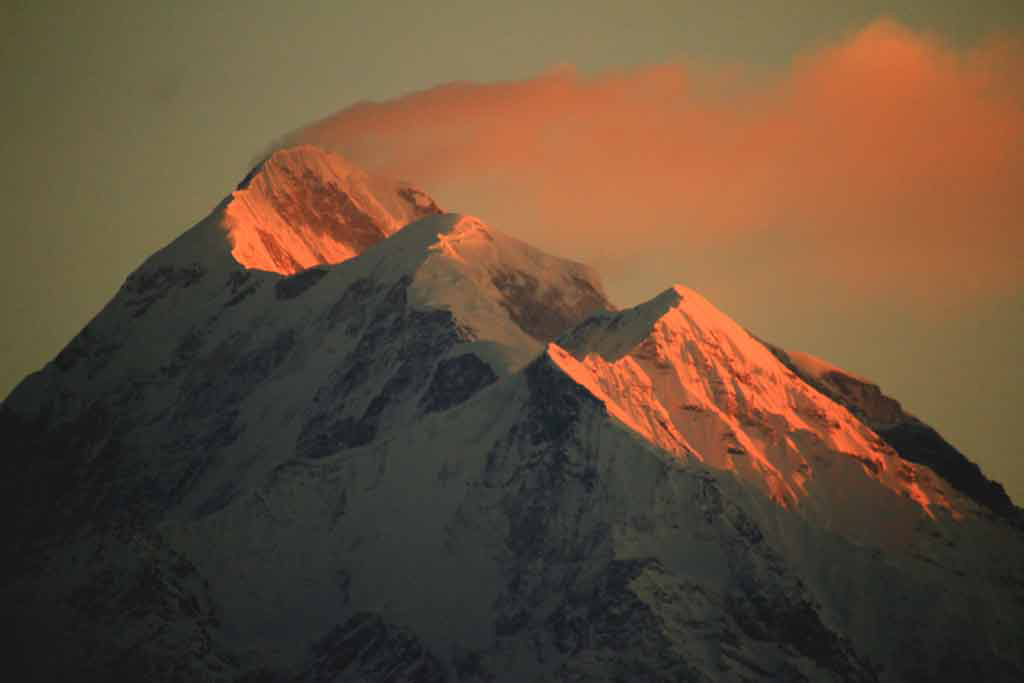
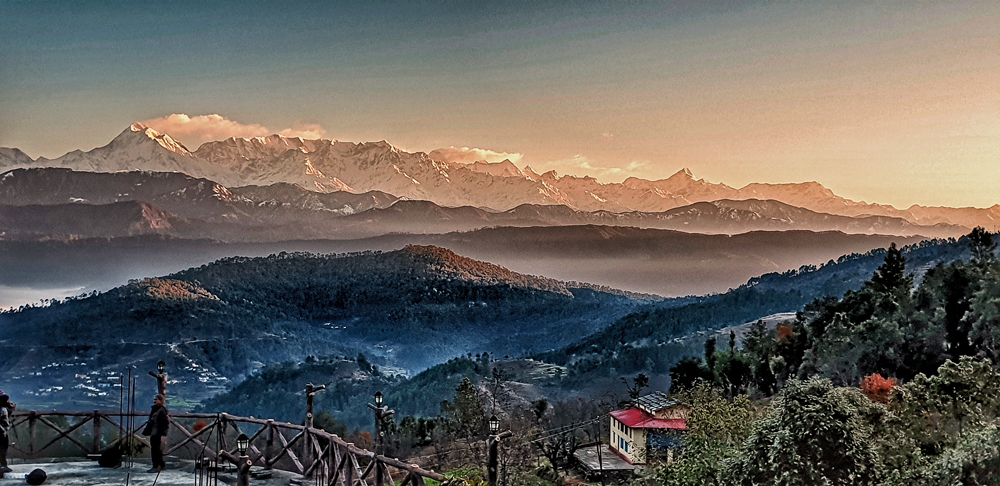
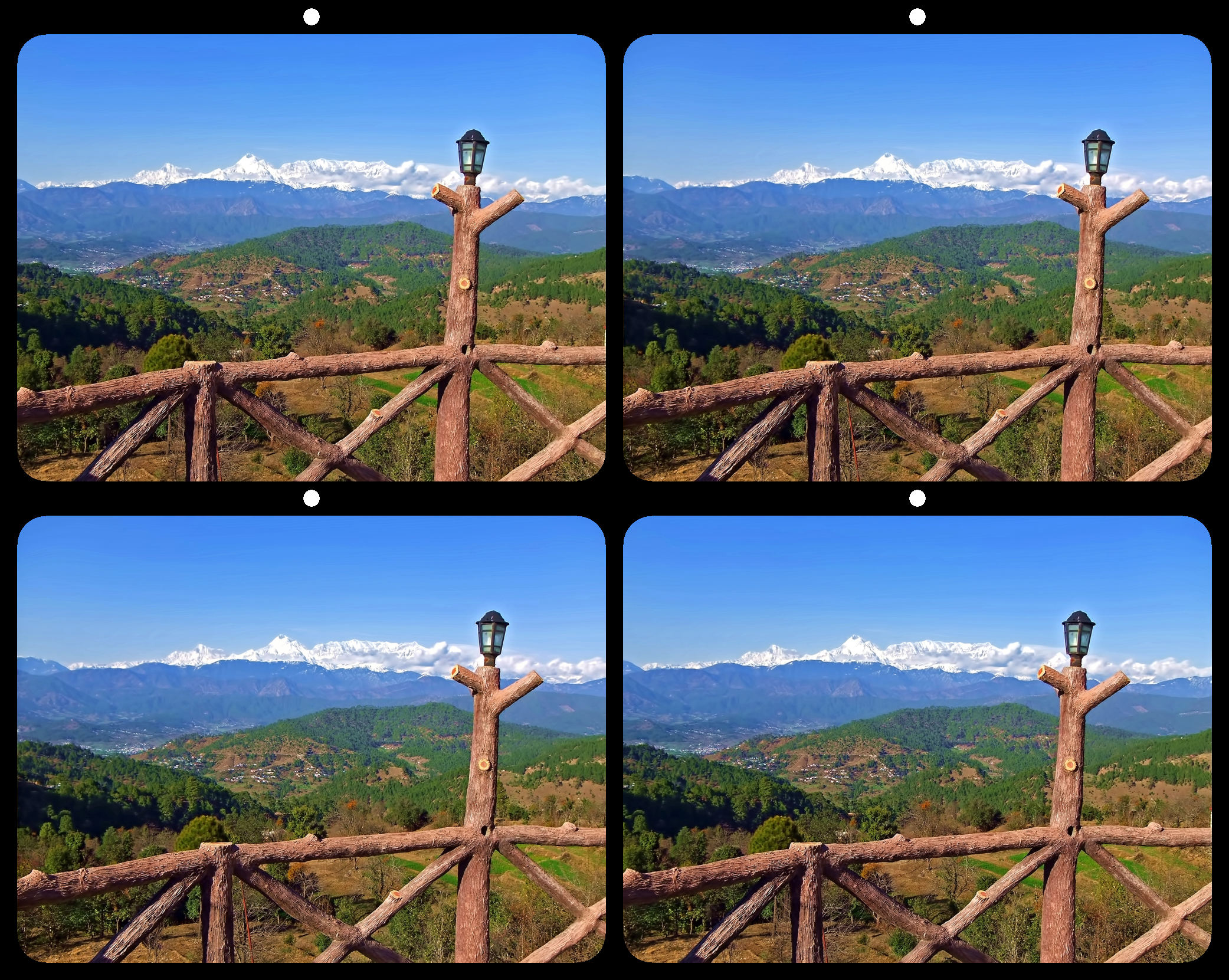
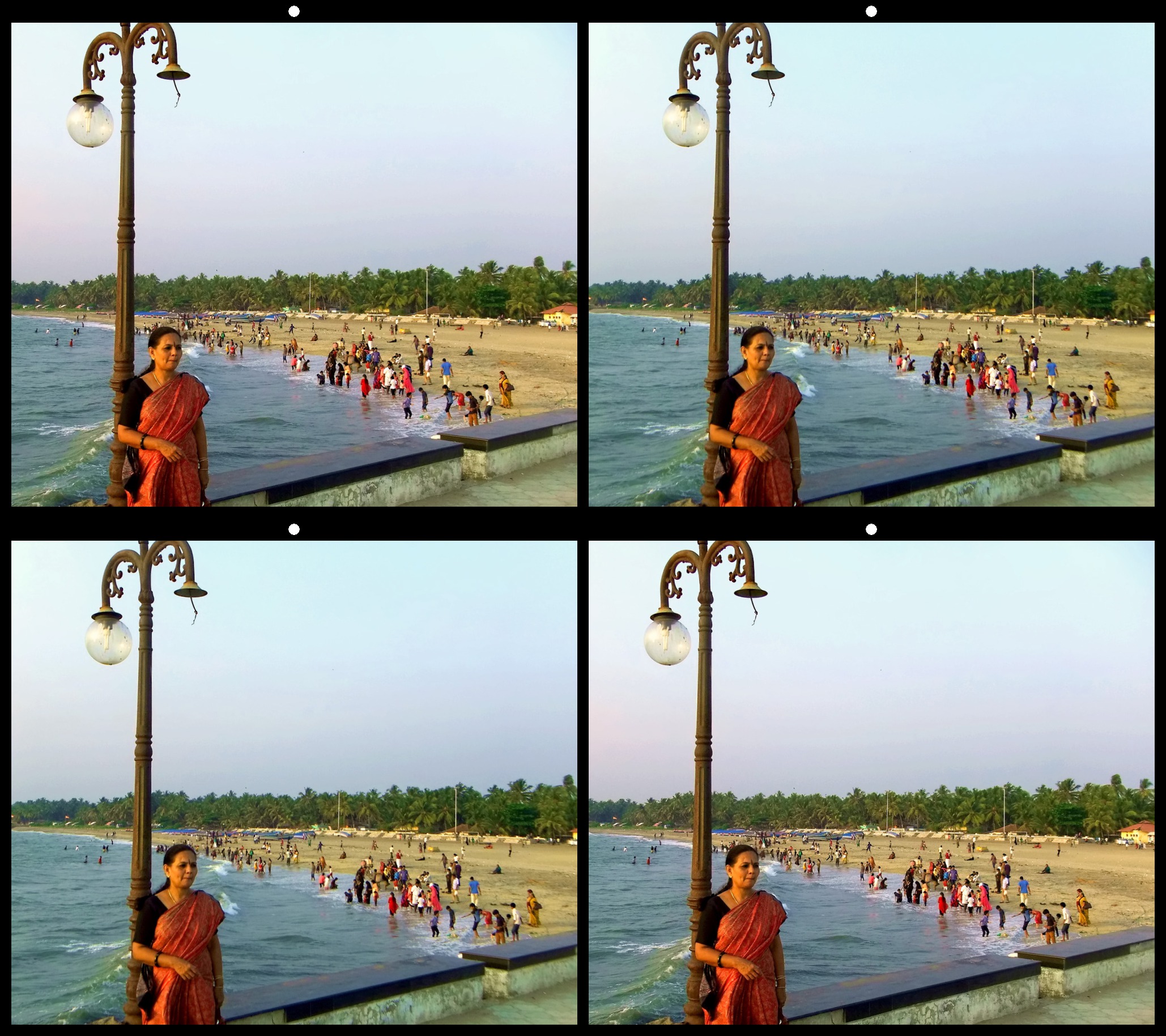
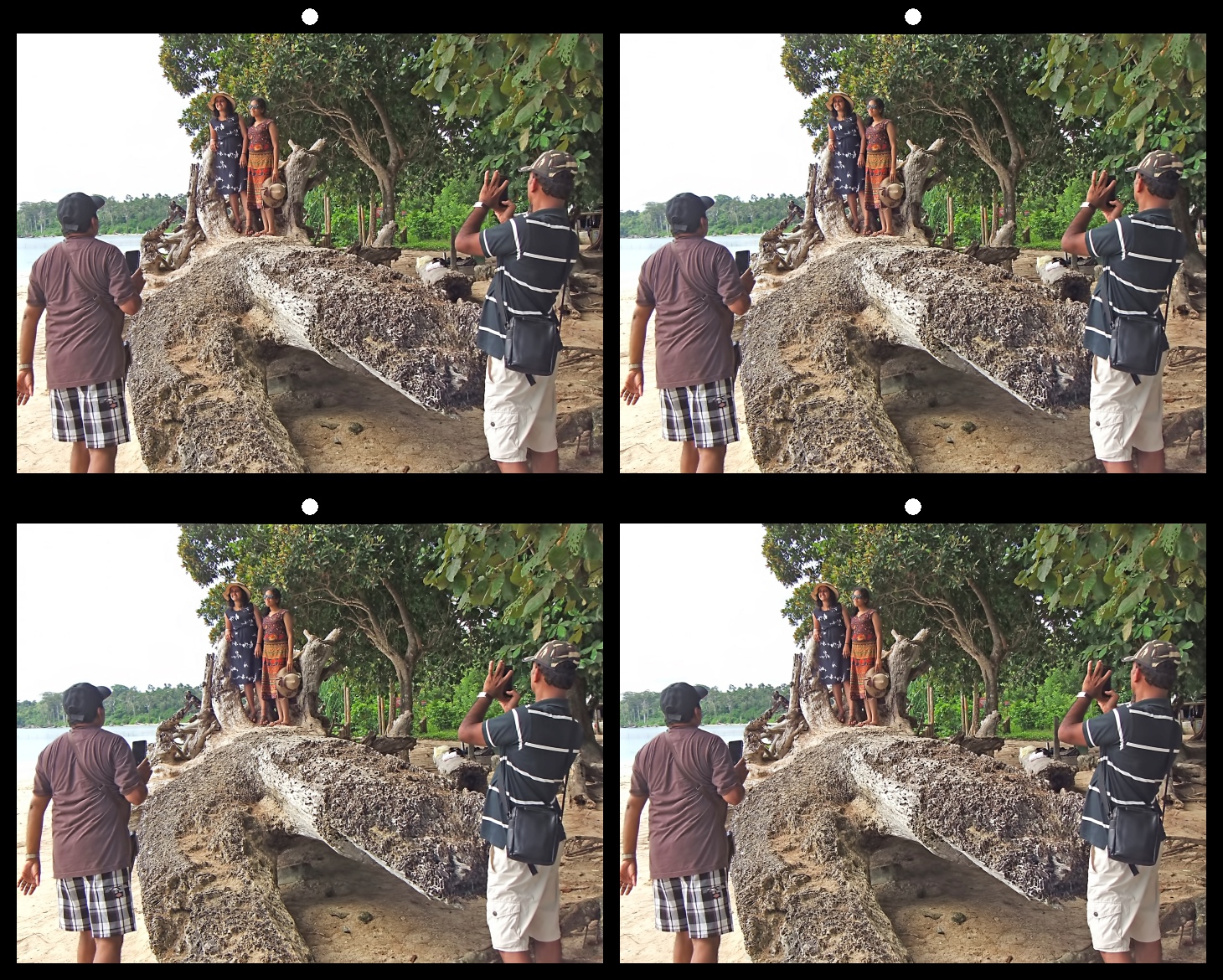
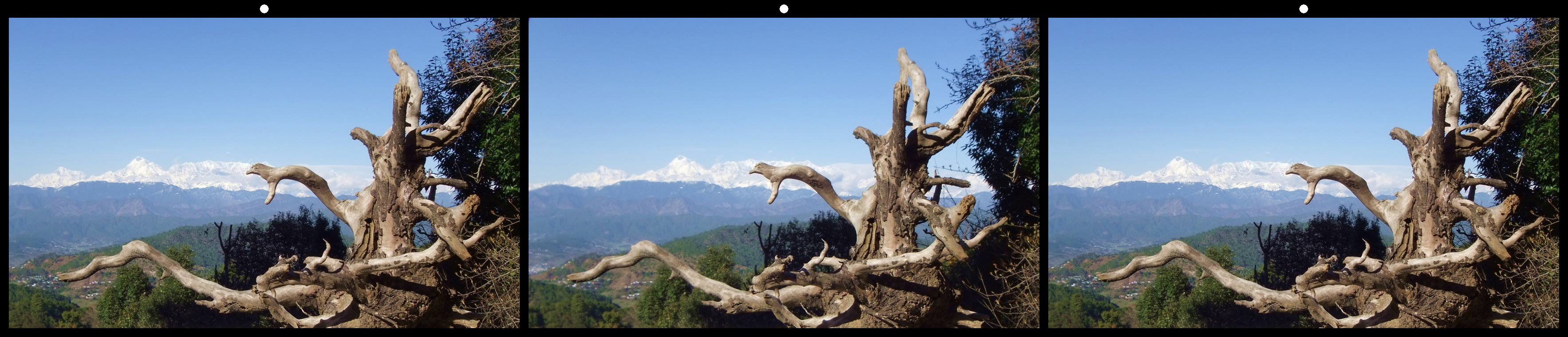
16 Jul 22 Reply Thanks Bud. The person on the right side was a fellow photographer who was preparing to take the shot of the Trishul peak and not a customer. I included him to give near, middle and far objects as required for the 3D image. Jul 15th
16 Jul 22 Reply This image was taken for 3D view. Hence I included the portion of the other photographer to give near, middle and far objects as required for the 3D image. Jul 15th
16 Jul 22 Reply The spot is a view point of the Trishul peak from a hill top in Kausani. The small road turns sharply down at this point. Hence I was unable to move more to the right side of the road. My camera was a Fuji W3 stereo which has limited zooming. To get the top of the shop I was forced to remove the lower portion. The person on the right side was a fellow photographer who was preparing to take the shot of the Trishul peak and not a customer. Jul 15th

6 comments - 4 replies for Group 16

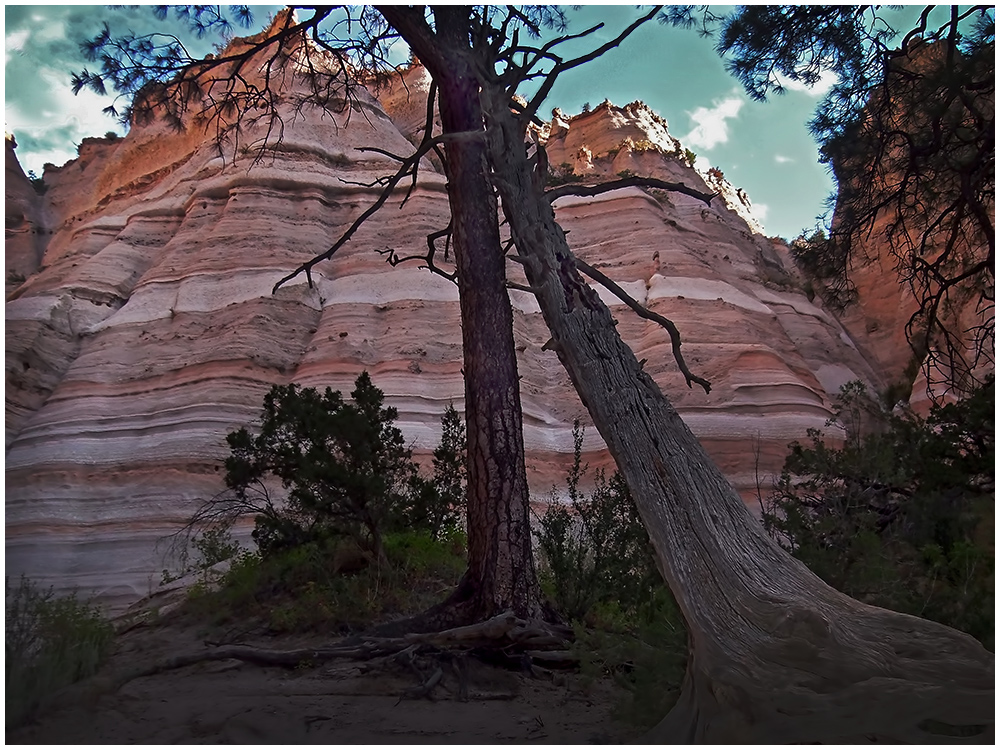
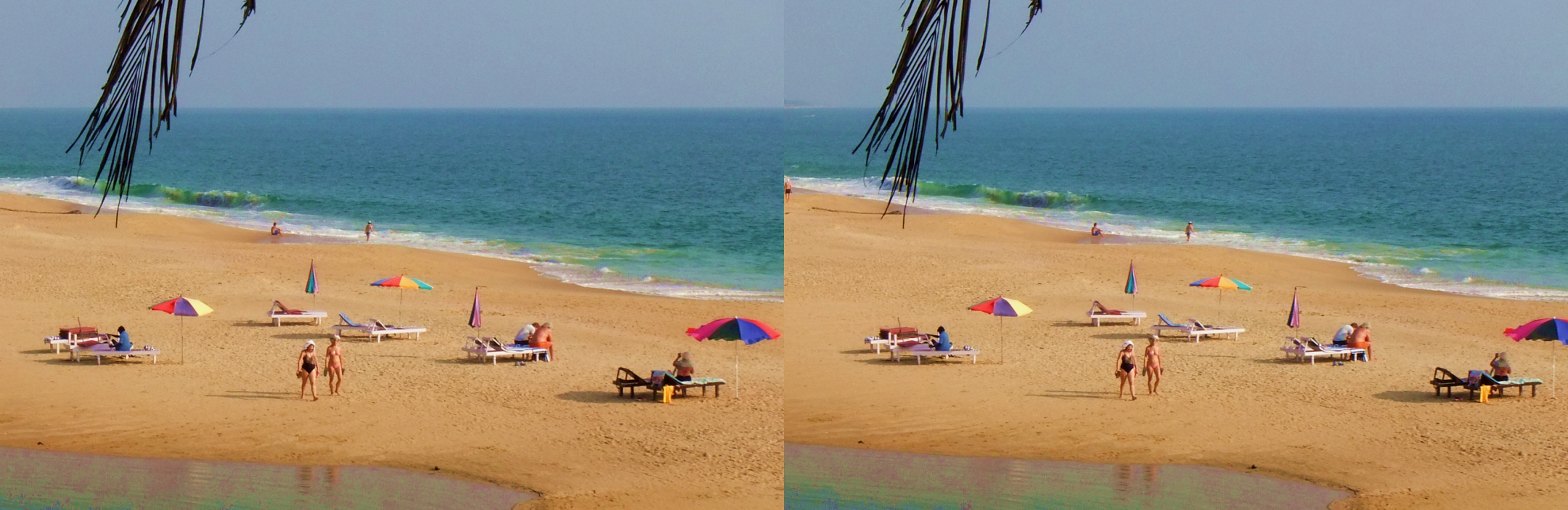
68 Jul 22 Comment Interesting image. I liked the second image you posted on 20th with more color contrast. This image is more sharp and has nice depth. Well done. Jul 23rd
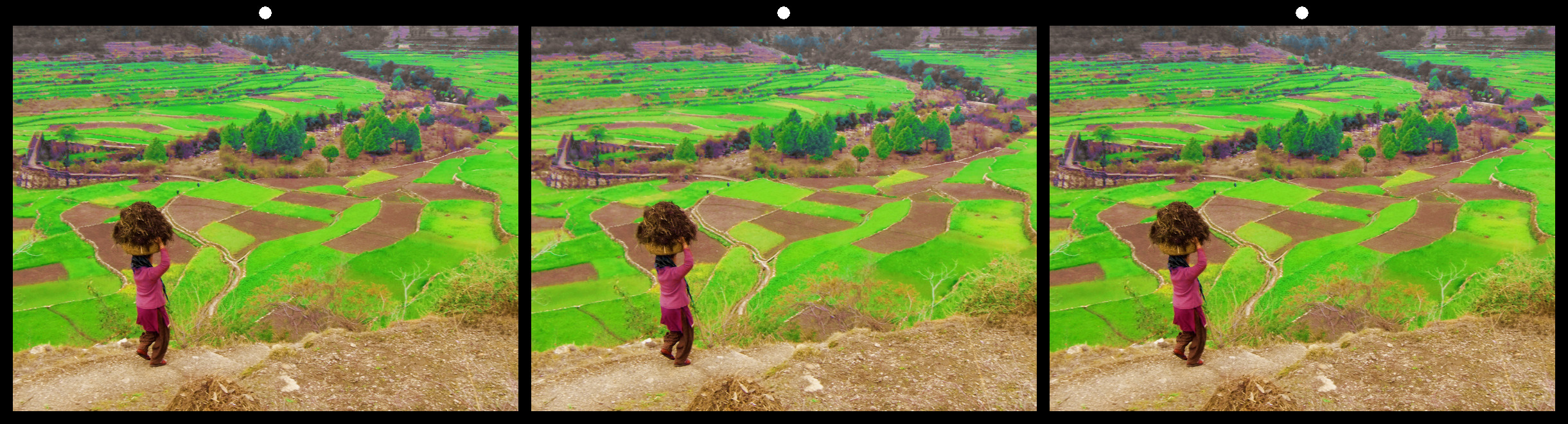
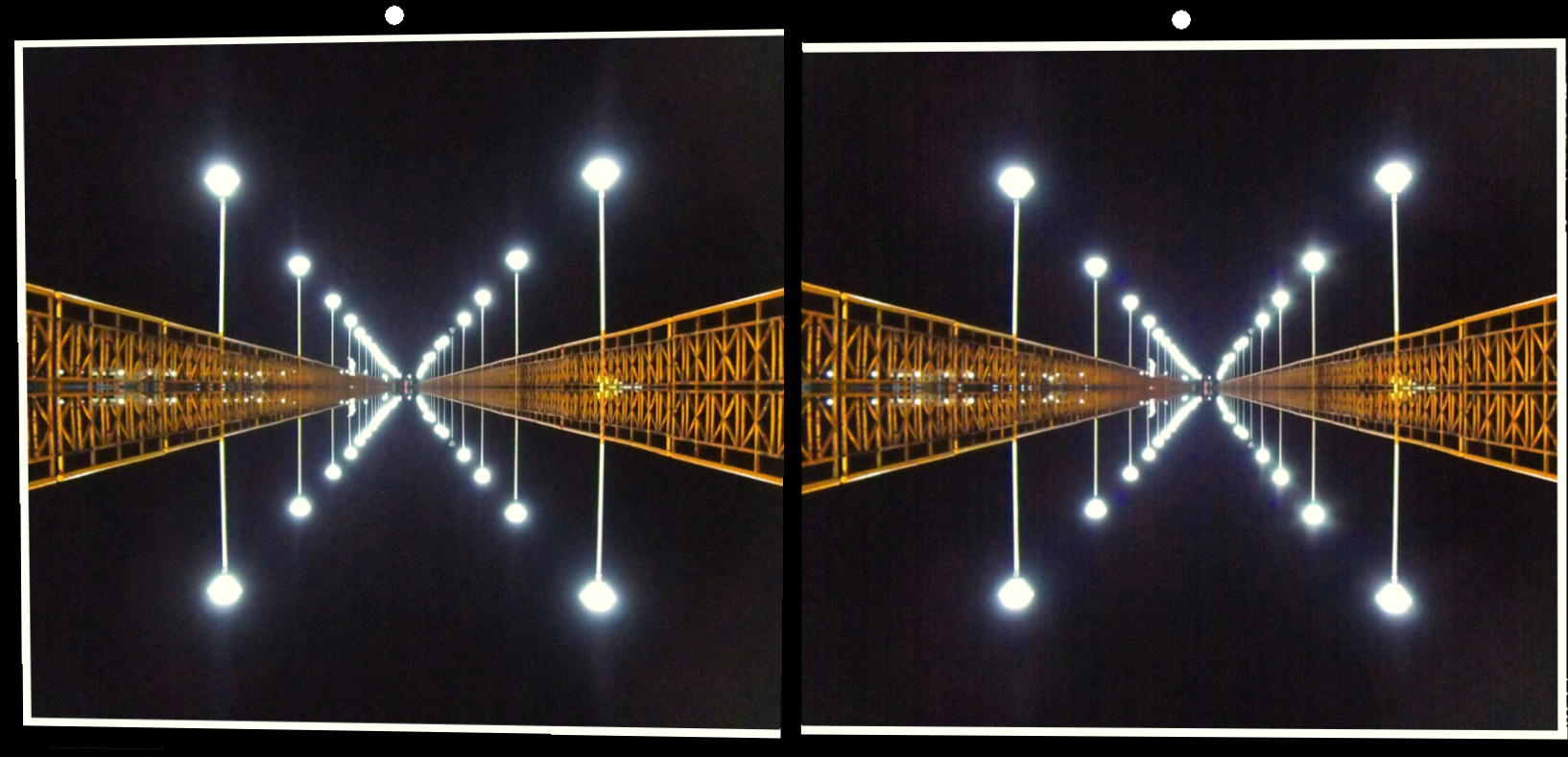
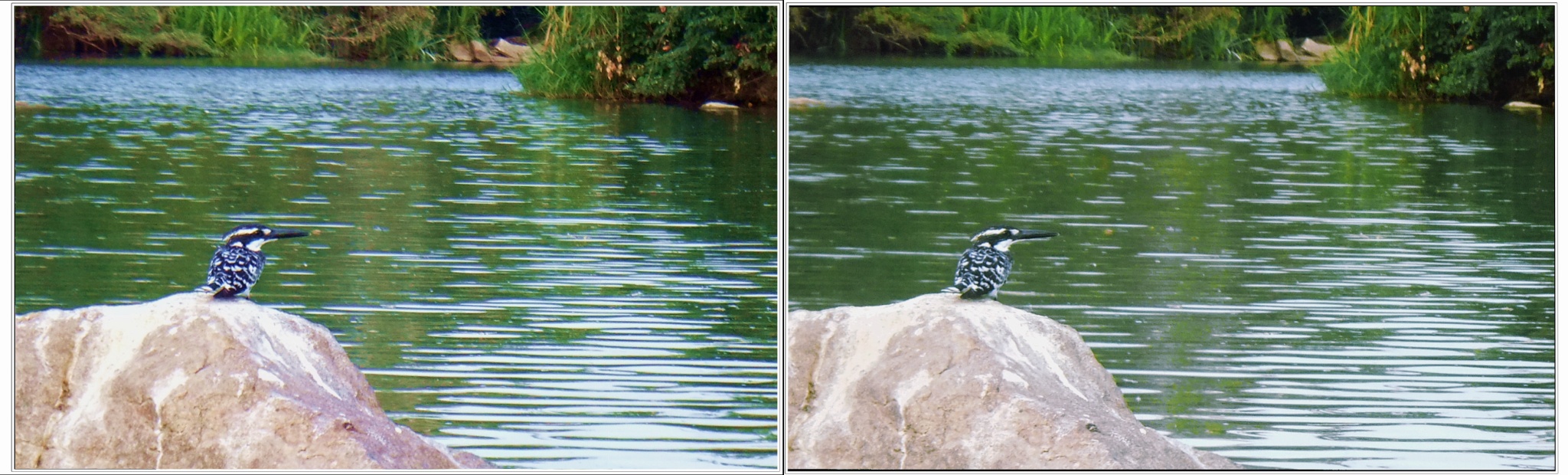
68 Jul 22 Comment Very nice stereo image. The image is sharp and colourful. The leading line looks great. What about a little more saturation or level adjustment? ( A quick correction in RL view given below) Jul 23rd
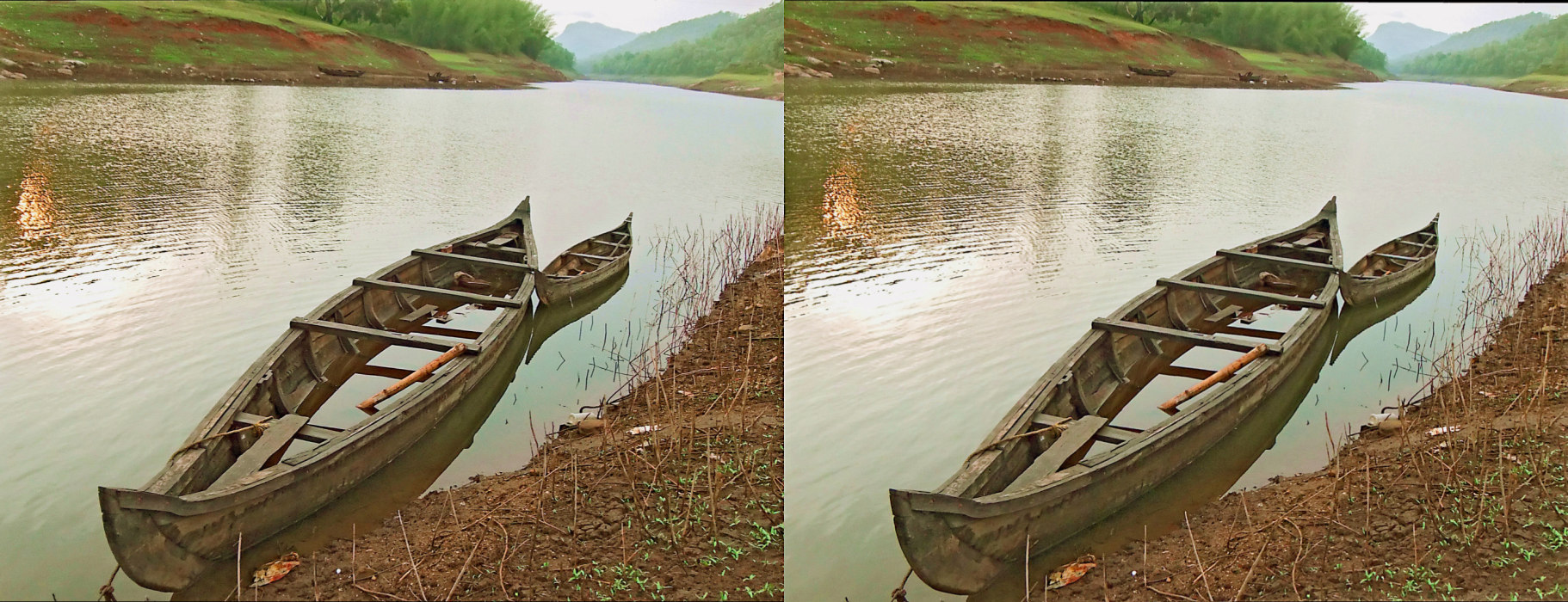
68 Jul 22 Comment Nice and simple shot. The image is sharp and has good depth. I liked the sky too. I think you can correct the horizon. May be, the flipping of individual images horizondally will make the image more pleasing to view by making the fence from left to right direction. Excellent image. Jul 23rd
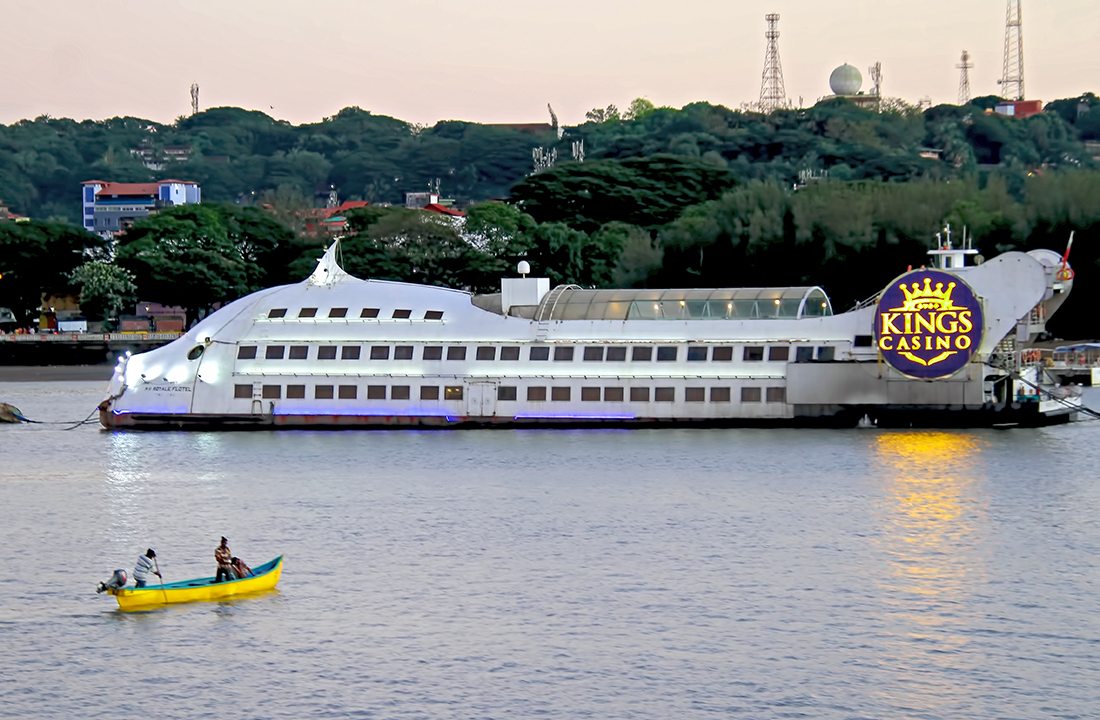
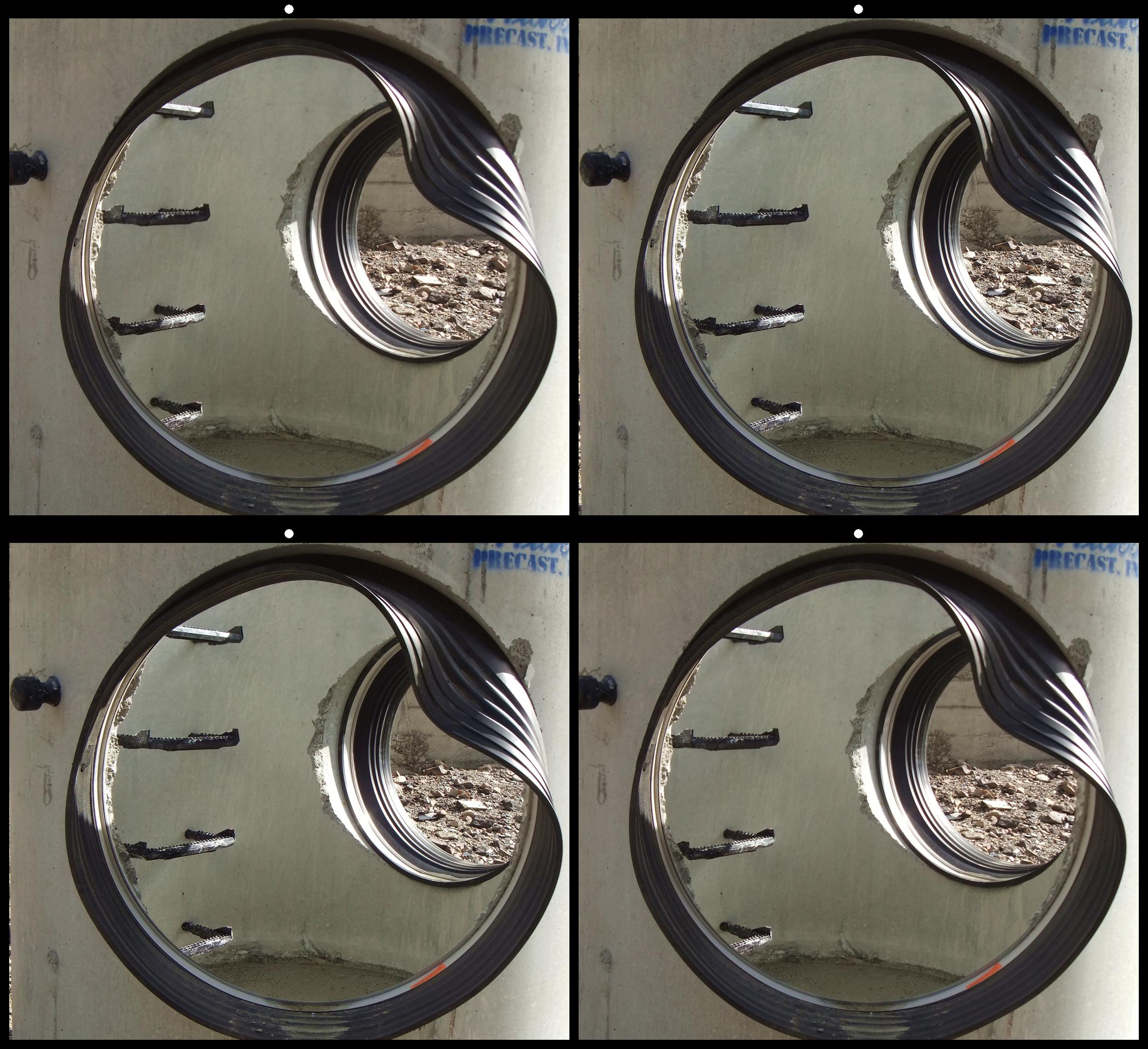
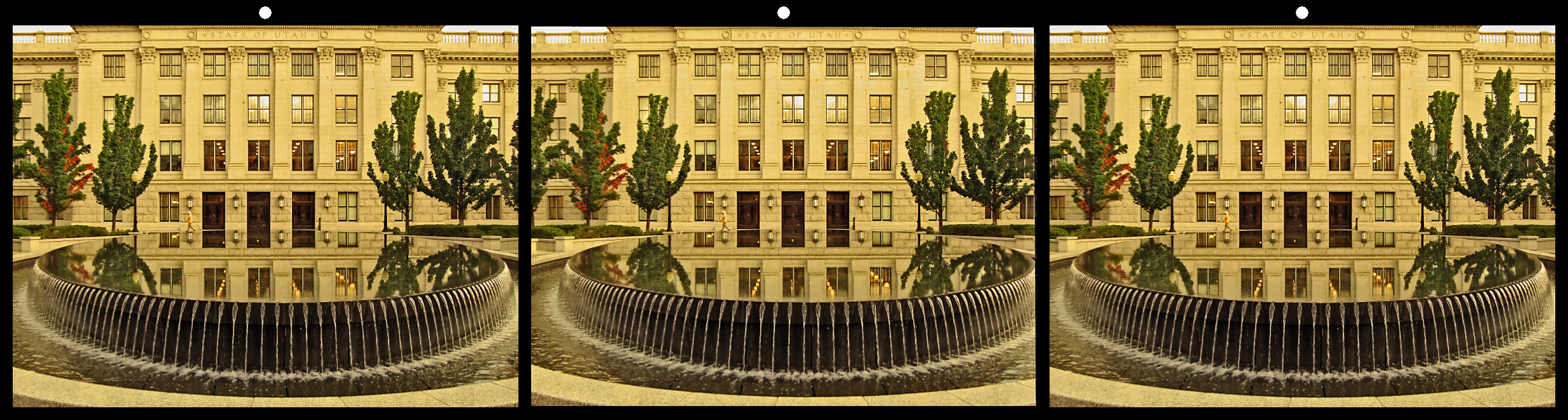
68 Jul 22 Comment Interesting stereo image. The image has nice depth. I liked the water falling in circle. I too feel that you can increase the contrast a little more. Nice image. Jul 23rd
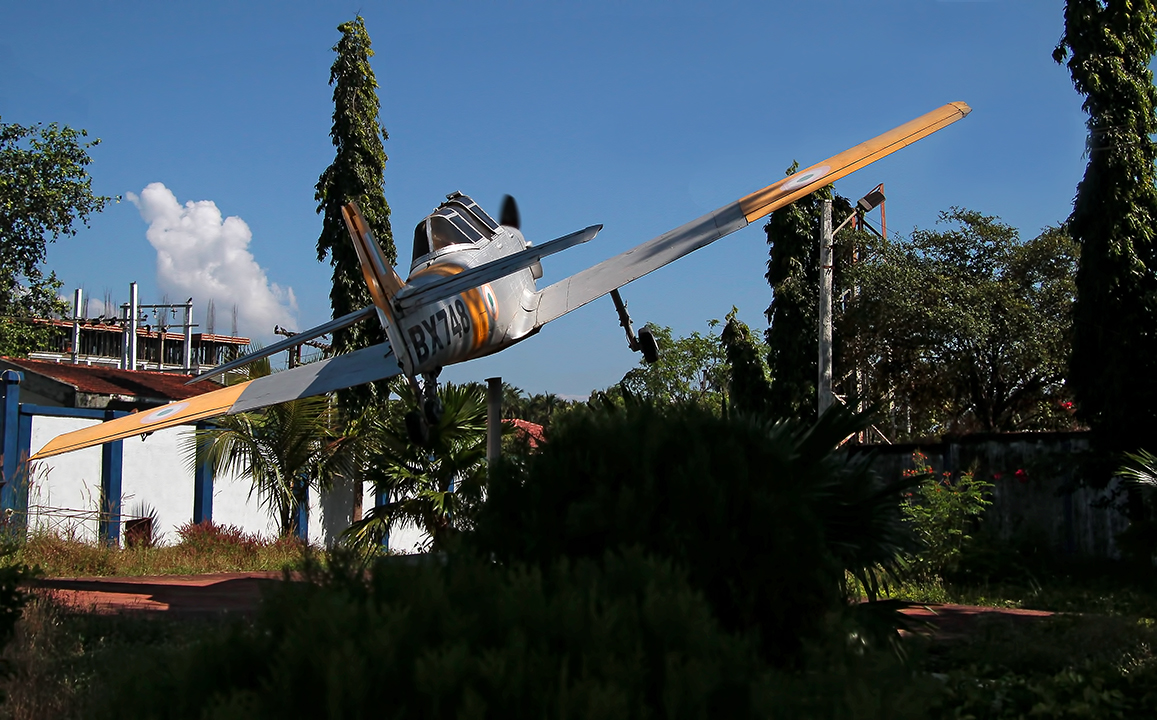
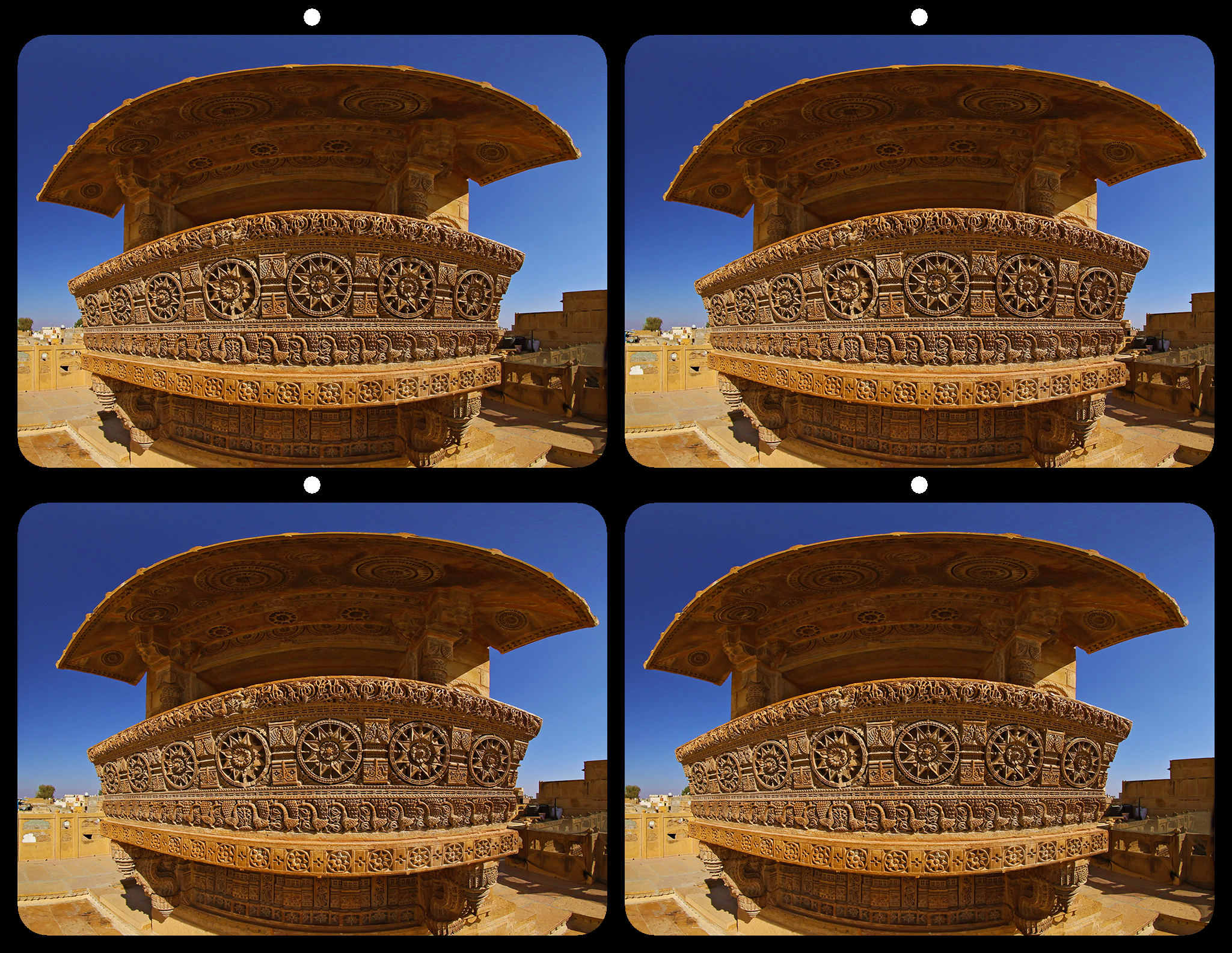
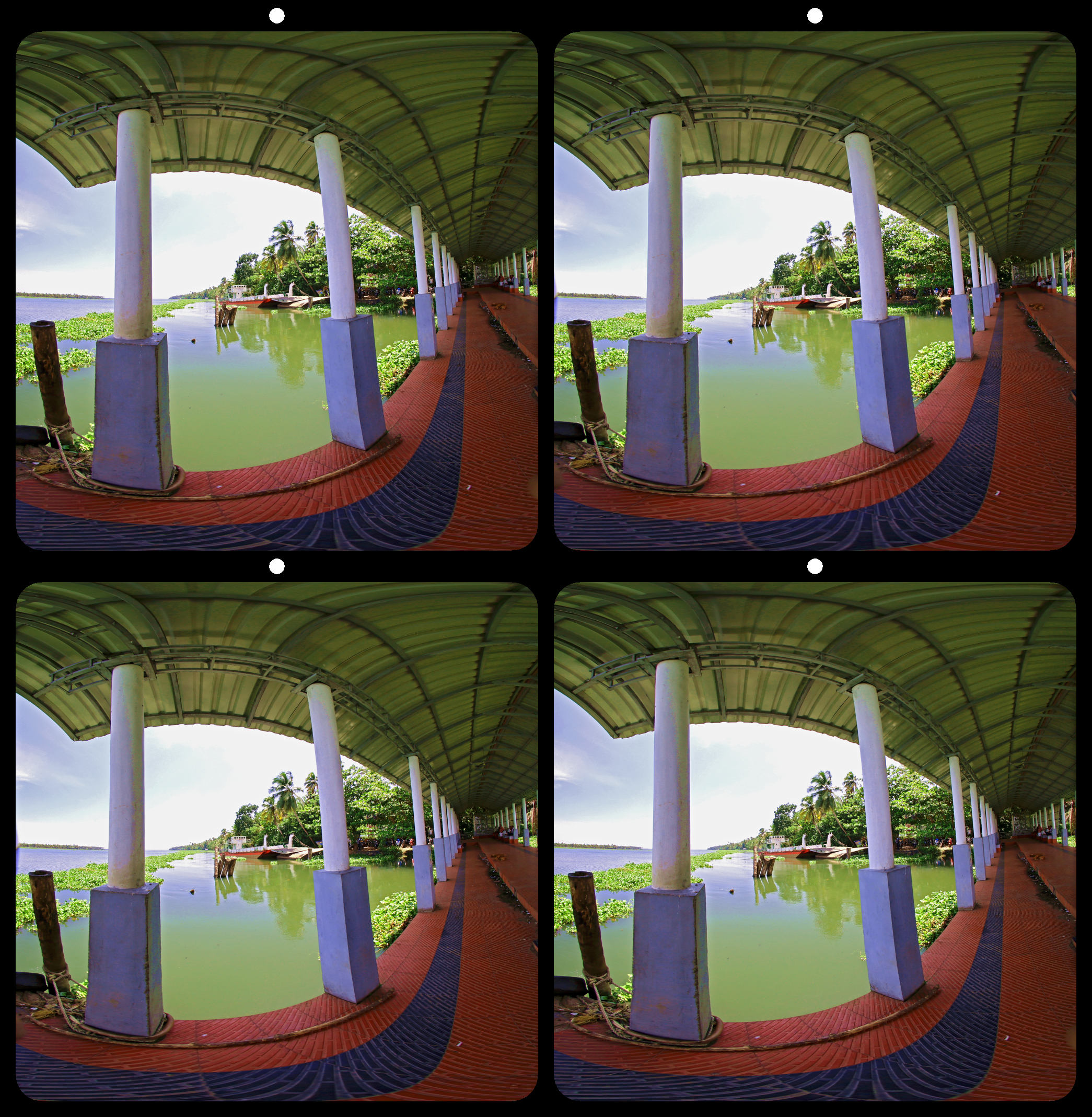
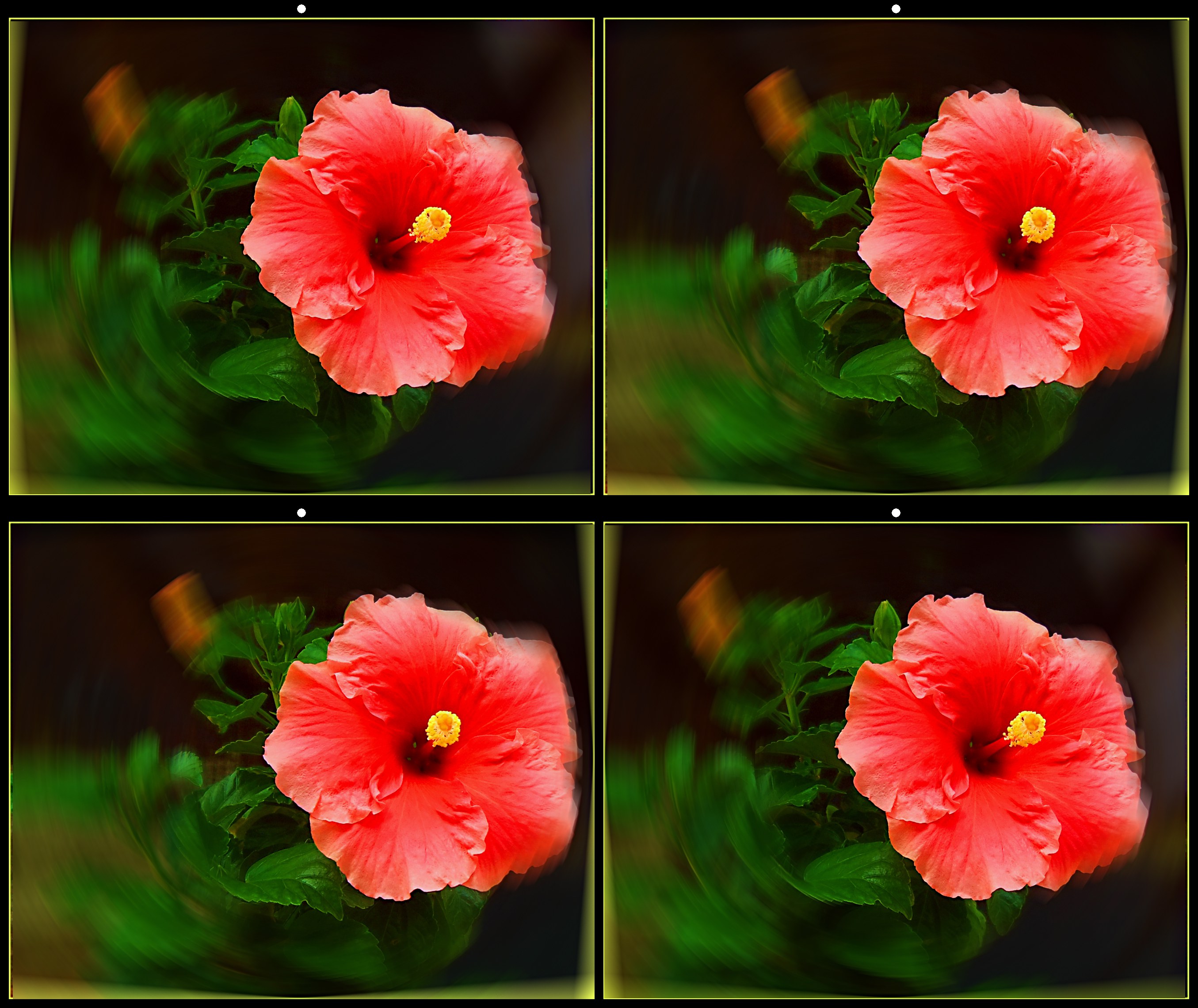
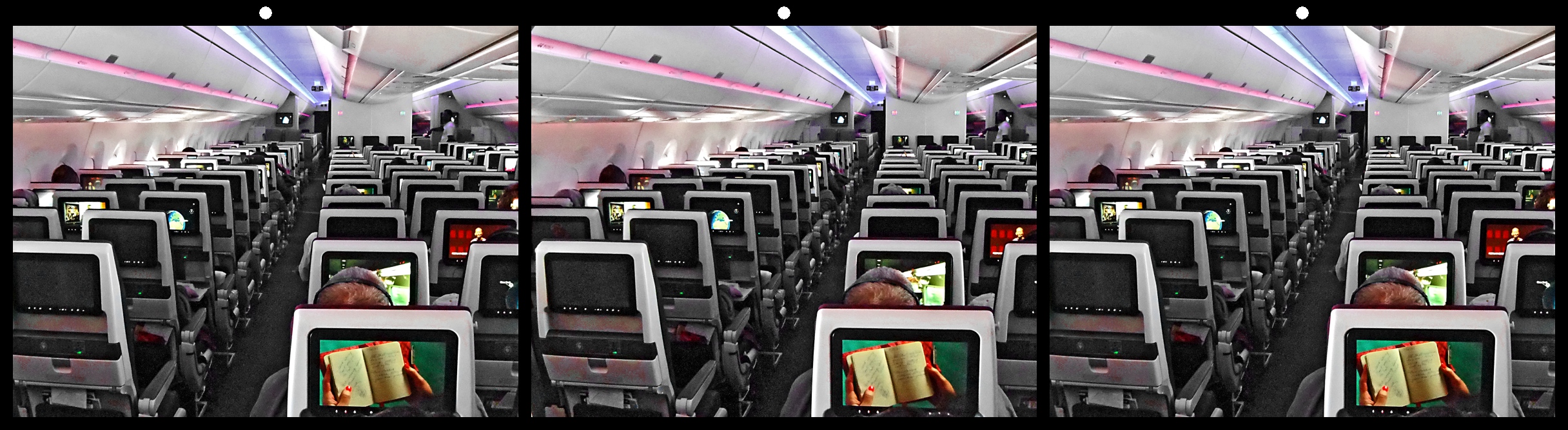
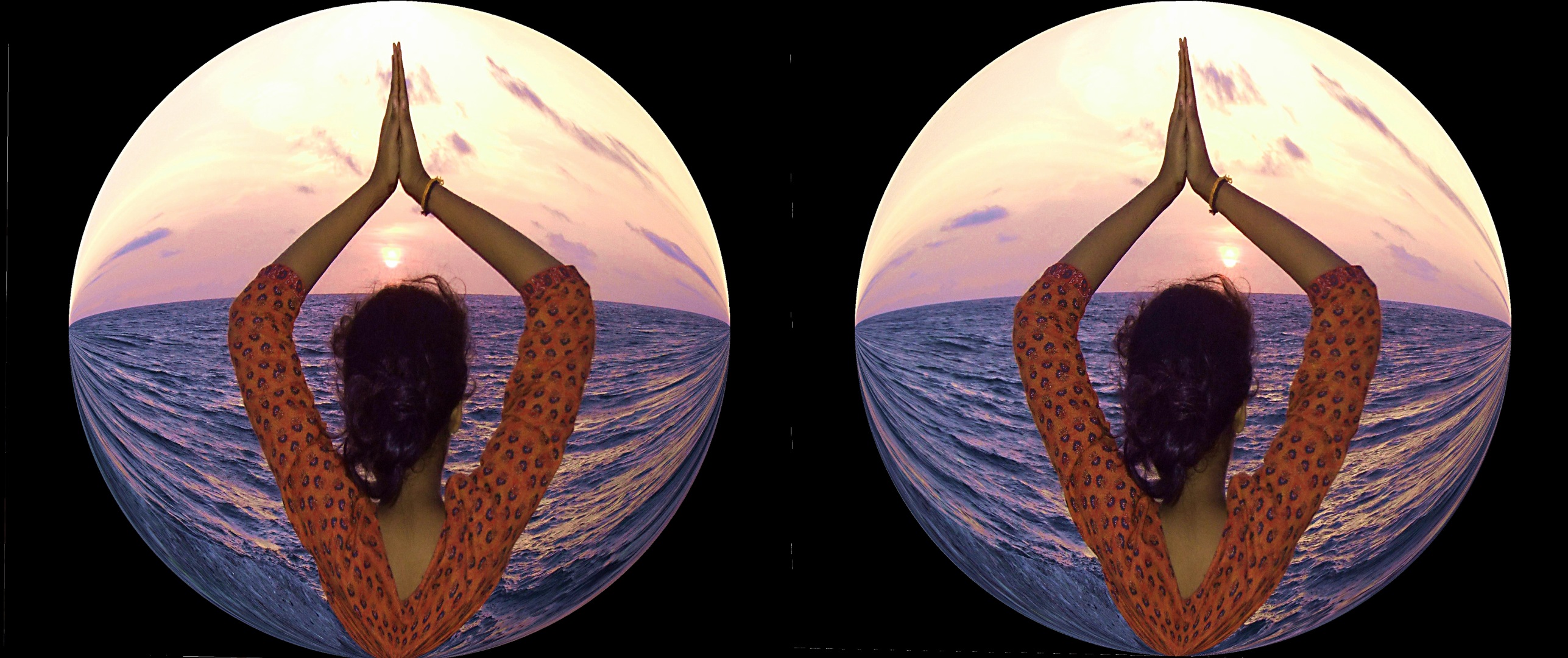
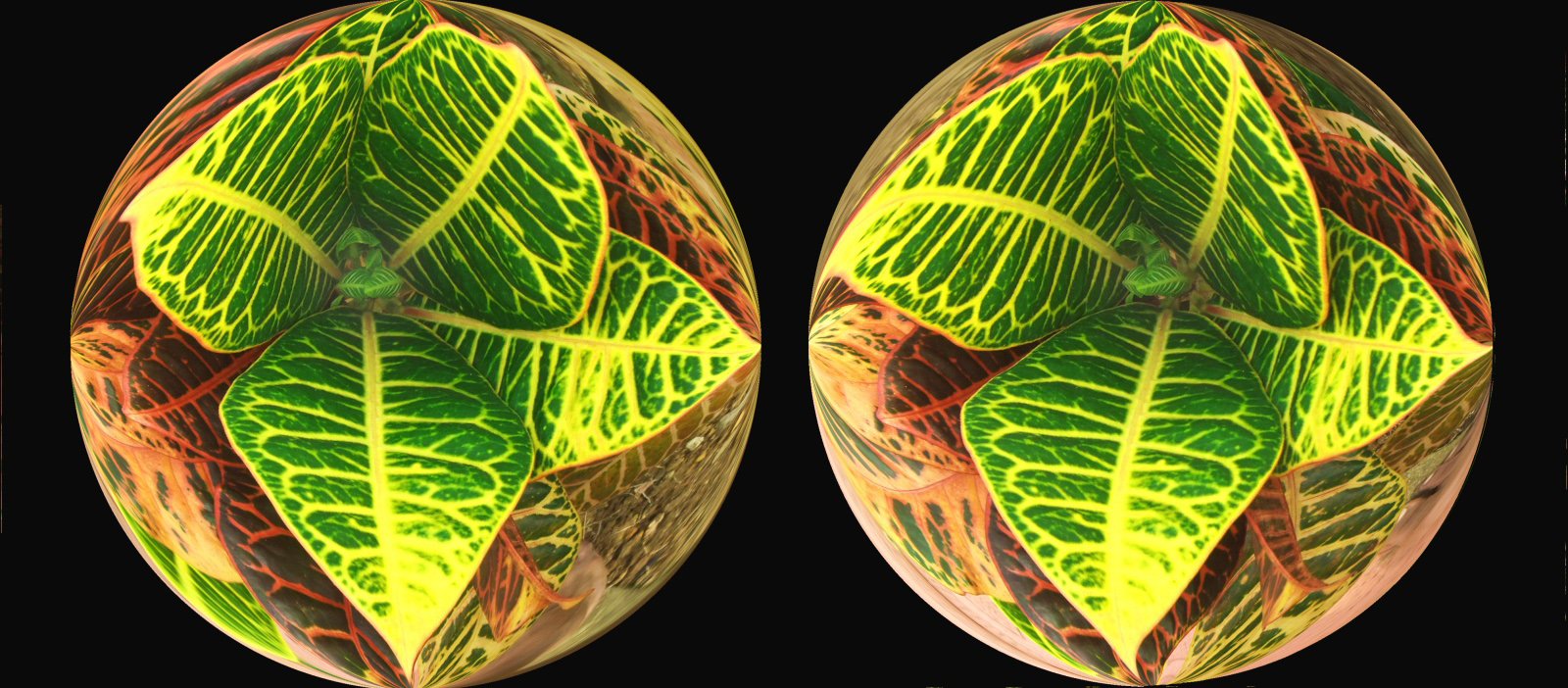
68 Jul 22 Comment Interesting image. Looks like a fish eye lens image. The image has nice depth. I find it difficult to concentrate on right lower area of the image. Jul 20th
68 Jul 22 Reply In manual mode most of the settings can be done. If you take in auto-mode, the file properties will show the details. When you process in SPM, the exif data may be lost if you use the default settings. Change the default settings in SPM option to keep the exif data. Jul 20th

5 comments - 1 reply for Group 68


11 comments - 5 replies Total


210 Images Posted

  = Current Round   = Previous Round
Group 16

Dec 25

Nov 25

Oct 25

Sep 25

Aug 25

Jul 25

Jun 25

May 25

Apr 25

Mar 25

Feb 25

Jan 25

Dec 24

Nov 24

Oct 24

Sep 24

Aug 24

Jul 24

Jun 24

May 24

Apr 24

Mar 24

Feb 24

Jan 24

Dec 23

Nov 23

Oct 23

Sep 23

Aug 23

Jul 23

Jun 23

May 23

Apr 23

Mar 23

Feb 23

Jan 23

Dec 22

Nov 22

Oct 22

Sep 22

Aug 22

Jul 22

Jun 22

May 22

Apr 22

Mar 22

Feb 22

Jan 22

Dec 21

Nov 21

Oct 21

Sep 21

Aug 21

Jul 21

Jun 21

May 21

Apr 21

Mar 21

Jan 21

Dec 20

Nov 20

Oct 20

Sep 20

Aug 20

Jul 20

Jun 20

May 20

Apr 20

Mar 20

Feb 20

Jan 20

Dec 19

Nov 19

Oct 19

Sep 19

Aug 19

Jul 19

Jun 19

May 19

Apr 19

Mar 19

Feb 19

Jan 19

Dec 18

Nov 18

Oct 18

Sep 18

Aug 18

Jul 18

Jun 18

May 18

Apr 18

Mar 18

Jan 18

Feb 18

Dec 17

Nov 17

Oct 17

Sep 17

Aug 17

Jul 17

May 17

Apr 17

Mar 17

Feb 17

Jan 17
Group 68

Dec 25

Nov 25

Oct 25

Sep 25

Aug 25

Jul 25

Jun 25

May 25

Apr 25

Mar 25

Feb 25

Jan 25

Dec 24

Nov 24

Oct 24

Sep 24

Aug 24

Jul 24

Jun 24

May 24

Apr 24

Mar 24

Feb 24

Jan 24

Dec 23

Nov 23

Oct 23

Sep 23

Aug 23

Jul 23

Jun 23

May 23

Apr 23

Mar 23

Feb 23

Jan 23

Dec 22

Nov 22

Oct 22

Sep 22

Aug 22

Jul 22

Jun 22

May 22

Apr 22

Mar 22

Feb 22

Jan 22

Dec 21

Nov 21

Oct 21

Sep 21

Aug 21

Jul 21

Jun 21

May 21

Apr 21

Mar 21

Jan 21

Dec 20

Nov 20

Oct 20

Sep 20

Aug 20

Jul 20

Jun 20

Apr 20

Mar 20

Feb 20

Jan 20

Dec 19

Nov 19

Oct 19

Sep 19

Aug 19

Jul 19

Jun 19

May 19

Apr 19

Feb 19

Jan 19

Dec 18

Nov 18

Oct 18

Sep 18

Aug 18

Jul 18

Jun 18

May 18

Apr 18

Mar 18

Feb 18

Jan 18

Dec 17

Nov 17

Oct 17

Sep 17

Aug 17

Jul 17

May 17

Apr 17

Mar 17

Feb 17

Jan 17

Close this Tab when done