|
| Group |
Round |
C/R |
Comment |
Date |
Image |
| 77 |
Aug 21 |
Reply |
Thanks for the tip on adjusting light direction in PS Georgianne. As it turns out I have just started to use your general approach on a lot of my editing. That is, add an adjustment layer, make the desired adjustment, invert the mask to black which makes the adjustment disappear and then paint back with white at the desired opacity to bring the adjustment back in the area where you want it. I really like this editing technique for making subtle adjustments. |
Aug 29th |
| 77 |
Aug 21 |
Comment |
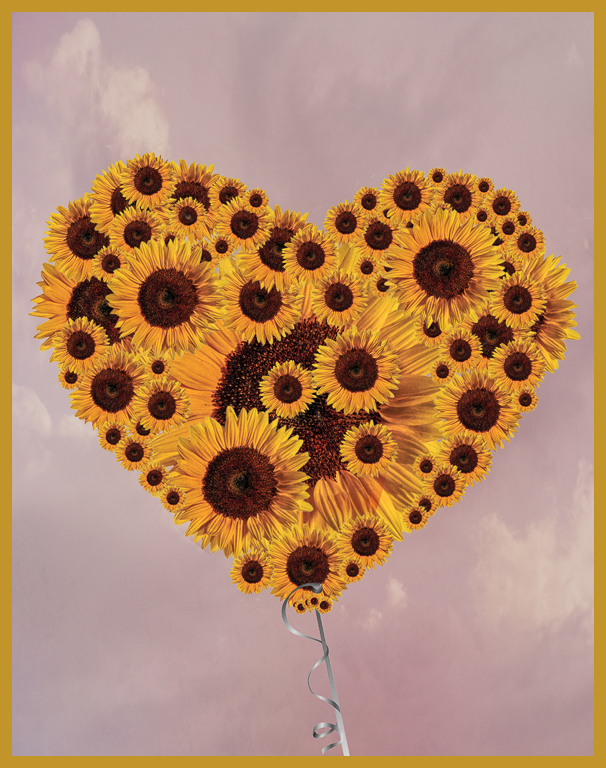
This is a beautiful image Georgianne. You have created a lovely composition from your cast of players and it really works. These high key images by their nature can look quite artistic and you have accomplished that here. As others have noted, your image for group 34 is simply stunning! Get one of these or both on the wall. |
Aug 18th |
| 77 |
Aug 21 |
Reply |
Thanks for taking the time to do a B&W conversion Linda. I like the additional detail you have brought out and feel like the image certainly works in monochrome. It has a slightly darker mood to my eye. Thanks for showing us another approach. |
Aug 18th |
| 77 |
Aug 21 |
Reply |
I really like where you have taken this image and it is absolutely competition worthy. Good luck! |
Aug 12th |
| 77 |
Aug 21 |
Comment |
This is an enchanting image and the original capture was well done. The backlit lighting is really marvelous. You have achieved the painterly quality with your edits that you were after yielding a very pleasing result.
I might consider masking the green background foliage in TS2 and returning it the original images luminosity. This might focus more attention on the girl and her balloons or might be a bust. Would cloning out the little hump of color directly behind the girl make for a stronger image? |
Aug 11th |
| 77 |
Aug 21 |
Reply |
I really do like this image as is but ..... those petal shadows. I'm surprised you had to look hard to see them as they really are very obvious on my monitor. Is your monitor calibrated? Sometimes the angle of our monitor to our eyes can make a huge difference in us seeing darker tones. Luminosity of your monitor can also make a huge difference. Let's bring the rest of the group in here as maybe my monitor is highlighting something others can barely see. Either way it's a small detail that's more in the weeds as opposed to a larger issue which really must be addressed. |
Aug 10th |
| 77 |
Aug 21 |
Comment |
You have creating a very satisfying image with your rose capture. Your selection of textures complement the rose well resulting in a very pleasing representation.
I agree with Witta that you need to address the halo at the top of the rose since it alerts the viewer that something here is unnatural in an otherwise very natural setting. |
Aug 9th |
| 77 |
Aug 21 |
Comment |
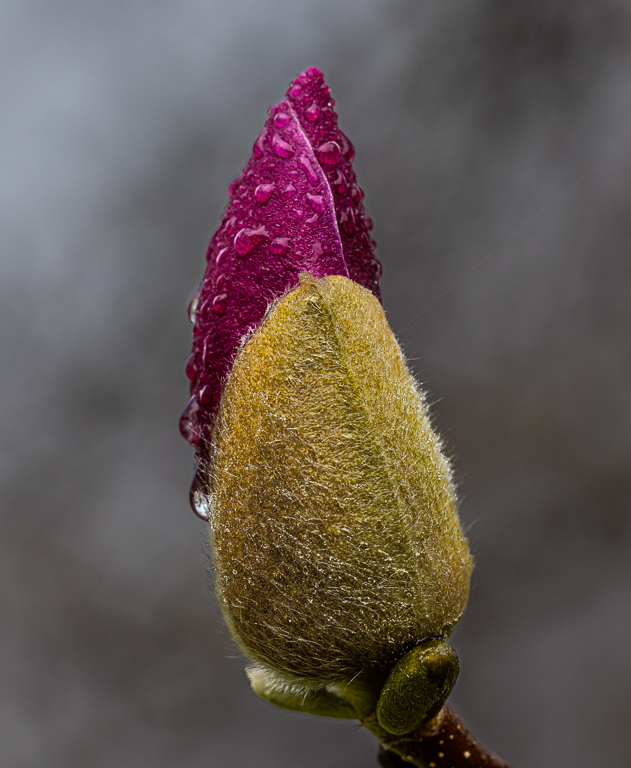
This is a lovely image and a very nice balanced composition. Your editing brings the focus to the flower which is where it should be.
I like your image just the way it is but I would probably clone out the shadows cast by the two petals on the left. If I were to do anything else differently it might be to explore adding a very subtle texture to the water to see if it adds anything in the way of enhancing the mood you have already established. |
Aug 9th |
| 77 |
Aug 21 |
Reply |
Quite right Witta. I get to editing and forget a key basic - where is the light coming from? Thanks for pointing out the issue and I will absolutely correct it. |
Aug 9th |
| 77 |
Aug 21 |
Comment |
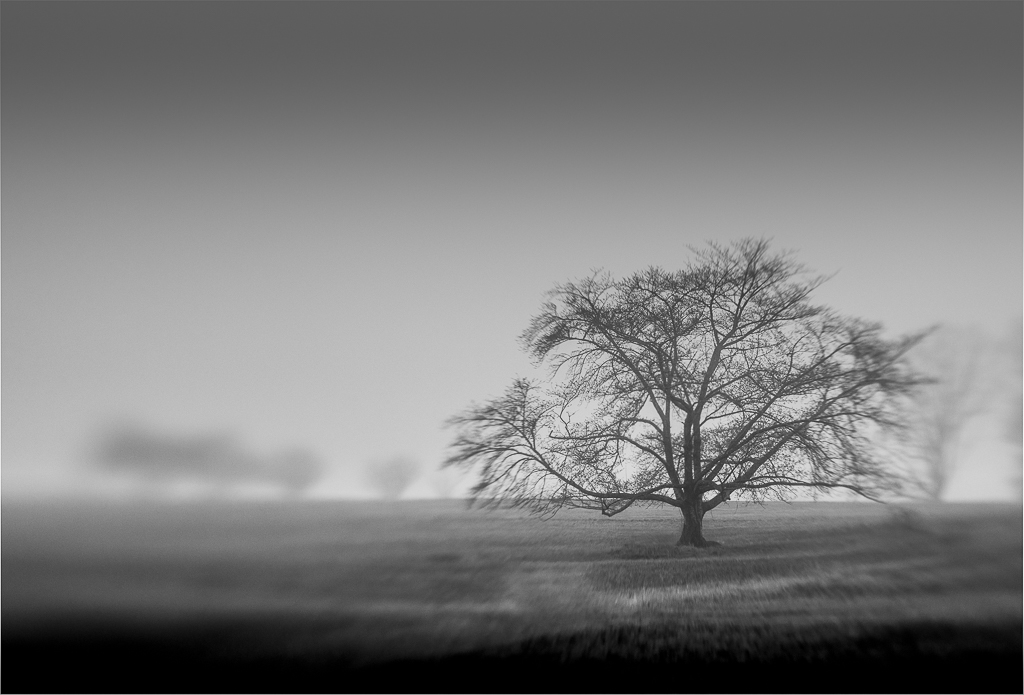
This is a truly beautiful capture. Your editing softens the feel and adds a dreamy atmosphere - well done.
My only suggestion would be to clone out the two towers as they grab my eye. Some object to altering "reality" in this way but I'm one for eliminating distracting elements in the frame. |
Aug 9th |
5 comments - 5 replies for Group 77
|
5 comments - 5 replies Total
|