|
| Group |
Round |
C/R |
Comment |
Date |
Image |
| 65 |
Jun 23 |
Reply |
Thank you so much, Rebecca! I love them, too! |
Jun 26th |
| 65 |
Jun 23 |
Reply |
Thank you very much, Melanie! Was a pleasant surprise!! |
Jun 26th |
| 65 |
Jun 23 |
Reply |
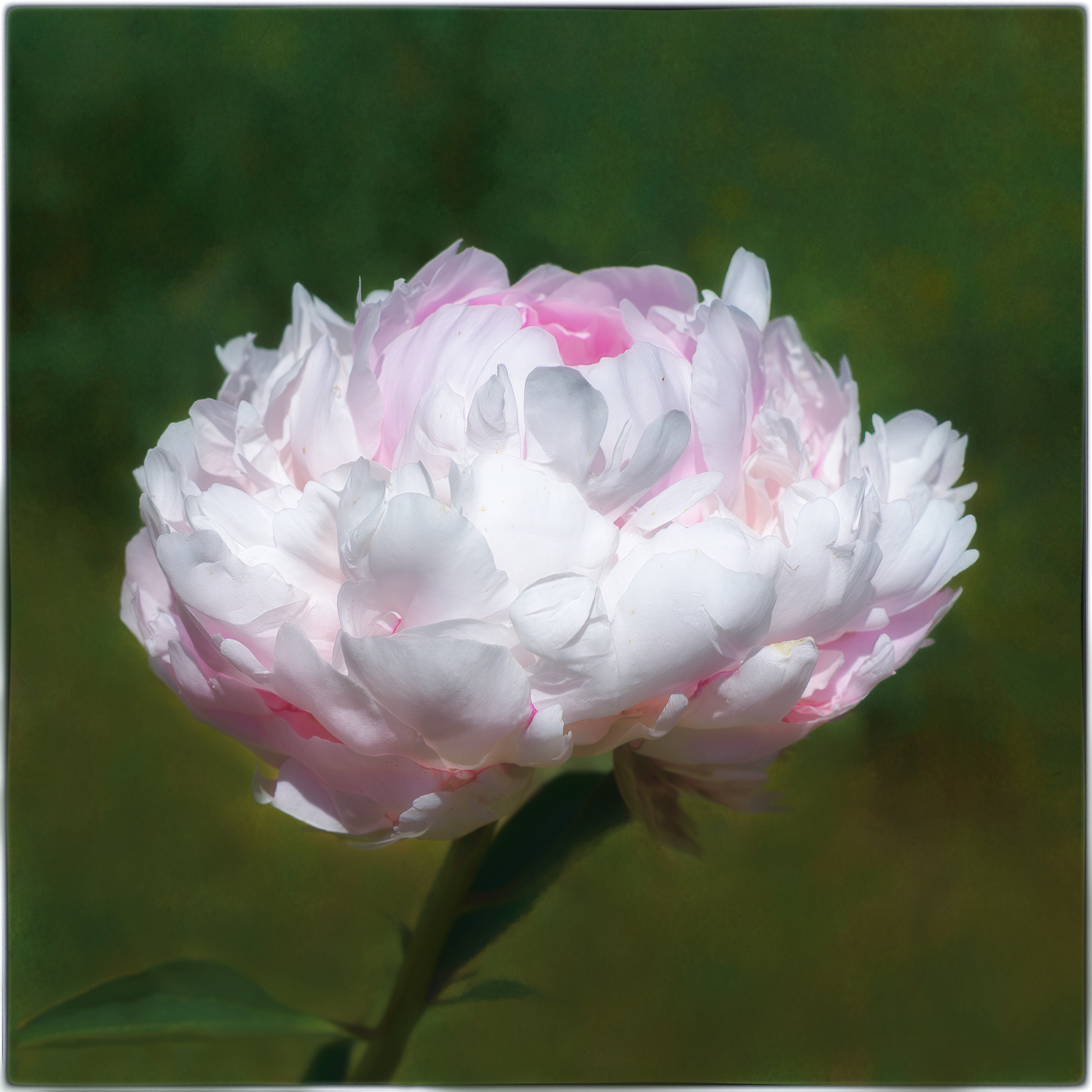
Thank you, Maria! I will rework my image by toning down the brightness in the center. |
Jun 22nd |
| 65 |
Jun 23 |
Reply |
Thank you, Diana:) |
Jun 22nd |
| 65 |
Jun 23 |
Reply |
Thank you so much, Maria! I'm happy to hear you've been enjoying your trip! Sounds lovely:) |
Jun 22nd |
| 65 |
Jun 23 |
Reply |
Thank you very much, Dick! I appreciate your kind words! |
Jun 16th |
| 65 |
Jun 23 |
Reply |
Hi Fran, yes, I remember the opacity tool in the blending modes. Thank you! I do have an old FB account. I really dislike FB, so I don't use it. I use only Instagram. I saw that one of these women required a FB account, so I suppose that one's out for me. Such a bummer! |
Jun 16th |
| 65 |
Jun 23 |
Reply |
Hi Fran, yes, I remember the opacity tool in the blending modes. Thank you! I do have an old FB account. I really dislike FB, so I don't use it. I use only Instagram. I saw that one of these women required a FB account, so I suppose that one's out for me. Such a bummer! |
Jun 16th |
| 65 |
Jun 23 |
Reply |
Thank you, Fran! I have not heard of these photographers before, but I just visited their sites! WOW! I'd love to learn more about their techniques. Have you ever take a class with either of them?
Also, you mentioned that you'd bring down the opacity on my background. Can you please tell me how to do this? Would I use a brush and the eyedropper? Sorry for all the questions. Thanks again. |
Jun 16th |
| 65 |
Jun 23 |
Reply |
Hi Dick, I am sorry, but I don't know what you mean when you say "Say the histogram on the left bar is a 10 the next bar is a 100 the next a 1000 and so on. I want my image to have as much info. as possible that's why I want a histogram all the way to the right without blowing anything out."
I don't see any numbers on my histogram. Also, I thought when the histogram is all the way to the right, it was mostly whites in the image. Apologies for all the questions. |
Jun 12th |
| 65 |
Jun 23 |
Comment |
Hi Maria,
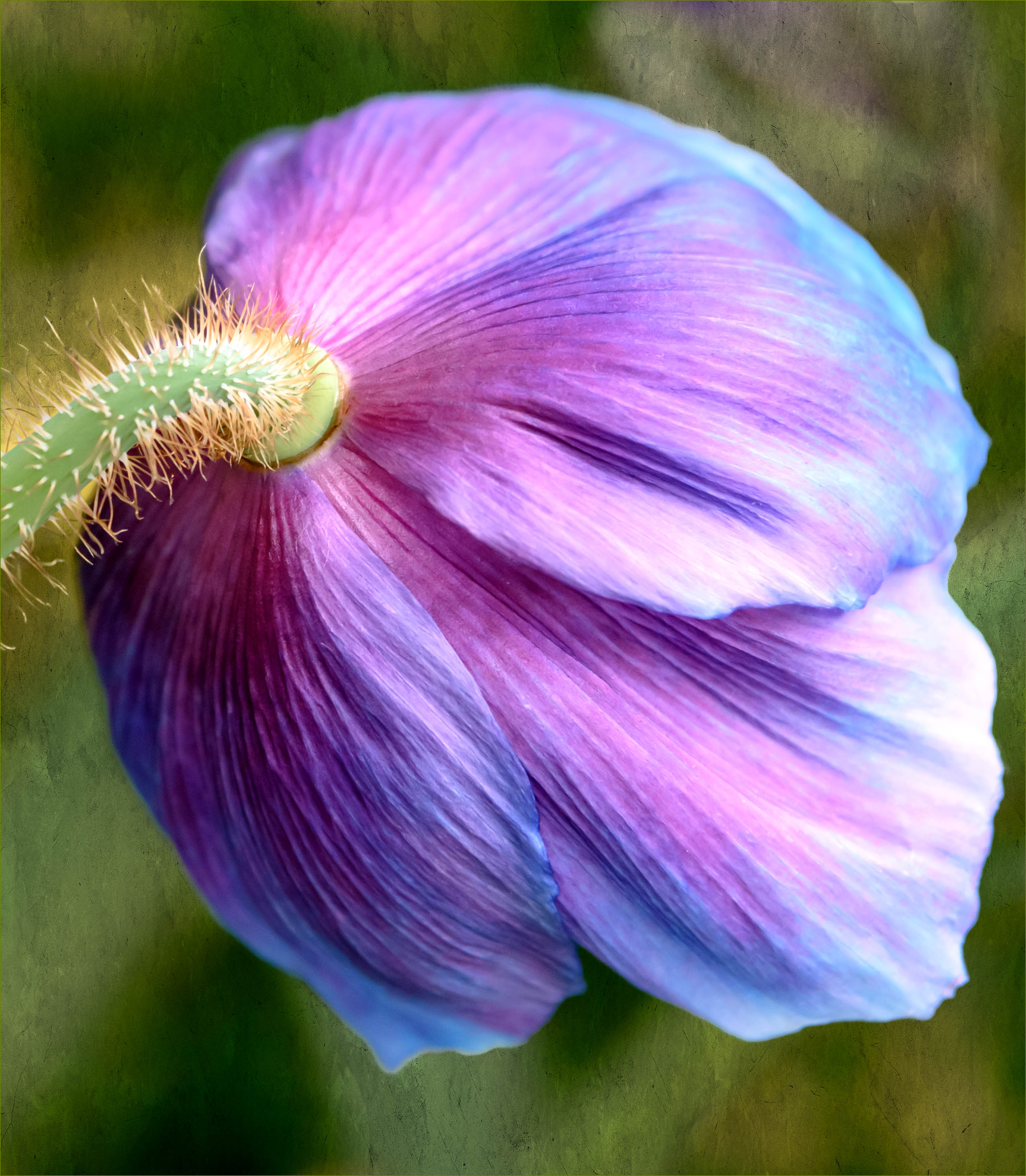
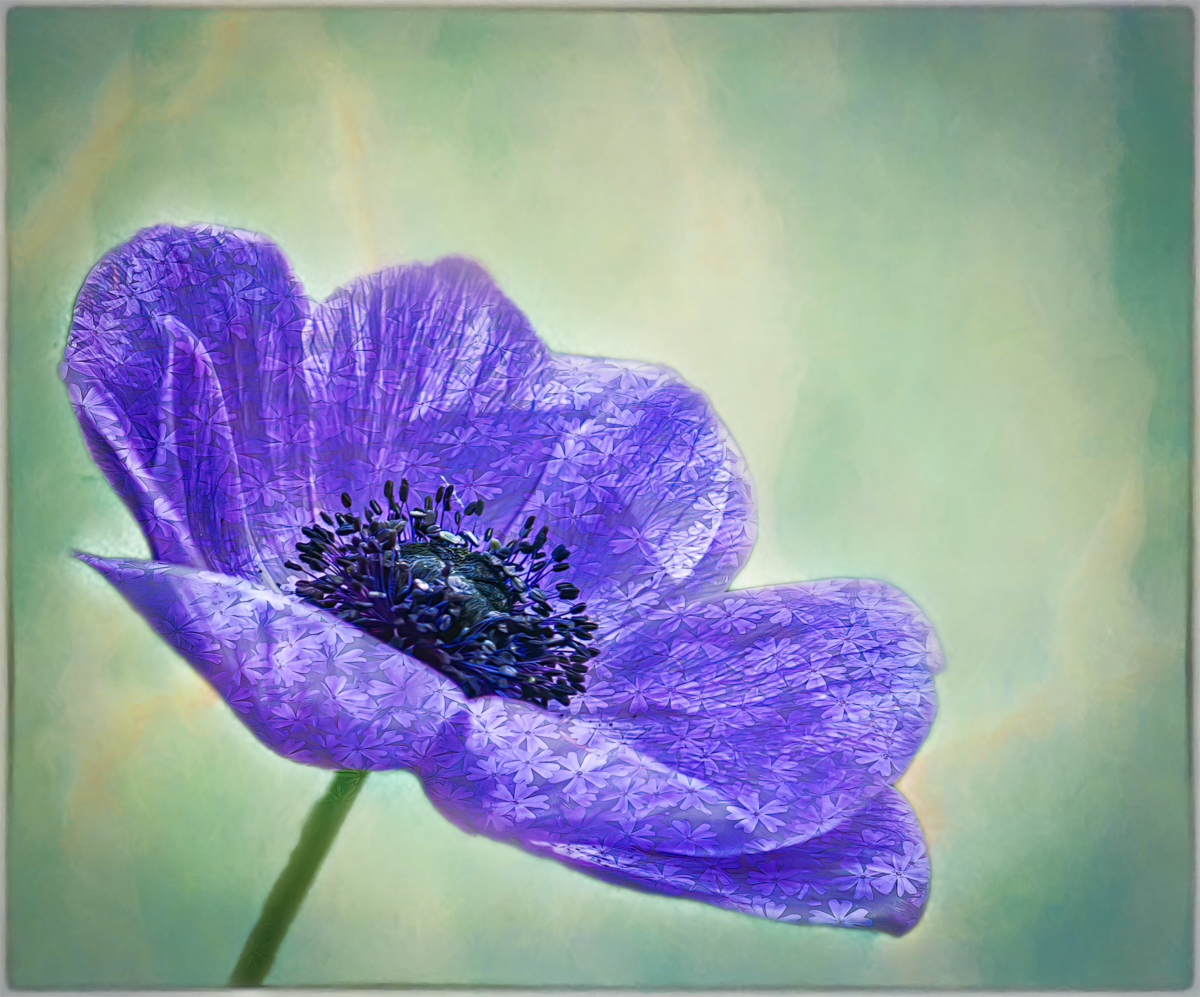
I hope you're enjoying your family time in Spain. Your orchid is lovely! I often have a hard time capturing a nice orchid image. You did a great job cloning out the dying leaf near the stem and increasing the saturation of the purple and yellow in the flower. As you know, I always love your framing technique. How were you able to leave part of the stem below the frame?
I also like what Dick did in his edit of your photo. I think I like it flipped and darkened slightly, too. It really showcases the orchid. I also tend to agree with Melanie about considering removal of the out of focus purple flower at the top of the image. I don't feel it adds to the image the way the soft yellow background flowers do. |
Jun 12th |
| 65 |
Jun 23 |
Reply |
Thank you for all the info, Dick. I appreciate it. I have a CPL filter, but when I am outside and the light is bright, I have a hard time seeing (in the LCD screen) if my exposure is right, or whether my highlights are blown out! I guess I need to learn to look at my histogram more! Your original image is lovely, too! Thanks again. |
Jun 12th |
| 65 |
Jun 23 |
Comment |
Hi Melanie,
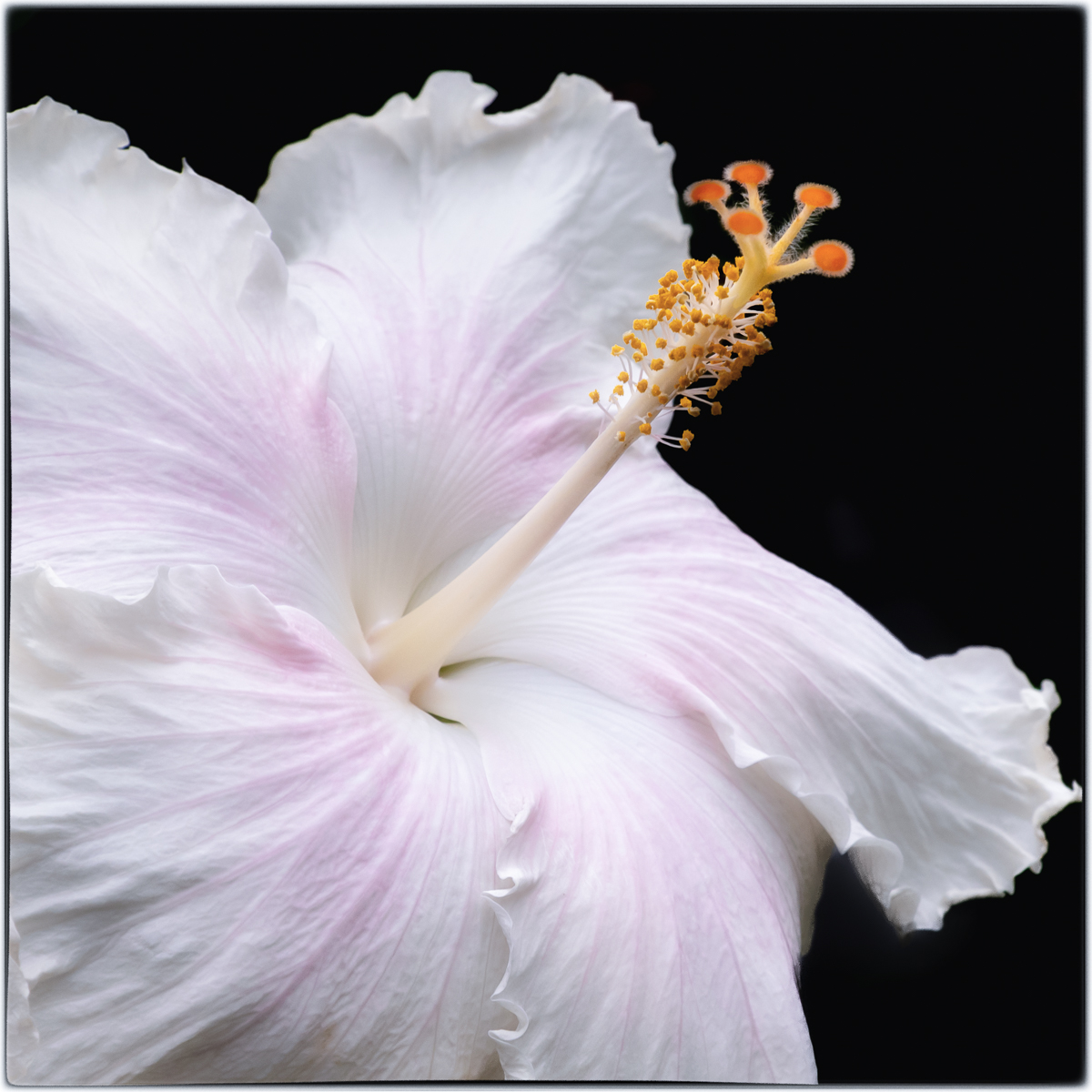
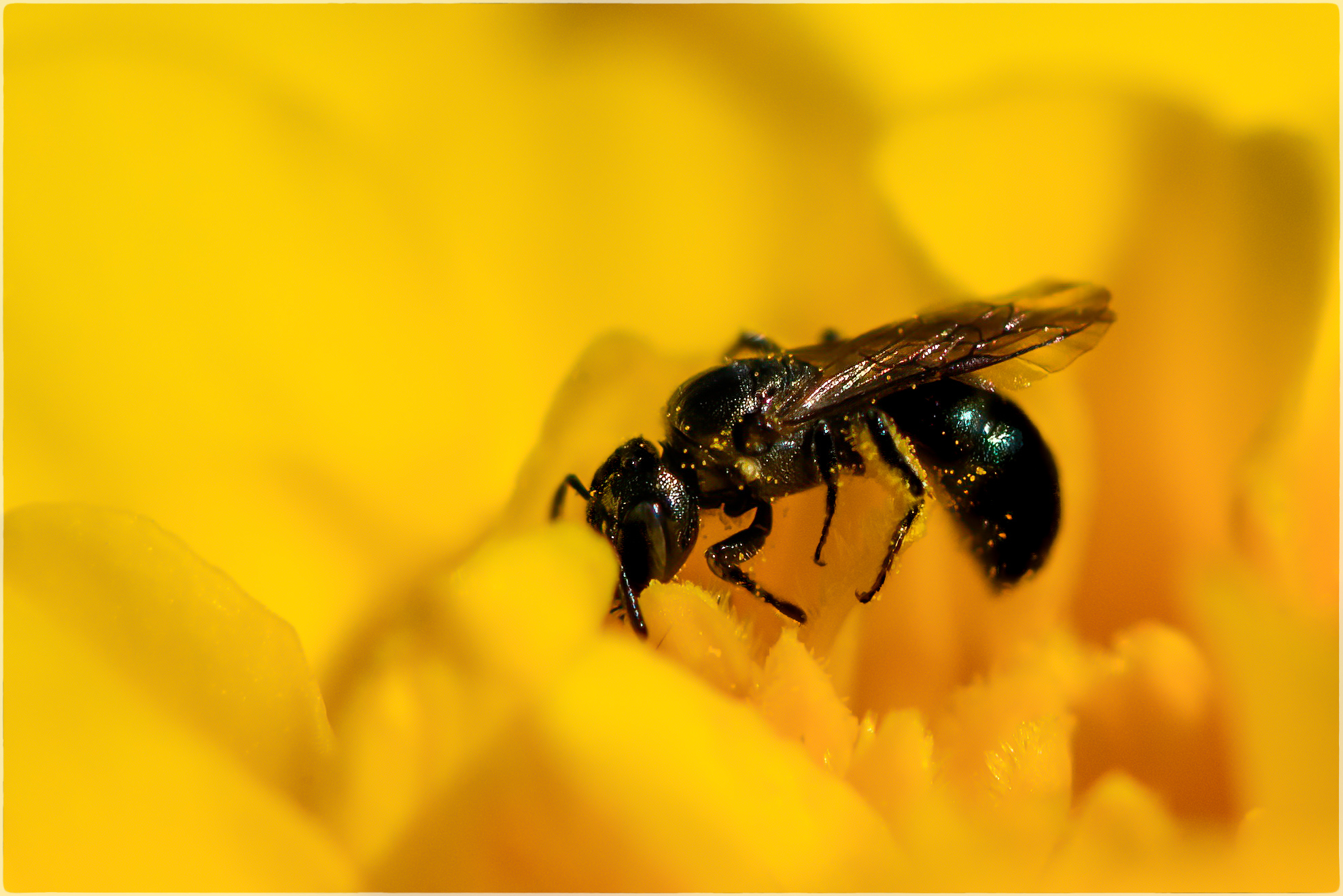
I am in awe of your treatment of the original image and how you turned it into a lovely macro shot. The colors are beautiful. I like how the stamens upward, and what I find most intriguing about the image is the way five of the anthers are vertical, while one is horizontal. It really adds interest to the photo for me.
I do agree with Dick's comments about the softness in the bottom right corner due to the interfering bud. Still, a very striking image! |
Jun 12th |
| 65 |
Jun 23 |
Comment |
Fran,
Oops, forgot to ask about focus stacking. Did you use manual focus and a tripod? What areas did you choose as your focus points, if you don't mind me asking. Thank you! |
Jun 12th |
| 65 |
Jun 23 |
Comment |
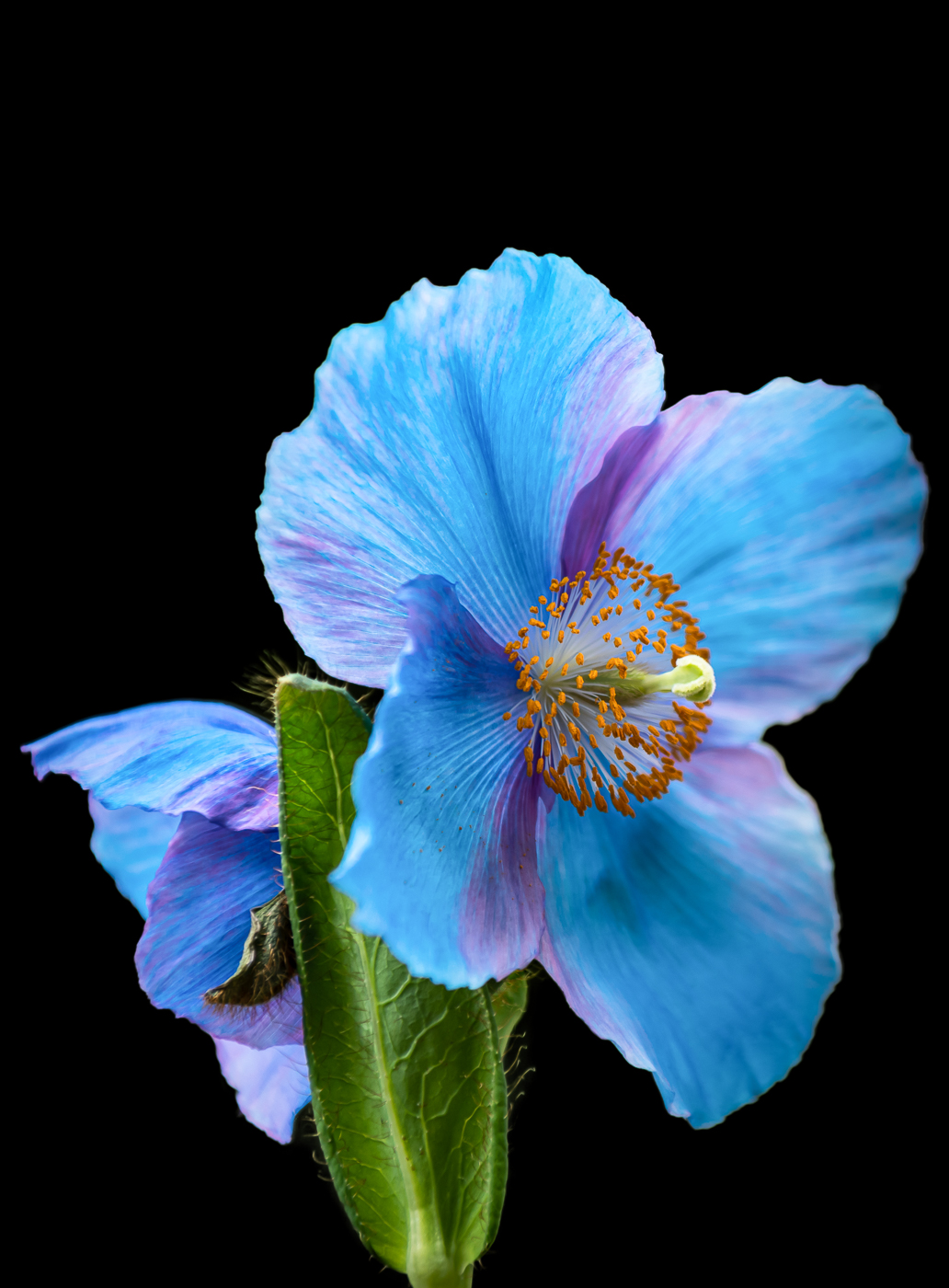
Hi Fran, Wow! What a lovely image! I love poppies! The composition is wonderful and keeps my eyes in the frame. I really like how the forefront flowers at bottom are in sharp focus, while the background blooms (pansies?) and stems on the left are softer, thereby complementing the shallow depth of field in the rest of the image. Gorgeous!
One question: On the very edge of the far left poppy petal, I notice a tiny bit of color missing in a few areas. Is that a masking/brush issue? Might you consider adding some there?
This one's a keeper!! |
Jun 12th |
| 65 |
Jun 23 |
Comment |
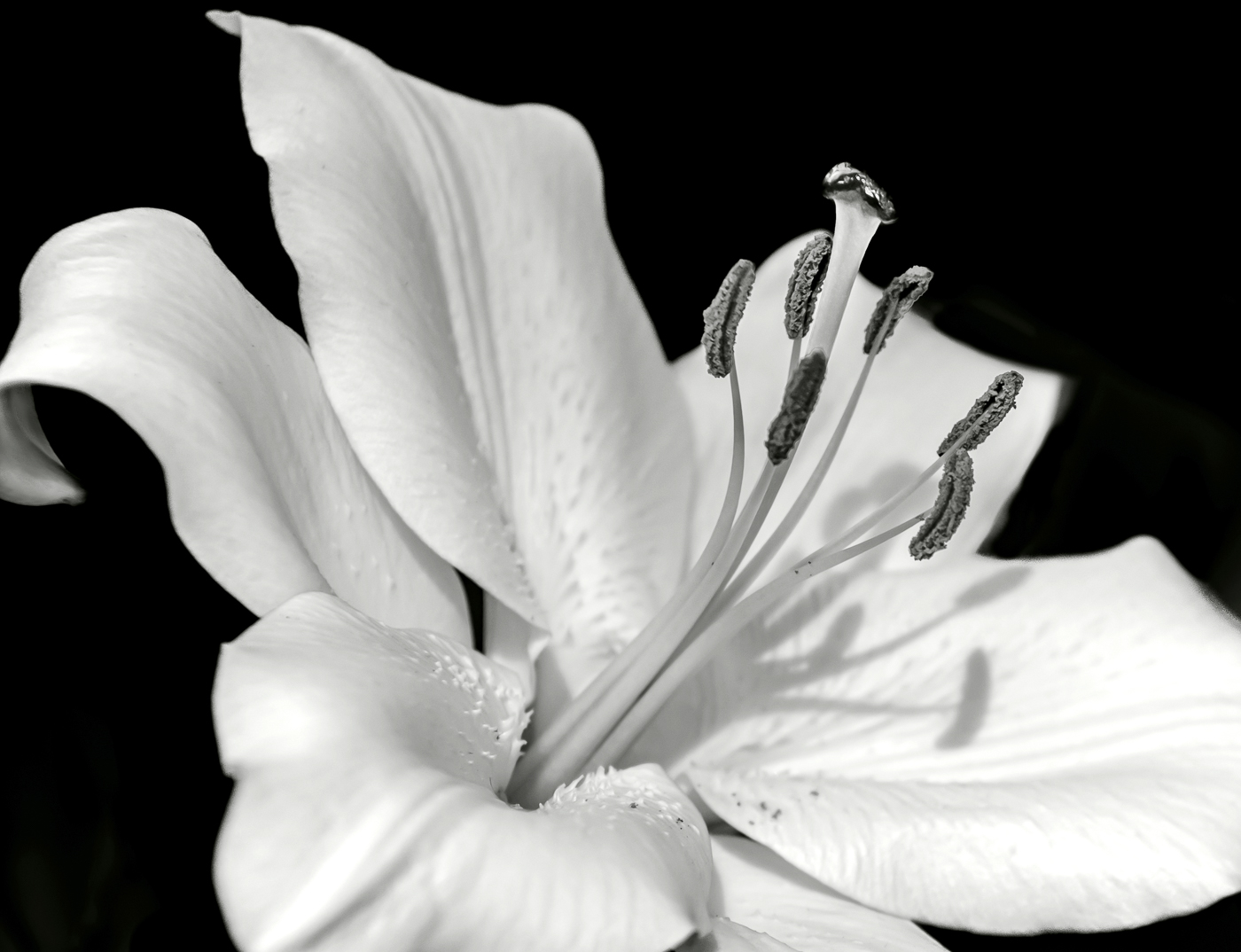
Beautiful image, Dick! I'd hang this one on my wall. I really like how the lily is flanked perfectly by its leaves, which provide a natural frame. Can you please explain what processing technique you used to give it the painterly/water color effect? I'd love to see the original image. |
Jun 9th |
| 65 |
Jun 23 |
Reply |
Thanks, Dick. It was an overcast morning. |
Jun 8th |
| 65 |
Jun 23 |
Reply |
Thank you, Melanie. I see what you mean. |
Jun 8th |
5 comments - 13 replies for Group 65
|
| 77 |
Jun 23 |
Reply |
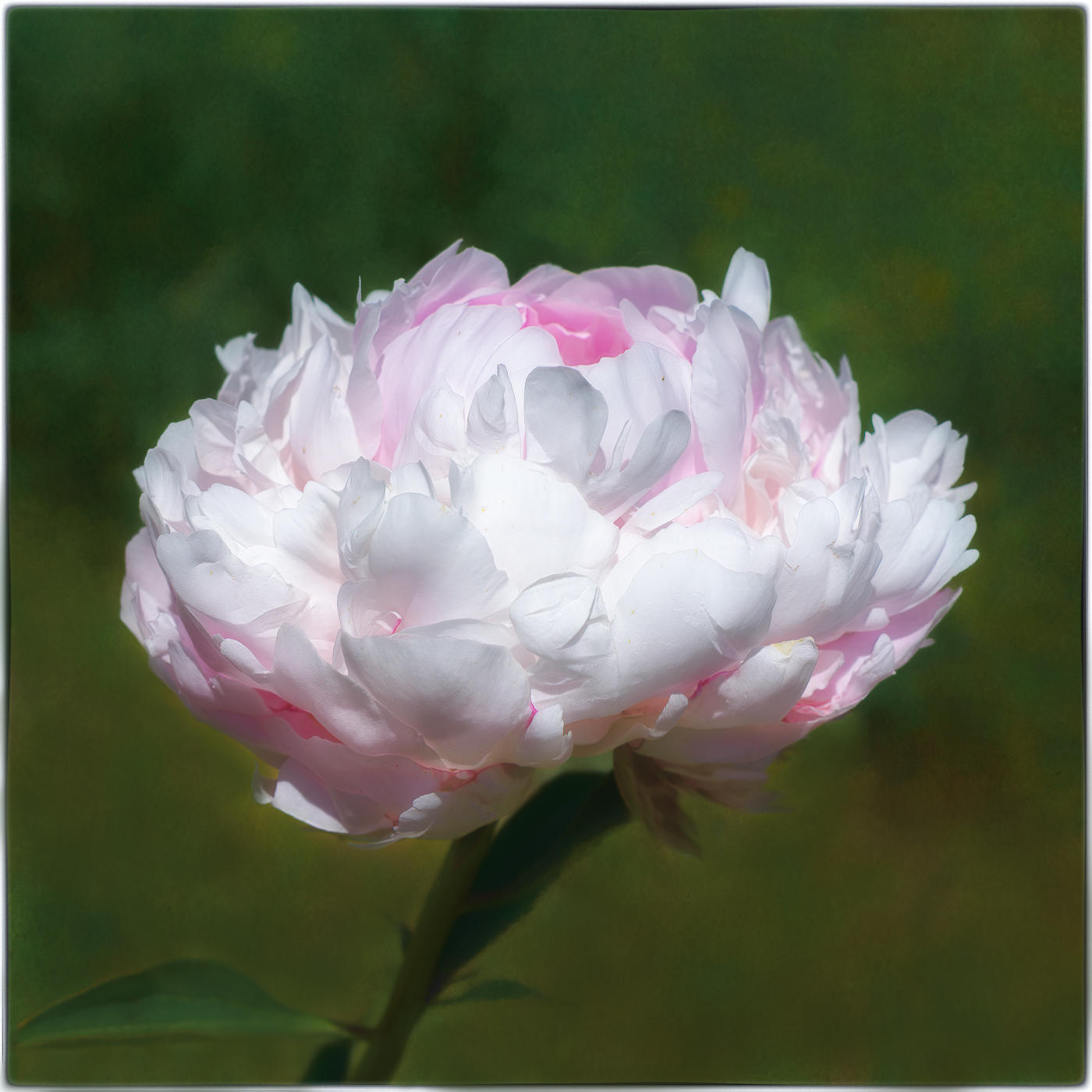
Hi Connie, Thank you so much! When I received comments that some of my highlights are blown out in this image, I was surprised. It doesn't look like that on my Macbook screen. I guess I will have to be careful in the future because not everyone's screen is the same. I am so sorry to hear about Topaz Studio not working with Windows 11. That is so disappointing! I was able to get a copy of Studio 2! So far, it is still working on my Mac. Thanks again! |
Jun 28th |
| 77 |
Jun 23 |
Reply |
Thanks so much, Denise! I agree and will give it a go:) Hopefully, I can save the image with all the wonderful suggestions I've received from our group. |
Jun 25th |
| 77 |
Jun 23 |
Reply |
Thank you, Carol! I appreciate your thoughtful comments. I will take it back into Lightroom and see if I can pull back the highlights. I think I like the leaf left in as well. When I added the frame in post, it took out the tip of the leaf. |
Jun 24th |
| 77 |
Jun 23 |
Reply |
Thanks so much, Linda! Much appreciated:) |
Jun 17th |
| 77 |
Jun 23 |
Comment |
Hi Carol,
I absolutely love your image - the composition and crop, the flip, the uneven number of seed heads and the nice separation between all stems, the colors and the gorgeous background, all of which beautifully show off your subject. Excellent!
|
Jun 16th |
| 77 |
Jun 23 |
Reply |
Thanks, Michael! I agree with you! Linda's edit is great! I'll try cloning out the leaf. |
Jun 16th |
| 77 |
Jun 23 |
Reply |
Well, I'd say you're doing great, Linda! Thank you so much for your help and instruction:) |
Jun 12th |
| 77 |
Jun 23 |
Reply |
Hi Linda, Thank you for your thoughtful feedback. Wow! Your edit of my image makes it look like it's lit from within! I believe I shot this around 10 AM on an overcast day. Will you please explain to me how you painted color back into the blown out petals and also how you cut the leaf back? Were these done on separate layers? Still learning... Thanks again. |
Jun 12th |
1 comment - 7 replies for Group 77
|
6 comments - 20 replies Total
|