|
| Group |
Round |
C/R |
Comment |
Date |
Image |
| 65 |
May 23 |
Reply |
Thank you so much, Maria! I appreciate your help. Now to find the time to practice;) |
May 16th |
| 65 |
May 23 |
Reply |
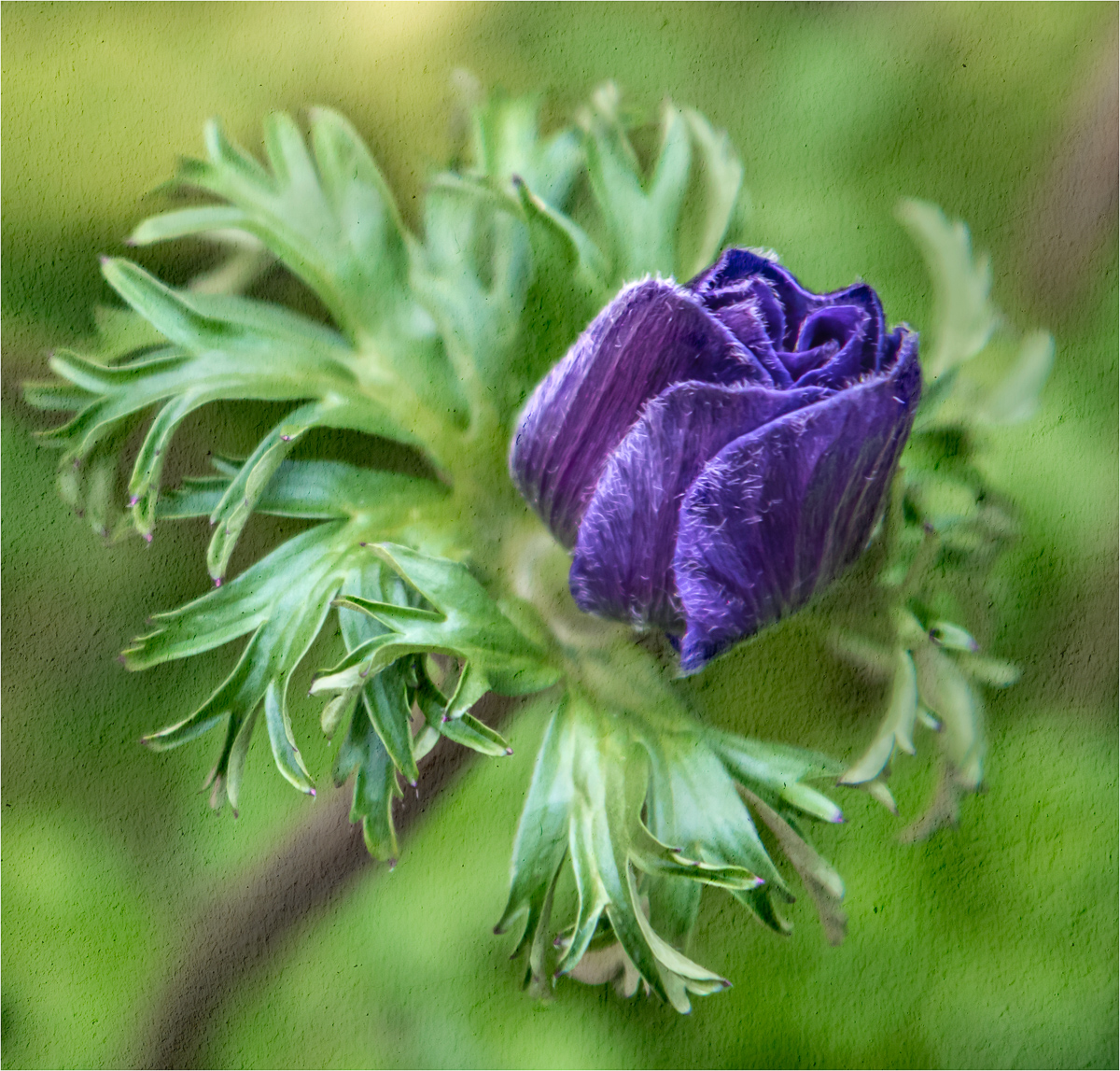
Hi Melanie,
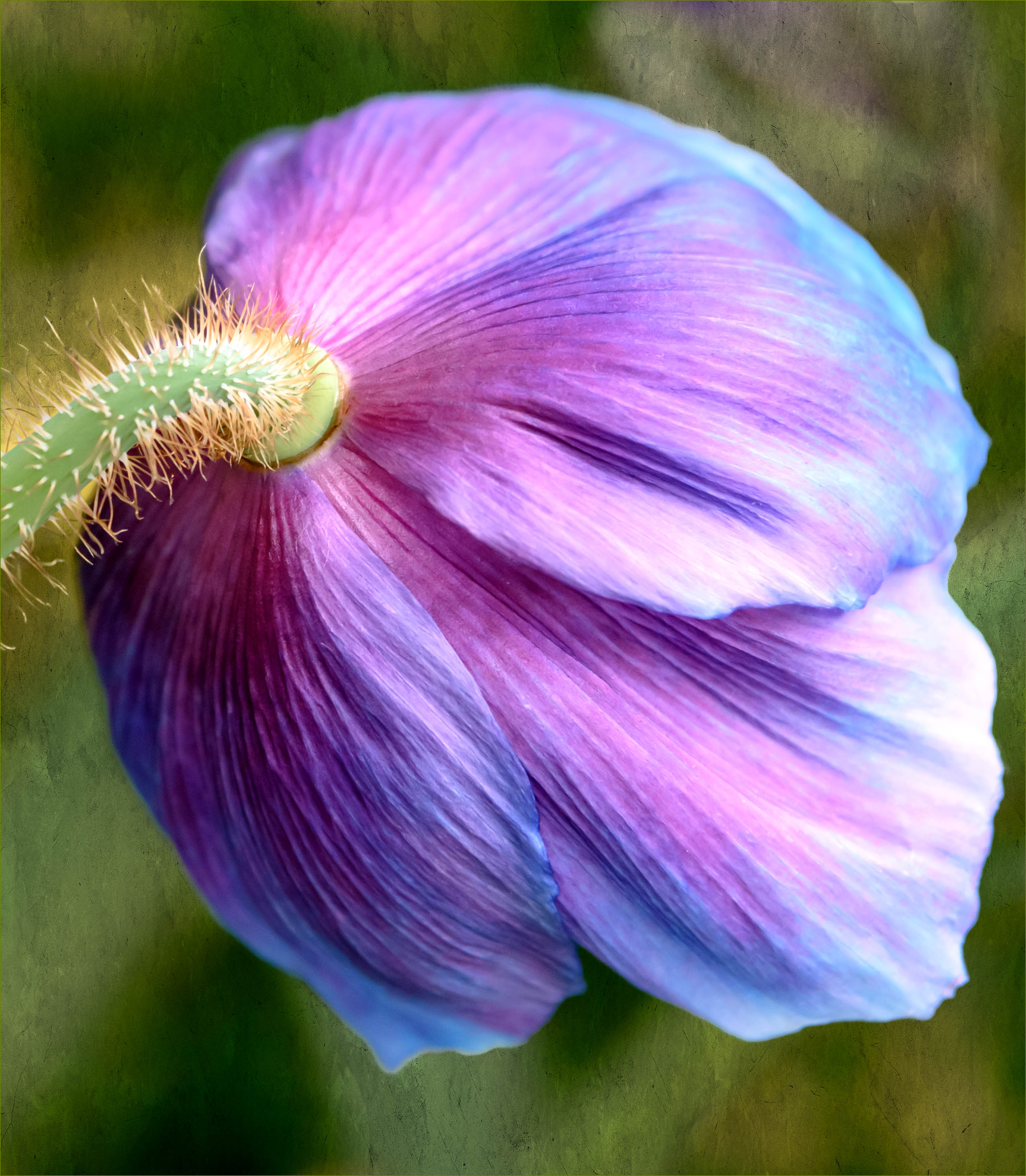
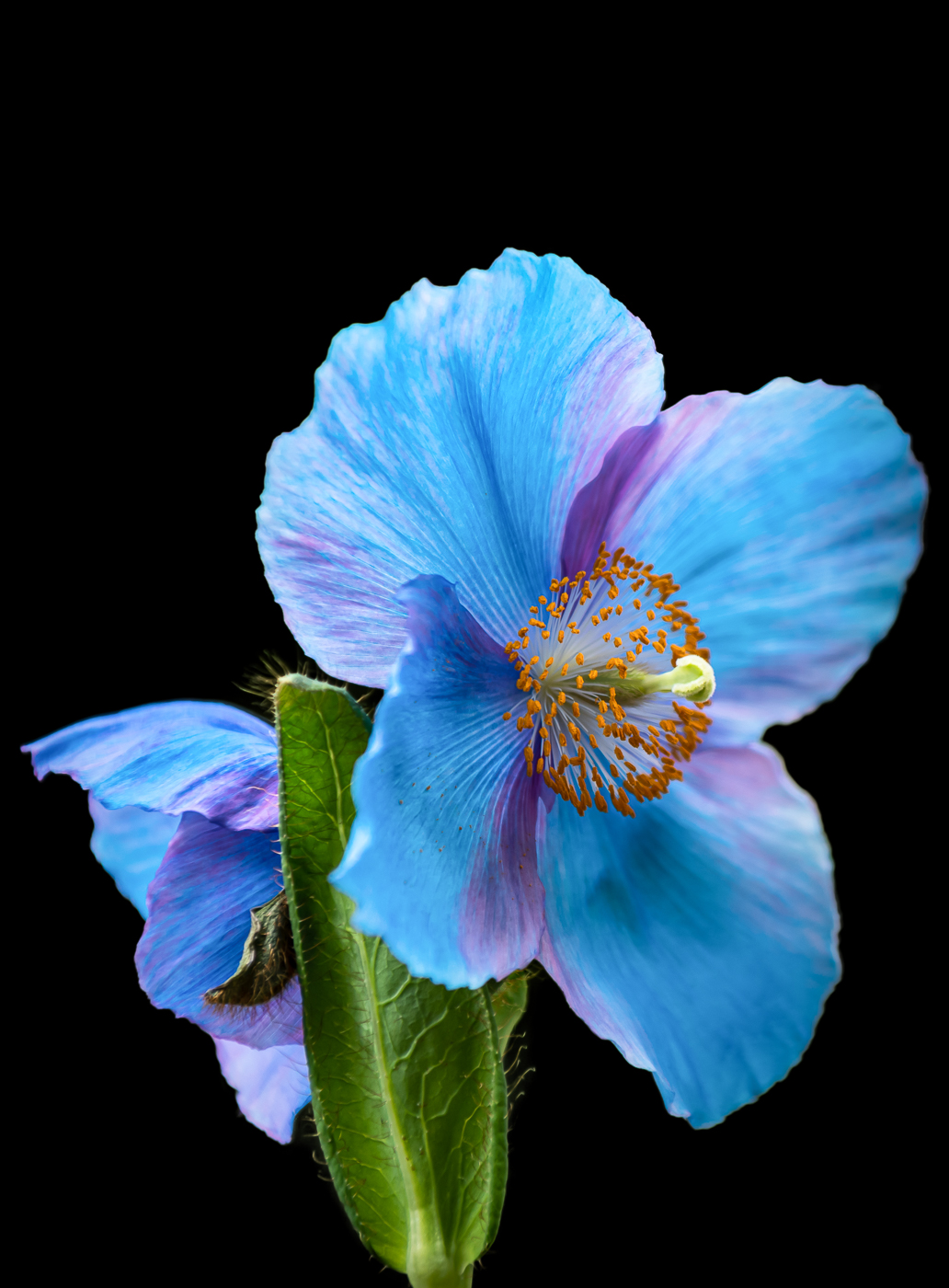
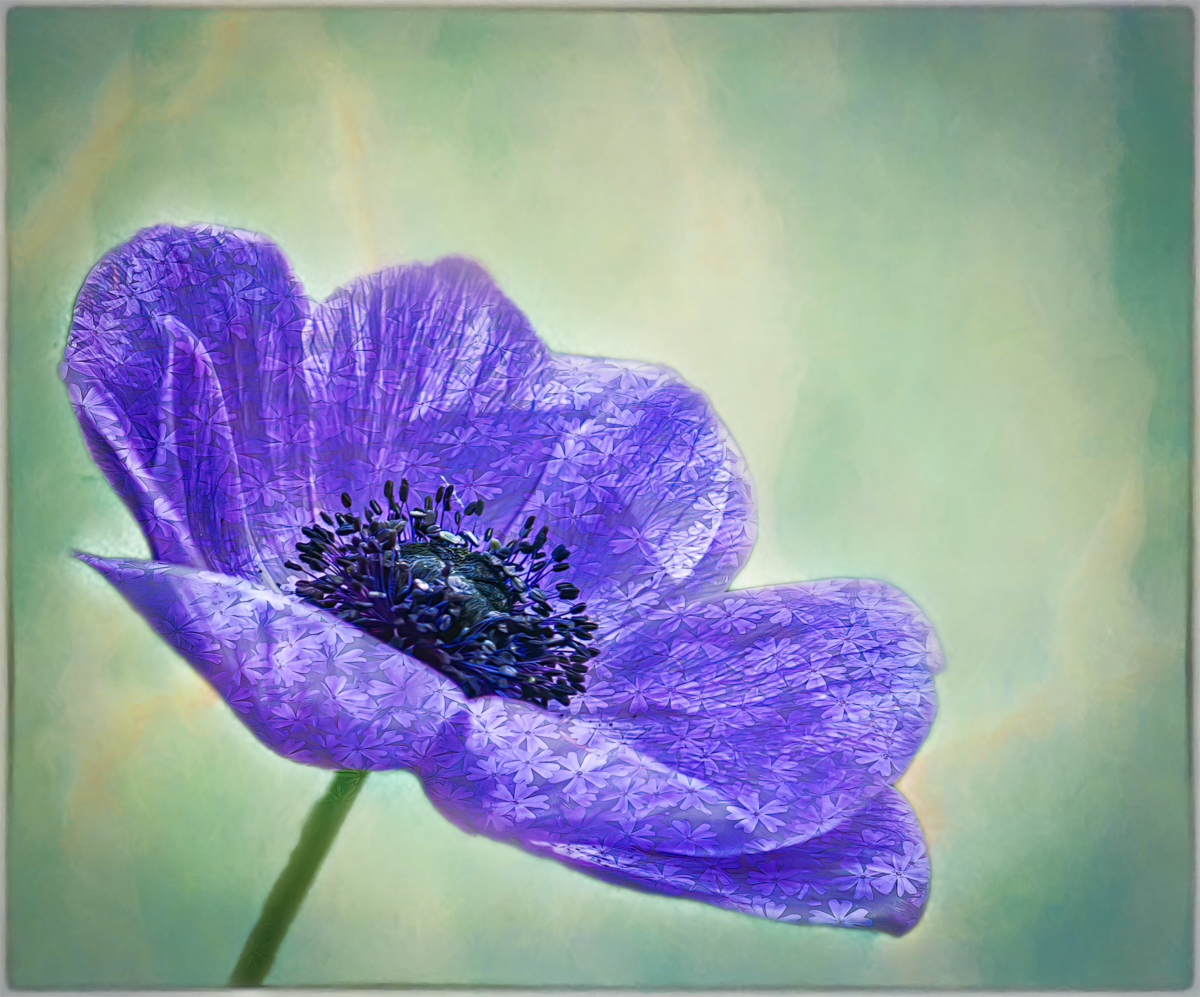
It's a really interesting flower, right? Thank you! I tried to find the name of the flower, but could not seem to get anywhere with a Google search.
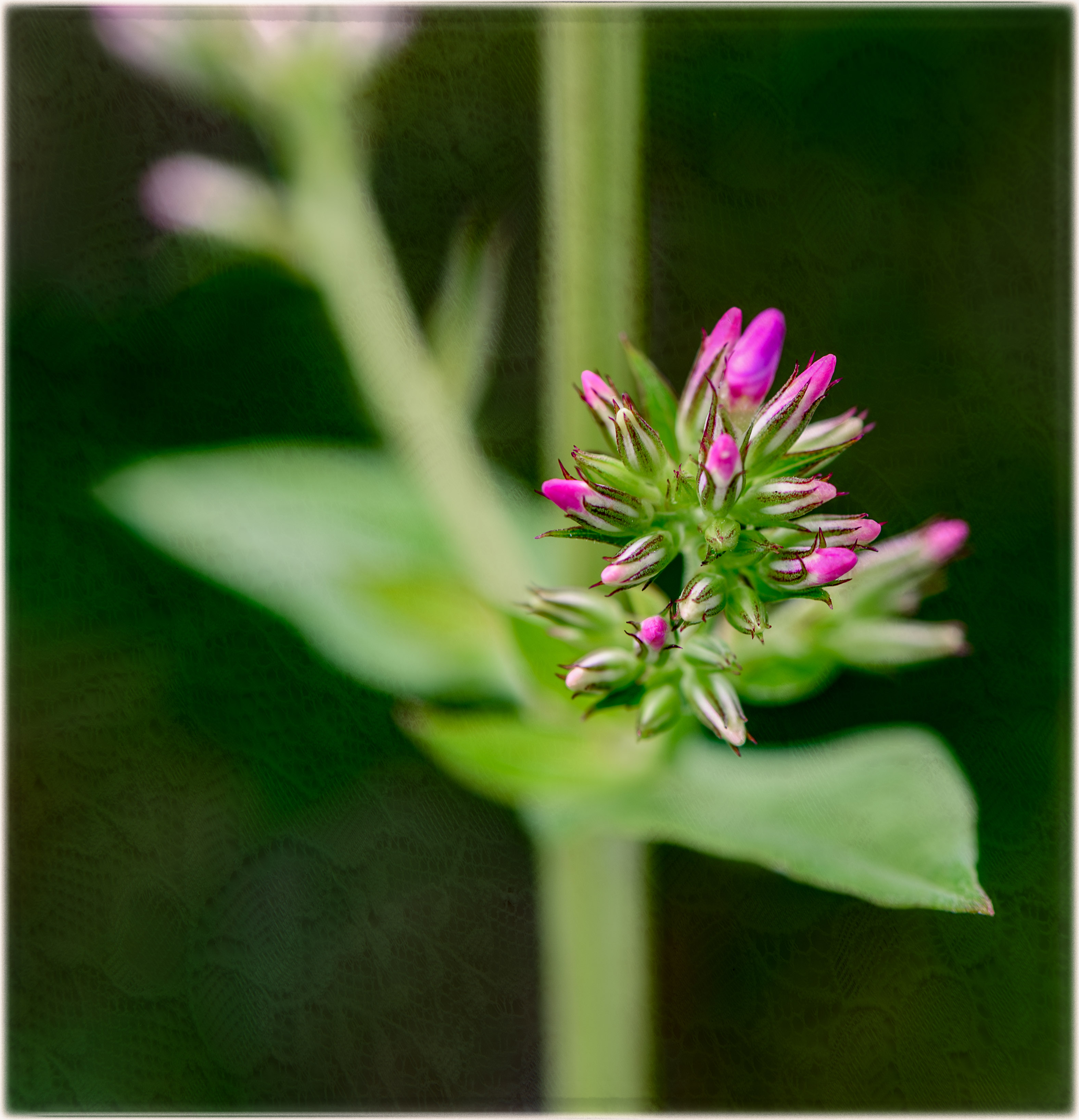
A friend told me about about an iPhone tool that identifies objects! The image must be in your Photos Library and upon opening the image, you will see an 'i' with two tiny stars at the bottom of your screen. If you click the i, an icon appears on your image. Clicking on that icon will identify the subject! Using this tool, I learned that this is a type of poppy:)
Thank you, I totally agree about the texture. |
May 16th |
| 65 |
May 23 |
Reply |
Thank you, Dick! Tech is great when it works as it should! I found yesterday that in posting all my comments that there was a huge delay from the time I clicked submit to the time it actually posted to the site. I actually thought that it might be a typo or some glitch. |
May 16th |
| 65 |
May 23 |
Reply |
Oh wow, you've cropped it way tighter than I did. Thank you for your suggestion. |
May 15th |
| 65 |
May 23 |
Reply |
Thanks so much, Dick! Your hard work pays off. The image is a beauty! |
May 15th |
| 65 |
May 23 |
Comment |
Hi Melanie, WOW! This is mesmerizing! I can almost imagine a little fairy sitting in the beautifully lit center of the water lily;) I even like the original; it is very interesting and looks like an enchanted garden.
The colors in your image are absolutely gorgeous, and I love how the flower looks as if it's lit from within. Would you please explain how (and, with which software) you filled the edges with your complementary color?
Wonderful image! |
May 15th |
| 65 |
May 23 |
Comment |
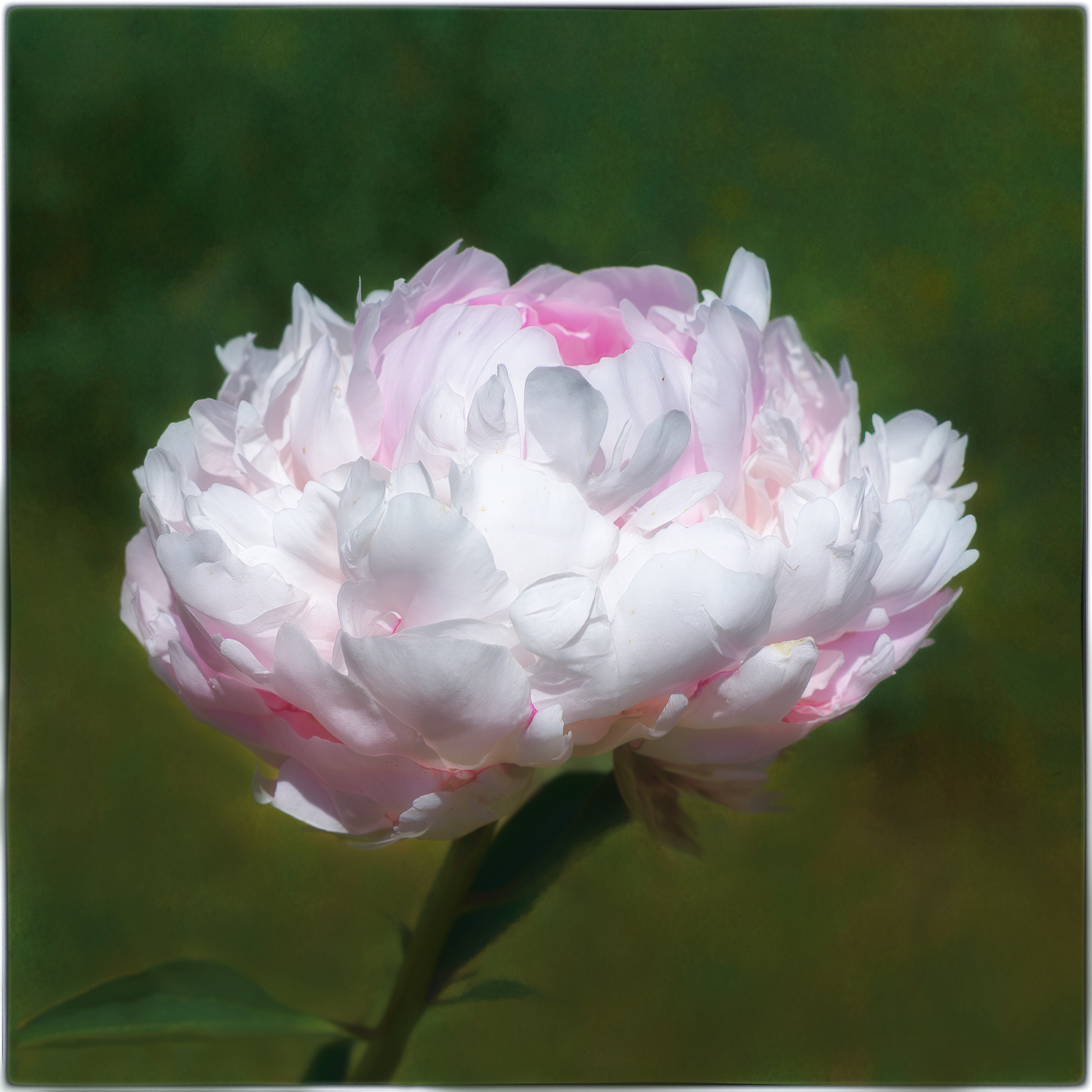
Hi Diana, Your tulip image is beautiful! I love how the delicate, ruffled edges of the petals have opened up to reveal the yellow stamens.
I agree with the others that your background would further complement the tulip, if you added a warmer green. I also agree with Melanie about making the background a bit softer. I also feel like I would like to see more of the stem and a vertical crop. I also would normally agree with Dick's idea of tilting the flower a bit to the right, although I don't know if it would work with this image. There is absolutely no bend in this tulip's stem, so tilting this tulip might make it look a bit unnatural. Is it possible that PS's warp tool could help? I have never tried using it, so I may be way off here. |
May 15th |
| 65 |
May 23 |
Reply |
This is very interesting, Dick. How do you set the mat boards up (indoors and out?) to keep them from falling over behind your subject? Thank you! I thought your background in your Milkweed image looked to be a few different shades of green! Love this idea! |
May 15th |
| 65 |
May 23 |
Comment |
Hi Fran, I love your pale pink tulip image. The smallest bit of yellow at the base of the tulip and the pop of green in the stem add nicely to the photo's interest, leading my eyes right to the star of the show. I absolutely love the little petal that's ed in front with its slightly darker pink edge. May I ask what is meant by "ed petal" and lil owl texture? Also, are lens baby lenses used in place of extension tubes?
Have you tried cropping the tulip vertically and tighter for a different presentation? I think I might love it even more. I am not so sure about flipping the image in this instance, although I have to admit I didn't try it. I like the way the ed petal captures my focus and leads my eye to the top right petal, which sort of "points" to the top right of the image. So, for me, it definitely works!
I am in agreement with the others about the texture. Melanie makes a good point that the texture is like the flower's detail, thereby overshadowing the lovely daintiness of the tulip.
|
May 15th |
| 65 |
May 23 |
Reply |
Hi Dick, thank you for your suggestions and comments. I realize it isn't sharp; the tripod is my nemesis and yet I know it's a must. I will try using a CP. And, I totally agree that I was heavy handed with the texture. I actually thought about cropping it tighter on the right and perhaps on top, but I was afraid someone would say they'd like to see more of the image. Sometimes, my edits are dictated by what I believe others might say. I need to go with my instincts and let the chips fall where they may. |
May 15th |
| 65 |
May 23 |
Comment |
I forgot to mention how much I love the golden light on the stems and seeds. |
May 15th |
| 65 |
May 23 |
Comment |
Dick, what a fascinating image! I would really like to see your original image to learn how you created this elegant image. I like the diagonal lines and triangular shape leading my eye through the image. The warm, subtle tones add to its appeal. The texture and details add so much interest. I want to reach out and touch those little "wishes!"
How did you create the soft, dark background? I notice it is not stark black. Did you shoot this outside or in front of a background you made? Love it!! |
May 15th |
| 65 |
May 23 |
Reply |
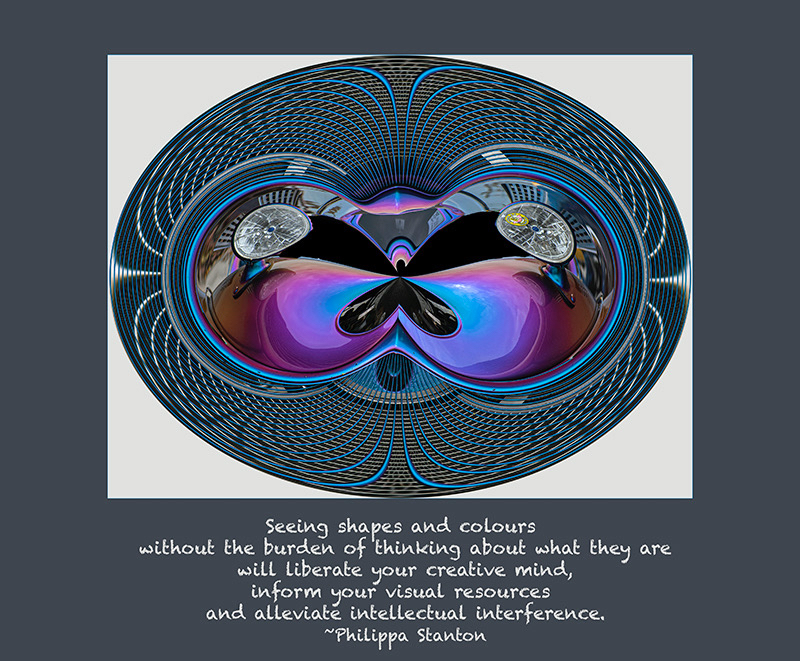
Thank you so much, Maria! I ran an image through Nik Color Efex Pro 4 to practice what you've taught me. I was able to figure out how to choose the color for the vignette. Did you also use Nik to add illumination? How did you get your frame color to complement the image color? I hope you don't mind all my questions. I really want to learn. Many thanks! |
May 15th |
| 65 |
May 23 |
Reply |
Thank you so much, Maria! I ran an image through Nik Color Efex Pro 4 to practice what you've taught me. I was able to figure out how to choose the color for the vignette. Did you also use Nik to add illumination? How did you get your frame color to complement the image color? I hope you don't mind all my questions. I really want to learn. Many thanks! |
May 15th |
| 65 |
May 23 |
Comment |
Hi Maria,
Your Agapanthus is so delicate and beautiful! I love how the striking detail in the stamen, pollen and water droplets is encompassed by all the gorgeous, purple dreaminess! The color is so lovely, and the softer frame perfectly complements this exquisite flower.
You did a remarkable job lightening and softening the background flower petals to remove the distractions. I'd love to learn how you did that! I have loved all your images, but this one is my favorite - probably until your next post;)
Stunning! |
May 12th |
| 65 |
May 23 |
Reply |
Hi Maria,
Thank you so much for the helpful suggestions. It looks so much better:) |
May 12th |
| 65 |
May 23 |
Comment |
The above comments about my image should state that Carol is a very talented PSA member from another DD group who taught me this technique. |
May 8th |
7 comments - 10 replies for Group 65
|
| 77 |
May 23 |
Reply |
Thank you, Connie, for your helpful comments! Much appreciated:) |
May 28th |
| 77 |
May 23 |
Reply |
Hi Michael, thank you for your helpful comments:) |
May 19th |
| 77 |
May 23 |
Comment |
Hi Denise,
Dahlias are one of my favorite flowers. Your creative painterly effect really showcases its dramatic color variations and petal patterns. Beautiful image! |
May 15th |
| 77 |
May 23 |
Comment |
Hi Linda,
I love that you used the twirl effect in PS on your duck image. I learned this technique from Mollie Issacs, an amazing photographer. I have yet to figure out what images work best with this process. You nailed it and were able to place its eye in a great compositional spot. Well done!
I love the colors and textures. I, too, like the symmetry of Denise's suggestion. What fun! |
May 15th |
| 77 |
May 23 |
Comment |
Hi Michael,
I love your image and your unique perspective. It's mesmerizing! You have such a great eye! I am in awe with the way you cropped and turned your image and how you used that distracting green leaf to your advantage by softening it and making it your foreground! Love it!
I agree with Denise; the colors complement each other nicely. The surfing stamens are tack sharp. You've inspired me to get out there and spend an hour with a flower. Great job! |
May 15th |
| 77 |
May 23 |
Comment |
Hi Mary,
I absolutely love this impactful image of your Opa Jack! It definitely evokes an emotional response and has created a wonderful memory. I love his hand placement on his old familiar friend, his guitar. For me, his hands tell the story, and it looks to me like he was pondering his own memories. I am glad you left part of his favorite chair in the image. What an amazing treasure for your family to cherish!
I do agree with all Denise's post-processing suggestions. Increasing clarity and contrast as well as darkening the background have nicely showcased your evocative portrait.
|
May 15th |
| 77 |
May 23 |
Comment |
Hi Connie,
What a beautiful and creative image! The rose is stunning. I love how its edges are ever so slightly tinted red. The addition of the musical notes definitely adds to the story. Creating the wavy pattern with the notes gives the piece a feeling of musical movement. I agree with the others about removing the notes from the flower and the wooden panel above the keys.
|
May 15th |
| 77 |
May 23 |
Comment |
Hi Carol,
Such a lovely image! It most certainly tells a interesting story about this beguiling young lady, who's totally unfettered by a little bit of rain while standing in an enchanting ivy garden. It is delightful to the eye and definitely stirs the imagination.
I really like how you left in the small paved walkway on the left side of the image; it provides depth and interest to the image. I find that the umbrella's intense pop of red adds drama to your otherwise subtle tones. However, I also love how Denise created a more tranquil scene merely by changing the color of the umbrella, which nicely complements the details in her dress.
To Michael's point about cloning out the beam, I think I prefer the beam in the image. It almost provides a bit of a framing for the model. |
May 15th |
| 77 |
May 23 |
Reply |
Thank you again! I found it with your help. Will keep at it:) |
May 13th |
| 77 |
May 23 |
Reply |
Hi Denise,
Thank you for the information. I just found the Studio Two download on Topaz Lab's website on their Legacy Downloads page. I've installed it! Now to find a great tutorial to learn how to use it. I don't see a brush option for the textures, only opacity and healing tool. |
May 11th |
| 77 |
May 23 |
Reply |
Hi Denise, thank you so much for the thoughtful and helpful feedback. I just learned so much and I will try that next time.
Can you explain to me how you use Topaz to add texture? Is it a version of Topaz Studio? I wanted to purchase it, but I'm hesitant because Topaz told me they no longer support it. Do you have an opinion about this? Thanks so much!
And, yes, we are indeed lucky to have Longwood so close to us. While I love it at any time of the year, Christmas at Longwood is magical!
Have a lovely day:) |
May 11th |
| 77 |
May 23 |
Comment |
My comments about my image should have stated that I learned the above-mentioned technique from Carol. Thank you, Carol:) I actually thanked you in my other group...I got my two DD groups mixed up! ~Jodi |
May 8th |
7 comments - 5 replies for Group 77
|
14 comments - 15 replies Total
|