|
| Group |
Round |
C/R |
Comment |
Date |
Image |
| 65 |
Apr 23 |
Reply |
You're very welcome, Melanie:) |
Apr 27th |
| 65 |
Apr 23 |
Reply |
Thanks, Russell:) |
Apr 27th |
| 65 |
Apr 23 |
Reply |
Thanks, Russell:) |
Apr 26th |
| 65 |
Apr 23 |
Reply |
Hi Diana, Thank you! I'm glad you like my edit. I'm learning much from our group, too! |
Apr 26th |
| 65 |
Apr 23 |
Reply |
You're very welcome, Melanie:) |
Apr 25th |
| 65 |
Apr 23 |
Reply |
Hi Dick,
Thank you for your comments and suggestion. I totally agree with you about the large green leaf being a distraction. I wanted to remove it, but didn't have the time to devote to figuring out how to do it.
We have had a very busy April. Sometimes there are just not enough hours in the day! |
Apr 24th |
| 65 |
Apr 23 |
Reply |
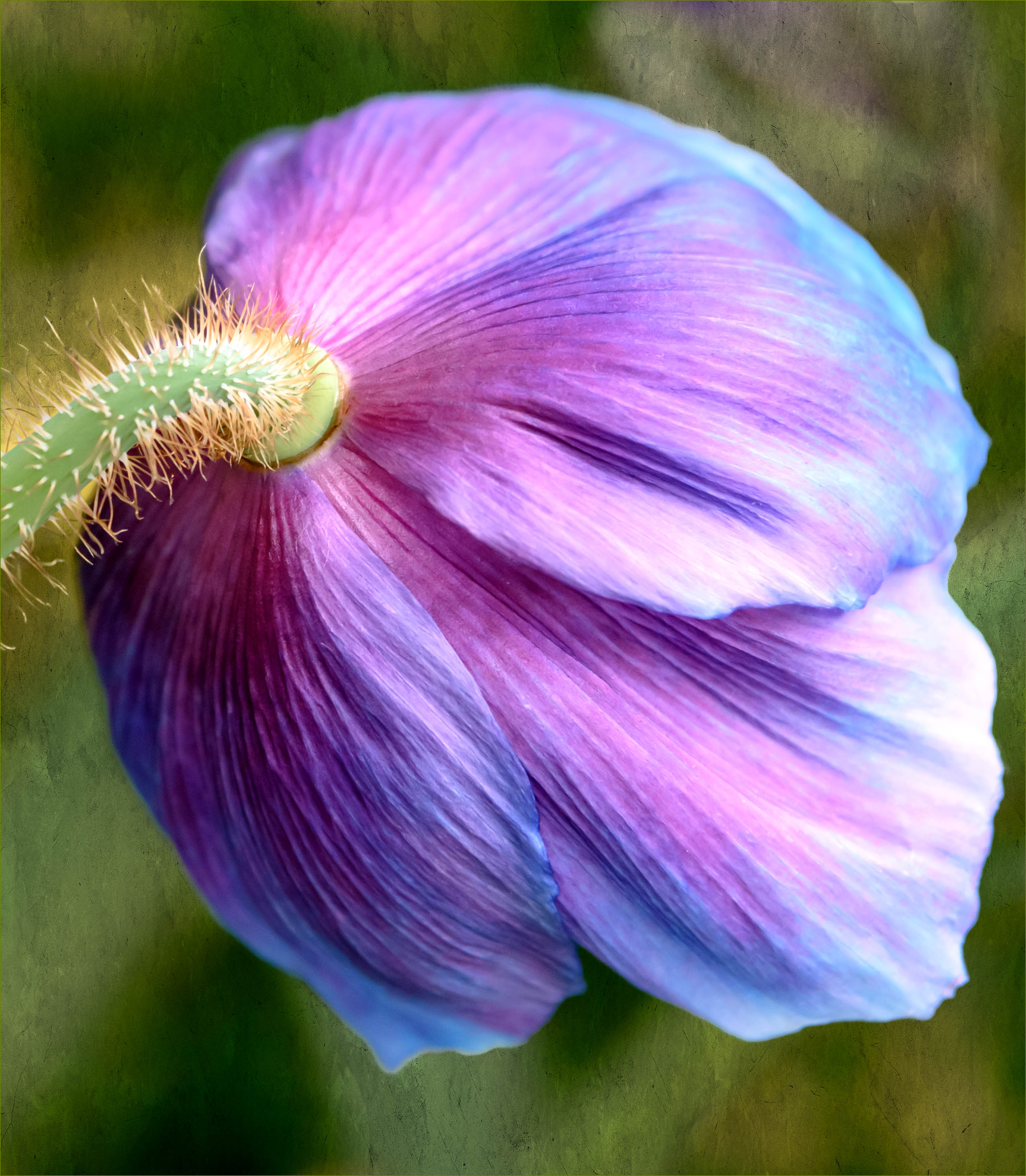
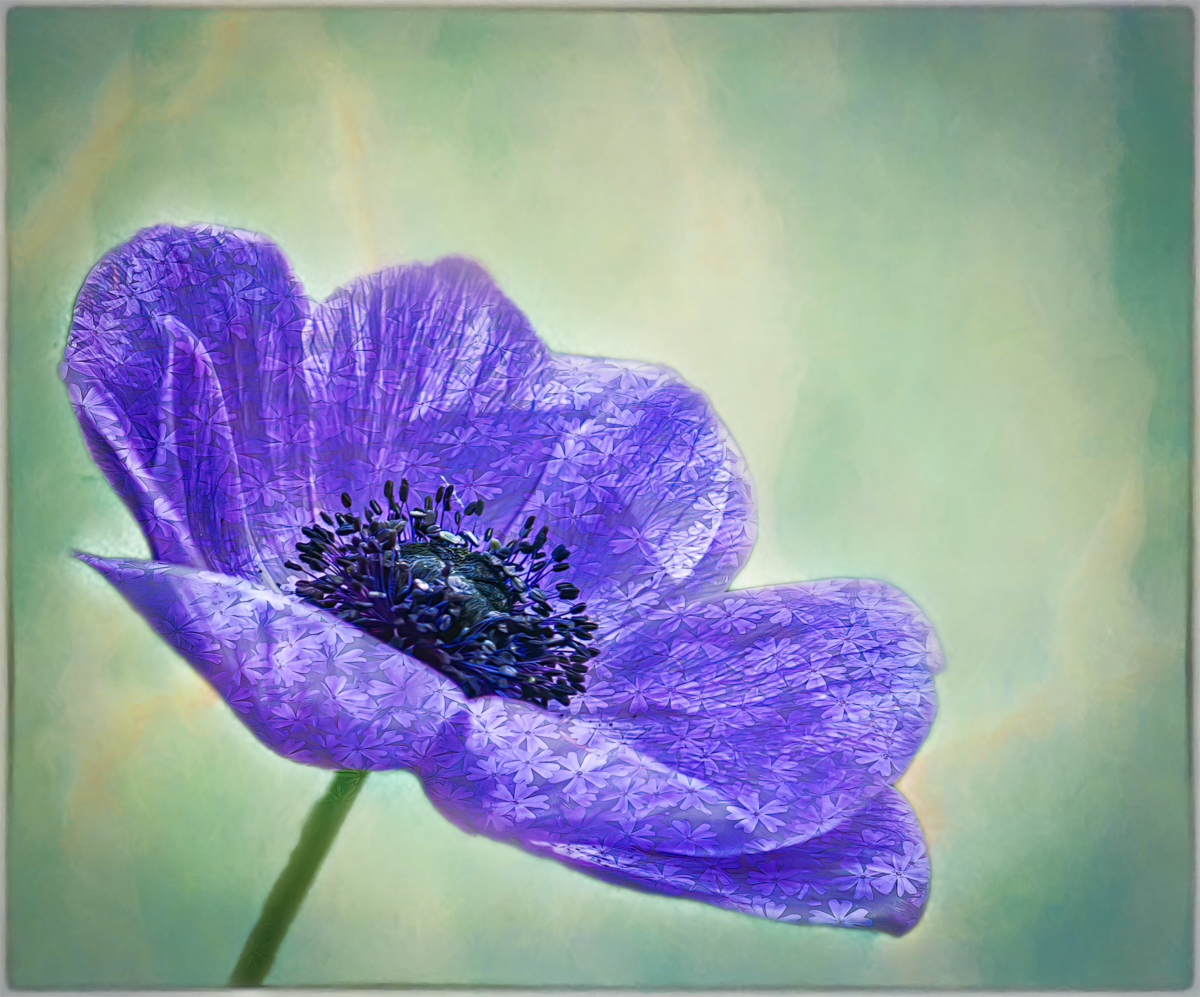
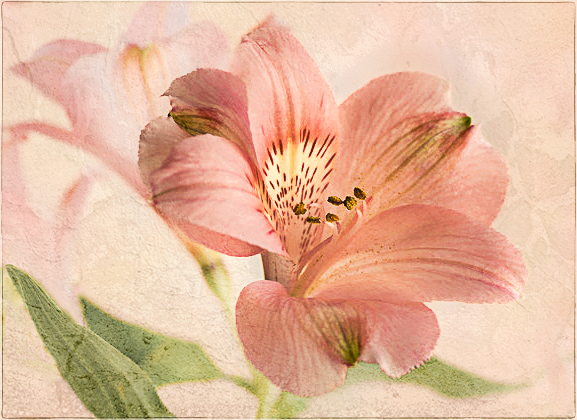
Here is my very rudimentary version of Diana's image, which includes a textured background, a technique I recently learned here in our group. However, as I mentioned, my edit totally changes the delicate dreaminess of Diana's image, so I was not sure it would be well received.
Of course, I do prefer Diana's original image over my edit, but the crop left me feeling like I wanted to see the rest of the flower. So, I opened it in PS to see if I could find a way to include the other parts of the original image, without the background flowers causing too much of a distraction. This is what I came up with. Please keep in mind that I was editing a smaller file with limited data, which resulted in a slightly pixelated image.
I look forward to hearing your comments and suggestions. Thank you for the opportunity to learn in this manner. |
Apr 23rd |
 |
| 65 |
Apr 23 |
Reply |
Hi Diana, thank you so much for your helpful comments. Much appreciated:) |
Apr 21st |
| 65 |
Apr 23 |
Reply |
Hi Dick, thank you for your thoughtful comments. Yes, I used autofocus. I am just beginning to learn about focus stacking, so I cannot wait to test those waters. |
Apr 21st |
| 65 |
Apr 23 |
Reply |
Thanks so much, Maria. I am so happy you like it. I only hope I can become as artistically skilled as you one day! |
Apr 21st |
| 65 |
Apr 23 |
Comment |
Hi Russell, Beautiful zinnia image! Very cool perspective, and I also really like how you've blurred the leaf and its patterns in the background. It really enhances your flower. I agree that you may want to give the zinnia a bit more room on both sides. Great job! |
Apr 21st |
| 65 |
Apr 23 |
Comment |
Hi Maria, Wow! Another captivating image! I also love the curved stem, which leads my eyes right to the gorgeous flower. The center is tack sharp and the colors are mesmerizing. I also really like your presentation as well. The textured background, its complementary color, the slight shading and framing all work together to perfectly showcase your beautiful flower. Great job! |
Apr 21st |
| 65 |
Apr 23 |
Comment |
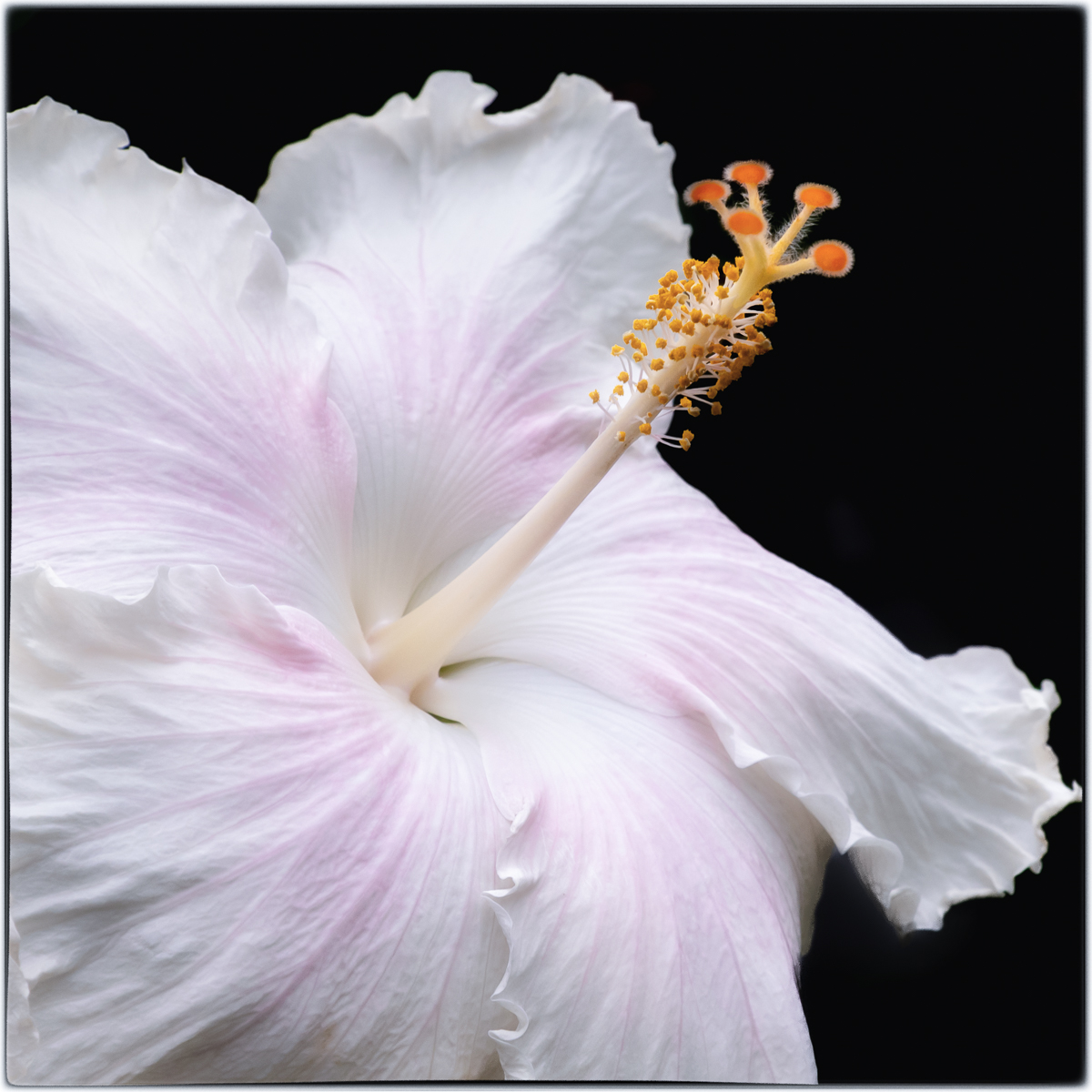
Hi Melanie, Gorgeous dahlia image! I love the details, the petal patterns, color and softness. Your edit draws my eyes right the to show stopping center and keeps them there. Definitely a frame worthy image! |
Apr 21st |
| 65 |
Apr 23 |
Comment |
Hi Diana, Lovely flower and I also like that you've flipped it. But the crop seems a little off balance to me. I really want to see more of the petals on the left side. I also agree with the others about the background being too close to the color of the flower.
Have you tried tweaking it in PS to add a different background perhaps with a soft texture? I have learned this technique from our group. I actually played with it quickly, but it completely changed the beautiful softness of your image. Sometimes there is only so much we can do with a crop. I was thinking that I actually liked the other flowers in the background, if I could find a way to soften them, so as not to cause distraction.
I am hesitant to share the image I came up with because I don't know if I'm overstepping. You are all much more skilled and experienced than I am. If you would like to see how I would have edited this image, I'll be happy to share. I sometimes struggle to capture exactly what I see and that is when I start playing with the PS tools to see if I can enhance my image. It is also how I am teaching myself more about PS. |
Apr 21st |
| 65 |
Apr 23 |
Comment |
Hi Fran, I love tulips, and your image has done a fabulous job capturing its delicate beauty. The backlighting is stunning; it showcases the details in the top of the petals.
Like Melanie, I think adding a some green in your lovely textured, background and a bit more detail or slight darkening of the stem would further enhance your flower and make is stand out more. |
Apr 21st |
| 65 |
Apr 23 |
Comment |
Hi Dick,
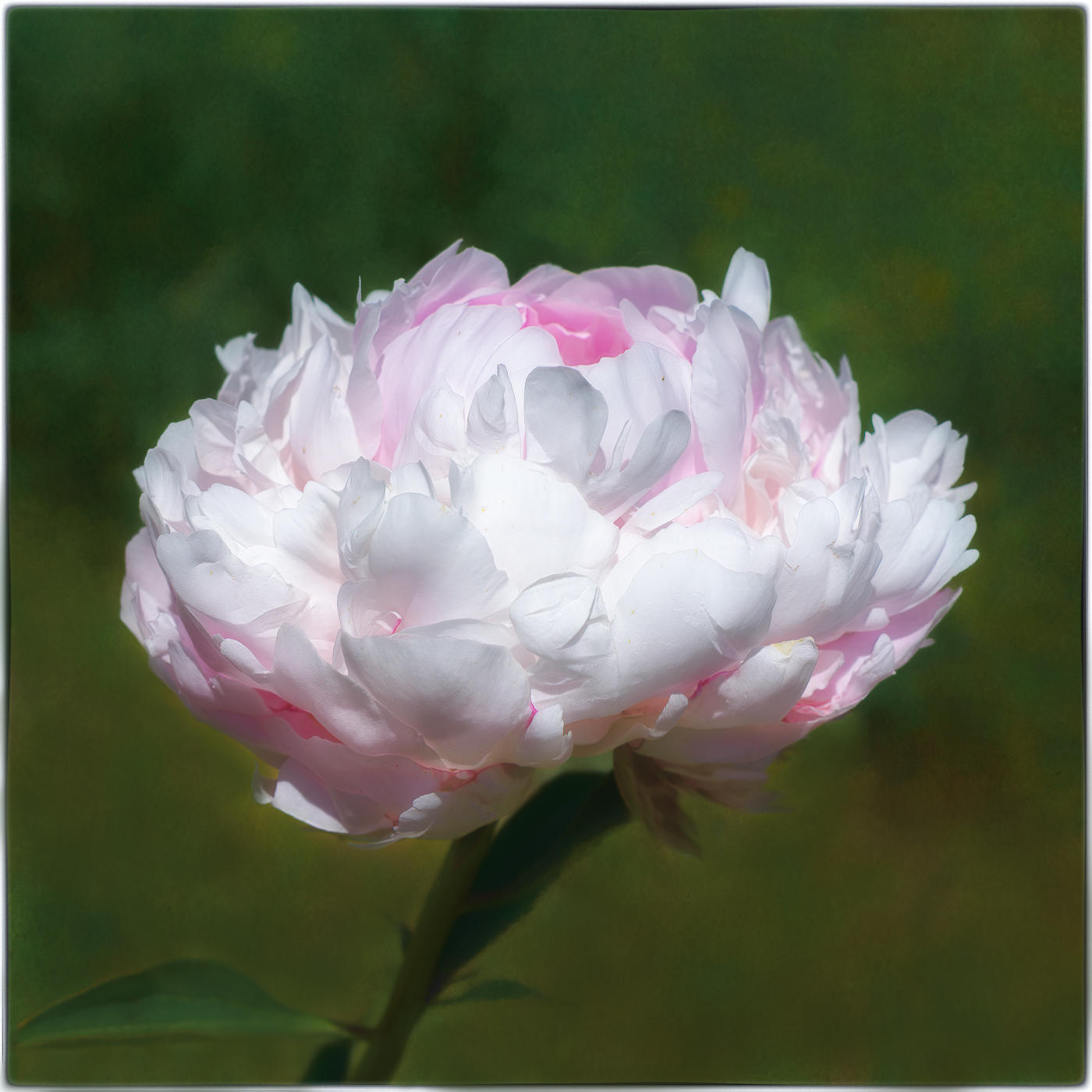
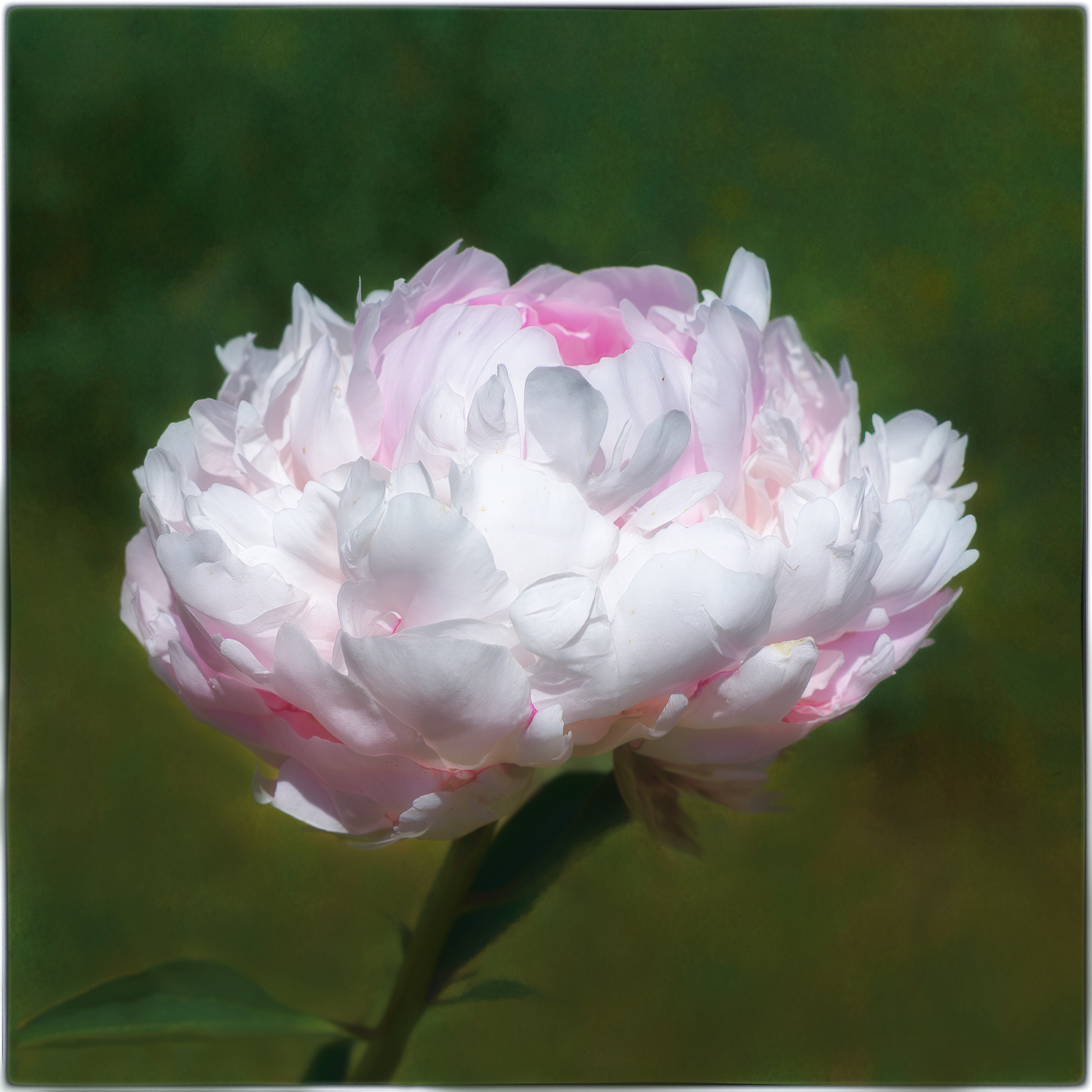
I love your elegant peony image and the lovely complementary colors. The background is so velvety soft and perfectly showcases this gorgeous flower. The curved stem and the base leaf further enhance the image by leading my eye right up to the peony. It is interesting how the base leaf and stem are growing in almost opposite directions, yet they are both leading us directly to the flower. I, too, would like to see a tad more space above the flower. Might you consider a finer keystroke to frame your image? It's just my personal preference. |
Apr 21st |
| 65 |
Apr 23 |
Comment |
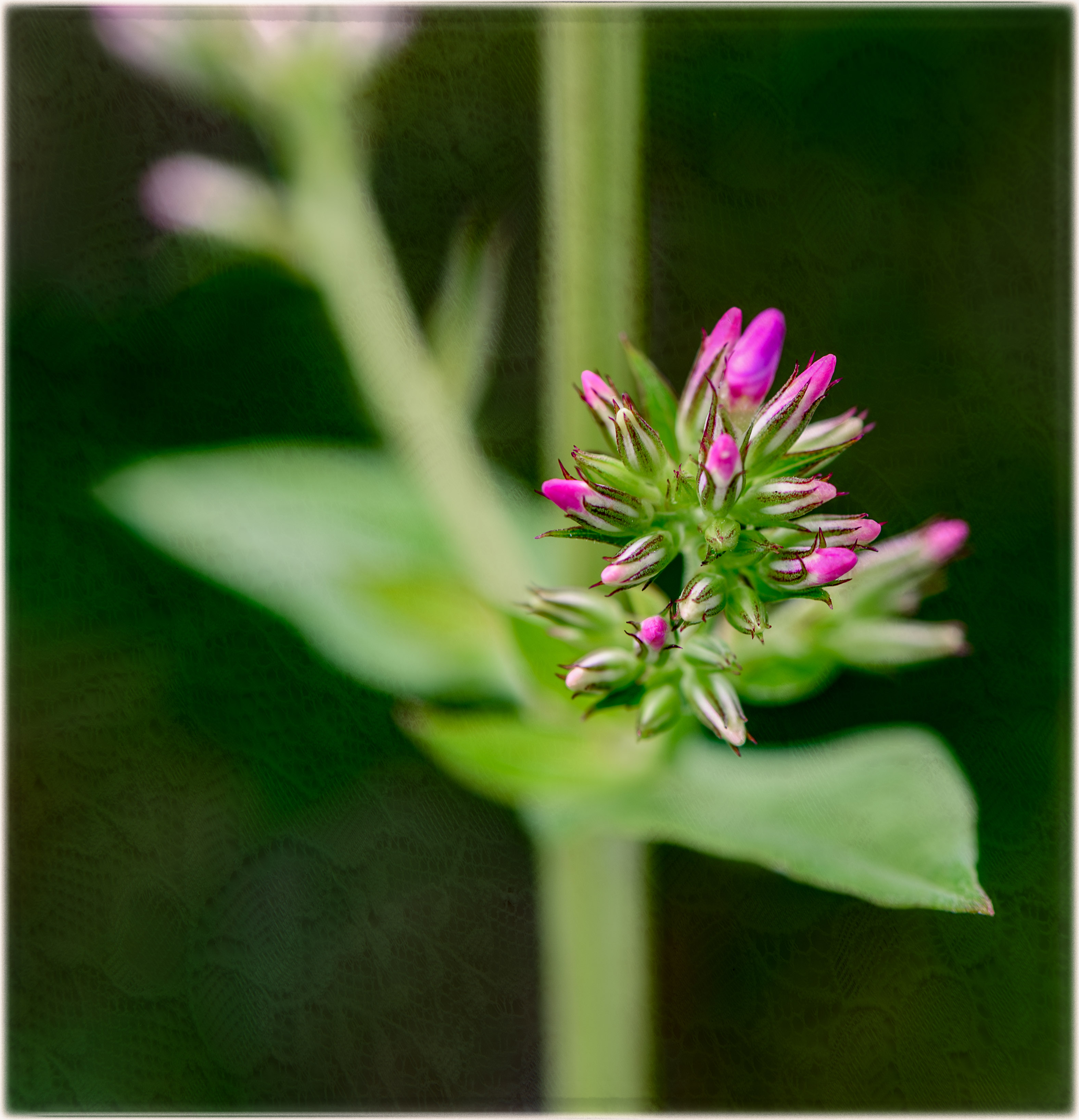
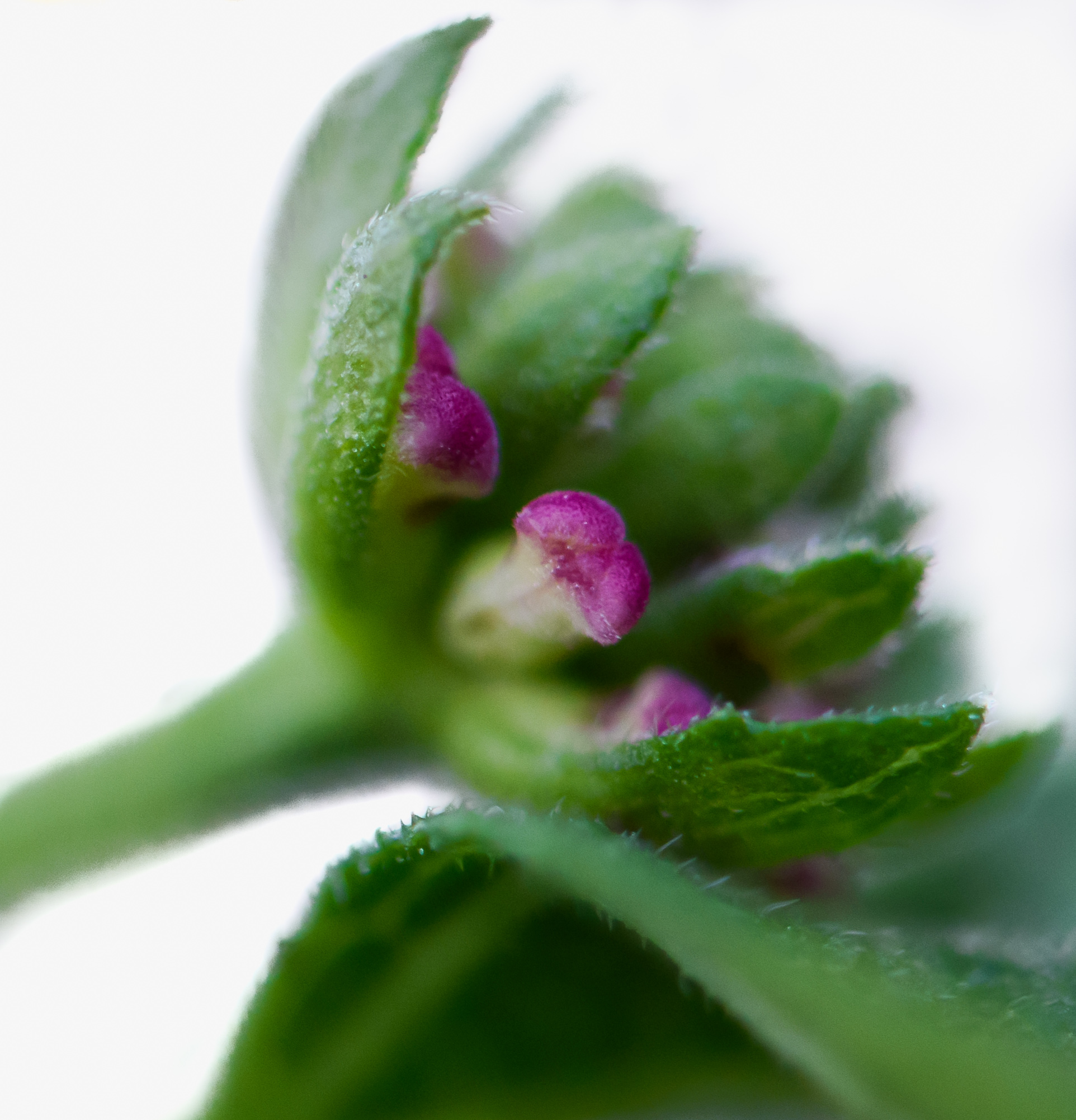
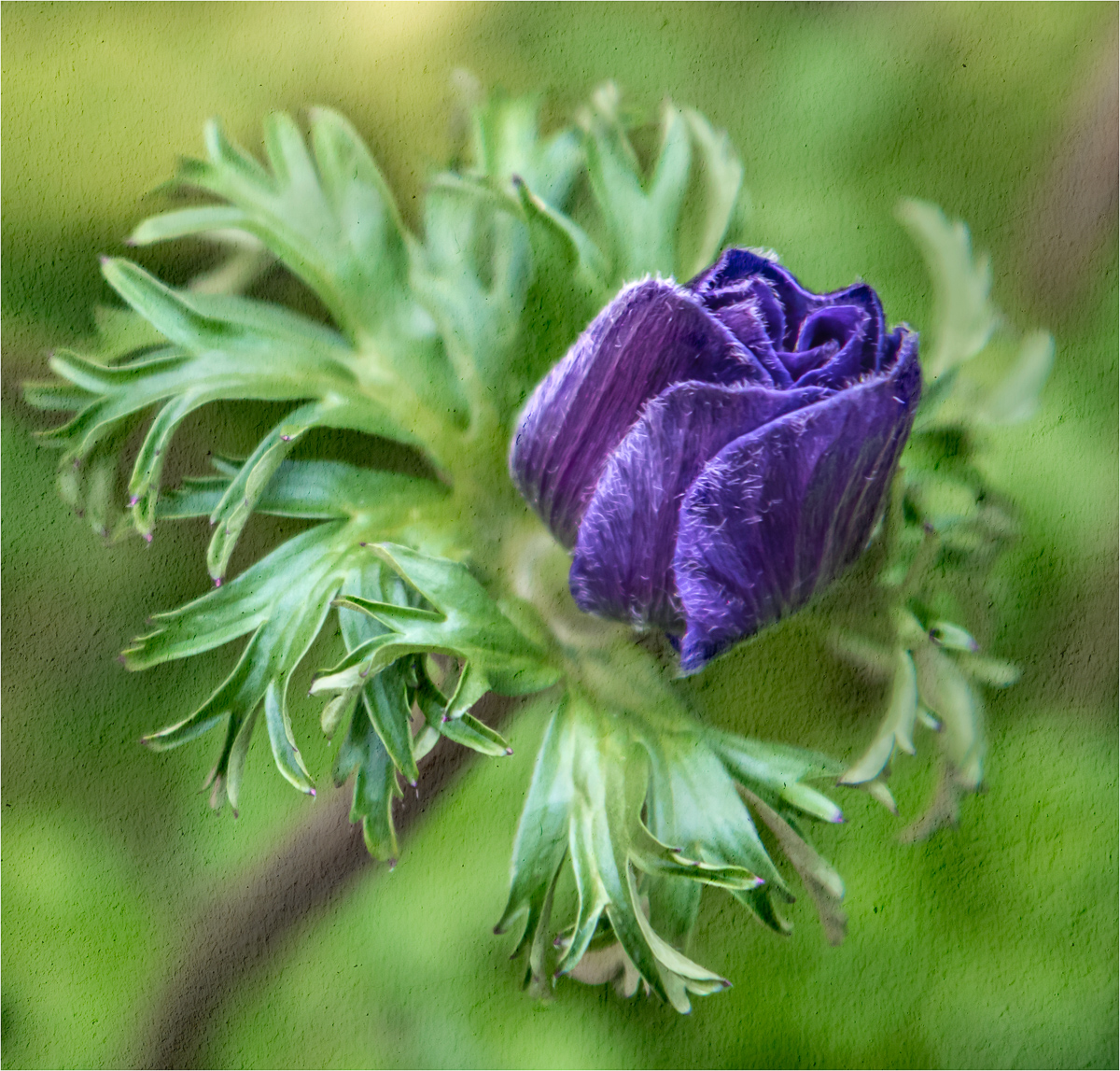
Hi Melanie, thank you very much for your thoughtful comments. I did want more of the flower in focus, but I often struggle with focusing.
I recently learned about the technique called focus stacking in a webinar with my local camera club. I am hoping to try it soon so I can attempt to get more of my image in focus. I did want to capture the tiny trichomes, but was hoping more of the flower would be in focus as well. I also shot it hand held, so I'm certain camera shake didn't help. During busy times, the gardens don't allow tripods.
I will keep in mind that I should try setting my aperture to f/8 next time. The flowers are indoors, but I think it would still work. Thanks for the suggestion. I am learning so much from all of you! |
Apr 14th |
7 comments - 10 replies for Group 65
|
| 77 |
Apr 23 |
Reply |
Hi Carol, thank you so much! I had no idea I could do it this way! I will try it straight away!! |
Apr 26th |
| 77 |
Apr 23 |
Reply |
I agree, Michael! PS is best!
I will only use the mobile editing apps in a pinch for an image I made with my iPhone. The mobile LR app is great for this as well. |
Apr 26th |
| 77 |
Apr 23 |
Reply |
Hi Mary, thank you so much for your great critique! I will try my best to rework my image. |
Apr 26th |
| 77 |
Apr 23 |
Reply |
Thank you, Carole, for your helpful suggestions. I tried by best to tone down the highlights in LR, but didn't like what I was seeing. Will you please share with me how best to do that without compromising my image? |
Apr 26th |
| 77 |
Apr 23 |
Reply |
You're welcome, Carol! If you get some time to do that, I'd love to see it! Have a wonderful week:) |
Apr 24th |
| 77 |
Apr 23 |
Reply |
Thank you, Denise. I will be sure to check out his video tutorials. You are the second person to mention Studio 2. It's unfortunate that Topaz no longer supports the software program.
|
Apr 21st |
| 77 |
Apr 23 |
Comment |
Hi Denise,
Your image is lovely! I'd hang this on my wall and enjoy looking at it every day. I love hydrangeas! Just my two cents...I think we all know that a hydrangea's "snowball" would never be able to just sit at that angle without a stem, so I don't think we need to actually see its stem.
I wish I knew more about how to do what you've done in Topaz. Your editing technique is fantastic. The way you've filled in the flowers makes it look like a beautiful painting. The slight shadow under the vase anchors the vase, so it does not appear to be floating to me. The texture and slight vignette is wonderful. I love everything about it! |
Apr 21st |
| 77 |
Apr 23 |
Comment |
Hi Linda, What a fantastic capture! I am a huge bird fan. Since I am late to this discussion, I have the privilege of seeing your reworked image. I love it! I like the odd number of reeds so much better. I also like how you've darkened the bird's black feathers a bit. It makes the color on his wings pop.
|
Apr 21st |
| 77 |
Apr 23 |
Reply |
Denise, stay tuned... I just read an article about what Adobe has in the works (currently in Beta) with their new AI removal tools. I've actually tried it, and it makes removing parts of an image easy as pie. It is absolutely amazing! I have not seen a release date yet, but I will be sure to keep you updated. |
Apr 21st |
| 77 |
Apr 23 |
Comment |
Hi Michael,
What a wonderful, eye-catching image! I love photographing interesting steps, too. There are many wonderful structures in Philly with so much history. The mood you've recreated with your editing technique truly enhances your original image. I really like all the details, lines, angles and shapes. You've really captured a visually appealing composition that tells a story about the past.
I also use my iPhone quite a bit, especially if it's the only camera I have with me. There are a number of great mobile apps as well. Snapseed and Lightroom apps are great! |
Apr 21st |
| 77 |
Apr 23 |
Comment |
Hi Mary, the portrait of your daughter is just lovely as you've presented it. My attention is immediately drawn to her beautiful, dark eyes and then to the tribute tattoo. The softness is accentuated by your black background and gives it a dreamlike quality. I like the rectangular crop and seeing her arm in the shot. It balances the image. I agree with Denise about cropping in a bit from the right.
I am very sorry for her loss. |
Apr 21st |
| 77 |
Apr 23 |
Comment |
This is such a beautiful image, Carol. I agree with the others about making a slight crop to the bottom. I'd like to add that I also like your original image, of course, with a crop to the bottom. Seeing the people in the image shows the magnificence of the waterfall. Great shot! |
Apr 21st |
| 77 |
Apr 23 |
Reply |
Thank you very much, Michael, for your thoughtful comments. They are very much appreciated. |
Apr 21st |
| 77 |
Apr 23 |
Reply |
Thank you, Denise! I didn't even give that a thought, but I will give it a try! I was very excited to stumble upon the scene. Love Boston!! |
Apr 21st |
| 77 |
Apr 23 |
Reply |
Thank you, Linda, for your cropping suggestion. Always nice to have another opinion. |
Apr 21st |
5 comments - 10 replies for Group 77
|
12 comments - 20 replies Total
|