|
| Group |
Round |
C/R |
Comment |
Date |
Image |
| 93 |
Jan 22 |
Reply |
Thank you, Kelly. As for "don't seem to need much post" that just goes to show that I seem to have done enough (which is often quite a lot). Gotta make more silk purses, ya know ... |
Jan 21st |
| 93 |
Jan 22 |
Reply |
Thanks for your kind words!
I, too, use Blake Rudi's panels, mostly for color tuning. He sells several different panels. The one I fine most useful is his "Zone System Express". I also find his "palette Effects" very useful for B&W conversion; a bit difficult to use, but allows for more precision and control than I can achieve with a Ps B&W adjustment or with ACR. |
Jan 18th |
| 93 |
Jan 22 |
Reply |
Oops ... "In my book" is a figure of speech meaning "according to my rule book" or "according to my code of ethics" ...
Tony Kuyper is the creator of the "TK8 Panel". It's basically a very extensive and versatile toolkit plugin for Adobe Photoshop 2022. I believe his previous release, TK7 Panel, is also still available, and it is compatible with Photoshop 2021 and earlier. No presets, no "click here to get this effect" (well maybe one or two). I find I use it extensively, especially for creating luminosity, zone, color, and saturation masks, but also for several advanced techniques such as frquency separation, and "dehazing".
If it intersts you, I'd recommend going over to the
Sean Bagshaws website (www.outdoorexposure.com). Sean markets the panel for Tuny, but he has also prepared some of the very best Photoshop tutorial videos I've come across and, of course, excellent tutorials re the TK Panel. I learned pretty much everything I've learned about Photoshop from Sean's videos (plus a lot of doing it 'til I thought I'd got it right).
|
Jan 6th |
| 93 |
Jan 22 |
Reply |
Ditto ... I compete in my local club, monthly. We can submit three prints each month, and I'm committing to make one of them a B&W each month. Can't bet better without trying ... |
Jan 5th |
| 93 |
Jan 22 |
Reply |
Thanks, Paul. Actually I "dehazed" to the extent I found believable. (I don't use the Dehaze slider in LrC; instead I use Tony Kuyper's Adjustment process in Ps, which as near as I can figure out is a High Pass filter and a clipped Brightness / Contrast Adjustment).
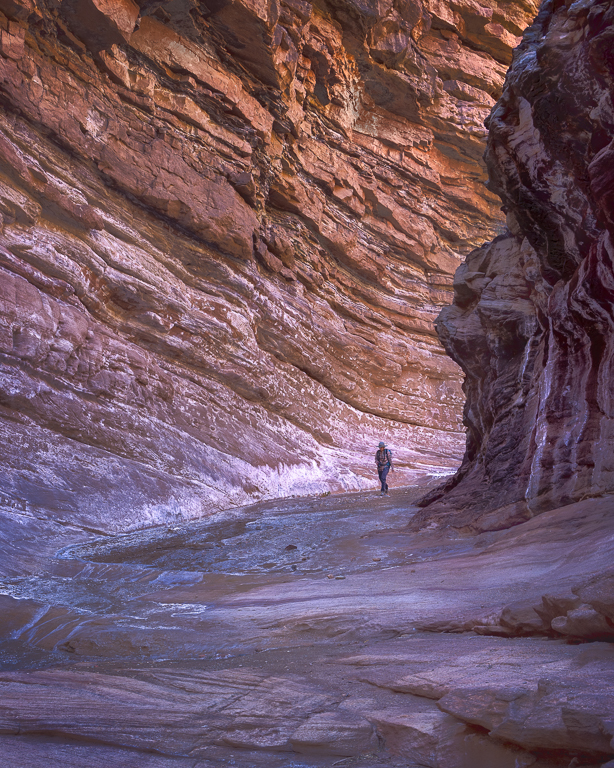
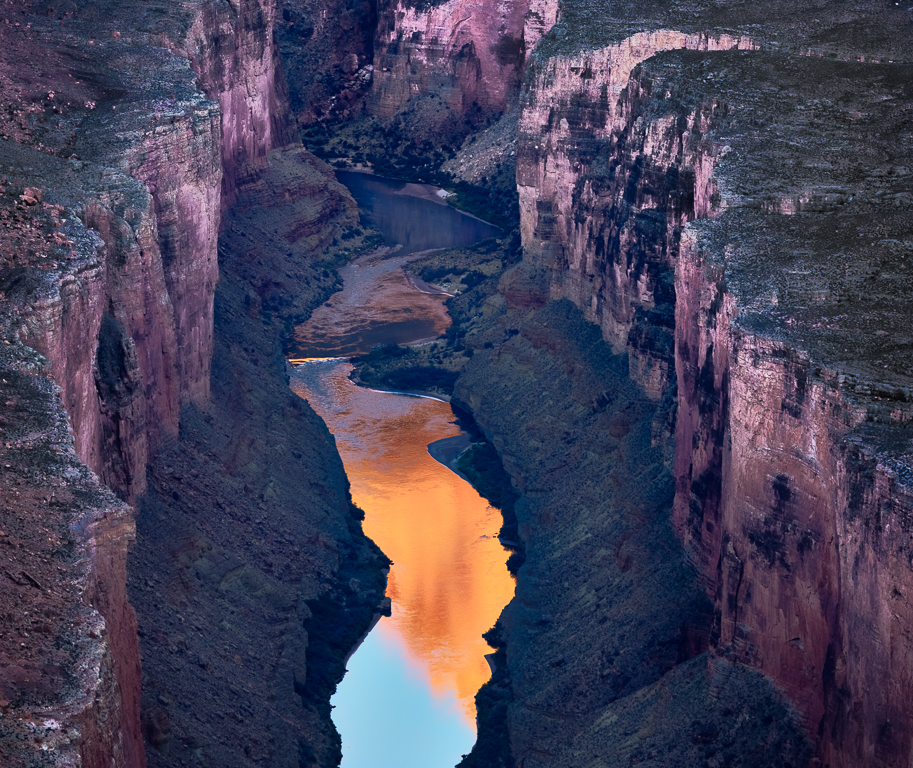
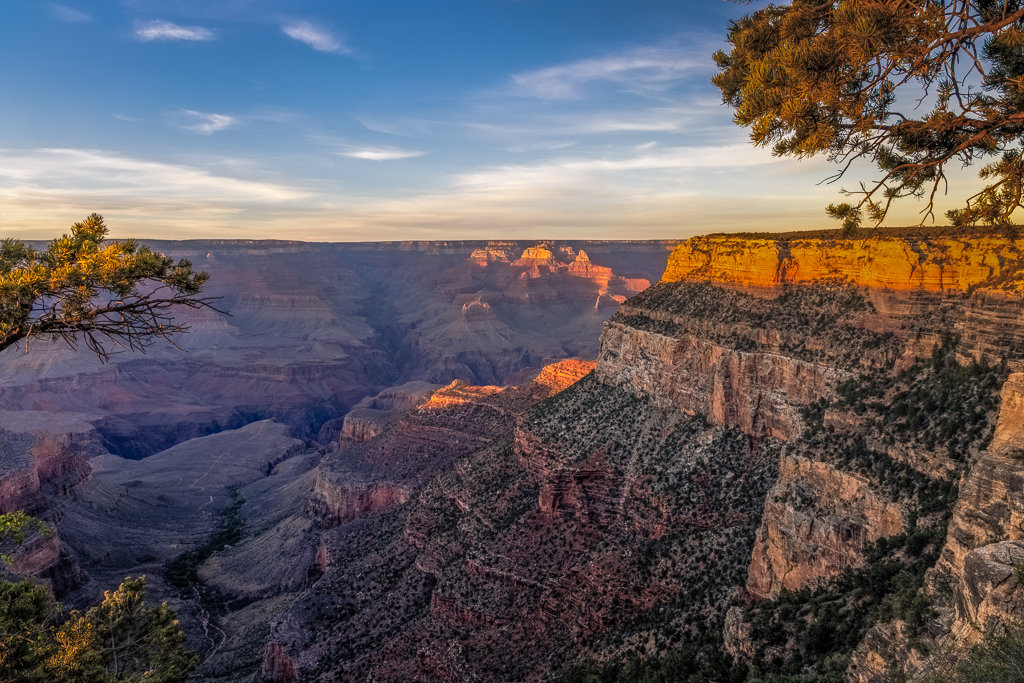
Keep in mind: the "badland" formations on the floor of the Canyon, seen in the distance through the "gateway", are 5KM away. The distant rim of the canyon is about 10Km away. The distant Cliffs (the gray bad that e xtends edge to edge) is much further. |
Jan 5th |
| 93 |
Jan 22 |
Reply |
As for wishing for more at the lower margin, unfortunately there are no pixels to restore. I framed up the image nearly an hour earlier, while it was difficult to see. As the light changed I often gave thought to adjusting the composition, but resisted the urge. So many times in the past I've ruined something by trying to make it better in the excitement of the moment. Sigh ... I find some consolation, though, in telling myself that I stand by this composition. Reviewing an ultra-wide image shot in near darkness (which I happen to like a lot, see attached), and cropping similarly except for including more at the bottom, I find that the sense of the "watchers" is sacrificed, and the new material included isn't actually all that interesting. |
Jan 4th |
 |
| 93 |
Jan 22 |
Comment |
Thanks, Dawn. You're not the first to have remarked on the hoodoo at the left margin. I agree, now, that it is problematic, but I haven't yet settled on a solution. I'm disinclined to crop it; the nearest reasonable crop-to point is the saddle to its right, and once that much is gone, I find the image unbalanced. I've tried warping out out (see attached rough attempt), and I find that to be less unsatisfactory, but I'm not convinced, at least not yet. I have yet to try to tone it down, but that won't be trivial, as I'll need to consider what else needs to be adjusted to maintain fall-of-light plausibility, and those adjustments will probably lead to adjusting the rocks behind to compensate for loss of depth. I'll give it a try.
|
Jan 4th |
 |
| 93 |
Jan 22 |
Comment |
I think that's a *great* idea for a project! And very enterprising of you to come up with the means of access.
The image does work well in black and white.
I like the play of the various geometries together: lines in the fences, circles, and triangles, with the rocky hill mimicking the barn, as does the triangular stack of bales, and with the clouds mimicking the distant hills.
To my eye the leftmost third of the frame doesn't add anything to the story, and dilutes the impact of the interplay. I also think all that dramatic sky competes with, rather than complements, the main story. I'm ambivalent about how much of the right side is needed. I think the barrels (or whatever those lighter shapes are) are distracting, and to me feel out of character with the rest of the image.
As always, I "tinkered" a bit ... wanted to heighten the contrast and texture in the interesting subjects, and tone it down elsewhere. Did burn those barrel a bit. I tend to overdo it with vignetting and you don't seem to use it, so I tried to be more tasteful than usual ...
|
Jan 3rd |
 |
| 93 |
Jan 22 |
Reply |
I then proceeded to convert to B&W. I think that when we lose the color we also lose the warm tones that evoke warm feelings, and -- to my taste -- it's a loss but I proceeded nonetheless.
The image is definitely very low key, quite dark, but I do think that it does at least convey the impression that the interior is more brightly lit than the street outside. |
Jan 2nd |
 |
| 93 |
Jan 22 |
Comment |
Well, Ed, you certainly don't go for easy shots!
I do like your concept, and I think you did a fine job with the edits. Still, I wonder if the result tells the story you intend? Now, it isn't really safe for me to guess at what uyou must have felt seeing that scene, but I can share a bit about my emotional response to a scene like that, and how it would inform my approach to sharing it with others.
You describe the scene as a well-lit interior, viewed from a not-well lit street. When I glance in at folks having a nice dinner in a nice restaurant, I usually imagine myself as enjoying a nice dinner in the place. Now, I don't mean I actually fantasize such a dinner event, only that I imagine that the folks inside are feeling much as I would: warm, cozy, happy, comfortable, ensconced in luxury, enjoying a respite from the toils and troubles of the not-well-lit world outside.
The challenge you face with this image is that, even though the interior is well lit, the white walls of the exterior get recorded by the camera as brighter (because they ARE white, or maybe an off-white or yellow) than the interior. I suspect that what comes across as "brightly lit" is actually "mort contrast-y." The outcome, to me, doesn't convey the sense that you experienced, nor does it leave me feeling that the folks inside are warm, comfortable, etc.
So (surprise, surprise) I thought I'd give it a try. I worked from your original color image, and used a lot of masking to pull down (i.e., darken, cool, and desaturate) the exterior and then, masking for the interior, added tonal contrast, "dehazed" it a bit, and shifted the reds a little towards orange. Just because I could, I added a toned down Orton effect glow. In color, I felt this conveyed a bit of the "warm, comfortable, happy" mood, to make the interior draw the eye.
The decision as to where to crop must have been challenging. Much of that second story definitely is not interesting, but I felt that I would want to include a bit more of it than in your crop. I also felt that I didn't want to trim of the street. On the other hand, I don't think the entirety of the sign is needed. I think it could be cropped to about its middle and not lose much. the left side of the image as captured is a challenge. There's really not much there that I find to be of interest, so I did crop in to just left of the street light. I felt it was necessary to keep the stairs and the entrance, even though that meant keeping the distracting dark street light pole and banner.
I'll attach here the color version that came of all this fussing. And then I reply to this comment and attach the B&W version that came next.
|
Jan 2nd |
 |
| 93 |
Jan 22 |
Comment |
Welcome, Dawn! Great job on the edit and the B&W conversion. I do think the B&W is more engaging. I like the mimicry between the barn and the peak, though a mlittle more separation would have helped.
When I view an image with a foreground framing device such as this (which I think has worked well, here) I generally don't concern myself with whether it's as sharp as the subject.
In my book, the maker is always right, so long as they're achieving what they set out to do. Still, you might find that trimming a little (maybe a third of the fence) off the left, and a thin slice off the bottom, feels a bit more balances, and it has the benefit of positioning the barn window on a golden-ratio intersection. Also, if you so choose, you could probably get away with brightening up the snow on Shasta. I found some of the brighter side-lit highlights in the framing tree branch to be distracting, so I burned them in a bit in PS.
I hope you don't mind my tinkering with your image. You'll find that I enjoy working with other folks' images, largely because it gives me a chance to learn without being blinkered by my own conceptions as to what I want to accomplish when editing my own images. |
Jan 1st |
 |
4 comments - 7 replies for Group 93
|
4 comments - 7 replies Total
|