|
| Group |
Round |
C/R |
Comment |
Date |
Image |
| 49 |
Dec 23 |
Comment |
You're quite welcome. It's suggestions from our group that has improved my images. |
Dec 15th |
| 49 |
Dec 23 |
Comment |
Peggy,
You've found a really interesting building!!
I agree with the others that the really compelling part of this image for me is the wonderful tunnel of porches with that staircase. So for me, Craig's crop is a winner! |
Dec 15th |
| 49 |
Dec 23 |
Comment |
Alan,
Merry Christmas to you too!! Fun moment!
Not sure how you could have moved around to isolate on the sign and eliminated all of the lights in the background. They are distracting. For the sign itself, the white lights are blown out. You could use the spot meter to get a better reading on theamount of light you are working with. |
Dec 15th |
| 49 |
Dec 23 |
Comment |
Josh,
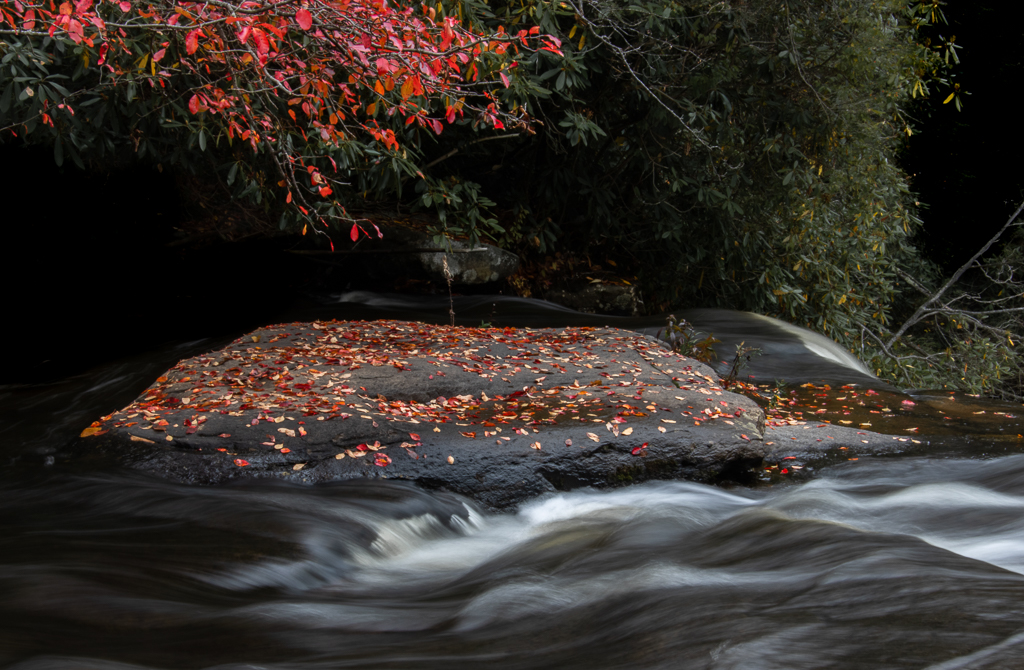
Looks like you might have been in the Coolumbia River Gorge! There are lots of very photogen ic waterfalls there! Love that spot!
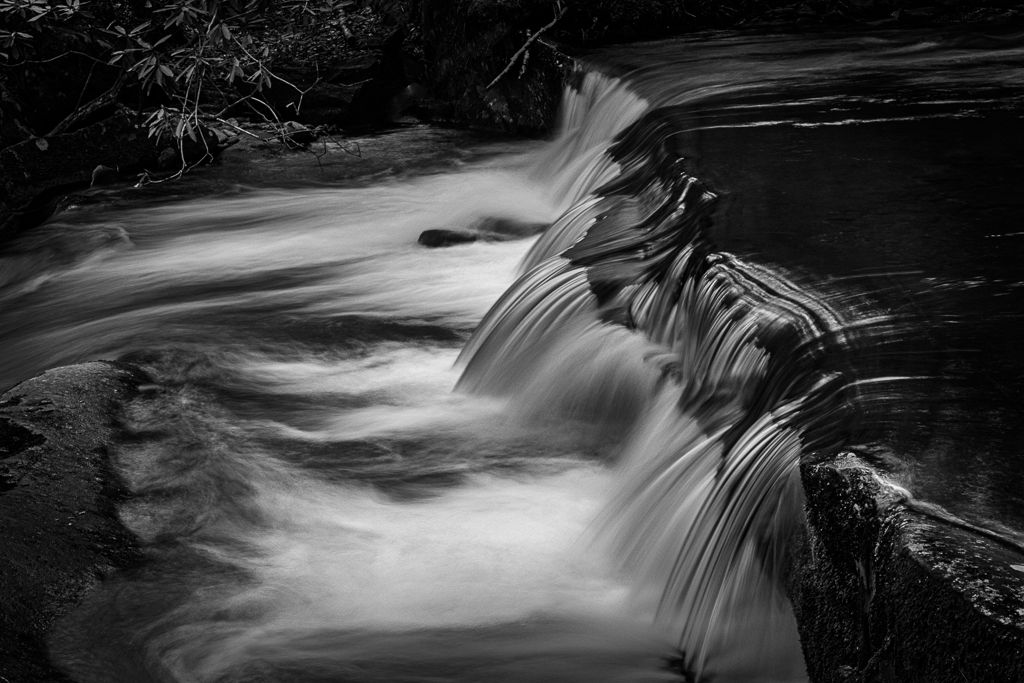
I agree with the advice about taking the same shot at different shutter speeds to get the blur of the water just right. i also agree that in a scne like this with the white are being so small that your camera's light meter doesn't take account of how bright the white is. So you can try to reduce the whites and highlights. You might try to dehaze a little and bring the clarity up a touch. |
Dec 15th |
| 49 |
Dec 23 |
Comment |
Stephen,
I ove it when as photographers, we allow ourselves to be influenced by artists using different media! Personally I am hughe fan of the French impressionist style. I have tried to mimic it in some of my shots too!!
What I'm not crazy about are the ghosted images. So, for example, take the couple in the distance on the right. I see a sot image of them, but a ghost of where they had been several seconds before. I'd suggest cloning out the ghost. You would still have the couple in soft focus. The ghosting in the threesome in the foreground is also distracting. I think you could have achieved the desired effect by using a fster shutter speed, but say deliberately focusing on nothing in particular. Then everything would be in soft focus. Another way to go might be to have the figure closest to the camera in pretty good focus and let the rest go soft. Just some random thoughts oppn a very imaginative picture. |
Dec 15th |
| 49 |
Dec 23 |
Comment |
Craig,
I wold never have guessed taht you did this with light painting! Was the area where you had the bouquet dark? Must have been with a 30 sec exposure.
I've just started to play with generative AI in PS. As you say this could not be submitted to a PSA competition or probably to any club competition either, but that depends on the club's rules. So, when we use AI to enhance an image, then the only rule, it seems to me is if you believe that you have created an image that is pleasing to you!
I think I might add a bit more canvas to the left and right o match the am ount you have between the top of the flowers and the edge. It would give it a bit more balance. |
Dec 15th |
| 49 |
Dec 23 |
Comment |
Owen,
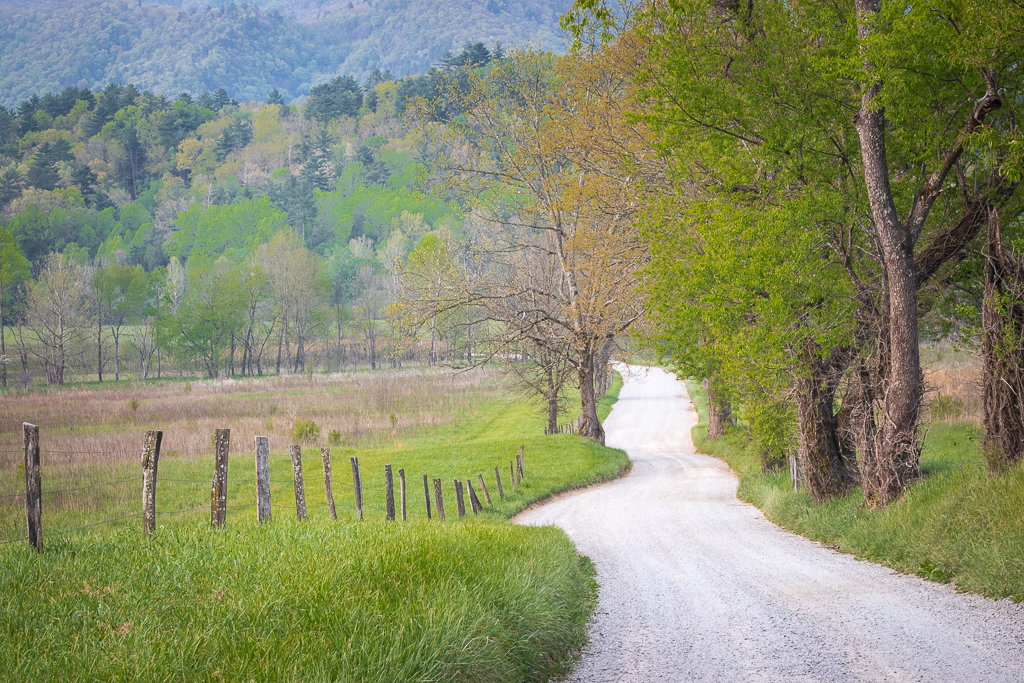
My eye follows the road to the house. I like that you have a tree framing the image on the left and right. I wish that the tree on the right was not clipped. You can add some canvas to the left in PS and use content aware to fill in with meadow, like you hav on the right. I'd clone out that house in the upper right. The wonderful curving road might lead a viewer to that structure. I also suggest that you clone out the two white raod signs on the road. Agree with croping up from the bottom. |
Dec 15th |
| 49 |
Dec 23 |
Comment |
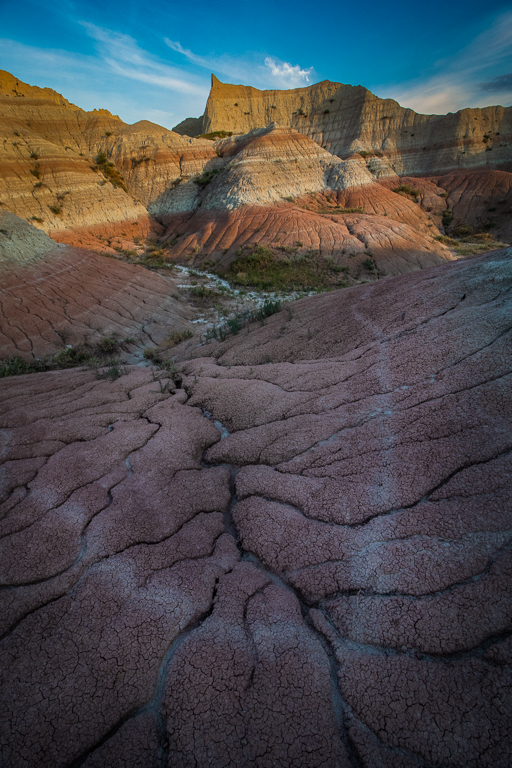
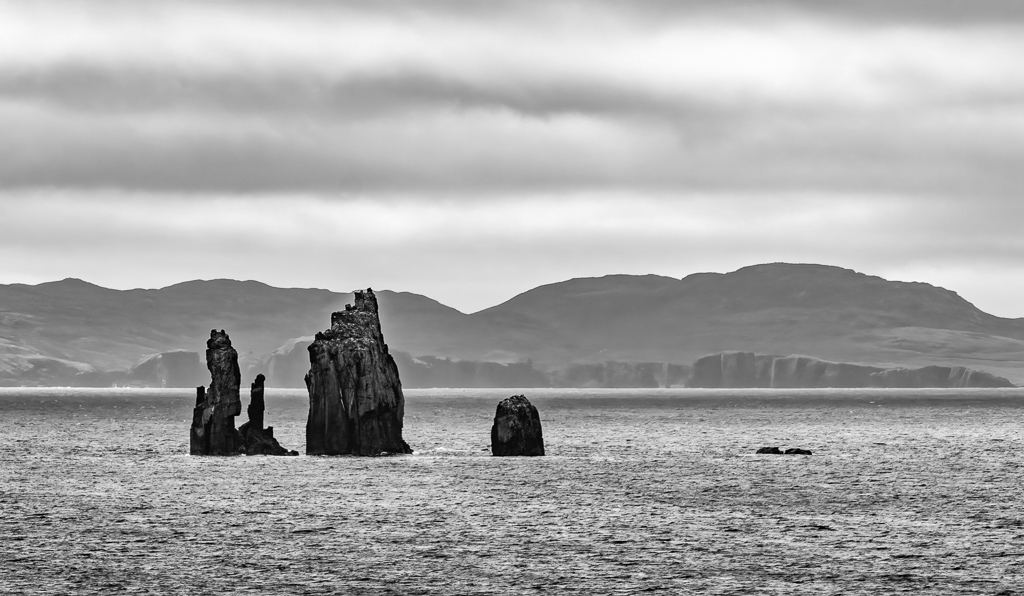
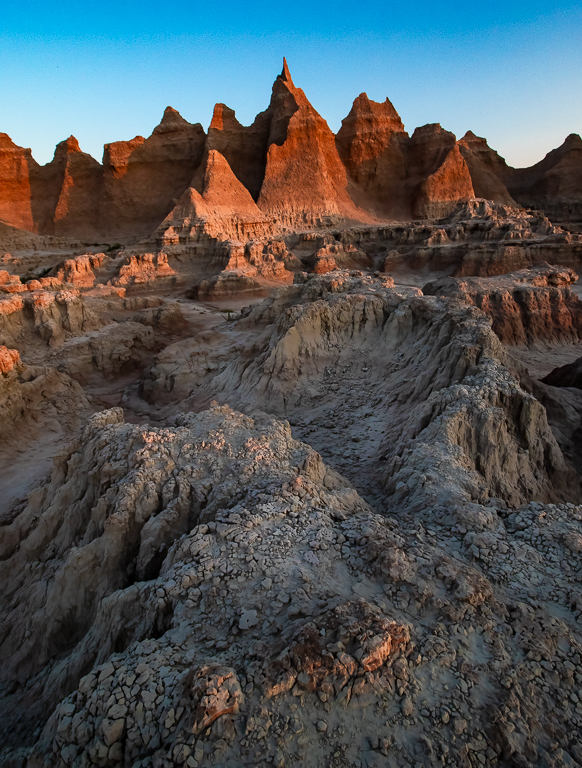
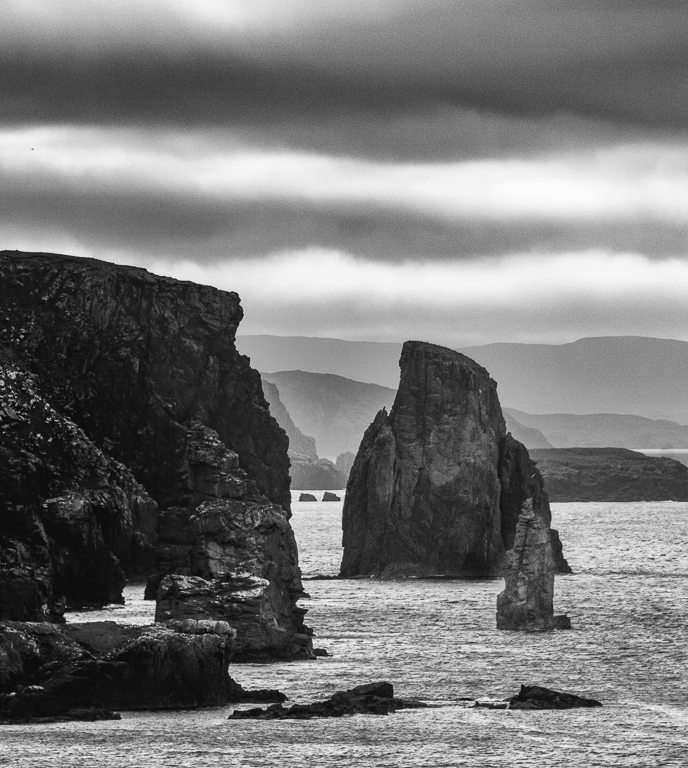
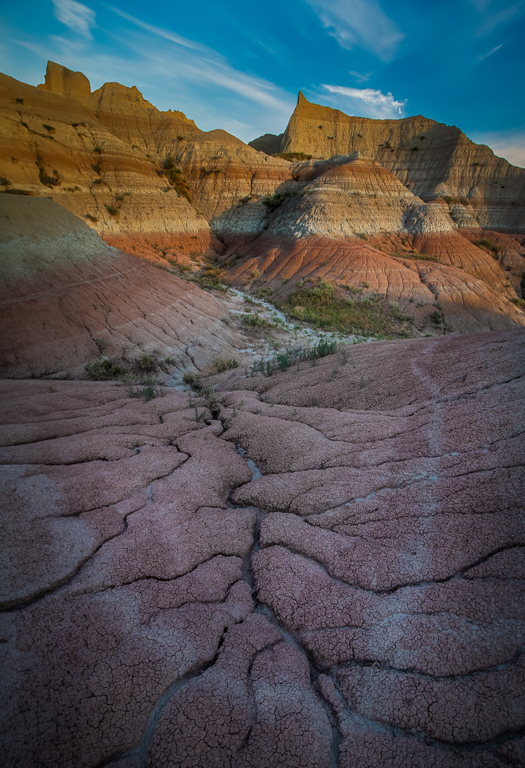
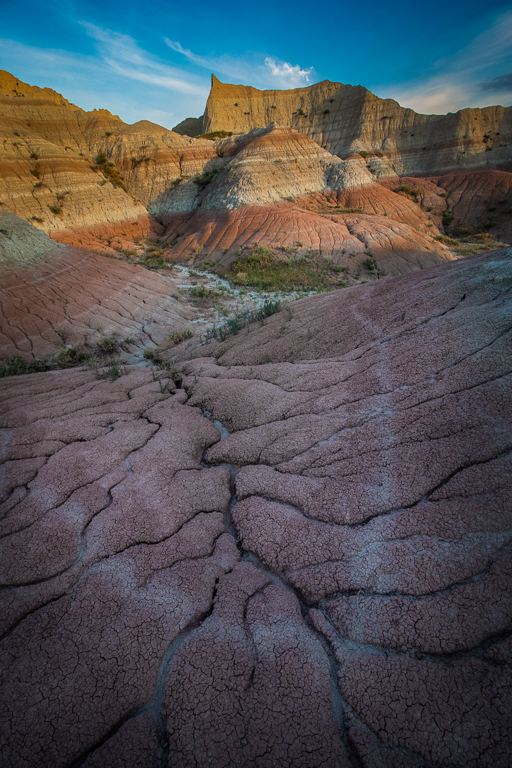
OK here is the one where I made the lines in the rocks horizontal. |
Dec 15th |
 |
| 49 |
Dec 23 |
Comment |
Here are some alternate versions of the same shot, taking in mind some of the interesting comments that peopple have made. In one I tried to reduce the tonality imbalance between the shadow area and the sunlit area. In the other I straightened out the lines in the rock to make them horizontal. What do you think? |
Dec 15th |
 |
| 49 |
Dec 23 |
Reply |
Great point Stephen! The layers of different colored rock are not level. I'm pretty sure that I was level and that the layers were not. So that begs the question: shoukd I straighten the picture baed on the layers? What do you folks think? |
Dec 10th |
| 49 |
Dec 23 |
Reply |
Thanks Josh! I like your idea about making the fireground tone lighter. Thanks.
|
Dec 10th |
9 comments - 2 replies for Group 49
|
| 67 |
Dec 23 |
Reply |
Thanks Larry! Cindy made the same comment, so I'll give that a shot! |
Dec 28th |
| 67 |
Dec 23 |
Reply |
Thanks Cindy for this suggestion. I'll give that a try! |
Dec 26th |
| 67 |
Dec 23 |
Comment |
Richard,
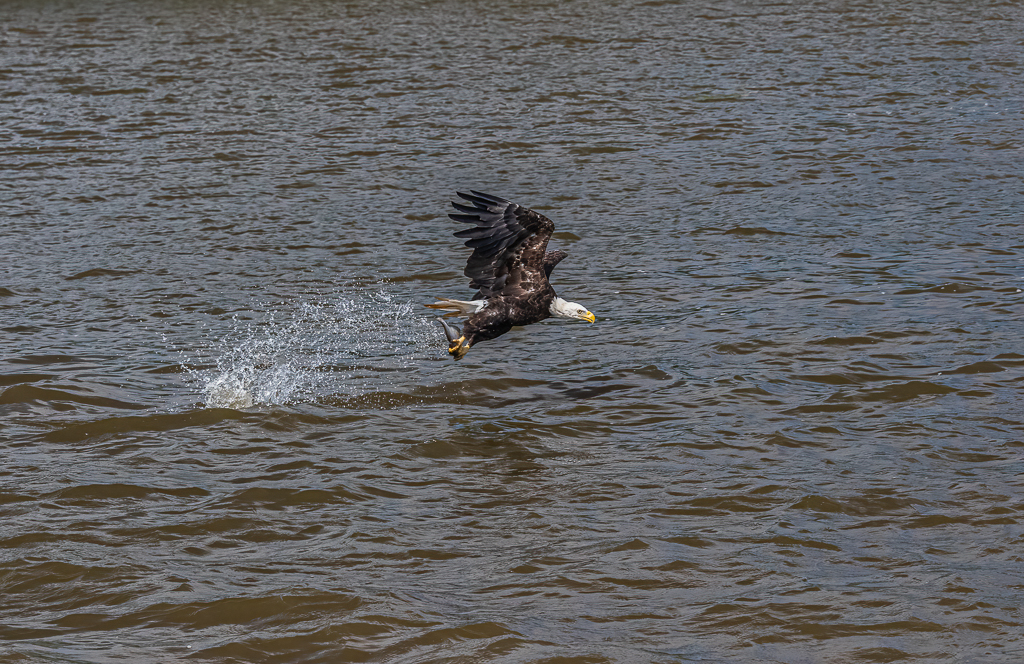
Wondeerful shot. Your patience was rewarded! Like the others, I would add in more of the branch on the right to give it a sense of framing. |
Dec 16th |
| 67 |
Dec 23 |
Comment |
Larry,
Love the image, especialy capturing the two eagles staring at each other. You got the eyes and bodies very sharp! Well done. As always, we learn a lot from your descriptions of your set up. I need to practice patience!! |
Dec 16th |
| 67 |
Dec 23 |
Comment |
Cindy, I like the suggestions others have made so i will not repeat them. The image you shared in your reply is more impactful to me, because you have some snow in front of the closest penguins! Sounds like a great trip!! |
Dec 16th |
| 67 |
Dec 23 |
Comment |
Susan,
Sorry I am a little late to the arty! I really like Larry and Bud's suggestions. In this image to me the most interesting feature is the pelican yawning (I think that is what it is doing!).
Another trick is using spot metering. At least that is what Canon calls it. Not sure what the Nikon equivalent is. This means that the camera's light meter will read just the area that you put the spot on. In this case, I would have put the spot on the pelican, since it is so bright. |
Dec 16th |
| 67 |
Dec 23 |
Comment |
Michael,
I agree with the other comments. You have the eye and head of the GBH nice and sharp along with the crab! Great catch! My only suggestions would be to darken the uper right corner. this can probably be best done with adding a vignette. Also, I would darken the rounded plants to the right of the bird. |
Dec 16th |
5 comments - 2 replies for Group 67
|
14 comments - 4 replies Total
|