|
| Group |
Round |
C/R |
Comment |
Date |
Image |
| 49 |
Oct 23 |
Comment |
Peggy,
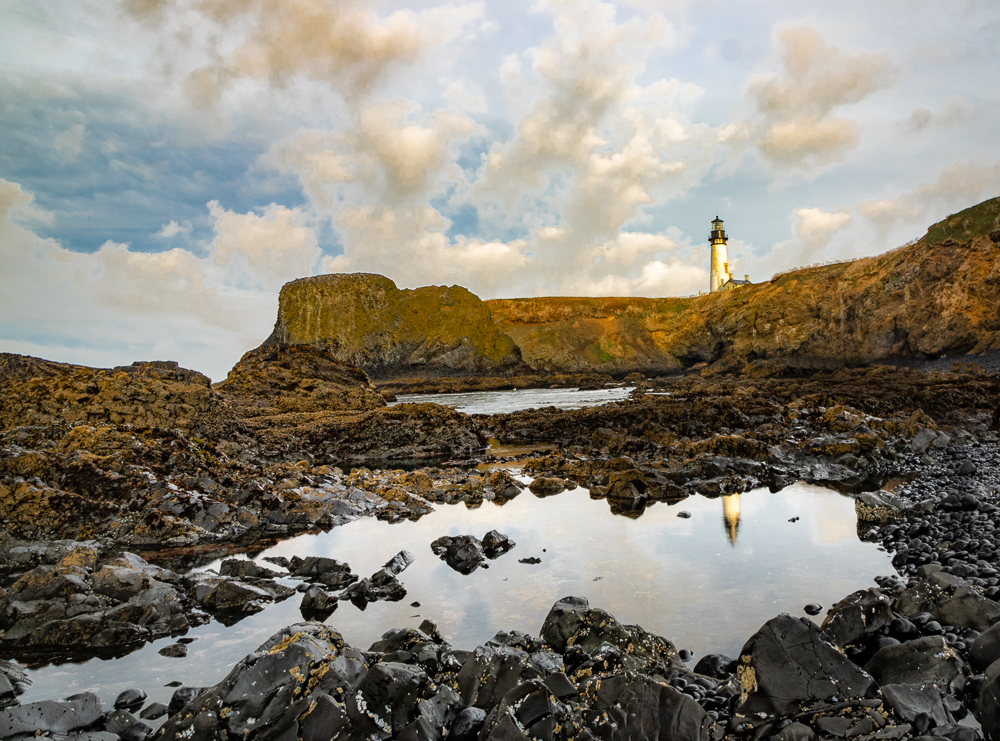
What an unusual chapel! Love how it just juts out of the rocky peaks! As others have noted, I don't think it is too dark. To me its biggest issue is time of day. This might have been more dramati during the early morning or dusk. You also might try looking at it in B&W to see if you like that any better. |
Oct 24th |
| 49 |
Oct 23 |
Comment |
Stephen,
What really makes this picture is the lighting on Gene and his demeanor! As other commenters said, he is clearly proud of his car! My only suggestions for improvement of a strong image might be to darken the back of the garage. It distracts me from observing Gene. |
Oct 24th |
| 49 |
Oct 23 |
Comment |
Craig,
What makes this shot is the beautiful lighting on the woman and her expression. This reminded me of a vermeer type image of a woman inside at work. Great capture!
About the only thing I might recommend is having your subject show a bit more emotion. She's worked hard all day cooking, but she doesn't look tired. |
Oct 24th |
| 49 |
Oct 23 |
Comment |
Owen,
I can see why this scene attracted you. Look at those triangles created by the branch and by its shadows! Excellently seen! My biggest concern with this shot hsas to do with the how the shoreline is at some points above teh branch and at other palces is behind it. I would have gotten a little bit lower or clone out the shoreline. |
Oct 24th |
| 49 |
Oct 23 |
Comment |
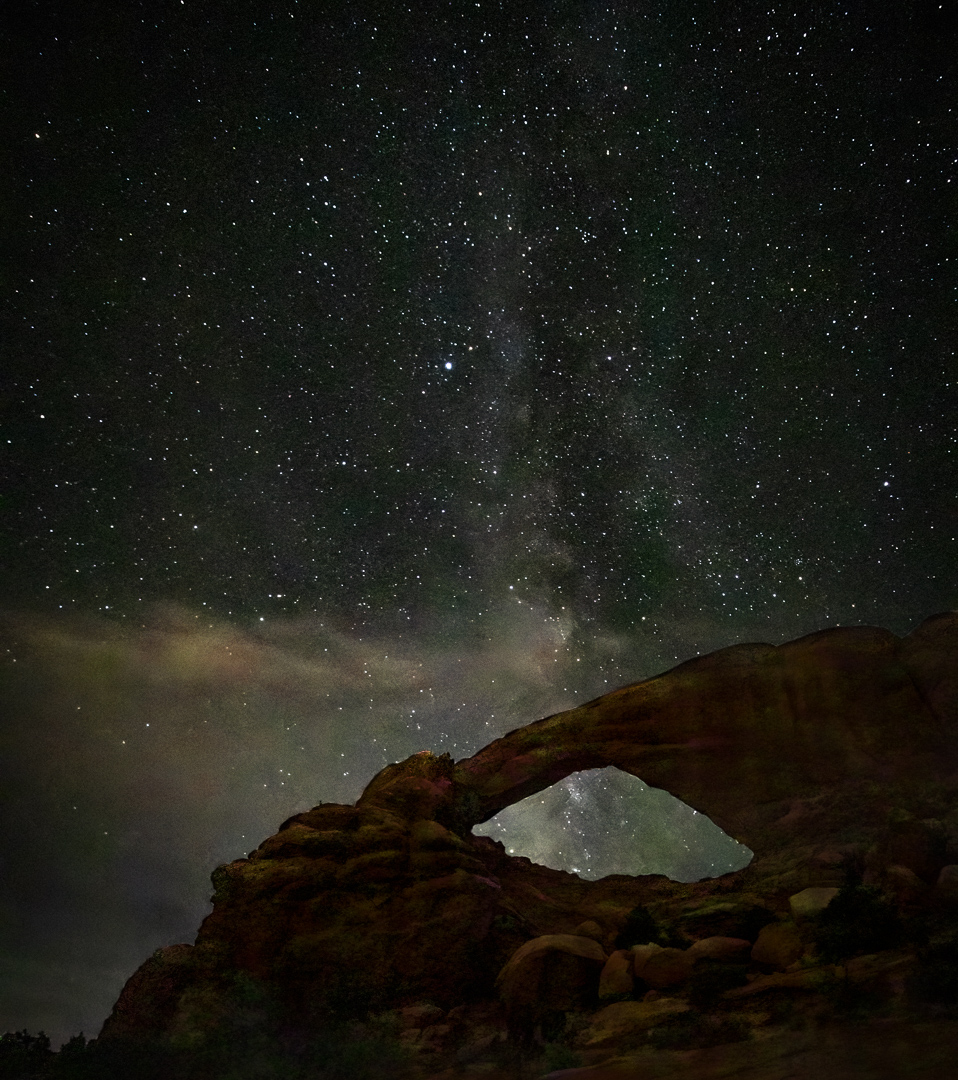
Several of you suggested that this picture could be improved if I lightened the foreground. Here is an attempt at doing that. What do you think? |
Oct 14th |
 |
| 49 |
Oct 23 |
Reply |
Thanks Stephen for your thought! I'll try lightening the foreground. |
Oct 14th |
| 49 |
Oct 23 |
Reply |
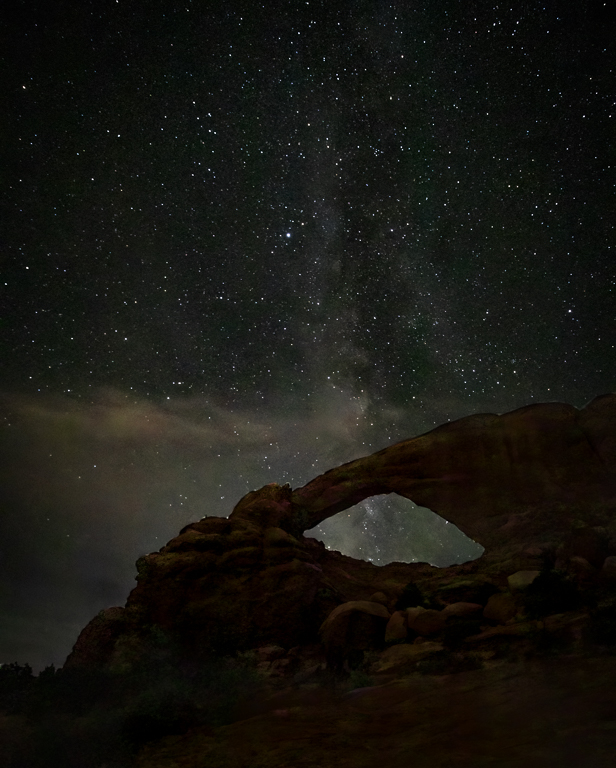
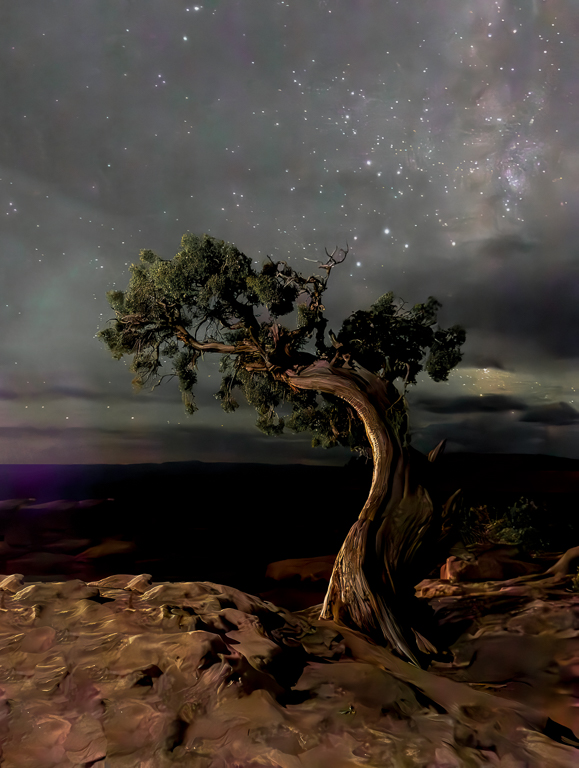
Owen, thanks for your comments. The way I created this compsit was to take one picture in which I focused on the foreground. That was the one with a 129 sec. exposure. Hey, it was dark! Thenstaying with exactly the same composition (my camera was on a tripod), I shot focused on infinity for the stars. I brought them into LRC, then I selected the two images to edit in PS in layers. Once in PS, I selected teh sky on the photo of the sky and then created an adjustment layer. This automatically brings in the sky from the stars shot and the foreground from the foreground shot. Then back in LRC I worked on getting the WB correct.
Need to look into cropping some off the left side. I wanted to keep the rocks dimly lit to make you think that they were being lit by the moon and not by some light painting. I'll investigate lightening them just a bit. |
Oct 9th |
5 comments - 2 replies for Group 49
|
| 67 |
Oct 23 |
Comment |
Bud,
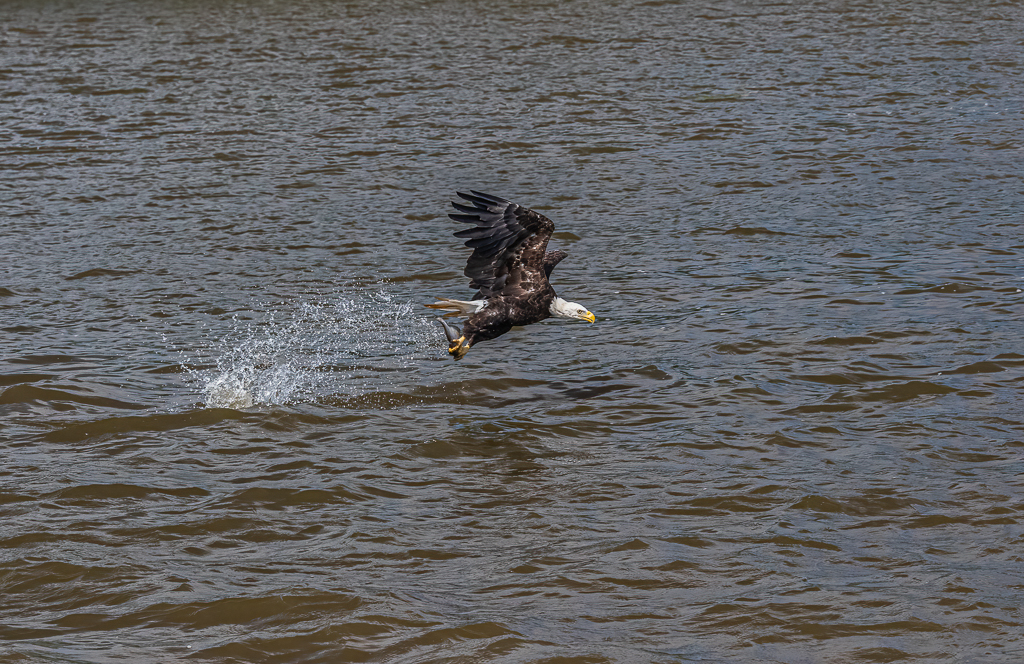
Tack sharp image of the eagle in flight! As others have noted,m the wing position is great. I couldn't locate the fish. Probably a small one, so I don't think that any amount of post processing could bring out it. |
Oct 24th |
| 67 |
Oct 23 |
Comment |
Larry,
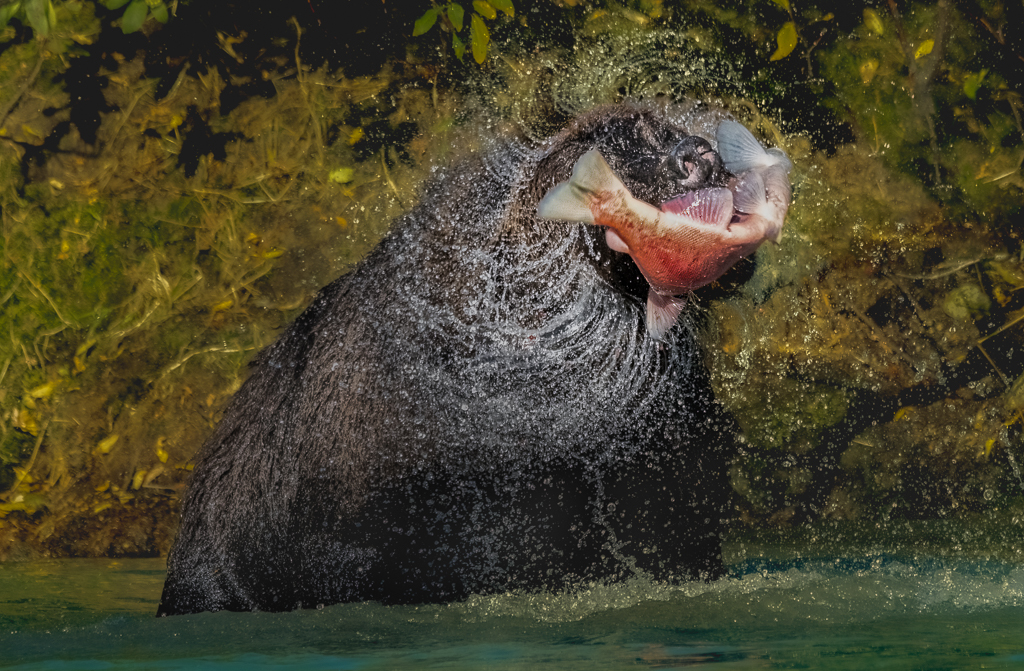
Sorry to be tardy in getting a reply to you on this image. Thanks for the story line about the bear. At first I thought that the bear's long face was a product of lens distortion, but you explained that it was just a skinny bear! Thanks aslso to your thoughts on PS's AI. I say the button but was unsure of what it did. Typically Adobe is terrible about explaining its functionalities. The only way most of us learn about it is trial and error or when someone tells us about it. Thanks! |
Oct 24th |
| 67 |
Oct 23 |
Comment |
Cindy,
Couldn't agree more with the comments on the expression and lighting on the monkey! Terrific! I agree that the leaves need to be less bright. You might also consider reducing the luminosity of the sky that is bleeding through the leaves in the background! |
Oct 24th |
| 67 |
Oct 23 |
Comment |
Susan,
Great imnage of the wood stork! I don't have enough experience with them to either love or hate them!! My biggest concerns were the ones that lary mentioned about the haloing. I'd also add a little room on the left and right of the image. You can do this in PS by using the crop tool and pulling the handles outside the frame. Then lasso the new area and hit edit>fill>content aware. |
Oct 24th |
| 67 |
Oct 23 |
Comment |
Michael,
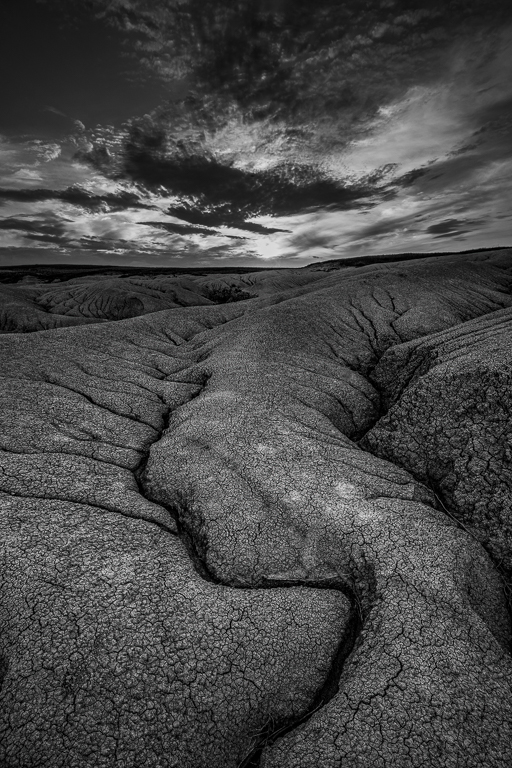
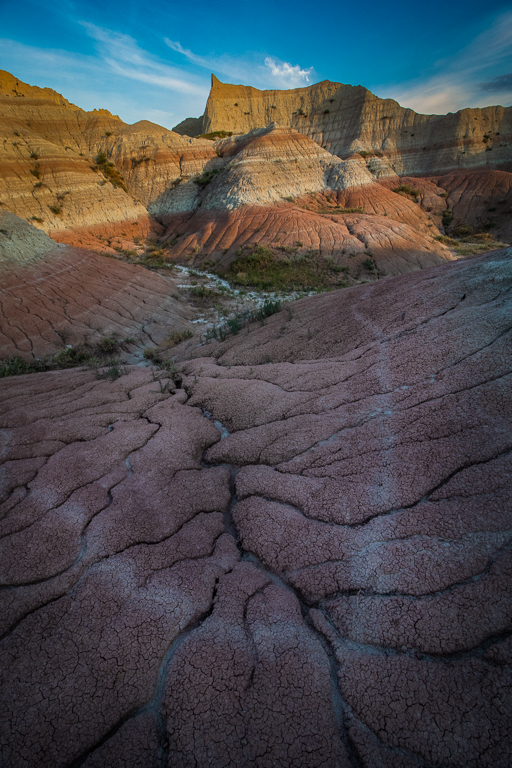
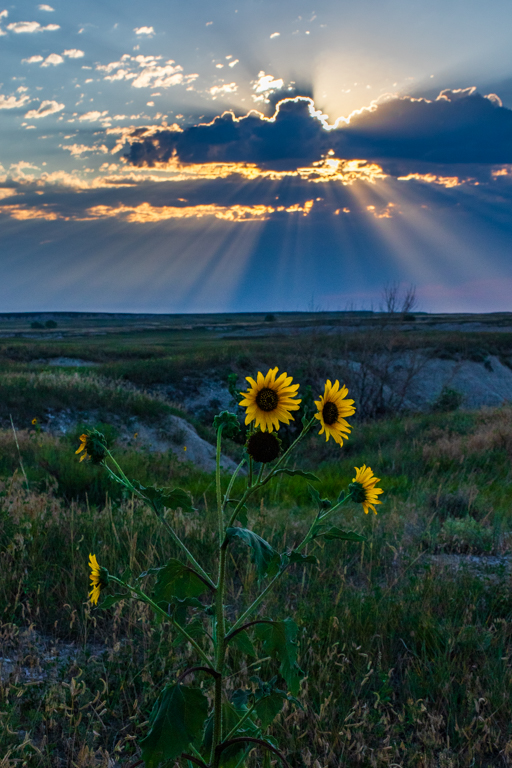
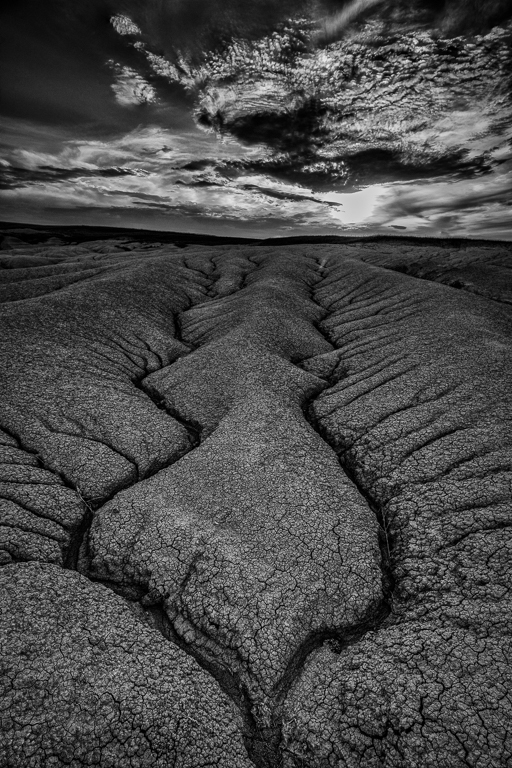
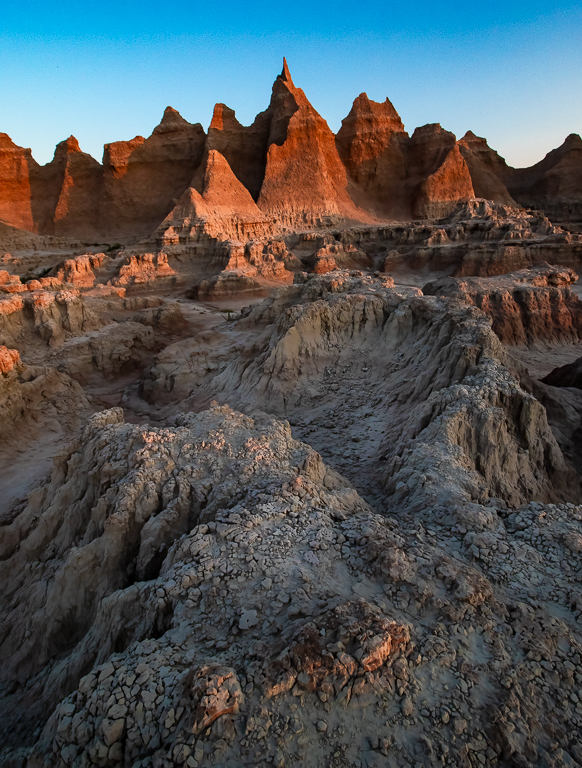
I just returned from the badlands about a couple of moths ago! What a great place to shoot. The sky on this one blows me away, along with the threat of rain. I agree with Larry that with a 20mm lens you needed to get a rock or something in the foreground to anchor the scene. |
Oct 24th |
| 67 |
Oct 23 |
Reply |
Thanks Richard. Normally I stick with 20 seconds to get good sharp stars. I had more clouds than I wanted, but of course I cannot control that. I wanted to make sure I got the tree. Trade offs! |
Oct 12th |
| 67 |
Oct 23 |
Reply |
Larry I definitely used noise reduction. I wasn't sure how much of the foreground to keep in. The subject is the tree with the stars. I'm tempted to crop off some of the bottom. |
Oct 12th |
| 67 |
Oct 23 |
Reply |
No way that we shot the same tree., pretty cool! |
Oct 12th |
5 comments - 3 replies for Group 67
|
10 comments - 5 replies Total
|