|
| Group |
Round |
C/R |
Comment |
Date |
Image |
| 49 |
Sep 23 |
Reply |
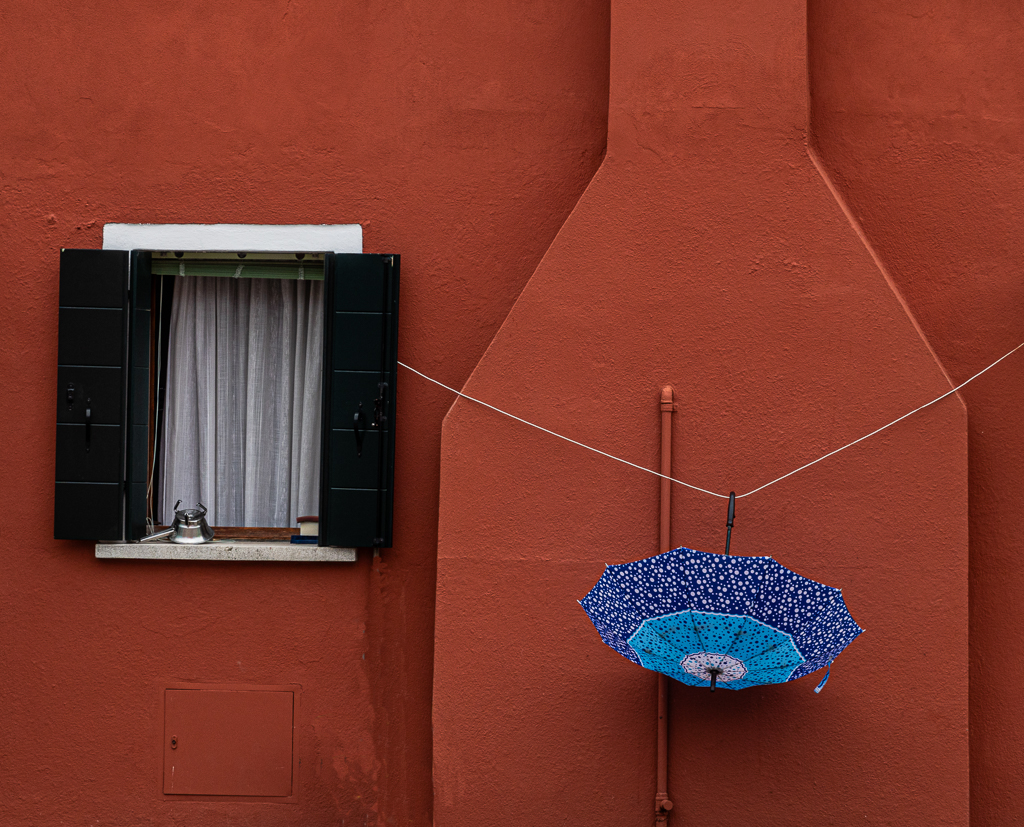
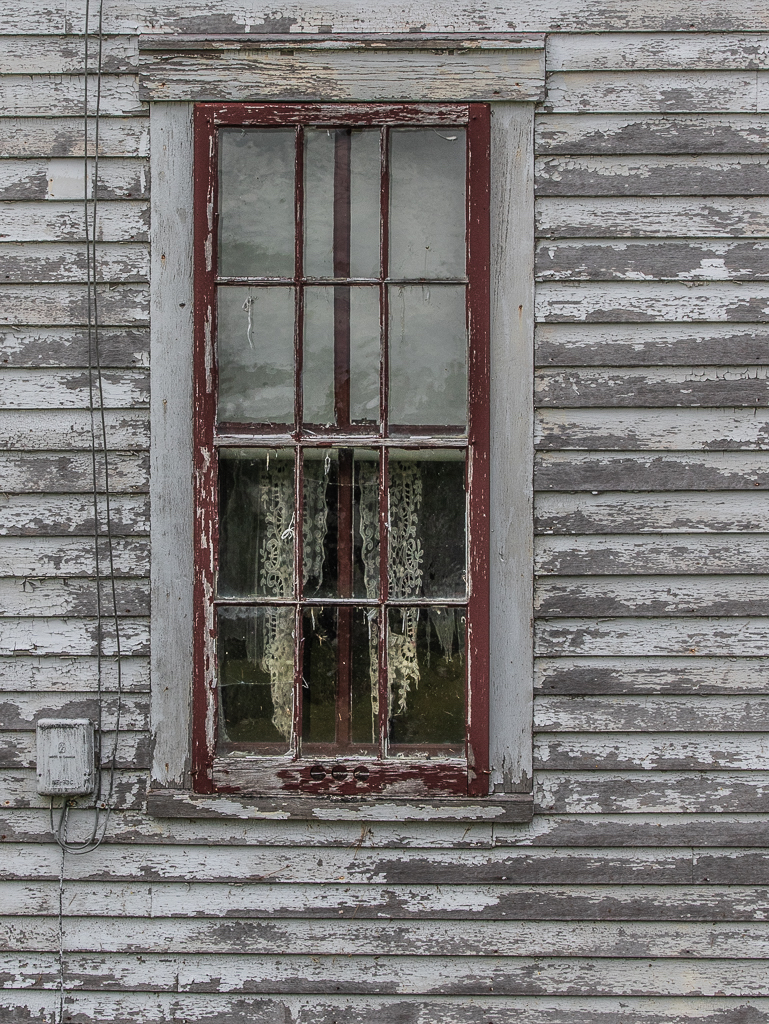
Thanks for taking time to play with my image! I like taking out the eletrical conduit. It adds nothing. What are teh PDD guidelines? |
Sep 10th |
| 49 |
Sep 23 |
Reply |
Thanks for taking time to play with my image! I like taking out the eletrical conduit. It adds nothing. What are teh PDD guidelines? |
Sep 10th |
| 49 |
Sep 23 |
Reply |
Thanks for the commens. I took the picture on the island of Burano, which is under the jurisdiction of Venice, IT. It is known for all of the shops and houses having strong colors like this! Good idea about having a window on the right, but there was no window on the right. |
Sep 10th |
| 49 |
Sep 23 |
Comment |
Alan,
Great capture of a young girl getting focused on her hobby! I'm not bothered by clipping the top of her helmut, but others might not like that. About the only suggestion for improvement i might make is to clean up some of the small moles/blemishes on her face. |
Sep 8th |
| 49 |
Sep 23 |
Comment |
Stephen,
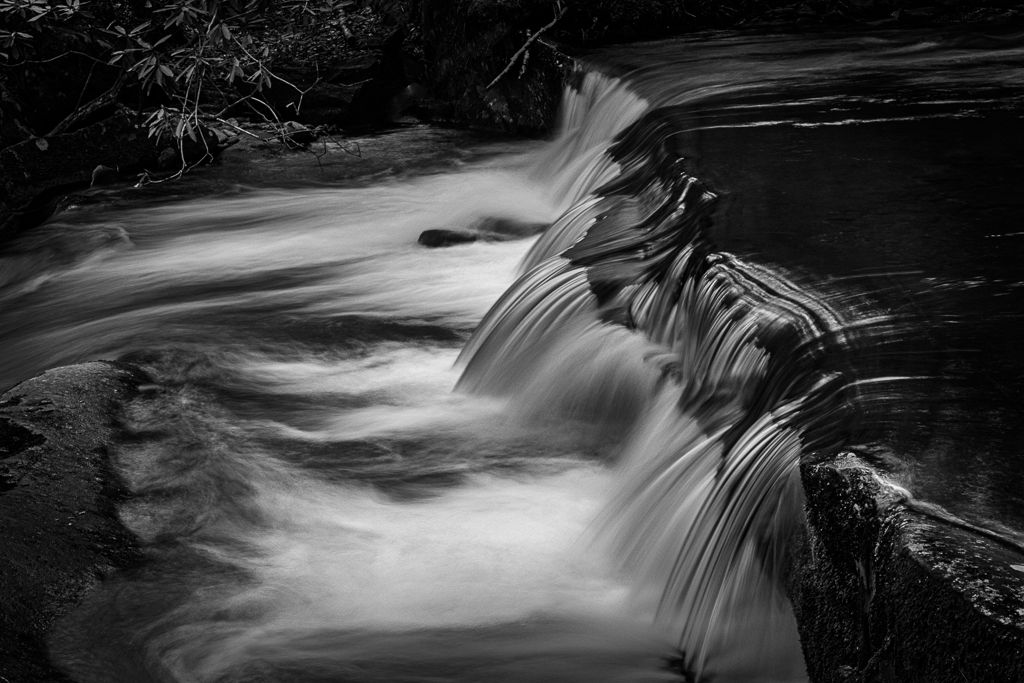
Great decision to render this scene in B&W! It gives it the moody feel that you wanted to capture. To me the problem with this image is the blur of the two people walking toward you. I think you probably wanted to go with a 1.5 sec shutter speed because you wanted to let the gentle waves to smooth out. That part worked, But perhaps you could have asked those folks to just stop for a while, so that they were relatively sharp? |
Sep 8th |
| 49 |
Sep 23 |
Comment |
Craig,
What a fascinating photo! It has the look and feel of a painting. You'll have to tell us more about how you achieved this effect! I like that the people are arranged to guide your eye from the bottom up through the right side of the image and then swinging around to the upper left. Nicely captured! My only suggestions for improvement would be to either crop up from the bottom, so that the space between the bottom of the image and the first people is about the same as the space between the top people and the top edge of the image. Or you could add more speace to the top. |
Sep 8th |
| 49 |
Sep 23 |
Comment |
Owen,
You are to be congratulated for doing steet photography "the right way." The pros tell us you need to engage the subject, rahter than sneak up on the subject and take a shot from far away with a long lens. Good for you! You caught the subject in an interesting pose. I'm trying to decide if this fellow is dressed formally (check out the suit and tie) or casually (the hat!). My only suggestions for improvement would be to lighten up the right eye. It disappears under the hat. Also, I would reduce teh highlights in the background. |
Sep 8th |
4 comments - 3 replies for Group 49
|
| 67 |
Sep 23 |
Reply |
Thanks Richard! |
Sep 14th |
| 67 |
Sep 23 |
Reply |
Oh I like bringing in that top cloud! Thanks for the tip! |
Sep 12th |
| 67 |
Sep 23 |
Reply |
Thanks Michael. I guess I was so surprised with what I could do with a mid day shot that I went a little overboard!! |
Sep 10th |
| 67 |
Sep 23 |
Reply |
about lightening the tonality of the lower part. Thanks. |
Sep 10th |
| 67 |
Sep 23 |
Comment |
You might try selecting the background and assuming it did it ok, then reduce the highlights. Another option is to use a radial filter, invert the selection and the try the highlight slider. Failing that use the brush! |
Sep 8th |
| 67 |
Sep 23 |
Comment |
Richard,
Incredible shot of the difficult subject! The lighting on the bee and the flower are spot on! After looking at the original, I'm surprised you had enought pixels to get this image! The bee's body s tack sharp! The wings are blurred indicating motion. the other way to try it is to shoot at a very high shutter speed to freeze the wings. I tried that at 1/8000 sec and it is still hard to freeze those little wings. You might run the wings of the bee through topaz denoise, otherwise I do not have much in the way of suggestions! Great image!! |
Sep 8th |
| 67 |
Sep 23 |
Comment |
Larry,
Great capture, especially given the constraints that you placed on yourself! The lighting on the bird is spot on! I think we all learn from your stories about how to position yourself for a possible shot. Thanks for this advice! My only suggestions for improvement might be to consider adding a little more room on the right and left of the image. The bird's right wing (from our perspective) is almost touching the edge of the image. Also, I might reduce the luminousity of the green shrugs in the background. |
Sep 8th |
| 67 |
Sep 23 |
Comment |
Cindy,
Those golden colored eyes just draw you in! The pose of the lemur on the branch is terrific! Hard to believe that you took this at night. You might reduce teh highlights and exposure on the sky that is peeking through the trees at the top, but otherwide this looks great! |
Sep 8th |
| 67 |
Sep 23 |
Comment |
Michael,
It is rare to see bird shots that have the bird's body in focus and the wings blurred, so that to me is a real plus! It says that the bird is in motion!! The lighting on the bird is very good and the background is nicely blurred. It is even of a complementary color to the red bird (green). My only suggestion for improvement would be to either clone out the small branch on the left (it is very sharp and distracting), or blur the branch with PS gausian blur. . |
Sep 8th |
5 comments - 4 replies for Group 67
|
9 comments - 7 replies Total
|