|
| Group |
Round |
C/R |
Comment |
Date |
Image |
| 49 |
Mar 21 |
Comment |
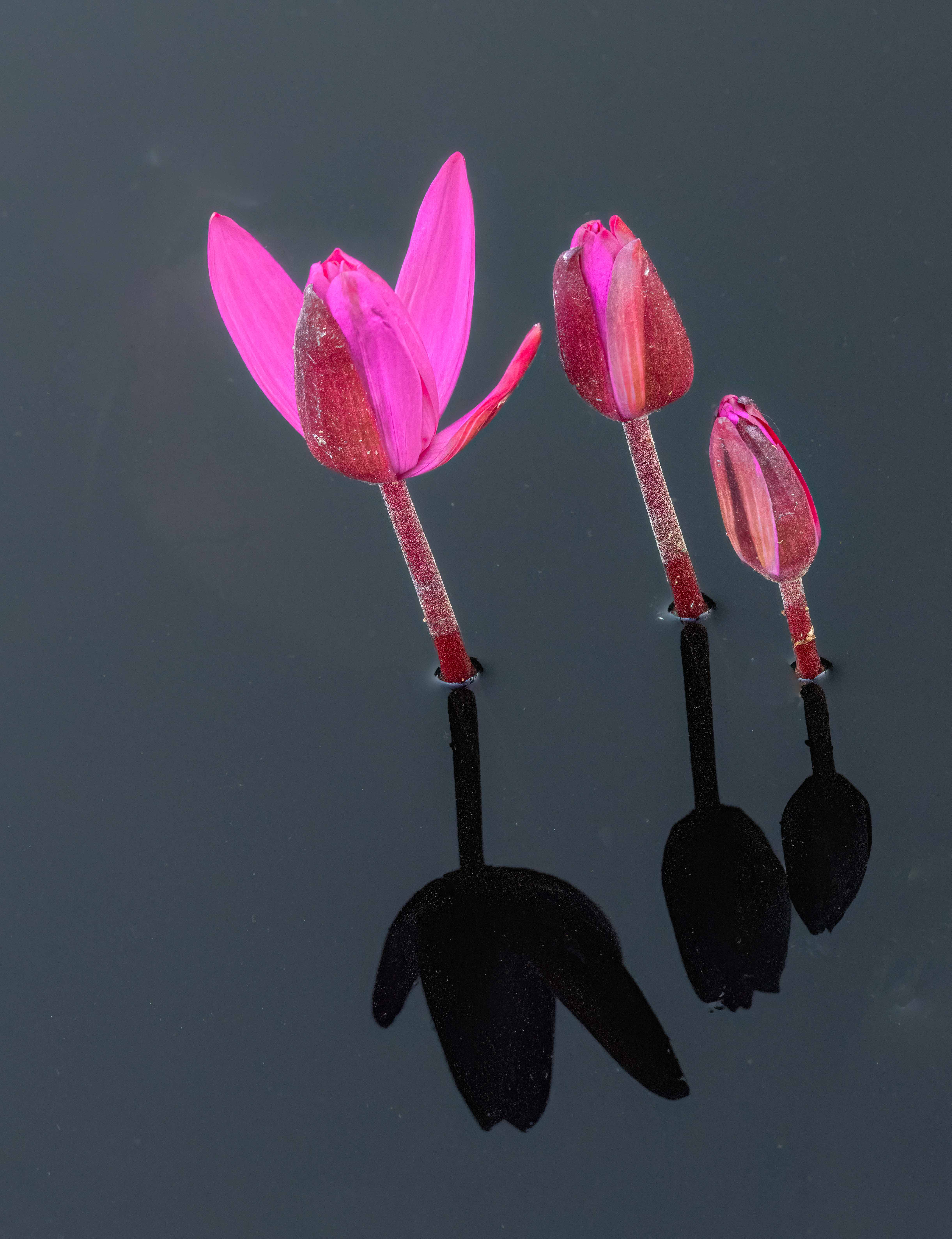
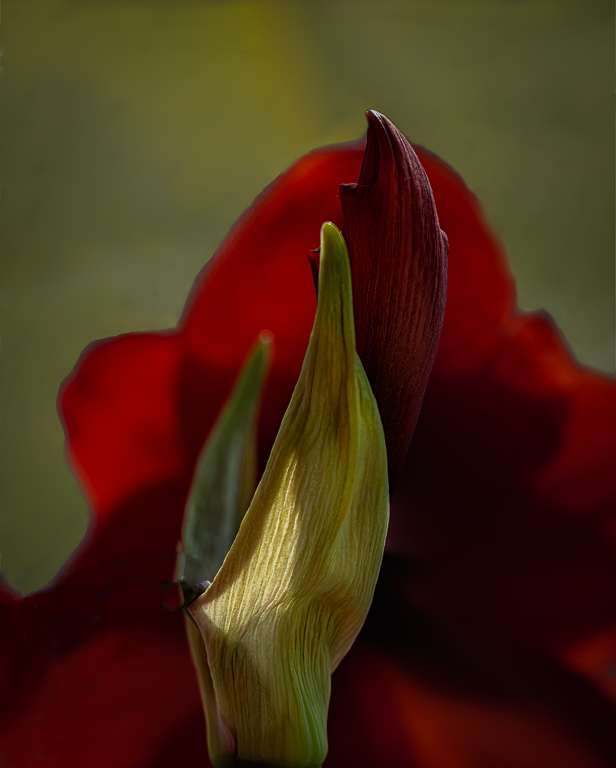
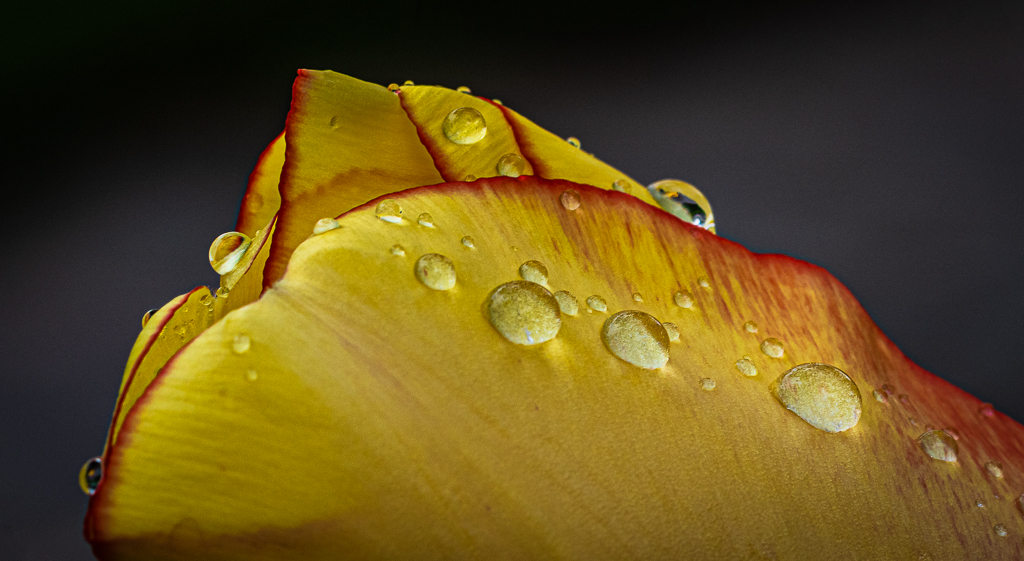
The tulips were in my front yard. The background is just the bushes behind the tulip. The bushes are well behind and I shot it pretty wide open. |
Mar 25th |
| 49 |
Mar 21 |
Reply |
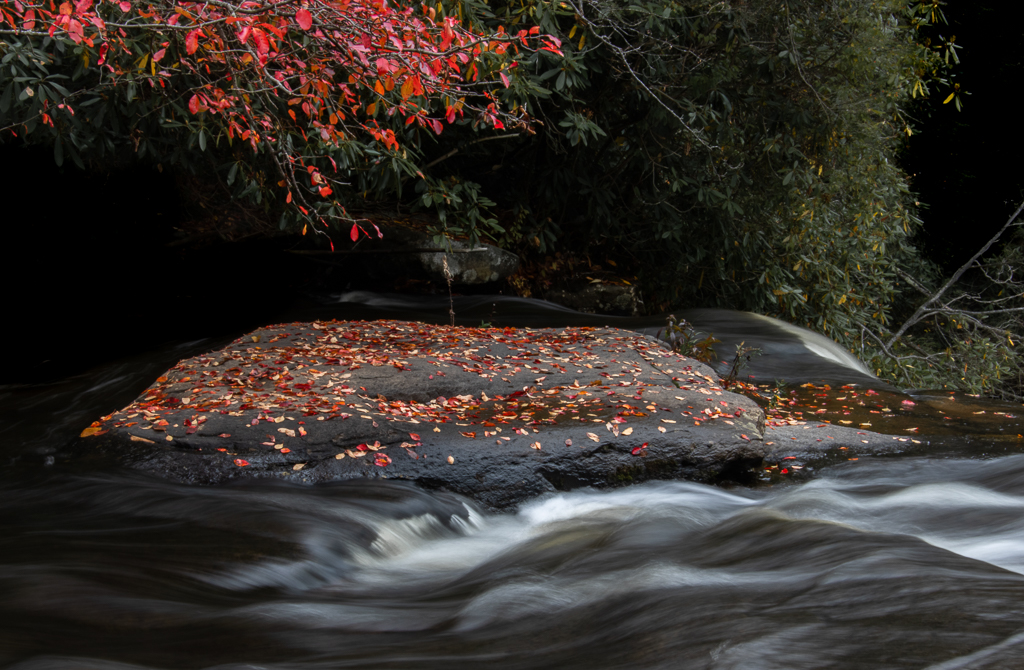
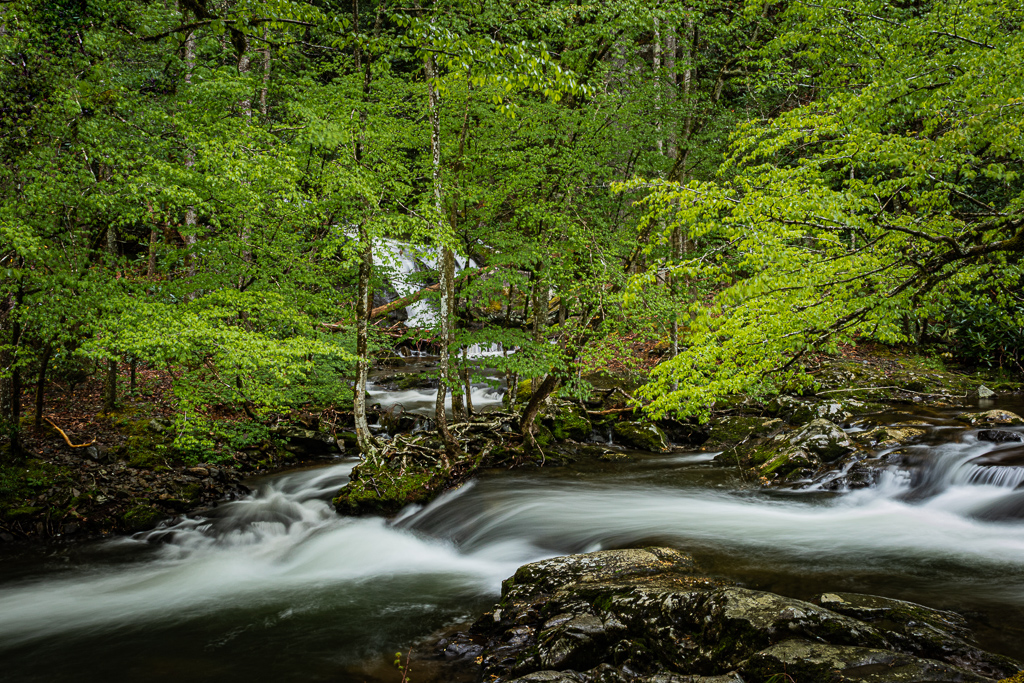
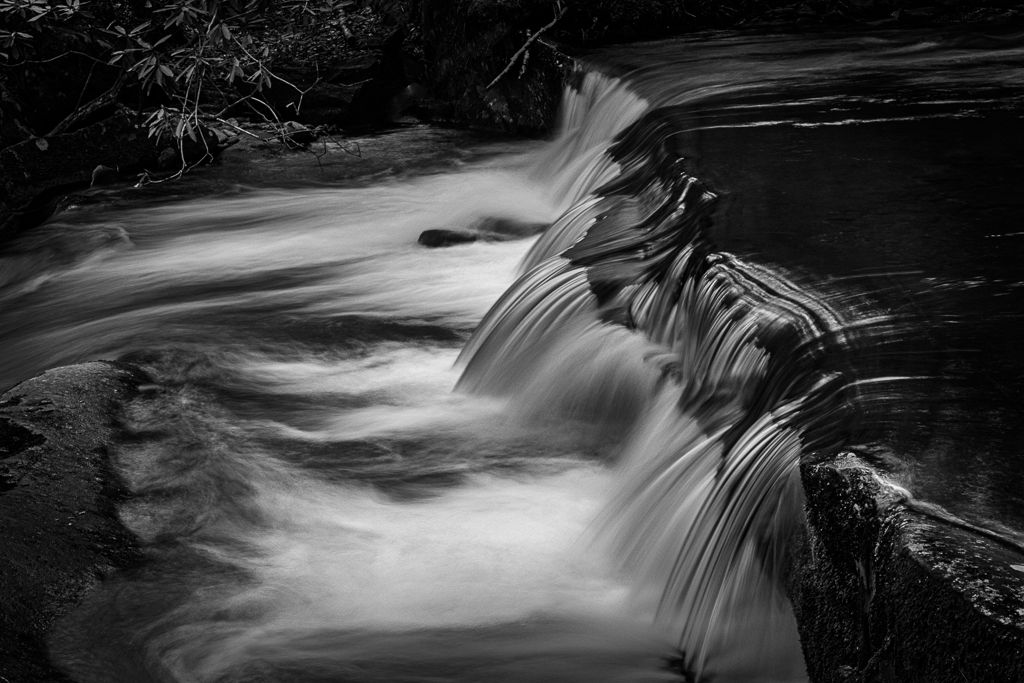
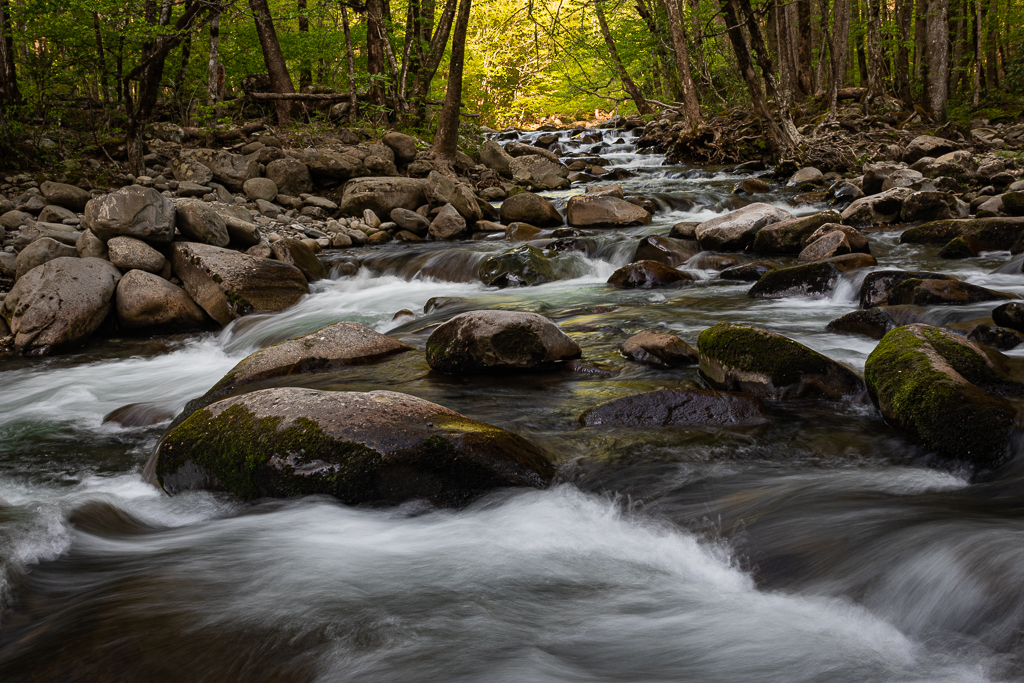
Yah, I find that my favorite shutter speeds for smoothing out runnning water is between 1/3-1/2 sec. |
Mar 25th |
| 49 |
Mar 21 |
Comment |
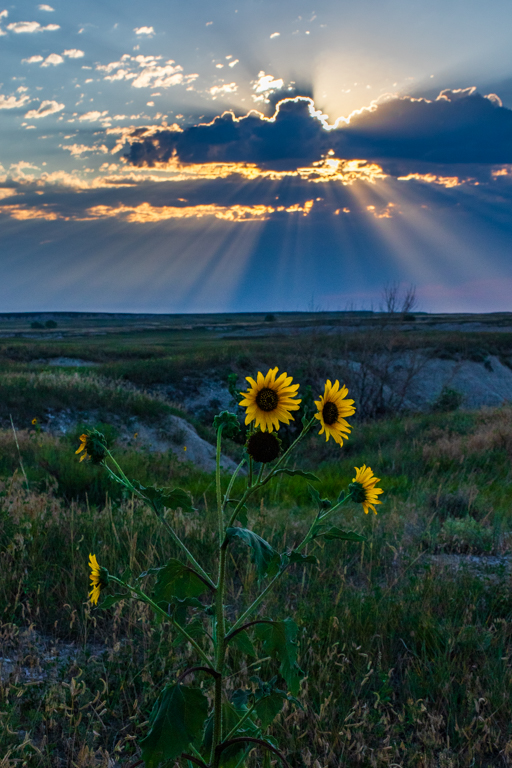
I see. You cropped it in on the right and on the top. I agree with the crop on the right, but I think I will keep the image material on the top to give the subject some head room. I also think I will darken the background a bit to let the flower pop out more. Thanks for thinking creatively with me1 |
Mar 23rd |
| 49 |
Mar 21 |
Comment |
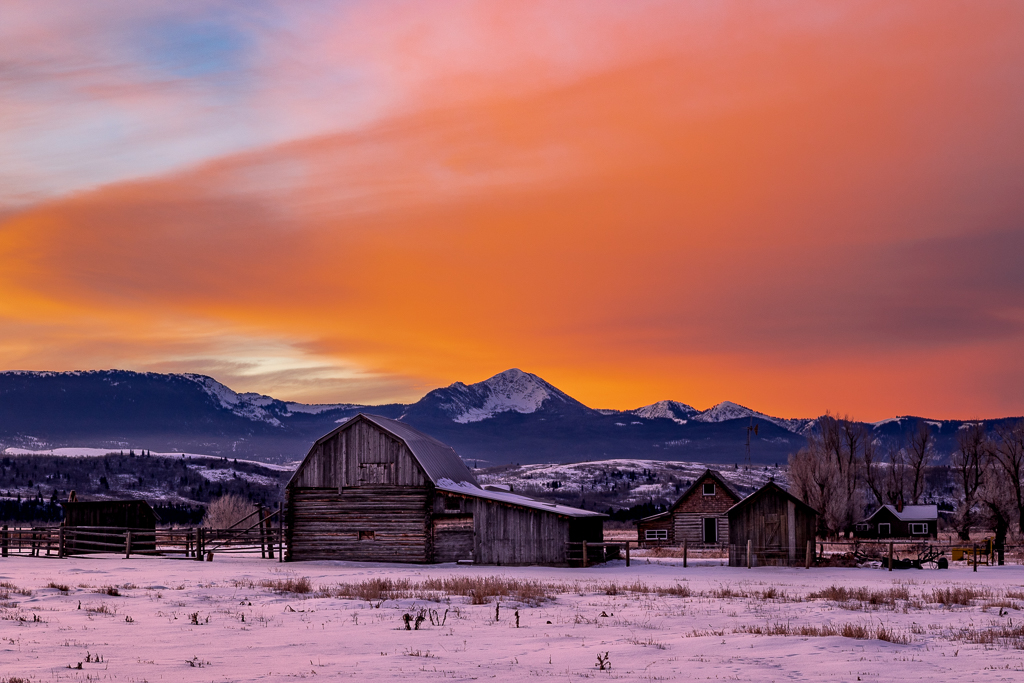
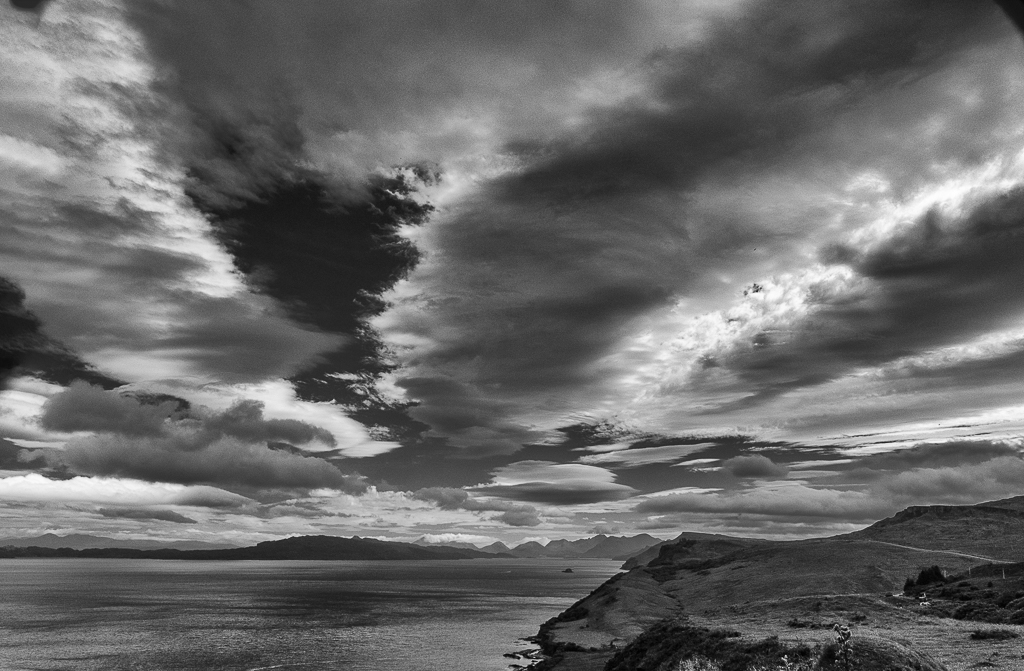
What a great opportunity to take a landscape! What were your camera settings? Looks sharp to me.
Areas for improvement. I really like the cloud formation in the center of the image and wish you had gotten all of it in the reflection. Like Cora, I'm less excited about the clouds at the top. This might have been a case where you put the horizon line in the dead center to ensure you got the clouds in the center in the photo. |
Mar 14th |
| 49 |
Mar 21 |
Comment |
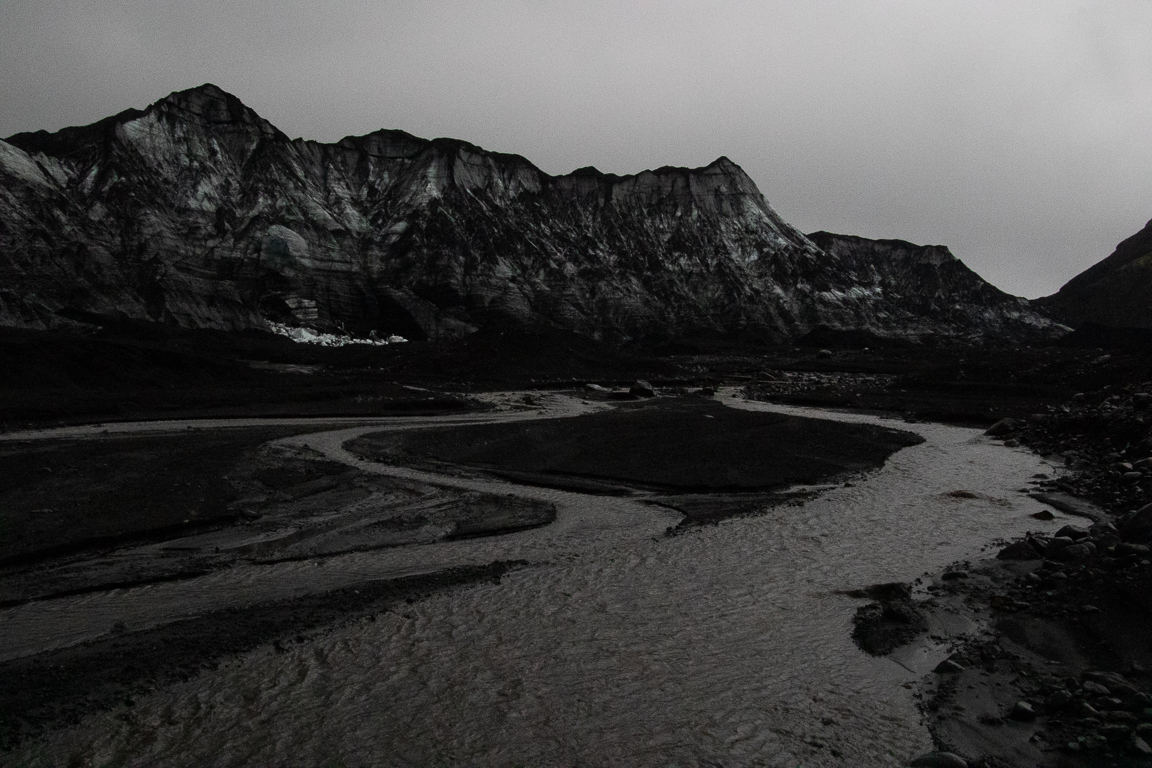
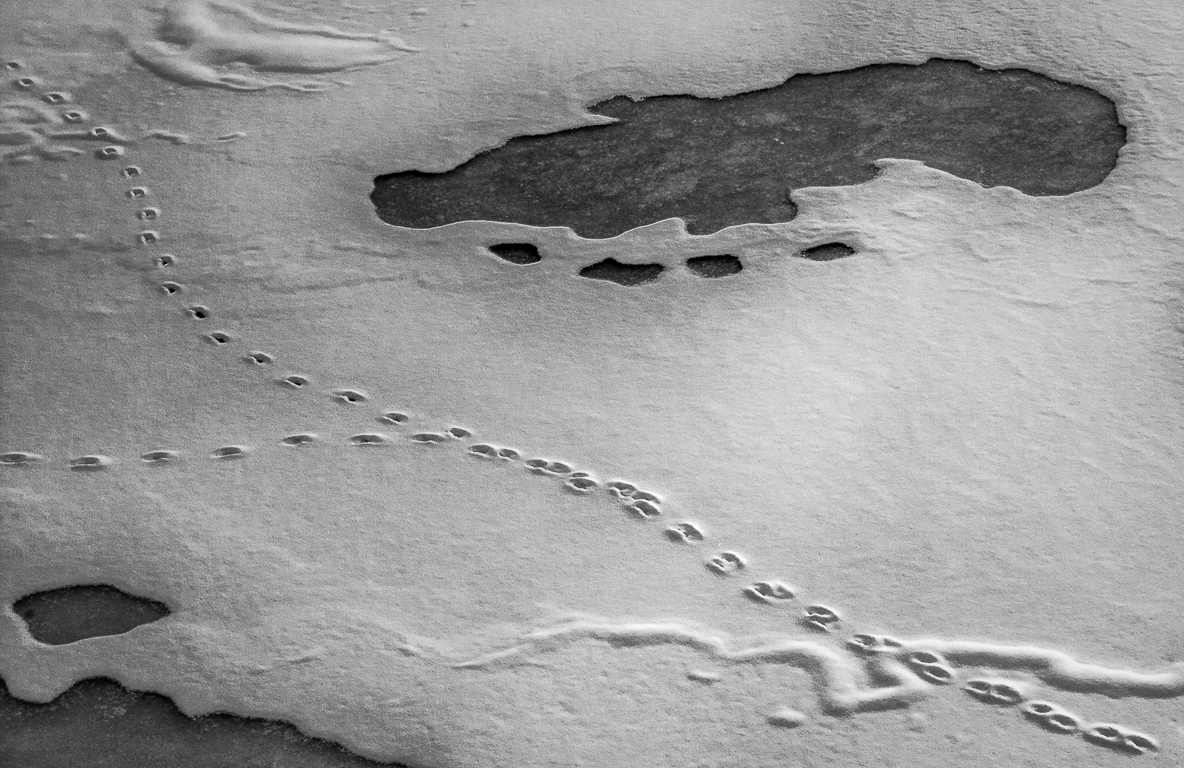
Alan, this image is terrific! Like the other commenters, I love the combination of ice and flowing water. Your choice to go with B&W makes sense. You have great tonal contrast between the white of the ice and the blackl of the area where the water is flowing down. Great sharpness on the ice and using .4 sec for the flowing water smooths it out very nicely.
Only recommendation would be to take the same pic at different shutter speeds so you get your choice of which effect you like best. But you probably already did that. |
Mar 14th |
| 49 |
Mar 21 |
Comment |
I gree ith the other commenters about the banding in the sky and the overly bright buildings in the foreground. Sounds like this is an artifact of having to reduce teh size of the image for PSA.
My contribution to the discussion is an issue of composition. TYhere are som many bright and interesting things to see in this photo, I cannot figure out what the subject is except of course the city. My eye is bouncing all over the place and cannot settle on any one place. To me the most interesting feature is the building in the distance on the left sider of the photo that is framed by a rectangular structure. That could be an image by itself. So could the distant skyline from the center to the right edge. |
Mar 14th |
| 49 |
Mar 21 |
Comment |
I love the story you are telling us! By putting the fisherman on the left and the sea on the right, you give the picture room to breath. Well done! Horizon line is straight, which is tough to do with an iphone.
Areas for improvement: The fisherman and his poles are not sharp. I think this is just an issue with using your iphone and then cropping. Not enough pixels to retain sharpness. I whish there was more going on in the sky. You could consider using sky replacement in Luminar or PS. |
Mar 14th |
| 49 |
Mar 21 |
Comment |
Cora, this image was a great idea and like you I admire the simplicity of it. It has great balance right and laft of the branch as well as top and bottom.
How to improve it? I suggest cloning out the tiny branch coming out of the upper left corner that leads to the top leaf. You might also consider cloning out a few snowflakes on the left side of the photo. As you note, it probably needs more contrast. Perhaps darken the leaves to get them closer to black and perhaps darken the area behind the branch to a slightly draker shade of gray? |
Mar 14th |
| 49 |
Mar 21 |
Comment |
|
Mar 12th |
| 49 |
Mar 21 |
Reply |
Thanks Cora! |
Mar 12th |
| 49 |
Mar 21 |
Comment |
Fred, thanks for your comments. If I were to crop some off the left side, how much would you recommend? |
Mar 10th |
9 comments - 2 replies for Group 49
|
| 67 |
Mar 21 |
Reply |
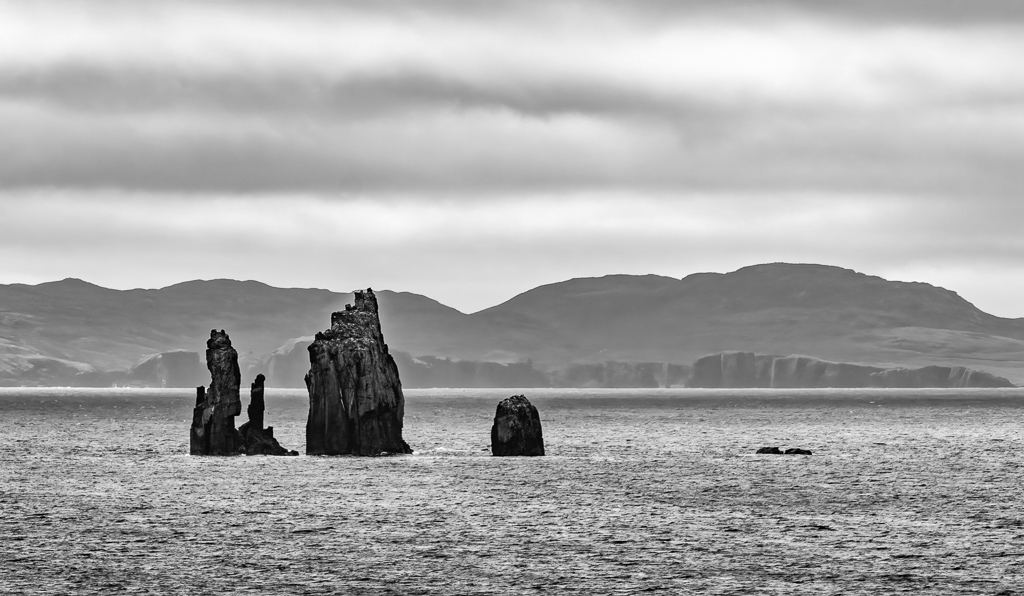
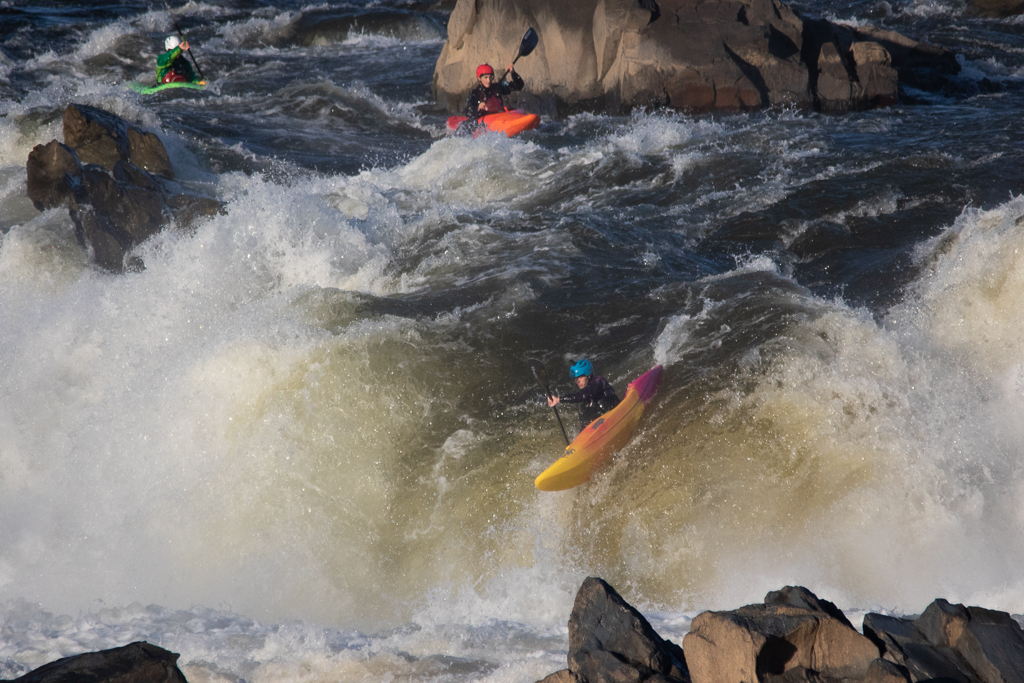
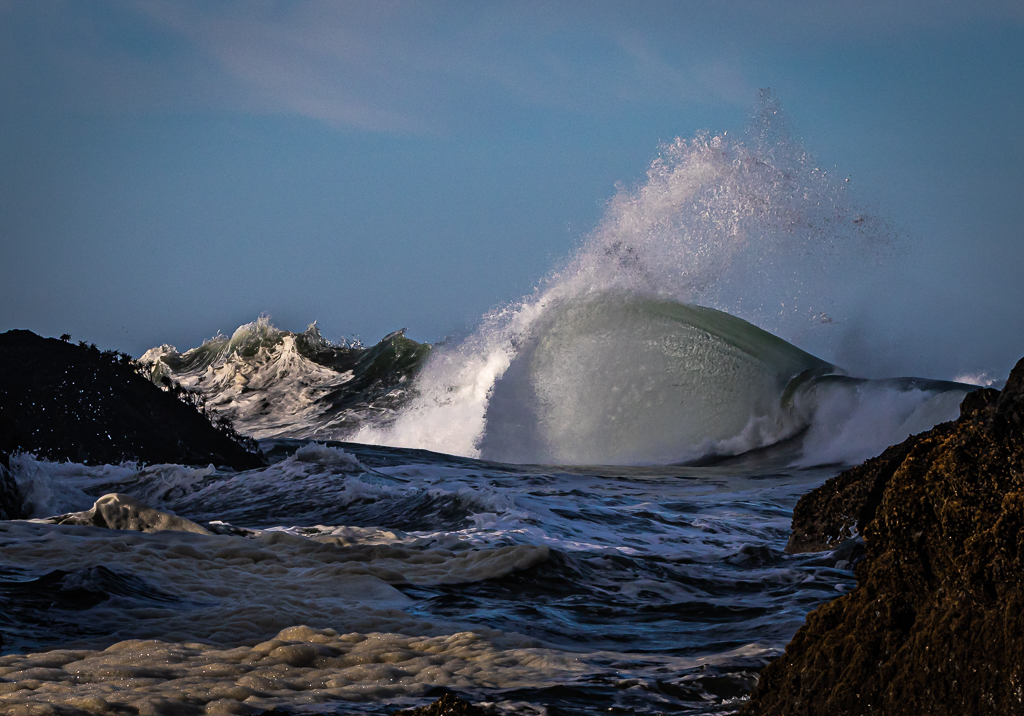
Thanks Richard. I thought that I needed the rocks on the left to show that the waves are crashing into it. Perhaps its the smaller wave action on the left between the rocks and the big wave that is distracting. |
Mar 15th |
| 67 |
Mar 21 |
Comment |
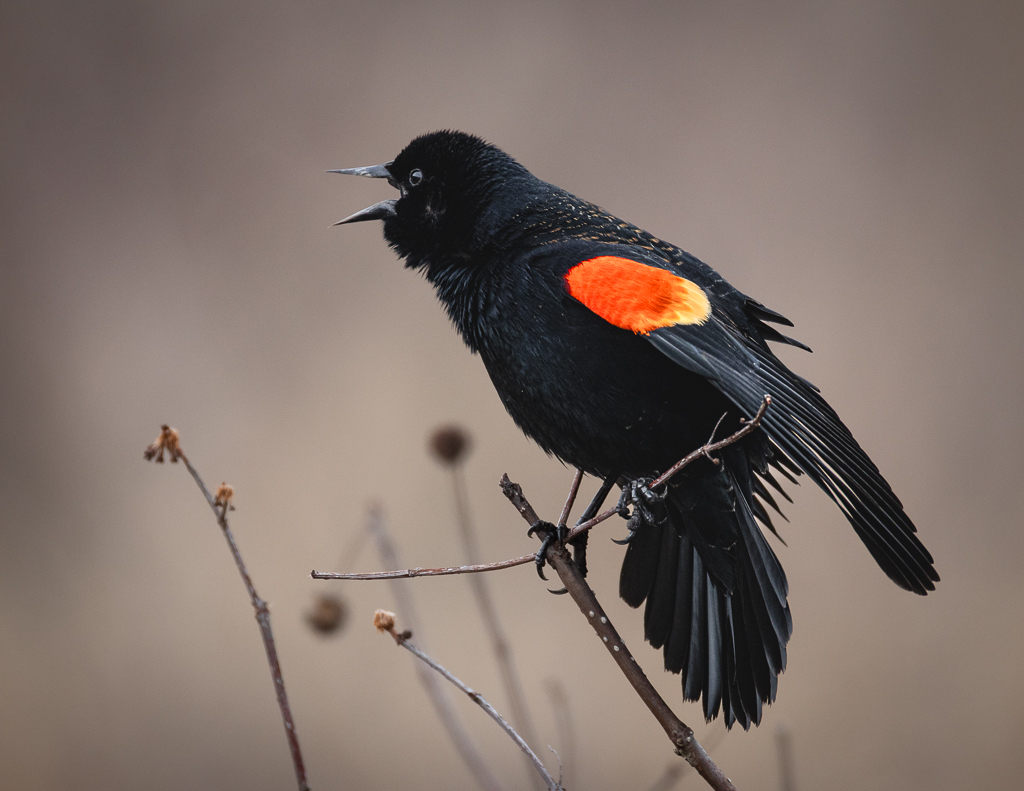
Very interesting capture! To me what was arresting about the image was that the pelican appears to be balancing on the head of the gull. Pretty cool! If that's what you were going for, then the gull on the right becomes superfluous. If the balancing act is not what you were going for, then look for images that you must have if you shot in burst mode that show greater separation between the gull and the pelican. |
Mar 14th |
| 67 |
Mar 21 |
Comment |
Great portrait of a tough subject. I'd suggest burning the rocks on the left and right to allow the bird to pop out of the picture a bit more. Perhaps you can clone out the branch from the center bottom of the photo to the bird's belly, but that will not be easy. |
Mar 14th |
| 67 |
Mar 21 |
Comment |
Jason: great wildlife story and really cool image of a deer with one antler! I agree with Larry on shooting with a wider aperture and moving a bit to the right to separate the deer from the tree and the vegetation in the far background. |
Mar 14th |
| 67 |
Mar 21 |
Comment |
Michael, this is a wonderful image! Love the composition with the branch going at an angle and the thorns. The bokeh is beautiful and as you note has a hint of the pink of the bird. Good sharpness on the eye and the puffed up feathers. Another way to handle a shot in falling snow is to shoot it at say 1/25 sec to let the falling snow streak. This is not to say that there is anything wrong with "freezing" the snowflakes in mid air, just a different technique and look. |
Mar 14th |
| 67 |
Mar 21 |
Comment |
Larry, I like this one better that the one you submitted to us last month. The background is beautifully soft and pastel in its tonality. The bird is sharp and well positioned n the image. ooks like you got some wind coming in from the right that fluffed up his feathers. Not a big deal. I cannot decide whether to suggest cloning out the junk on the beach. It is only mildly distracting. Nice shot! |
Mar 14th |
| 67 |
Mar 21 |
Comment |
Thanks Bud for this comment. Tighter might be better. |
Mar 13th |
6 comments - 1 reply for Group 67
|
15 comments - 3 replies Total
|