|
| Group |
Round |
C/R |
Comment |
Date |
Image |
| 3 |
Dec 20 |
Reply |
Thank you, Mary Ann. Looks like I have to get some more experience editing - both in B & W and color. I'm excited for Tuesday to roll around when I'll get my pre-ordered copy of Luminar AI. I'm going to play around with the color image in Luminar AI and see what can be improved. |
Dec 13th |
| 3 |
Dec 20 |
Reply |
Thanks for the feedback. Are you familiar enough with B & W editing that you could give me some pointers on how I could broaden the gray scale range? ...or are you suggesting it is just a bad image to start with? |
Dec 13th |
| 3 |
Dec 20 |
Comment |
Iguanas make great subjects with their scales and spines. For me, the background focus and color don't provide enough separation for the subject to stand out. I find their faces most interesting so my suggestion is to do a much more radical crop and make it a portrait of the animal's face along with darkening the background. Another option would have been to open up your aperture to blur the body and background keeping focus on its eye. |
Dec 11th |
| 3 |
Dec 20 |
Comment |
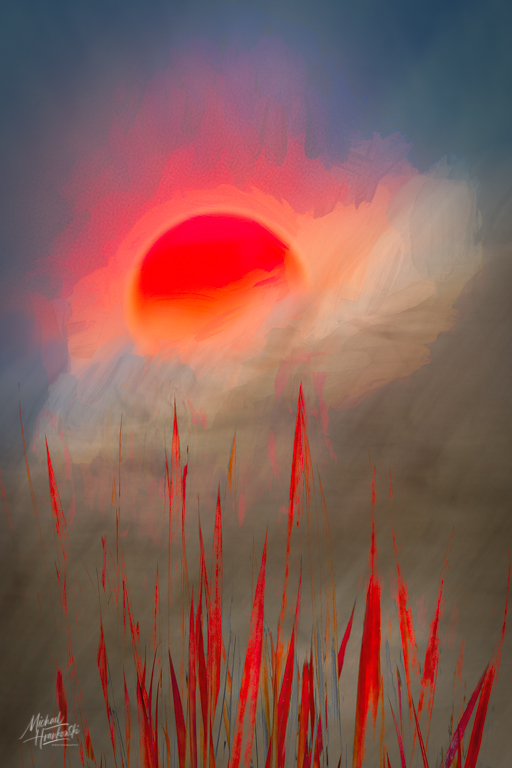
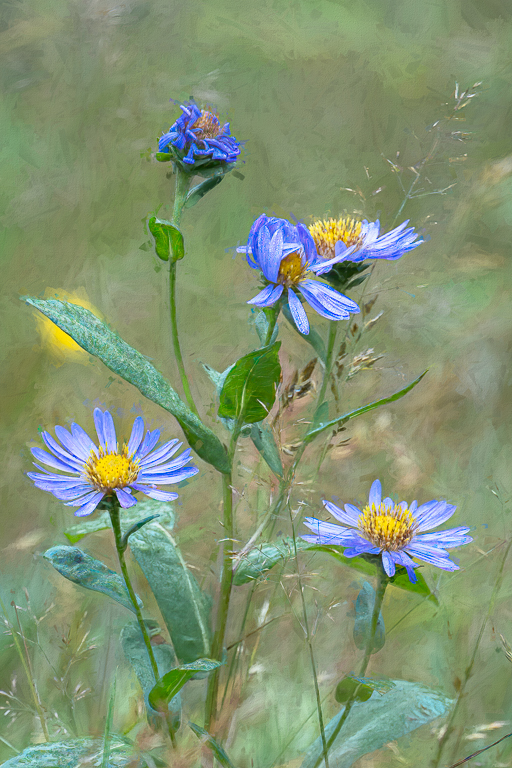
LuAnn, I assume you were directing this to me (Michael)?.... I'm really drawn to the Impressionist and Artistic categories of "Looks". I rarely use a Look as-is, preferring to tweak the settings to get the feeling I'm after. I have created some of my own Looks based on these two categories as well. I'm particularly fond of creating painterly images...and maybe that ultimately will be my style... Sometimes I'll take an image that might not stand on its own merits even after "conventional" editing and bring it into Topaz Studio and I'll be amazed at the result. Happy to chat more via email if you wish. |
Dec 9th |
| 3 |
Dec 20 |
Comment |
Although it shouldn't make a difference, I actually do like the flipped image better. And now that you mention it, I realize that I will tend more often to put a subject in the lower right third of the frame...something about the way my brain works I guess.... But either way, it's a beautiful image and well developed! |
Dec 8th |
| 3 |
Dec 20 |
Comment |
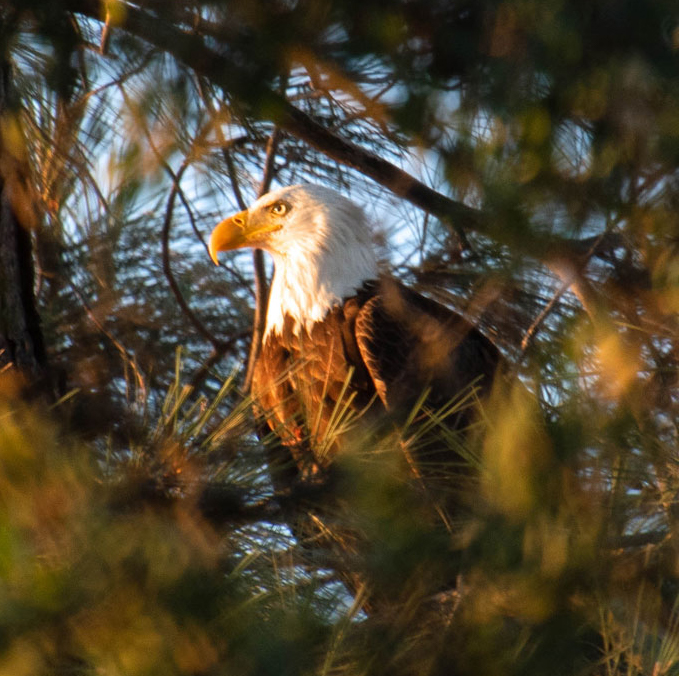
Hi Mary Ann. I love photographing these amazing birds. I love the image and the only thing I would suggest is a much tighter crop so the viewer really focuses on the subject. I often struggle with cropping, deciding how much surrounding context is necessary to tell the story. Lately I've been much more aggressive. See what you think: |
Dec 6th |
 |
| 3 |
Dec 20 |
Comment |
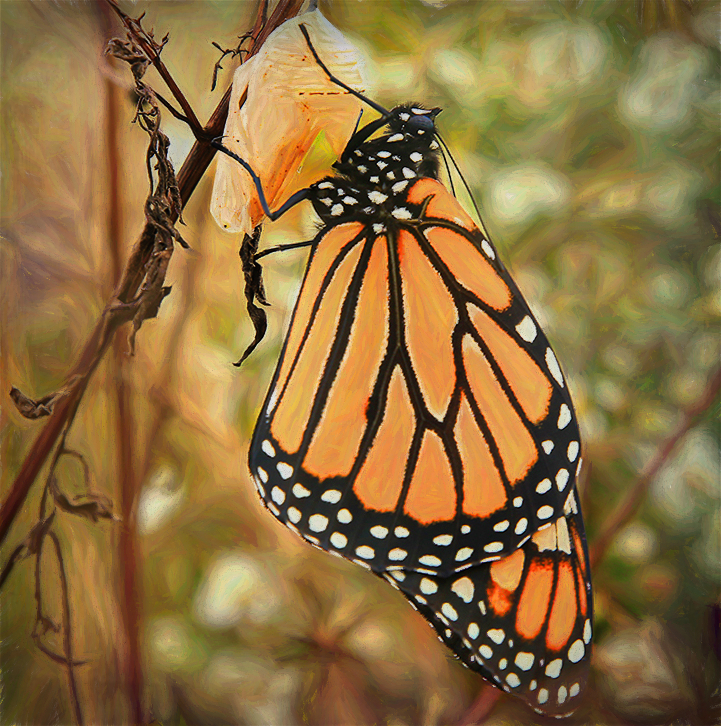
....and, just for fun, I brought it into Topaz Studio 2 and applied one of my custom "looks". Let me know what you think. |
Dec 6th |
 |
| 3 |
Dec 20 |
Comment |
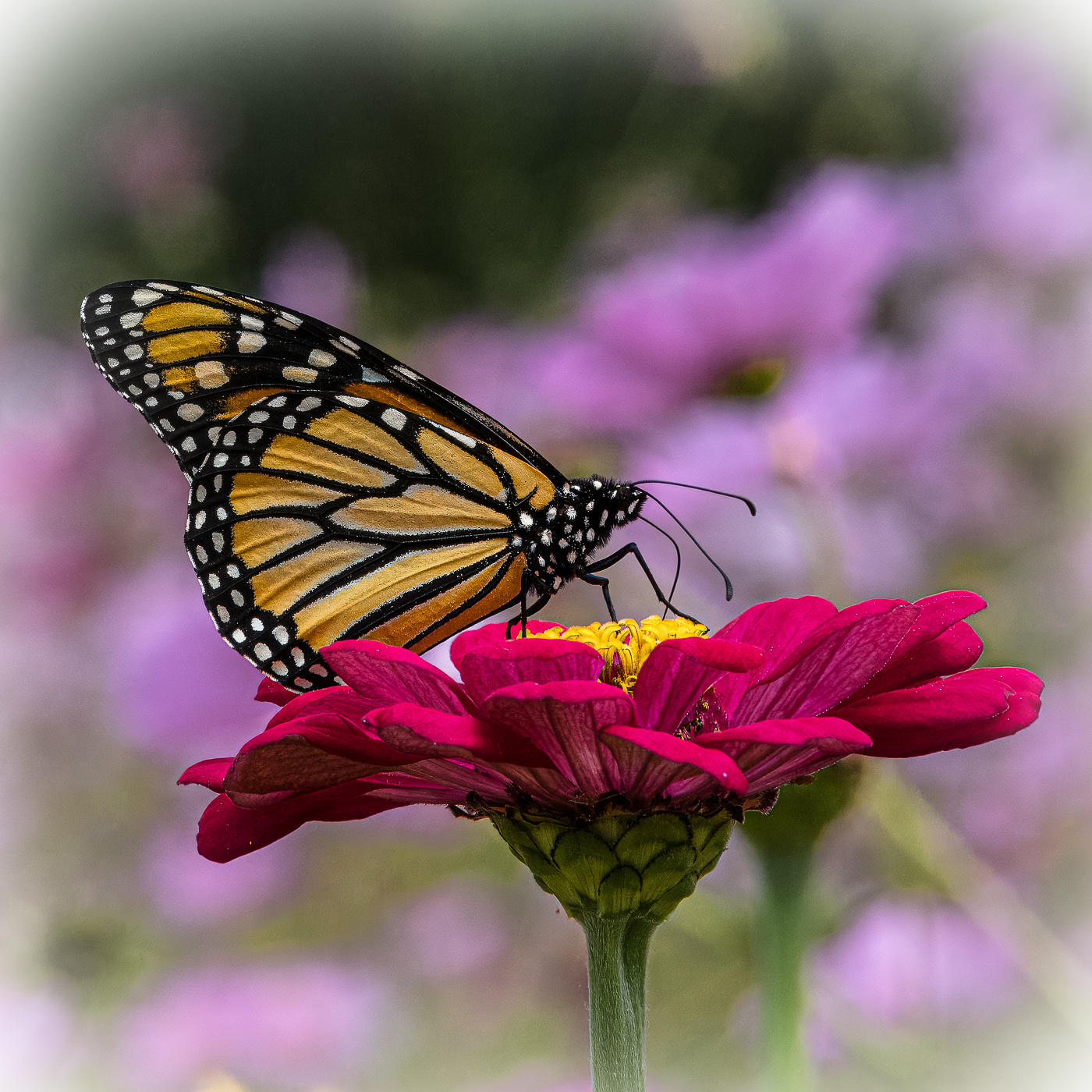
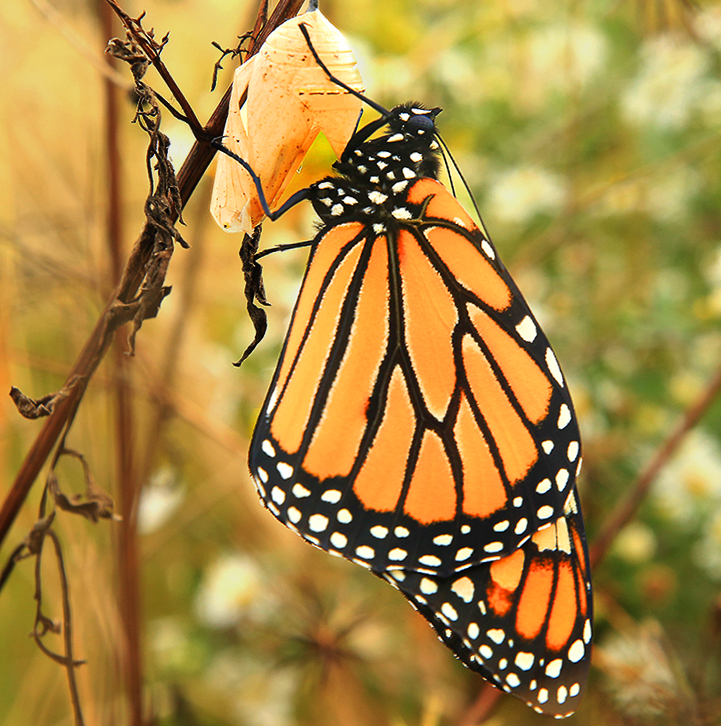
Kieu-Hanh, how amazing you caught this butterfly just after it had emerged from its chrysalis and before it flew away! Excellent job on focusing on the subject and beautiful bokeh. Since the subject is the butterfly, I suggest a closer crop. I found the flower a distraction and the white on the flower was a bit blown out. In photoshop I made a mask for the butterfly and made a hue/saturation adjustment layer to increase the saturation of the subject. I then did an inverse selection and added another hue/saturation adjustment layer for the background and changed the blend mode to Multiply and decreased the opacity to 89%. |
Dec 6th |
 |
| 3 |
Dec 20 |
Comment |
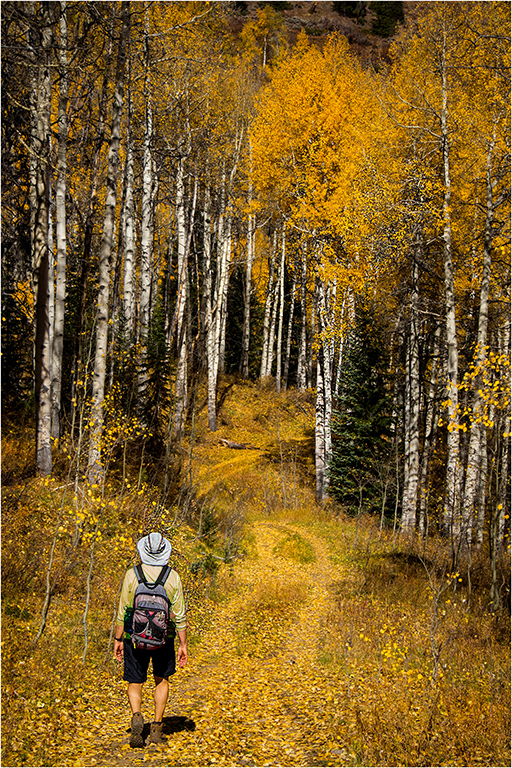
Ruth, I'm in the middle of a lengthy Photoshop tutorial and today's segment was on replacing color so I thought I'd use your image to play with. I downloaded the file into Photoshop but because of its size it was quite pixilated and the result isn't perfect but it works for demonstration purposes. I was able to change the color of the shirt and desaturate the backpack. For me, now your husband is part of the scene and no longer a distraction. |
Dec 6th |
 |
| 3 |
Dec 20 |
Comment |
Hi Lisa. I think your idea was good but I'm just not sure the image fulfills your intent. If you hadn't said what you were documenting, I would have guessed the art pieces in the window were your intended subject. The couple in the picture are backlit from the street light and are somewhat difficult to see clearly. Perhaps if the image had been captured during the day under better lighting conditions and maybe even rendered in B & W it would have worked better. |
Dec 3rd |
| 3 |
Dec 20 |
Comment |
Hi Ruth. I love Aspen trees and you captured the trail, trunks and foliage quite nicely. The adjustments you made really make the image pop and I wonder if the edited image is closer to what the eye actually saw? I will say, however, that including the hiker (your husband?) in the image detracts from its overall impact - a distraction which is primarily due to the lime green shirt. I'm not opposed to having a person in the image but I think there is a way in Photoshop to change the color of the shirt to a different hue that would be more neutral and not draw the eye away from your main subject which I'm assuming is the trees and trail. |
Dec 3rd |
| 3 |
Dec 20 |
Comment |
LuAnn, You captured a beautiful image of a beautiful bird. The detail and sharpness is amazing. It's rare to capture a bird looking right at the camera and it's almost as if she is posing for you...did she say "cheese"? Although we are not accustomed to seeing birds this way, I think the image does work - if for no other reason that you were able to capture her at this exact moment. I do agree, however, I would prefer to see the bird's head in full or partial profile. Being human, we are drawn to the eyes. The diagonal of the branch adds to the interest of the image and by bringing up the exposure on the bird, she stands out from the blurred background quite nicely. |
Dec 3rd |
10 comments - 2 replies for Group 3
|
| 76 |
Dec 20 |
Comment |
Hi Heidi. I ran across some of your previous flower images while perusing the various groups and I was impressed. I particularly like the simplicity of your compositions and some of the creative ways you edit. Regarding the sea urchins: I love this image and I wouldn't change a thing. Both the color and monochrome renditions are equally appealing and I honestly can't decide which one I like better. (that indecision also plagues me with my own images!) Anyway, nice work. |
Dec 9th |
1 comment - 0 replies for Group 76
|
11 comments - 2 replies Total
|