|
| Group |
Round |
C/R |
Comment |
Date |
Image |
| 3 |
Nov 20 |
Reply |
Thanks, Randolph. Appreciate the feedback. I think I'm going to go back to the drawing board (i.e., Lr and PS) and see what I can do with Original #2 |
Nov 15th |
| 3 |
Nov 20 |
Reply |
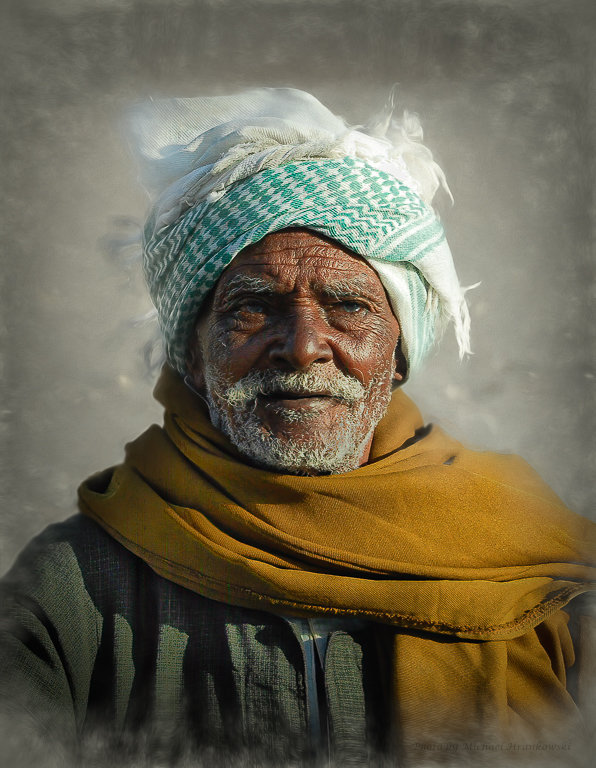
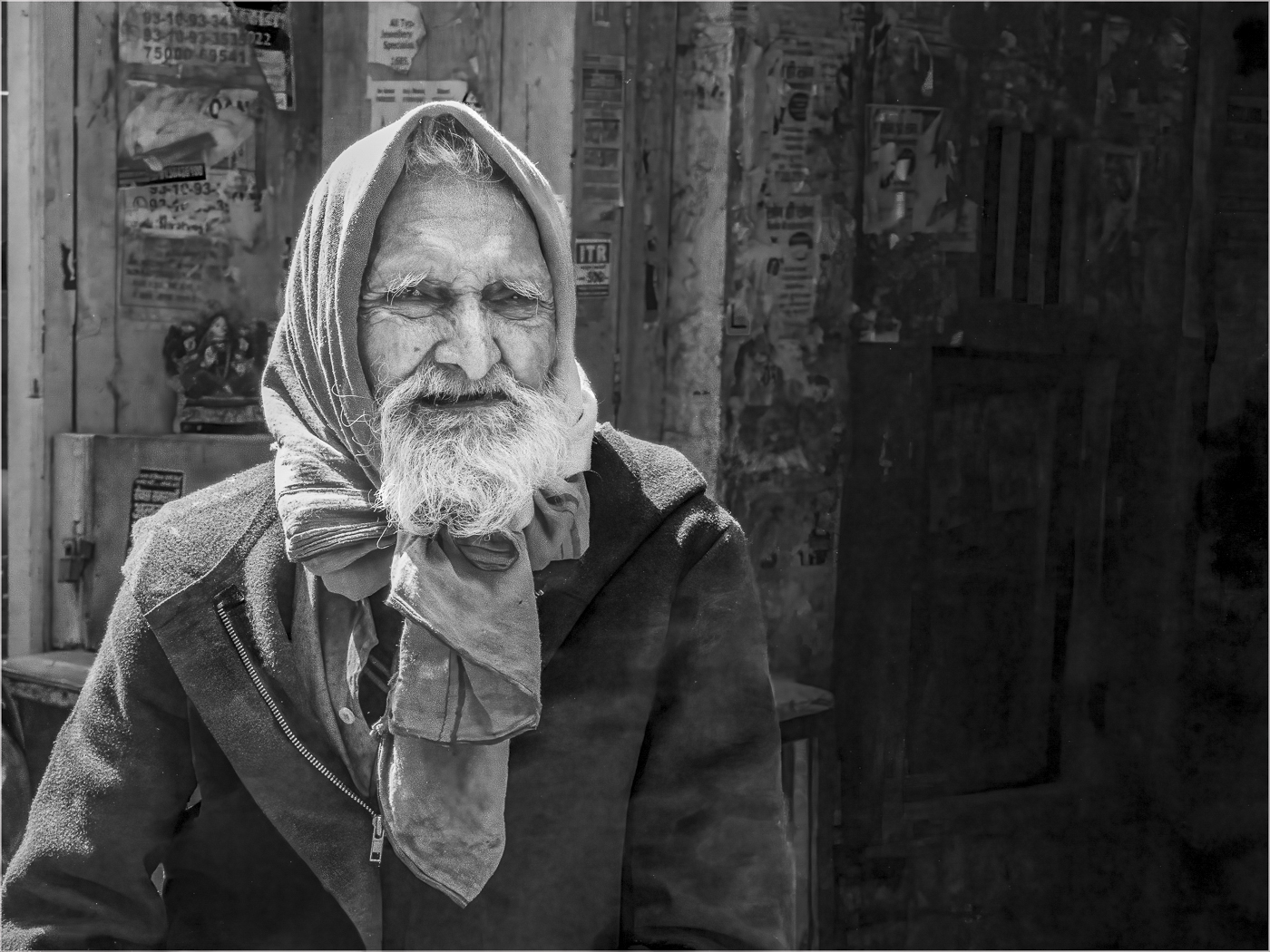
Great comments, LuAnn. Thank you. Not putting the camera/lens in my description was an oversight.. so here it is: Nikon D7100 with Nikon 18-200 zoom, f8, 1/250, JPEG XX fine (back when I took it, I wasn't shooting RAW and had essentially no editing experience). I was never impressed with that lens and I was never able to get images as sharp as I would have liked. Regarding the man's eyes... he certainly wasn't completely blind, as he could see well enough to follow me, but his eyes do have the appearance of having advanced cataracts. My original reason for not including the broom was that I thought the crop ratio looked awkward. Curious what your opinion is on that? Lastly, if I were to rework Original 2, would you critique it for me? Thanks again for your input! |
Nov 15th |
| 3 |
Nov 20 |
Reply |
Thanks for your feedback, Mary Ann. As I mentioned in my description, I really wanted to include the broom but I thought the odd aspect ratio detracted. Also, my editing skills aren't developed enough to be able to blur the in-focus mountains in the background. I will most likely keep coming back to the broom seller as my skills improve and we'll see what happens then! |
Nov 12th |
| 3 |
Nov 20 |
Reply |
Ian, I find I really enjoy taking an image and experimenting with layers and filters to create different versions with different looks. Some subjects lend themselves really well to the painterly genre, while others don't. Portraits really aren't my main area of interest, but this broom seller was one of my favorite images from my trip to Egypt. |
Nov 12th |
| 3 |
Nov 20 |
Comment |
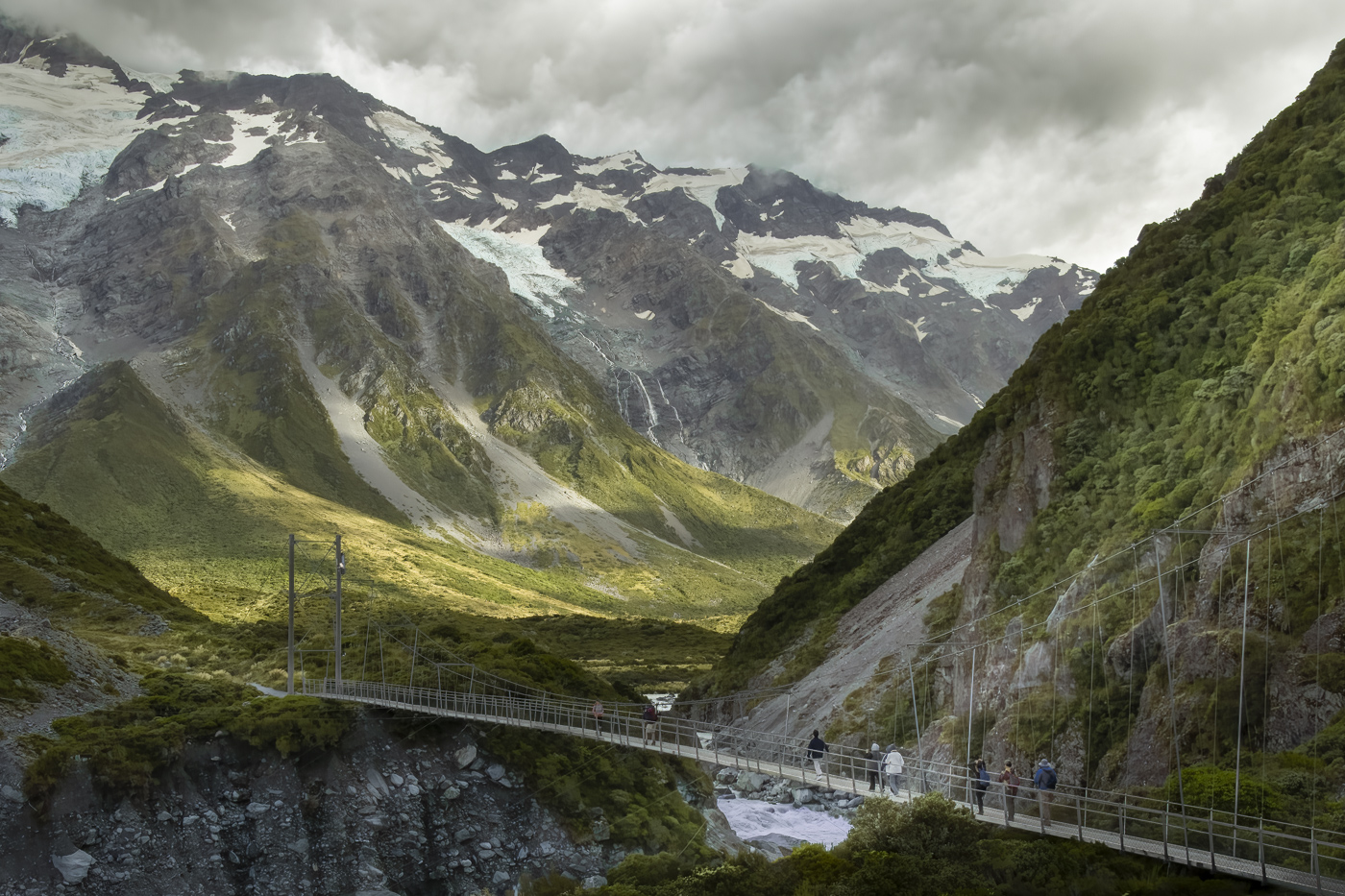
Mary Ann, I like seeing the increased details in the bridge architecture. I'm just learning Photoshop and Lightroom, and am, by no means an expert. But, I have always been told to do your major edits first on the color image before making the conversion, then tweak the monochrome to your liking. If you do a lot of monochrome, you might consider upgrading to the full version of Photoshop with Adobe Camera Raw (essentially identical to Lightroom). In Camera Raw and LR, there are a whole host of monochrome presets, each giving a different look. I've only just started playing around with it but it's been fun so far. |
Nov 12th |
| 3 |
Nov 20 |
Reply |
Thanks, Ian, for your comments. It goes to show that art is subjective. While I primarily do photography for my own enjoyment, it is nice to create images that other people enjoy. What good is creating art if no one other than yourself can enjoy it? My primary reason for joining the organization is to improve my photography. I tend to see the world very differently from most people (my personality profile and world outlook is only shared by 2% of the population!) ...so having other people comment on my images is a really good thing! I'm here to learn. |
Nov 12th |
| 3 |
Nov 20 |
Reply |
Ruth, thank you for your comments. As Kieu-Han suggested, perhaps it would've been better to have left the original background. I got myself over-focused on the annoying white line between the background and the shoulder / arm of his jacket on the left side of the image. Try as I might, I was not able to fix that and ultimately gave up in favor of the blurred textured background...still working on my novice-level editing skills! Regarding the shadowed eyes....the sun was harsh and coming from the man's left side. I couldn't figure out a way to lighten the shadows on the right side of his face and not have that look unnatural given the direction of the sunlight. |
Nov 10th |
| 3 |
Nov 20 |
Reply |
Kieu-Han , thank you for your comments. First, regarding the title - LuAnn had put that title in as a place holder. The correct title is Egyptian Broom Seller and now shows up correctly under my image. The overlap of the texture layer onto the headpiece and shoulders was intentional to draw the eye to the man's face.... and to solve the problem of the unnatural edge of his left shoulder. I think you are right, however, that I could have done a better job of blending, especially on the left side of his headpiece. |
Nov 10th |
| 3 |
Nov 20 |
Comment |
Hi Lisa, nice to virtually meet you as well. What a beautiful night image. I am particularly attracted to the colors in the image. For some reason, these colors are a common theme when I see any piece of art that catches my eye. I like the streaks of red light from the vehicles on the bridge and you captured the reflection of the tower lights quite nicely on the left side of the image. But I'm curious why the lights on the bridge supports don't appear to throw a reflection. ...was this an editing choice, or simply that there was no reflection? My eye kept drifting away from the left side of the image with its beautiful colors to the blackness on the right side searching for the reflections that aren't there. I'm just in the process of learning Photoshop and I'm wondering if there is a way to add in reflections? |
Nov 7th |
| 3 |
Nov 20 |
Comment |
Hi Kieu-Hanh! Nice to virtually meet you. I love this time of year and you have captured a beautiful image....and with your iPhone! Proof in point that one doesn't need a fancy camera to produce beautiful images! I like the composition and the leading lines of the stairs that draw the eye into the photo. I feel like I want to walk right in and see where the path leads. You achieved nice color balance between the yellows, oranges and greens. I can't see anything that I would have done differently. |
Nov 3rd |
| 3 |
Nov 20 |
Comment |
Hi Ruth. Nice to virtually meet you as well! What a interesting image! It is full of amazing detail and I found myself studying every inch of it. I kept going back and forth between the color and monochrome images, finding interest in both and I can honestly say I can't make up my mind which I like better.
I think I particularly like the strong horizontal lines created by the sediment layers of the canyon wall and the dark vertical striations call the eye down to the canyon floor and the ruins below.
At first glance I wondered if I was looking at a miniature diorama until I realized you were up on the canyon rim shooting down - this perspective creates added drama and perspective. Overall a very pleasing image. |
Nov 3rd |
| 3 |
Nov 20 |
Comment |
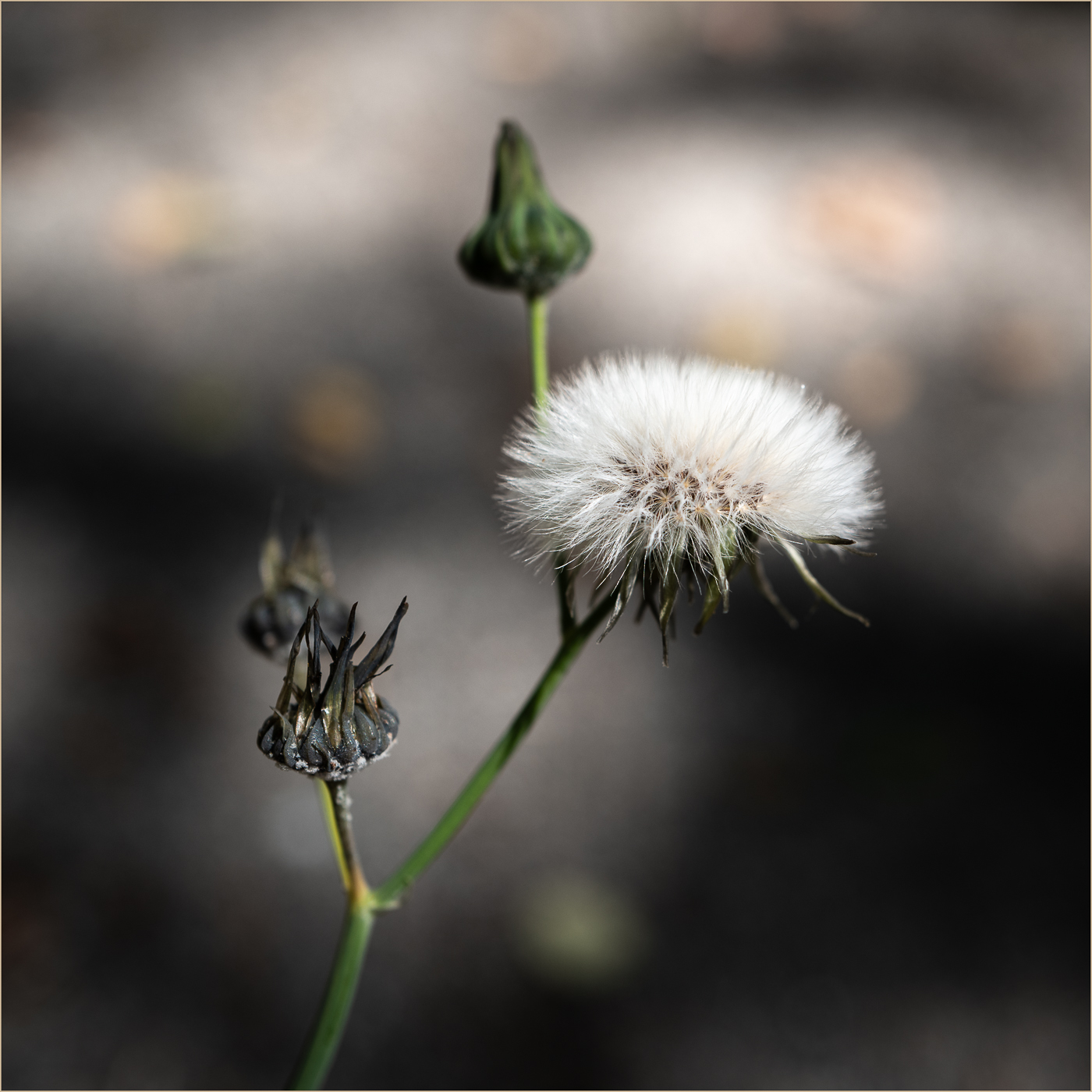
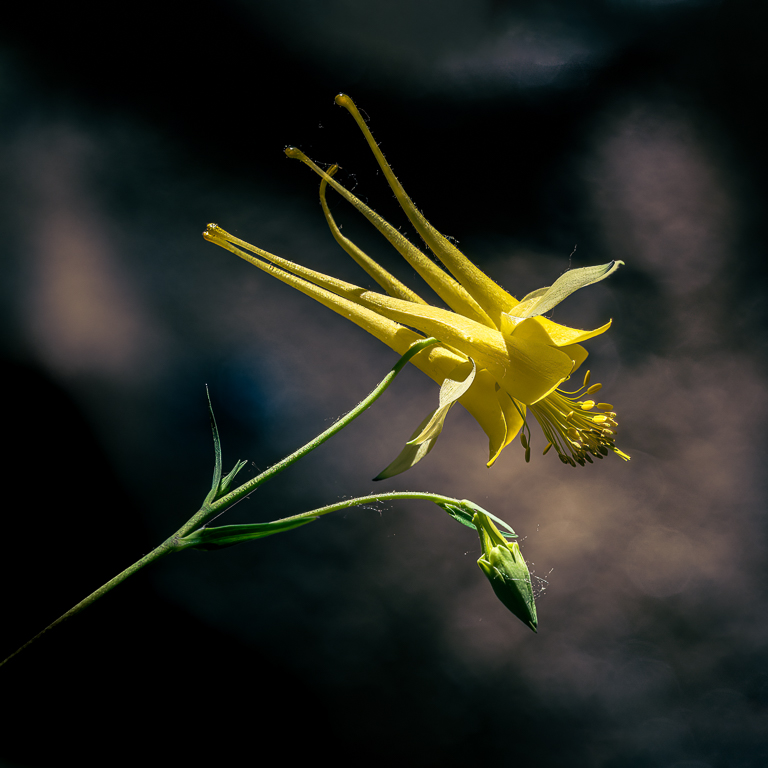
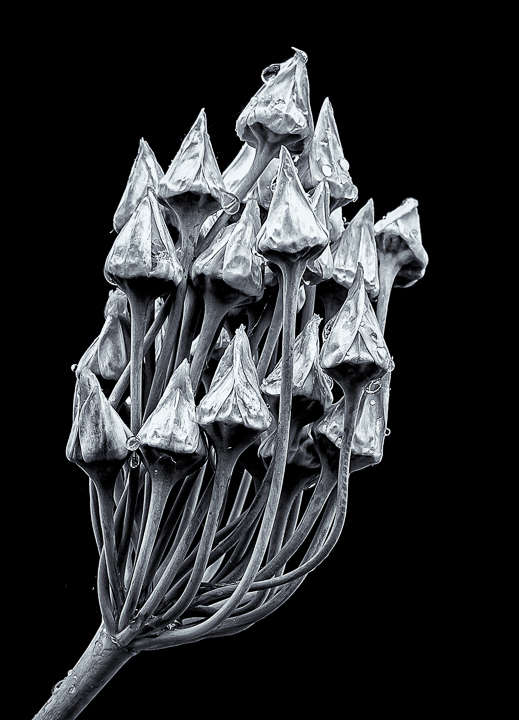
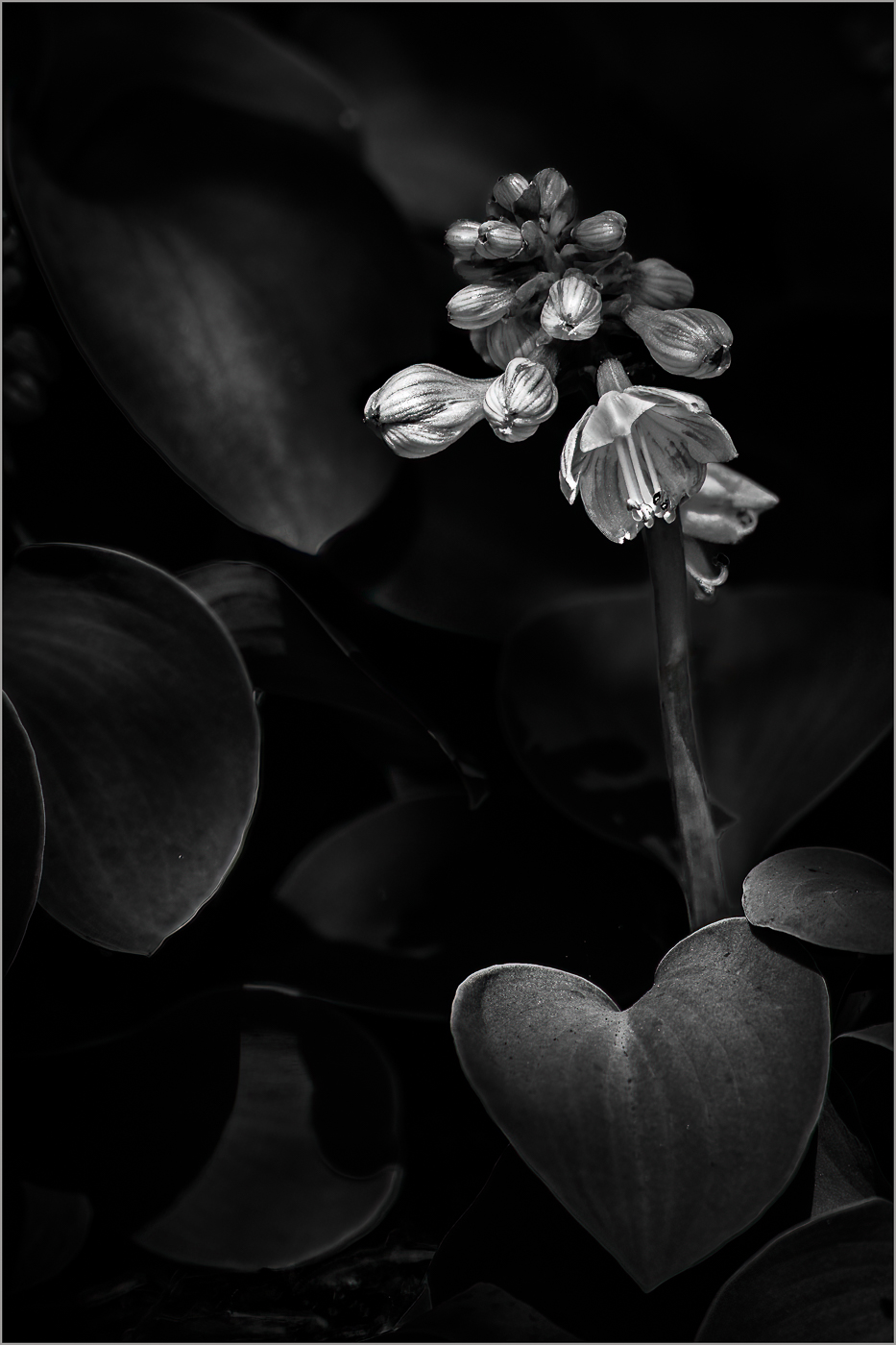
Hi Randolph. Nice to virtually meet you! What an interesting flower! The waxy texture reflects the light beautifully and the s of the petals create an interesting contrast of light and shadow. The black background really causes the flower to "pop".
There are two things I'm wondering about: First, the final image appears to have been shot from a completely different perspective than the original image. Did you perhaps accidentally post the incorrect "original"....or did you use editing software to contort the original to arrive at your final image? Second, there is a subtle diagonal line to the left of the image. I find it somewhat distracting. Editing that out would give the viewer 100% attention to the beauty of your subject. |
Nov 3rd |
| 3 |
Nov 20 |
Comment |
LuAnn, I respond very strongly to color and this image is very appealing. Placing the yellow leaf in the center of the frame in a diagonal orientation draws the eye into the image and the red maple leaf below serves as a contrasting backdrop to further call attention to the main yellow leaf. Also creating interest and variation is the upside down gray maple leaf at the top of the frame... so I'm curious whether the leaves fell naturally this way, or whether you arranged them manually to create your composition? I'm also attracted to close-up detail in general and the image has plenty of that. Your subtle use of the Topaz effects, really enhance the image and add to the interest.
I, too, have really enjoyed playing around within Topaz Studio 2 and I will often create 3 or 4 versions of the original image, each with different moods. ...but one thing I struggle with is how much manipulation is too much having come from 30 years of doing mostly dental photography where any manipulation is strictly verboten. But...then I remind myself that now we are in the realm of art...so the sky's the limit! Overall, it's a lovely image and I wouldn't change a thing. |
Nov 3rd |
| 3 |
Nov 20 |
Comment |
Hi Mary Ann. Nice to virtually meet you! I like the image and agree that monochrome was the best choice here. The bridge forms a strong diagonal leading the eye along to the buildings in the distance. The vertical lines of the bridge towers and the skyscrapers create a very nice balance. Also nice are the textures and highlights in the river which seem more pronounced in the monochrome version. I'm curious as to what editing app(s) you used and whether you managed the conversion manually, or by using a preset such as the ones that come with Adobe LR Classic and Photo Raw?
I find the bridge design quite beautiful and I would've like to have seen more detail emerge from the shadows. It would be an interesting comparison to perhaps mask the bridge and play around with the exposure, highlights and shadows to see if you could bring out more of that detail. |
Nov 3rd |
7 comments - 7 replies for Group 3
|
7 comments - 7 replies Total
|