|
| Group |
Round |
C/R |
Comment |
Date |
Image |
| 88 |
Nov 25 |
Reply |
Yes, Don mentioned the mistake in the description, but sometimes I can't make adjustments once the due date has passed. Happy to share! |
Nov 21st |
| 88 |
Nov 25 |
Comment |
Hi Sanat,
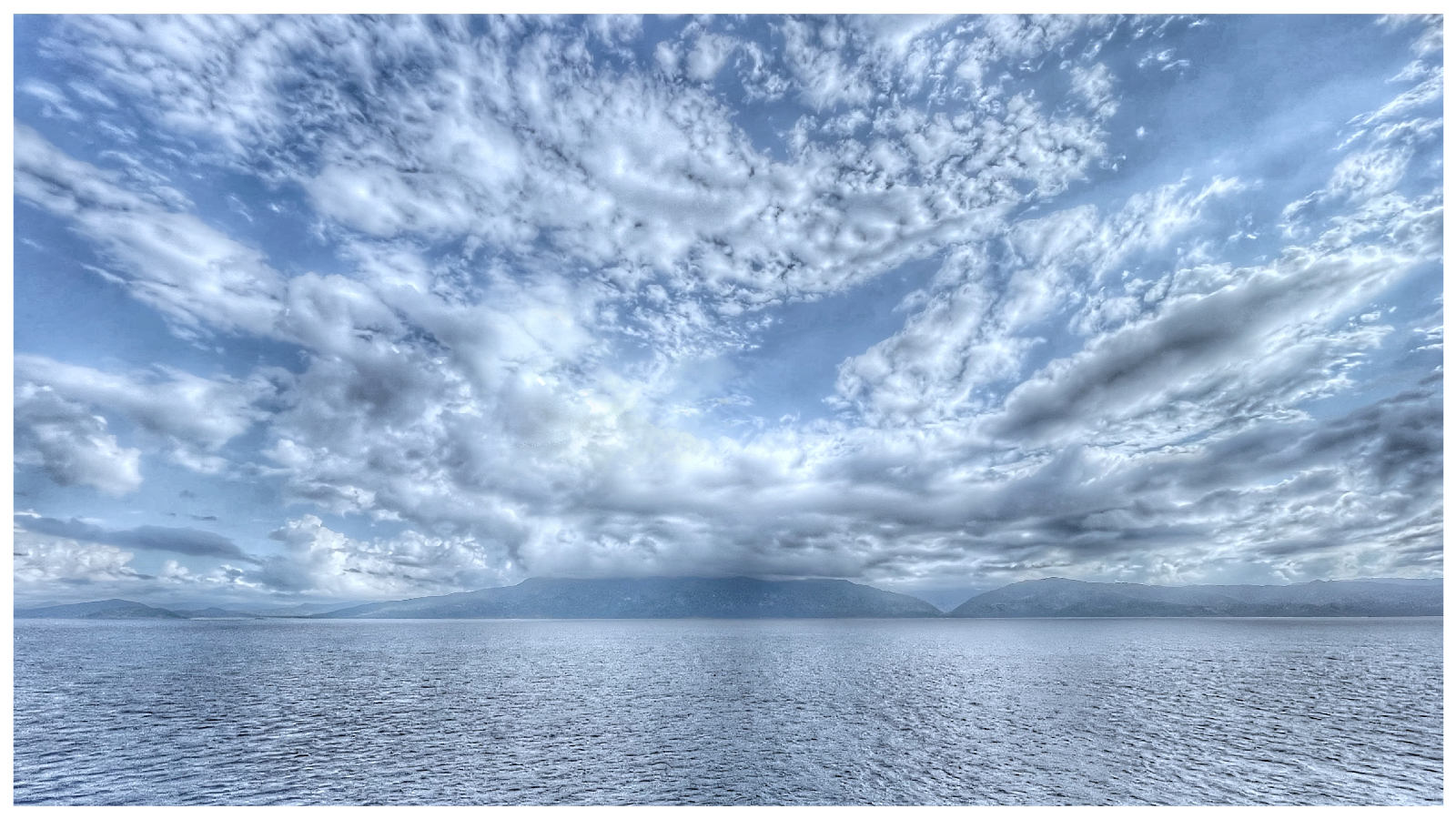
The image is well done! It was a smart choice to capture it the way you did initially, and increasing the shadows really enhances the final result. As mentioned in other comments, don't forget to remove the dust spots, and you can easily do that with tools like ACR or LR.
Regarding the shadow adjustment, did you mask the clouds and sky? To me, the clouds seem slightly overexposed, or the highlights might be a bit too high. You can adjust that in ACR as well.
Thanks! |
Nov 21st |
| 88 |
Nov 25 |
Comment |
Hi Brian,
The image truly reflects the value of the time and resources you dedicated to your trip to Antarctica. It has a powerful storytelling impact for the viewers. The post-processing work is excellent, and everything looks fantastic!
|
Nov 21st |
| 88 |
Nov 25 |
Comment |
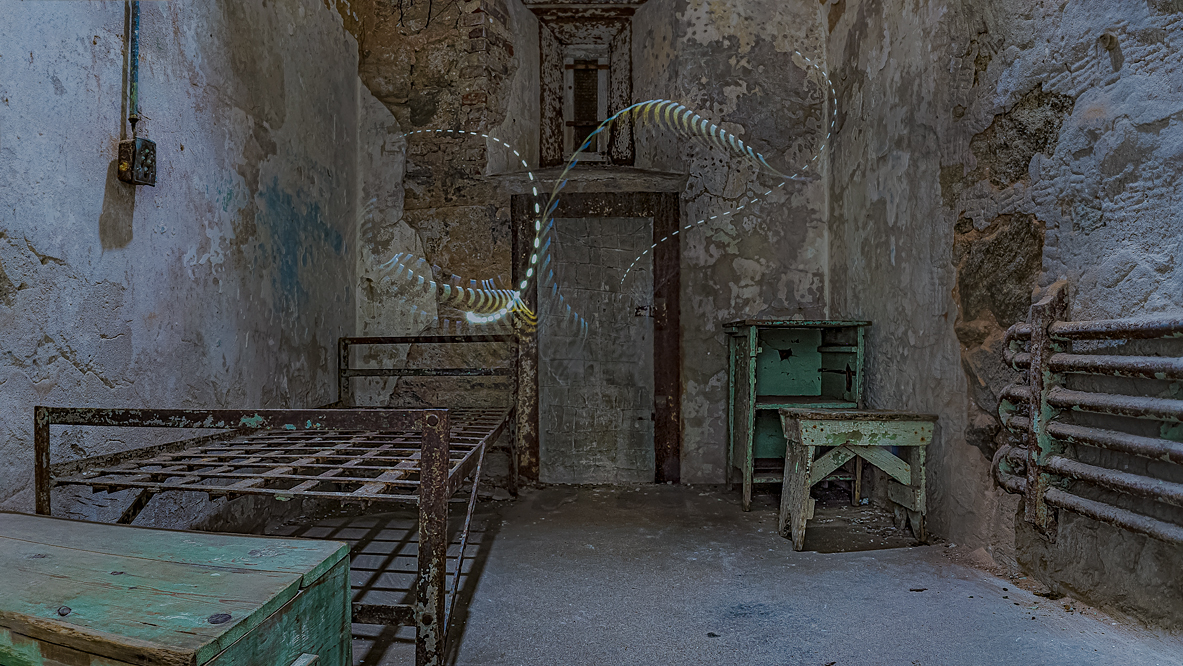
Hi Don,
I've had a chance to review your original image in light of the comments about overexposure, and I agree with the observations.
First and foremost, the concept and story you're presenting are very compelling. The image captures my attention and evokes thoughts about the old Detention Center from past times, which is exactly what you intended. The texture adds a lot to the mood, though I must say it's a bit ironic that a detention center would lack proper security.
I have two suggestions for improvement:
When photographing scenes with bright light streaming through windows, I recommend measuring the exposure for the outside light first. Then, during post-processing, you can mask the bright areas and lift the shadows in the darker regions to maintain more detail.
I noticed some purple fringing (or chromatic aberration) around certain edges, like the fan holes and window frames. This is typically caused by lens limitations or strong light sources. While this can be corrected in post-processing, it may not always be perfectly eliminated, depending on the severity.
Thank you for sharing your work - it's a thoughtful and engaging piece!
|
Nov 21st |
| 88 |
Nov 25 |
Comment |
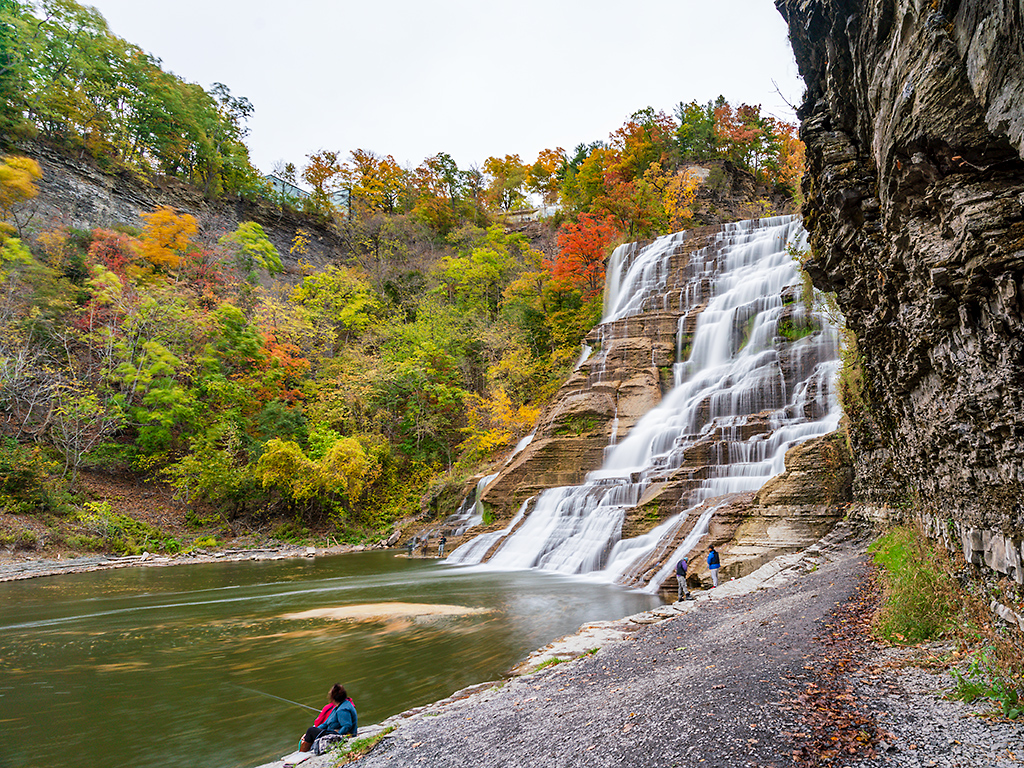
The composition, color, and light balance in this photo are wonderful - overall, it's very captivating.
There are different techniques for long exposure when capturing waterfalls, which can either give the water a silky smooth effect or create rays of movement. To achieve the best results, many photographers use ND filters (typically ND4 to ND16, depending on the lighting conditions). In your case, without an ND filter, using f/16 might not produce the smooth, flowing water effect you're aiming for. However, it's a great attempt and shows creativity!
Also, for even sharper details, you might want to try manually focusing on the foreground, particularly on the leaves. Keep up the great work! |
Nov 21st |
| 88 |
Nov 25 |
Comment |
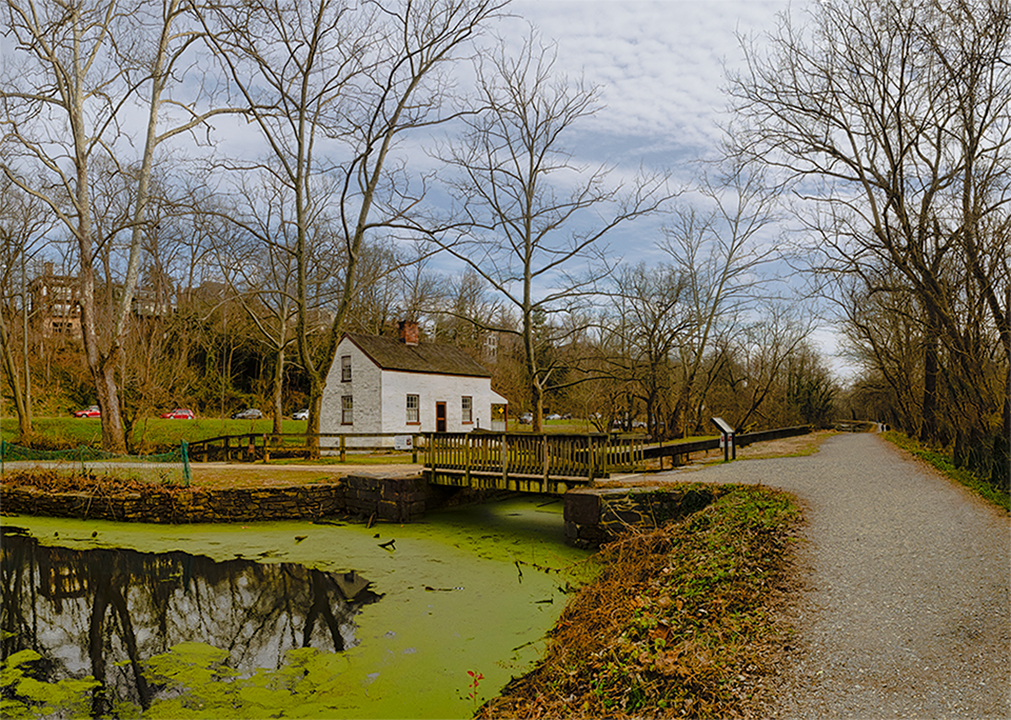
I agree with all the comments. It's quite challenging and rare to switch the sky from daytime to nighttime, especially in a photo like this with so many tree branches framing the sky in the background.
In fact, I think the original image you posted may not be entirely original, as the sky behind the tree looks much lighter than the natural blue of the sky.
Thanks for sharing! |
Nov 21st |
| 88 |
Nov 25 |
Reply |
Thanks, Charles. I agree about adjusting the brightness and restoring the original color of the sky. I usually take the time to create a precise mask in ACR so that those adjustments don't affect the other layers.t mask on acr so it does not affect when I edit other layers. |
Nov 10th |
| 88 |
Nov 25 |
Reply |
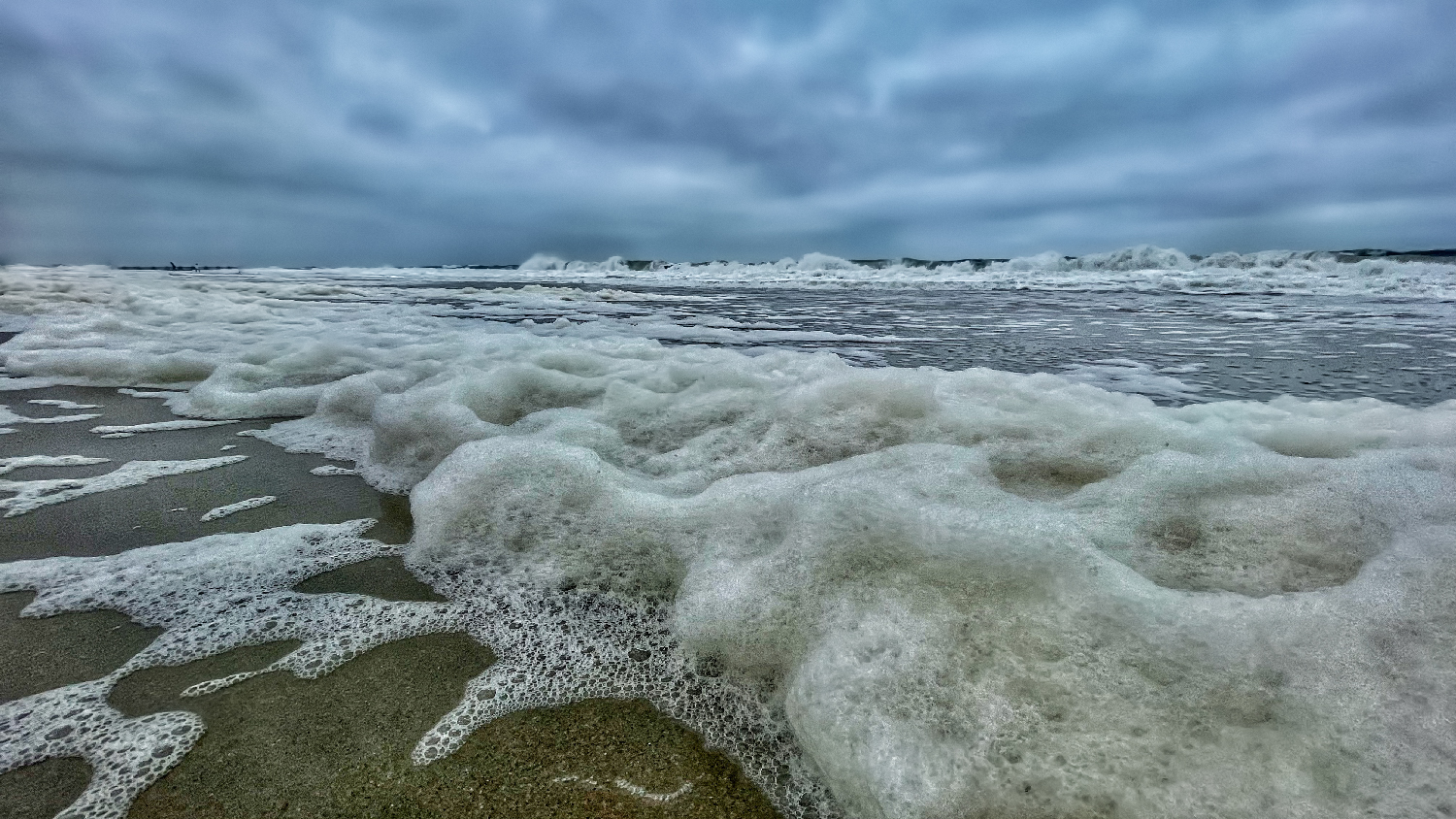
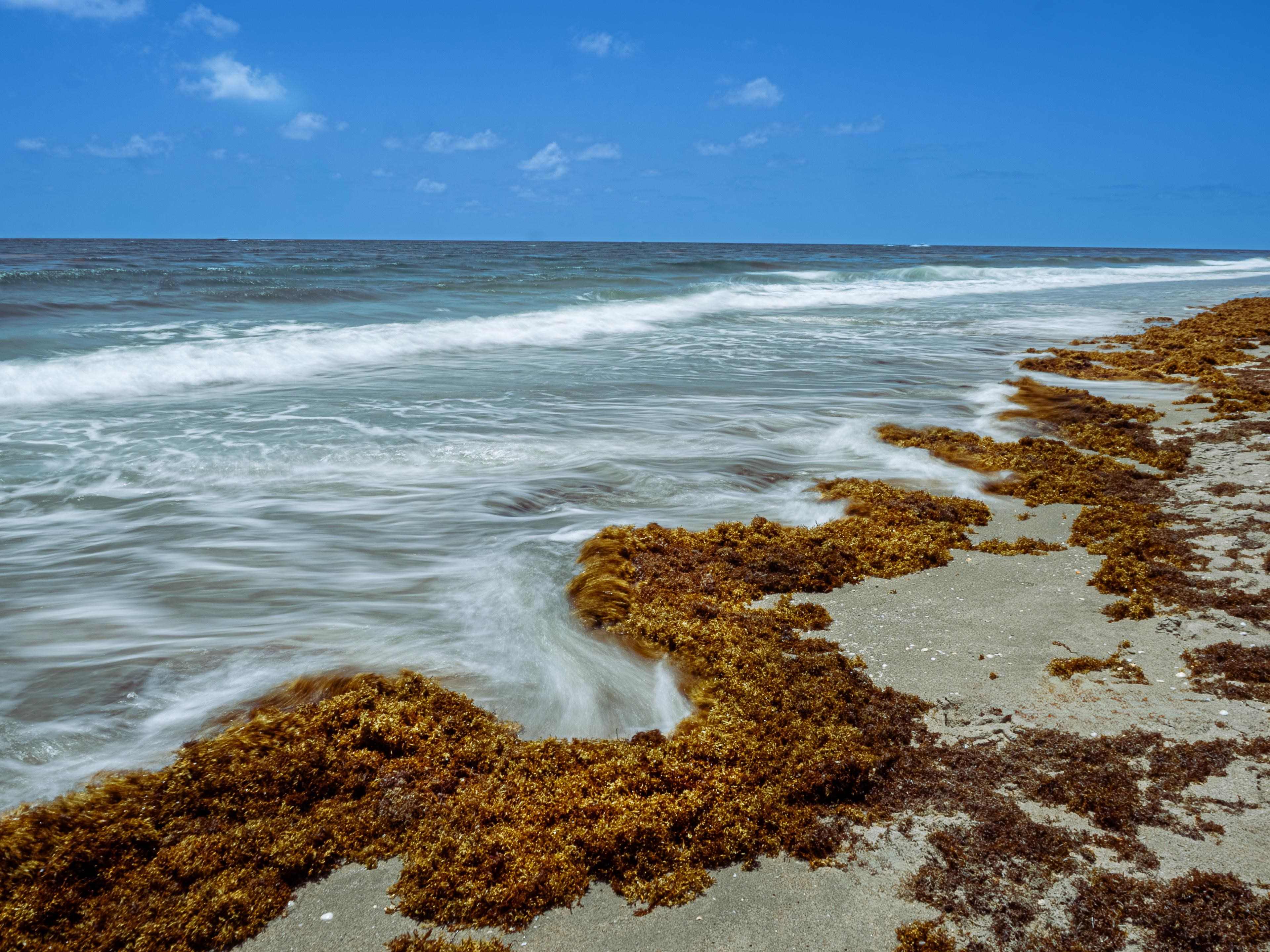
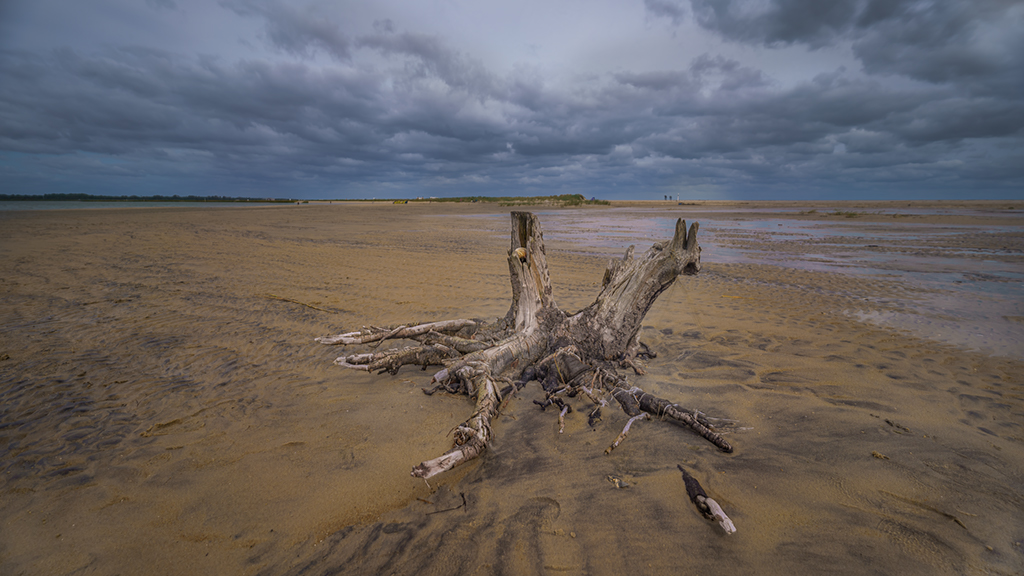
Thanks, Don. Your suggestion is very valuable. I regularly use Detail ? Clarity and Texture in ACR. In this case, I admit that making it stronger helps to emphasize the texture, especially the white on black sand. |
Nov 10th |
5 comments - 3 replies for Group 88
|
5 comments - 3 replies Total
|