|
| Group |
Round |
C/R |
Comment |
Date |
Image |
| 52 |
Jun 21 |
Reply |
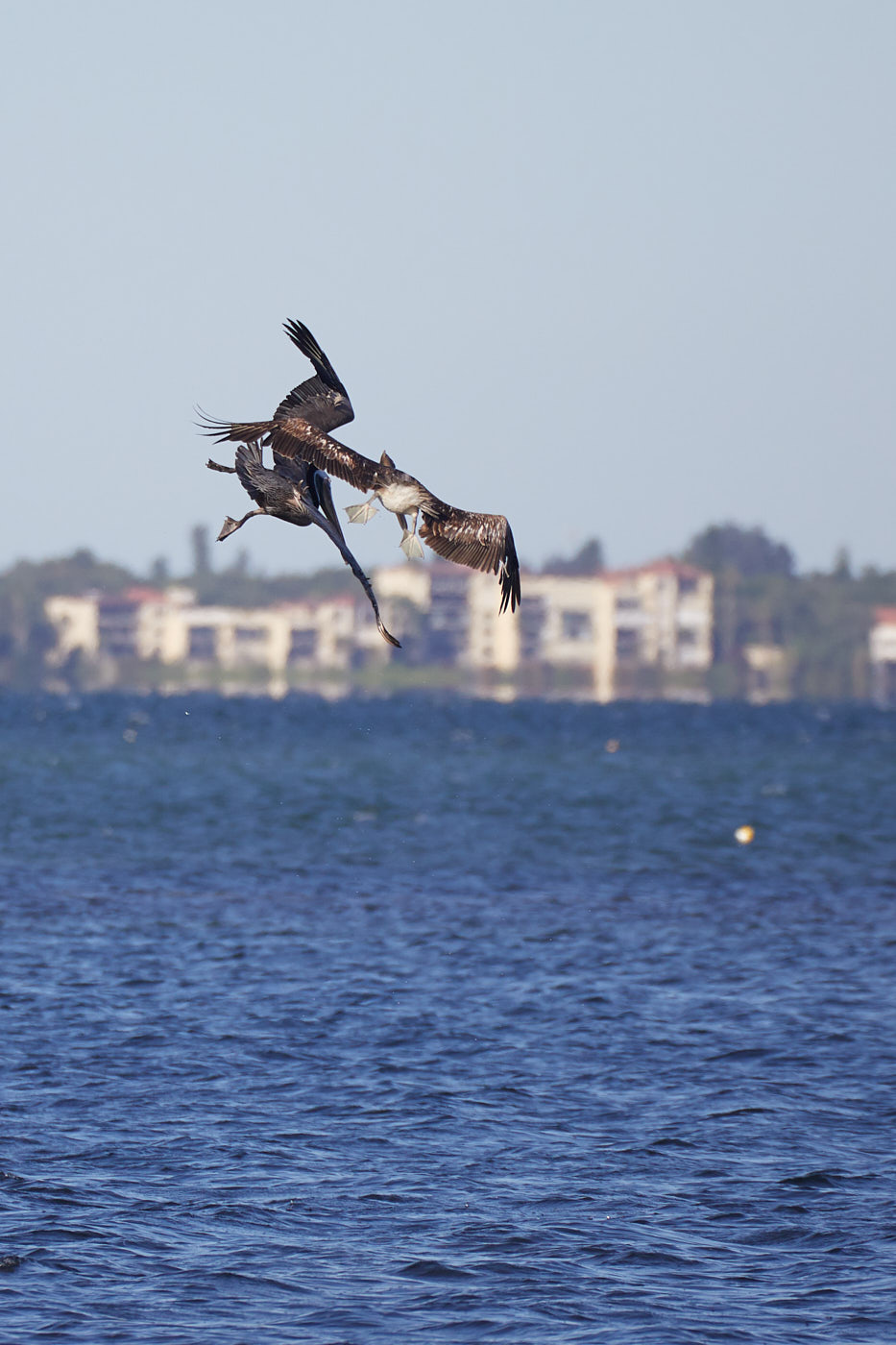
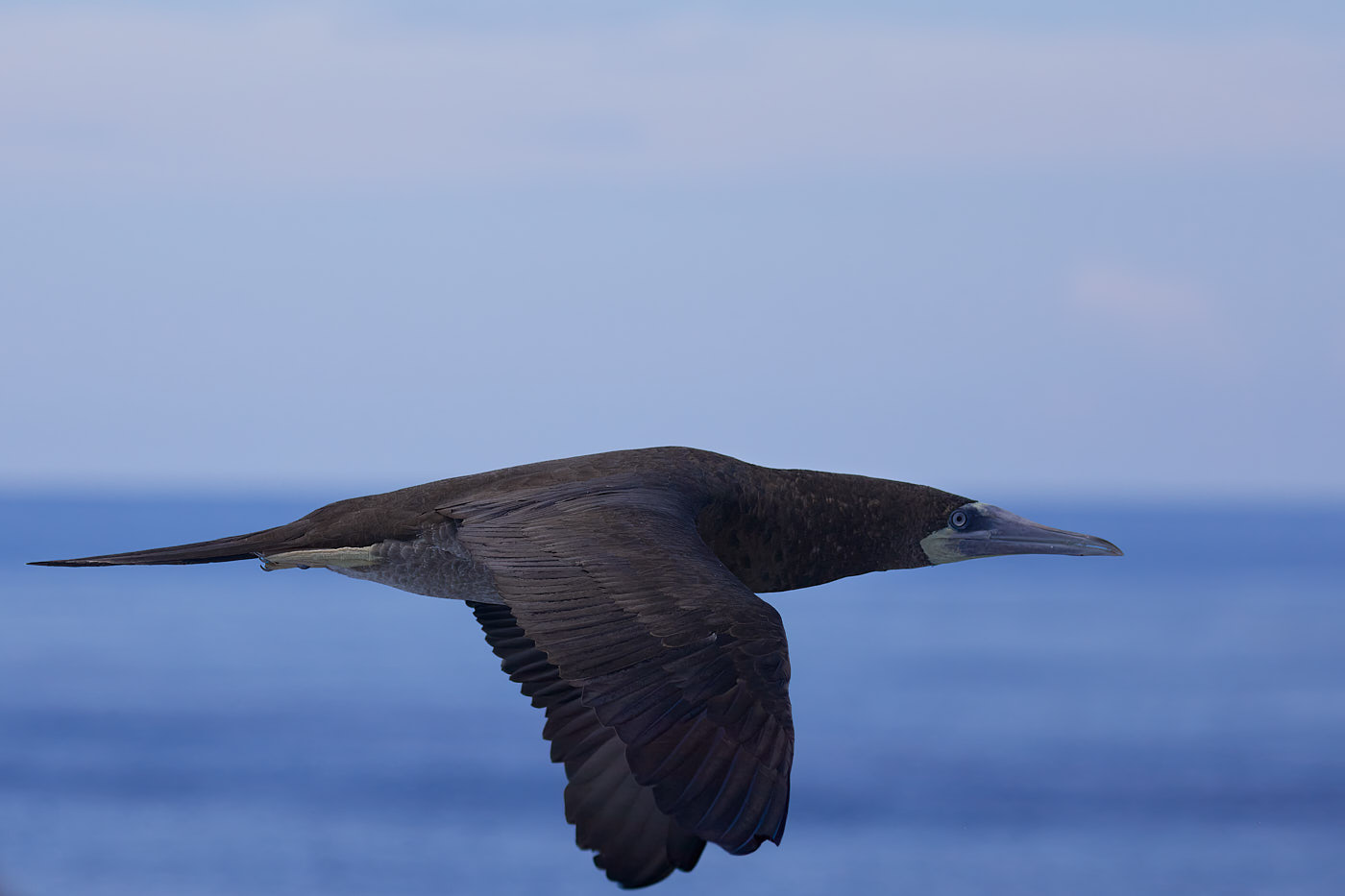
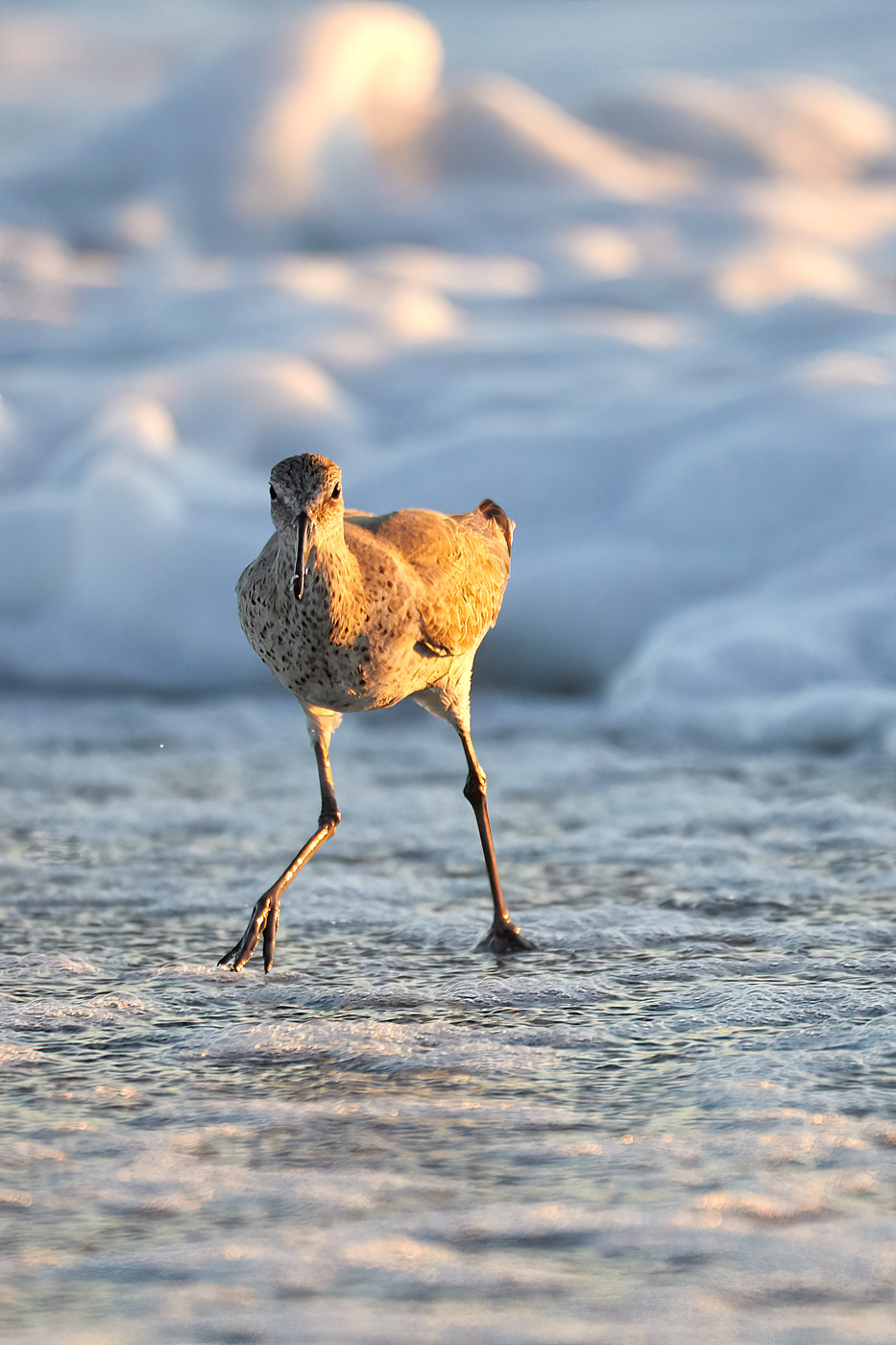
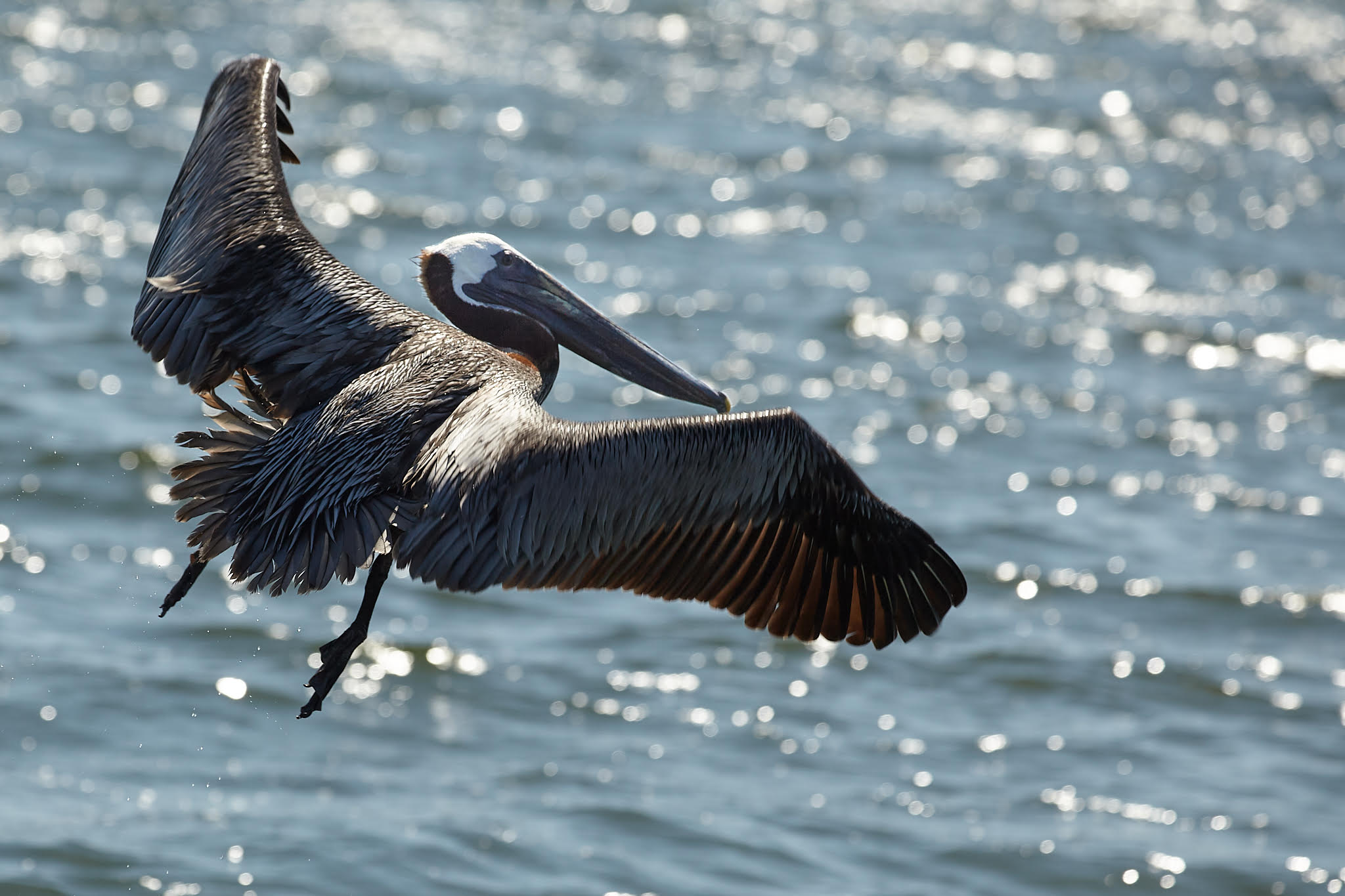
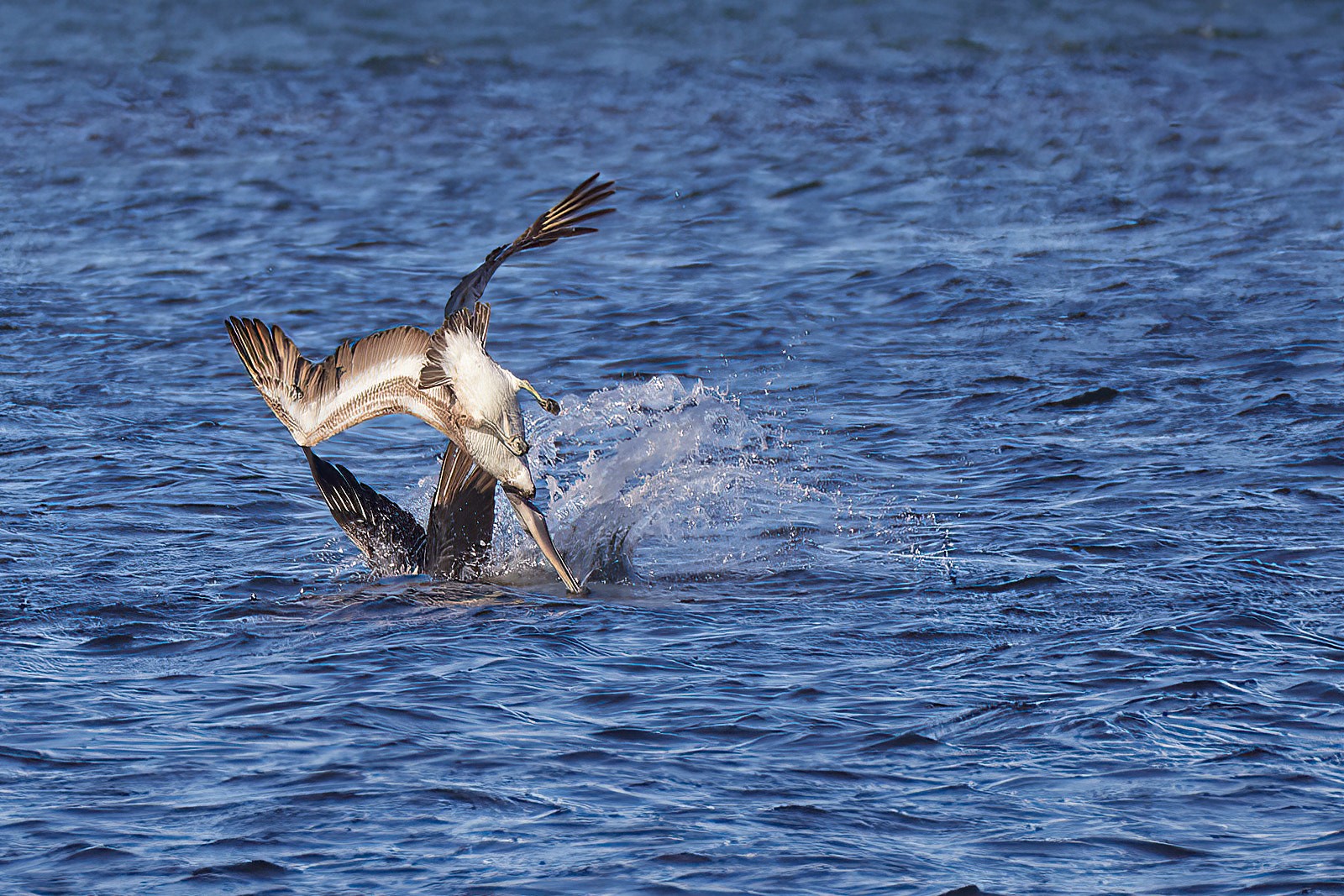
Flipping an image so that it "reads" from Left to Right is a common technique. Most western eyes are trained to look at something and view the action from left to right. In this case because the bird's movement is into the water and it was originally shot with action right to left, it made sense to flip the image. While this construct is just a convention, because viewers are predisposed to view left to right, editing to take advantage of this is often done. It is also common to then break this construct intentionally to jar the viewer. |
Jun 23rd |
| 52 |
Jun 21 |
Comment |
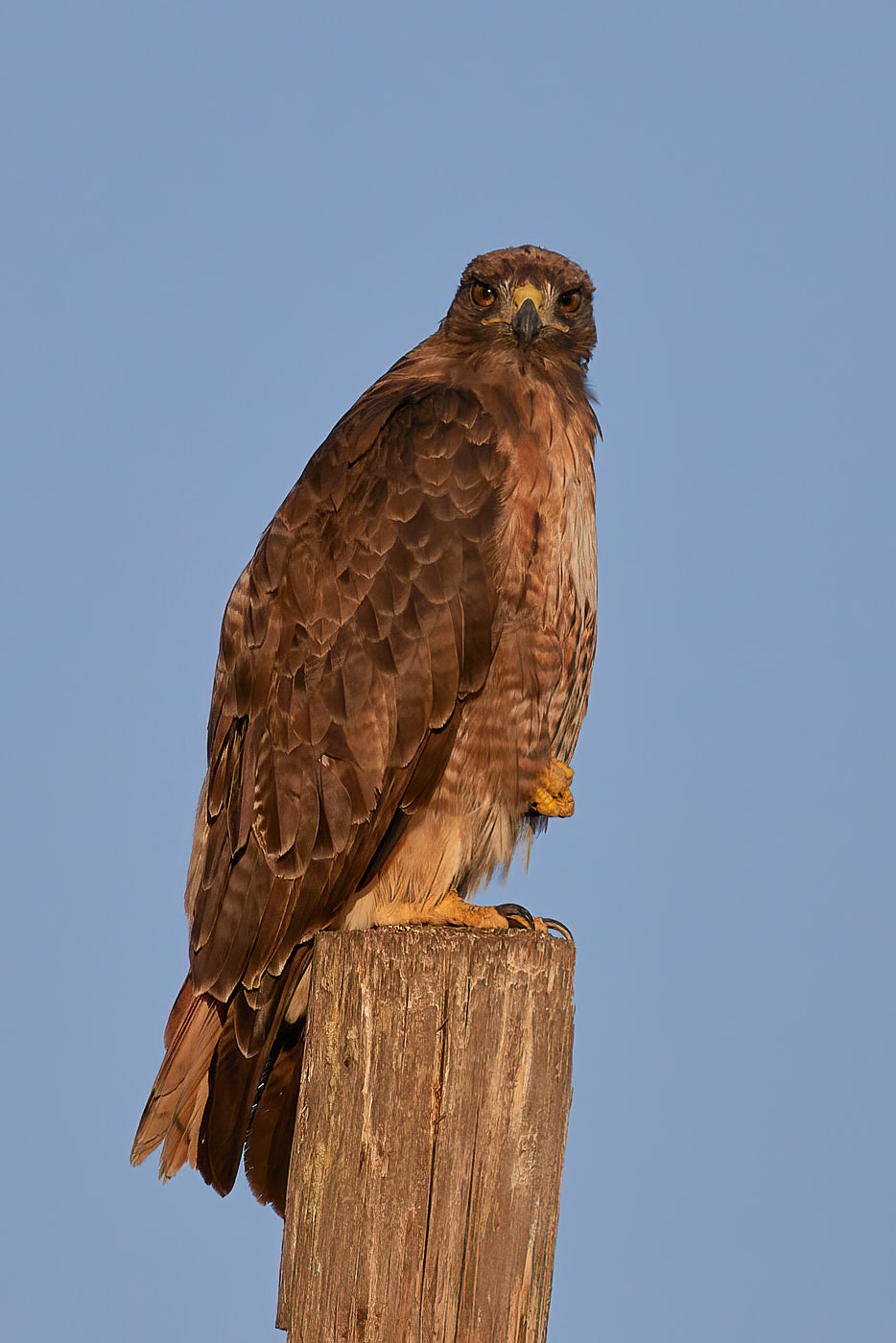
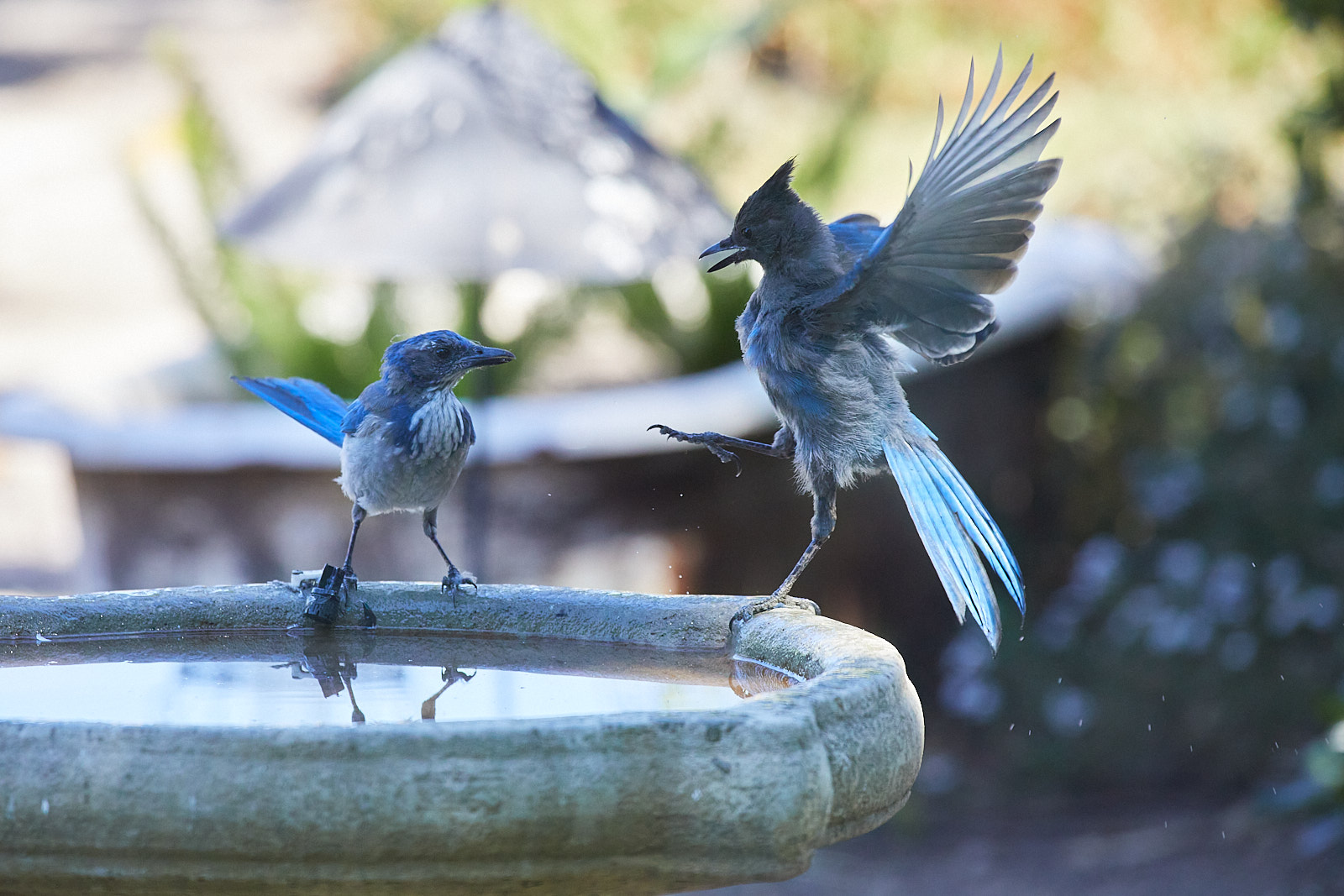
Following on from Pamela's comment: either DeNoise or Topaz Sharpen AI will help with the softness in the contour feathers. Neither will help a lot with the feet though. :(
I love chickadees. They're such punchy little things.
I suspect the lack of sharpness isn't from your window (I shoot through dual pane a lot) but because you're at the extreme end of your lens's range -- many reviews cite the same issue. Possible other remedies besides soapy water and squeegee: tripod or monopod to help stabilize; back off a a bit from maximum zoom and then rely on a bit more cropping; shoot in either time or aperture priority if you aren't already and let the camera handle the rest. |
Jun 15th |
| 52 |
Jun 21 |
Comment |
Nice locale and nice to get out and about! I agree with Lisa's suggestion regarding addressing the darkness of the elephant. In addition you may want to try flipping the image so the elephant is facing right as currently it competes with the sunlight on the water -- no matter what the viewer is going to have the elephant head and the light on the water competing for attention as the butt is in between, but flipping and pulling up the brightness on the elephant would ease that tension. |
Jun 15th |
| 52 |
Jun 21 |
Comment |
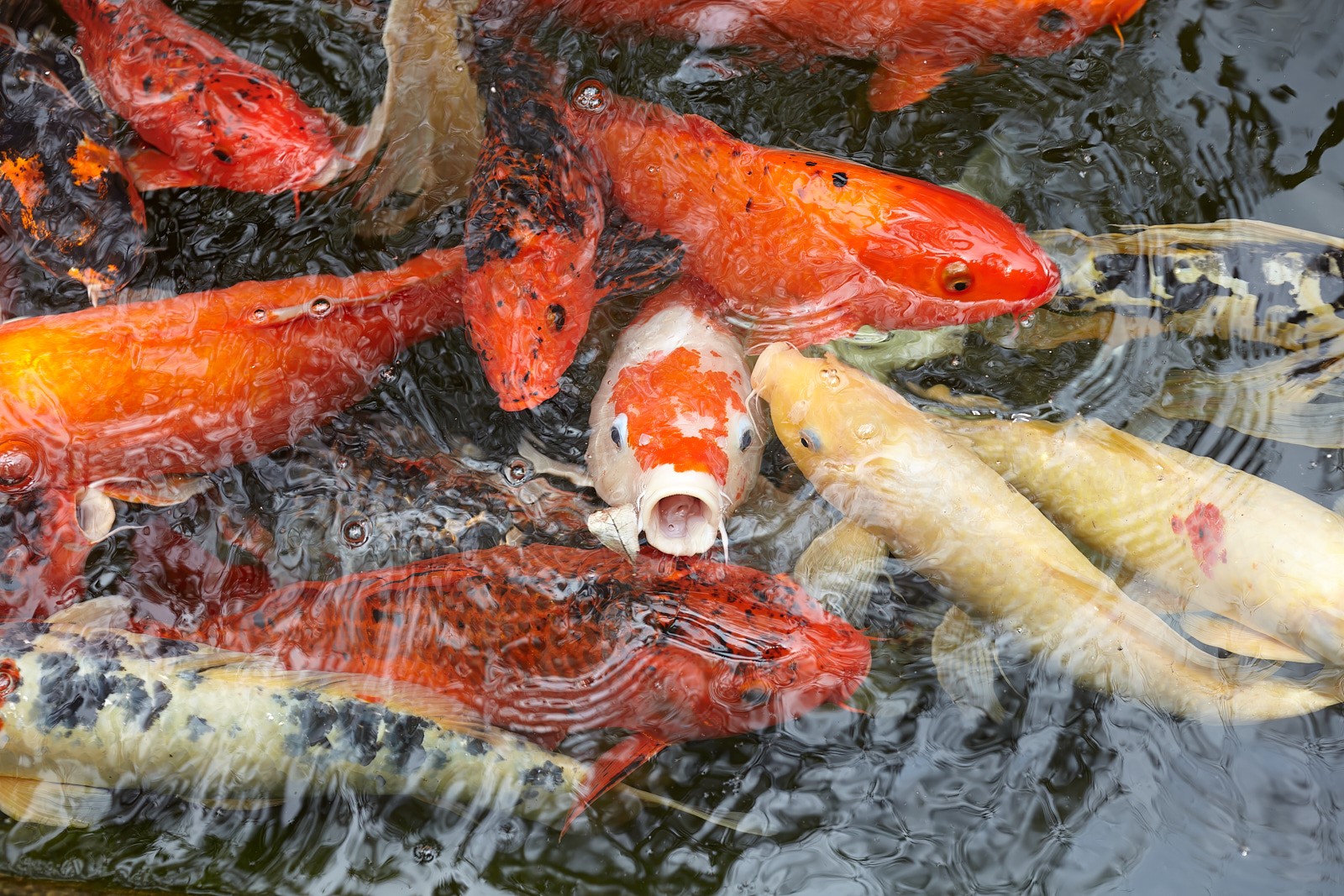
Great shot! Only two suggestions: try rotating it clockwise 90degrees and 180 and see if you like that better. Right now I find the current orientation difficult to read. Also you may want to play with the background a bit: darkening it down a stop or two could really get the white of the newly emerged adult to stand out more. |
Jun 15th |
| 52 |
Jun 21 |
Comment |
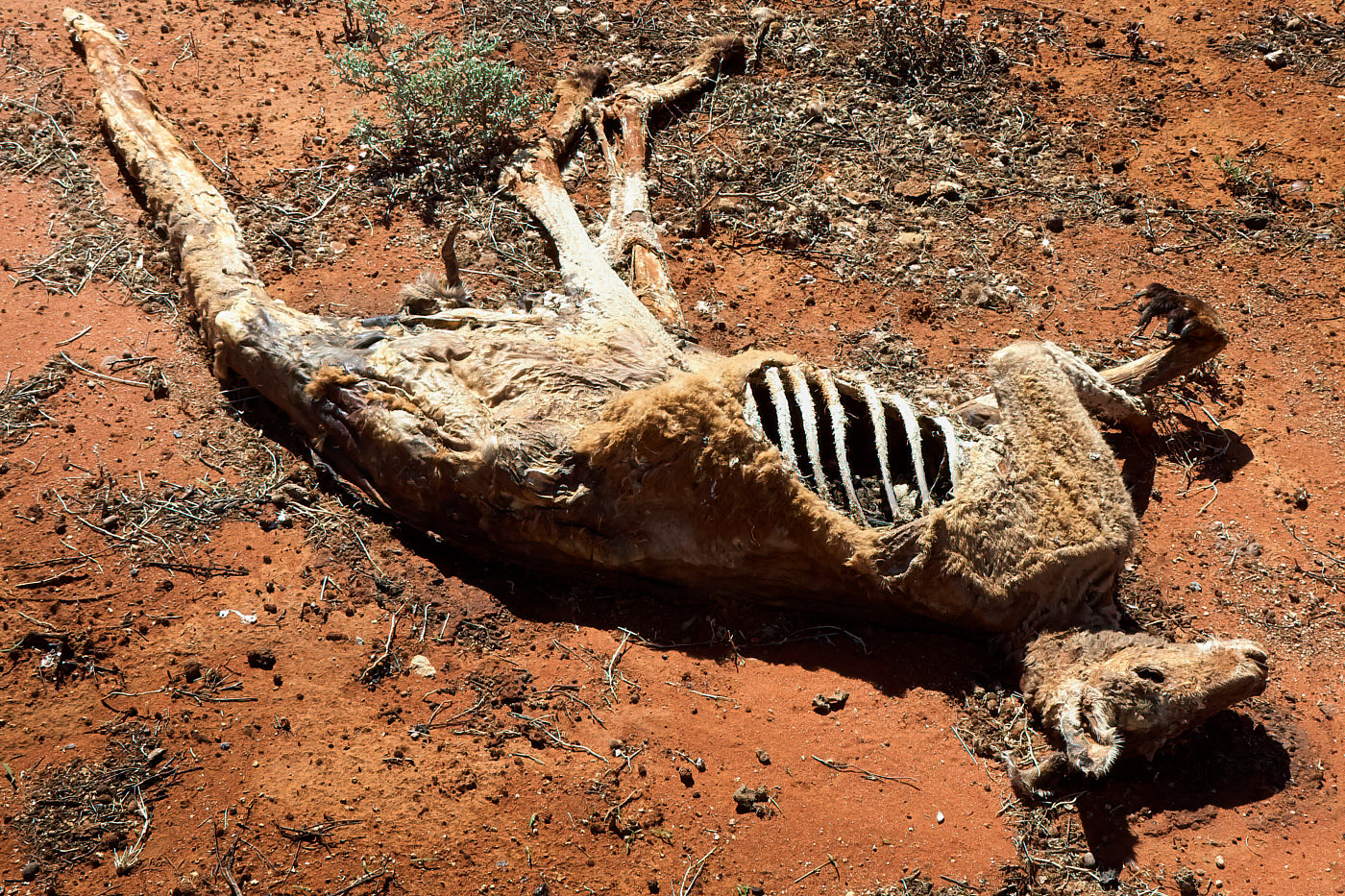
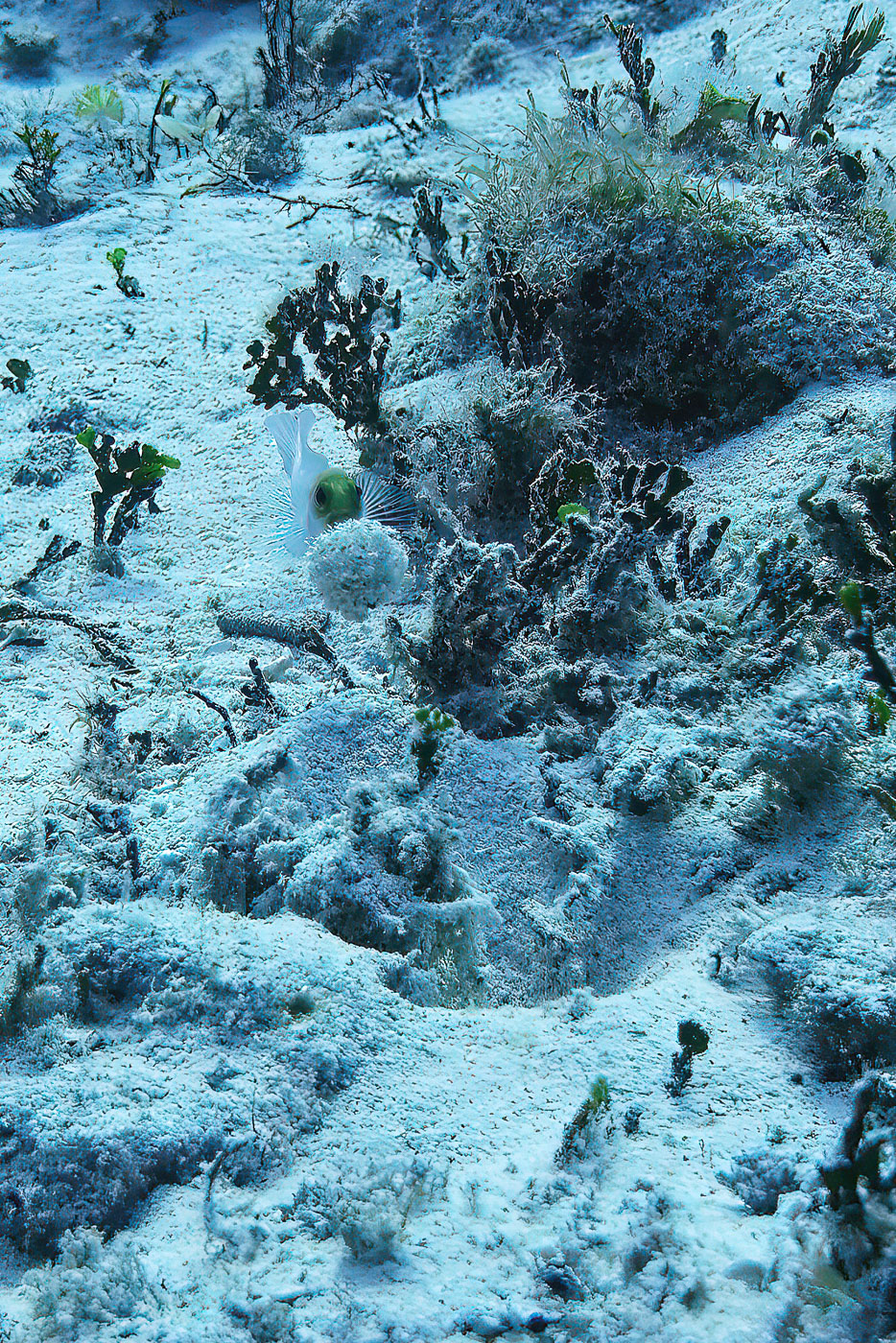
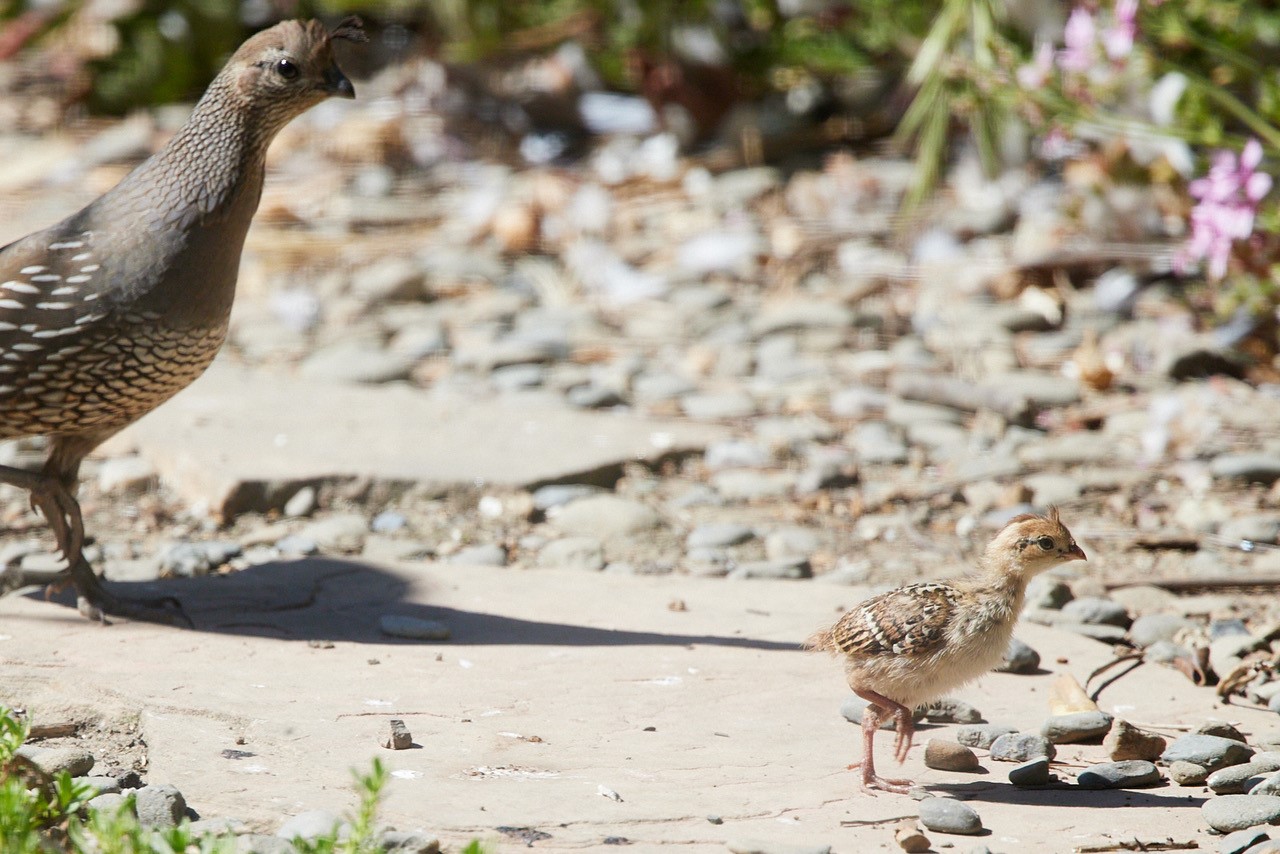
Lovely image: I like the post work you did to bring more of the colours out, but I actually prefer the uncropped framing as there is more of a sense of scale as this variant feels cramped to me. I'm on the fence about removing the animal trails: would be interesting to see the trails with the contrast changes in the variant. |
Jun 15th |
| 52 |
Jun 21 |
Comment |
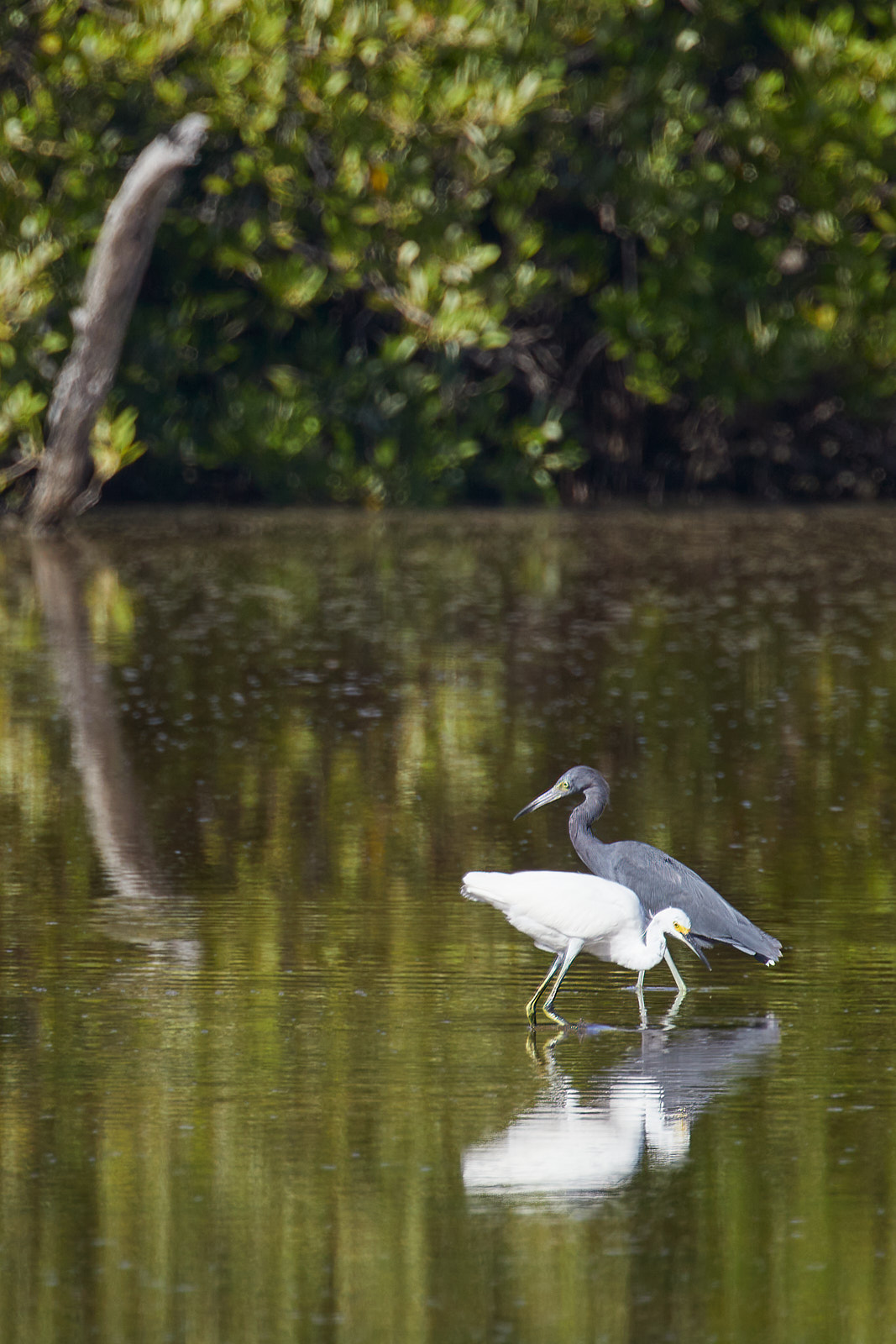
A nice capture and I like the work you did in post to bring out the colors of the heron. The work you did to remove the coots and turtle is evident though. The white spots repeated in the water and reflection pattern where the coots are repeat and the turtle's wake is still present while the area of water beneath it has an odd arcing line of darker green. You may want to work on a more randomized selections for cloning/healing and if possible, use more than one layer.
Alternatively you could change the crop, leave in the turtle, remove just the right coot and see what results. |
Jun 15th |
5 comments - 1 reply for Group 52
|
5 comments - 1 reply Total
|