|
| Group |
Round |
C/R |
Comment |
Date |
Image |
| 37 |
Jan 24 |
Comment |
This was one of those cases this was just passing through and unanticipated. Maybe carry a tripod if we get back three. |
Jan 27th |
| 37 |
Jan 24 |
Comment |
Overexpose--make the settings too bright to bring out the shadows.
Underexpose--put them low to darken the bright stuff
Combine them to optimize what you what at both light levels. This is done through some layer masking.
I know people do this all of the time. I have not. You combine the photos in the Software. I heard Photoshop is pretty automatic. I did a google search and there is advice.
Adobe online has a description of how to use AutoBlend, but I won't go into it as it's not a setting but a combination of steps and I'd have to study it for a few minutes. |
Jan 17th |
| 37 |
Jan 24 |
Comment |
Thanks. |
Jan 16th |
| 37 |
Jan 24 |
Comment |
Thanks. |
Jan 16th |
| 37 |
Jan 24 |
Comment |
I'll recant my ISO recommendation. With a big bird like this that's not a fast flier, 1/6400th is not needed. This could have been handled at 1/2500th or 1/3200th and take the aperture to f/11 or f/13 to keep sharpness with no change to your ISO. Experiment with the shutter speed and aperture combination next time you do birds in flight. but as everyone has said, it's a good first outing and there's a good feel to the way the heron is caught in flight. |
Jan 13th |
| 37 |
Jan 24 |
Comment |
I would gradual dodge the letters to lighten although there are some blown out whites on parts of the letters makes that difficult. It's a lot of work but I think the most effective way to do it. Plus focus on some letters is very software.
I think bright points of light are fine on ornaments , but there are so many of them but that cluster above the "Y" in Joy is very distracting. Overall, I think shooting from the front as suggested is one of the things that would work
Ideally you would underexpose one shot to tone down the light and overexpose one to bring out the words and combine them in the software. I have never done it but I know that is something people do. |
Jan 13th |
| 37 |
Jan 24 |
Comment |
I would gradual dodge the letters to lighten. It's a lot of work but I think the most effective way to do it. I think bright points of light are fine on ornaments , but there are so many of them but that cluster above the "Y" in Joy is very distracting. Overall, I think shooting from the front as suggested is one of the things that would work
Probably ideally you would underexpose one shot to tone down the light and over expose to bring out the words and combine them in the software. I have never done it but I know that is something people do. |
Jan 13th |
| 37 |
Jan 24 |
Comment |
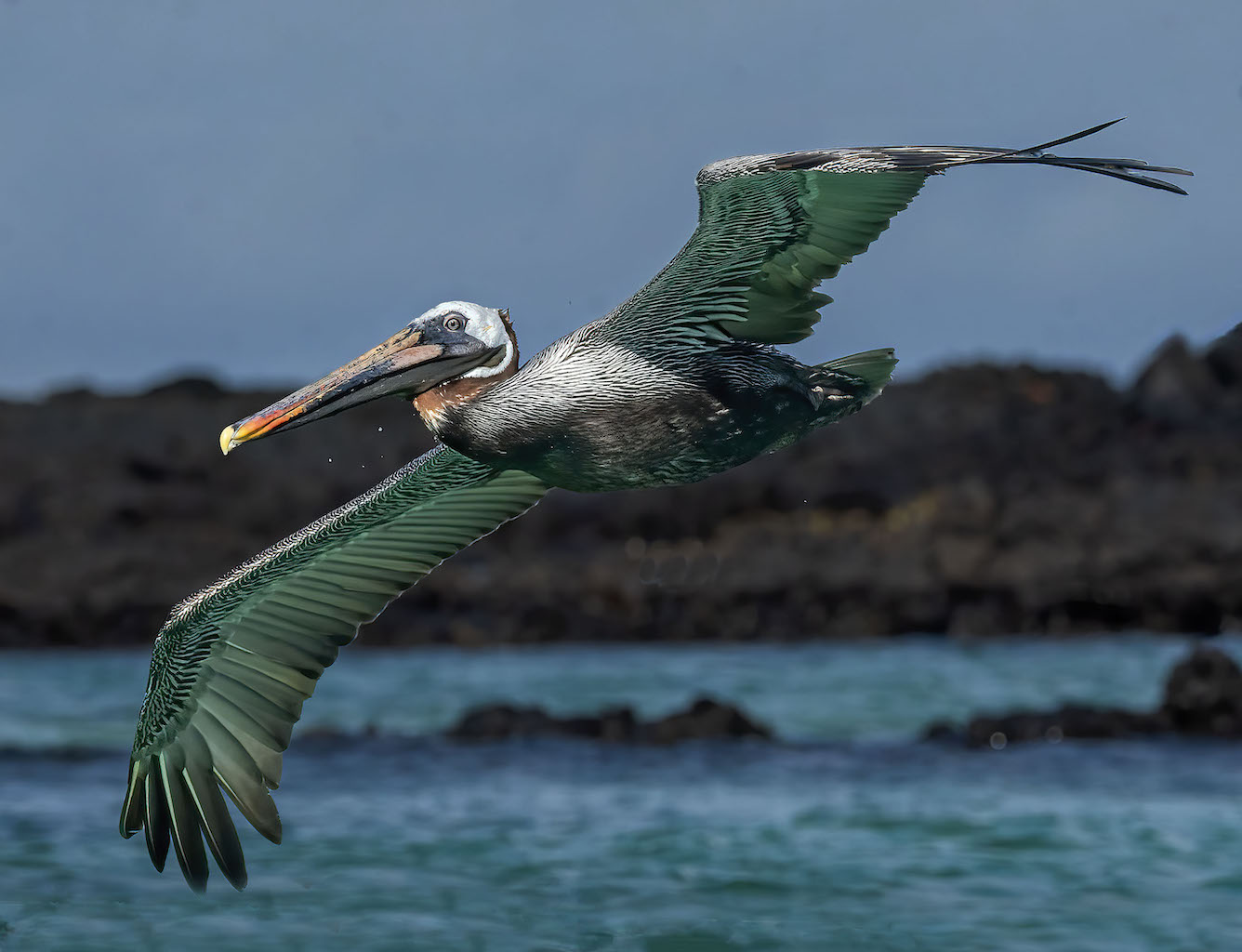
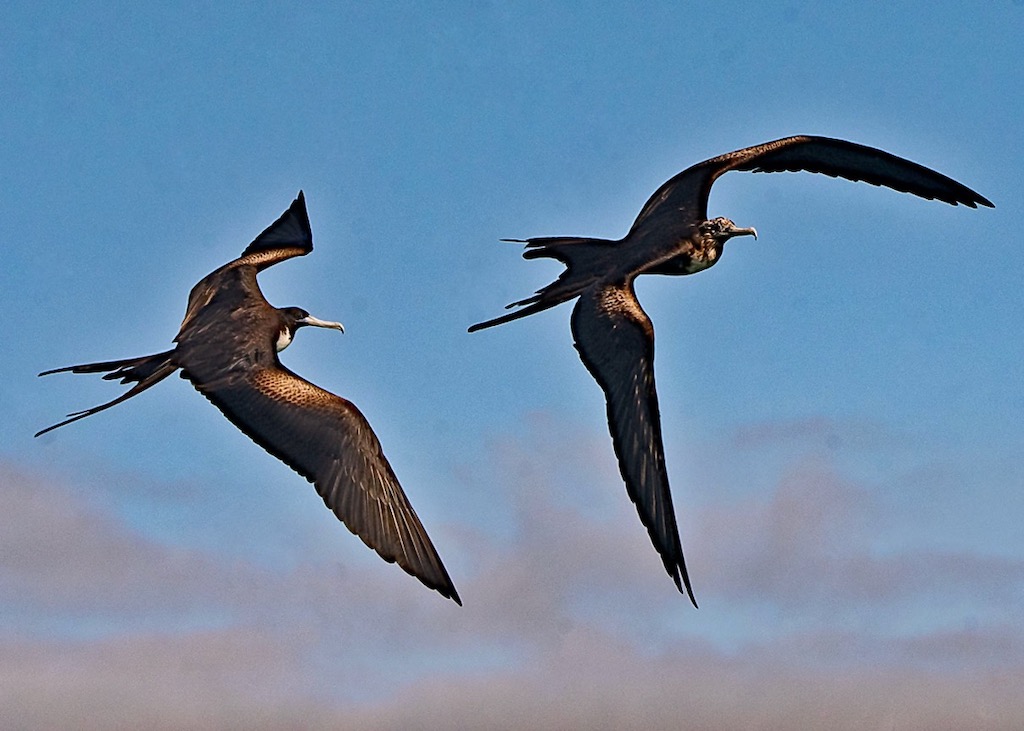
I won't reiterate suggestions except to say as the others have, great start. You have nice detail and the face has the sharpness you want in wildlife. I would try bring out some detail by lightening shadows on the belly. I tried burning some of the whites on the wings, but there are parts that are blown out as there are blown out blacks on the underside. If you have the right wingtip available on the original I might try some of this but it's a lot of work
I think it would have been better to raise the ISO so you can get a smaller aperture for greater sharpness. If you are using Topaz DeNoise any way, you can handle the noise. I also remember when I submitted a bird for my first contest, the judge commented that you have to be careful with blue skies because they are subject to noisiness.
There's also a halo on the bird≠from processing. You can work your way backward (probably import into PhotoShop from LR) to see where it came in. |
Jan 13th |
| 37 |
Jan 24 |
Comment |
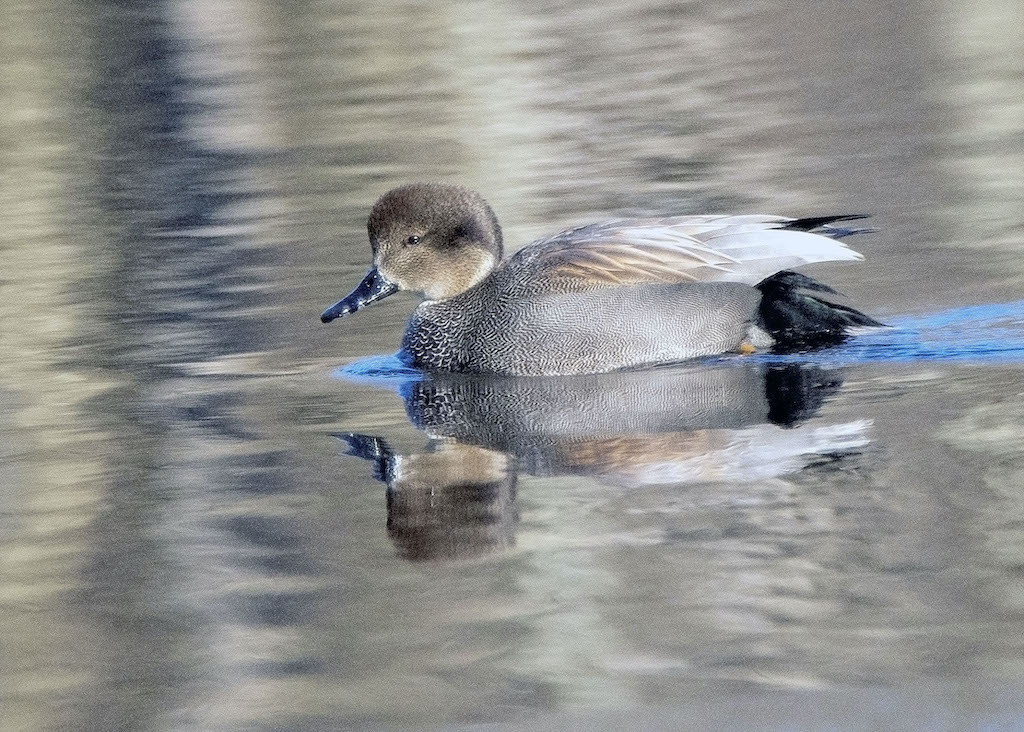
Great sharpness, detail, color and bokeh (I've always wanted to use that word!)
The only thing I would suggest is thinking of contests--if you do any submitting--is judges who might comment on centering the image. You might try cropping so the bird's eye falls near one of those famous crossing lines for thirds. I don't think it can be put exactly on one of those cross hatches, but bringing the right in a bit and left down I think there's a bit too much above the bird anyway. |
Jan 13th |
| 37 |
Jan 24 |
Reply |
I think I know how to remove it. thanks |
Jan 13th |
| 37 |
Jan 24 |
Comment |
I'll try to black and white and see what happens. thanks |
Jan 11th |
10 comments - 1 reply for Group 37
|
10 comments - 1 reply Total
|