|
| Group |
Round |
C/R |
Comment |
Date |
Image |
| 97 |
Jan 21 |
Comment |
Hi Jeffrey
I tried to do what I was suggesting. Please remember it is a suggestion only and I always believe that at the end of the day is all about what the maker wants his picture to be. Let me know what you think. |
Jan 20th |
| 97 |
Jan 21 |
Comment |
Well done! I like how you took everyone feedback and made the changes. If you decide to make additional changes.. You might consider lighting up her eyes and darken the background.
I hope one day I get to take a photo like this. |
Jan 18th |
| 97 |
Jan 21 |
Comment |
Jeffry, a once in a lifetime kind of a photo. Nice job in capturing such a special moment between a mom and a cub. I agree with Thorro on the crop and with Matthias on stamp some of the branches next t the cub. One day I hope I am able to take a photo like this. |
Jan 17th |
| 97 |
Jan 21 |
Reply |
Thank you Stan, We absolve love it here. I am not the best at post processing but the way I would do it. Is if you highlight(activate) the brush then you can can adjust the area that you want and adjust the sharpening slider. I hope that makes sense. Also go to youtube and type Lightingroom sharpening..
Here is what I found in youtube: ( I hope this will help you)
Selective Sharpening
Press K or select the Adjustment Brush tool from the tool strip.
Increase the Clarity and Sharpness sliders. ...
Choose a brush size that's smaller than the area you're sharpening. ...
Now that the controls are set, zoom to 100% and paint back and forth on the areas that need to be sharpened, until the image looks good. |
Jan 10th |
| 97 |
Jan 21 |
Reply |
Thank you! |
Jan 9th |
| 97 |
Jan 21 |
Reply |
Hi Jeffrey, welcome to the group! Thank you for your feedback. I was lucky enough to take another photo of Mr. January 4 days later .. see that photo.. Thank you for the info on NEAT .. did you buy the whole suite or just the DeNoise? I just looked at it and it is a bit of confusing. |
Jan 9th |
| 97 |
Jan 21 |
Comment |
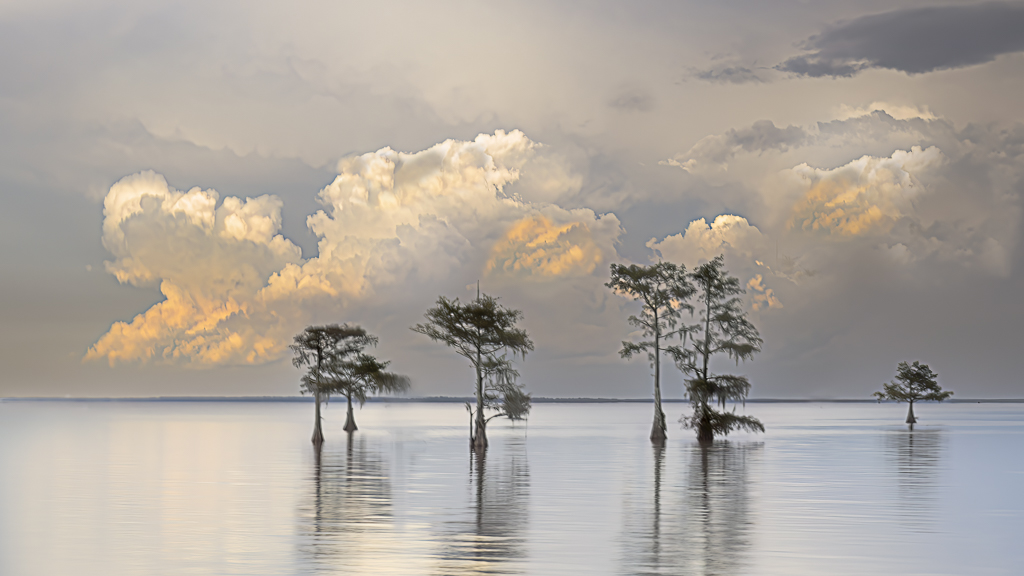
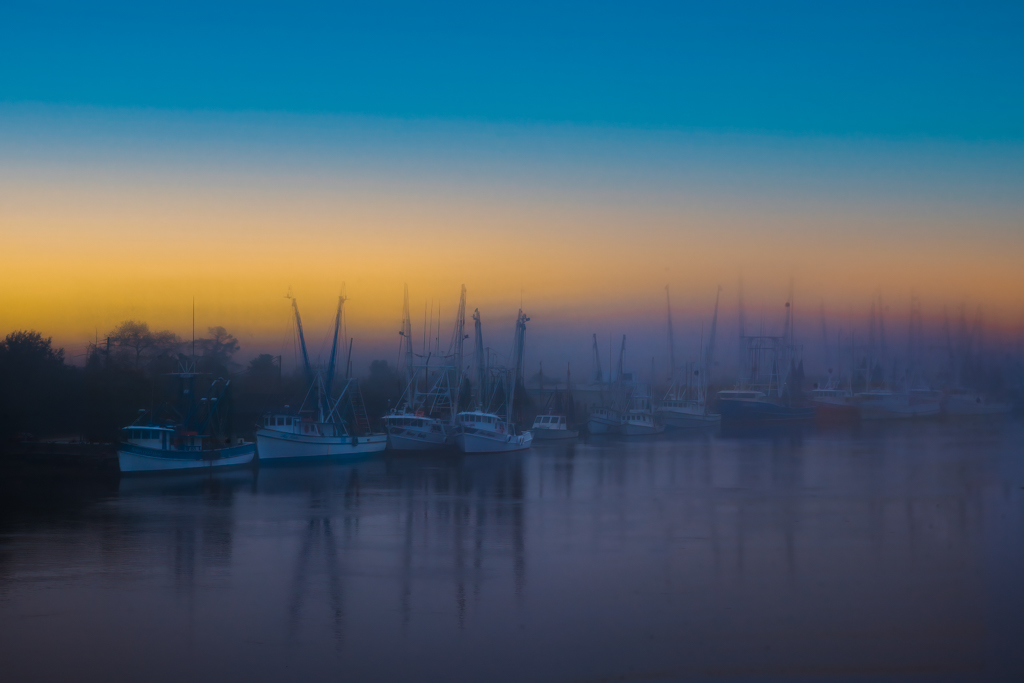
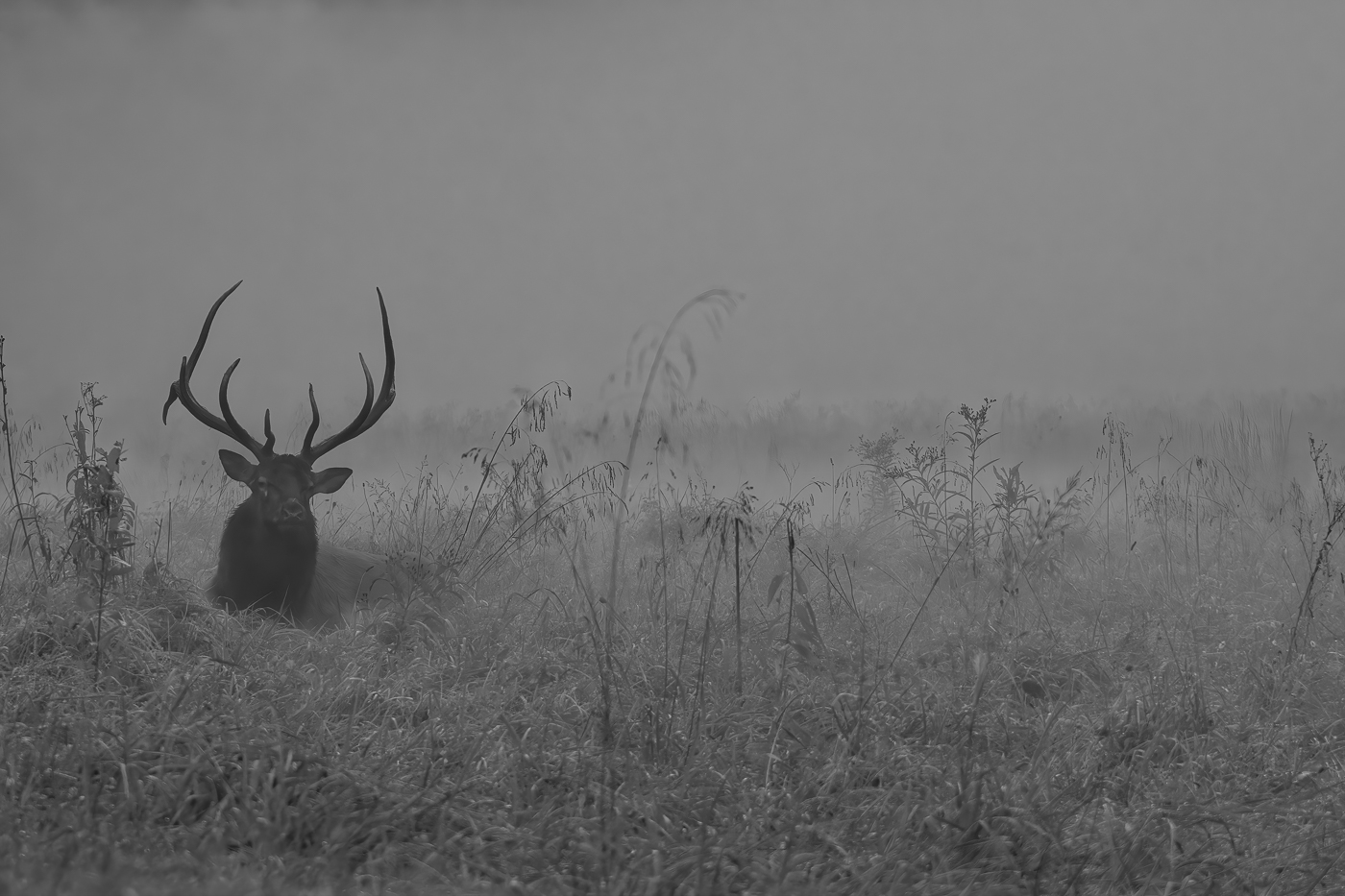
Love this image. You have sparked a creative side of me that I didn't know I had. I can see this photo hanging in a corporate office with a quote that it is out there.. Learn from Yesterday, Live for today and Hope for tomorrow.. or good morning world.. I like the changes that Thorro has done.. I will go back to the same spot and try to get more photos like this with different lighting and different cloud formation. You can do a whole series with inspiration quotes! LOVE IT!!
Outstanding job on your goal of minimalism! |
Jan 5th |
| 97 |
Jan 21 |
Reply |
Very nice edit! |
Jan 5th |
| 97 |
Jan 21 |
Comment |
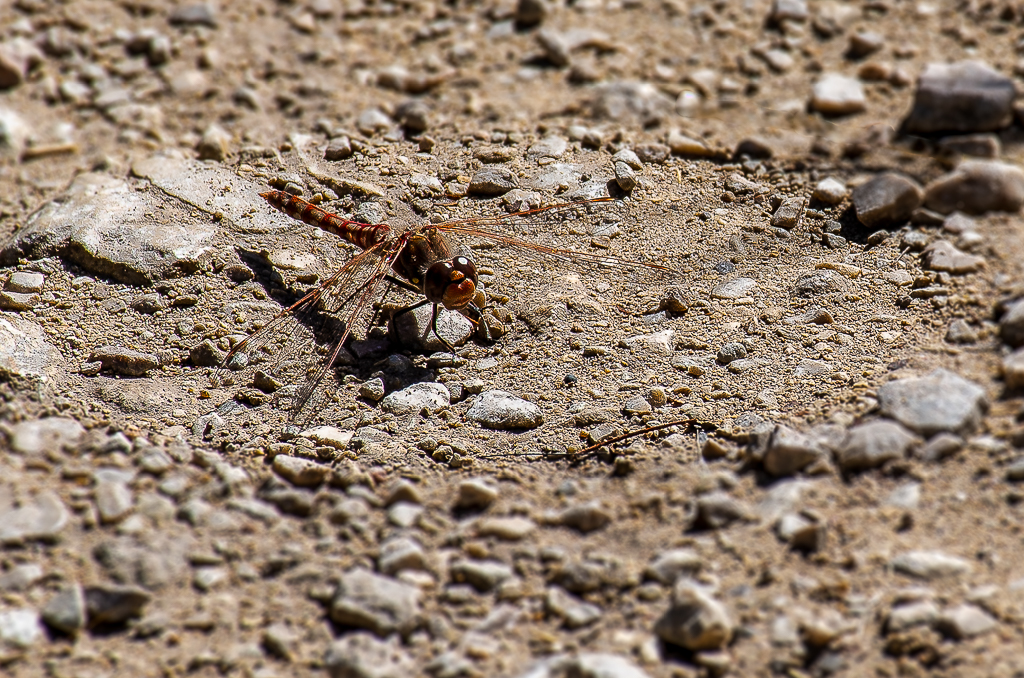
Thorro, thank you for posting all the details on your processing, I will do the same on my next photo. This is helping me learn better processing, it is one of my goals for 2021. I like photographing dragon flies and like this one because of the color, we don't see this type in S.C. Is it possible to darken everything around the dragon fly? I feel like it needs to pop and now it gets lost because the rock colors. I also took the liberty to do a tighter crop. |
Jan 4th |
 |
| 97 |
Jan 21 |
Comment |
I so wish I was there! I can close my eyes and hear the waves breaking. Very nice photo. Love the composition. My opinion is to crop a little off the right side and if possible open the left side a bit so the rocks don't touch the edge. As a new photographer looking other photos and learning I have learned to watch the edges. One more suggestion is to bring some texture/color on sky. |
Jan 4th |
| 97 |
Jan 21 |
Comment |
WOW! WOW! WOW! I wish this is a place that I can visit and photograph one day! I absolutely love everything about this photo. Technically in my opinion is prefect. You actually have two stories in one photo. The mountains and sky and the water with reflections. The only suggestion I have is play around with the sky a bit to get those beautiful colors to come thru! Again, congratulations on a outstanding photo! |
Jan 4th |
7 comments - 4 replies for Group 97
|
7 comments - 4 replies Total
|