Activity for User 137 - Jon Allanson - joncallanson@gmail.com

avatar
Avatar

Close this Tab when done


629 Comments / 41 Replies Posted

  = Current Round   = Previous Round
Group Round C/R Comment Date Image
27 Dec 24 Reply High Pass is in the 'other' section of the filters drop down in PS. You create a new layer and apply High Pass radius up to about 4, then apply a blend usually overlay.
A technique I use most of the time is make the High pass layer radius 4, fill the layer mask with 50% grey, then paint the main subject in the mask with white before making the blend overlay. Painting inwith black will prevent any sharpening occurring.
If you invert the grey High Pass layer with a larger radius, it will make the image appear softer and can be used instead of Gaussian blur with the advantage that it does not bleed between elements.
Dec 14th
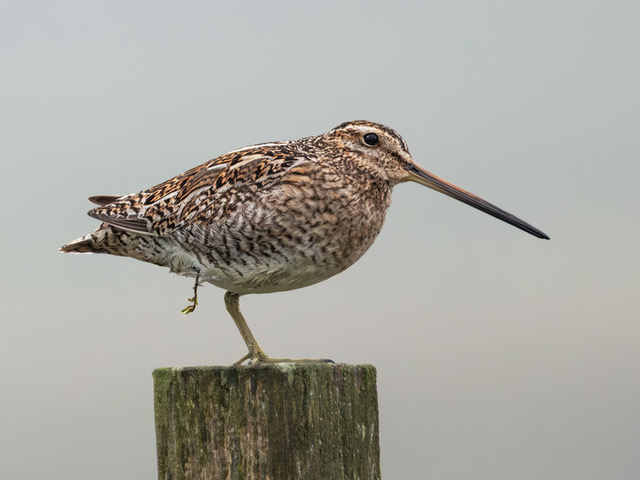
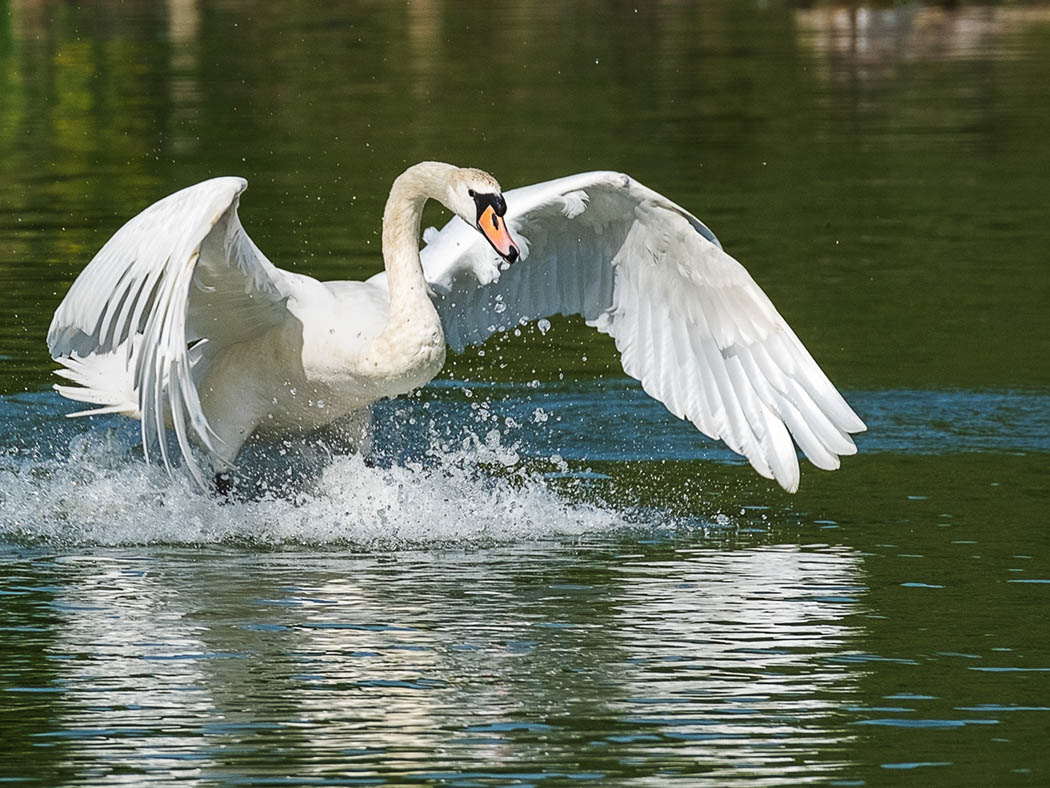
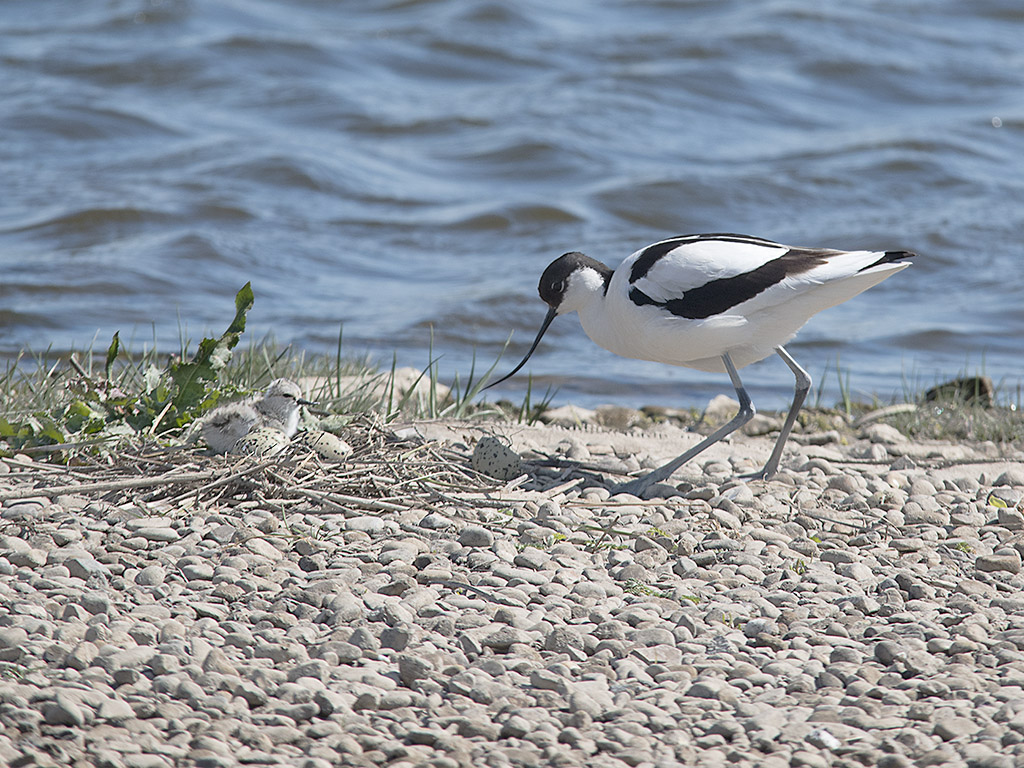
27 Dec 24 Comment I can see you have heavily cropped this to make the bird the main subject. I would like to see more space on the left for the bird to run/take off into. I like your line of splashes behind the bird. Dec 12th
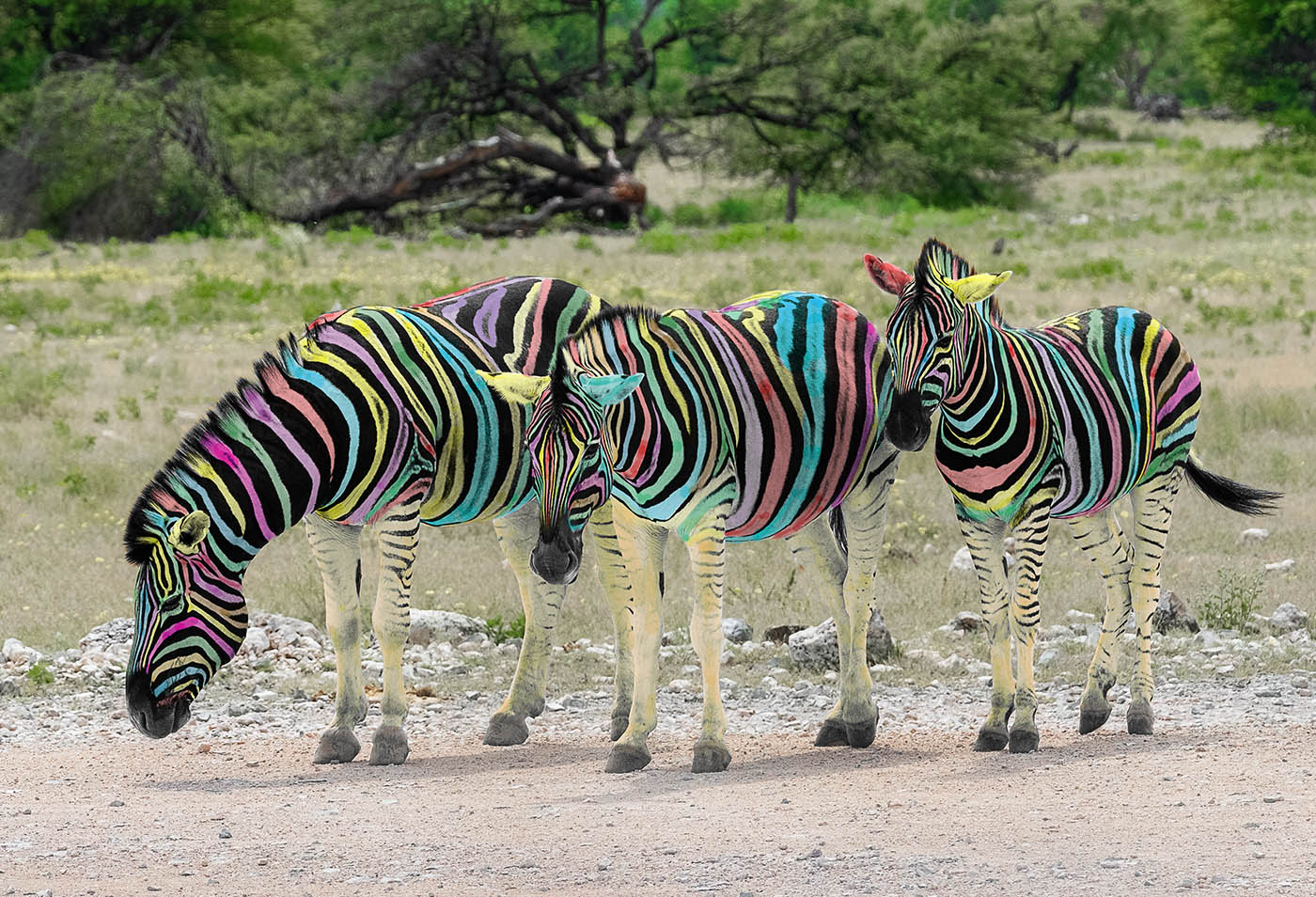
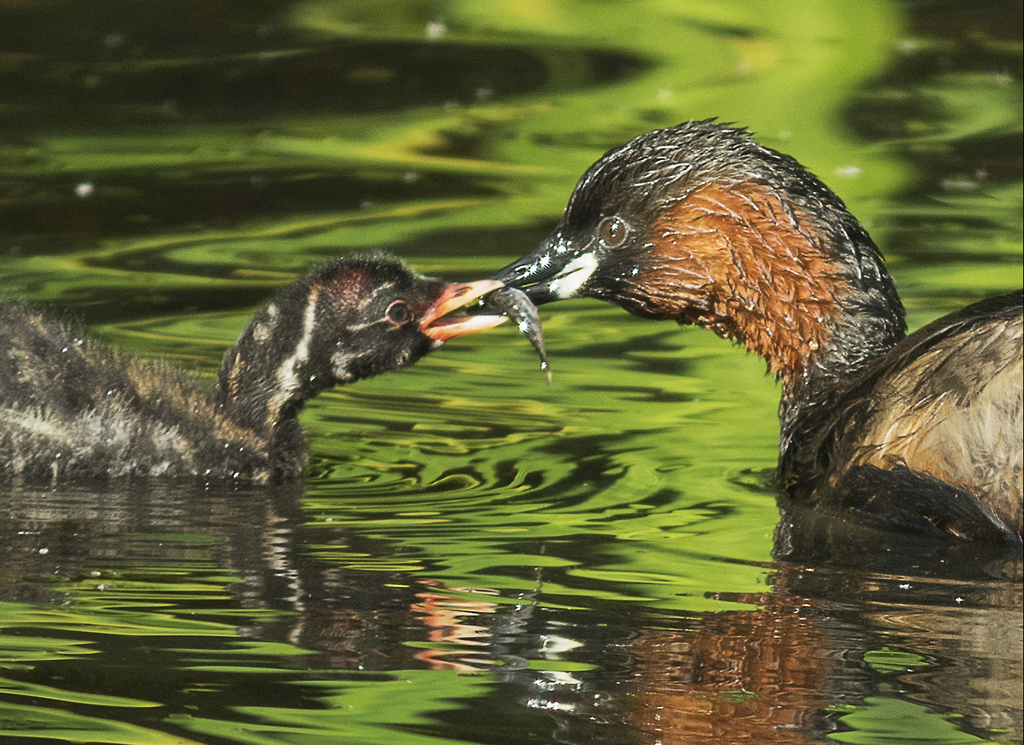
27 Dec 24 Comment I like the green and yellow tones of this image, but I feel there is nothing there to hold my attention Dec 12th
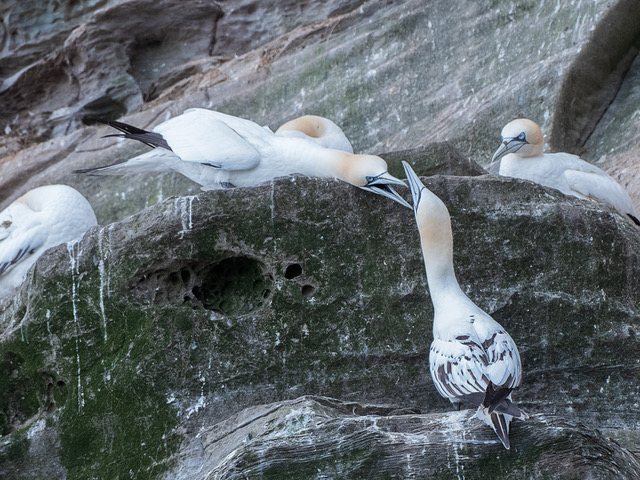
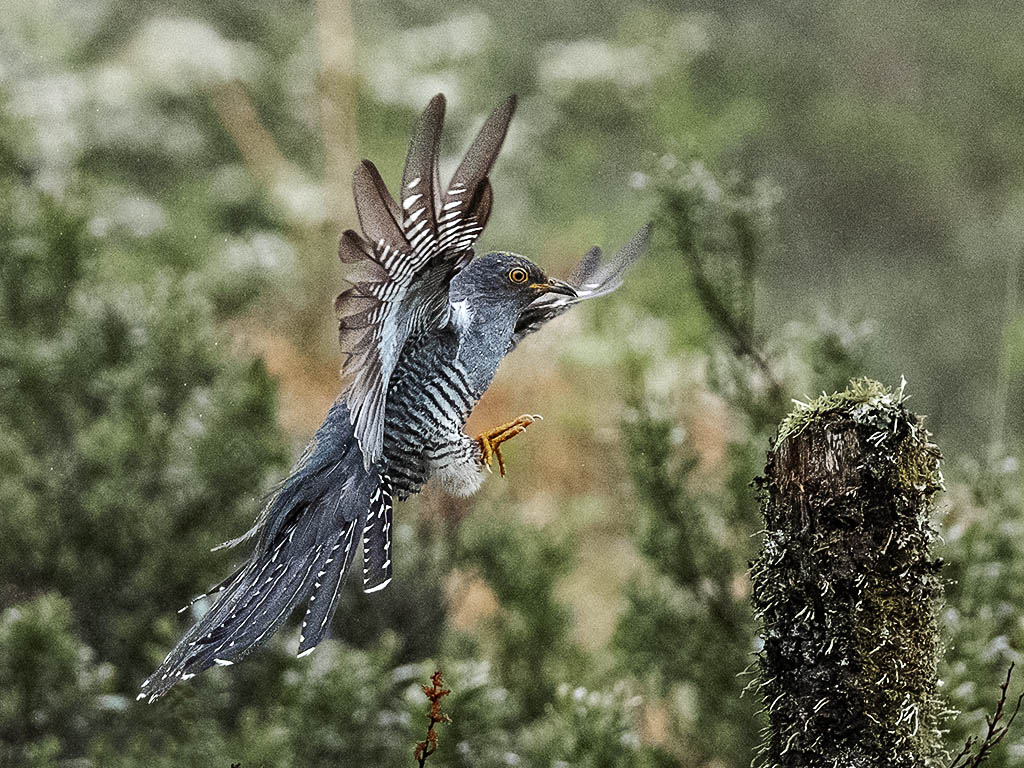
27 Dec 24 Comment I know nothing of Topaz software as I only use LR, PS and occasionally Nik filters on a small area of the image. I know you use OIympus, so I think you would have had a better result if you had increased your ISO so that you had faster shutter speed which would have probably removed the softness of the left side wing. Dec 12th
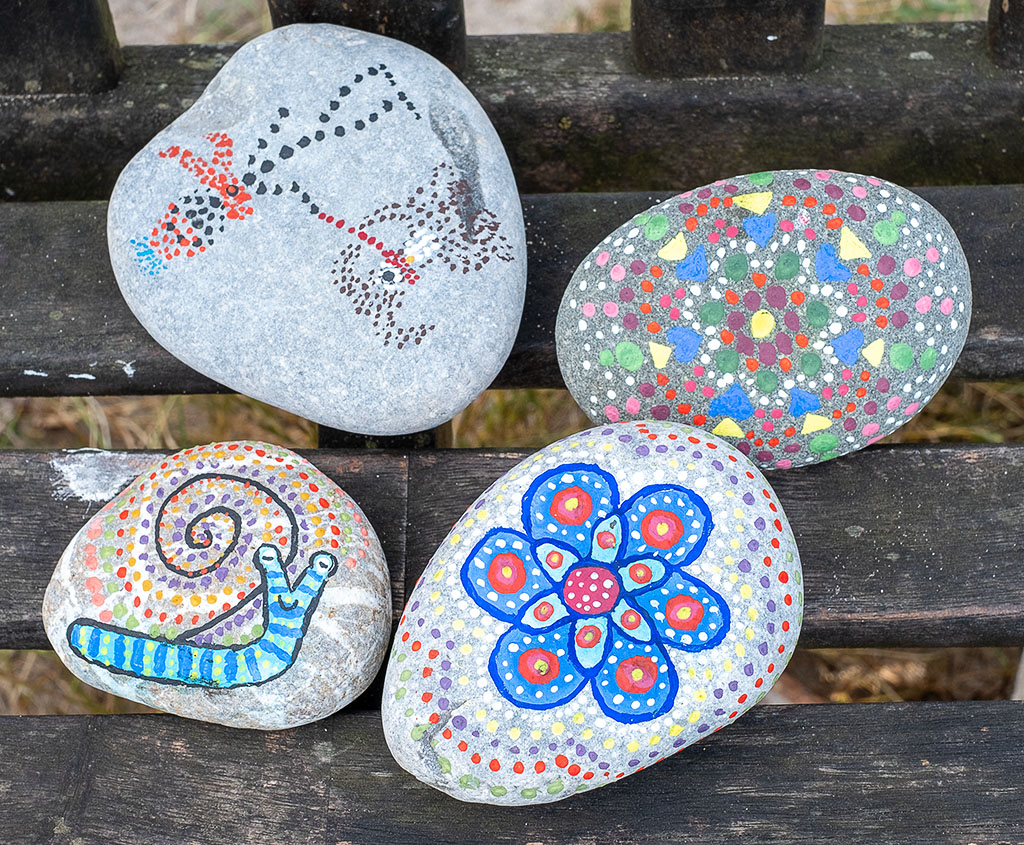
27 Dec 24 Comment To me the foreground rock dominates this image and draws attention away from the tree in the distance. I feel that cropping to create a square image of the centre area would be much more effective. Dec 12th
27 Dec 24 Comment The removal of the cars is very impressive, particularly in reconstructing the base of the tree that was hidden behind a car. It is impossible to tell that the sky as been added to and altered, when the image was 'distorted' to correct the verticals of the buildings. This is a good demo of what can now be readily achieved using Lightroom and Photoshop. Dec 12th

5 comments - 1 reply for Group 27


5 comments - 1 reply Total


110 Images Posted

  = Current Round   = Previous Round
Group 27

Apr 26

Mar 26

Feb 26

Jan 26

Dec 25

Oct 25

Sep 25

Aug 25

Jul 25

Jun 25

May 25

Apr 25

Mar 25

Feb 25

Jan 25

Dec 24

Nov 24

Oct 24

Sep 24

Aug 24

Jul 24

Jun 24

May 24

Apr 24

Mar 24

Feb 24

Jan 24

Dec 23

Nov 23

Oct 23

Sep 23

Aug 23

Jul 23

Jun 23

May 23

Apr 23

Mar 23

Feb 23

Jan 23

Dec 22

Nov 22

Oct 22

Sep 22

Aug 22

Jul 22

Jun 22

May 22

Apr 22

Mar 22

Feb 22

Jan 22

Dec 21

Nov 21

Oct 21

Sep 21

Aug 21

Jul 21

Jun 21

May 21

Apr 21

Mar 21

Feb 21

Jan 21

Dec 20

Nov 20

Oct 20

Sep 20

Aug 20

Jul 20

Jun 20

May 20

Apr 20

Mar 20

Feb 20

Jan 20

Dec 19

Nov 19

Oct 19

Sep 19

Aug 19

Jul 19

Jun 19

May 19

Apr 19

Mar 19

Feb 19

Jan 19

Dec 18

Nov 18

Oct 18

Sep 18

Aug 18

Jul 18

Jun 18

May 18

Mar 18

Feb 18

Jan 18

Dec 17

Nov 17

Oct 17

Sep 17

Aug 17

Jul 17

Jun 17

May 17

Apr 17

Mar 17

Feb 17

Jan 17

Close this Tab when done