Activity for User 137 - Jon Allanson - joncallanson@gmail.com

avatar
Avatar

Close this Tab when done


629 Comments / 41 Replies Posted

  = Current Round   = Previous Round
Group Round C/R Comment Date Image
27 Jun 18 Comment The High Pass filter is normally used to sharpen images - you create a copy layer then apply the High Pass filter and use soft light or overlay blend, the effect can be adjusted by the radius used, using a layer mask and or adjusting the layer opacity. The reversed effect which is rather like negative clarity is achieved by inverting (making to negative) the grey layer before applying the blend. High Pass layers can be stacked and by careful masking you can have both sharpening and softening on different parts of the image. You will need to experiment to find how it works best for you. Jun 26th
27 Jun 18 Comment
I do not use Topaz, it is not used a lot in the UK. Look at my version of Renee's image to see how the reversed High Pass differs from gausian blur - effect is similar to negative clarity in Lightroom.
Jun 13th
27 Jun 18 Comment
I do not use Topaz, it is not used a lot in the UK. Look at my version of Renee's image to see how the reversed High Pass differs from gausian blur - effect is similar to negative clarity in Lightroom.
Jun 13th
27 Jun 18 Comment
I do not use Topaz, it is not used a lot in the UK. Look at my version of Renee's image to see how the reversed High Pass differs from gausian blur - effect is similar to negative clarity in Lightroom.
Jun 13th
27 Jun 18 Comment To me in this image we have major conflict of interest between the red sails of the junk and Samsung sign, especially as they are so close together. The sign really needs some toning down. I think that had the image been taken a little later with the junk further to the right increasing the separation, it would be stronger Jun 12th
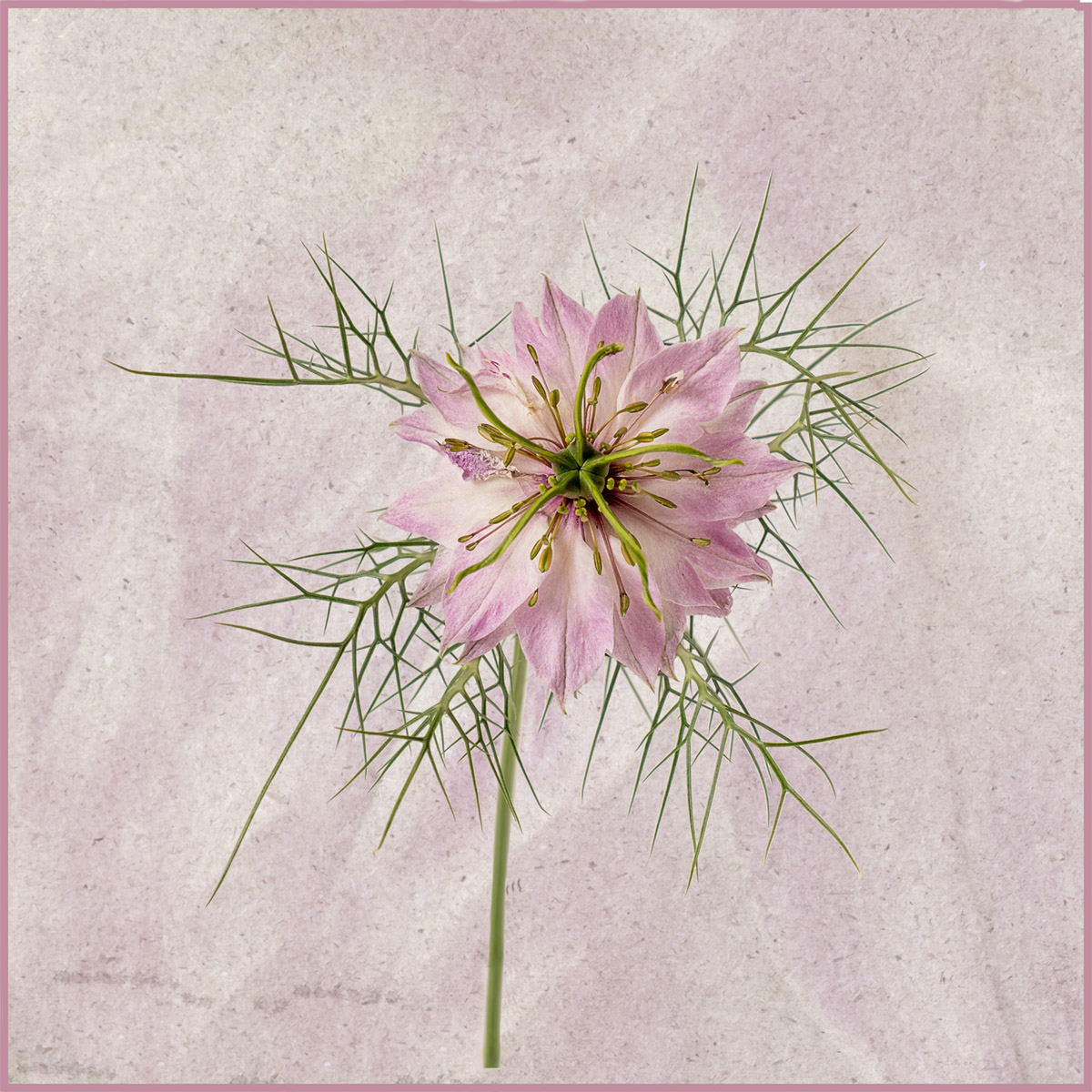
27 Jun 18 Comment I like the background that you have added, but feel that the image would be more effective with only one flower head and no other distracting foliage. Jun 12th
27 Jun 18 Comment I like your reversal of the image, moving the sky has stopped the eye going straight to it in the top right corner. Your mono treatment is effective, and would benefit some darkening of the lighter areas. I would suggest using the reverse high pass technique to soften the image rather than gaussian blur, it does not appear as obvious or bleeds into other elements. Jun 12th
27 Jun 18 Comment Your processing has really enhanced the sky, and I like the fact that it occupies over half of the image. Jun 12th
27 Jun 18 Comment I do not like blacked out backgrounds as they do not look natural, I would have darkened, partially desaturated and then softened the background. I am not bothered about the green sleeve intruding, though it could be easily removed by heavier cropping. To soften I use High Pass and invert the grey layer, it works like negative clarity. Jun 12th
27 Jun 18 Comment I am attaching the original file. I had sent into Brad to be included as I feel that if major work is done on an image, it is valuable to see what we started working from. If the final image is mono it helps to see how the total relationships have been adjusted rather than just covering to a grey scale type image. Jun 12th

10 comments - 0 replies for Group 27


10 comments - 0 replies Total


110 Images Posted

  = Current Round   = Previous Round
Group 27

Apr 26

Mar 26

Feb 26

Jan 26

Dec 25

Oct 25

Sep 25

Aug 25

Jul 25

Jun 25

May 25

Apr 25

Mar 25

Feb 25

Jan 25

Dec 24

Nov 24

Oct 24

Sep 24

Aug 24

Jul 24

Jun 24

May 24

Apr 24

Mar 24

Feb 24

Jan 24

Dec 23

Nov 23

Oct 23

Sep 23

Aug 23

Jul 23

Jun 23

May 23

Apr 23

Mar 23

Feb 23

Jan 23

Dec 22

Nov 22

Oct 22

Sep 22

Aug 22

Jul 22

Jun 22

May 22

Apr 22

Mar 22

Feb 22

Jan 22

Dec 21

Nov 21

Oct 21

Sep 21

Aug 21

Jul 21

Jun 21

May 21

Apr 21

Mar 21

Feb 21

Jan 21

Dec 20

Nov 20

Oct 20

Sep 20

Aug 20

Jul 20

Jun 20

May 20

Apr 20

Mar 20

Feb 20

Jan 20

Dec 19

Nov 19

Oct 19

Sep 19

Aug 19

Jul 19

Jun 19

May 19

Apr 19

Mar 19

Feb 19

Jan 19

Dec 18

Nov 18

Oct 18

Sep 18

Aug 18

Jul 18

Jun 18

May 18

Mar 18

Feb 18

Jan 18

Dec 17

Nov 17

Oct 17

Sep 17

Aug 17

Jul 17

Jun 17

May 17

Apr 17

Mar 17

Feb 17

Jan 17

Close this Tab when done