|
| Group |
Round |
C/R |
Comment |
Date |
Image |
| 27 |
Jun 17 |
Comment |
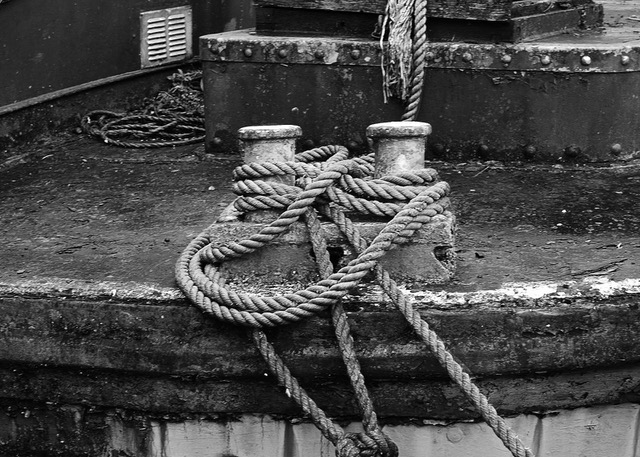
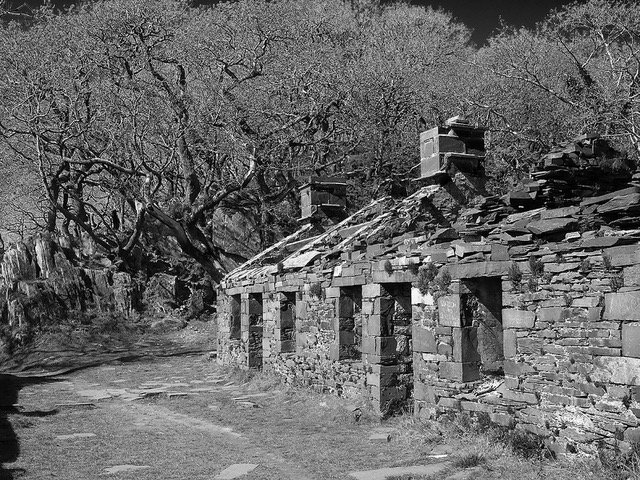
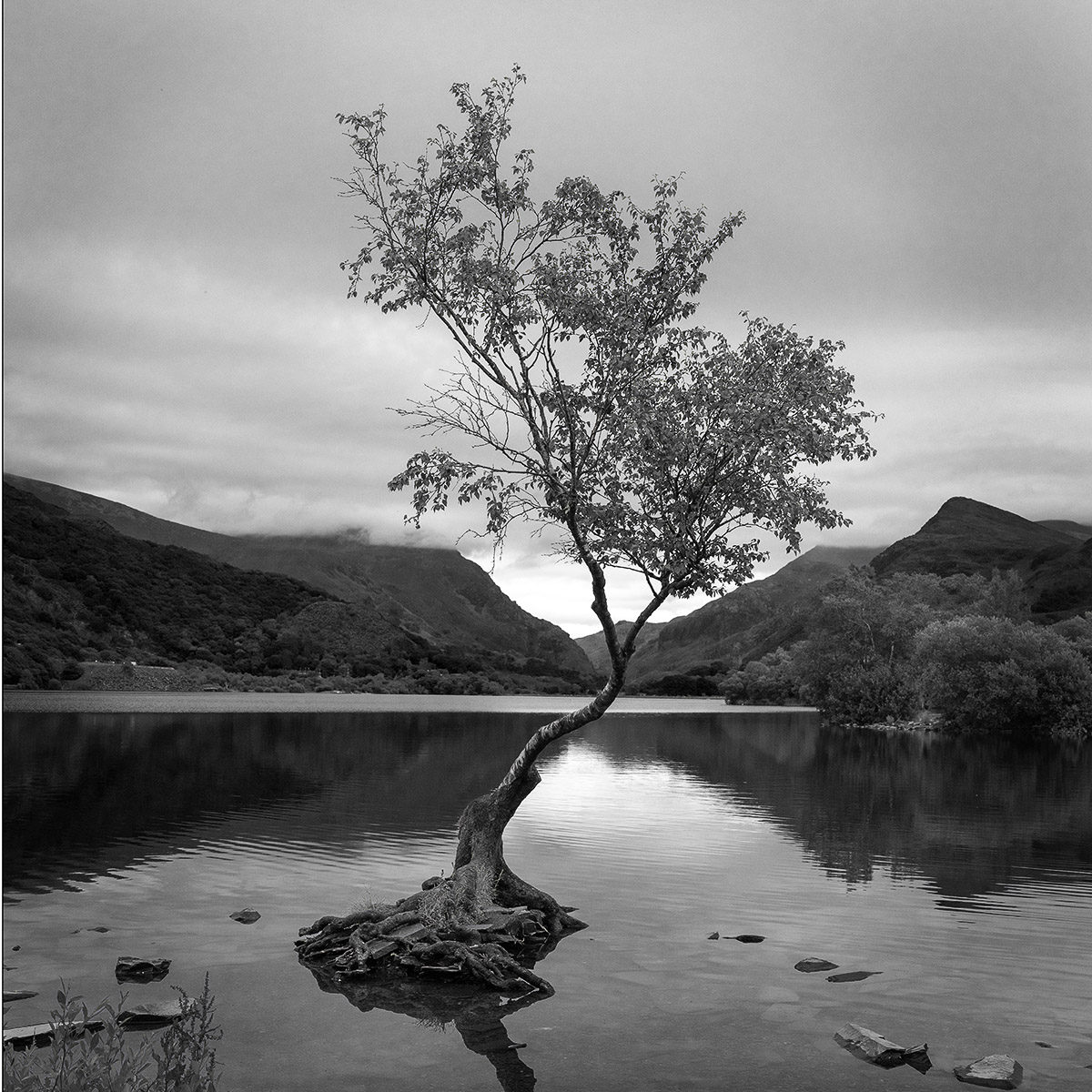
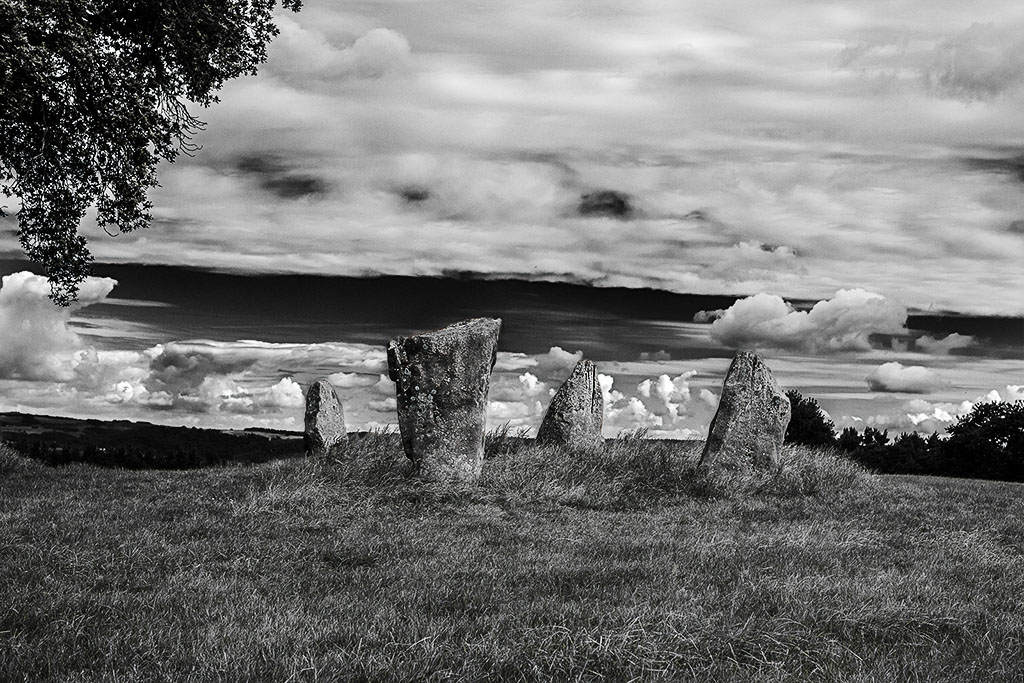
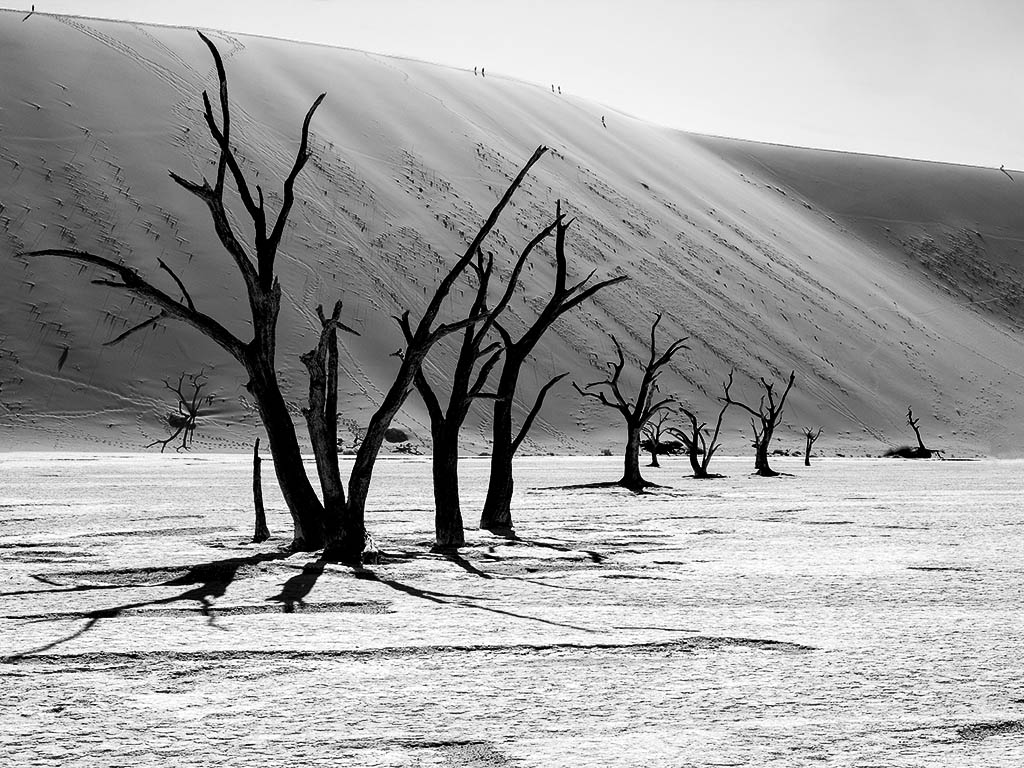
The conversion to monochrome is effective, and eliminates the distraction of the bright yellow foliage on the right. I would remove the part canoe at the base as does not add anything to the image. |
Jun 25th |
| 27 |
Jun 17 |
Comment |
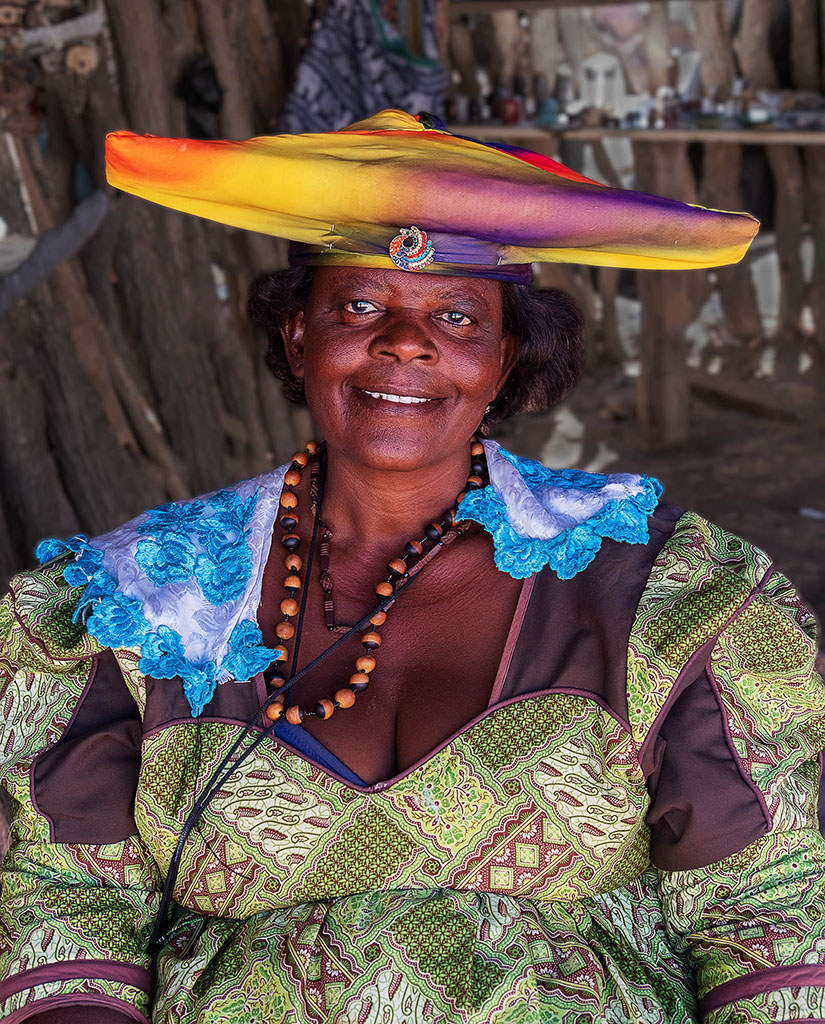
I feel that your treatment of the original image has been effective, by removing un-required character from the image and putting some colour into the main subject. I like the change of tone that you have applied to the background. Where you have had to recover from the burn out oil the arms does not look quite right to me, it has introduced a grey tone. I would suggest that rather than dealing with the burn out but adjusting the levels that you had painted it in with a low opacity with a skin tone taken from the back of the shoulder using darken mode. |
Jun 13th |
| 27 |
Jun 17 |
Comment |
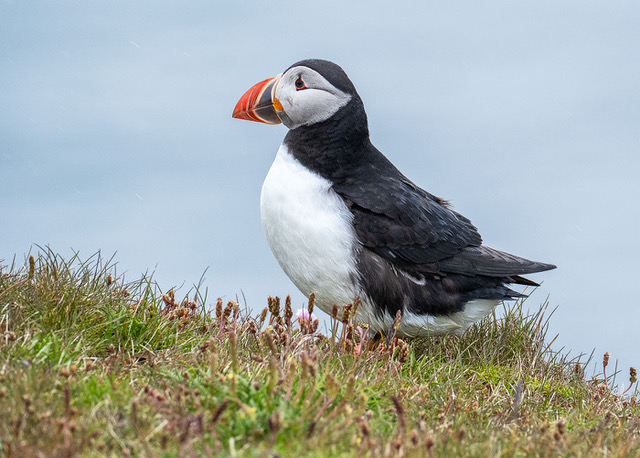
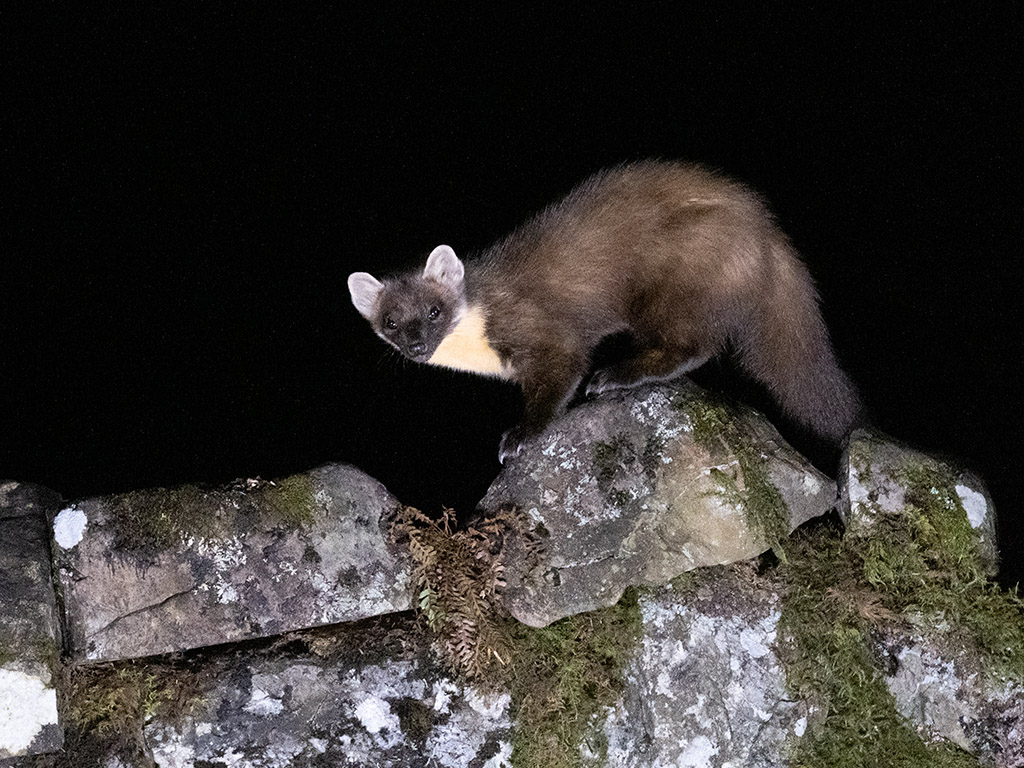
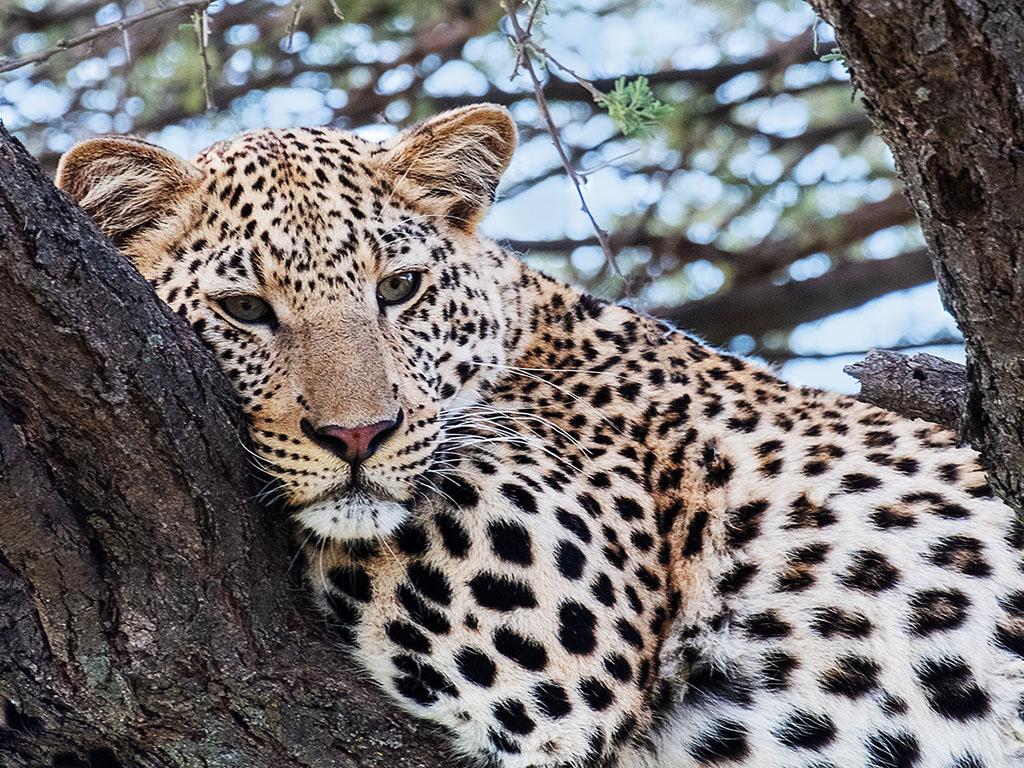
Taking a black animal against a mixed foliage/sky background is very challengeing, you have recovered good detail in the fur. What to do about he background is different matter converting it to mono definite separates it from the animal but it looks too light and gives relatively little information about itself. One solution would be to replace it completely, but that is probably going to far. Anotherwould have been to have blurred it quite considerably and to introduced more natural toking tones.
|
Jun 13th |
| 27 |
Jun 17 |
Comment |
To me you have really captured the action in this image. The cropping to remove the intrusive signs was very effective and concentrates attention on the action. I would suggest toning down the number plate top right as it is quite distracting and possibly darkening down the car top left as well. |
Jun 12th |
| 27 |
Jun 17 |
Comment |
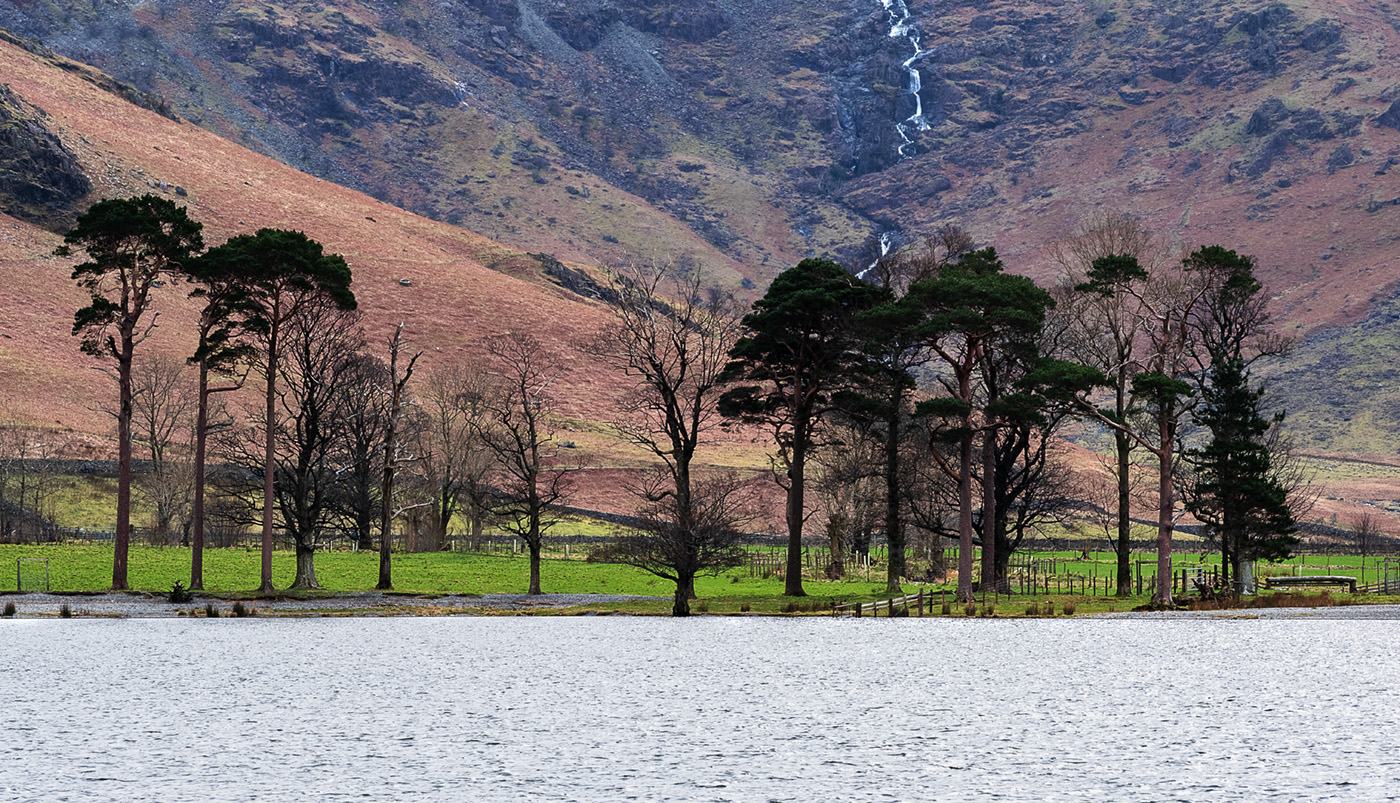
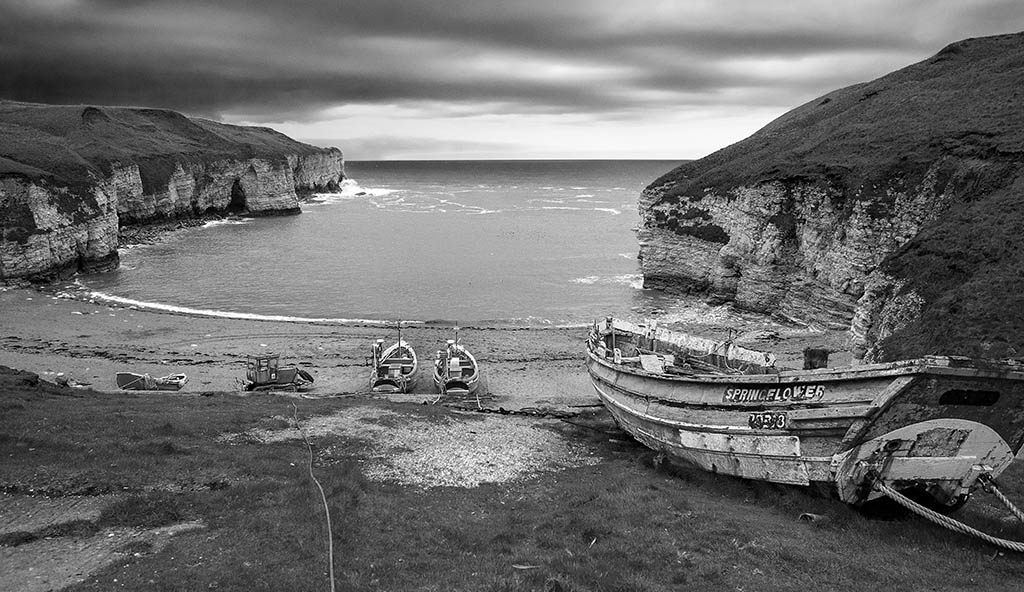
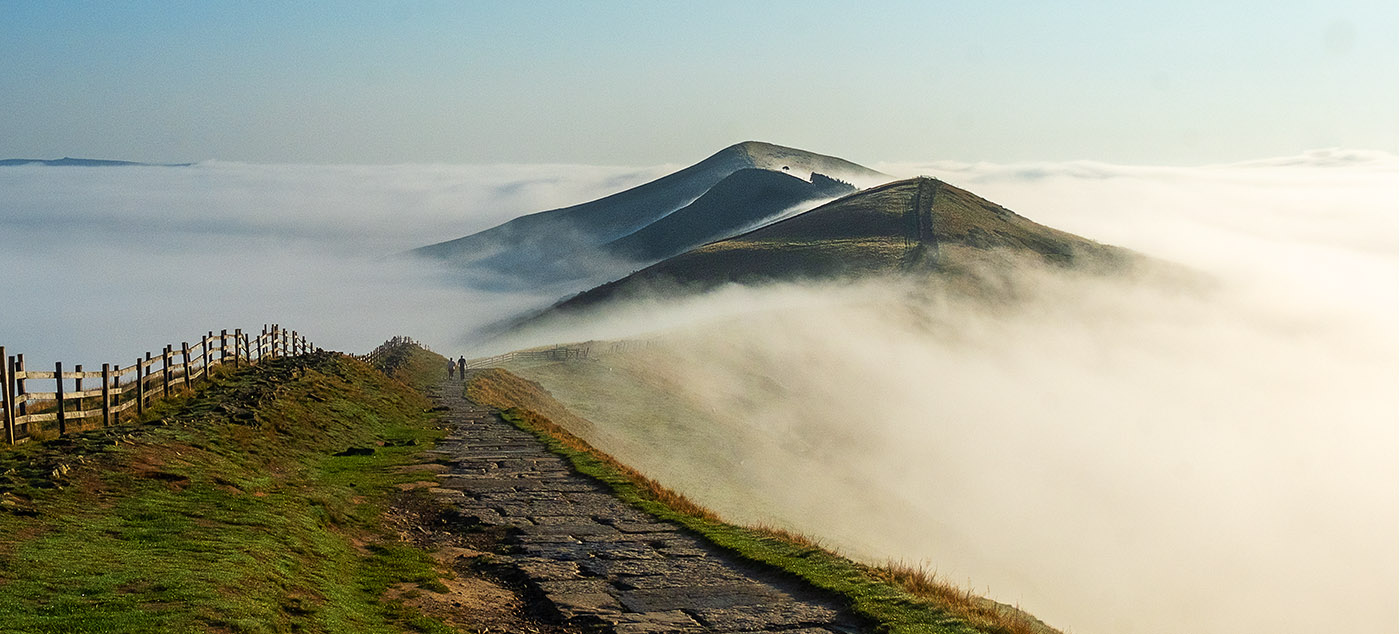
I quite like your treatment of the sky tones, it has added in that bit of extra drama, all your lightening of the foreground has improved the image. The main problem to me is the large amount of foreground grasses that are intruding into the main part of the image. I would suggest that you needed to have moved your position so that there were noe grasses intruding or you pushed you lens through a gap in the grasses. |
Jun 12th |
| 27 |
Jun 17 |
Comment |
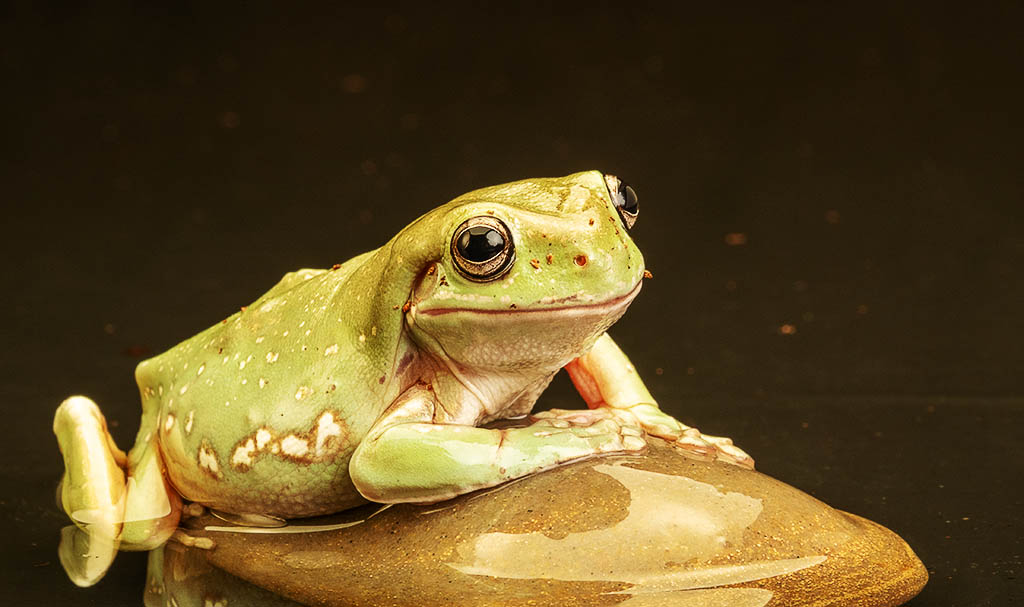
I like your image of the frog and agree that the orange area needs removing to create an all green background.
To achieve this work in Photoshop –
Rename your original layer as layer O (zero)
Select a largish good green area to the left of the frog and CTR J to create a new layer.
On this layer select just inside the green patch, invert selection, and apply fill content aware – this will create a complete layer of green.
Change order of layers so the frog is on top, apply a layer mask to it.
Using a hard edged black brush paint out most of the orange area, change to a small softer edged brush and paint along the edge of the frogs eye, using a lager soft brush paint to blend in the green with the surrounding green.
When you have the desired result flatten the image
|
Jun 12th |
 |
6 comments - 0 replies for Group 27
|
6 comments - 0 replies Total
|