|
| Group |
Round |
C/R |
Comment |
Date |
Image |
| 48 |
Jul 23 |
Reply |
Thanks Don. |
Jul 11th |
| 48 |
Jul 23 |
Comment |
Donald, I love the composition. Your edits did a great job of isolating the flower. With the soft lighting and the water droplets, the image is just beautiful! |
Jul 9th |
| 48 |
Jul 23 |
Reply |
Thanks Bev. It does make him stand out more. |
Jul 9th |
| 48 |
Jul 23 |
Reply |
Bev, I like what you did to balance the uneven light and darken the background. Nice Job! |
Jul 8th |
| 48 |
Jul 23 |
Reply |
Thanks Lloyd. I'm thinking of going back to see if I can find him again. |
Jul 8th |
| 48 |
Jul 23 |
Comment |
Lloyd, I agree with Tom. I love the "design" that the beaver created on the glassy surface of the water, with the detail of his fur in the center or it. A really nice low light capture! I have 2 questions. Did you shoot this handheld? Did you adjust the colors at all? |
Jul 7th |
| 48 |
Jul 23 |
Comment |
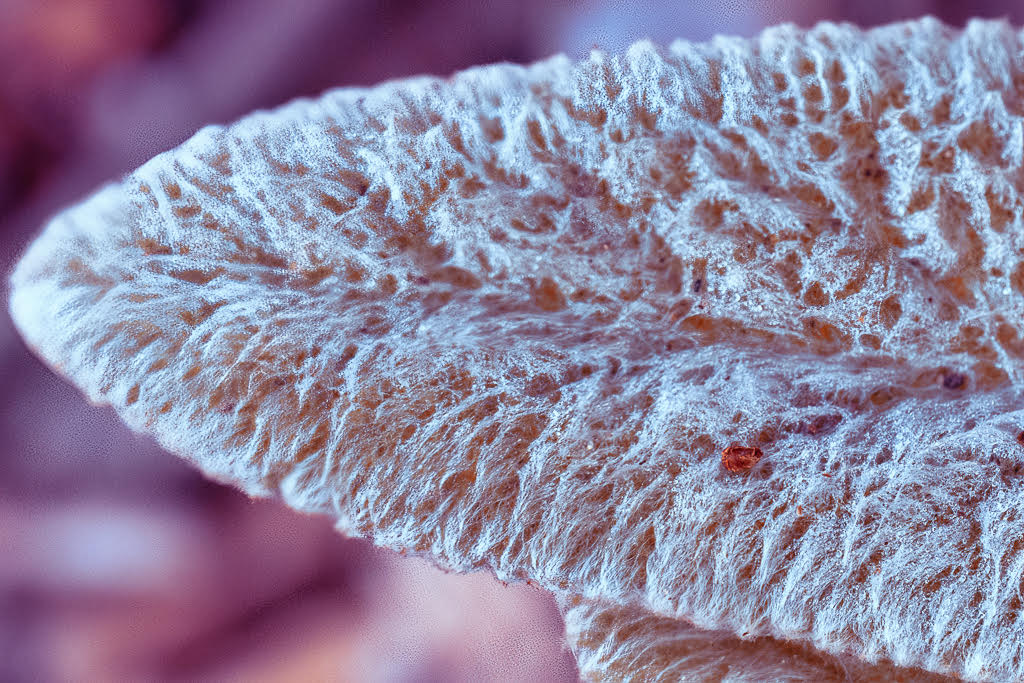
Tom, this is great! What a combination of colors and textures! I love it! I would never have thought to get a close up of this detail. Really nice capture! |
Jul 7th |
| 48 |
Jul 23 |
Comment |
Jamie, this shot is beautiful. I like seeing the detail in the center of the flower and I like the way the surrounding petals fill the frame. The composition is really lovely. I'm wondering what lens and F stop because you managed to get so much of what's in the frame in focus.
PS - the original doesn't look like it's the same photo. |
Jul 7th |
| 48 |
Jul 23 |
Comment |
Paul,
I really like this picture with your edits. The colors are beautiful and it looks very sharp despite the rain. The only part that I wish were a little lighter is around her head. I'm guessing she was standing under something that caused deep shadows. You have made me curious about how you changed the background. I wasn't aware that Photoshop had a generative fill AI option for the background. Really nice shot! |
Jul 7th |
| 48 |
Jul 23 |
Comment |
Bev, I really like this portrait. You did a nice job of toning down the hot spots, and I like Tom's version where he toned it down a bit more. The colors and details in this shot are wonderful. I can see that you were trying to darken the distracting background and that Tom darkened it a bit more. I was wondering if "select subject" in either Lightroom or Photoshop would pull her out correctly. If it works, then you can invert the mask to select the background and pull the exposure way down. By the way, your friend that is a portrait photographer is most likely working in a situation where she can control the background and the light. |
Jul 7th |
| 48 |
Jul 23 |
Reply |
I love your skimmer shot! But, I will say that at least my groundhog has eyes!! :-) |
Jul 7th |
| 48 |
Jul 23 |
Reply |
Thanks Tom. I'll check your on group 21. |
Jul 7th |
6 comments - 6 replies for Group 48
|
6 comments - 6 replies Total
|