|
| Group |
Round |
C/R |
Comment |
Date |
Image |
| 3 |
Sep 22 |
Reply |
Thank you, Kieu-Hanh. |
Sep 21st |
| 3 |
Sep 22 |
Reply |
Thank you, LuAnn. I have used it now a couple times! |
Sep 21st |
| 3 |
Sep 22 |
Reply |
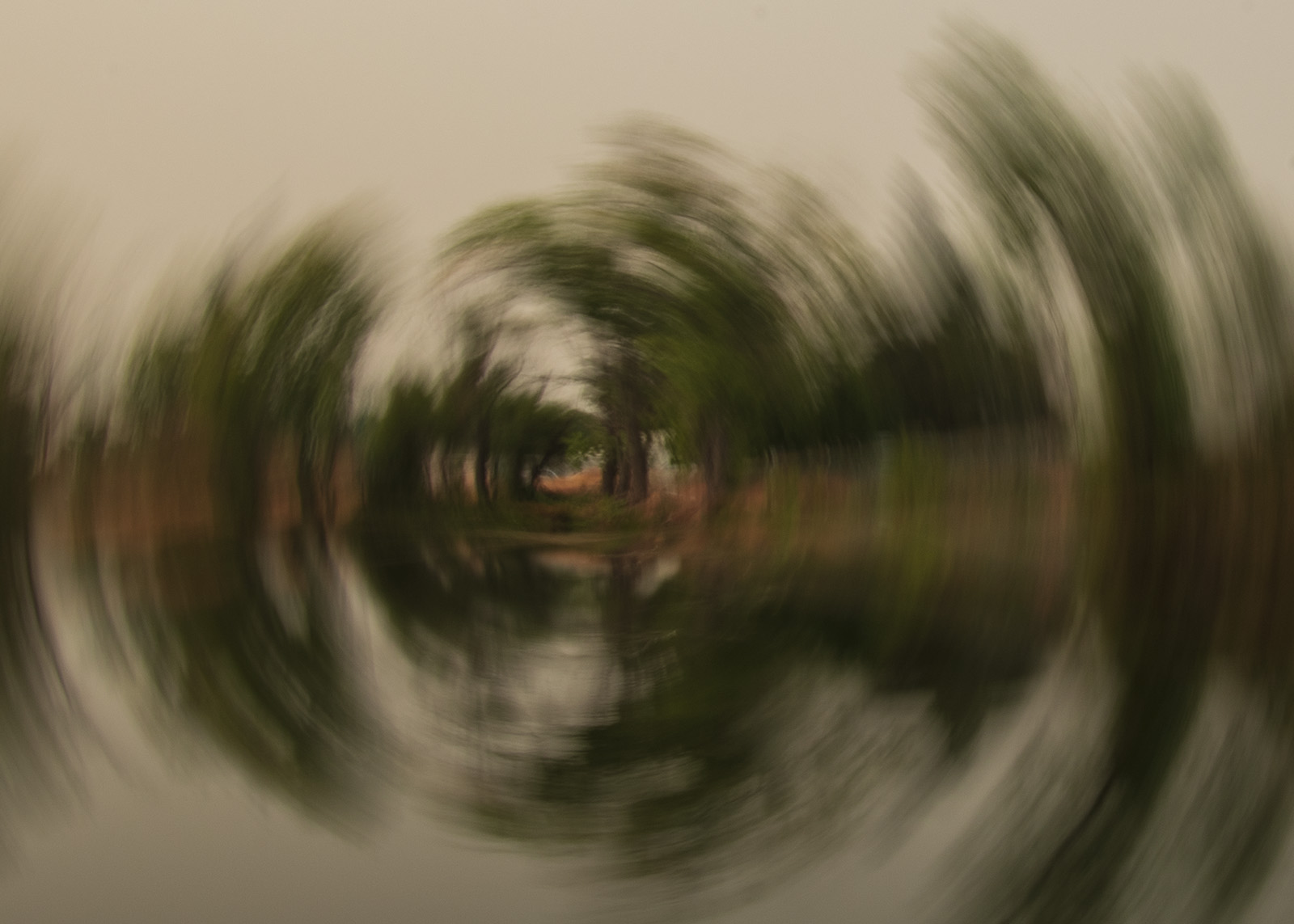
Hi Ruth, yes, it was a challenge! I did rotate the camera one quarter as I hit the shutter. It took quite a few tries but you get a full circular effect when it works. I tried the zoom in and out technique a few times but never tried it long enough to get a decent image. The other technique we tried that day was to jerk the camera up slightly as you take the image. I like that effect as well. |
Sep 17th |
| 3 |
Sep 22 |
Reply |
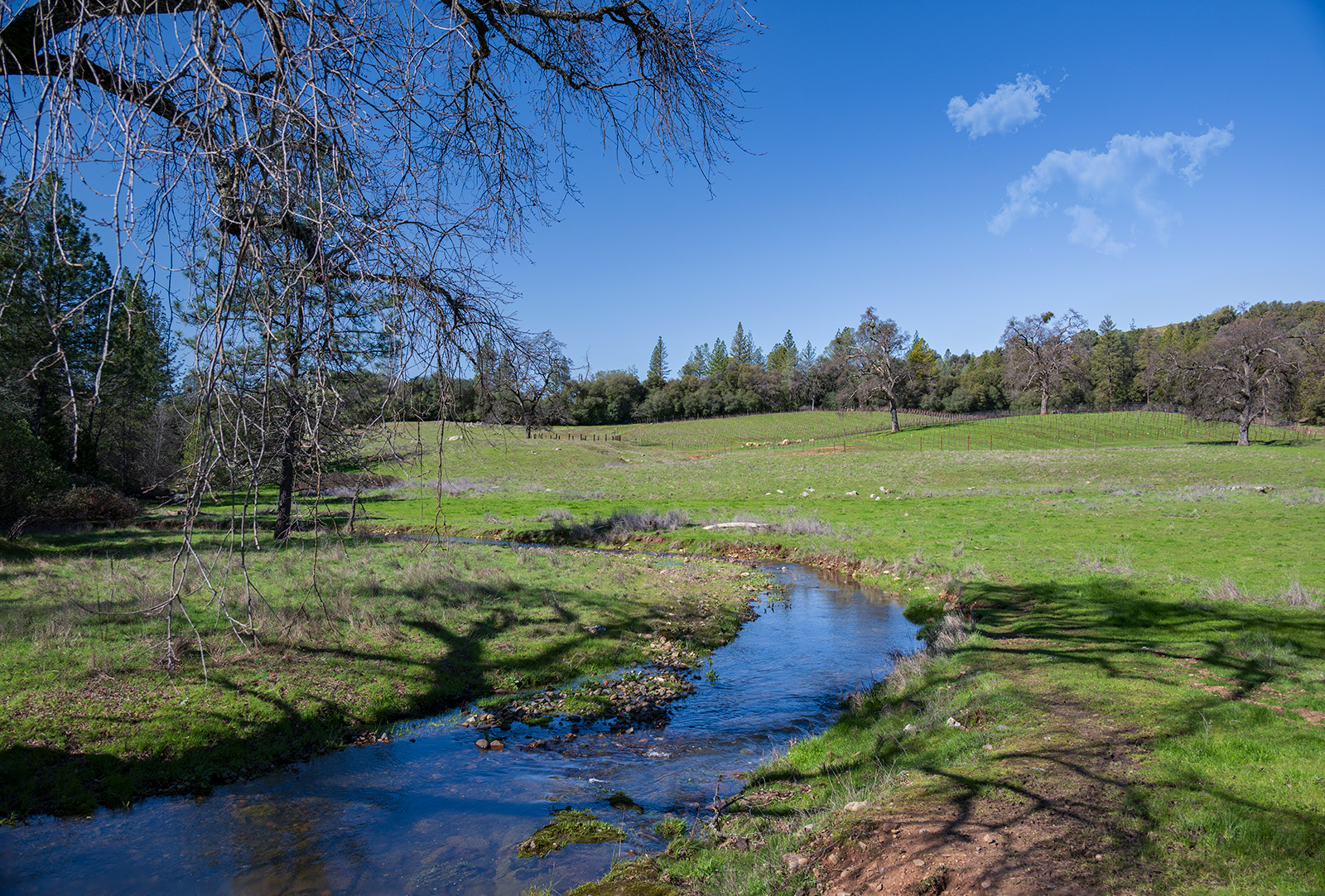
Hi LuAnn, Yes, your guess as to location is spot on! Next time I will describe the location when I submit the image. This was taken at Mather Lake..it was part of Mather AFB that was converted into other uses and part of it was made into a park. There is a pond and wetlands. I like your edit and that curve is available to me in camera raw. I am curious when you say that you created two gradient filters...can you elaborate a bit on that? thank you for your suggestions! |
Sep 17th |
| 3 |
Sep 22 |
Comment |
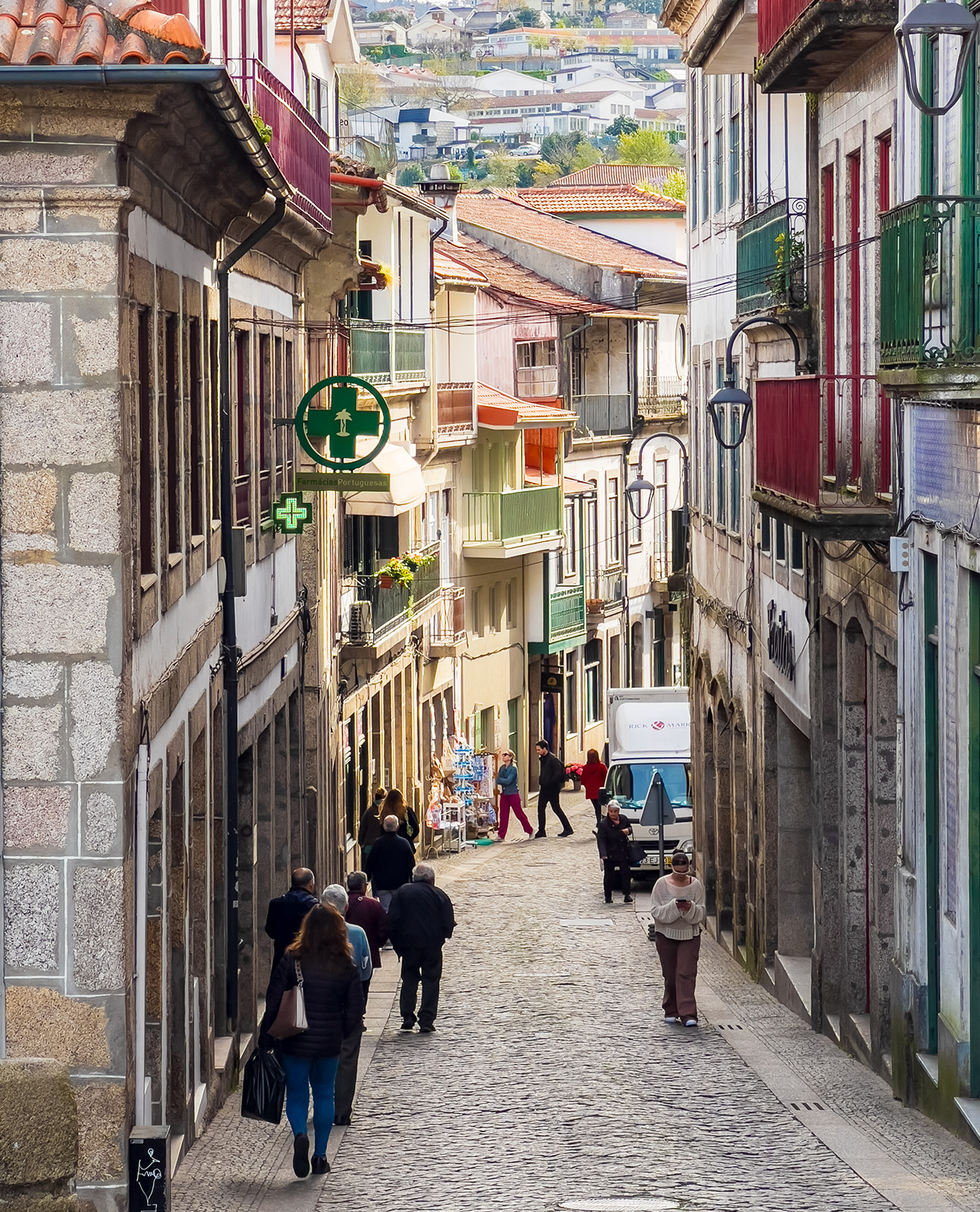
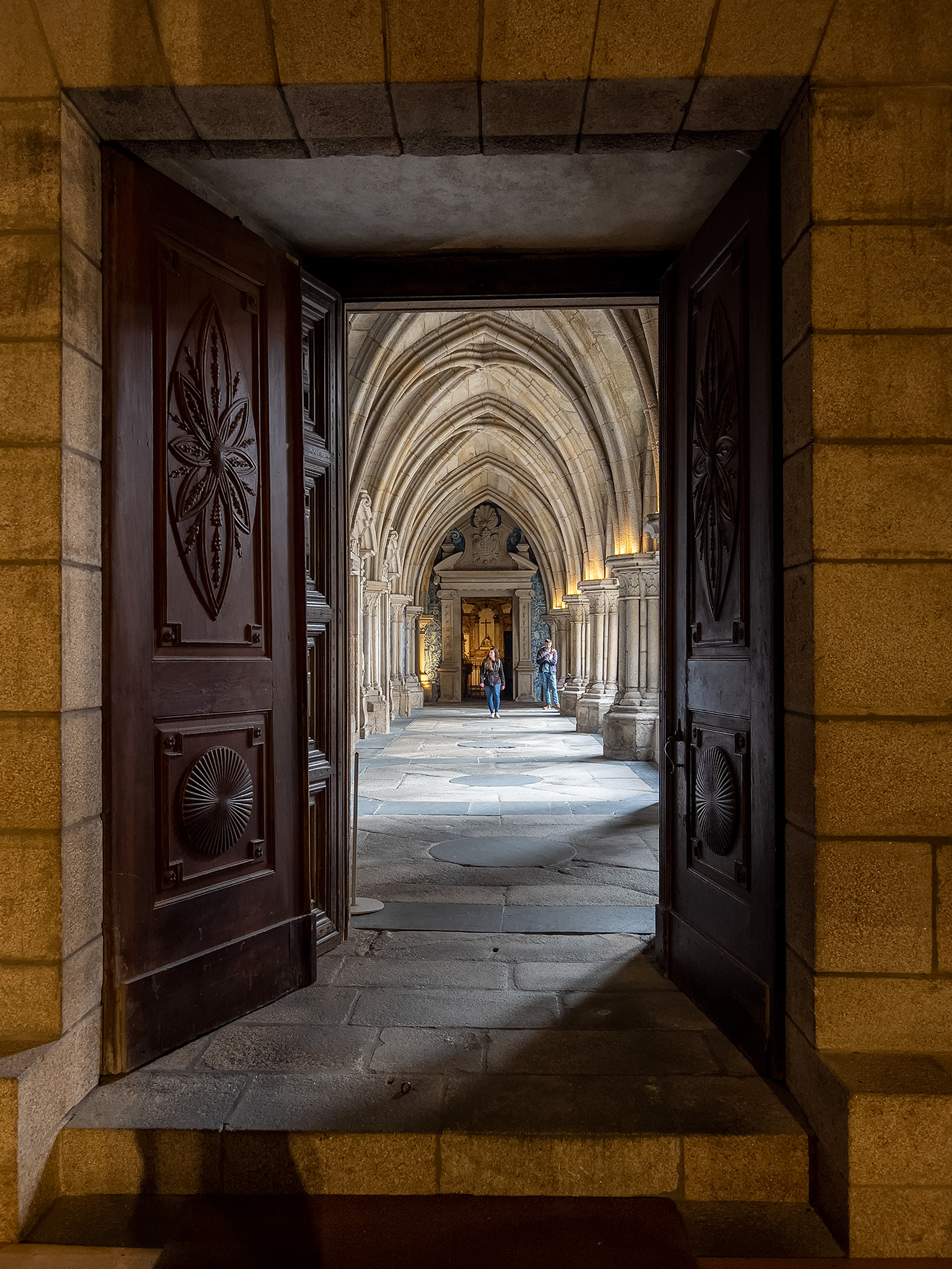
Hi Kieu-Hanh, I really am taken with this image! Everything is lined up perfectly leading the eye through the photo. I like how the cityscape can be seen through the arches and the people walking add interest. It looks like a beautiful day to take photos. Very nice! |
Sep 11th |
| 3 |
Sep 22 |
Reply |
Hi Joan, Welcome to Group 3! Thank you for your comments. Next time I will have to take a "before" image! I had fun giving this a try. |
Sep 11th |
| 3 |
Sep 22 |
Reply |
Hi Michael, no, I don't have a static image of the scene but that is a good idea for the future. I did move my camera for the effect. You only have to turn the camera a quarter of the way as you press on the shutter to get the effect. It took me quite a few attempts to get a few that worked. I liked the effect and having a bit of focus in the center. Yes, you have applied more abstraction to make a very pretty rendition of it! |
Sep 5th |
| 3 |
Sep 22 |
Comment |
Hi Christine, what a beautiful image of a sunrise. It does pay to get out early. The composition is nice as the viewer is led right into the scene by the lines of the walkways on either side of the canal. And, the reflection is very pretty. The colors really make the image but for my taste, the colors seem a bit oversaturated. I find the overhead wires that run across the upper middle of the scene a bit distracting. Beautiful image and your photographs are reminding me of my visit there. |
Sep 5th |
| 3 |
Sep 22 |
Comment |
Hi Ruth, this is a great image of your grandson! You have captured the glint in his eyes and the pose/smile are natural. I think you have done a very nice job of editing it so I have no suggestions for you. I am sure his parents would love a copy of this. |
Sep 5th |
| 3 |
Sep 22 |
Comment |
Hi Michael, how beautiful and creative. I like the flowers you picked and the colors as they all blend well together. I have learned something new as I did not know about inverted colors and looked it up. Another tool! I think this would look very nice hanging up on your wall. |
Sep 5th |
| 3 |
Sep 22 |
Comment |
Hi LuAnn, I like monochrome very much as well. This looks like you used a sepia tone in the processing. I really like the composition in showing only a part of the sunflower and the angle with the petals heading in a diagonal direction. I agree with Michael that the monochrome version shows all the details that get lost in color. I am curious in that I don't see the water droplet or the dark circle on the color version. Did that only appear when you edited it in monochrome?
I do print some of my images and have them matted and framed. You are right! They do come to life when printed and need to be seen and enjoyed. I bet this one is just beautiful hanging on your wall. |
Sep 5th |
5 comments - 6 replies for Group 3
|
| 50 |
Sep 22 |
Comment |
Chuck, I really like this image! The railroad tracks are really nice in black and white ... the texture and tones are nicely shown. You have a subject on the stage! I agree with Cindy to brighten the chipmunk a bit so he stands out more from the rails. Nice image. |
Sep 17th |
| 50 |
Sep 22 |
Comment |
Hi James, nice image of the moving vehicle...a great subject to capture. I agree with the other comments already posted about the brightness and distraction in the background. I also agree with Chuck in posting the original image so the group can compare with the edited version. |
Sep 17th |
| 50 |
Sep 22 |
Reply |
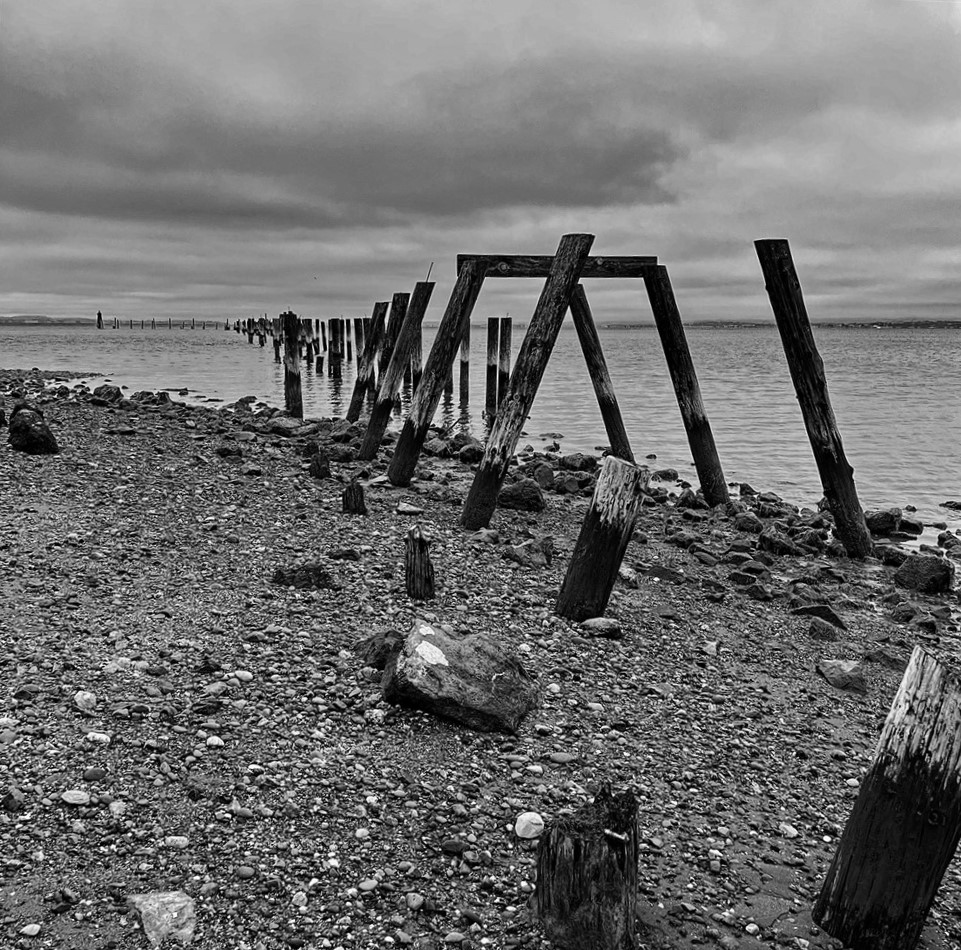
Cindy, thank you for your comments and your edit. Leaving space on the left so the pilings in the background are visible and lightening the water really work here. I like this very much. |
Sep 17th |
| 50 |
Sep 22 |
Reply |
James, welcome to group 50! You are correct in that the pilings are the story and your crop really works. Thank you for your suggestion and comments. |
Sep 17th |
| 50 |
Sep 22 |
Comment |
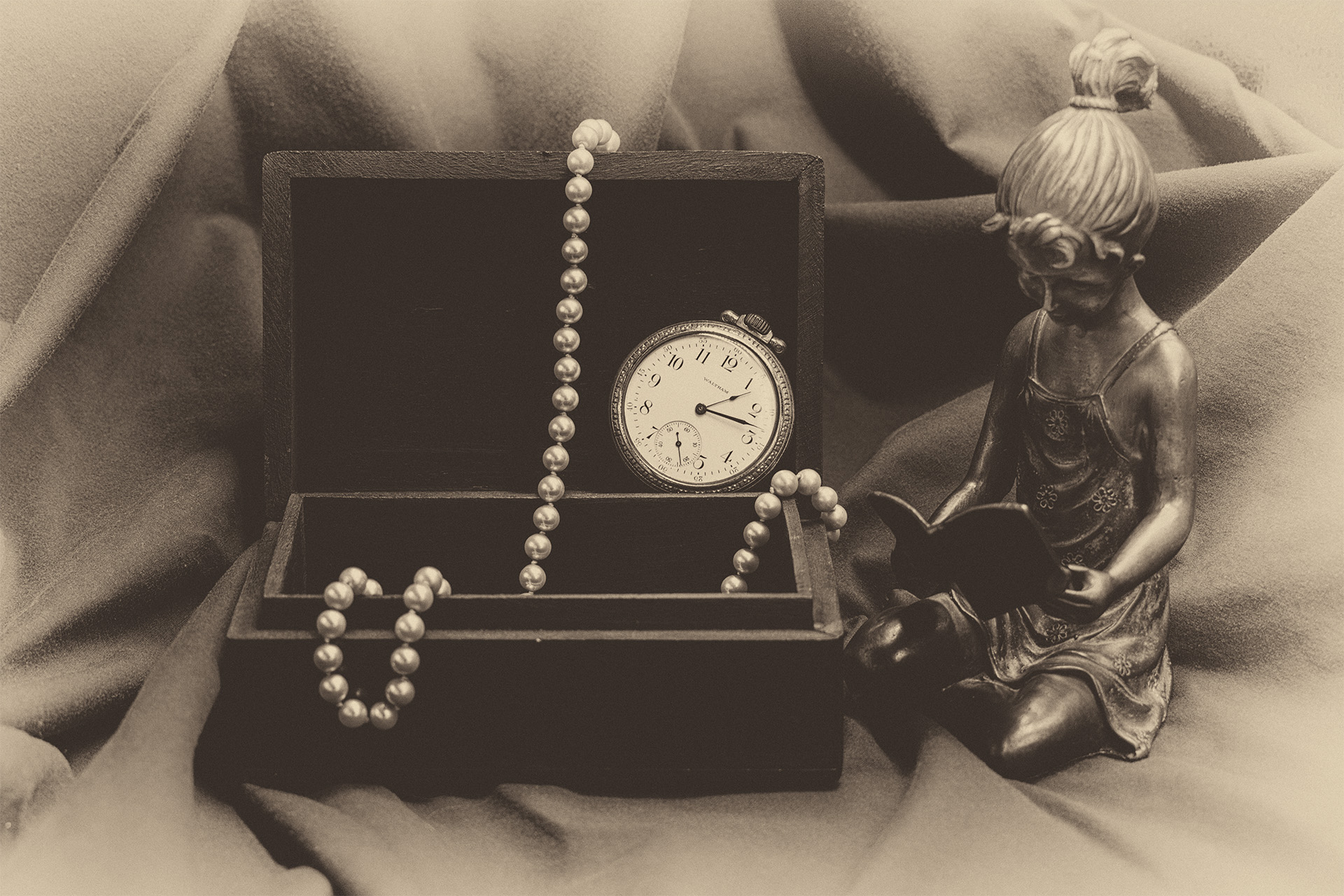
Cindy, what a great still life photograph. The tones and sharpness are perfect. I like how I can see the grain in the table as well. Your image is giving me the urge to get back into some still life work. Very lovely and poignant image. I also love the title! |
Sep 11th |
| 50 |
Sep 22 |
Comment |
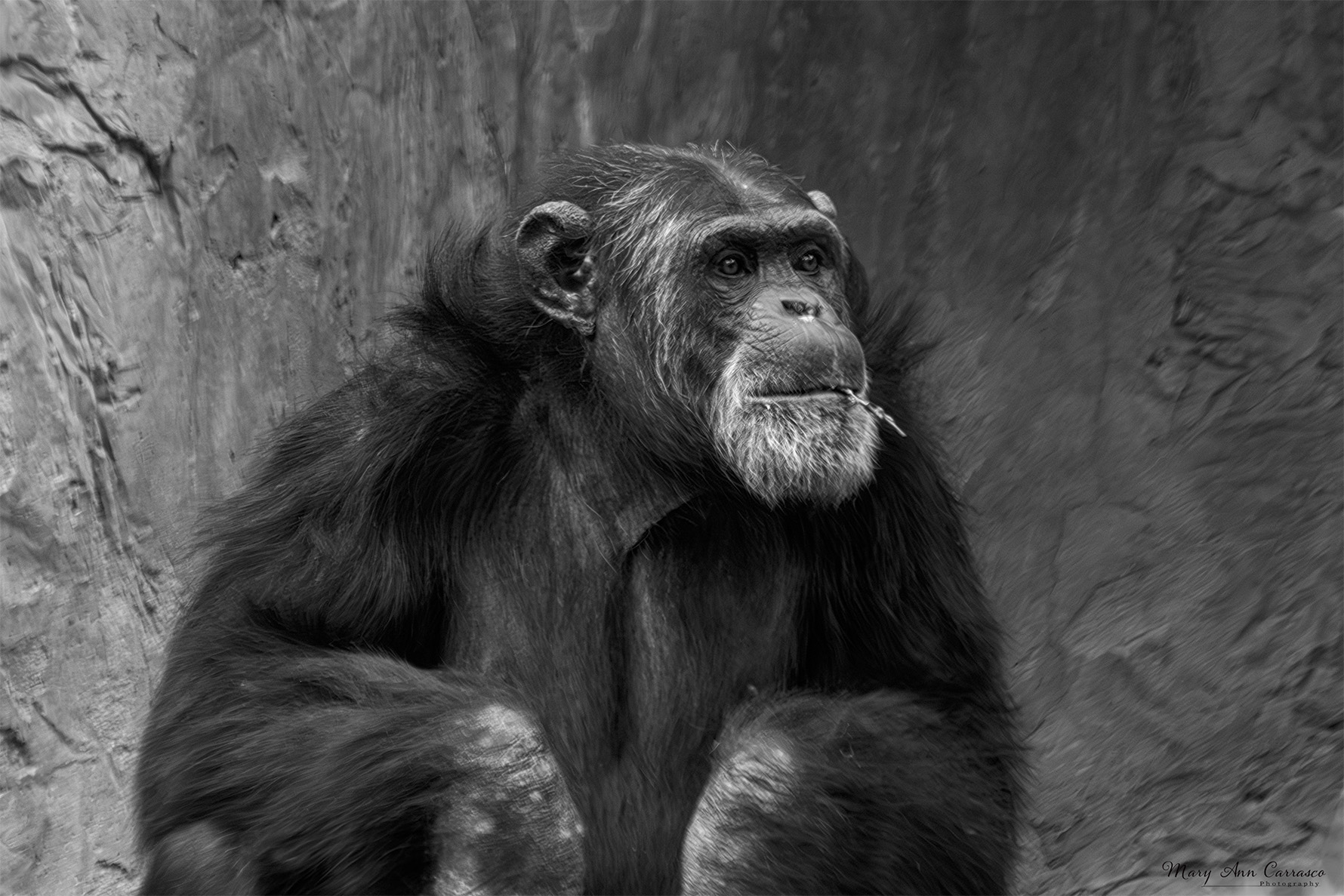
Paul, I really like wild life photographs and you have captured a great one! I agree with Chuck in that it looks very pixelated and I am wondering if that was your intent. |
Sep 11th |
| 50 |
Sep 22 |
Reply |
Thank you, Chuck. Straightening the horizon...such a basic adjustment and what a difference. |
Sep 11th |
 |
4 comments - 3 replies for Group 50
|
9 comments - 9 replies Total
|