|
| Group |
Round |
C/R |
Comment |
Date |
Image |
| 3 |
Aug 22 |
Reply |
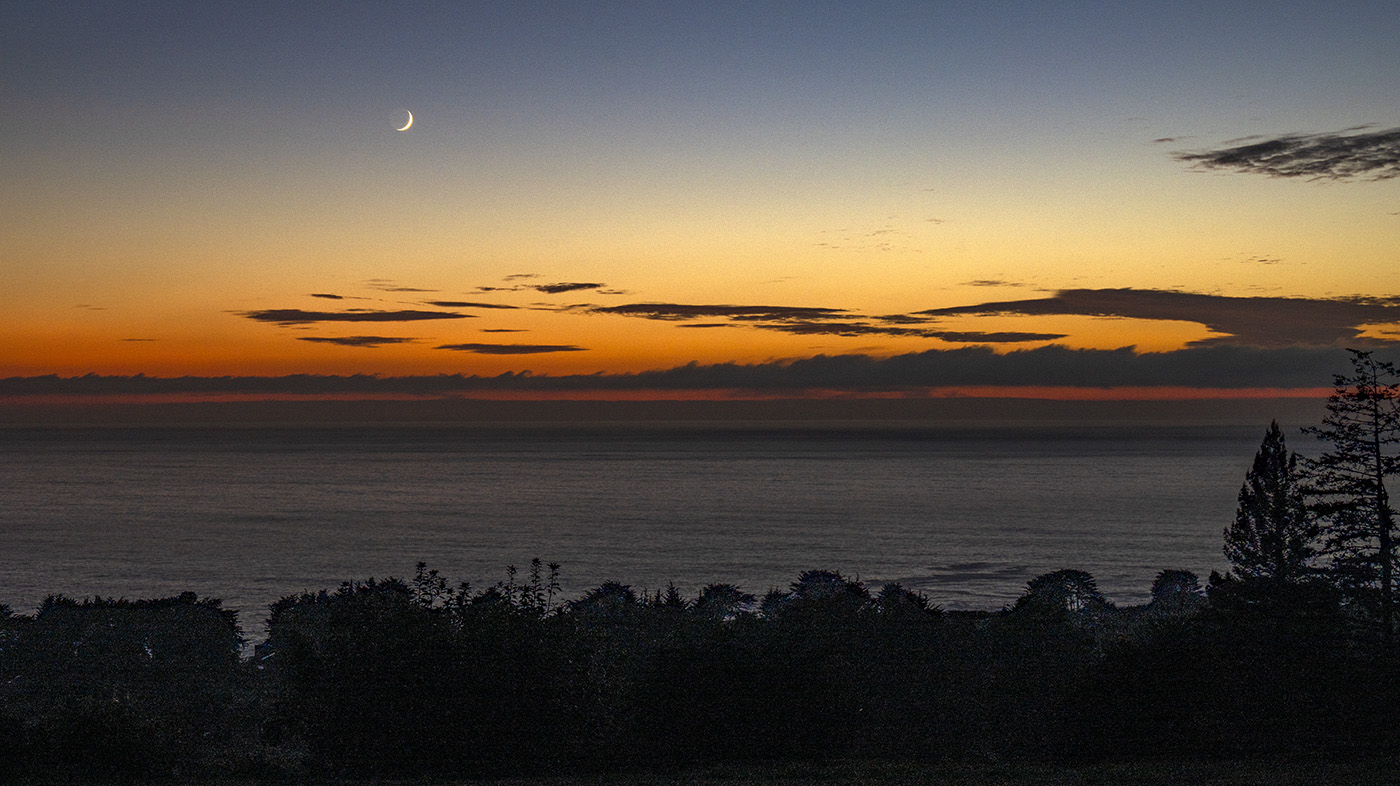
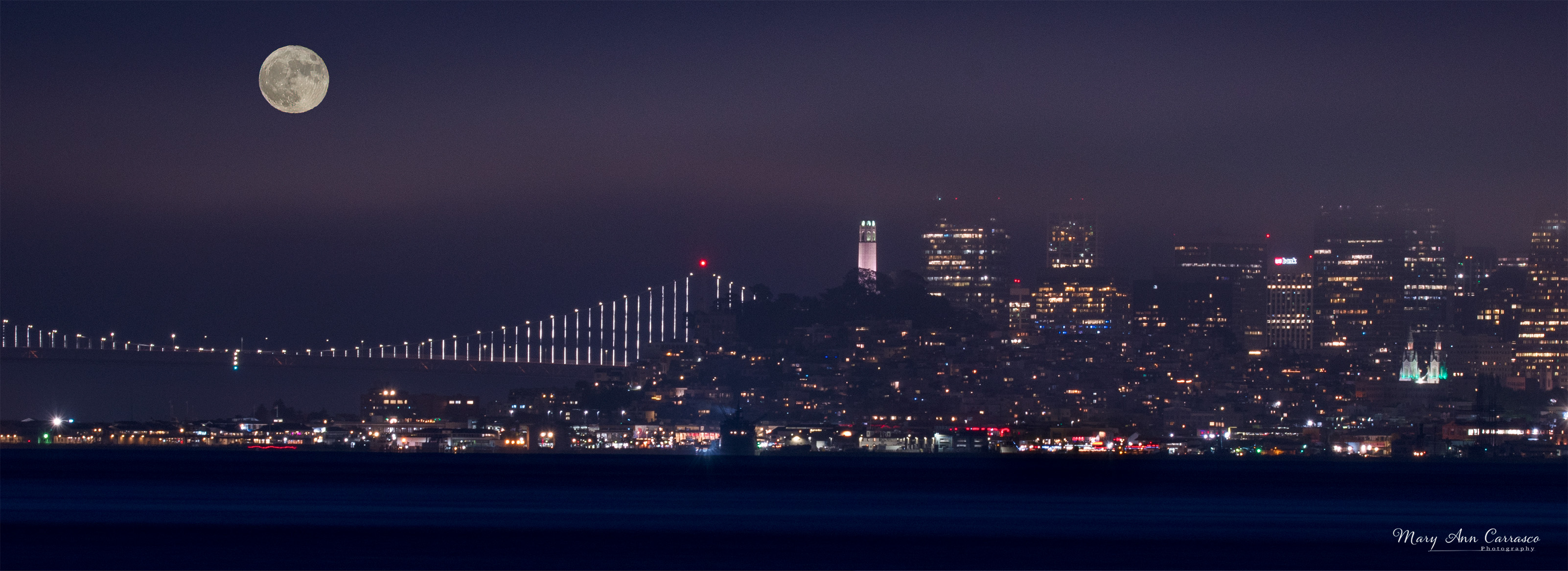
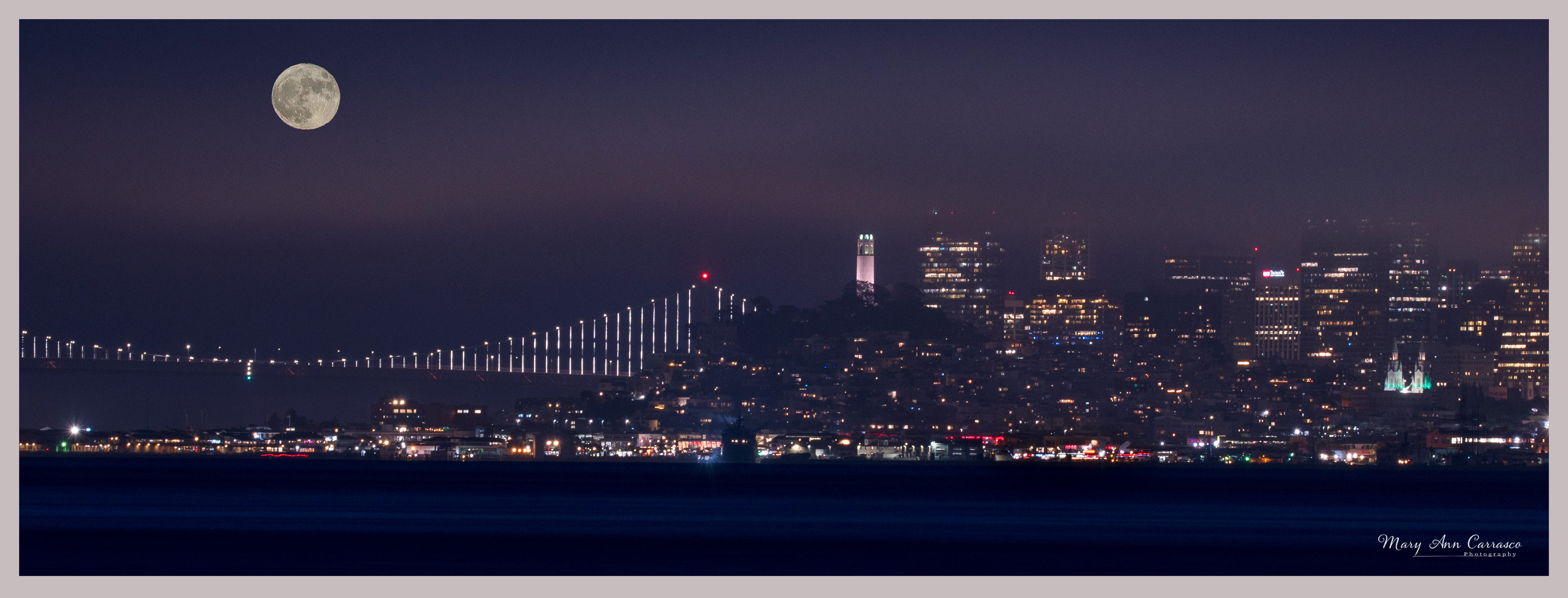
Thank you for your comments and suggestions, Kieu-Hanh. I rarely do night photography but a couple of my friends were coming into Sausalito in hopes of getting the supermoon rise over the City so I joined them. And, I learned it is very difficult to get a scene like this without doing a composite so it was a learning experience for me on many levels. I hope you visit and get a night image! |
Aug 25th |
| 3 |
Aug 22 |
Reply |
Kieu-Hanh, I just watched the video...what a great tool! Thank you for sharing this. |
Aug 25th |
| 3 |
Aug 22 |
Reply |
I had used the object selection tool rather than the quick selection tool with enhanced edges. And I had adjusted moon brightness, etc after I did the composite. I just re-edited it using the quick selection tool and I edited the moon before I did the composite. No line around the moon now! Thank you for the tip! |
Aug 19th |
| 3 |
Aug 22 |
Reply |
Ruth, thank you for your comments and pointing out the line around the moon. I have a couple ideas about why that happened and plan to go back and do it again. Thanks again. |
Aug 19th |
| 3 |
Aug 22 |
Reply |
LuAnn, sorry about the size and thank you for resizing it. Thank you for your comments! Ruth, see below, noticed that there is a black ring around the moon....not sure what caused that but I have a couple ideas why that happened. I will have to go back and try again! |
Aug 19th |
| 3 |
Aug 22 |
Reply |
Hi Christine, I appreciate your comments and suggestions. Please see my response above to LuAnn with an edited version taking into account her comments as well. Let me know what you think. |
Aug 17th |
| 3 |
Aug 22 |
Reply |
Hi LuAnn, based on your comments and those of Christine, I reworked my composite and used the lens correction and transform scale took in photoshop. I also edited the cityscape differently and place the moon lower on the horizon as well as taking down some of the brightness. Let me know what you think of this re-edit. |
Aug 17th |
 |
| 3 |
Aug 22 |
Reply |
Michael, my friend really liked your image! She said it is just what she tries to accomplish in her design work. I read with interest LuAnn's comments about the camera club reaction. I do not belong to a camera club but thinking about it so this is good info. |
Aug 12th |
| 3 |
Aug 22 |
Reply |
Hi LuAnn, thank you for your comments and suggestions. I do have the camera/lens adjustment tool in Photoshop but hardly ever think to use it! So thank you for the reminder. The moon I used was from the same evening as it rose up past the fog bank and it was bright as it was the night of the full moon in July. But your comments make me think I need to go back and take a look at the one I used for the composite. |
Aug 12th |
| 3 |
Aug 22 |
Comment |
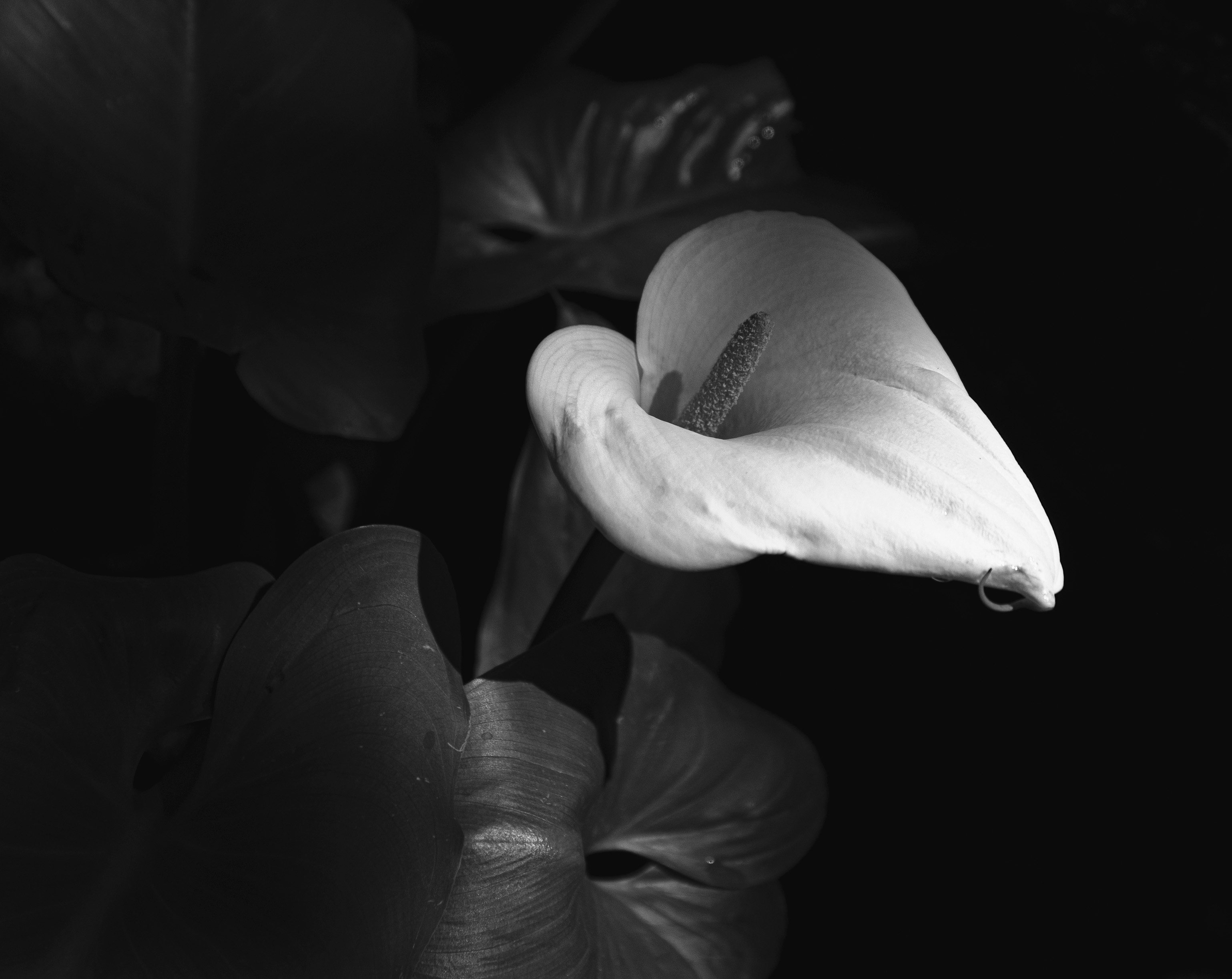
Hi Kieu-Hanh, Very lovely image of this butterfly and beautiful lily. I agree with Michael's comments. The bokeh is very nice and the diagonal of the stem is a great leading line. I also agree that it seems a bit soft and I have used the Topaz Sharpen and have been happy with it. I also use the unmask sharpen in the filter menu of Photoshop sometimes. Beautiful image and composition. |
Aug 12th |
| 3 |
Aug 22 |
Comment |
Welcome to Group 3, Christine! I traveled to Venice several years ago before I got into photography. Your image makes me want to return with my camera equipment! I like the framing of this photograph and how it draws me in to the many layers of subjects. I do agree with LuAnn that you might try a tighter crop as the proportion of wall compared to the scene is distracting to me. Very nice image. |
Aug 12th |
| 3 |
Aug 22 |
Comment |
Ruth, this image is very inviting as it does feel as though one is looking through a window. There is nice lighting to show the window frame and yet the view through is also the right exposure. I also like the pathway in front of the cabins and the streaks of snow on the mountain give direction to the cabins. Very nice image. |
Aug 4th |
| 3 |
Aug 22 |
Comment |
LuAnn, this is beautiful. I like the use of the watercolor effect and the border as it does give the appearance of a painting. The effect also brings out the textures. I do think there is a bit too much texture on the green leaves and the right amount on the peeling bark. I am not familiar with this tool but wondered if it was possible to change the intensity of it on various parts of the image. Very nice image and edits. |
Aug 4th |
| 3 |
Aug 22 |
Comment |
Michael, what a creative and artistic image you have composed! I really like this. The way the flowers are arranged, the watercolor effect and the background effect really make this look like a painting and worthy of framing and placing in your home. I can only imagine the time you put in to make this work so well. I have a friend who does graphic art with her photos to make designs. Do I have your permission to share this with her? I think she will really like it, too. |
Aug 4th |
| 3 |
Aug 22 |
Reply |
Thank you, Michael, for your comments and suggestion re a border. I went into PS and learned how to make a border! |
Aug 4th |
 |
5 comments - 10 replies for Group 3
|
| 50 |
Aug 22 |
Reply |
Thank you, Paul. |
Aug 25th |
| 50 |
Aug 22 |
Reply |
Cindy, thank you for your comments and suggestions. |
Aug 17th |
| 50 |
Aug 22 |
Comment |
Hi Paul, you have really captured a beautiful landscape of a glacier. The b&w version does bring out the texture in the rocks. The composition is good too as Lorna commented. I agree with Chuck's observation about the little bit of sky that is too bright. You could also try bringing down the brightness a bit if you don't want to crop it. I do prefer the color version of this scene because I like the various colors/tones on the rocks and the snow but just my personal preference. Nice image. |
Aug 12th |
| 50 |
Aug 22 |
Comment |
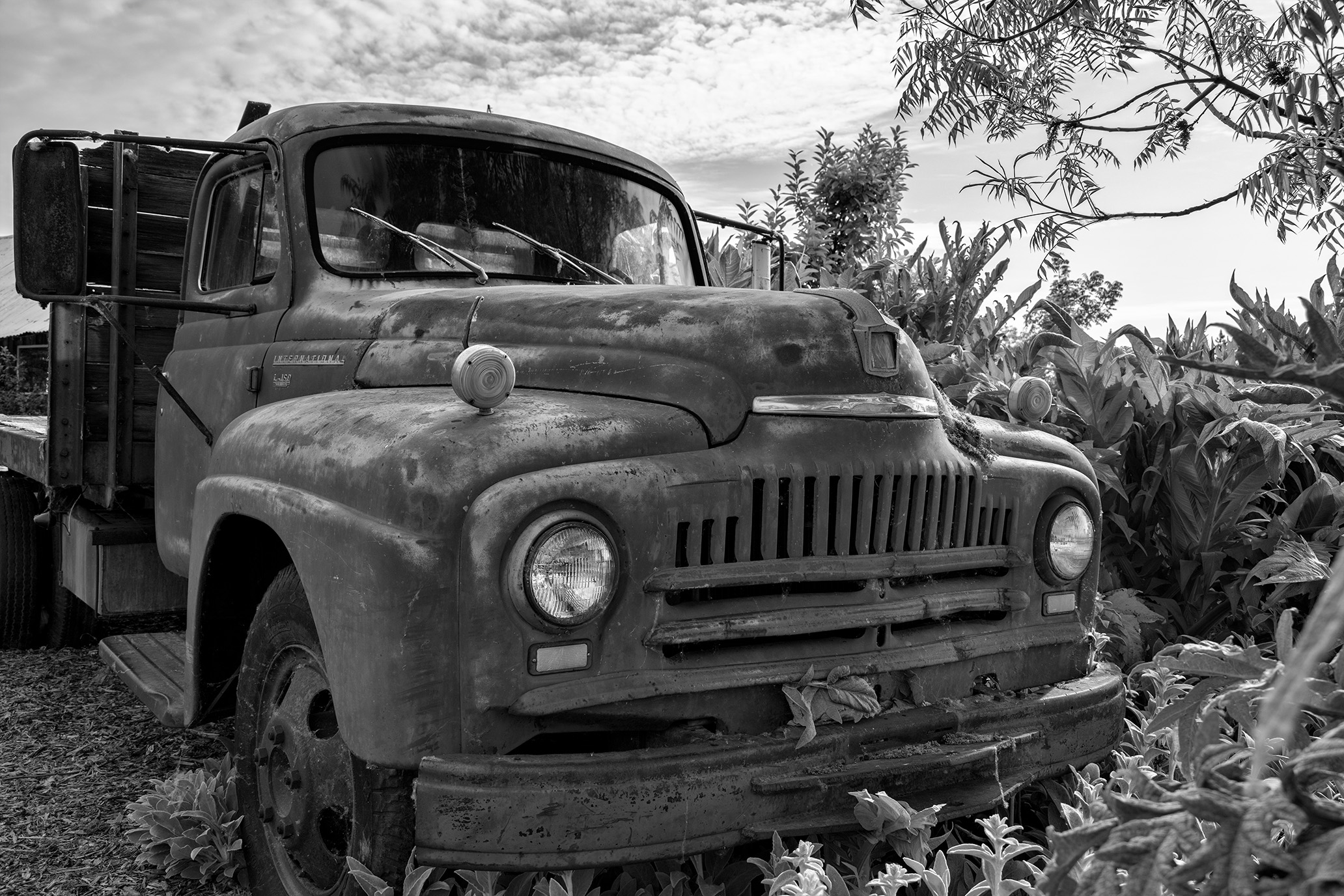
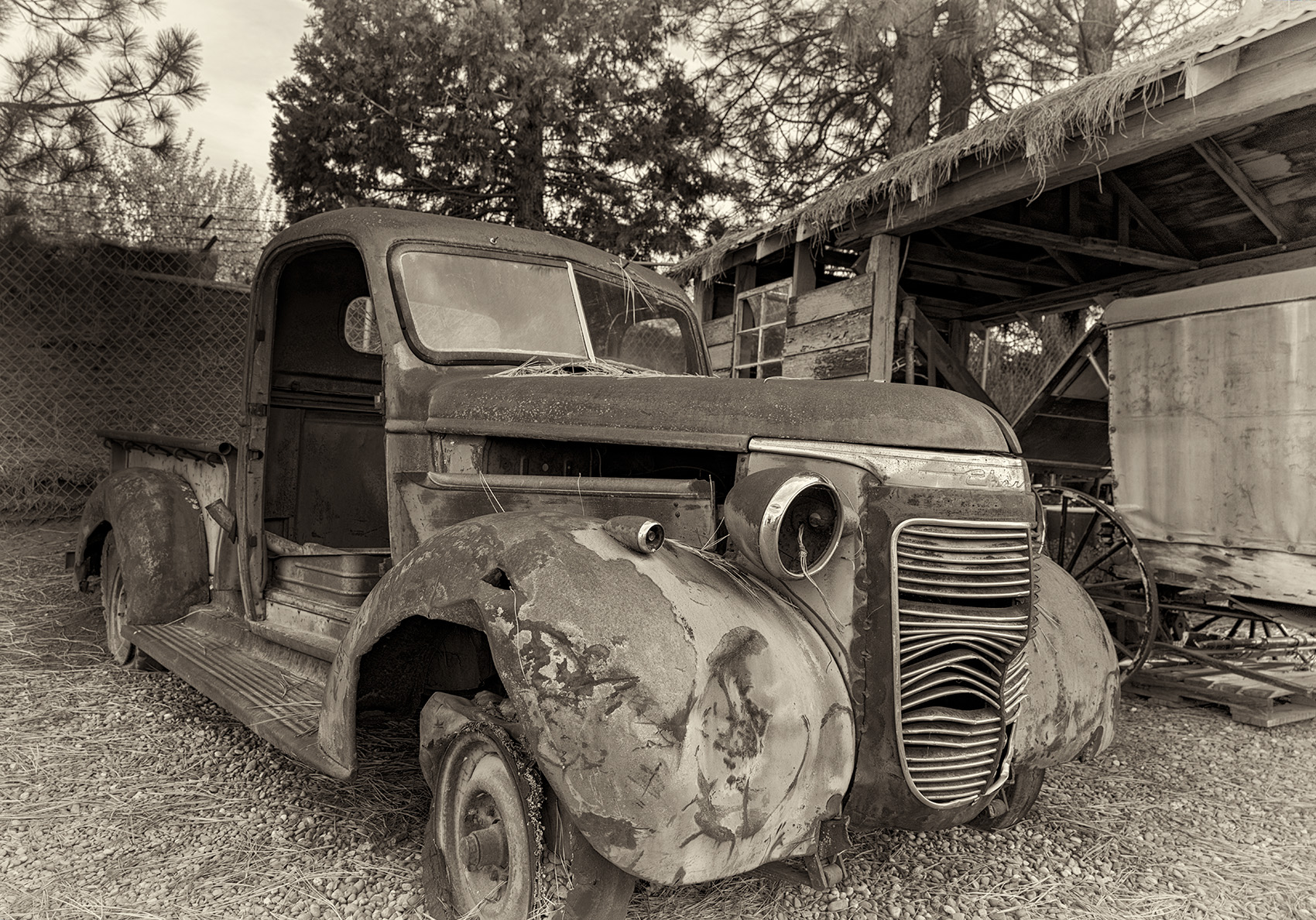
Cindy, your love of old things really shows in this image! What a find for a great monochrome image. I prefer the monochrome image because, as others have commented, the flag in the color version is distracting. I think the rust color on the dashboard area is also a bit oversaturated for me. But I really like the blurred effect outside the windows in the color version. The b&w version really highlights the textures and I really like the light on the seat cushion area. Very nice image of an old truck! |
Aug 12th |
| 50 |
Aug 22 |
Comment |
Hi Chuck, I like how you have captured this gentleman waiting to see the doctor. I think his hand on his face only makes it feel as though he is deep in thought or anxious or not wanting to be there. You really captured alot of detail and tell a story here. As far as whether this is monochrome or not....it seems to be a combination so not sure how this would be seen in competition or any other submission with requirements. The genetleman's clothes, the chairs, and some of the background are b&w, yet there is color on his cap bill, skin, floor and chair. Seems to be a creative combination which makes it that much more interesting! I am curious what others think too. Nice image. |
Aug 12th |
| 50 |
Aug 22 |
Comment |
Lorna, I like how you captured this scene and the name you gave it! I can really see the perspective of how large the window is. You also captured the people in very natural positions/setting. The radiator behind them leads the eye into the window and the city behind them. The monochrome works well with the tones and you edited this very nicely to bring out the detail. Very nice image. |
Aug 12th |
| 50 |
Aug 22 |
Reply |
Thank you, Chuck. |
Aug 12th |
| 50 |
Aug 22 |
Reply |
Thank you, Lorna, for your comments. |
Aug 12th |
4 comments - 4 replies for Group 50
|
9 comments - 14 replies Total
|