|
| Group |
Round |
C/R |
Comment |
Date |
Image |
| 3 |
Jul 21 |
Reply |
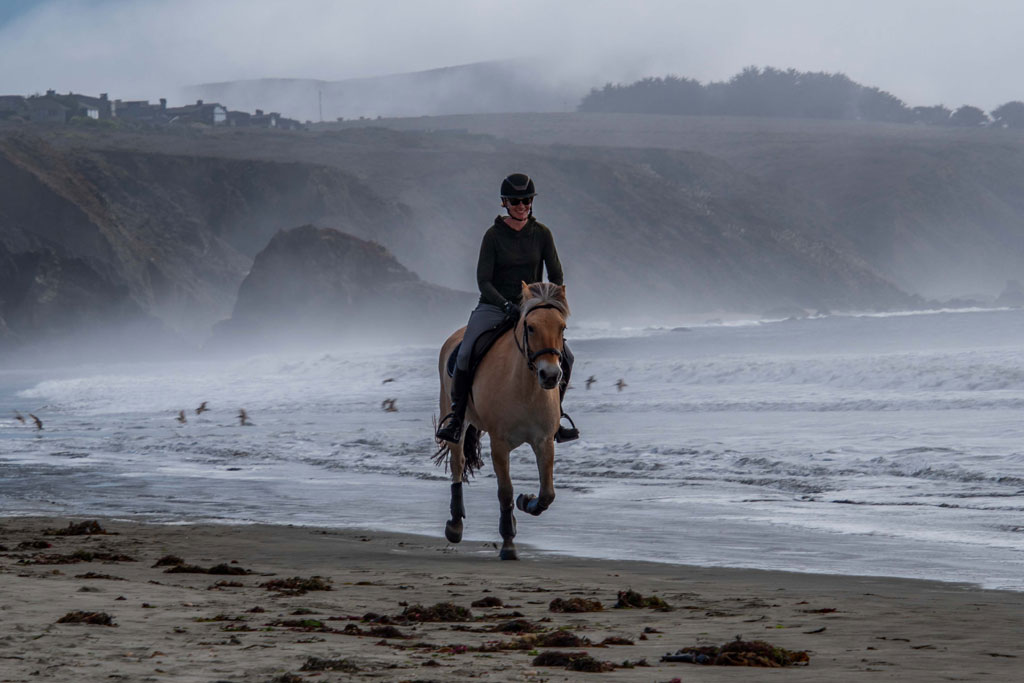
What I learned to do panning is to use the shutter speed that corresponds to your focal length....for example, if you are at 24mm you would use a shutter speed of about 1/125 and you adjust the aperture for the exposure. And the trick is to track the moving object at the same speed it is traveling on continuous. I learned this in a class from a Youtube video called "5 Easy in Camera Effects for 2019 - without Props" by Pierre Lambert. It near the end of the video and he calls it tracking. I used it for my class assignment and it worked pretty well. It is something I would like to practice. |
Jul 23rd |
 |
| 3 |
Jul 21 |
Reply |
Hi Michael,
Yes, I found it worth it for me. I had been using Photoshop Elements so I did have some knowledge. It has helped me quite a bit. And I now have the lessons to reference. Let me know if you sign up and what you think. |
Jul 16th |
| 3 |
Jul 21 |
Reply |
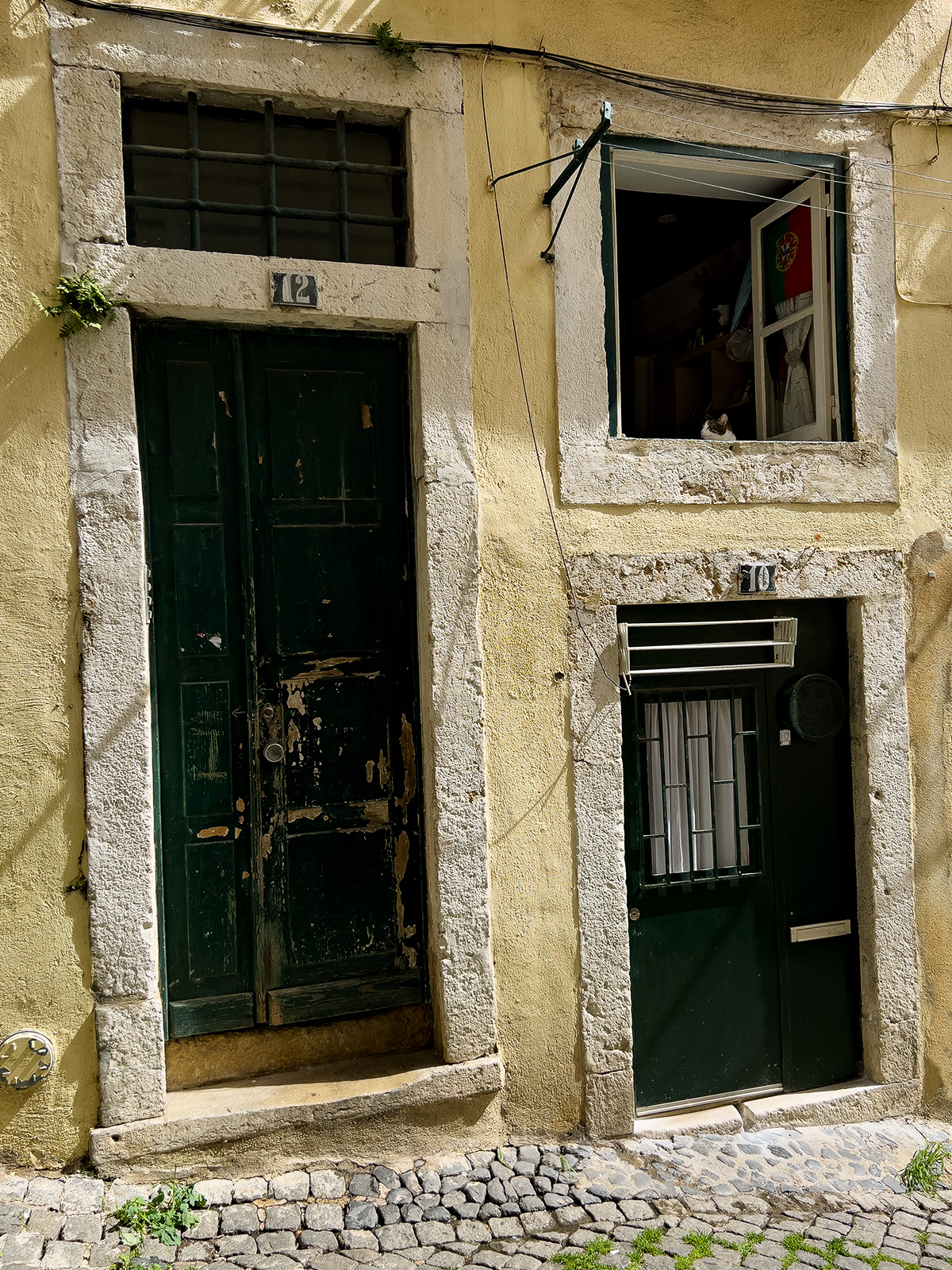
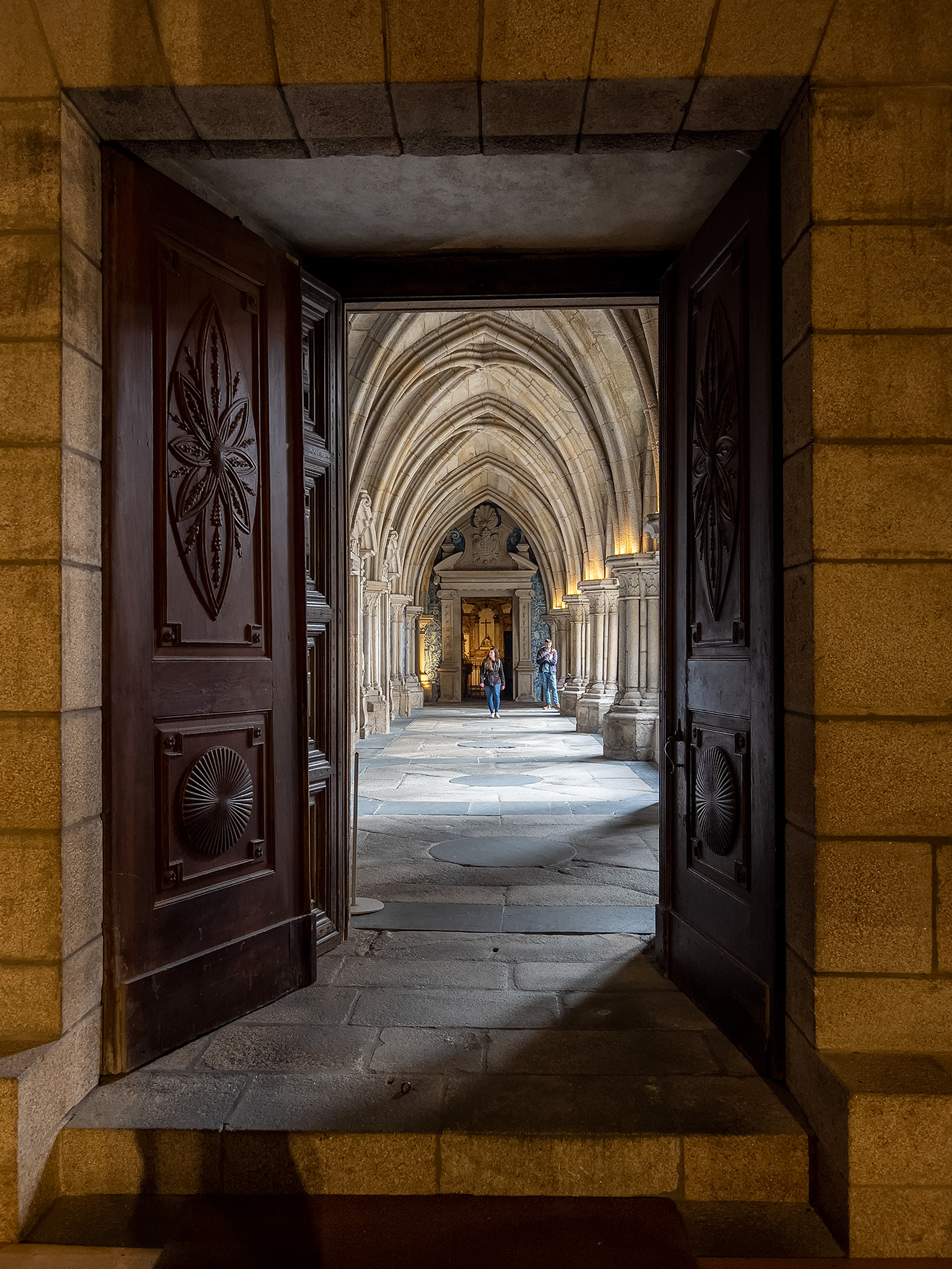
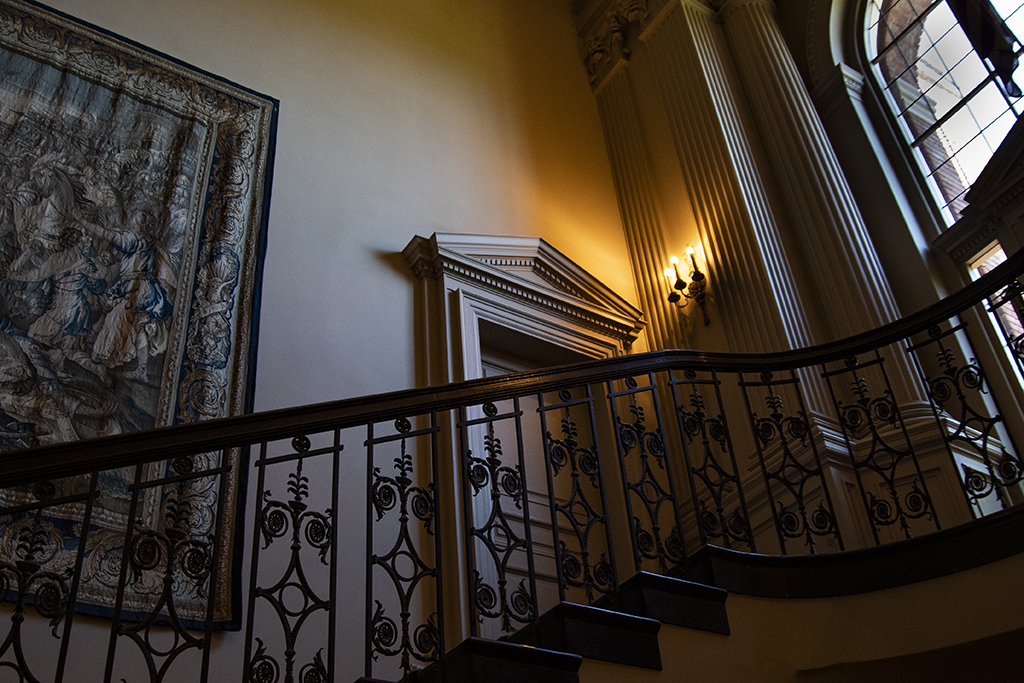
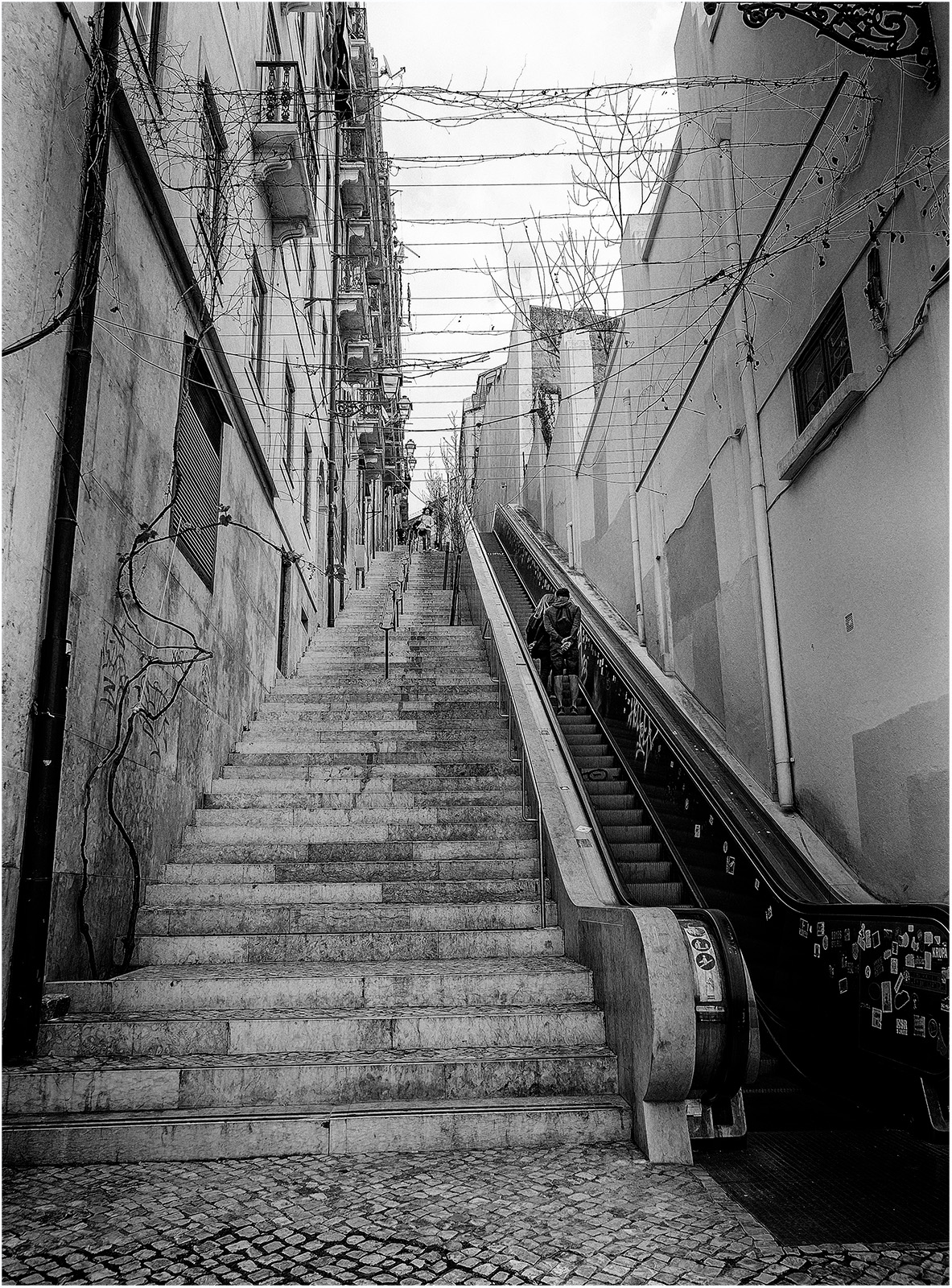
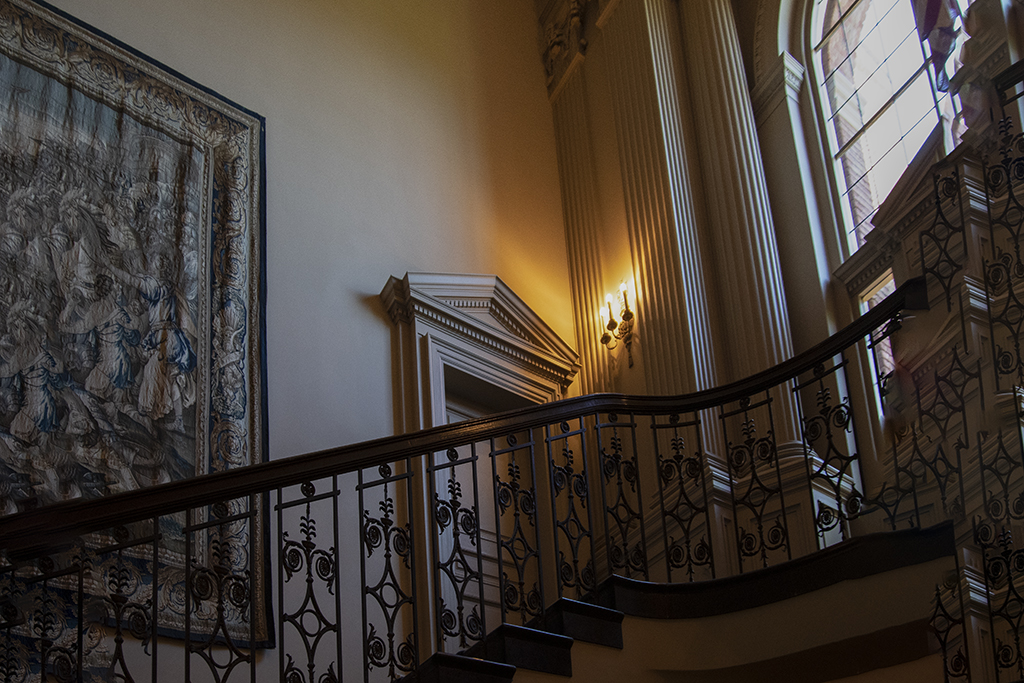
LuAnn, I watched the video and edited my photo as it went along.....what a difference! I had some issue with the content aware fill on the right side by the window but I just wanted to show you what it can do. I was surprised the content aware fill worked perfectly with the tapestry and railing. I will have to work on the window side. Thank you....this is a great option. |
Jul 13th |
 |
| 3 |
Jul 21 |
Reply |
I agree with Randolph...you should enter this image in competition! |
Jul 11th |
| 3 |
Jul 21 |
Reply |
Michael, Thank you for doing this....I, too, have the Nik collection and went into it and was able to duplicate your edit. It does work to straighten the image. I tried different options within the filter and it was amazing what is available. I do miss having the window in the image but next time, I need to think through my shot at the outset! |
Jul 11th |
| 3 |
Jul 21 |
Comment |
Michael, Yes, you are right. I wasn't prepared to shoot indoors. We had visited the gardens where I did most of my photos that day. When we went inside I challenged myself to get some shots with the indoor lighting. I didn't realize about tilt-shift lenses for architectural photography nor had I used the perspective warp tool in Photoshop! So, this was a great learning experience for me...thank you! |
Jul 8th |
| 3 |
Jul 21 |
Comment |
Hi Randolph, this is a fun image! I, too, am curious about the editing you used. I agree that the distractions can be taken out. I also thought if you could get more of the pool in front of the jacuzzi, that might be a fun perspective. |
Jul 6th |
| 3 |
Jul 21 |
Comment |
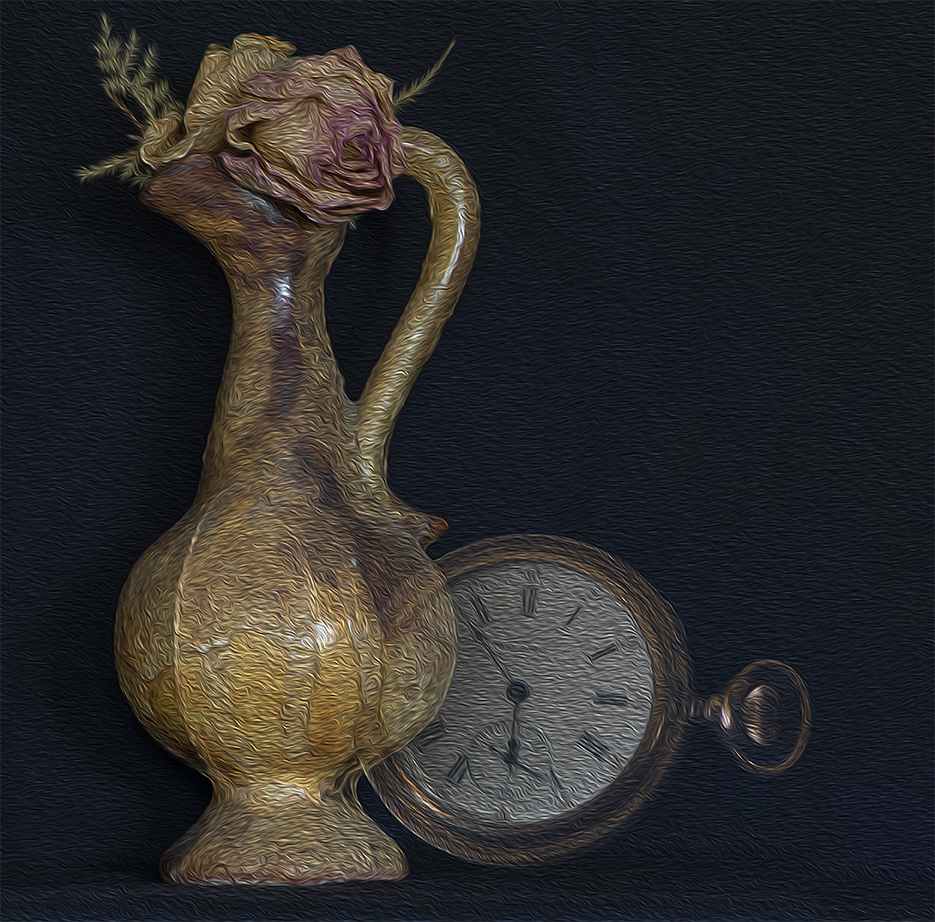
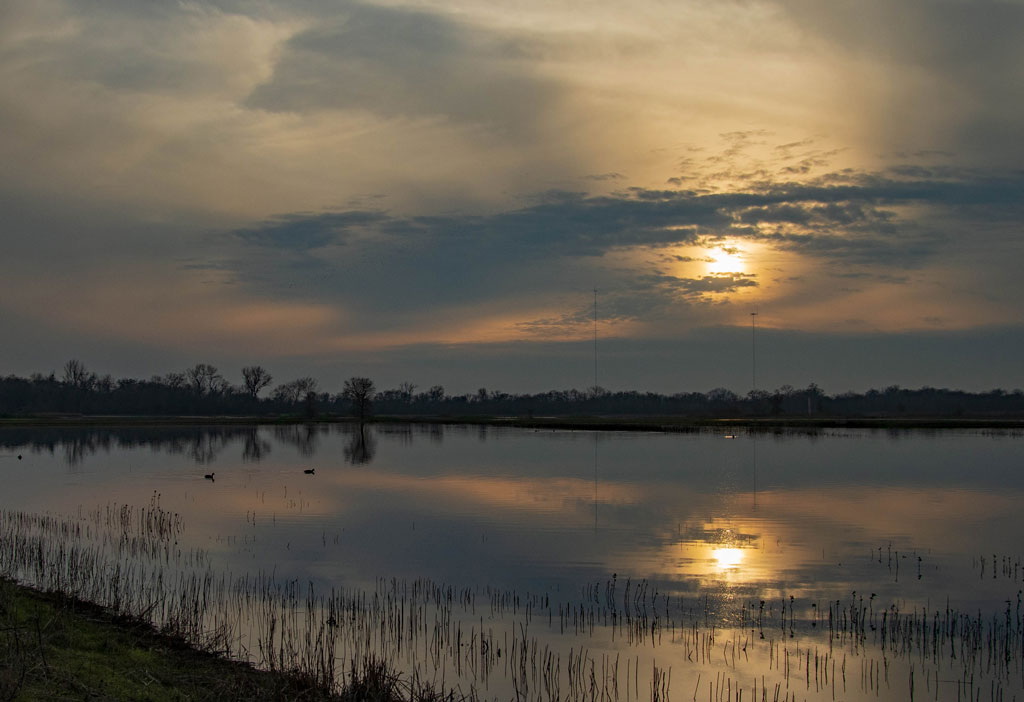
Hi Michael, This is a great reflection image with the vibrant colors. I am curious about your edits. It looks like you used a tool to make it look like a painting. Very pretty effect. |
Jul 6th |
| 3 |
Jul 21 |
Comment |
Hi Kieu-Hanh. This is a great photo of motion. I agree with Michael as to taking down the highlights and whites as the my eye tends to focus on the brightest areas. Great capture! |
Jul 6th |
| 3 |
Jul 21 |
Reply |
Hi Michael, So right you are! The window does look like it is about to fall down the stairs. I shot it at 18mm. I went in to Photoshop and used perspective warp tool to straighten the landing/window but have lost some of the tapestry. However, I think the perspective is better. What do you think? |
Jul 6th |
 |
| 3 |
Jul 21 |
Comment |
What a great tribute to the holiday we celebrate! I like how you captured the children in the costumes and their different facial expressions. I thought the children might stand out even more if the brightness on the lower sides of them was taken down a bit and the parking lot line was taken out. I did those edits in Photoshop/Camera Raw to see what you think. |
Jul 4th |
 |
| 3 |
Jul 21 |
Comment |
Ruth, what a great story behind this photo. I really like the blended image as it is very creative and shows the beauty of the wildflowers. It is very sharp and the background you chose really makes the flowers pop. My only thought would be to bring out the purple/blue of the flower on the top as it seems a bit too bright against the light background. This is a beautiful photograph and tells a very compelling story. |
Jul 4th |
| 3 |
Jul 21 |
Comment |
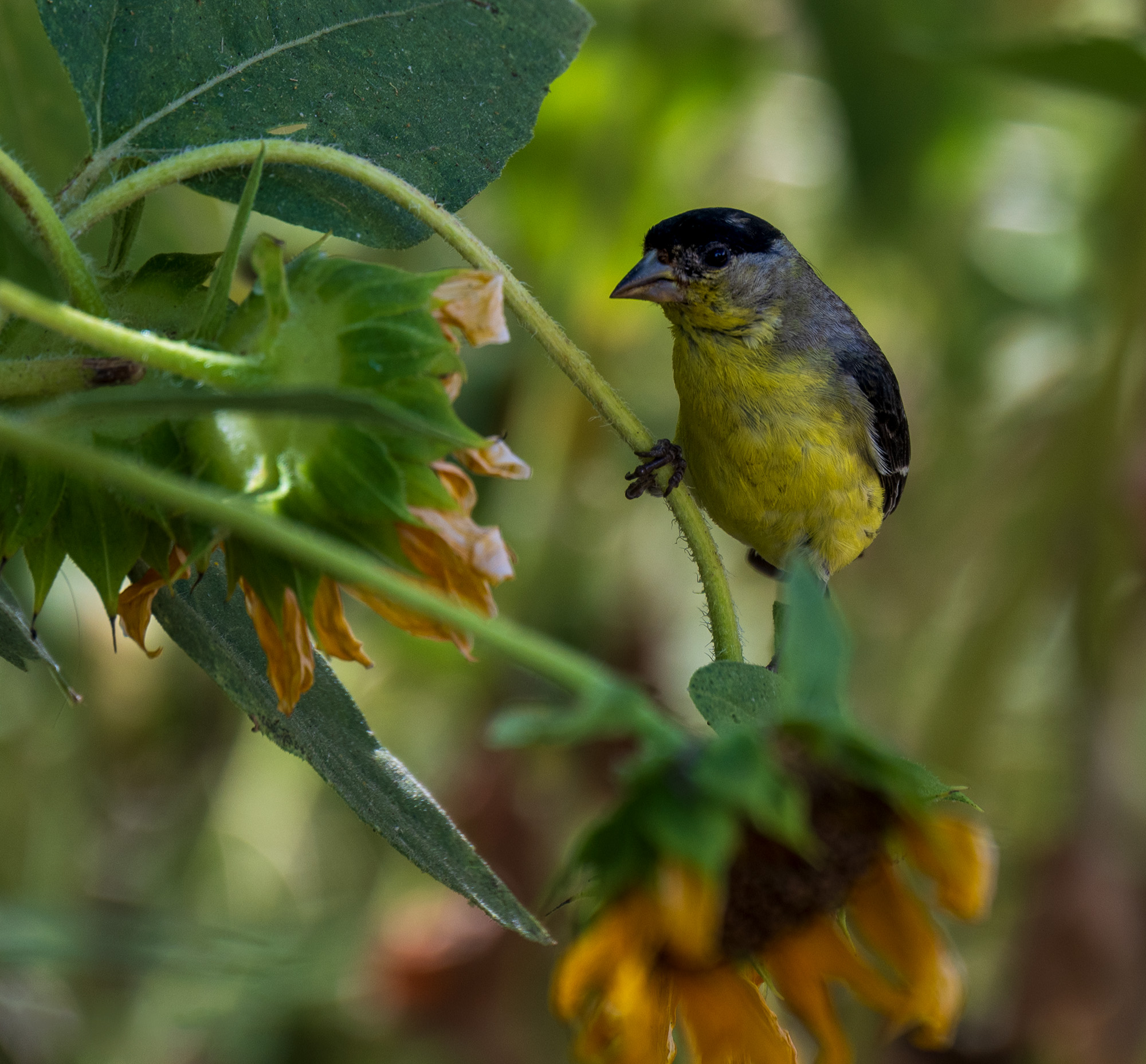
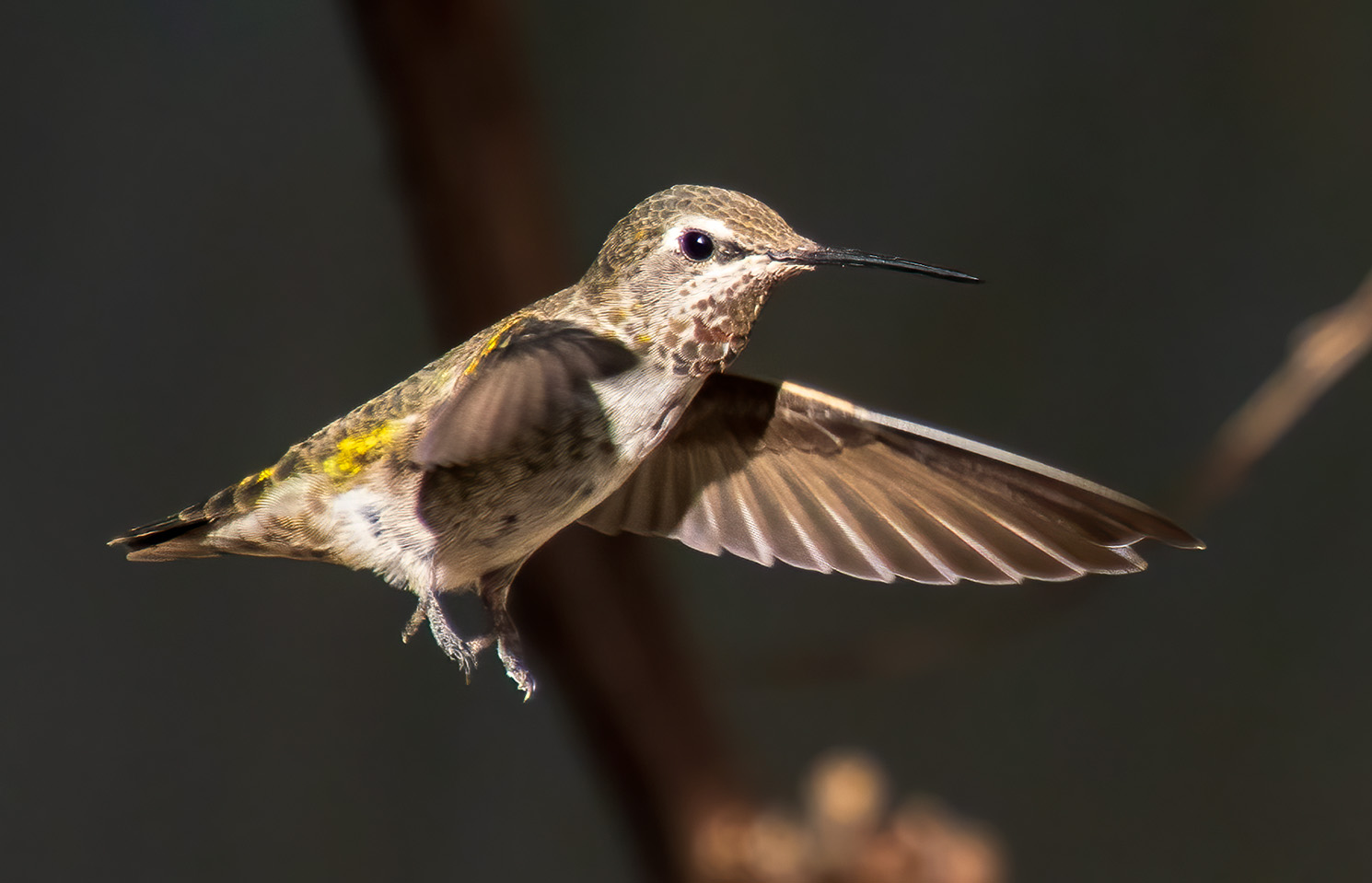
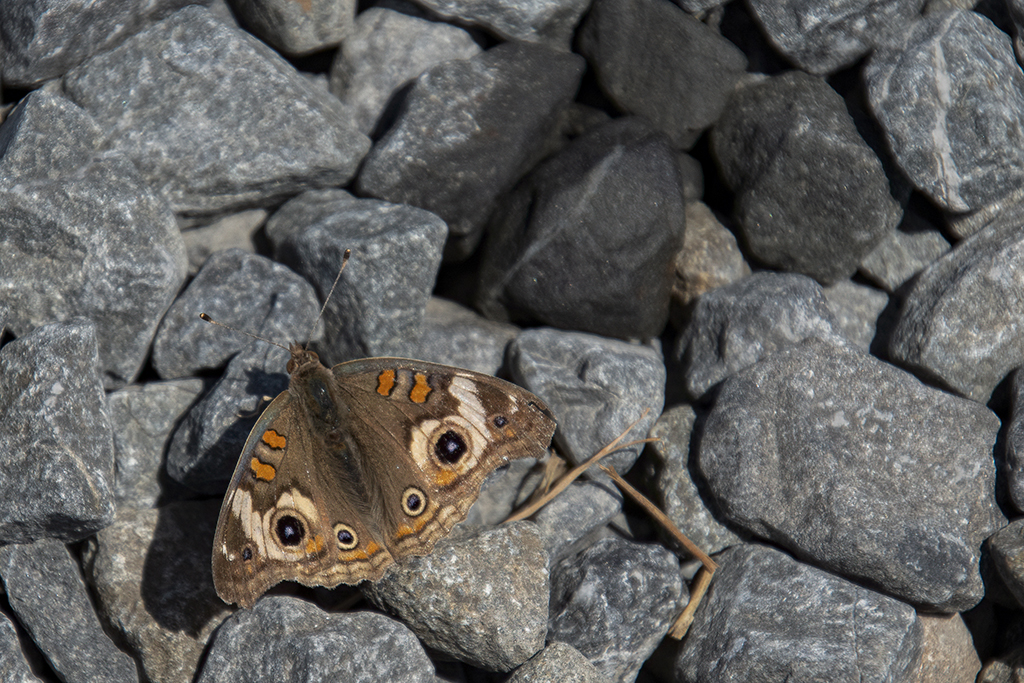
LuAnn, this is a lovely capture! I like the detail, the sharpness and the color contrast between the green leaves and the "little fellow". I also like how you edited out the distraction of the branch and some of the leaves. I do like the background in the original as there is some green in it that pleases my eye. |
Jul 4th |
7 comments - 6 replies for Group 3
|
7 comments - 6 replies Total
|