|
| Group |
Round |
C/R |
Comment |
Date |
Image |
| 60 |
Dec 20 |
Comment |
I'm not sure how to add a thread but I am wondering if there is a way to get a message when new photos are posted? I hadn't realized that three of these had been posted until a comment came in on my photo |
Dec 20th |
| 60 |
Dec 20 |
Comment |
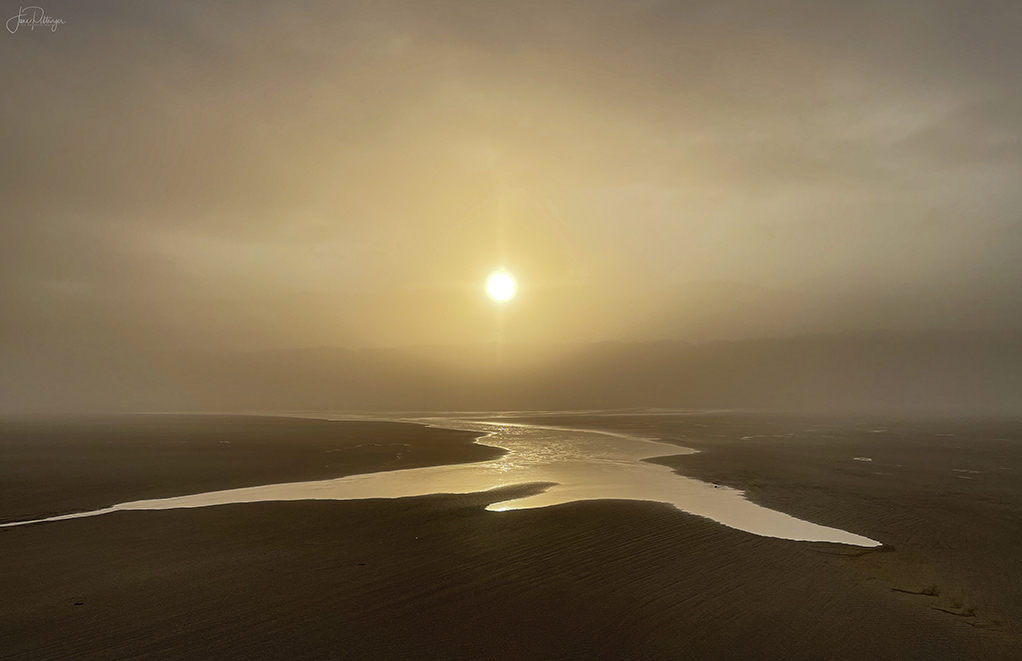
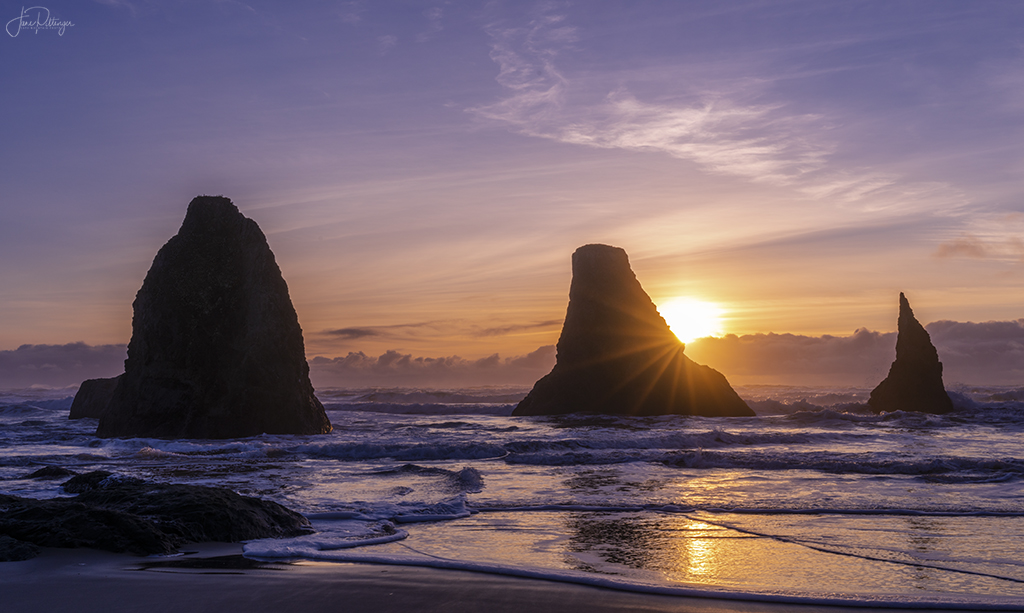
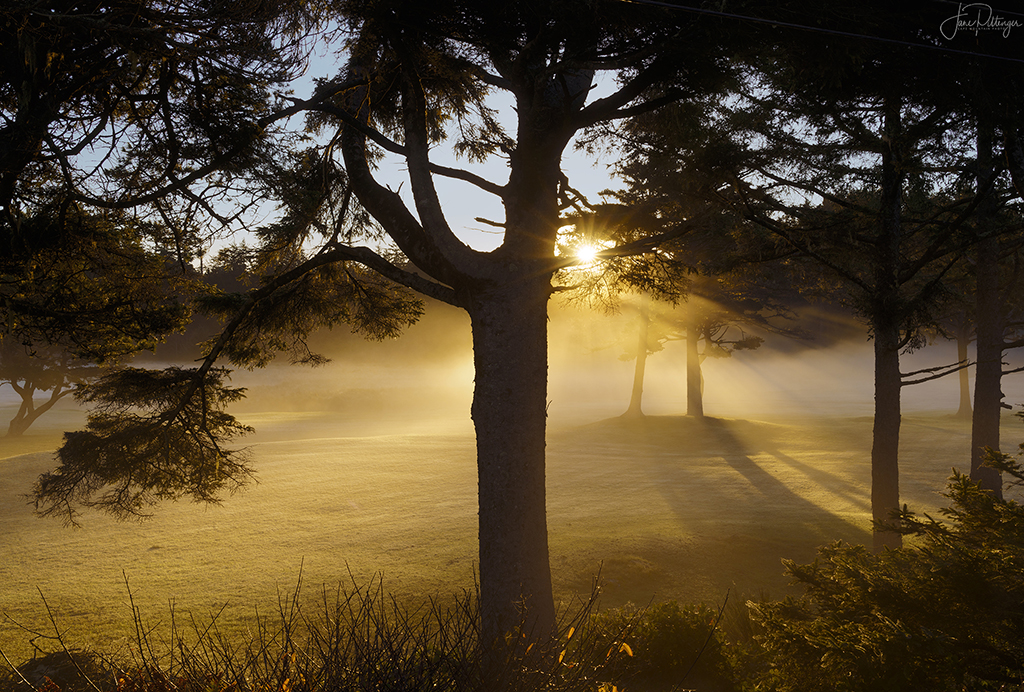
To me this has a powerful melancholy feel to it...sad to be leaving the Coast feeling! I really like the moodiness. I live at the coast and I've seen and taken few that create such a powerful emotion. To me, even though the horizon being so centered isn't perfect, I wouldn't want you to change the sun star. I'm guessing at F 11 you wouldn't have gotten such a good star. Did you add a vignette? It looks like it in all four corners. If so, I would make it slightly less dark. If not you may have gotten some vignetting from the variable polarizing filter. I know I often have that happen when I have the lens at the wide end of focal distance |
Dec 20th |
| 60 |
Dec 20 |
Comment |
I love the colors especially on the trees and the wet and reflecting path leading in is delightful. To me, it is too busy with everything so sharp. My eye doesn't know whether the background trees or the grass and leaves on trail is where my attention should be. I wonder re decreasing the clarity and sharpness on the foreground letting the trees be the stars of the show. The sky and its reflection are fine with me. I find forest scenes ever so hard to compose but I think this works well |
Dec 20th |
| 60 |
Dec 20 |
Comment |
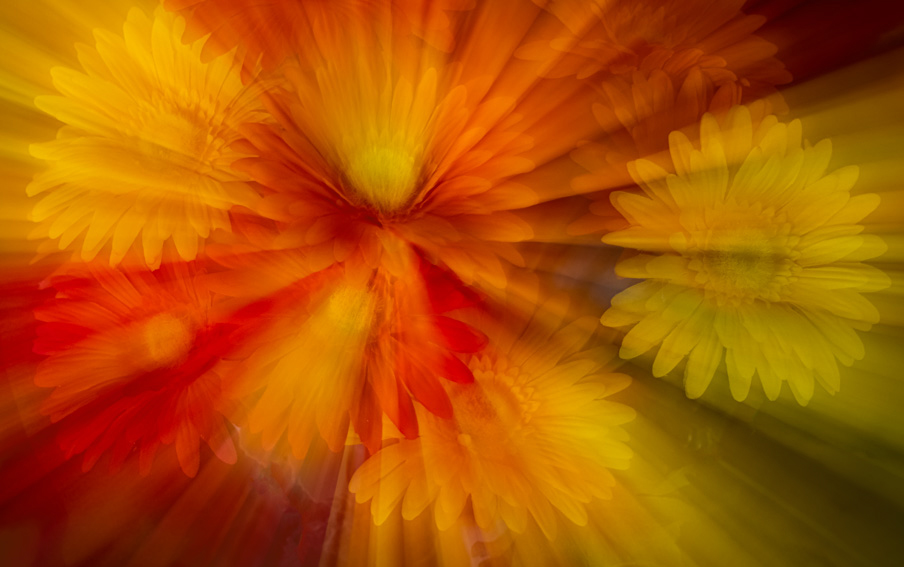
I haven't done a lot of it but I like that you got just enough in focus with the blur adding drama. The colors are delightful. I cropped a bit off left and bottom so there is more symmetry between the daisy edges all four sides. I also made a dark luminosity mask and a solid color layer to make the lower right edge not so distractingly dark. I love the creativity you bring to the group. |
Dec 20th |
 |
| 60 |
Dec 20 |
Reply |
Thanks. very interesting crop and I think I may take another look at the sky cause I like the original crop better |
Dec 20th |
| 60 |
Dec 20 |
Reply |
What is the individual photography course? |
Dec 15th |
| 60 |
Dec 20 |
Reply |
Lol! I darkened it a little and added some blue. Ill try darkening more. Thanks |
Dec 15th |
| 60 |
Dec 20 |
Reply |
I took about 10 shots. I had few options for view points d/t power wires and private property |
Dec 8th |
| 60 |
Dec 20 |
Comment |
You wouldn't want to hear re color grading...not until you decide to use your PS. I'm looking re your comment re left side of tree...didn't want to choke the branches on main tree and I like the one leaning in from left back...not so much the branch top left but way too hard to clone out |
Dec 6th |
| 60 |
Dec 20 |
Comment |
I would really nudge you to take on PS. You have such a sharp and thoughtful mind. You'll never regret it. If you go to F 64 academy and look at his 30 days of photoshop course it would give you a big boost. I may have overdone the denoising but you can see what I was talking about |
Dec 6th |
 |
| 60 |
Dec 20 |
Comment |
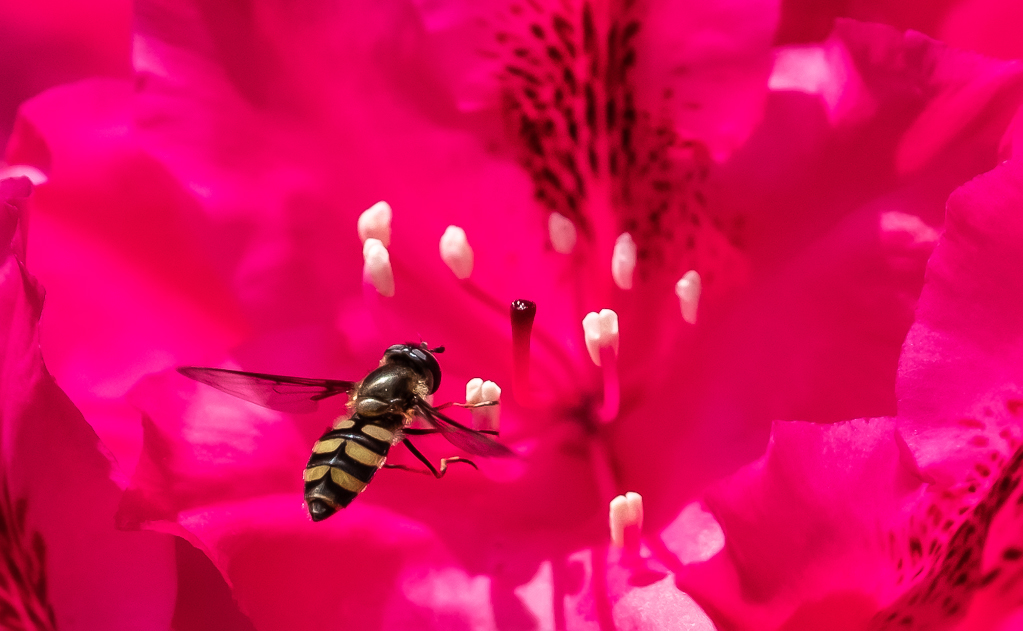
He is adorable and nice job with catching him in flight. I love the little white stamen almost seeming like lights in an airport letting plane know where to land. I love your choice of crop. Re the noise...what would you think re copying the layer and doing more noise reduction on it and then making mask so hoverfly doesn't get the noise reduction on it? |
Dec 6th |
| 60 |
Dec 20 |
Comment |
Nice job with the exposure. I always find whites hard. And the beautiful unusual lily is tack sharp. Well done. It's always tricky to know where to crop with so many leaves. I find the leaf top left leaf that gets cut off distracting. I wonder if a vignette would help take the eye off of that and back to the lily? I think the dof works well too |
Dec 6th |
8 comments - 4 replies for Group 60
|
8 comments - 4 replies Total
|