|
| Group |
Round |
C/R |
Comment |
Date |
Image |
| 94 |
Jan 21 |
Reply |
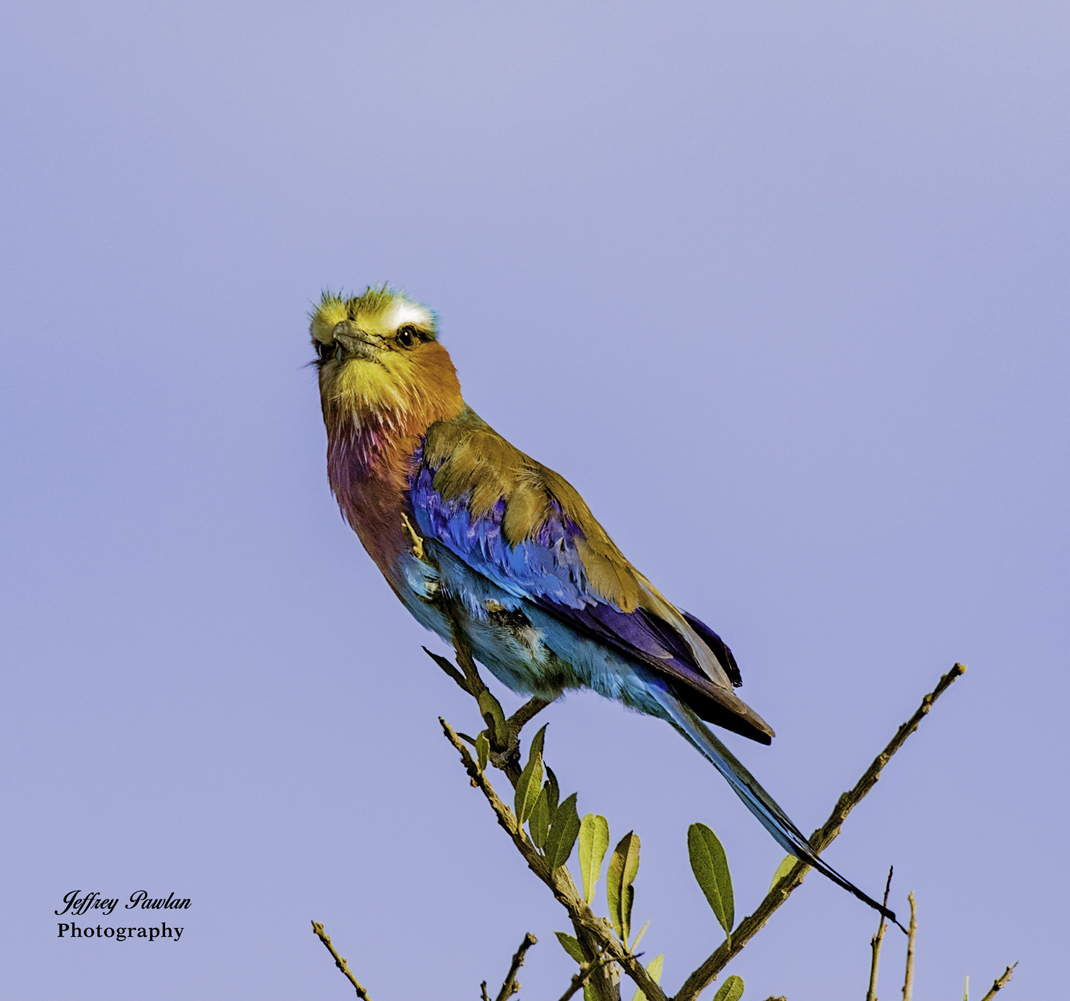
I like this photo and I also agree that the sky is distracting where the clouds intersect the bird. In a real PSA or NANPA competition it would do well as it tells a story.
I suggest using PS to clone the blue of the sky and cover the clouds. I do not care for the grey or white background of the Luminar variants. Blue will be much better. Just keep it undersaturated.
|
Jan 5th |
0 comments - 1 reply for Group 94
|
| 97 |
Jan 21 |
Reply |
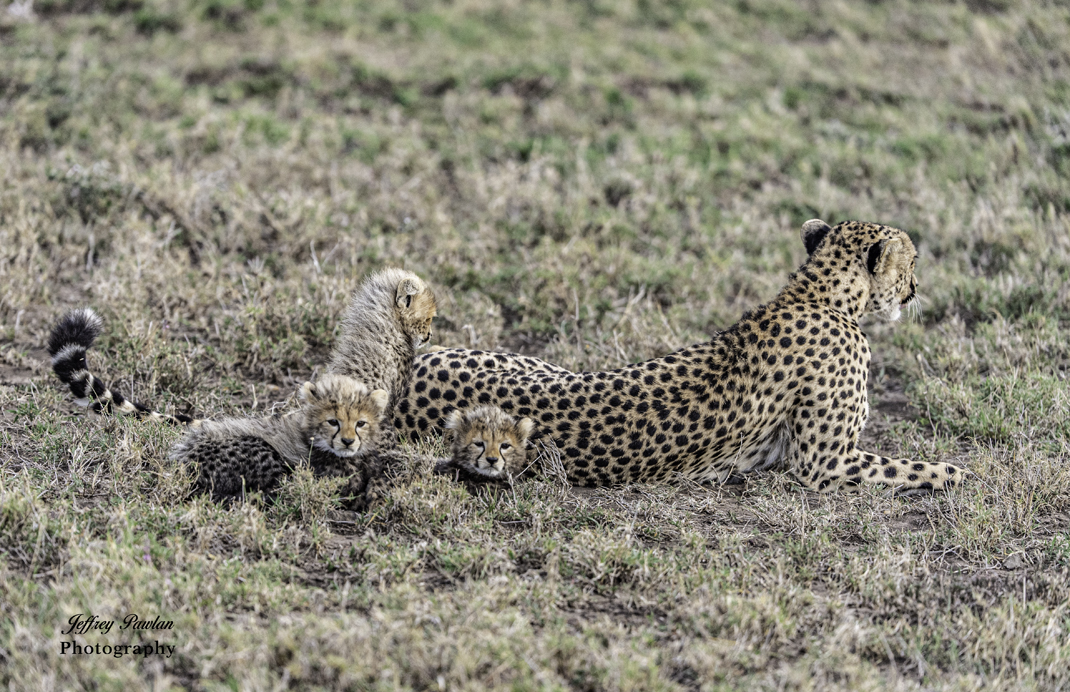
I tried to lighten the eyes but it does not look natural. Their eyes are dark and being in the sunlight she was avoiding looking into the sun.
I tried to lighten the background. I need to learn more about how to do this without ruining the color and contrast. The dodge and burn tools in PS do a very bad thing to the colors so I do not recommend them. |
Jan 19th |
| 97 |
Jan 21 |
Comment |
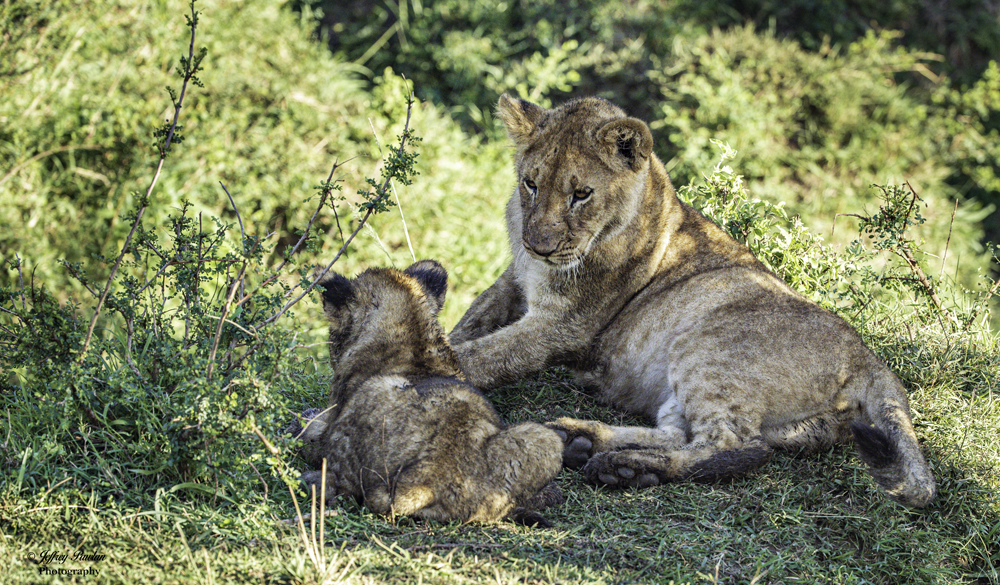
Here is my brand new edit. I have changed the crop and adjusted brightness. This is also a higher resolution image so you should not see pixelation. |
Jan 18th |
 |
| 97 |
Jan 21 |
Comment |
I am very experienced at using PS to make my final images. I was overly aggressive about meeting the annoying 1MB limitation and I inadvertently made my final size 409KB. I will come closer to 1MB next time. Can you get them to cut us some slack about the 1MB limit?
Regarding cropping, I see your perspective about moving the mother lion to the side. Unfortunately the bush then becomes distracting and almost takes centerstage.
|
Jan 11th |
| 97 |
Jan 21 |
Reply |
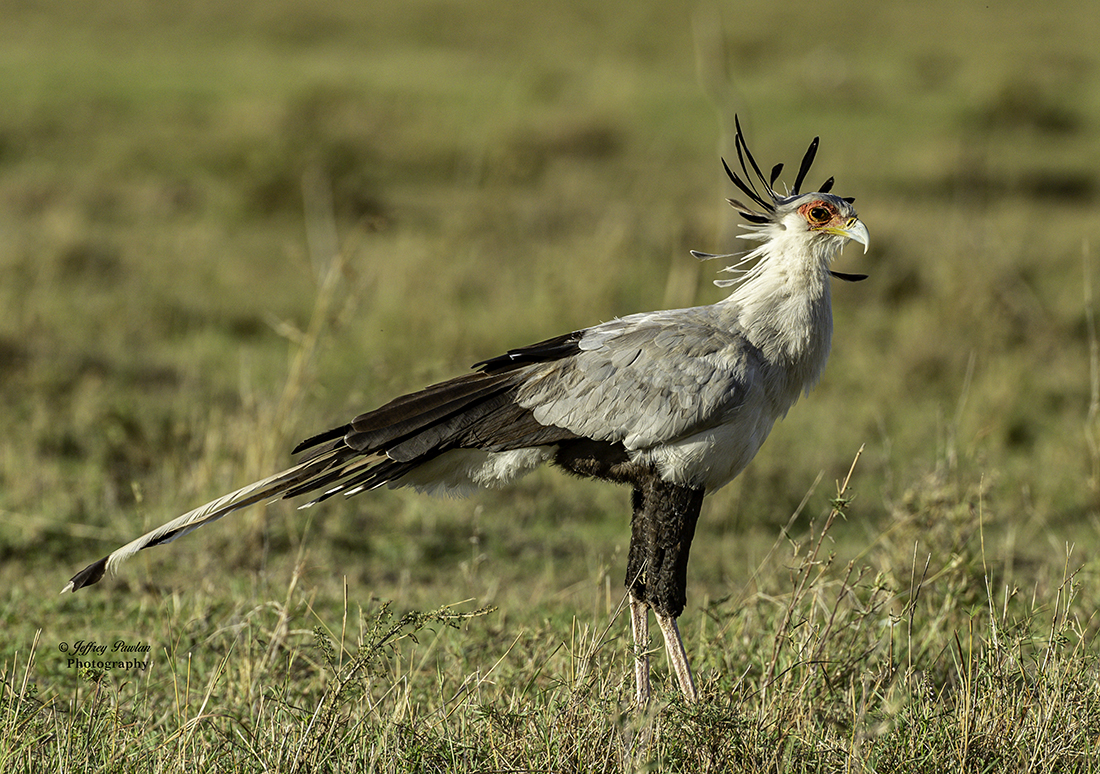
That is nice. Perhaps next time you will find one where you can look down on it. Then the symmetry of the wings will be visible.
|
Jan 9th |
| 97 |
Jan 21 |
Reply |
I do not know where to look for the photo you took 4 days later. This one is excellent on its own.
I now see there is more than one company or product called Neat. The one I use is at https://ni.neatvideo.com/overview/what-is-it
The product is specifically a plugin for Photoshop and is named Neat Image Pro plugin. It can do a lot of things but clicking on the "Auto" button after selecting an area in the photo to have it sample the noise really works well.
|
Jan 9th |
| 97 |
Jan 21 |
Comment |
This is an interesting photo but the almost complete darkness on the two sides seem too abrupt for me. Have you tried gradient lighting on each of the two sides?
|
Jan 9th |
| 97 |
Jan 21 |
Comment |
Beautiful scene. I wonder if the dehaze slider in LR would help with the fog? Or perhaps one of the several HDR programs?
|
Jan 9th |
| 97 |
Jan 21 |
Comment |
I agree with the others' comments. At first I thought part of the steps were submerged.
|
Jan 9th |
| 97 |
Jan 21 |
Comment |
Very sharp photo of this dragonfly. I want to see it more clearly. Would you consider zooming into it by cropping tightly around the dragonfly?
|
Jan 9th |
| 97 |
Jan 21 |
Comment |
Dear Sophia,
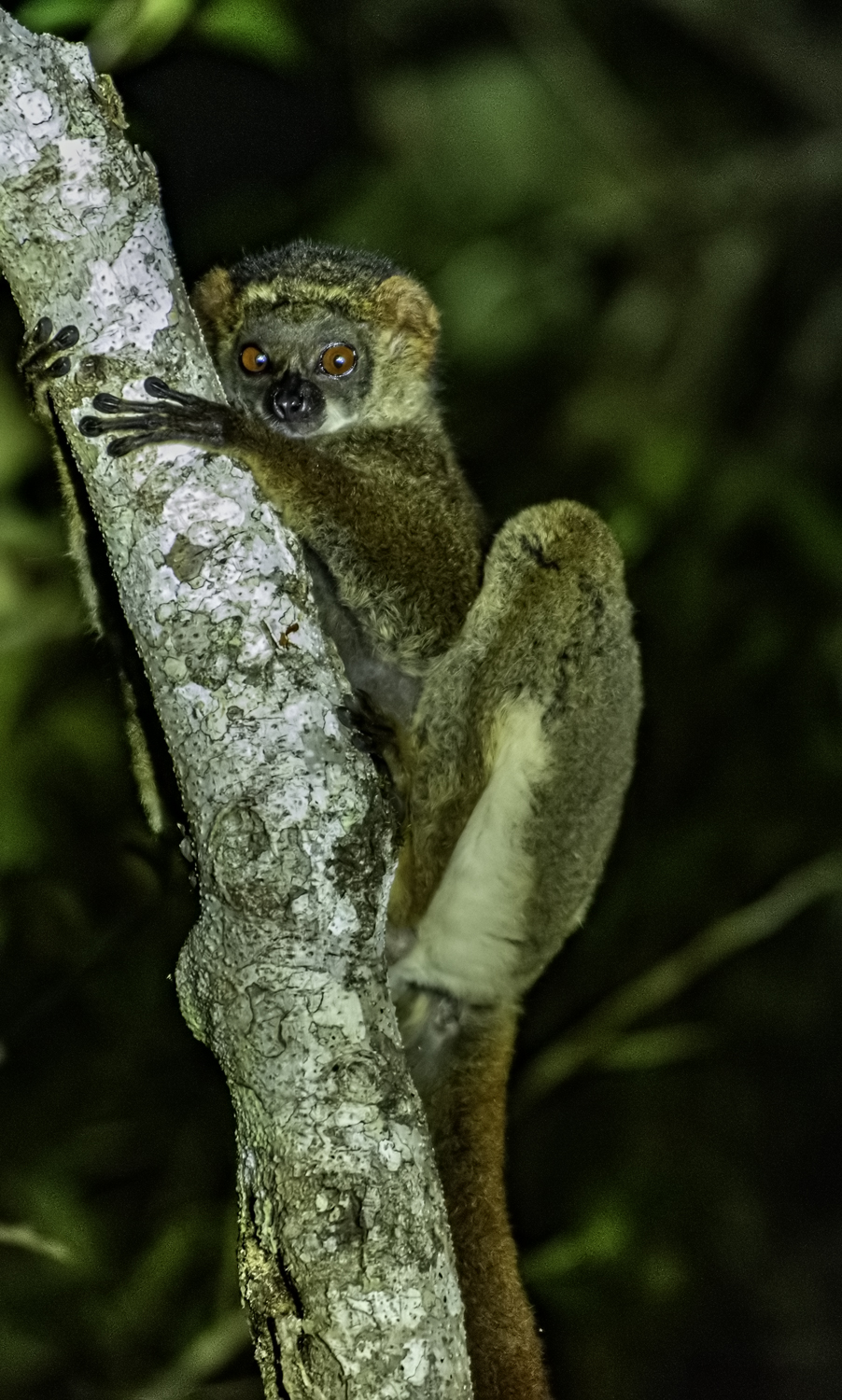
This is absolutely adorable. I almost want to pet it, but of course I would not do that. Your choice of flipping the image right to left is fine but even the original orientation would have worked with cropping and rotating to make him vertical. The exposure is good and your use of the railing to support the lens and camera worked. It is a matter of personal taste; for me I would have cropped the tree more than you did.
I too have a subscription to the complete set of Topaz tools. They frequently update their programs and sometimes the updates are worse. Yesterday I updated Topaz DeNoise and unfortunately it made the noise in a photo I was editing worse than without it. I was very disappointed in Topaz. So I used the program NEAT denoise and it truly worked.
|
Jan 9th |
7 comments - 3 replies for Group 97
|
7 comments - 4 replies Total
|