|
| Group |
Round |
C/R |
Comment |
Date |
Image |
| 78 |
Jul 21 |
Reply |
Thanks Sunil.
My first attempt at ridding myself of that white board was with the clone stamp tool and I made a complete hash of it.
What setting did you use for the Clone Stamp tool? I think that was my issue. |
Jul 2nd |
| 78 |
Jul 21 |
Reply |
Perfect! The detail allows me to sightsee on the way up the driveway towards the church!
Nice work Sunil (just LOVE that tree!) |
Jul 2nd |
| 78 |
Jul 21 |
Reply |
Hi Jason.
My rationale for using the warp tool:
Once I converted the image to B&W the top half of the image was overwhelmingly white. If I cropped off the top, I lost the clouds. So, using Photoshop, I chose Edit/Transform/Warp and squished the top cloud part down on itself. I couldn't go any further as I would have distorted the wires and post.
BTW, I didn't adjust the light on that other door.
Looking at the edit in the light of day, I would have cropped a little more off the left-hand side, to disappear that second door! It was late when I did this and I was a bit too tired I think :) |
Jul 2nd |
| 78 |
Jul 21 |
Comment |
Well, what a challenge!
I loved the colours of the building in the waning light. I tried to get some more texture to interest the eye on the building, without great success. Grunge didn't help either.
So, why not mono?
I converted it to B&W and grunged it up a bit with Photoshop Gradient Map, then used NIK Colour Efex Detail - Extractor, then Warp to squish down the sky to keep the clouds. Then I cleaned up some of the distracting items on the top of the buildings.
Not sure I improved the image though.
|
Jul 2nd |
 |
| 78 |
Jul 21 |
Comment |
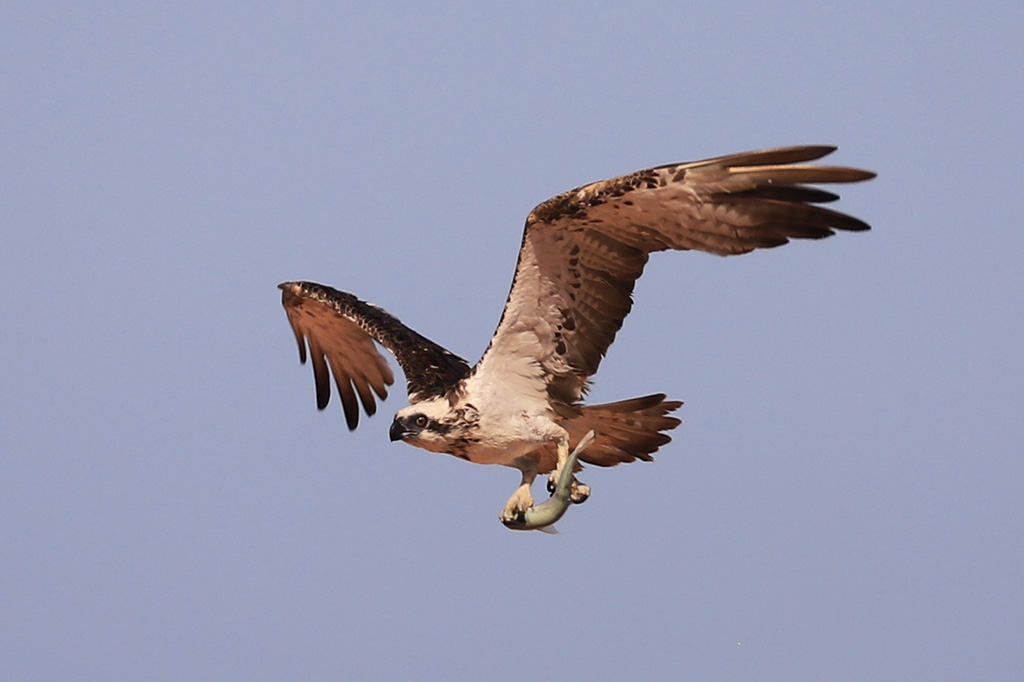
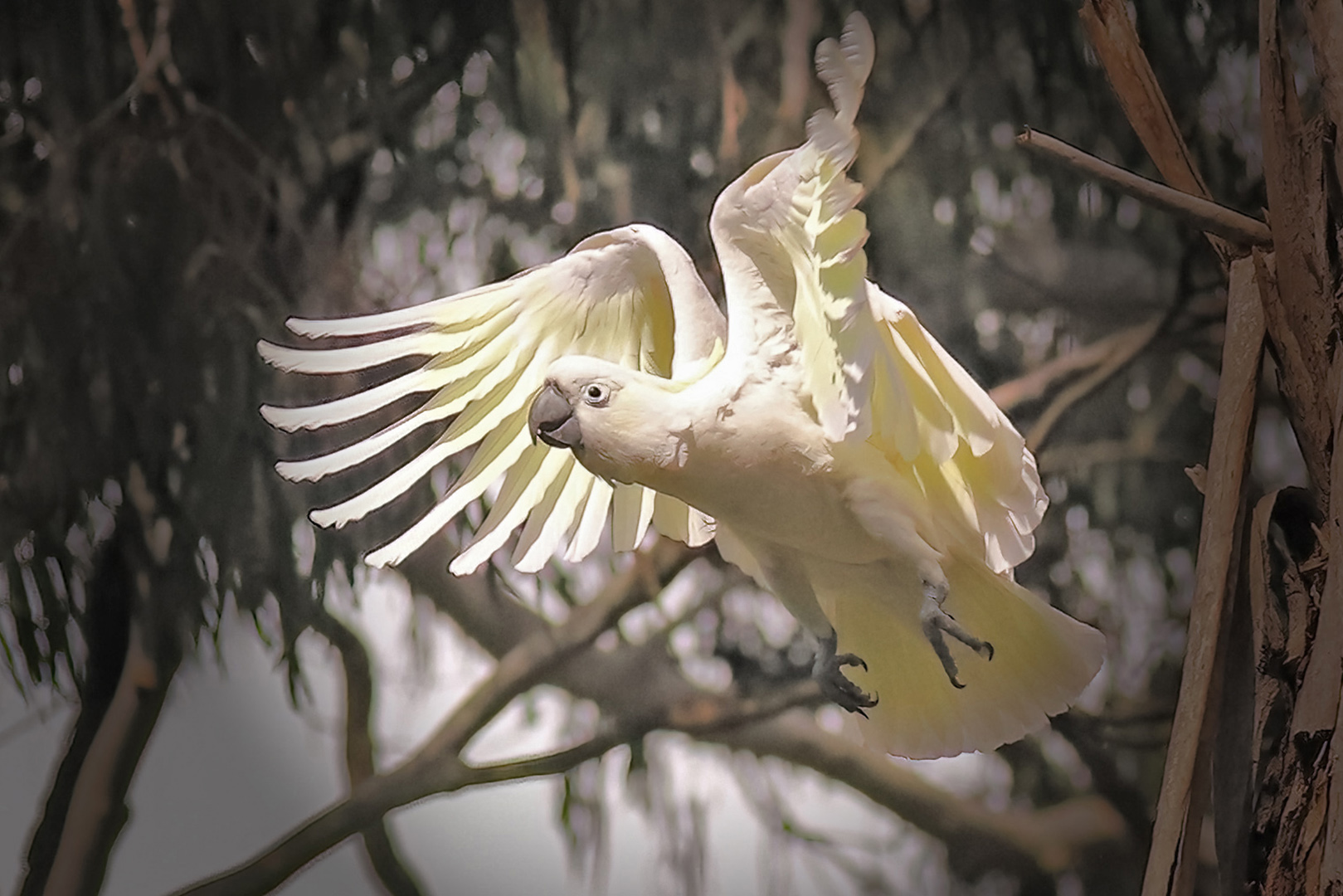
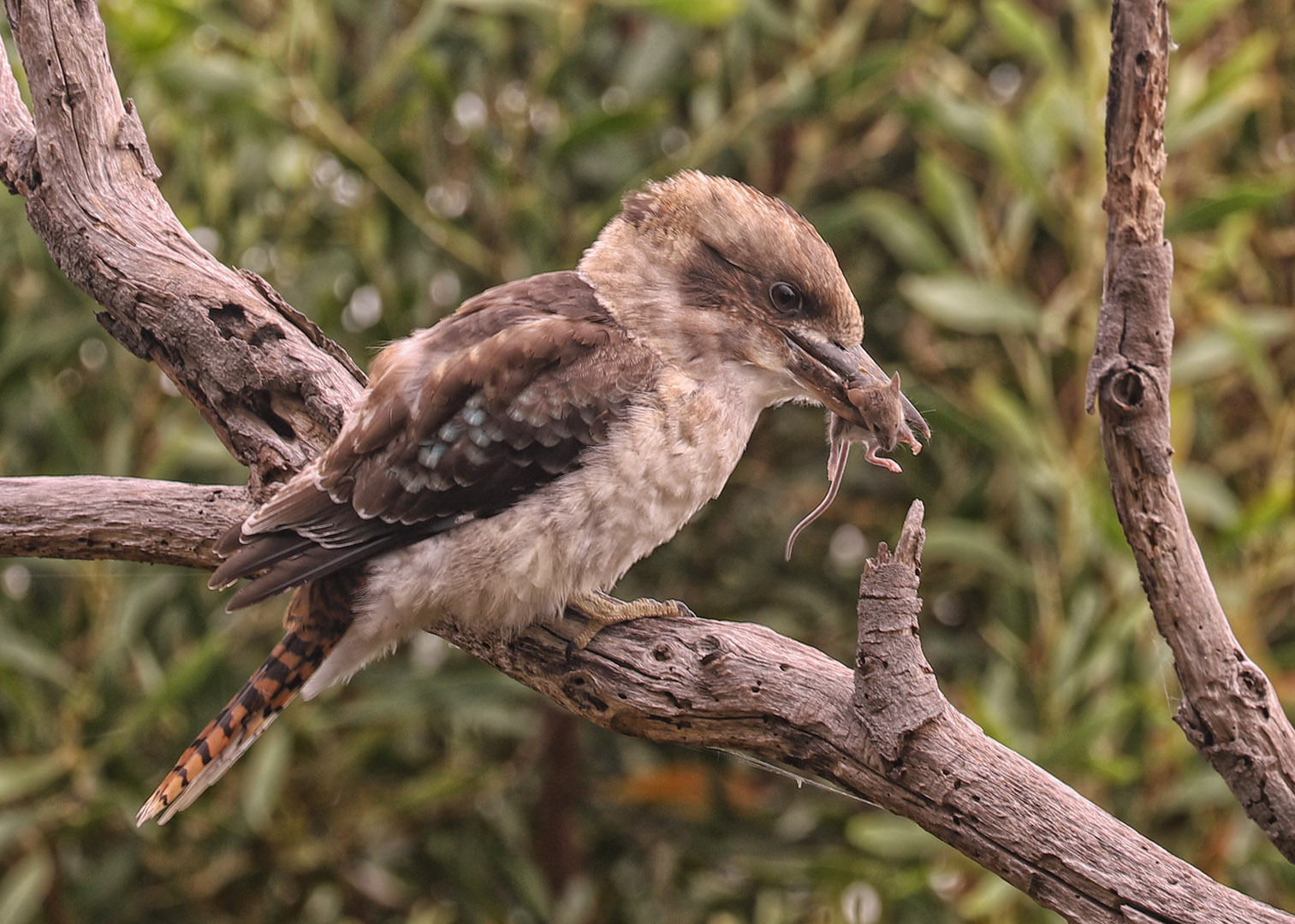
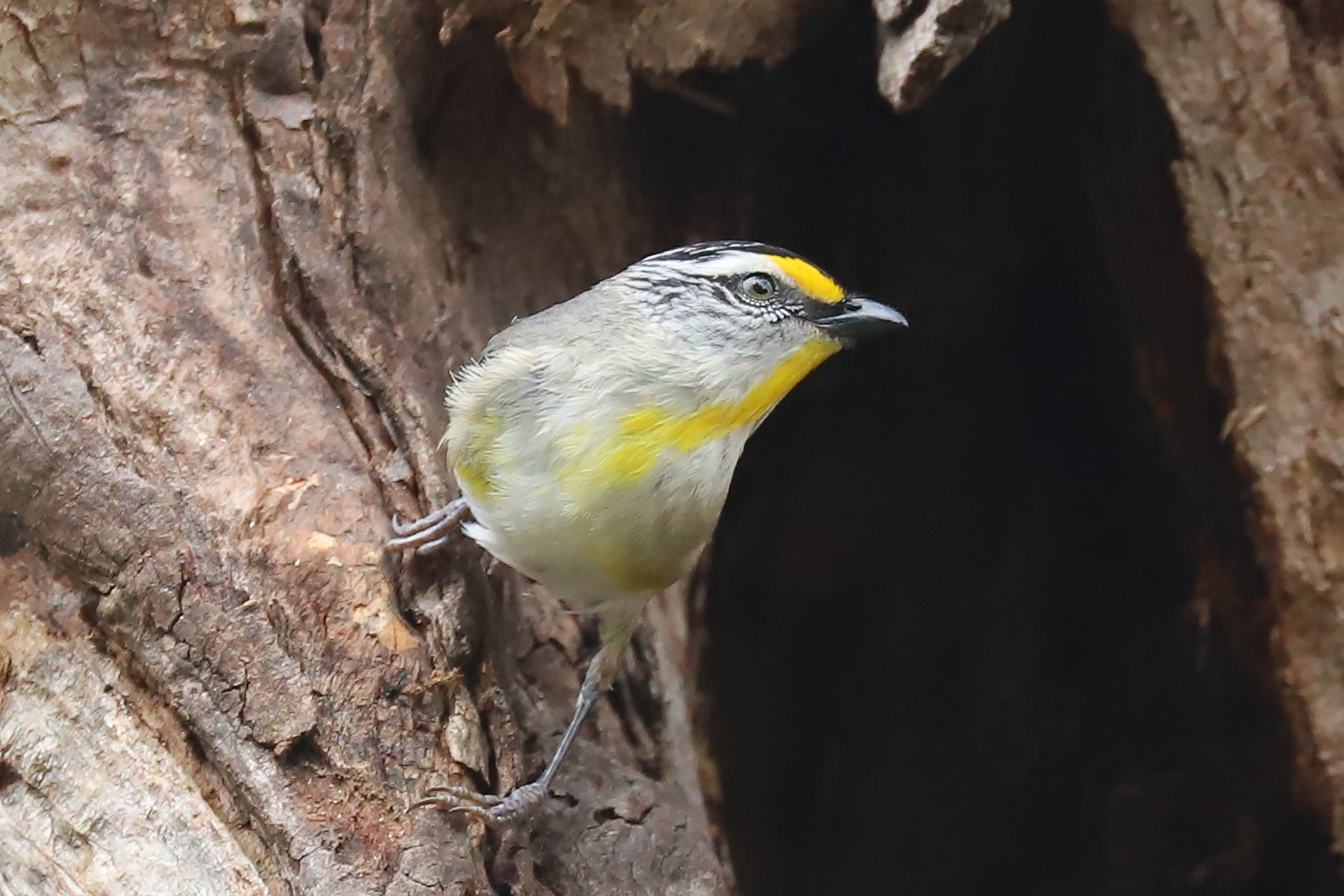
Aren't they beautiful birds?
You've done well in such difficult circumstances.
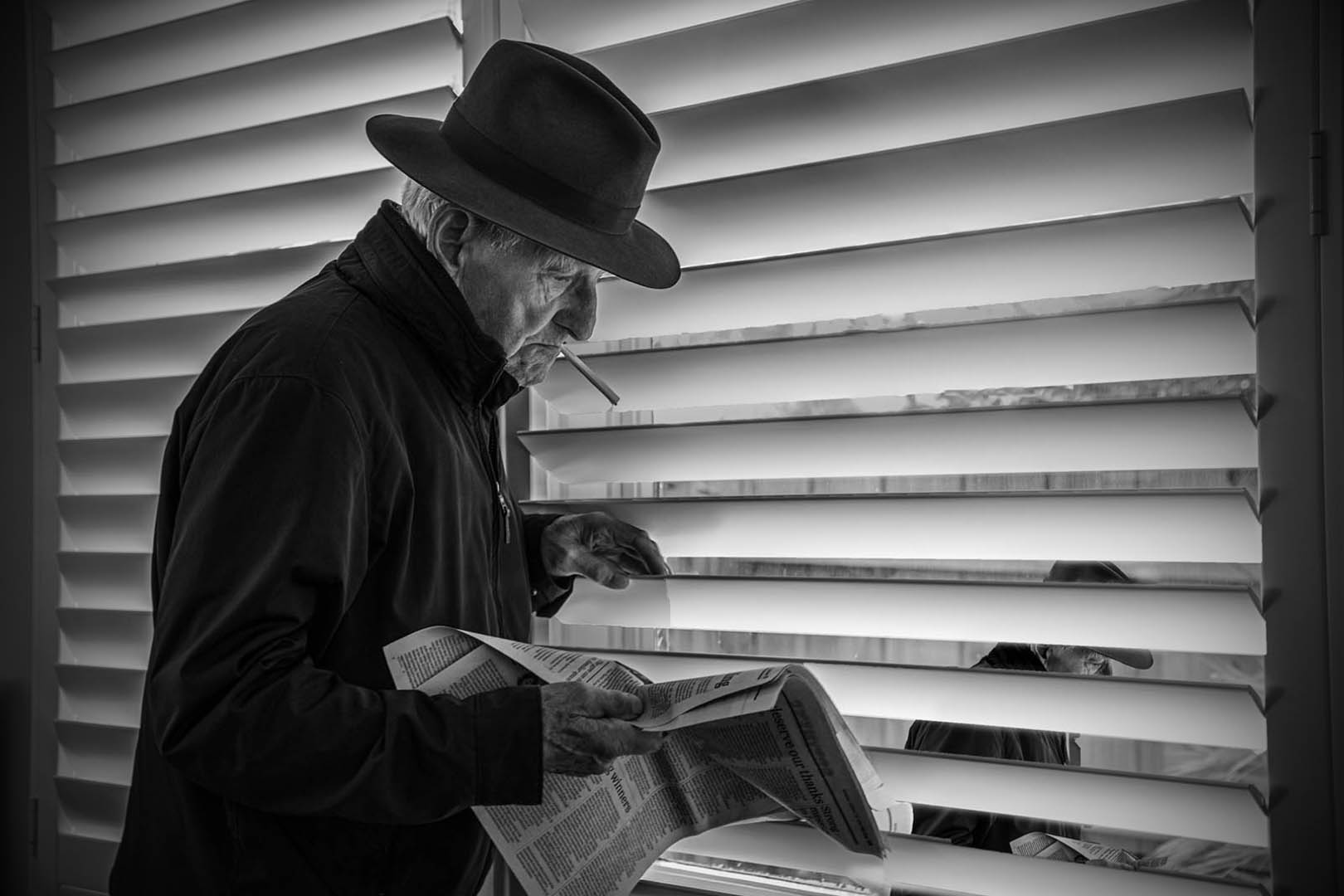
Sometimes I find converting an image to mono when the light is challenging helps. I love the colours in the original, but wondered how it might look in mono.
I have done a very quick, fiddle with Exposure blacks and white in Lightroom, then back into Photoshop adjusting exposure a little, and a light vignette.
Not sure. What do you think?
|
Jul 2nd |
 |
| 78 |
Jul 21 |
Comment |
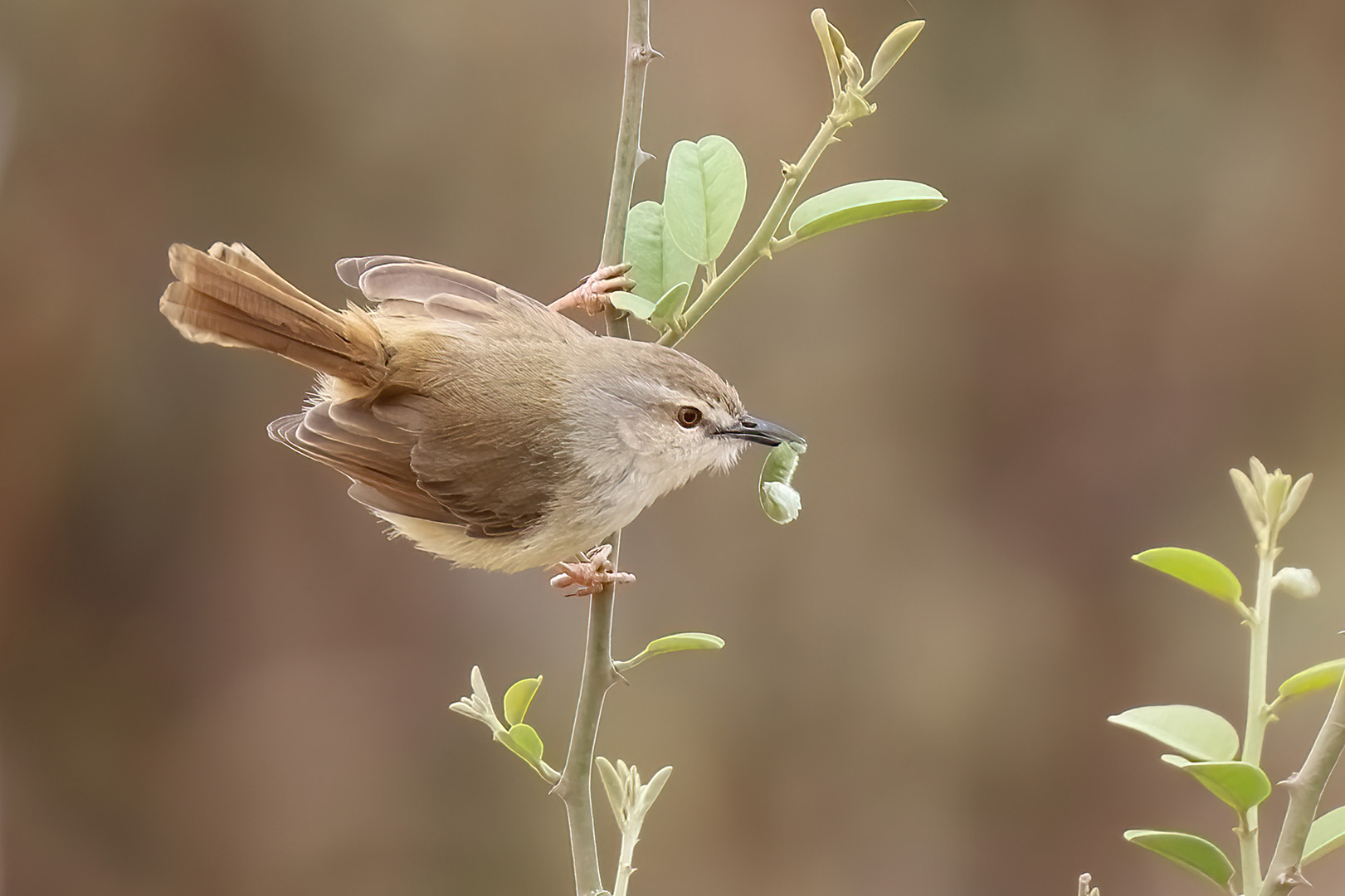
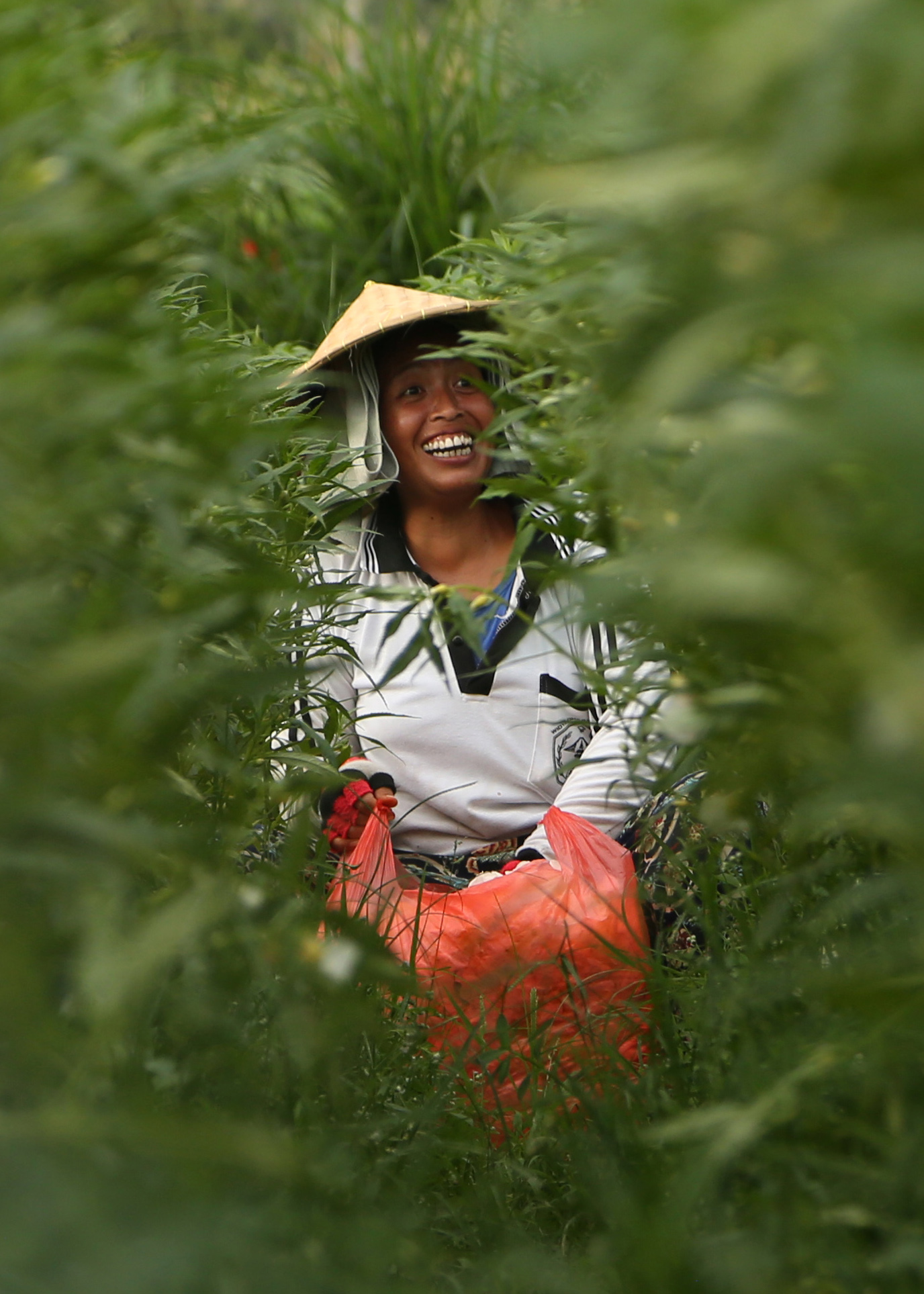
I like both versions of this image Terry, although
I think the mono version conveys a stronger message.
I like the vegetation screen in front of the subject. It works. I might try a few shots like that myself.
Congrats |
Jul 2nd |
| 78 |
Jul 21 |
Comment |
What an extraordinary tree!
I can see why you were captivated.
Mono was a great choice. I like the dark and moody feel to this although, I'd like to see just a little more detail in that front hedge. Lightening the dark areas, just a little, may assist the eye to travel towards the church, as well as fixing on the tree!
Nice work!
|
Jul 2nd |
| 78 |
Jul 21 |
Comment |
Love these turtles Jim. Brilliant move to darken the shells, and heighten the yellows.
The crop improves the image and really brings that first turtle (with attitude) to life.
Nice work
|
Jul 2nd |
| 78 |
Jul 21 |
Comment |
Lovely image Brenda. Wish I was there now, it is cold and winter here.
I like your crop, it really frames up well.
I am not as sure about the Topaz rays.
I like the plain blue sky. It is harmonious with the blue cupolas. There is also some noisy grain in the sky that catches the eye.
|
Jul 2nd |
6 comments - 3 replies for Group 78
|
6 comments - 3 replies Total
|