|
| Group |
Round |
C/R |
Comment |
Date |
Image |
| 78 |
Jul 20 |
Reply |
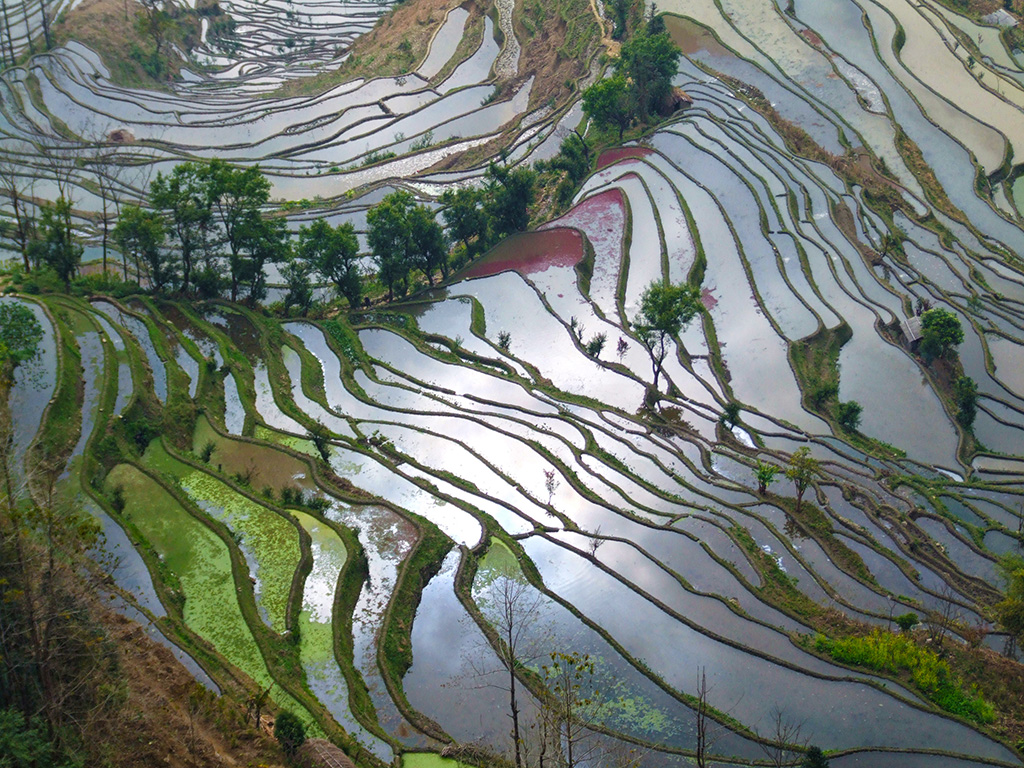
Hi Jason, thanks for all those hints. I liked the 5 X 7 clue. I will need to sit down and do some homework and play with Lightroom! |
Jul 30th |
| 78 |
Jul 20 |
Reply |
Hi Jim, thanks for your feedback. Been a bit absent for a week or so, and have just found your comment. Much appreciated. Hopefully, I will find more time to comment over the coming months. |
Jul 30th |
| 78 |
Jul 20 |
Reply |
Hi Jack, thank you for your feedback. I appreciate that you took the time to drop in from another group and give me your opinion of the shot. |
Jul 30th |
| 78 |
Jul 20 |
Comment |
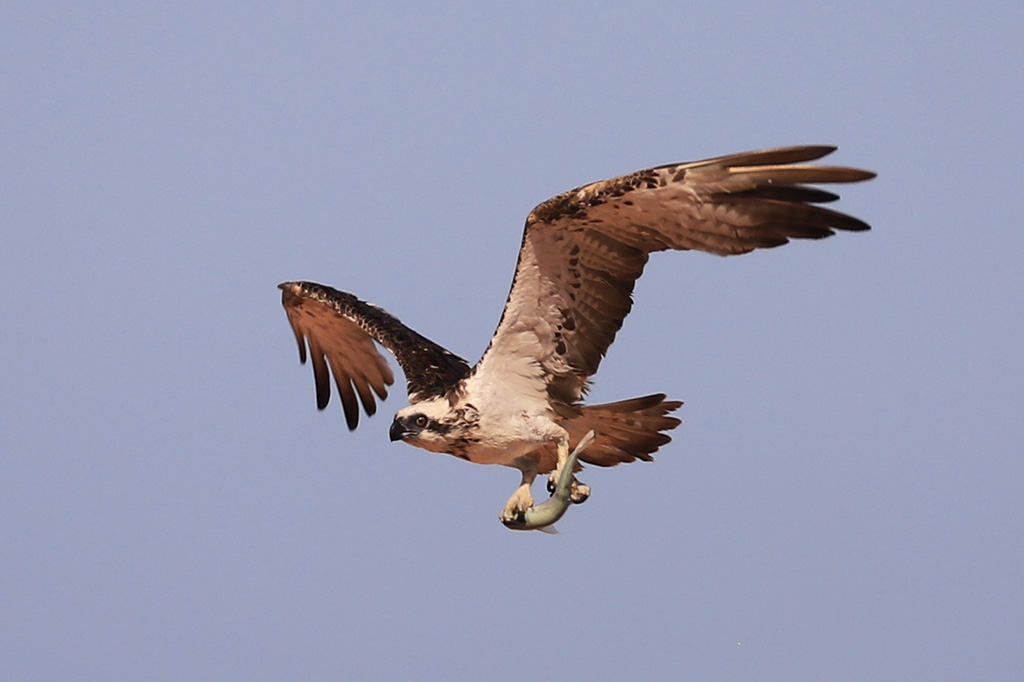
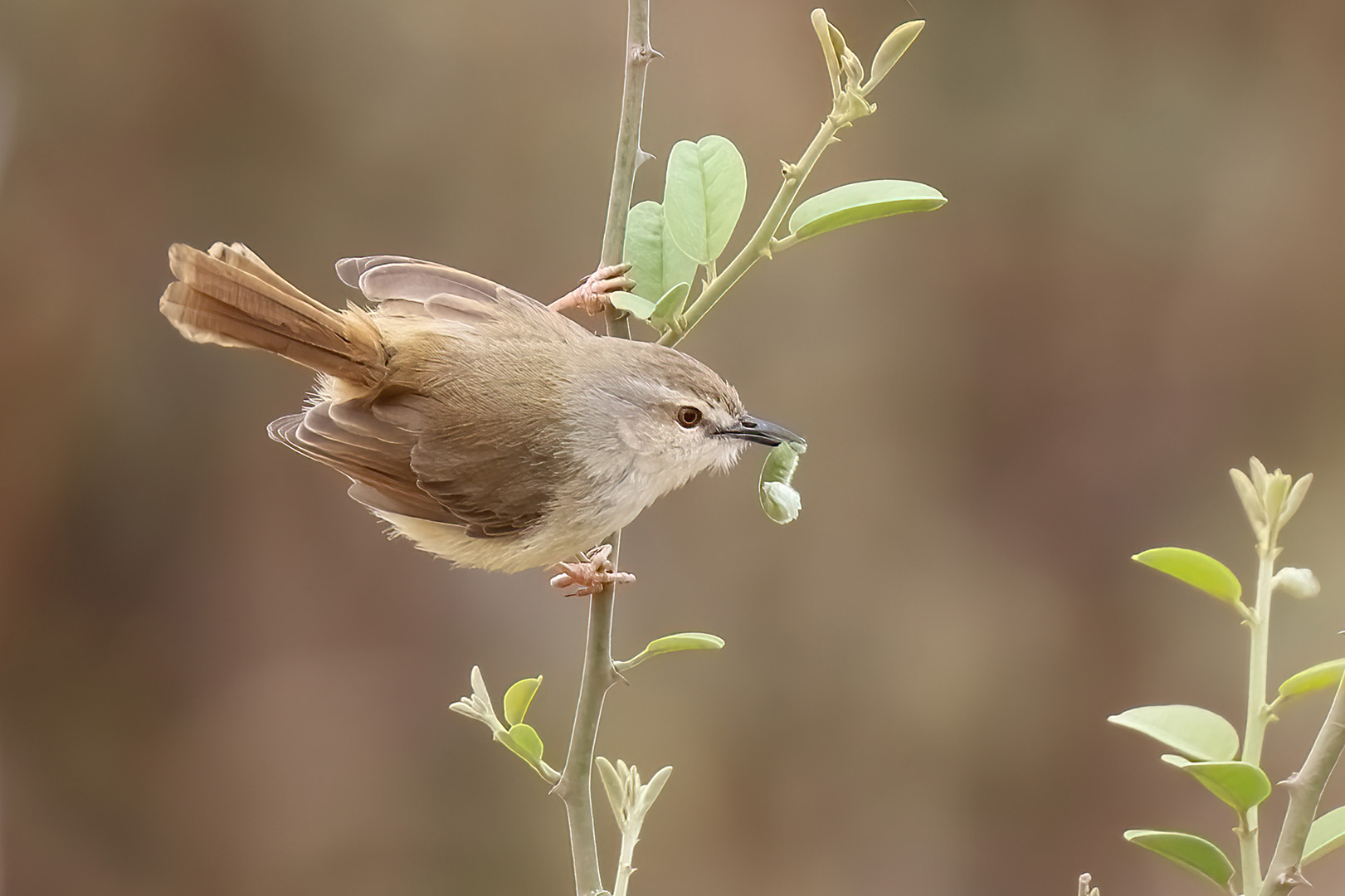
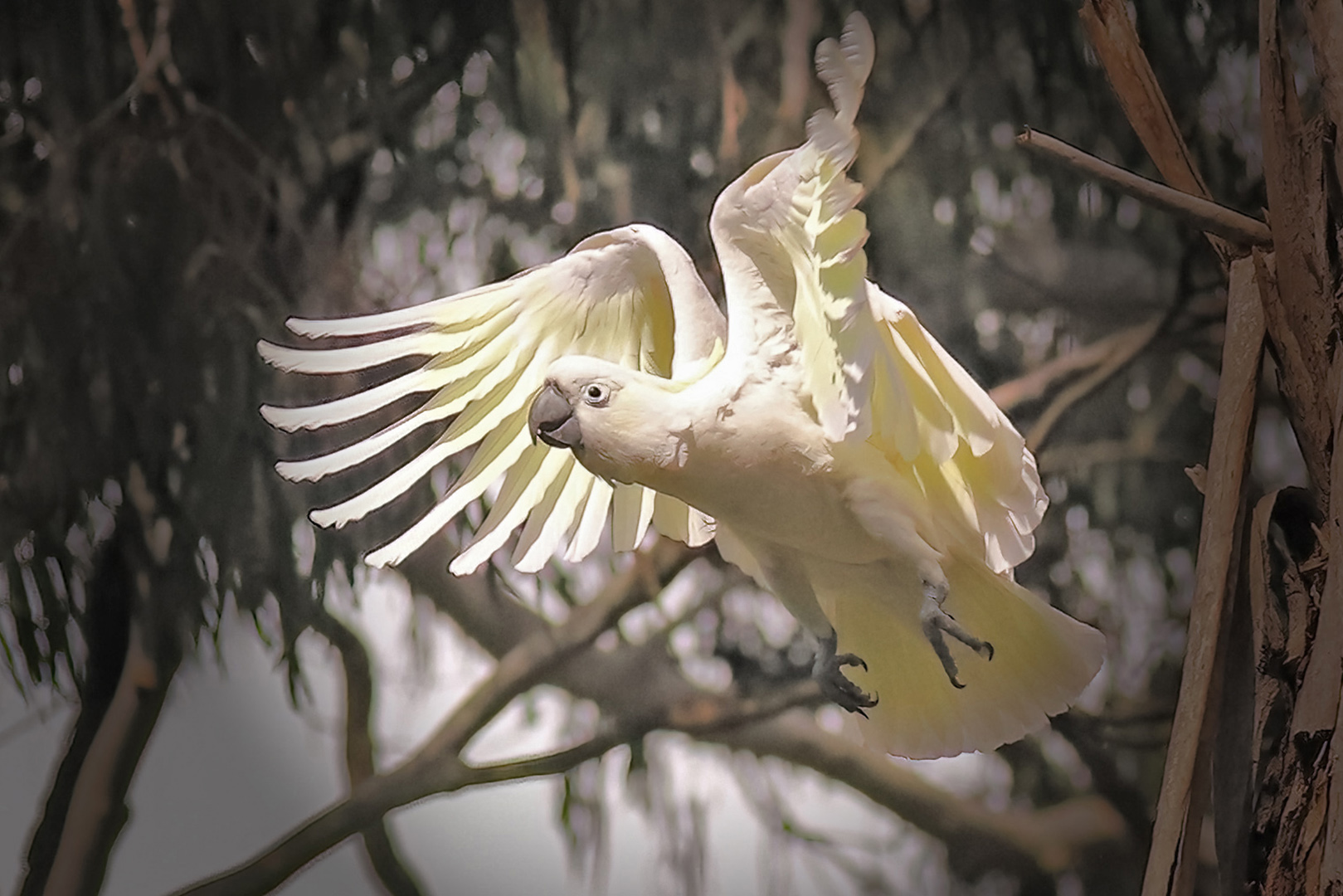
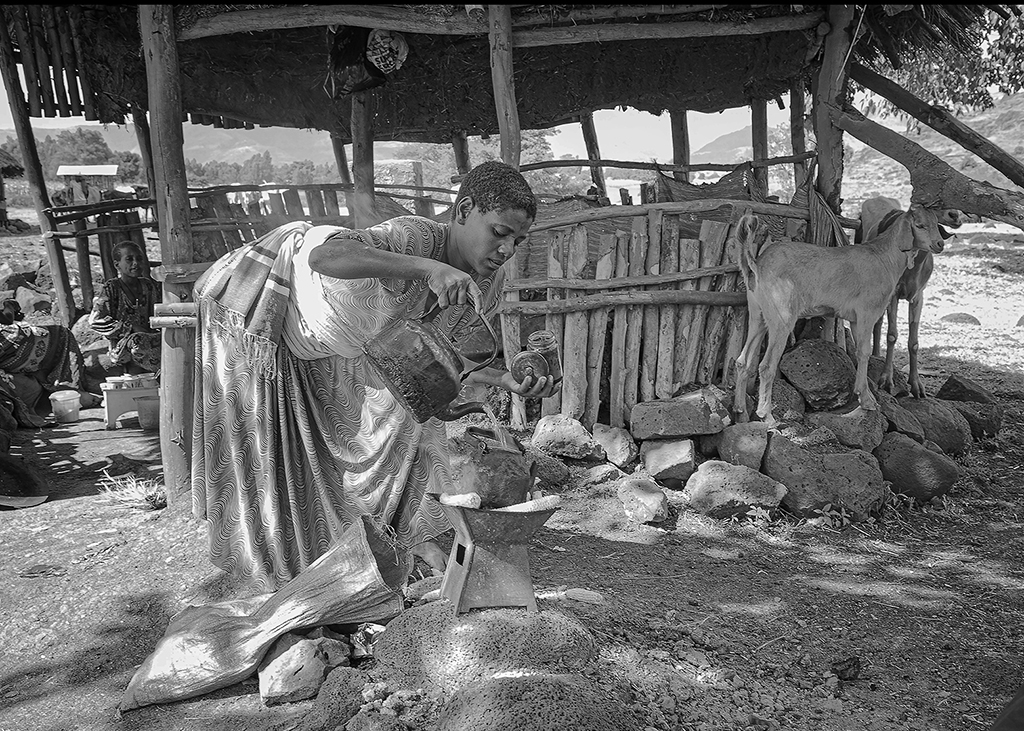
What an extraordinary shot Abdo! I love it's eyes closed like that. The vignetting works well here. |
Jul 5th |
| 78 |
Jul 20 |
Comment |
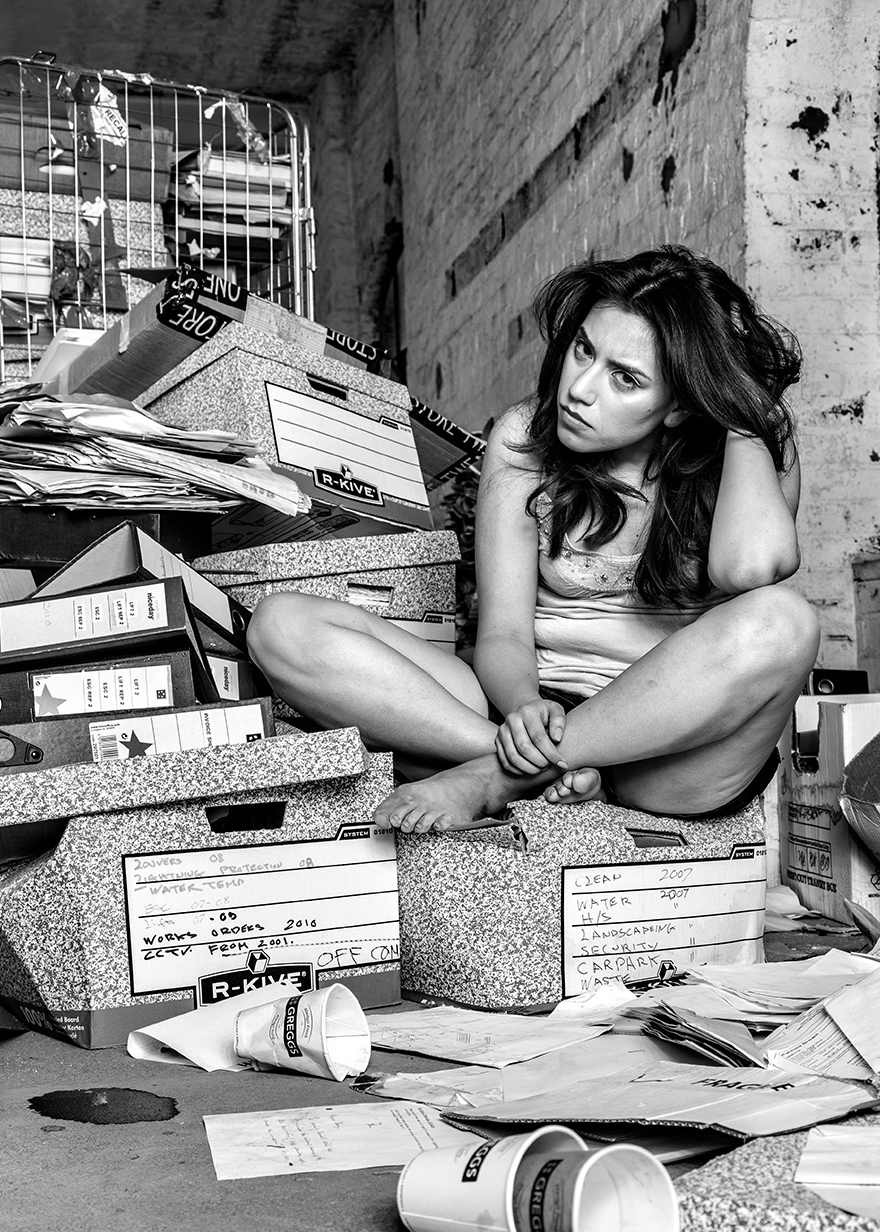
Hi Terry
Great shot, love it, and well done on the mono choice!
I have looked at it a few times and there was something about the composition...
My only suggestion would be to have a look at the image if you crop out the bottom of the front coffee cup and use the 5X7 dimension?
|
Jul 5th |
 |
| 78 |
Jul 20 |
Comment |
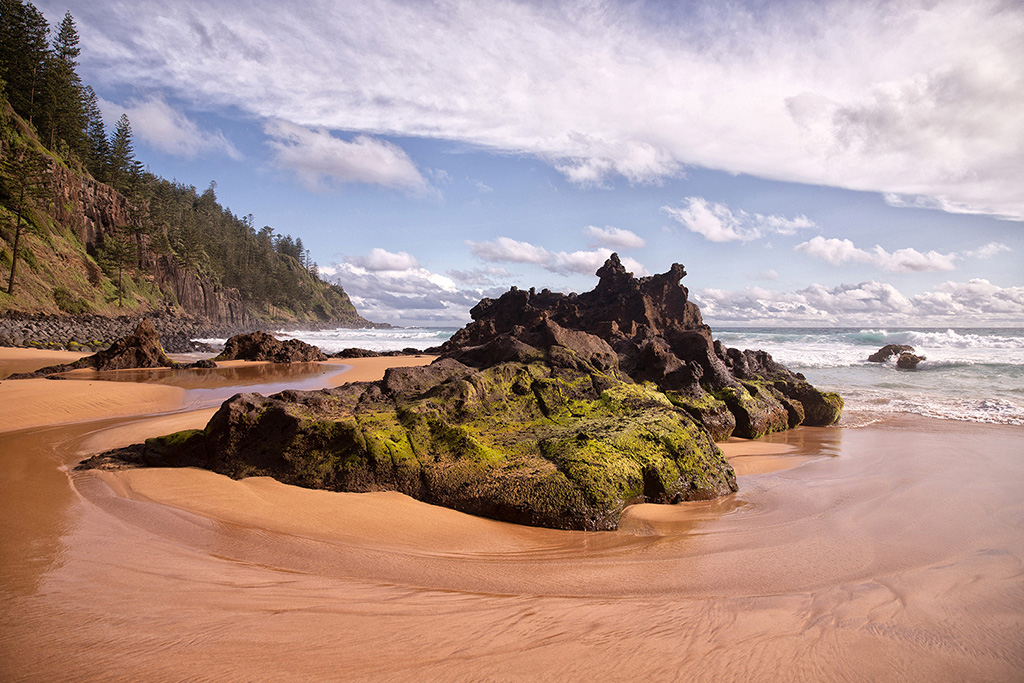
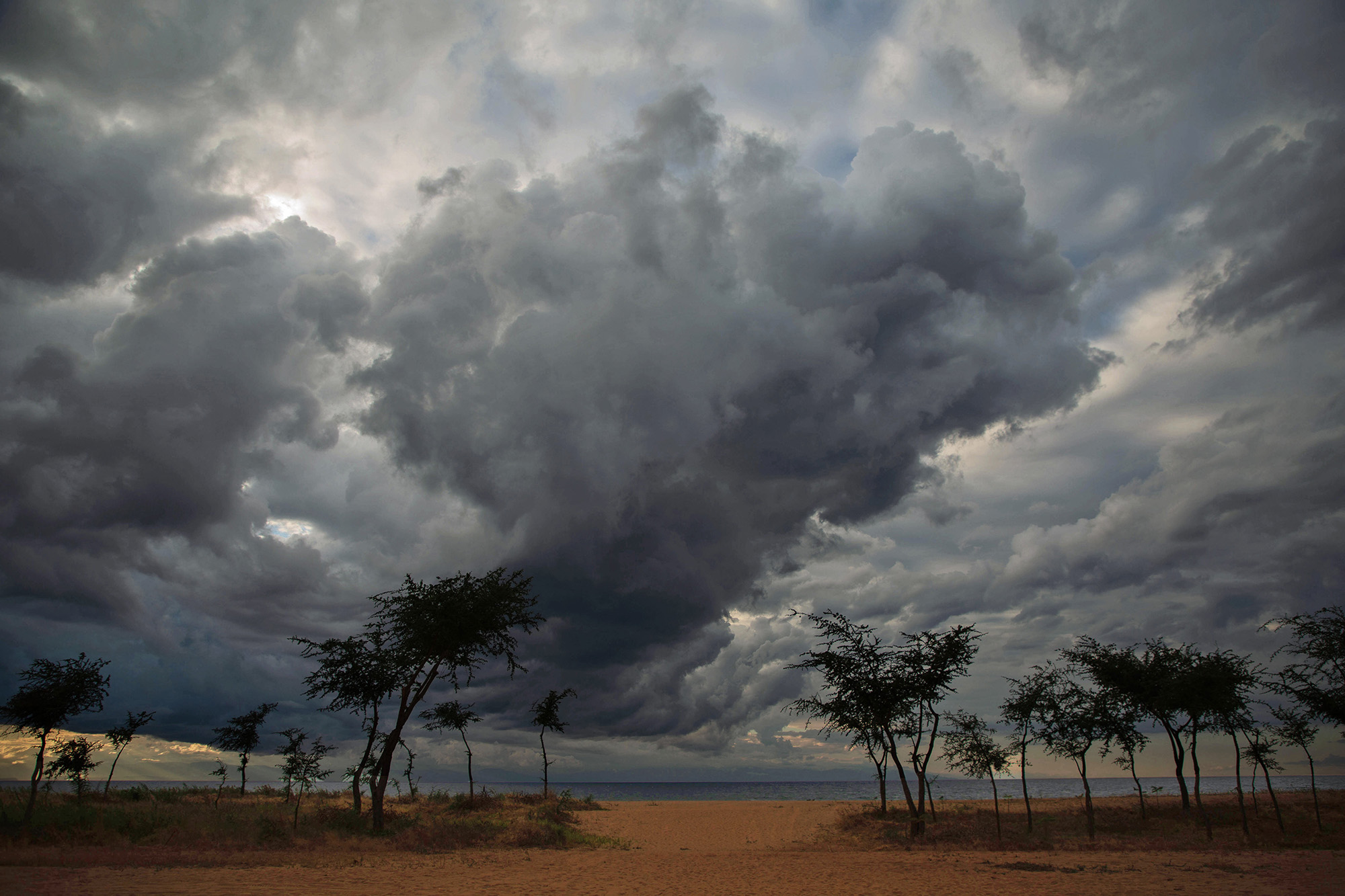
Hi Jim. What a 'cracker-jacker' shot! Like Brenda, I was worried about those cracked rocks!
Only suggestion I would make is to straighten the horizon a smidgen. Yes, sorry Jim, I'm one of those ;) |
Jul 5th |
| 78 |
Jul 20 |
Reply |
Thank so much for your welcome to the group Sunil. Thanks also for your generous comment. |
Jul 5th |
| 78 |
Jul 20 |
Comment |
This is indeed a photograph that leaves an impression.
Before I read your post, my reaction was curiosity: where was it, why such an impressive knocker and solid door, was it protecting or excluding .... so many questions. Your treatment made it all the more dramatic.
Similar to Brenda, my eye was drawn to the soft part of the knocker, but it did not detract too much for me as it blends with the soft background.
I am off to look at Brenda's advice ... 'high pass'. Just another one of the many things I have not yet experienced. |
Jul 5th |
| 78 |
Jul 20 |
Comment |
Hi Brenda
I too worked on it a bit. I see that Terry has posted too.
I used Photoshop and used Filter/Lens correction/Custom/ Transform to gain a little on the right hand side. I accidentally cropped a little too much off the top of the yellow rope.
Then I went to Edit/Transform/Warp and used the little handles to lift up the steel bar on the left so it wasn't so obviously on an angle.
Then I disguised the stretch a bit on the right by using the patch tool. I pinched a bit of the paint on the left hand side to disguise it. Pretty rough job.
I went into NIK and used detail extractor to get the effect you have. I roughly tried to imitate your colour, but didn't spend to much time.
I think I should have left the steel bar across the top but ?? Not sure it helped, but I hope so. |
Jul 3rd |
 |
| 78 |
Jul 20 |
Reply |
Hi Terry,
Thanks for the warm welcome and feedback, much appreciated. I like what you did to my file. It seems I can be a little more liberal with Dehaze!
To answer your questions
The main reason that I started opening in Bridge was because most competitions demand different dimensions, colour space or dpi. If I open in Bridge it immediately inserts my copyright metadata into the file as well. Also I can check my files at once and choose the file I want then open in Camera Raw.
Another reason is that I have never found a way to open an image into Camera Raw from my CR2 file, unless I open another program first. I can open a file using Camera Raw filters, but then I need to go back and check individual file metadata.
Re the colour
Another issue is that I have two quite old Samsung monitors that I am sure are not giving me the true colours that others see in my images. Time to invest ... sigh.
I have never used high pass filters to bring up detail. Off to play around with that.
Thanks you have been very helpful. |
Jul 3rd |
| 78 |
Jul 20 |
Comment |
Interesting shot Jason. I am interested to see what you did with the colours.
I am off to check out the "Lightroom Discover" service. Although I have Lightroom, I don't usually include it in my workflow, although many people tell me I should. Fairy steps.
Thanks for the info! |
Jul 1st |
6 comments - 5 replies for Group 78
|
6 comments - 5 replies Total
|