|
| Group |
Round |
C/R |
Comment |
Date |
Image |
| 15 |
Aug 20 |
Reply |
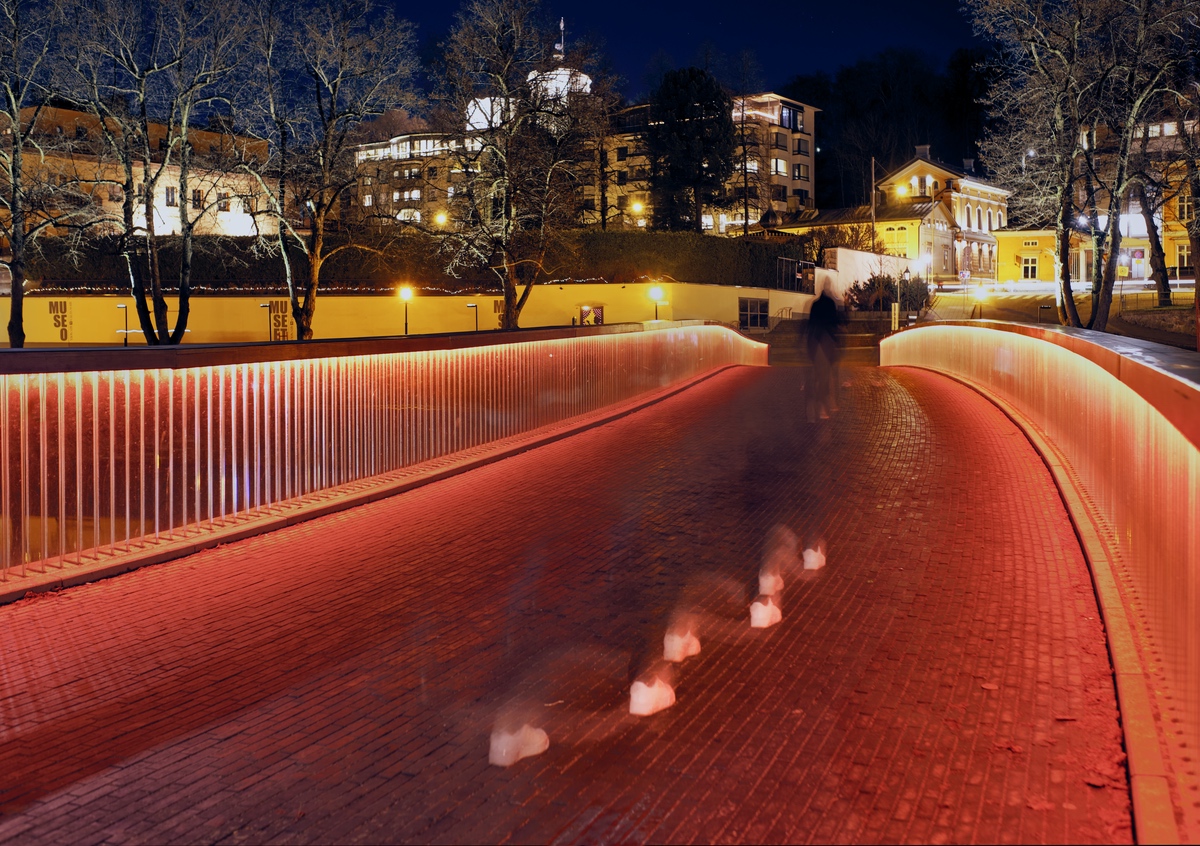
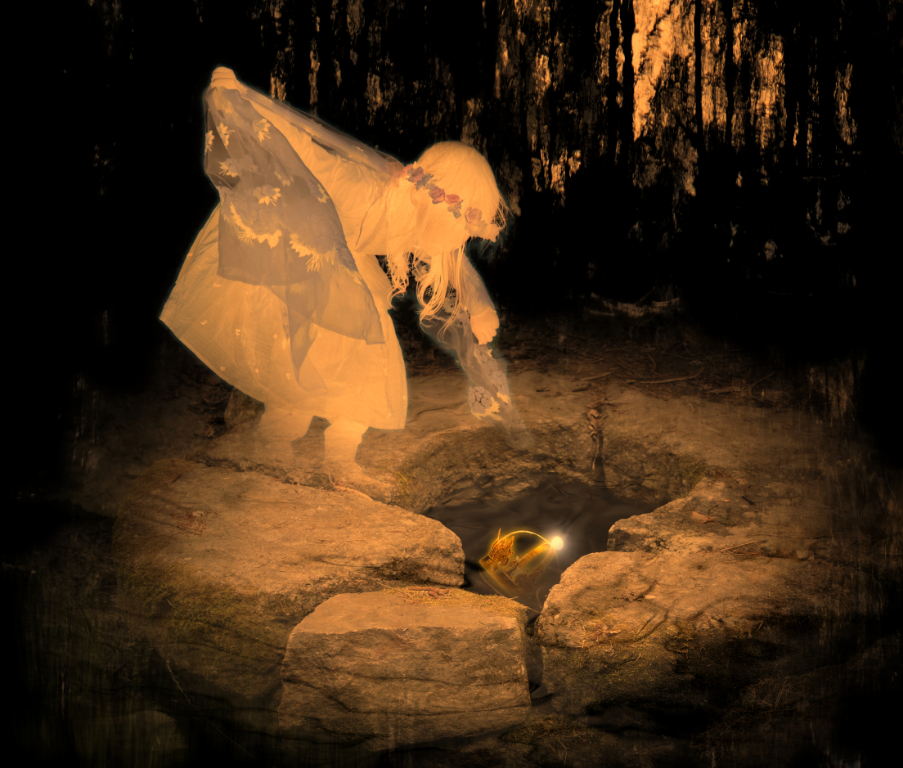
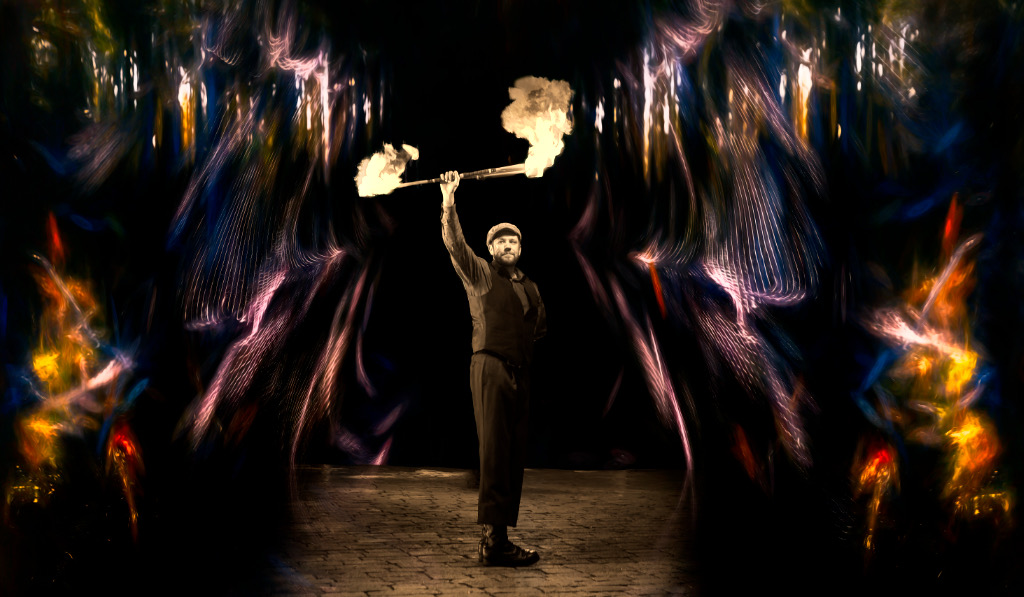
Thank you, Joan! I think that you master the golden standard software that has all the editing features one could ever need in one package. The beauty of Luminar is that it is so easy to learn, with the extremely logical and self-explanatory interface and the clever AI features. Even a beginner can quickly get spectacular results with little practice. However, there are limits for what you can do with it, and you may have to use other software in parallel switching TIFF files between programs. I am for now very happy playing with Luminar and Topaz studio, but it may not be the ideal way to do things.
|
Aug 27th |
| 15 |
Aug 20 |
Reply |
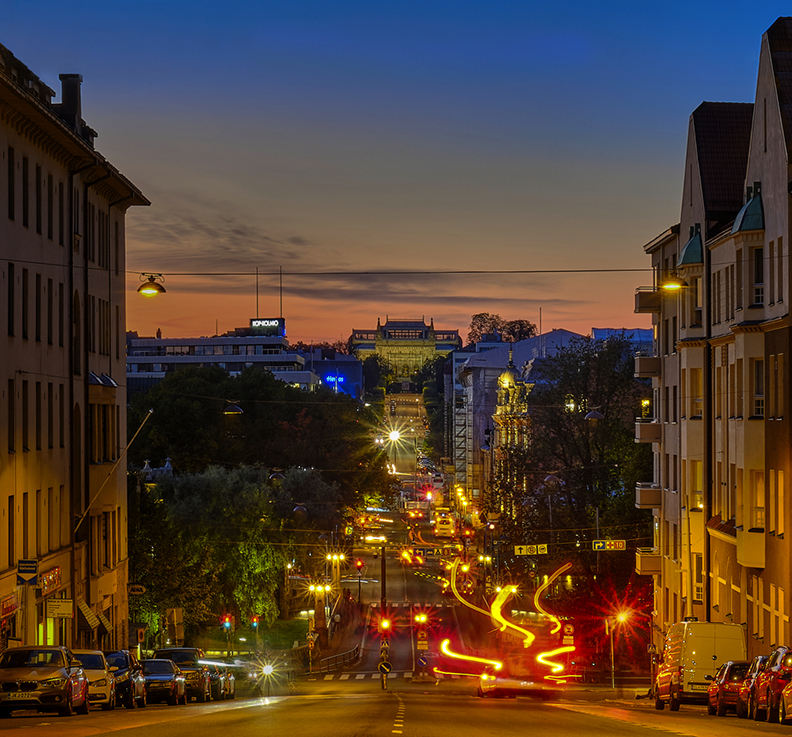
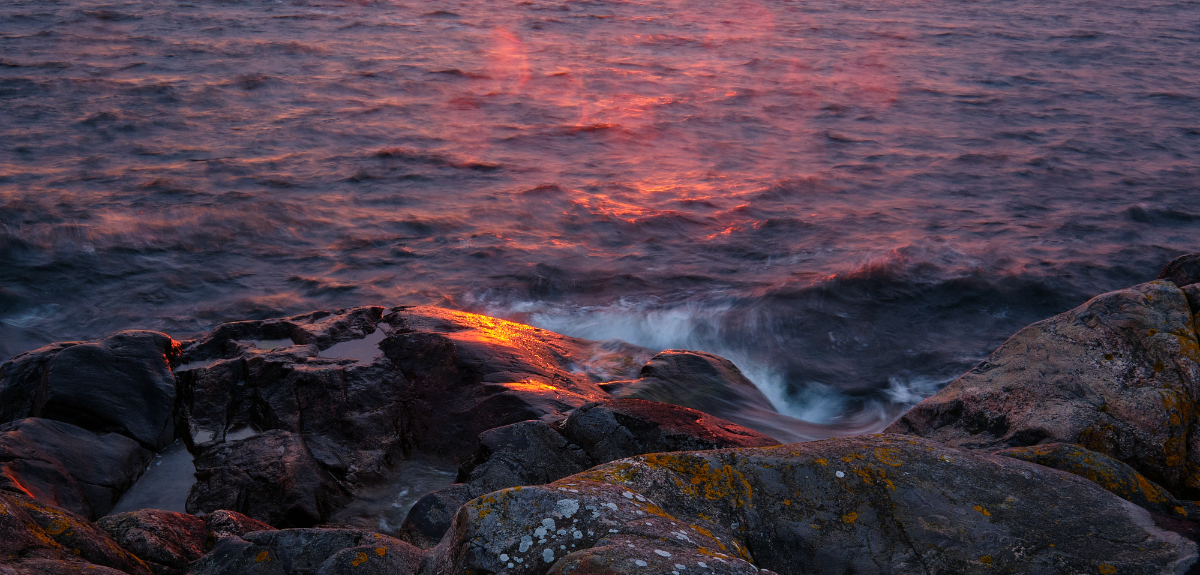
Thank you, Linda! The editing part is such fun, like peeling layer after layer off and seeing what the photo really wants to say! |
Aug 27th |
| 15 |
Aug 20 |
Reply |
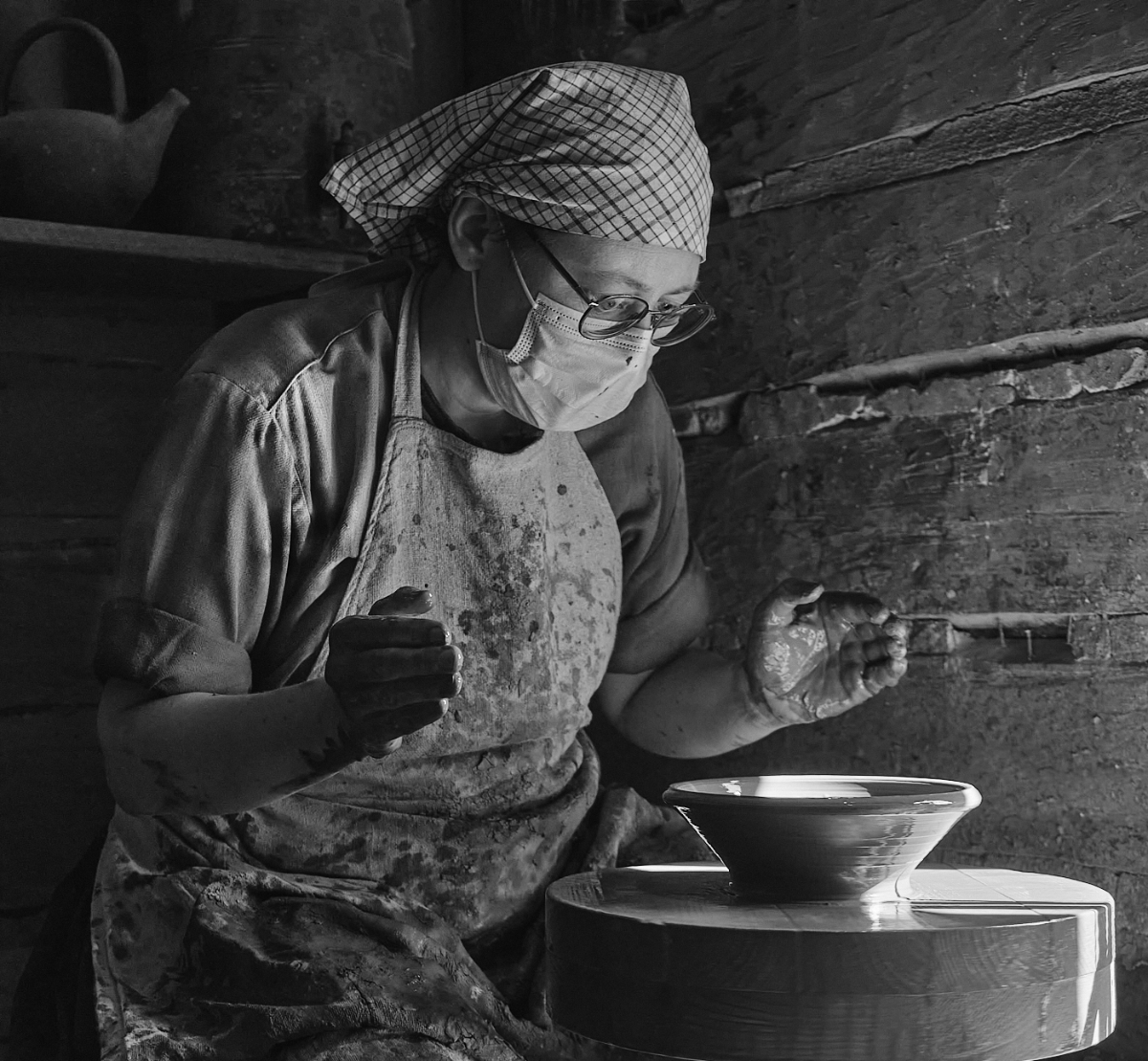
Thank you, Jeri! I think that it is the colors that make the picture, too! |
Aug 27th |
| 15 |
Aug 20 |
Reply |
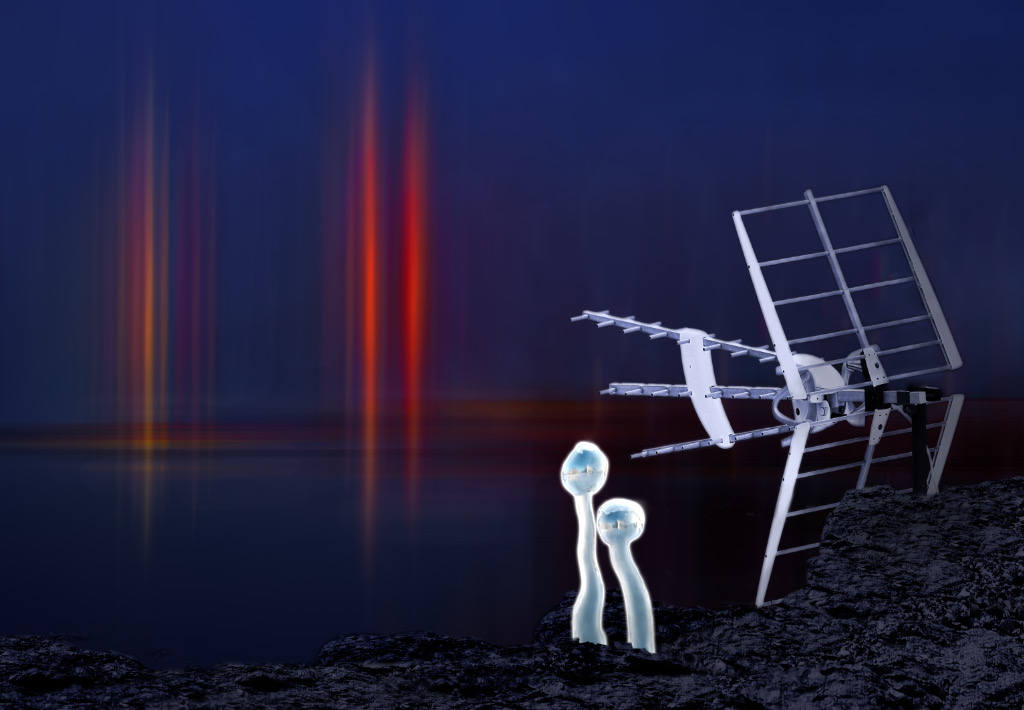
Thank you, David! It turned out much the way I imagined when I started to work on it (which is rare!) |
Aug 27th |
| 15 |
Aug 20 |
Comment |
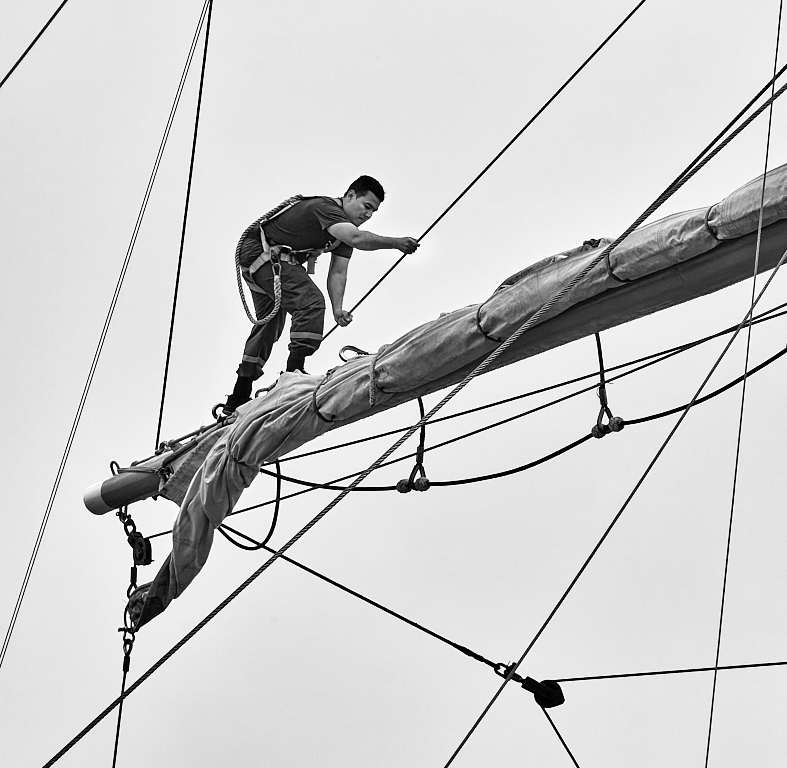
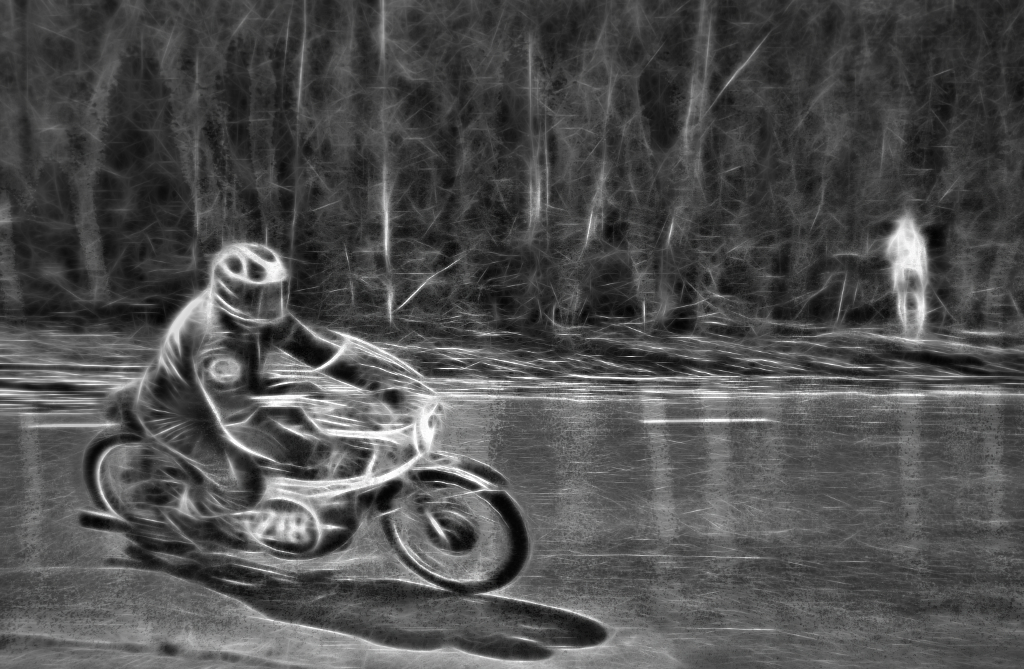
David, really the right place and time! The strain and the action come through powerfully, enhanced by the upwards angle and the composition. An excellent action photo taken in demanding conditions! |
Aug 17th |
| 15 |
Aug 20 |
Reply |
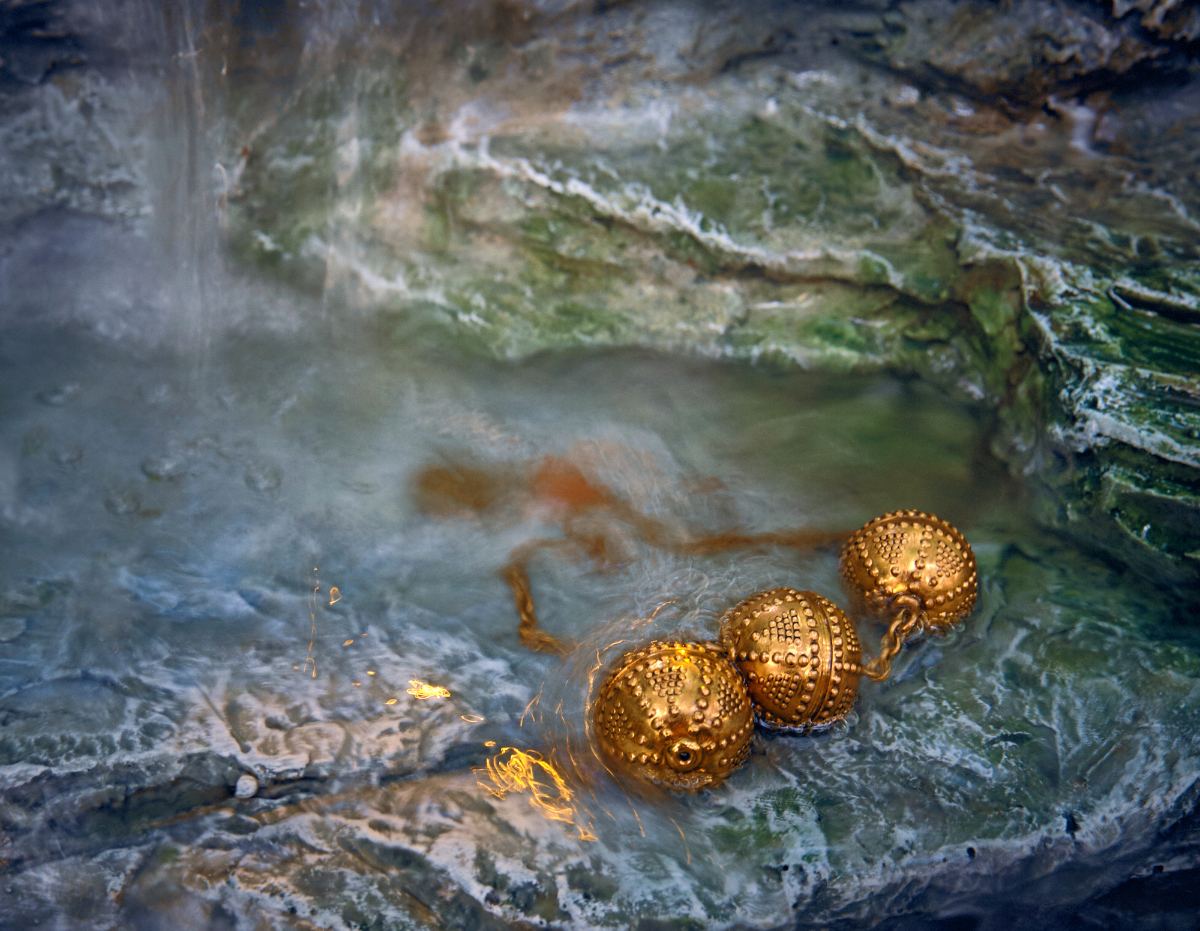
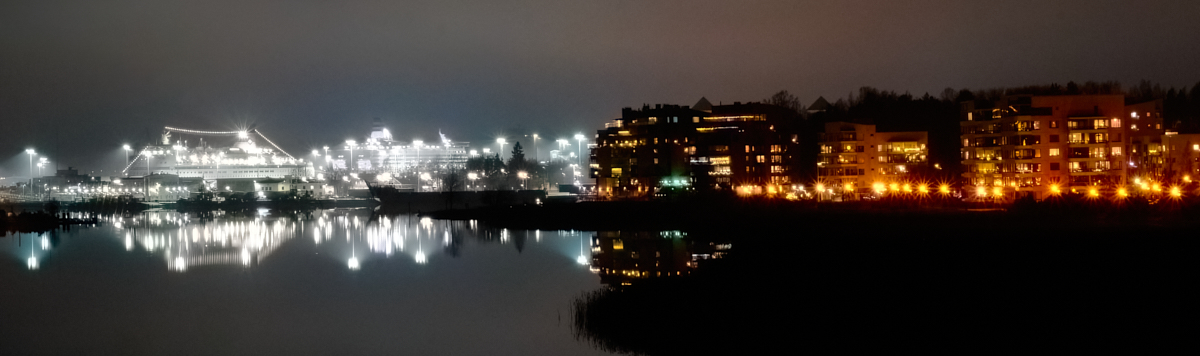
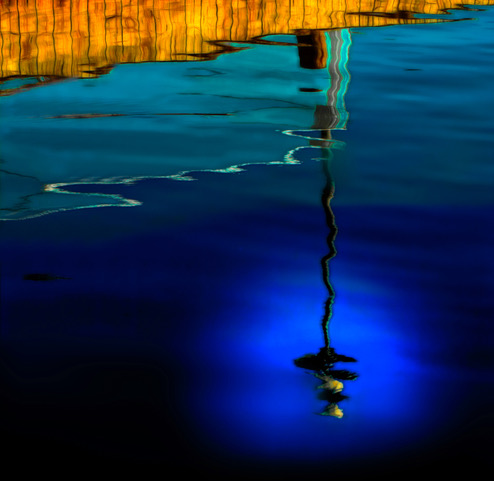
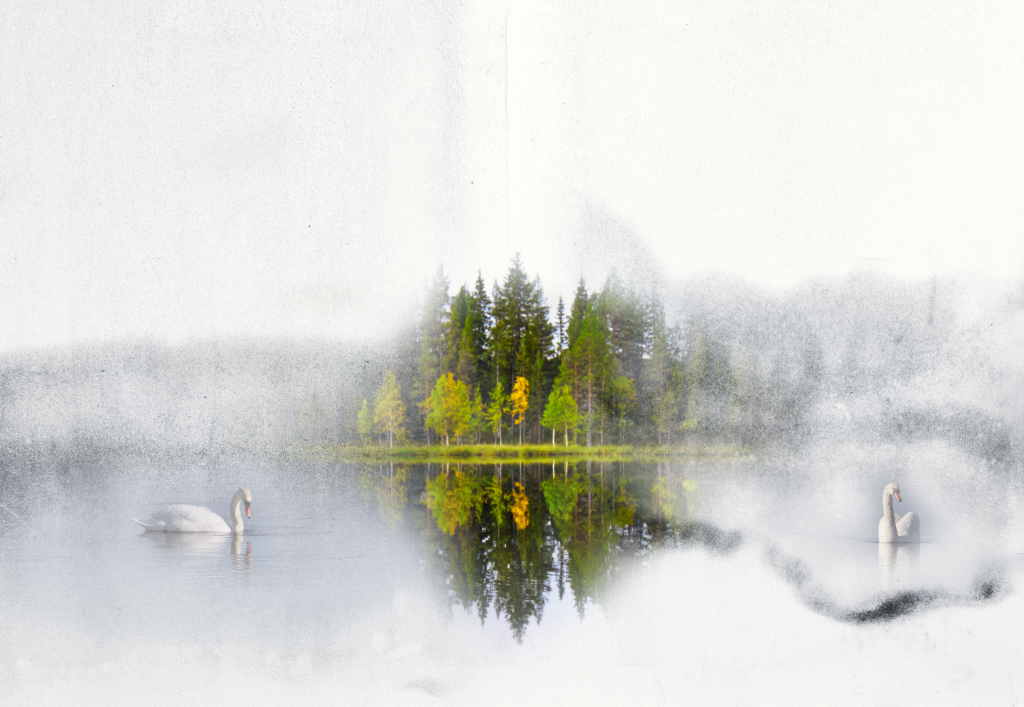
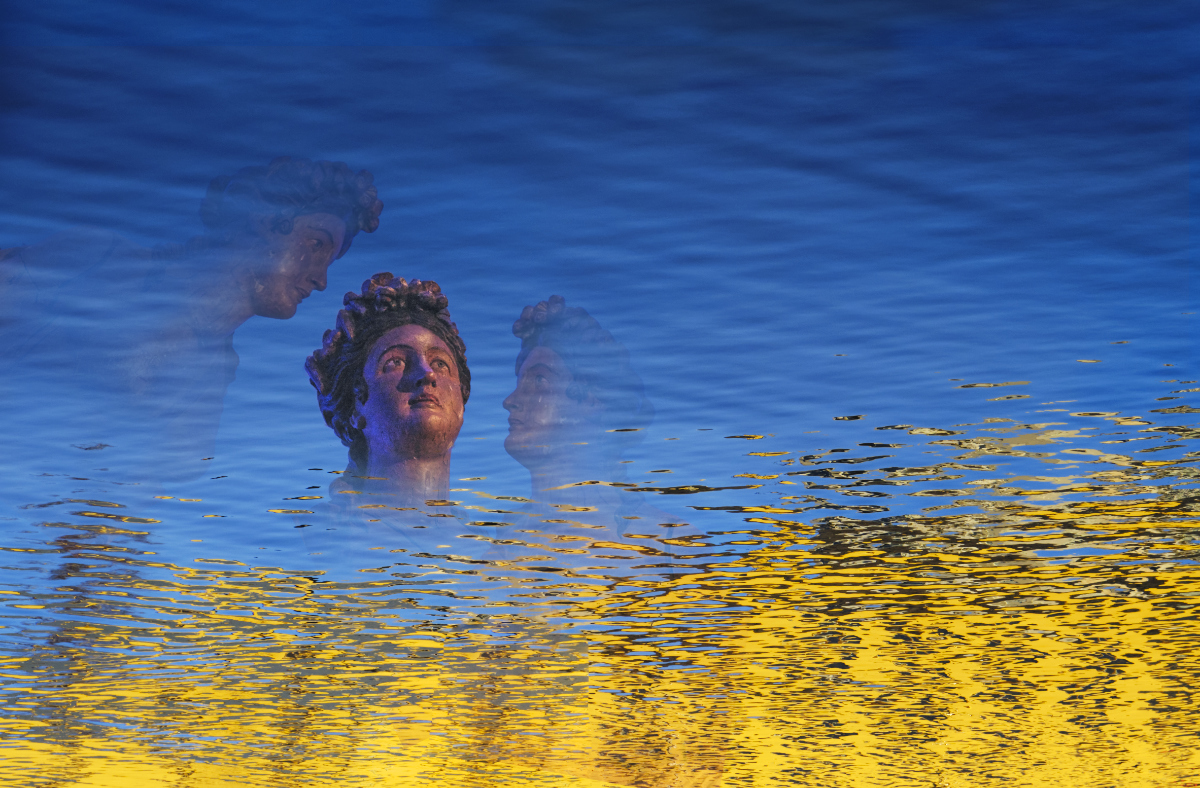
Thank you, Bob! The cloning part in the reflections sure took forever, but I guess it was worth that! |
Aug 10th |
| 15 |
Aug 20 |
Comment |
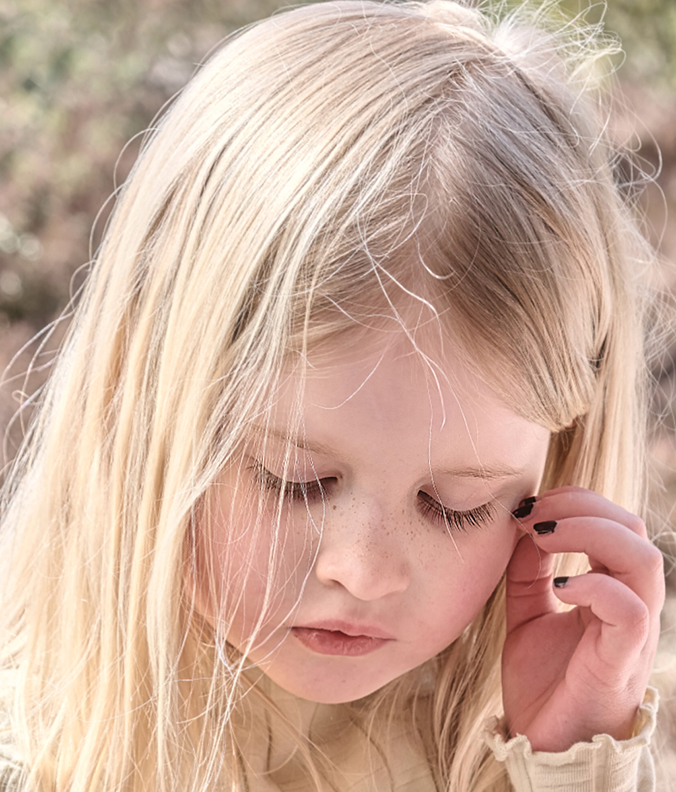
Jeri, it sure is an impressive face! You had challenging light conditions, with very bright light coming through the leaves and very dark shadows on the foreground. The experts in the group can explain this better, but I think that you could
1. first try and see if the dynamic range allows to darken the highlights enough to correct the problem.
2. If not, locally lessen the exposure of the too bright areas using a Dodge-and Burn type tool or a mask, without affecting the whole picture.
3. If it is too badly burned out, cloning a correctly exposed area that resembles the burned-out area and pasting it on works reasonably well in many cases, as Bob described. Since I figured this trick out, I have been using it a lot. I think that it might work both for the leaves and the arm.
4. Another approach for the leaves would be blurring the background so that the white spots would not be so noticeable
I performed the tricks 1-3 in Luminar 4. I think it helped a lot although the result is not perfect?
Hope your move went smoothly!
|
Aug 6th |
 |
| 15 |
Aug 20 |
Comment |
Rick, what a powerful picture! The menace of the rising storm is palpable, and I think that it looks even more scary in black-and-white. The stretch in the truck adds both to the dramatic atmosphere and the composition. Your phone is totally amazing - just to think of the weight of all the equipment it replaces, and the post-processing capabilities are also impressive. |
Aug 6th |
| 15 |
Aug 20 |
Comment |
Bob, another wow photo! The colors are so beautiful, and the composition gives it a three-dimensional character so that it feels like one could walk right into the scenery. I vote for masking the bright area on the top, too. I just recently figured out myself that the Clone and Stamp -tool in Luminar can rescue many an over-exposed spot, and working with a large amplification makes it possible to get quite natural-looking results. And I love the swirl!
|
Aug 6th |
| 15 |
Aug 20 |
Comment |
Linda, this picture really is full of joy and happiness! What vivid colors! The three main objects are beautifully in focus, and I like the composition very much. The colors make the three ladies stand out from the messy crowd in the background. However, I think that the arm of the person in the orange t-shirt at the right edge is slightly disturbing; you might consider cloning it away or darkening it a bit, or even cropping him off? I would also think of darkening/cloning off the white windowsills that may distract the eye? A wonderful picture! |
Aug 6th |
| 15 |
Aug 20 |
Comment |
Joan, I think you have captured the essence of an owl! The yellow eyes with the penetrating gaze dominate the picture. The background that repeats the colors of the bird, creates a very harmonious entity. A perfect portrait! |
Aug 6th |
6 comments - 5 replies for Group 15
|
6 comments - 5 replies Total
|