|
| Group |
Round |
C/R |
Comment |
Date |
Image |
| 96 |
Oct 24 |
Reply |
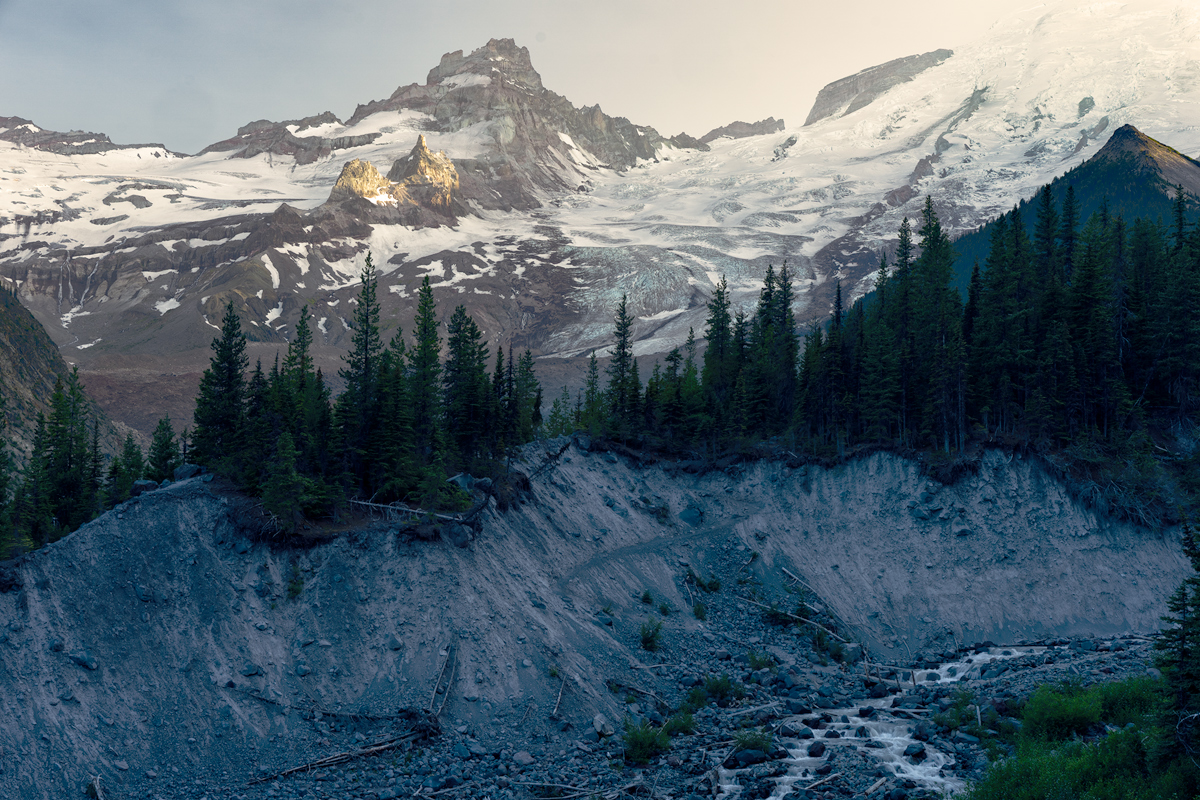
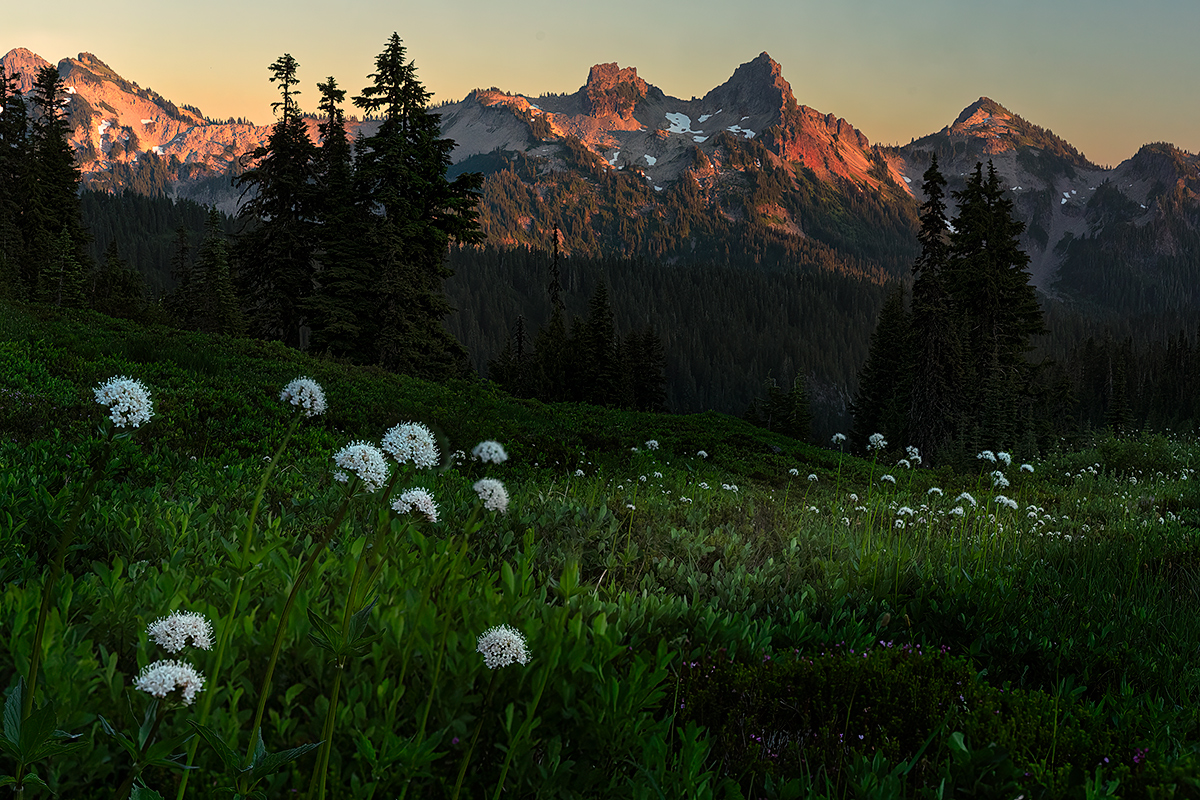
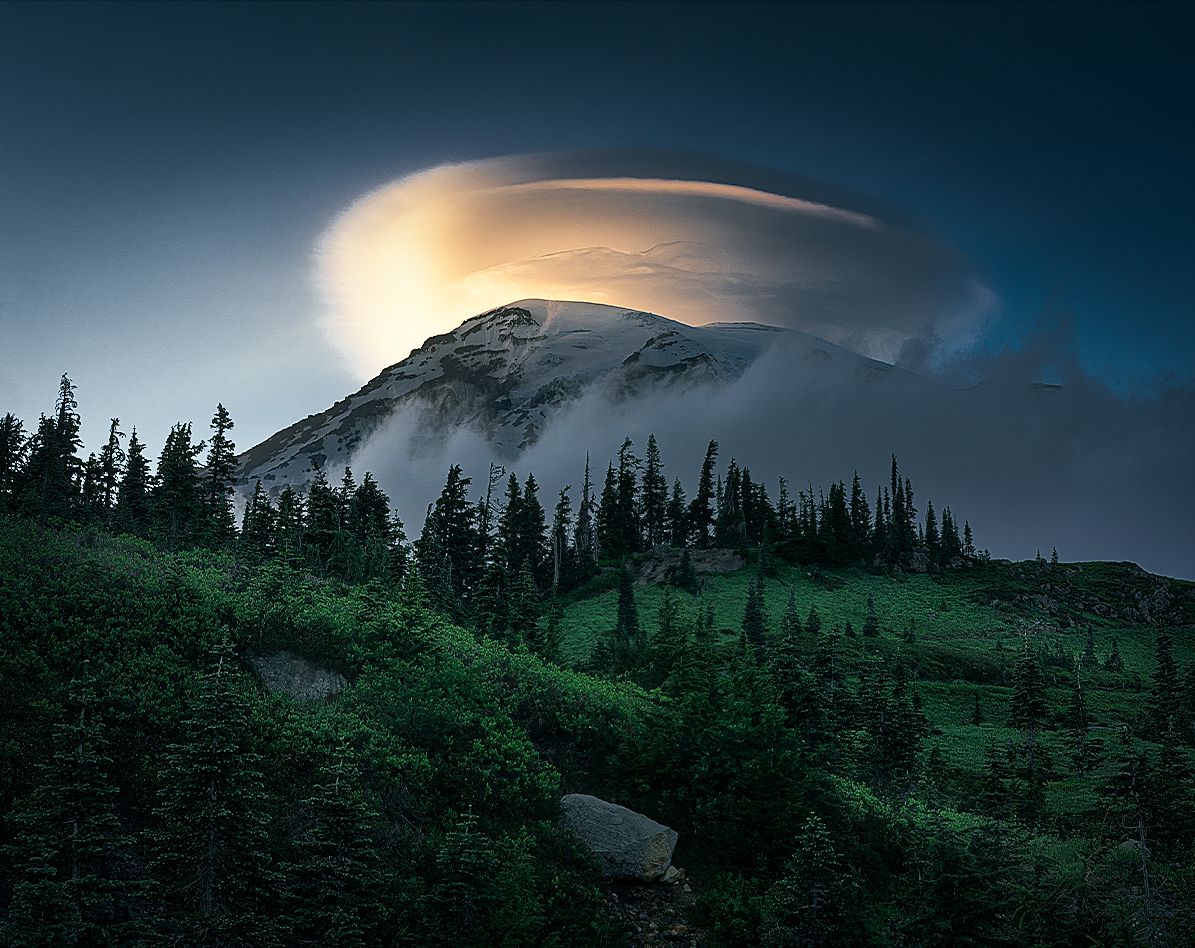
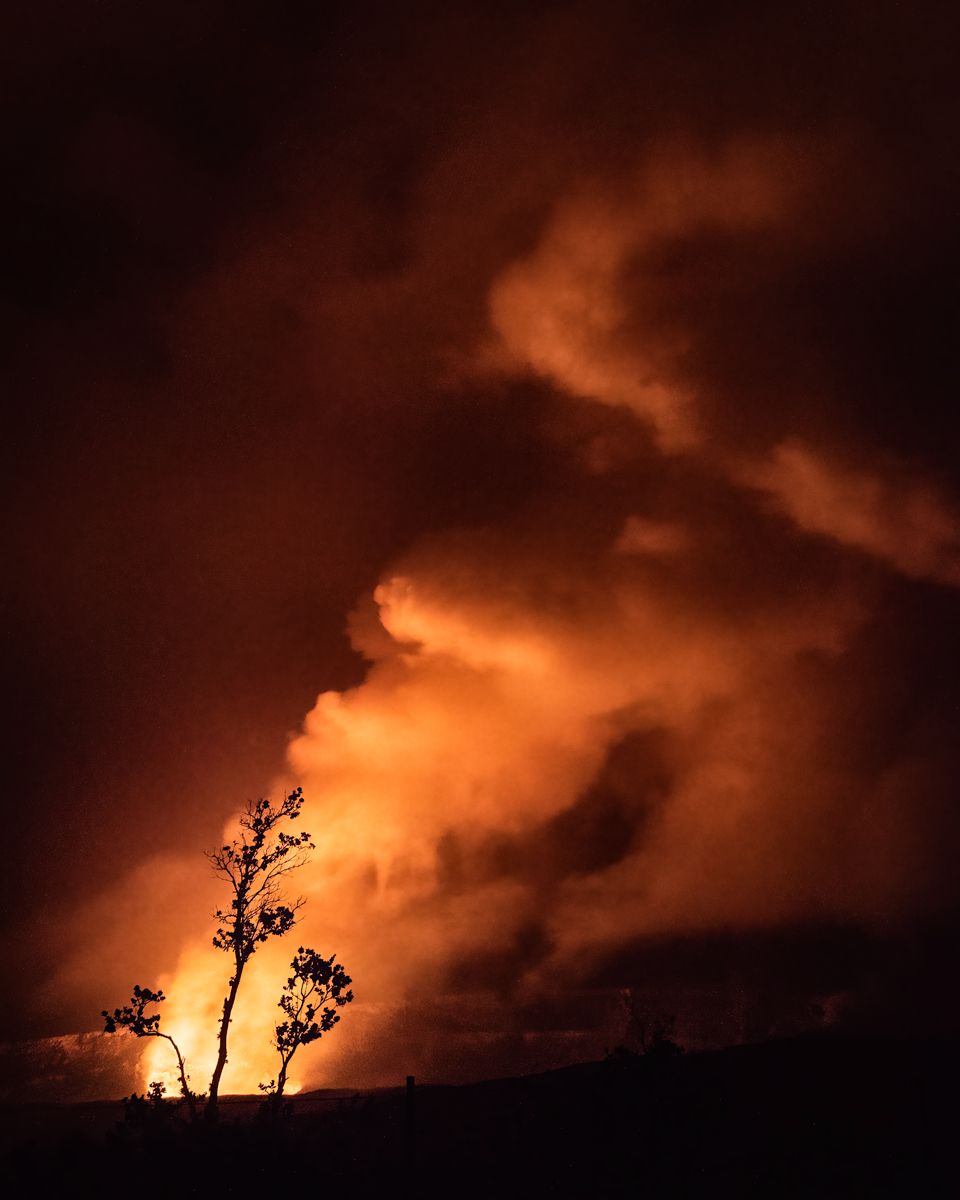
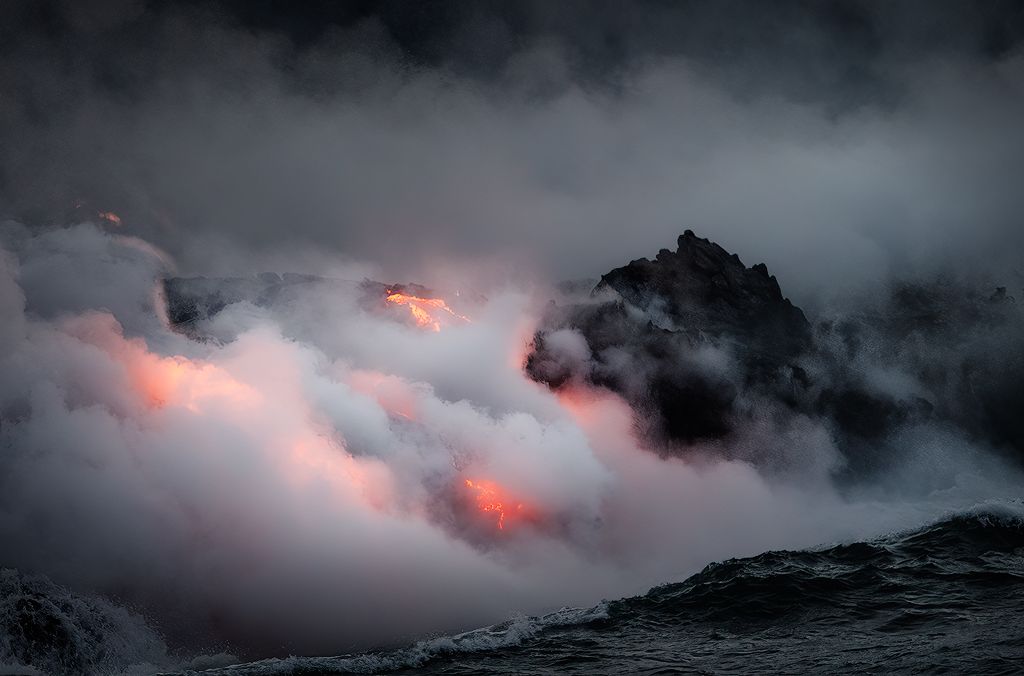
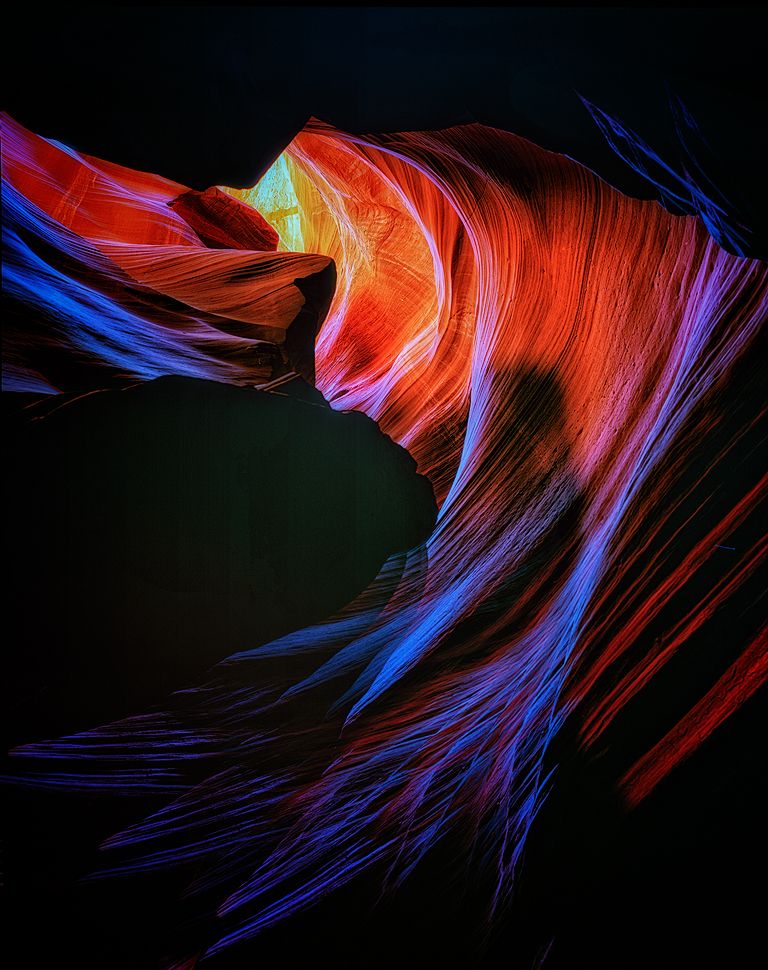
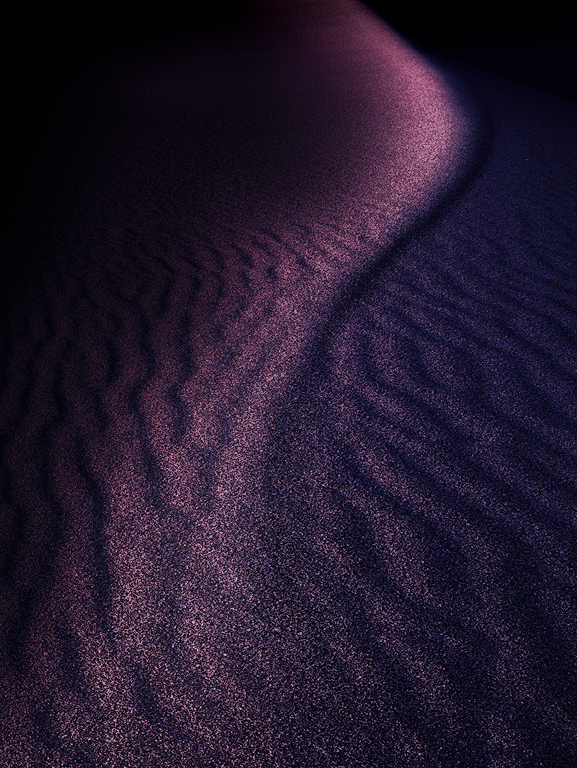
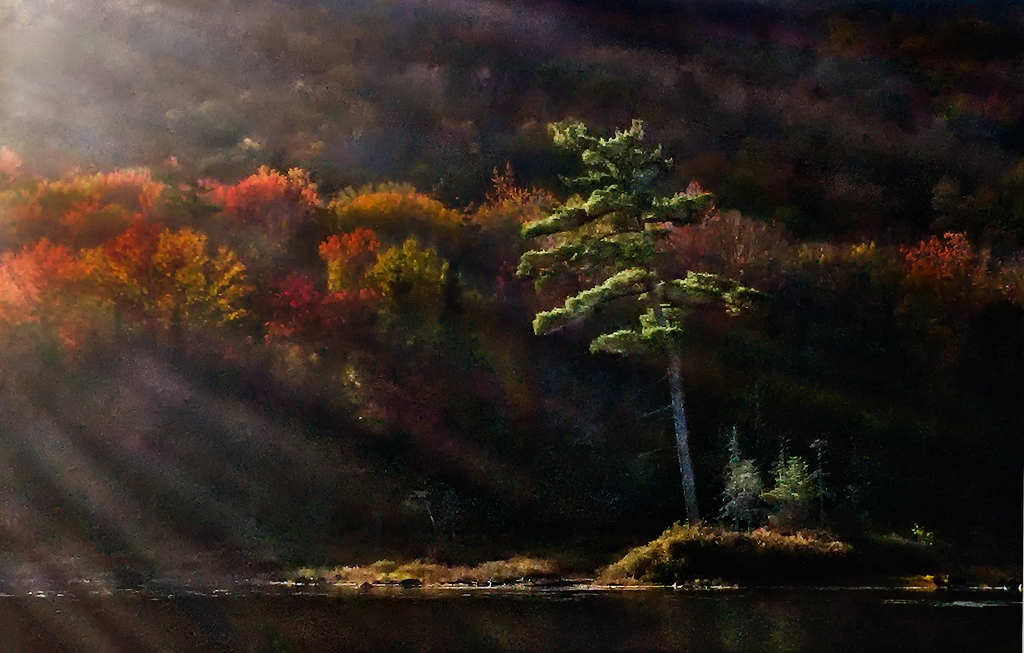
Thanks Haru, those edits are very helpful. I agree with your assessment that the extended versions balance the green area better. I like the extension to the left (#1) as I think it solves the problem of the sweeping C curve feeling too tight to the edge. The extension both left and up (#2) does this as well, but I think somehow takes some of the prominence away from the lit peak as you also suggest. See #2 and the original I think I like that lit peak tighter to the top edge as it is in the original. |
Oct 14th |
| 96 |
Oct 24 |
Reply |
Thanks Kenneth. Yes, I need to control the brightest spot on the ridge a little better. |
Oct 14th |
| 96 |
Oct 24 |
Reply |
Thanks Bruce. I've played with the tonalities some, but really made attempt (at least not deliberate) to saturate the colors beyond what was there. It was pretty amazing colors. |
Oct 14th |
| 96 |
Oct 24 |
Reply |
Thanks Rick. The lit spot on the ridge was definitely not blown out in the original, so I should go back and treat it a little more gently. |
Oct 14th |
| 96 |
Oct 24 |
Comment |
Hi Viren. I very much like the diverse colors and repeating block geometry that you've captured in the city image. I don't believe the sky adds much to the image and makes it look a little more postcard like vs. a tighter crop which would be more fine art. Like Kenneth I agree that the shadows can come up a bit.
I've taken a cut at the cropping I might suggest as well as some lighting adjustments in the attached. Just some thoughts. Another beautiful location and image in any case. |
Oct 14th |
 |
| 96 |
Oct 24 |
Comment |
Hi Rick. Thank you for the detailed description of your processing. I am always learning things from your descriptions. I had never played with the calibration panel, but now I have, and I find it is capable of some very interesting things.
You mentioned that you sharpened the scene and then used masking just to pick up the edges. I wondered whether you ever differentially sharpen the near and far parts of the image. For example here, confine the sharpening to elements that are closer to the camera. I am finding it can be very useful in enhancing the 3D feel. Some images I might go further and blur some of the more distant parts - if they really are "distant". But in these more intimate scenes, it seems better to just not sharpen everything universally.
In any case you've definitely captured the garden as inviting. I can sense the post rain freshness in the greens, and the tall portrait format makes the garden feel cozy and intimate. A place of introspection.
|
Oct 13th |
| 96 |
Oct 24 |
Comment |
Hi Bruce. You would never get me to jump off of the cliff like the individual you've captured. I'd prefer to simply stand up there and enjoy the view which is amazing. The colors you've captured, as well as the water scene, definitely give the feeling of a tropical place. The bright colors of the glider (parachute? Not sure what to call it) also add to that tropical feel.
I am not sure I'd call this a landscape photo - though there is beautiful landscape - because it is hard to not see the glider and its passenger as the focus of the image. Many folks include people in landscapes to give a sense of scale, but there they play a more supporting role.
No matter what it's taxonomy, I think the issue with the photo is that the glider grabs the entire show - it is so bright and colorful that it is hard to look at the rest. It is also hard to connect the glider to the person under it, since the later is a little lost in the detail of the land behind them. I tried moving the image to B&W but that really looses the tropical feel. I also tried the new lens blur panel in Lightroom to see if I could just blur the background enough that the person stands out, but the AI was not smart enough to really separate the two.
If you have later shots when the person is out over the water (e.g., water behind them) and the glider is smaller, those might be interesting to work with. For one thing the landscape would get a more equal play with the glider.
Just some thoughts. I can see the folks renting the gliders wanting this image on their wall or website to advertise. It definitely makes the experience look very dramatic! |
Oct 13th |
| 96 |
Oct 24 |
Comment |
Hi Kenneth. Again welcome to the group and thank you for this lovely first image. It is definitely a building where the character comes through, and you've found very flattering light under which to shoot it. I'm picturing the challenge of shooting from a speeding train. It turns landscape photography into something akin to street or sports photography. Not much time to think through the shot - I imagine you just have to react.
I think the biggest thing with this image is as Rick points out that part of the left side of the structure looks a little blown out. I tried to correct this in the image below, but did not have a lot of luck. Maybe the original has more room to fix this.
I'd make two other suggestions. First, the image has an overall yellowish cast, likely from the warm light. You may want to keep some of this, but for me it is a bit strong. I look for color casts in photoshop by duplicating the image, applying an "average" blur filter which reduces the image to a single color. If it is visibly not gray you have a color cast. You can then use a curve layer, and the gray dropper, to take out the color cast (and then just turn off the visibility of the averaged layer). You can reduce the opacity of the curve layer to put as much of the color cast as you'd like back in. I did that with your image and dialed the opacity back to 80%. I mention this approach because I am not sure everyone know this trick. Works in photoshop and hopefully in photoshop elements as well (but I'm less familiar with elements).
Second, I would crop in a little from the left. The large tree trunk near the left edge is sunlit and substantial and tends to pull my eye over there. So I'd crop just inside of that to eliminate it. Having done that I might crop a little from the right, so that the distance between the building and the left/right edges of the frame is the same. That symmetry tends to make the image stronger. Finally I don't think you need quite as much at the top, so I might crop down just a little from the top edge.
Again, these are just small things. It is a very nice image. |
Oct 13th |
 |
| 96 |
Oct 24 |
Comment |
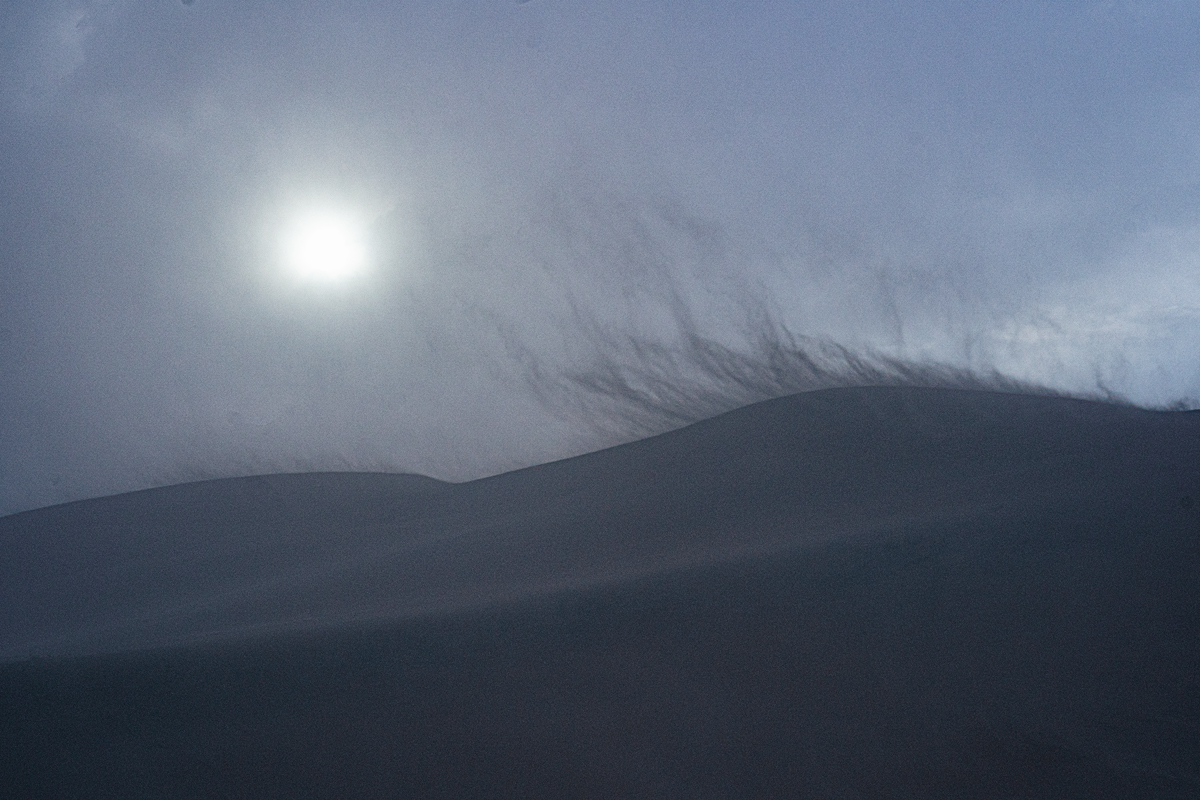
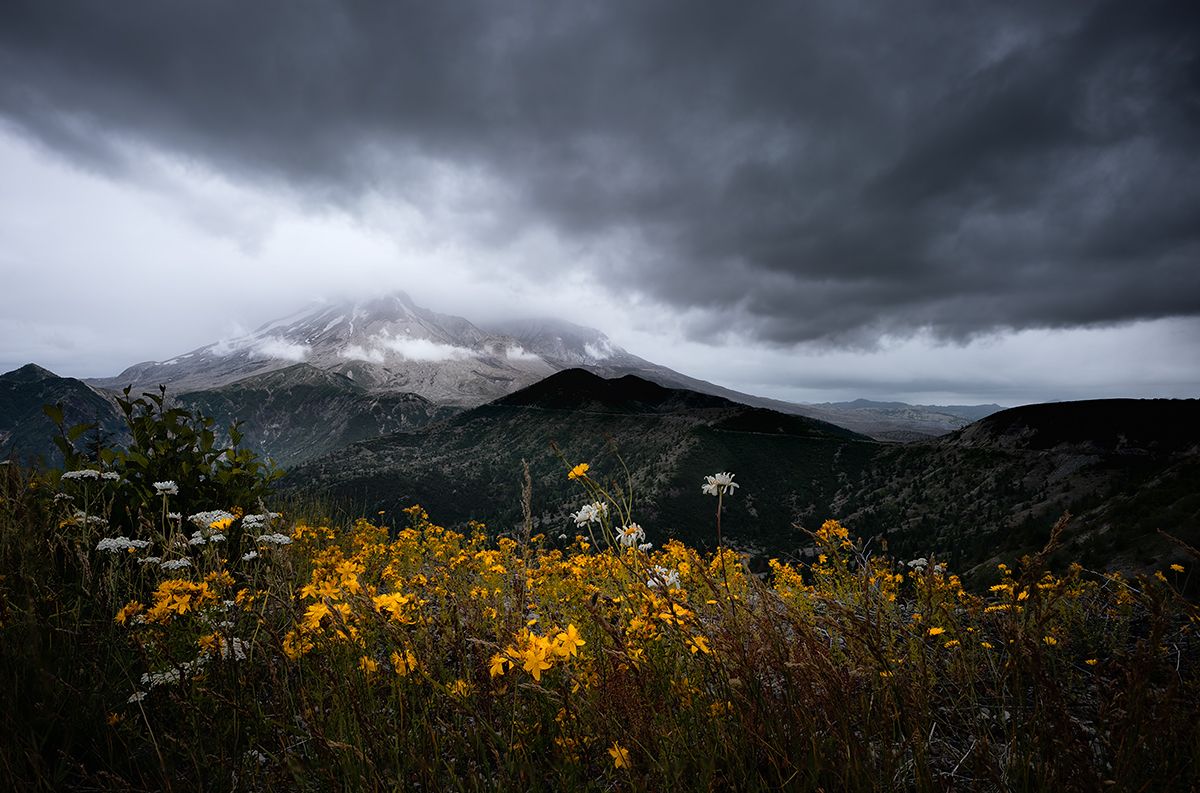
Hi Haru,
I love these sorts of foggy & cloudy shots with all the mood that they bring. And I look often for the sort of thing you've captured here, namely a feature breaking through the clouds in the distance. As compelled as I am to find these shots, I believe they are difficult to pull off - that is to do justice to how amazing the moment was at the time.
As Keneth pointed out, the detail is more compelling in the color version. On the other hand, I am not a fan of an overall green tint. So I would say I like the B&W but perhaps processed differently to bring out a little more of the detail.
Compositionally I would say that it works, but I don't think you need the far left edge or far right edge. There is not a lot interesting there, so I'd perhaps crop in some from both sides.
I took a shot at reprocessing the color version and cropping which is shown below. I tried a trick I just learned of increasing the saturation of the colors before going to B&W. That sometimes allows better separation. I am not sure if it helped here, but I think it allowed me to bring crisper white to the whitest cloud. Other than that, I just played with the tonality with all the usual approaches to shape the light and contrast a bit. I also noise reduced it as I generated a lot of noise. I suspect that might not have been the case with the original.
|
Oct 13th |
 |
5 comments - 4 replies for Group 96
|
5 comments - 4 replies Total
|