|
| Group |
Round |
C/R |
Comment |
Date |
Image |
| 63 |
Aug 20 |
Reply |
Hi Pricilla
Thank you. I am glad I joined this group. Everyone is very nice.
Barbara |
Aug 13th |
| 63 |
Aug 20 |
Reply |
Thank you Pricilla. I will check it out.
Barbara |
Aug 13th |
| 63 |
Aug 20 |
Reply |
Thank you Pricilla. I will check it out.
Barbara |
Aug 12th |
| 63 |
Aug 20 |
Reply |
Hi Richard
Thank you for your kind comments
Barbara |
Aug 12th |
| 63 |
Aug 20 |
Reply |
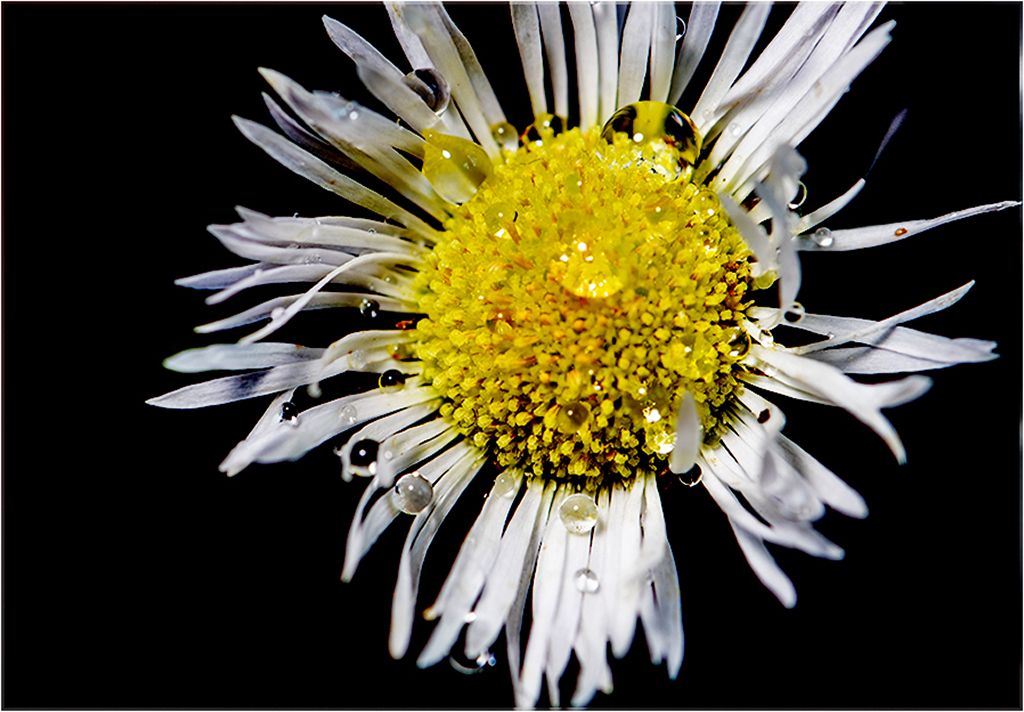
Hi Neal
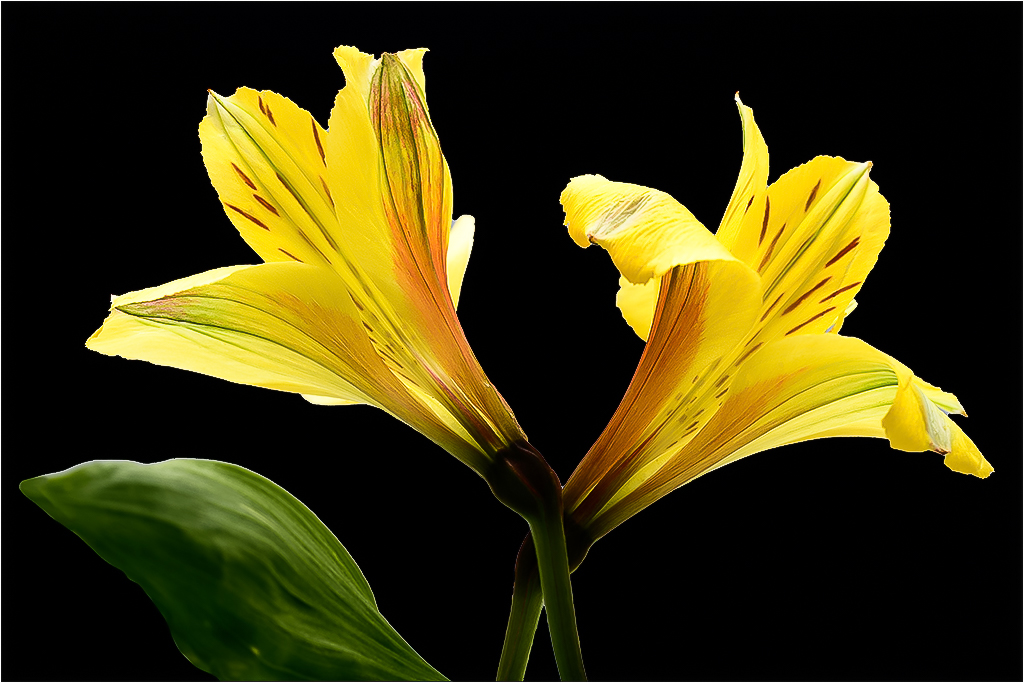
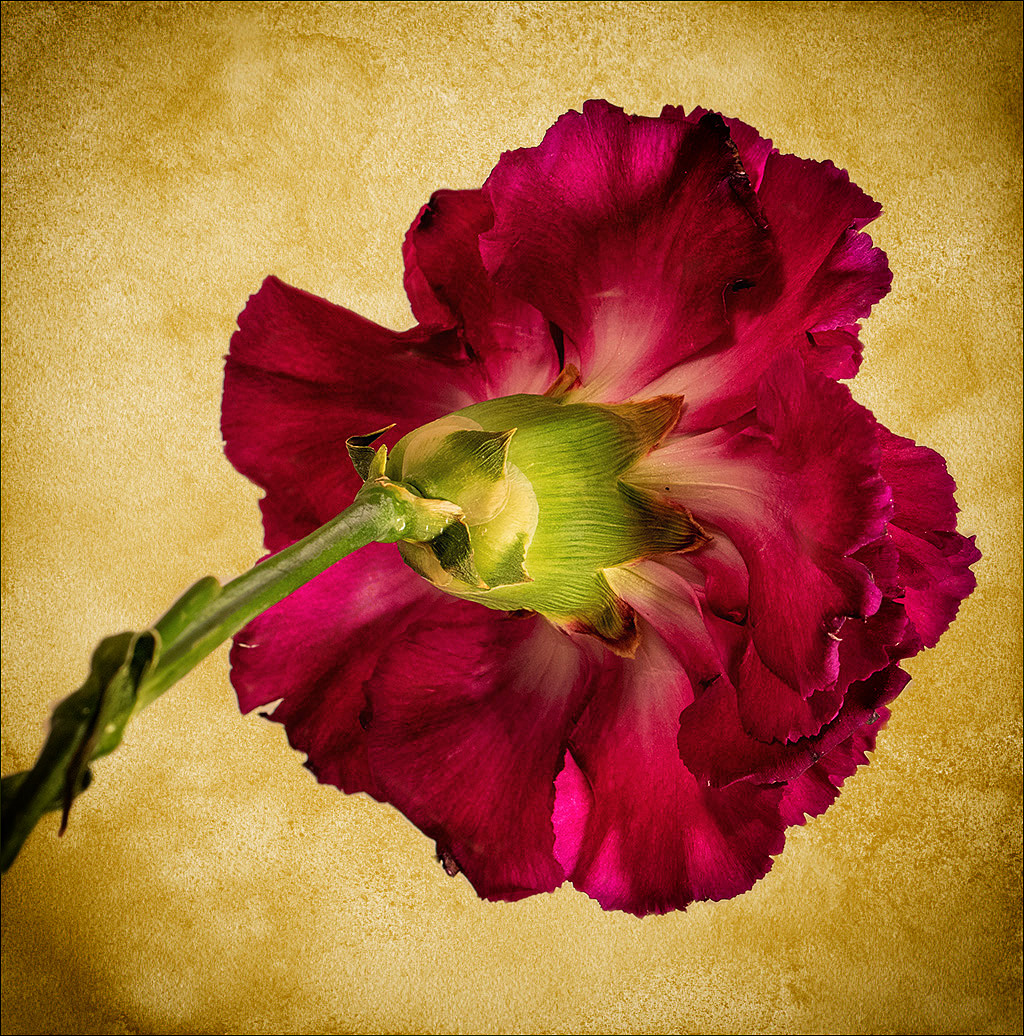
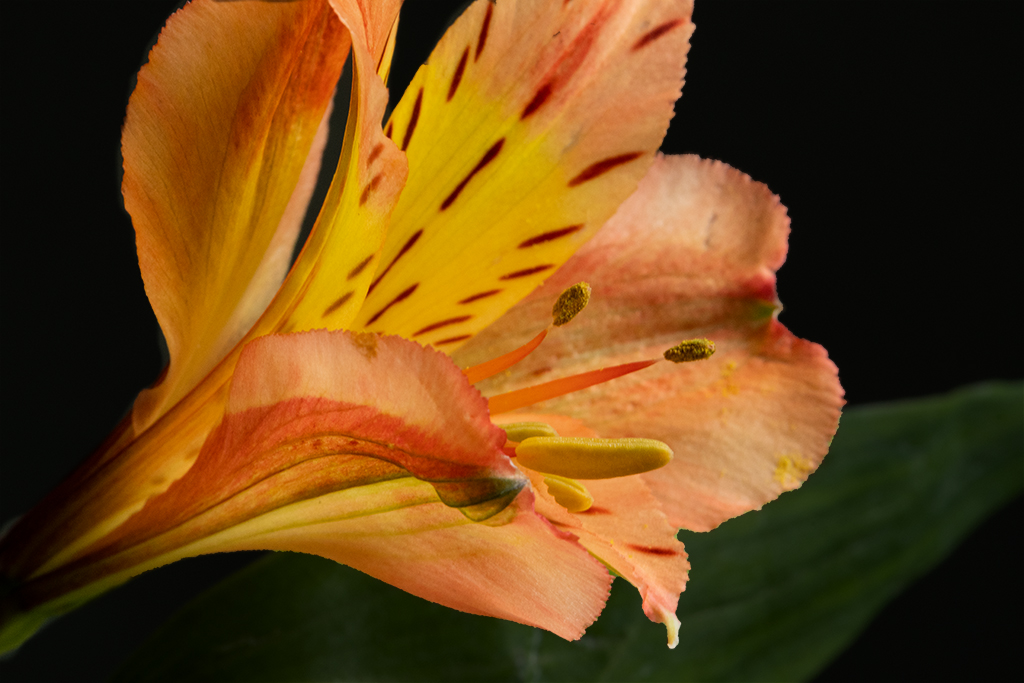
Thank you. When I posted this flower I didn't see the top was clipped. Now I will more mindful to include the top with the whole flower.
Barbara |
Aug 7th |
| 63 |
Aug 20 |
Reply |
Hi Lou
Thank you for your kind comments. I will pay more attention to the top of the flower in the future. I didn't notice it until you mentioned it.
I need to let you know I had promptly responded to your comment on 8/4/20 but I see it never was posted so I posted another reply.
Barbara |
Aug 7th |
| 63 |
Aug 20 |
Comment |
Hi Murphy
I agree the top should be included, and a border would definitely improve the image. I do like the borders on the other images.
Thank you
Barbara |
Aug 4th |
| 63 |
Aug 20 |
Comment |
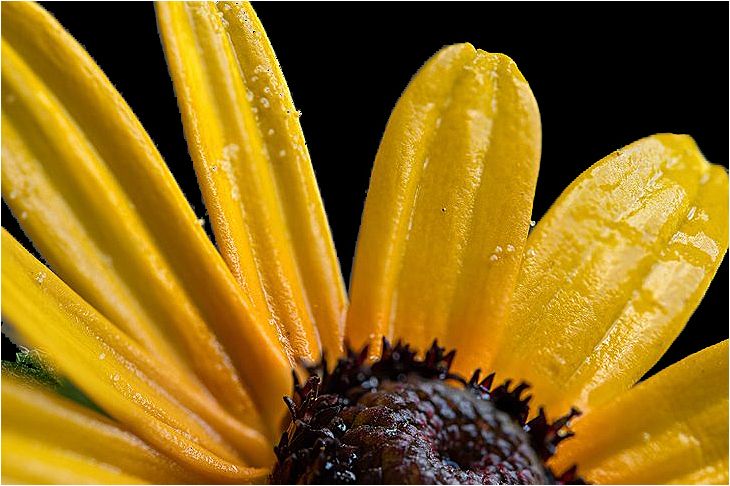
Hi Lou
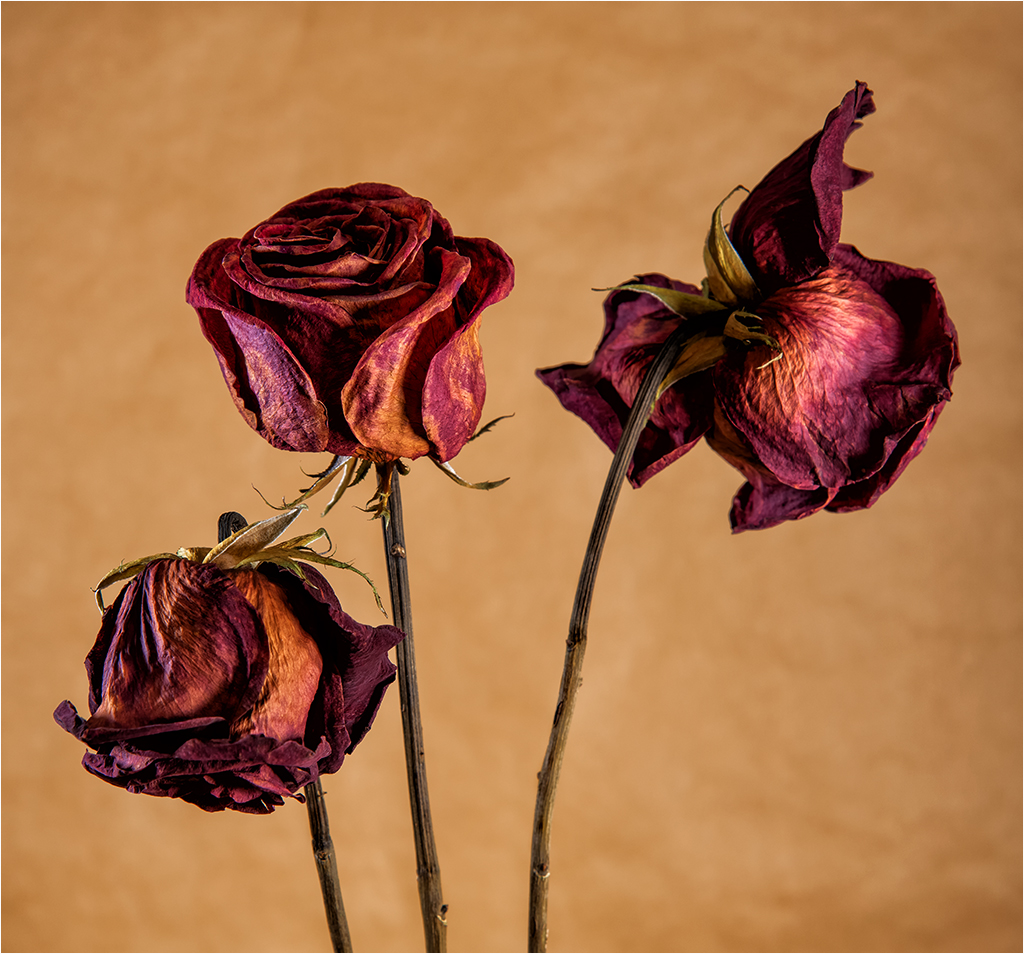
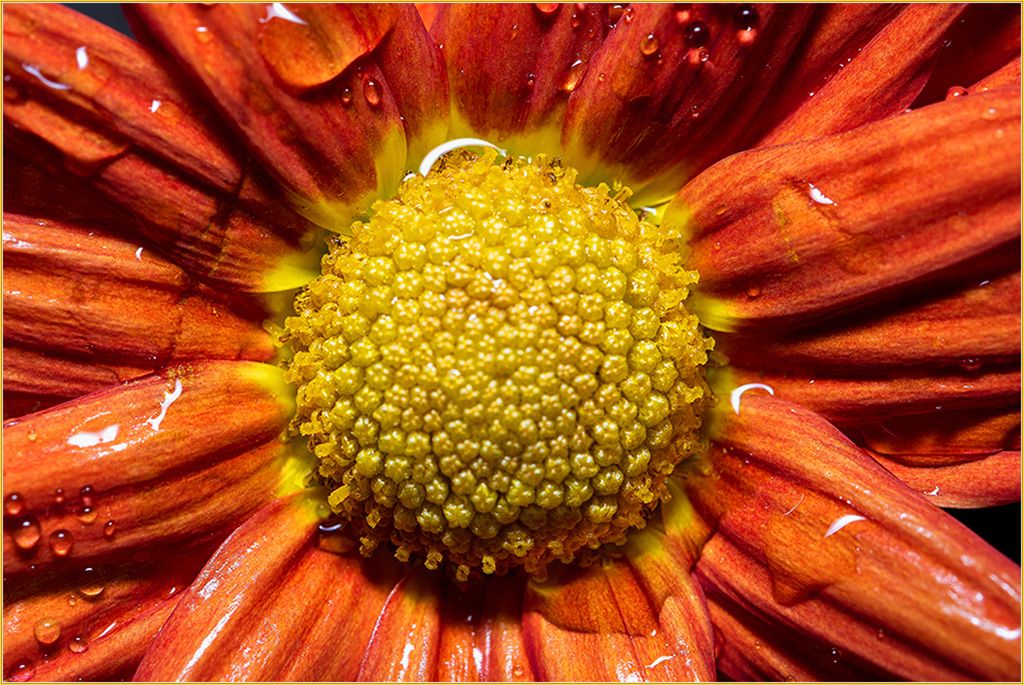
This image is incredible. It's sharp, perfectly exposed, and so colorful it looks like a stained glass. It's unique and I love it.
Barbara |
Aug 4th |
| 63 |
Aug 20 |
Comment |
Hi Pricilla
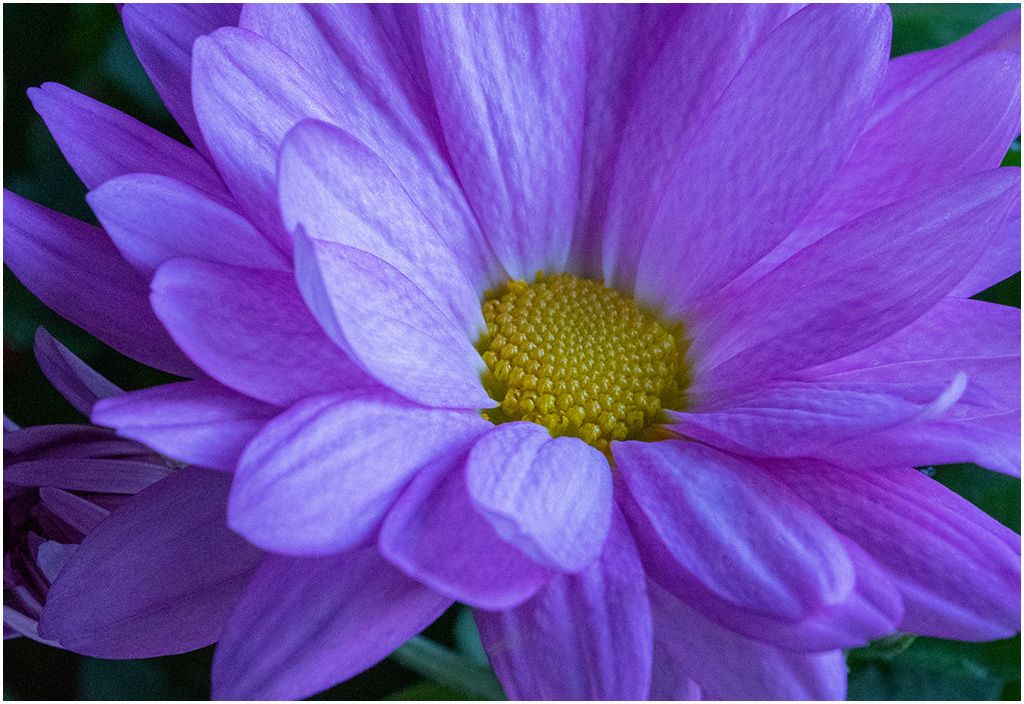
The color and texture of the flower is lovely. Well done. I also use Photoshop Elements and trying to learn more about layers, masks, and textures. I found that YouTube has excellent tutorials on everything. In particular "Leslie Nicole" videos on textures. Search YouTube for PSE topics on layers and mask too. It has helped me. There is so much to learn and it's fun.
Barbara |
Aug 4th |
3 comments - 6 replies for Group 63
|
| 95 |
Aug 20 |
Reply |
Thank you Tom
Barbara |
Aug 31st |
| 95 |
Aug 20 |
Reply |
Hi Bill'
Thank you. I have the questions but Tom has the answers. We really are fortunate to have Tom as our mentor. I also have a Nikon D500 and had the same question as you about the focal point. Do we move it as we move the rail or not? I think we are supposed to just move the rail if I understand Tom 's guidelines. I'm not sure but I am trying to move rail only and see the results. It's challenging isn't it?
Barbara |
Aug 30th |
| 95 |
Aug 20 |
Reply |
Thank you Stuart |
Aug 22nd |
| 95 |
Aug 20 |
Reply |
Now I understand that after everything is set up leave it alone and only move the rail. I will try.
Thank you Tom. |
Aug 22nd |
| 95 |
Aug 20 |
Reply |
Thank you so much for your guided steps. Do I need to change the focal point as I move it through each step of do I leave it alone and only move the rail? |
Aug 22nd |
| 95 |
Aug 20 |
Reply |
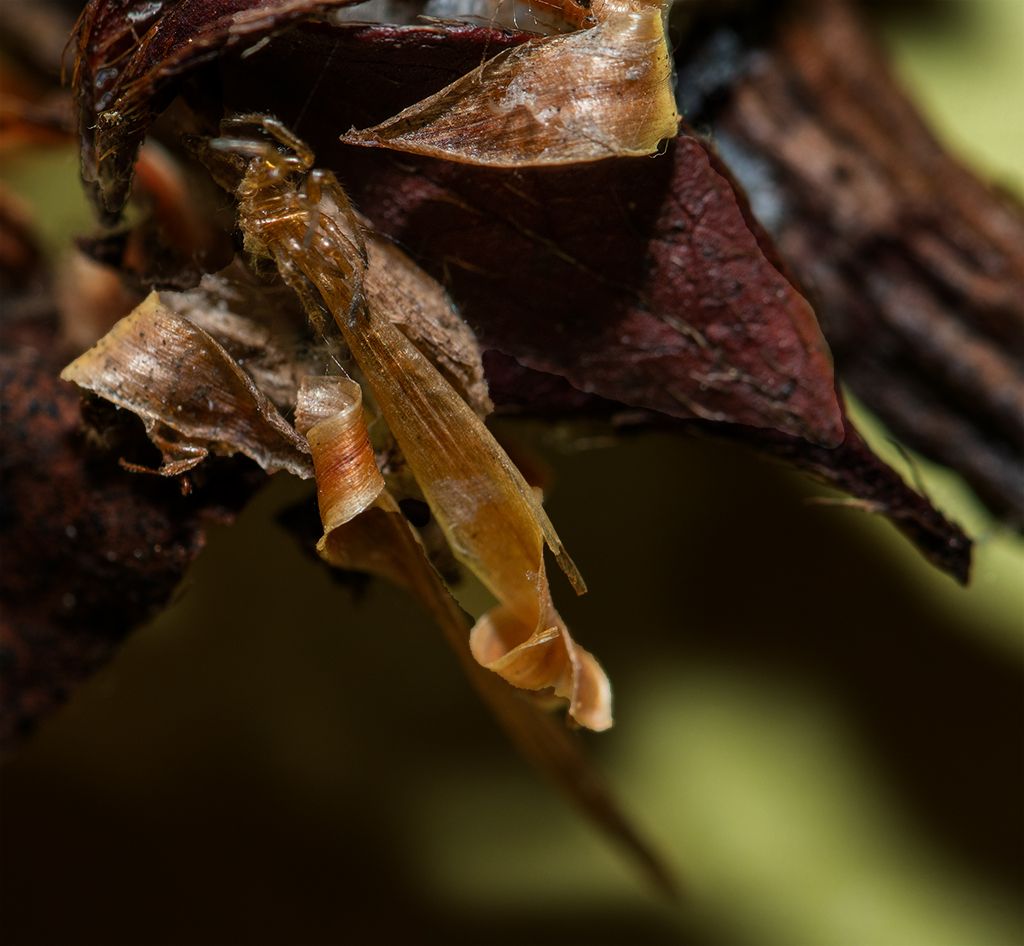
Hi Tom,
I tried focus stacking this image on the focus rail without success so I took the shot handheld. When I moved the rail keeping the setting at 1:1 it was blurred. Am I supposed to change the focus point manually or just move it along until it's sharp? If I understand I must leave the setting at 1:1 throughout the stack and do not move the focus ring to achieve sharpness. I also tried focus stacking it with Helicon Focus. Thank you
Barbara |
Aug 22nd |
| 95 |
Aug 20 |
Reply |
Thank you Nilan.
Barbara
|
Aug 22nd |
| 95 |
Aug 20 |
Reply |
Hi Stuart
Thank you for your helpful suggestions. I will keep them in my notes. Macro is not easy and I need your help.
Thank you
Barbara |
Aug 22nd |
| 95 |
Aug 20 |
Comment |
Hi Stuart,
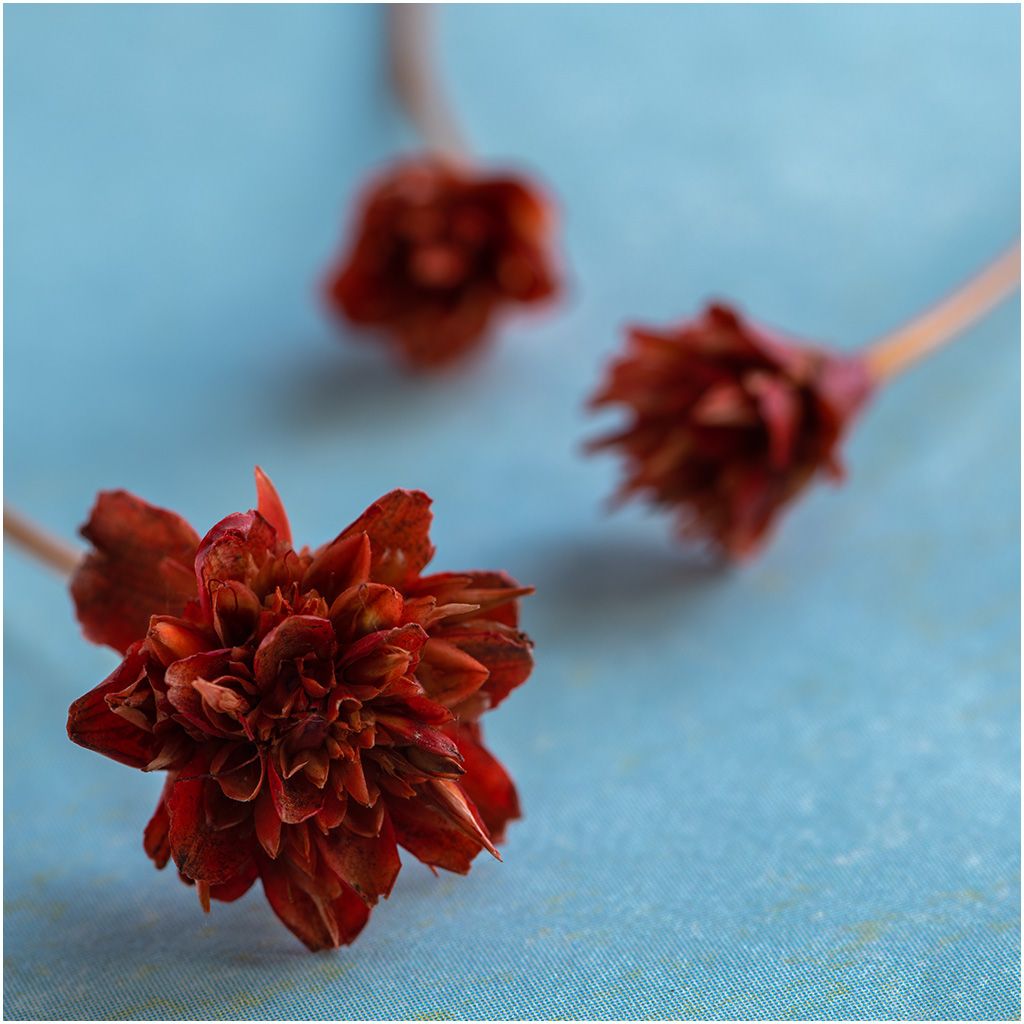
I love the colors against the blue background. It's beautiful.
Barbara |
Aug 1st |
1 comment - 8 replies for Group 95
|
4 comments - 14 replies Total
|