|
| Group |
Round |
C/R |
Comment |
Date |
Image |
| 74 |
Nov 21 |
Reply |
Thank you, Lance for your comments.
It encourages me a lot!
|
Nov 15th |
| 74 |
Nov 21 |
Reply |
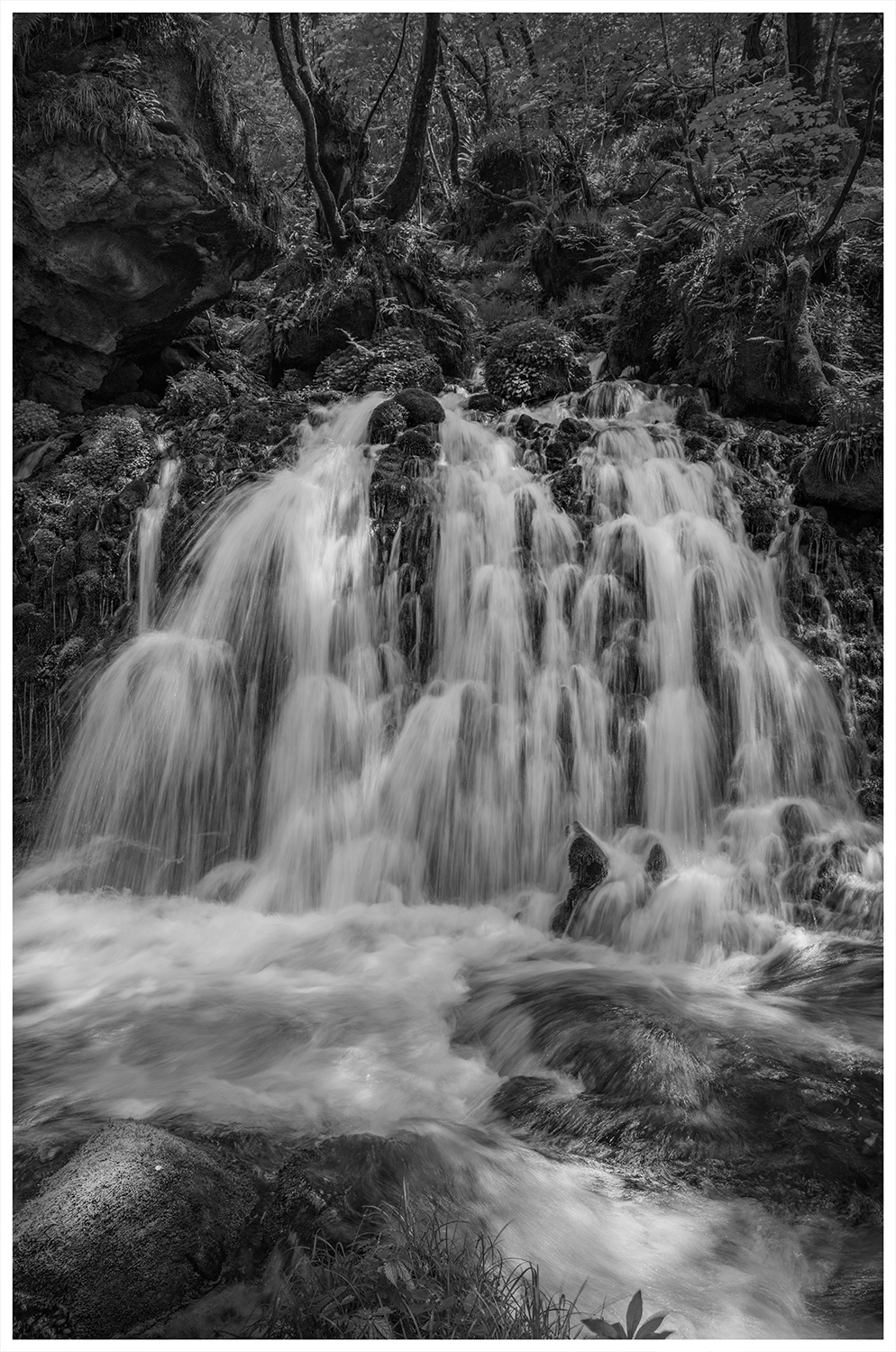
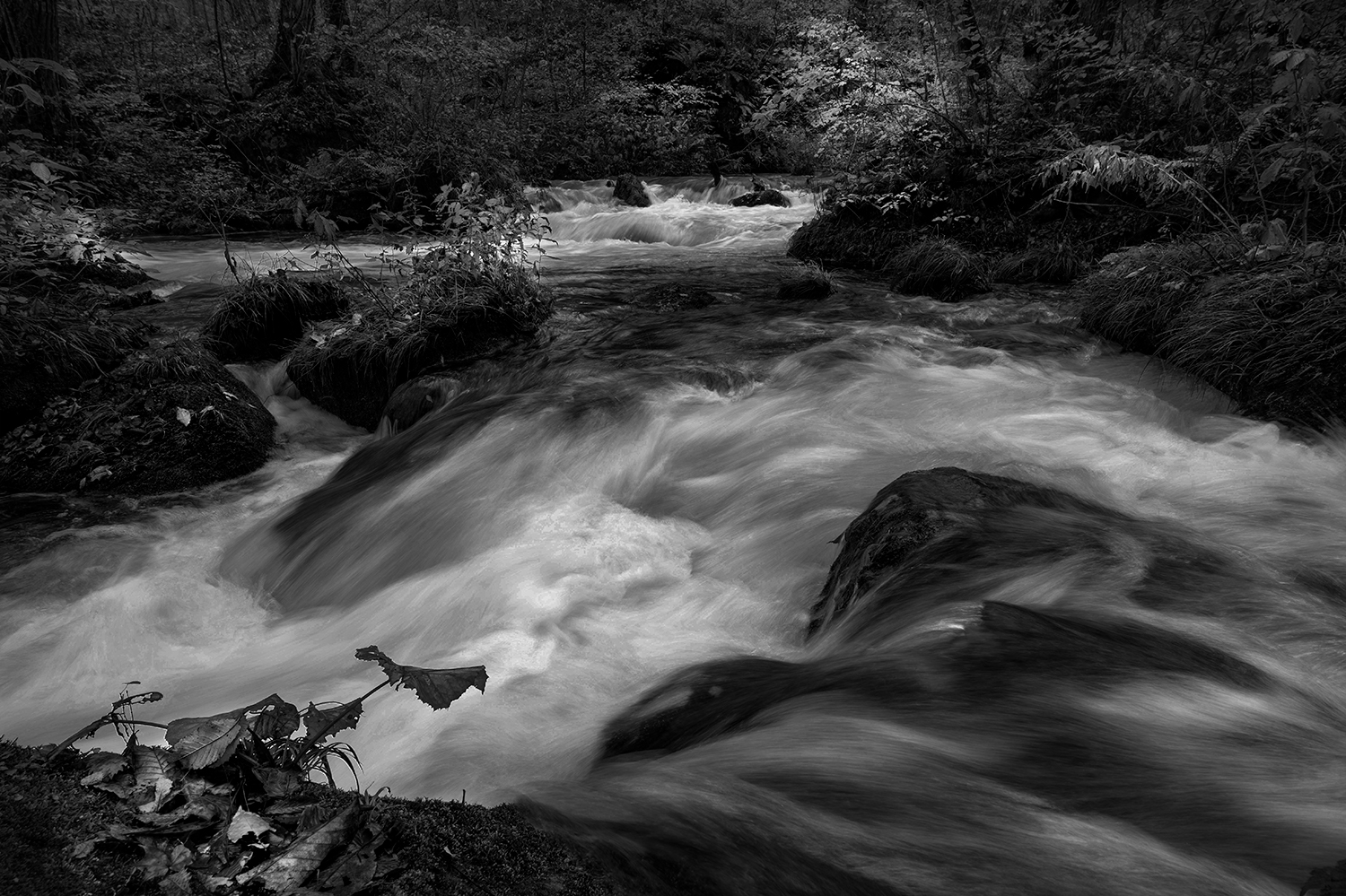
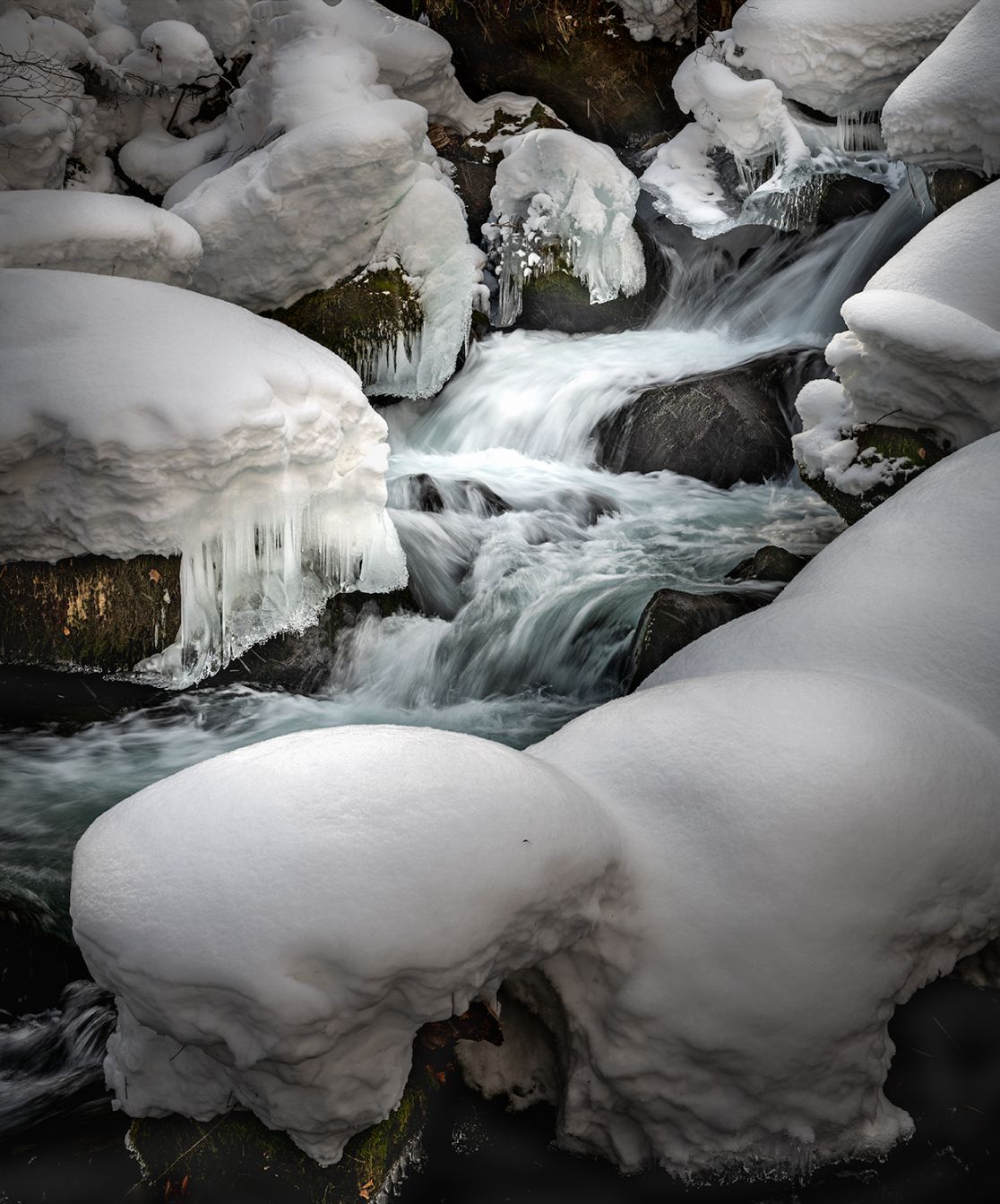
I now see the dragon in the water stream.
Good catch!
|
Nov 9th |
| 74 |
Nov 21 |
Reply |
Thank you for your comments, Tracy. |
Nov 9th |
| 74 |
Nov 21 |
Reply |
Thank you for your comments and edits.
Hope you learn something from this process.
I value the process to re-edit again and again based on the inputs from others. Those effort will develop your right eye and skill set in my view.
I appreciate your perspectives.
|
Nov 9th |
| 74 |
Nov 21 |
Reply |
Appreciate your comments, Arne. |
Nov 9th |
| 74 |
Nov 21 |
Reply |
Thank you, Don for your comments and edits.
Hope you could enjoy editing others image and learn something from it. |
Nov 9th |
| 74 |
Nov 21 |
Reply |
Thank you, Ata, for your comments. Appreciate it. |
Nov 9th |
| 74 |
Nov 21 |
Comment |
Hi Tracy, Thank you for sharing.
I prefer the color version better as Ata mentioned.
There are a lot to see in the color version.
Whereas the BW version has less to enjoy.
S shape leading line is excellent in the composition but there no main subject at the end of the leading lines.
If you want the S shape curve to be the center of attention, then you have a choice to lower your wide lens close enough to the ground and emphasis the texture/details.
In terms of post-processing, you have potential to improve it better. The image currently looks dull and flat. That's already pointed out by Don and Dick. |
Nov 9th |
| 74 |
Nov 21 |
Comment |
Hi Dick,
Thank you for sharing.
I understand your intention but this is a really a challenging transformation.
You need to crop out 3/4 of portion from the original and zoom in a small part of it.
You achieved your vision partially to show the net but I am not sure that this is what you were going after.
If the spider in the center is captured clear enough to identify it as a spider, then it might work better. Currently there is no "center of attention" in the image.
Also, there are a couple of white spots in the background which distract my eye away from the net as well.
|
Nov 9th |
| 74 |
Nov 21 |
Comment |
Hi Don,
Thank you for sharing.
I like the scene very much. I especially the layers of the mountain with some cloud actions.
I understood what you are trying to achieve. You have good eye to catch it.
Having said that, first, I would not crop out the tree right.
It is a good anchor point and it also helps to emphasize the depth.
It will be balanced well against the mountain left (in the middle layer).
Second, I think you increased contrast/clarity too much - it lost details, details of the trees in the hills and mountains. What worries me is the trees in the hills. it is buried in the hills and I cannot separate those trees well from the hill.
For my practice, I edit myself.
The original has little pixel so it has limitation but I tried to maintain the texture/detail as much as possible, and try to describe the mountain layers - the far the mountain you go, the lighter tone it become. I did not put so much contrast in the sky. Fuzzy contrast would fits better in my view.
Hope this helps. |
Nov 4th |
 |
| 74 |
Nov 21 |
Comment |
HI Ata,
Thank you for sharing.
Your cropping works very well. It highlight the person who looks just turn her head around.
Erasing the sign turned out to be successful. It looks natural as well.
Well done. |
Nov 4th |
| 74 |
Nov 21 |
Comment |
Thank you, Arne for sharing.
I think the cropping works well and now the warehouse is center of attention.
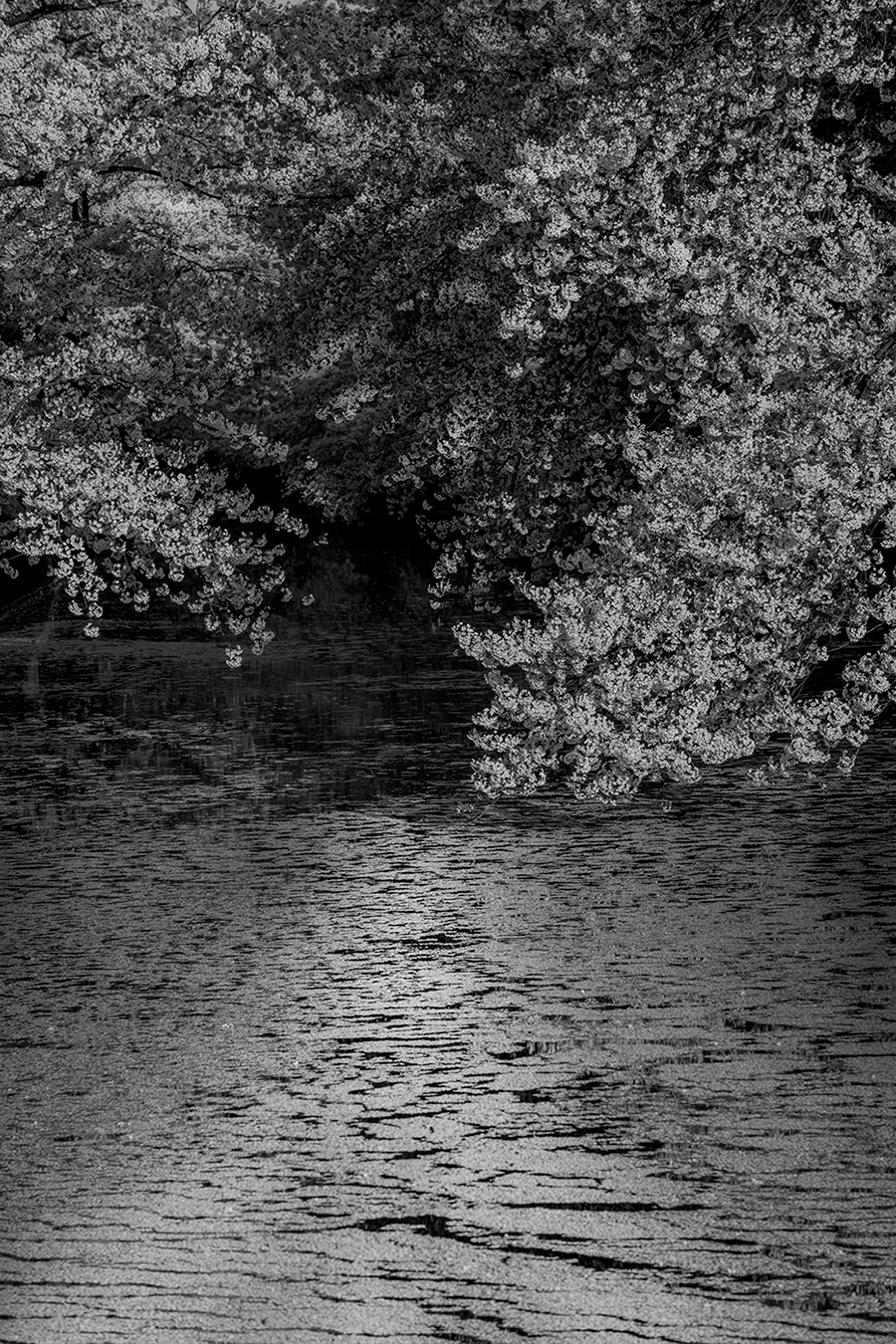
I like the stroke of brush hinting the light from left upper corner (just like the moon light is hitting).
I like the direction you are heading but I feel the image is a bit too dark for me. It does not have whites in the image.
The detail is lost especially right side.
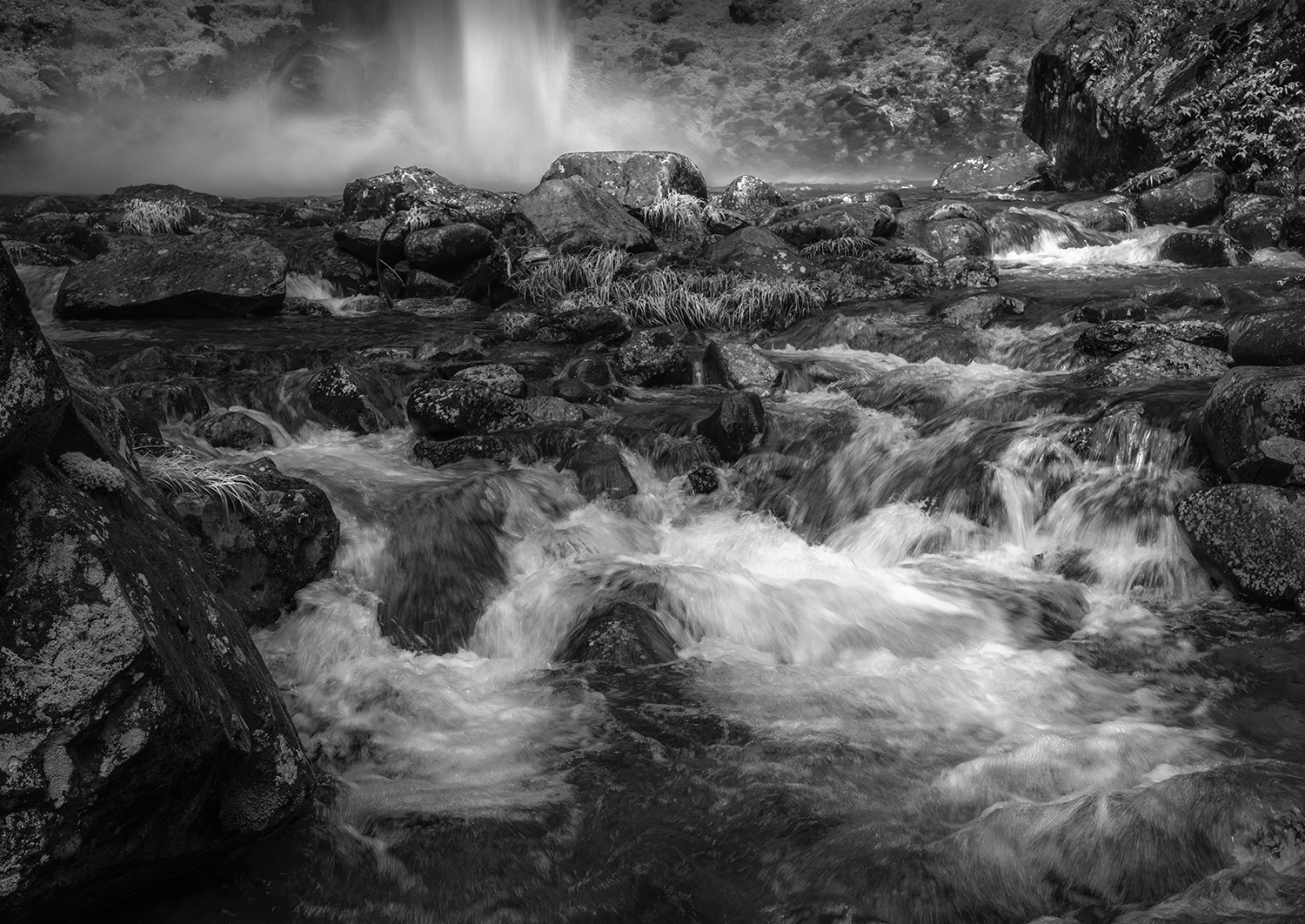
I played around a bit with BW image - I did level adjustment and crop the water slightly.
Looking forward to your "Bergen" pictures. |
Nov 3rd |
 |
5 comments - 7 replies for Group 74
|
| 96 |
Nov 21 |
Reply |
Thank you, Dan for your comments. I value your input.
|
Nov 21st |
| 96 |
Nov 21 |
Reply |
Hi Bob,
Thank you for your message.
It would not be my final edit.
I just produce the image based on their input.
I expect them to feedback me physically looking at the re-edited version.
I value this process to widen my perspective and practice editing skill.
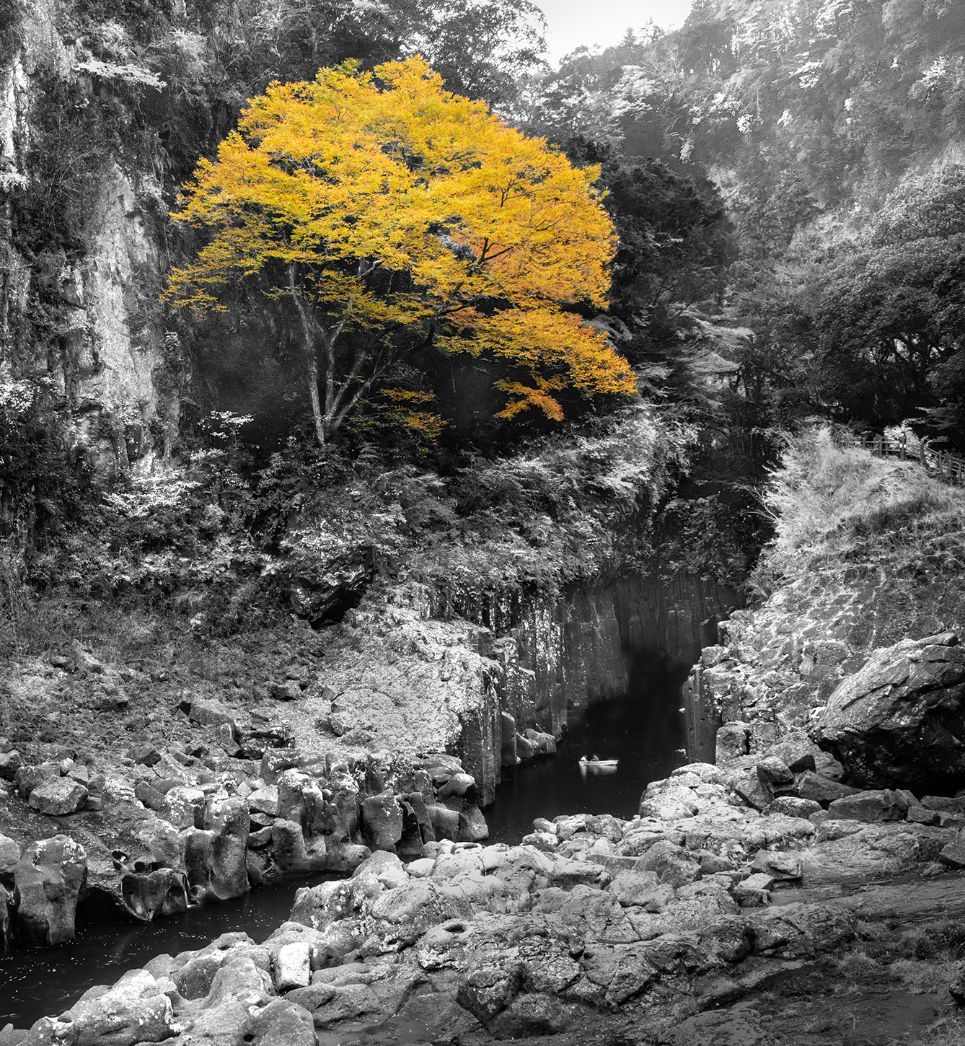
At the end of the day, I might end up keeping BW except the big tree and boat (painted yellow) as you suggested.
I appreciate your comments anyway. |
Nov 19th |
| 96 |
Nov 21 |
Reply |
Hi Cheryl,
I reedited based on your suggestion - muted the color version.
How does this look for you now?
|
Nov 17th |
 |
| 96 |
Nov 21 |
Reply |
Hi Dan,
I am attaching the re-edited version.
I muted the color except the big tree. I added a blue tint just a little to off-set the warm colors overall.
And add vignette at last.
Does this look better now?
|
Nov 17th |
 |
| 96 |
Nov 21 |
Reply |
Thank you, Bob for your comments.
I recall that it is one big tree, if I am not mistaken.
I will come back with the re-edited version after incorporating all the input here. Please bear me for a moment….
And thank you for your help, Bob. |
Nov 15th |
| 96 |
Nov 21 |
Reply |
Thank you, Dan for your comments.
I see what you are saying.
Let me work on this again and post it if time allows.
Talk to you soon. |
Nov 15th |
| 96 |
Nov 21 |
Comment |
Hi Emily,
Yes, recent smartphones camera perform well. It provides convenience and flexibility in capturing the scene.
I think this image is well captured considering the fact this is taken by a smartphone.
The composition works well - placing the stone in foreground, main subject in the center, and background help to emphasize the depth.
The cloud action is very nice. It hints the autumn.
I also like the contrast - green vs. autumn colors.
Only critique is that the title is "autumn" but the main trees (main subject) is in full of green. I feel a bit of disconnect.
I prefer to see the main trees are in autumn colors.
|
Nov 9th |
| 96 |
Nov 21 |
Reply |
Hi Cheryl,
Thank you for your comments.
It might worth to try your idea of "muted color vs. stronger color".
Let me try that if it works. |
Nov 8th |
| 96 |
Nov 21 |
Reply |
Thank you, Robert, for your comments.
As you pointed out, I should have looked for other way to deliver the scale of this scene.
Or I should have kept the color of the boat, which is blue, for easier catch in the image... |
Nov 8th |
| 96 |
Nov 21 |
Comment |
Hi Cheryl
Thank you for sharing.
I have not stepped in this arena yet so my comments might not be valid. So please excuse me in that sense. I am commenting without reading other's comments not to be influenced by those. I just looked at the image posted and re-edited image.
First impression is "Wow". At first glance, it looks good. Choosing the right timing at right place is really difficult as I imagine.
As looking at the image again and again, I feel that my eyes are distracted so many white star dots here and there. Is it possible to reduce small one and retain just the big dots?
Also I prefer to see the details of the barn.
As for the re-edited image, I feel it is too blueish, especially the barn.
But I am proud of your passion and energy to shoot this. Night sky photography requires tremendous planning skills and execution skills. I am catching up later....
|
Nov 8th |
| 96 |
Nov 21 |
Comment |
Hi Robert,
I like rock formation images. My camera career started at Arches National Park in Utah.
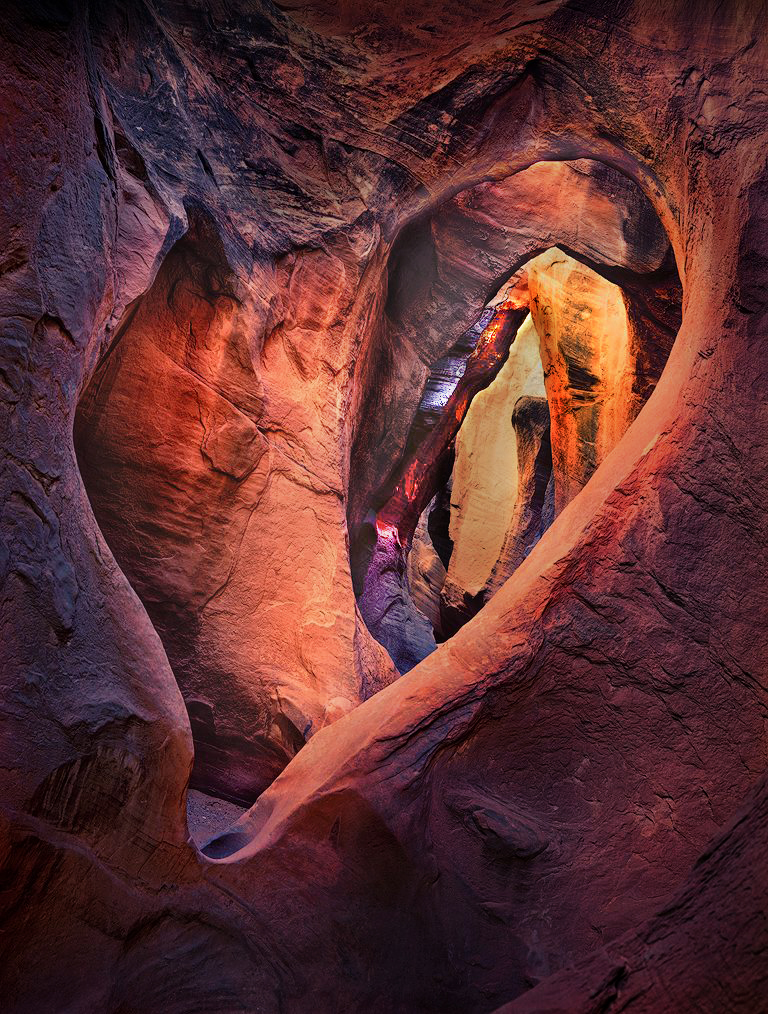
This is a very beautiful formation and a good subject for shooting. You titled it as "heart" but it looks "fox (face)" for me.
I think the key is how to present the "layers" of the arch formation and feel the viewers the depth. But to be honest, It takes a while for me to grasp the layer structure.
Though my try and error on PS, I found a couple of points;
1. The first layer rock - the darker the better.
2. The arch (form like ring) in the middle layer - it lost details in the middle so it make difficult for my eye to recognize it as independent arch. It is currently migrated in the background and does not stand out itself.
3. The tone/saturation of colors - tone/saturation of each layers looks similar. So my eyes are not guided well layer to layer. Personally I like the level of saturation in the image. It looks more natural and feel the texture. But It is personal style thing.
Having said that, This is what I did.
1. Darken down the first layer - Increased saturation a bit as well. That way my eye can focus the second+ layers easier.
2. Bring out the detail of ring arch as much as possible and keep it saturated and bright.
3. Desaturated the wall around the ring arch to make the arch standout. My eyes moves from saturated spot to desaturated spot smoothly.
Hope it helps.
|
Nov 8th |
 |
| 96 |
Nov 21 |
Comment |
Hi Dan,
Thank you for your description. It is a good one for me to understand your thought process.
I have been thinking about this image since it is posted.
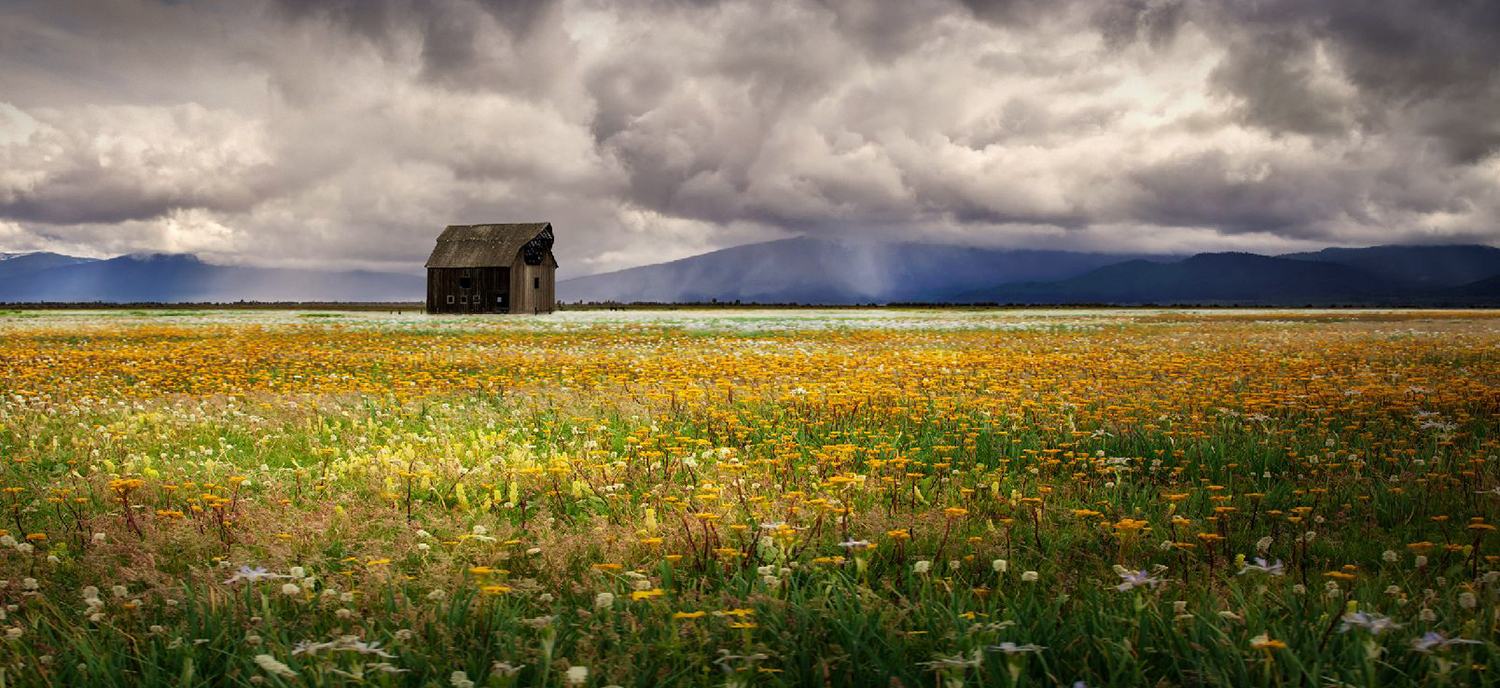
The composition is good - eye-level foreground works well, placing the barn at the right place, and strong cloud action at the background. It also has a nice color pallet.
For me, the story of this image is the contrast - peaceful flower field vs. frightening stormy clouds. The barn stands in the peaceful flower field but suddenly the rain shower is approaching. The current composition supports the story well as it is.
But if I would strengthen the story, I would highlight the rain shower captured at the back. To realize that, I would crop down the sky a bit. Slight Vignette to guide the viewers eye to the barn and the shower.
|
Nov 8th |
 |
| 96 |
Nov 21 |
Comment |
Hi Bob,
Thank you for sharing.
I like your attempt. The blight glasses reflected on the pond! That's very beautiful. Good job of finding the nice spot.
As for composition, you did a good job of creating depth. I like the edge of the pond (left side) and the building at the back (I prefer to see the building without so much overlap with the glasses though).
As for contrast, you did a good job on that, too. But for me, it is still strong - some of the lamps of glass lost the detail and it looks almost blown out. I guess it is because of increase contrast.
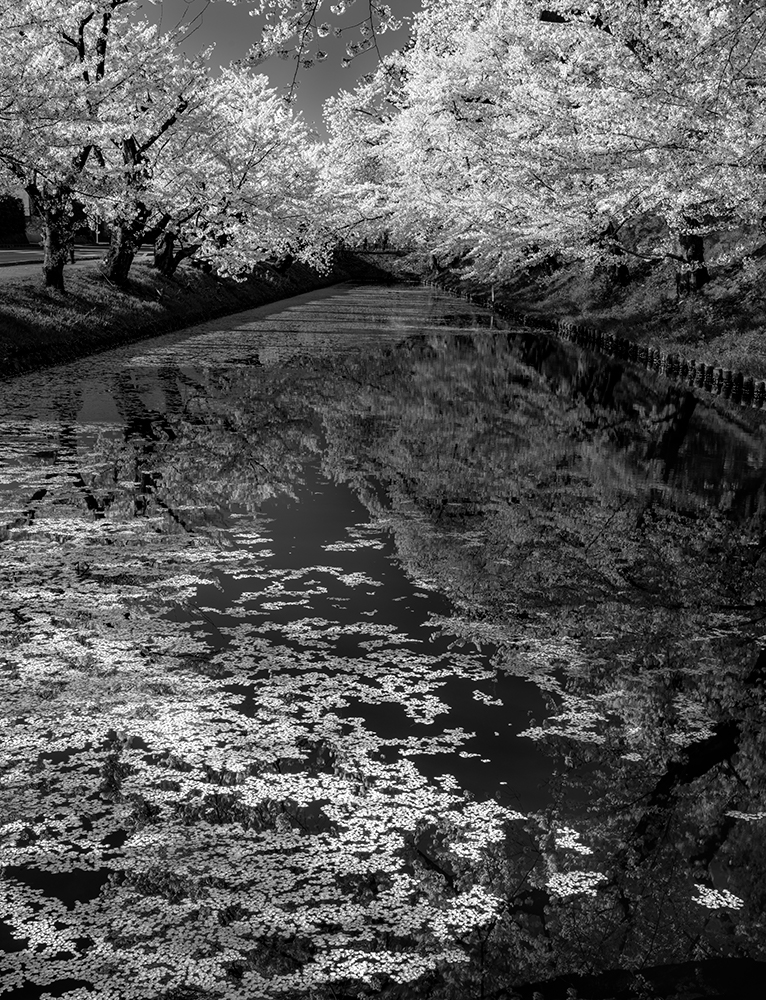
I like the color version but I convert it to BW just for my experience.
It is a very quick and dirty edit so please excuse me. I just wanted you to see how it looks. |
Nov 6th |
 |
5 comments - 8 replies for Group 96
|
10 comments - 15 replies Total
|