|
| Group |
Round |
C/R |
Comment |
Date |
Image |
| 41 |
Nov 20 |
Reply |
Thank you! |
Nov 18th |
| 41 |
Nov 20 |
Reply |
Thank you! |
Nov 18th |
| 41 |
Nov 20 |
Reply |
Nice work! |
Nov 18th |
| 41 |
Nov 20 |
Reply |
Thank you! |
Nov 15th |
| 41 |
Nov 20 |
Reply |
Thanks Maryellen, I like that one too :-) |
Nov 15th |
| 41 |
Nov 20 |
Reply |
Thank you Kathy, I like the rainbow cow too. |
Nov 15th |
| 41 |
Nov 20 |
Comment |
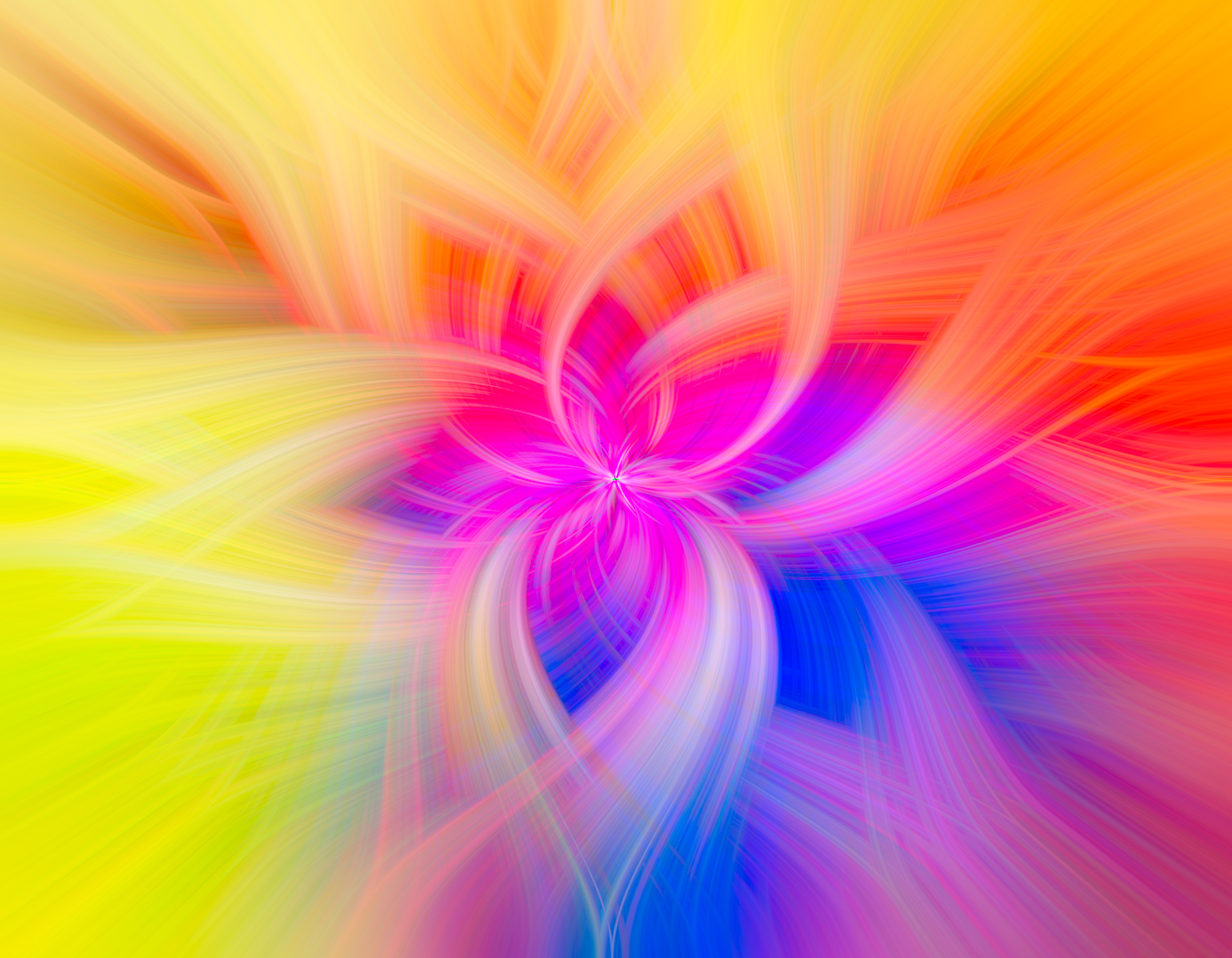
1. Start with any photo.
2. Filter > Pixelate > Mezzotint > Medium lines.
3. Filter > Blur > Radial blur (slider = 100, blur method = zoom, quality = best).
4. Repeat step 3 up to 5 times, as desired.
5. Duplicate layer.
6. Remain on original layer. Filter > Distort > Twirl (angle value = 80 or as desired).
7. Select Top layer. Filter > Distort > Twirl (angle value = -80 or opposite of step 6 angle value).
8. Alter new layer's blending mode to lighten.
9. Merge layers.
10. Finish. |
Nov 13th |
| 41 |
Nov 20 |
Comment |
so much work! I love the way the clouds look in this image! |
Nov 10th |
| 41 |
Nov 20 |
Comment |
Good work with your filters, really like the colors and the way the background is blended. |
Nov 10th |
| 41 |
Nov 20 |
Comment |
Great creativity and wow, love the pic of the people! I would put some shadows under some of the items dropped into the image just to secure those to the floor. Very impressed! |
Nov 10th |
| 41 |
Nov 20 |
Comment |
As you know I enjoy Topaz Labs and use quite a few of their filters. Nice work here and love the glowing feeling. |
Nov 10th |
| 41 |
Nov 20 |
Comment |
what a fun image! I would watch the mask on the skater, you can see some areas on his left hand and on the skateboard wheels that are rough. It would also help the image if there were a shadow under the skateboard. Love the motion and the colors! |
Nov 10th |
6 comments - 6 replies for Group 41
|
6 comments - 6 replies Total
|