|
| Group |
Round |
C/R |
Comment |
Date |
Image |
| 33 |
Apr 20 |
Reply |
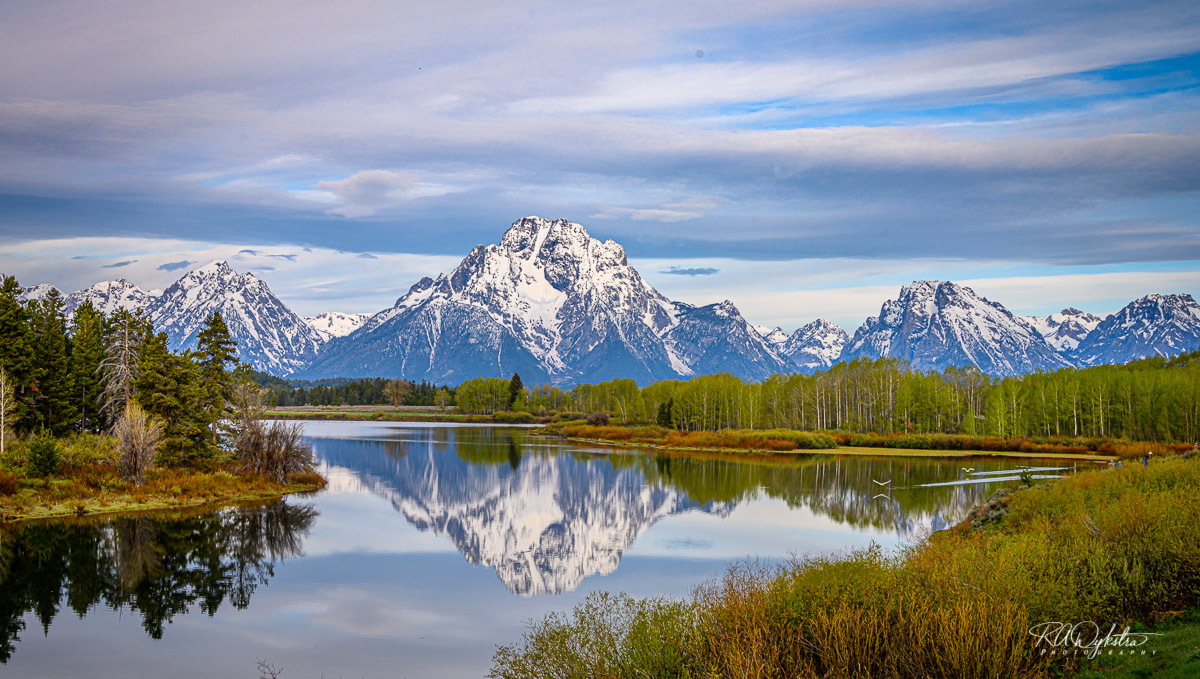
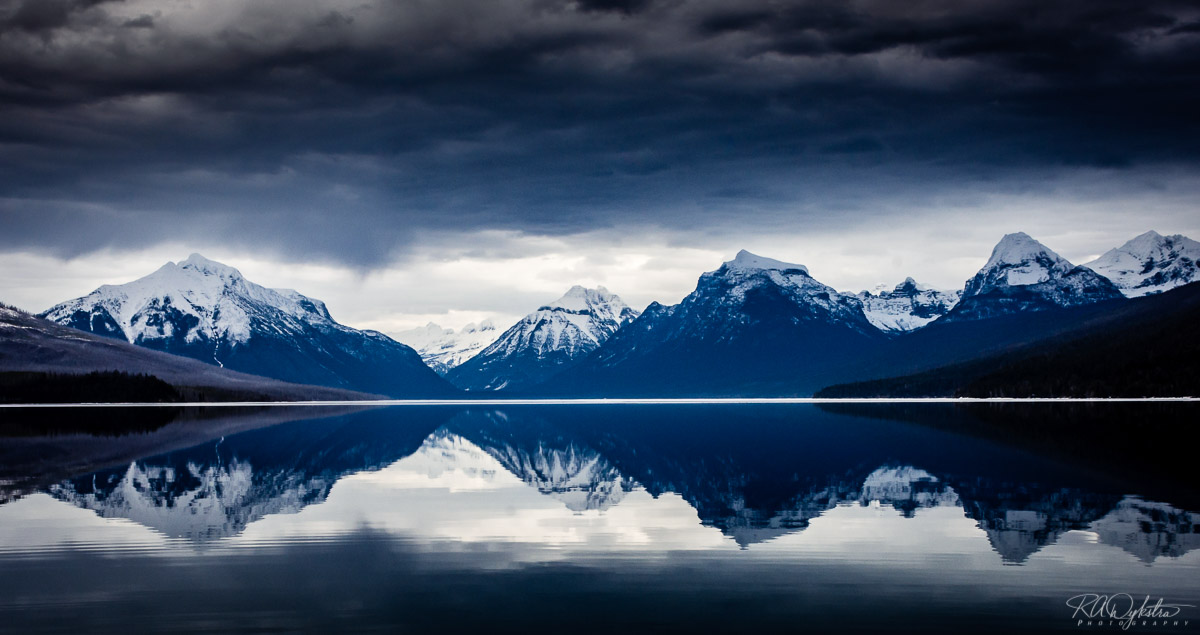
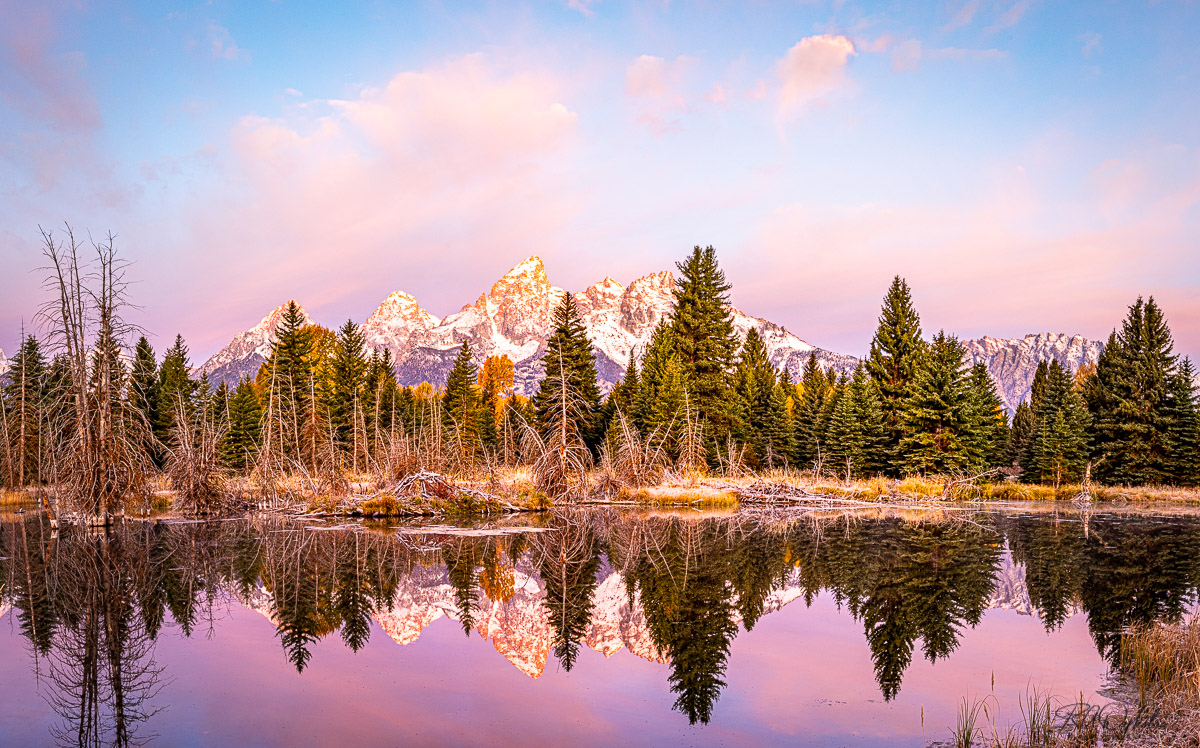
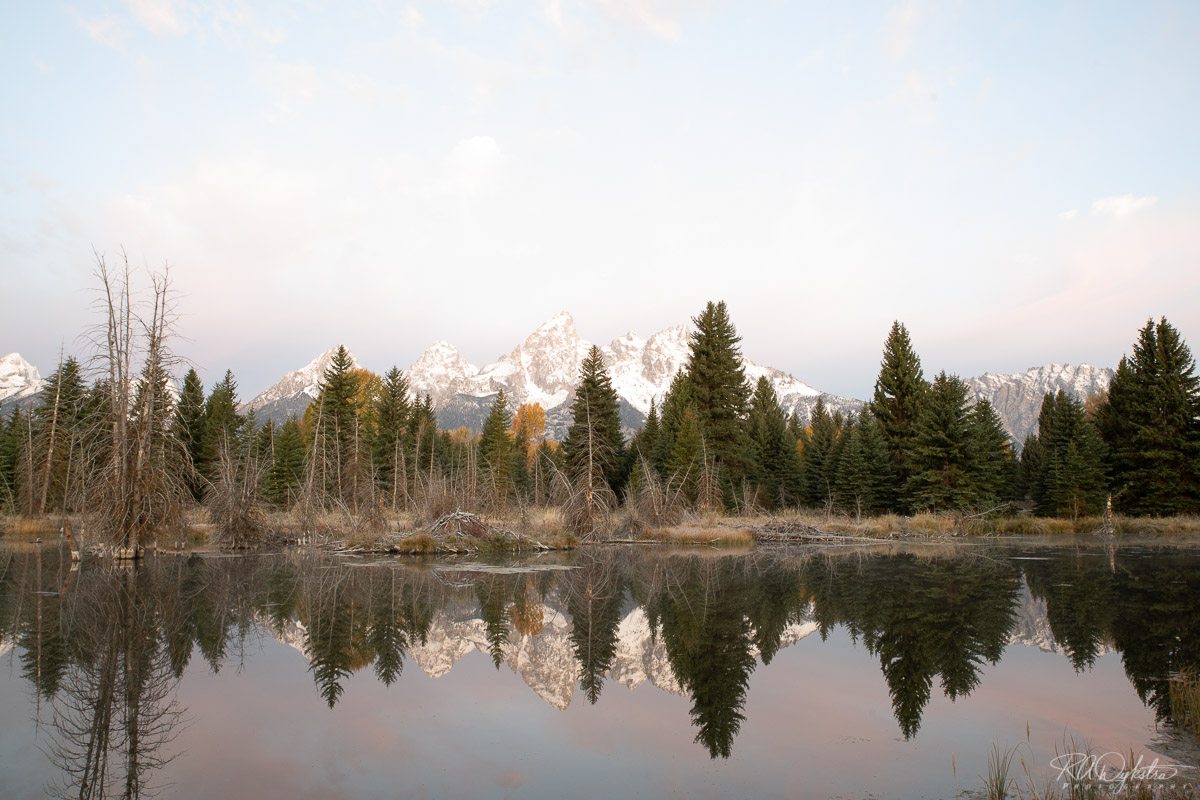
You described exactly what I did... I have over 90 images of this scene, taken over about 45 minutes and so its been a project for me. Another issue is the light changed while I was there. I like the sky early and the trees later... I've yet to try to merge those two things. However LR now has a HDR-pano option, where I only have to select the 15 and LR does all the work of HDR and stitching. Which makes the process faster. Obviously I then adjust as needed once I have the stitched pano. That's where my issue lies. I haven't figured out a reliable process to handle the Pink throughout the photo (sky,mtns, reflection) without without adversely affecting some other aspect... I've tried lum masks,(I use TK7 panel) blend if, color mixing, hue adjustments, all sorts of things.. I guess I was hoping someone might have done this before and have a tip or two, but its really up to me to continue playing and discover on my own. That's the thing with PS... There are so many ways of doing things. Here is a raw image I shot prior to trying to make pano... |
Apr 12th |
 |
| 33 |
Apr 20 |
Reply |
I live in Texas.. That' not a cowboy hat. too small. LOL |
Apr 11th |
| 33 |
Apr 20 |
Reply |
Yes I used Lightroom... select 3 then control-shift-H
Then made pano TAB photo - photo merge - pano
|
Apr 10th |
| 33 |
Apr 20 |
Reply |
Yes to my eye that's much better. You can "content aware" crop in PS to get a little more space on left. |
Apr 9th |
| 33 |
Apr 20 |
Reply |
its the authors prerogative... make it the way you prefer... That is all that counts... |
Apr 9th |
| 33 |
Apr 20 |
Comment |
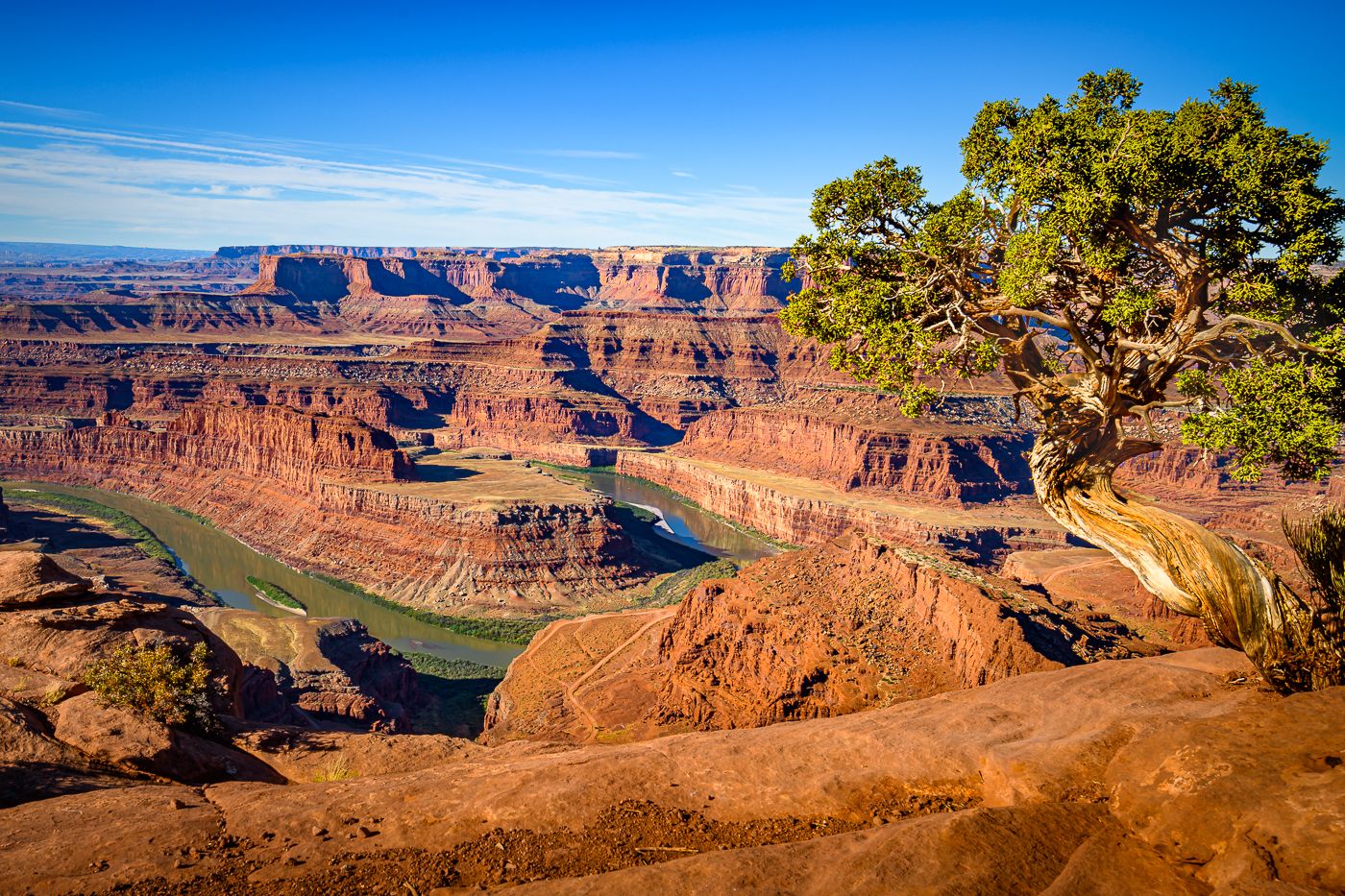
I almost immediately answered Bob P's question with No. Places like this are huge. I've shot another photo almost exactly like this but in Alaska. I spent some time in the Dolomites and another time near Interlaken... Fond memories come back to me seeing this.. |
Apr 9th |
| 33 |
Apr 20 |
Comment |
A lone tree is always a nice composition as long as it has balance. The clouds and mountain ridge does that here. What post processing Software do you use? It would be nice to have vignette off-center in this case... |
Apr 9th |
| 33 |
Apr 20 |
Comment |
Yes I like the composition. Do you use Lightroom? I really like their new "texture" slider. You can't do much with those clouds but they did provide a nice softbox for the foreground. |
Apr 9th |
| 33 |
Apr 20 |
Comment |
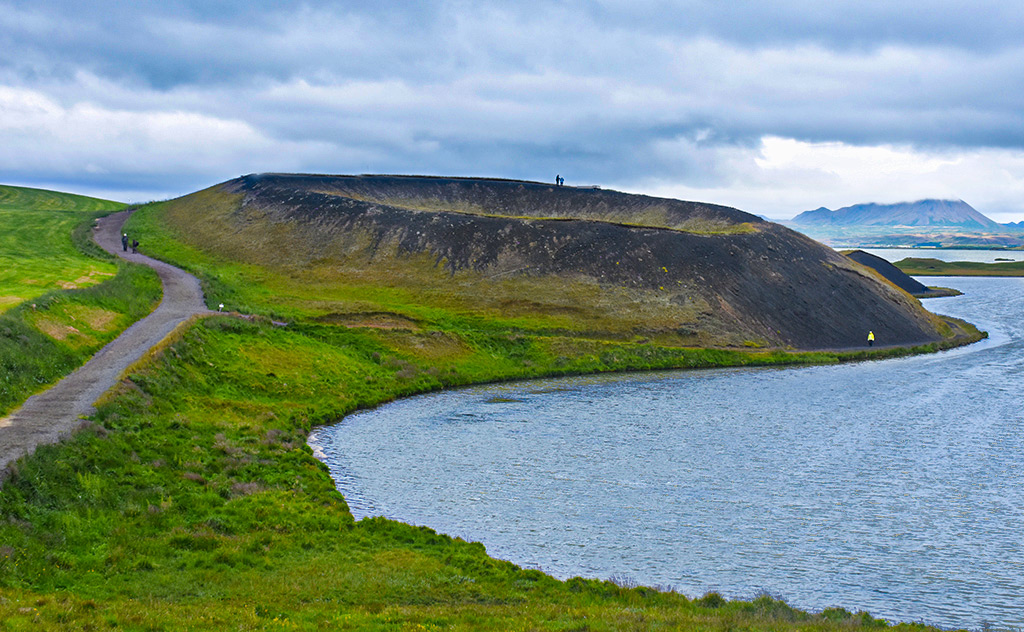
Nice location! Good use of the leading line. Actually you can work with those conditions. Add some drama to the clouds I actually pushed the greens a little bit and added a color grade to the water... Oh and got rid of most of the people. only need a couple for scale |
Apr 9th |
 |
| 33 |
Apr 20 |
Comment |
Nice colors! I do like this! Well done. Only one small nit.. to me it appears the horizon is not level. I know there is a hill but the clouds aren't level either |
Apr 9th |
| 33 |
Apr 20 |
Reply |
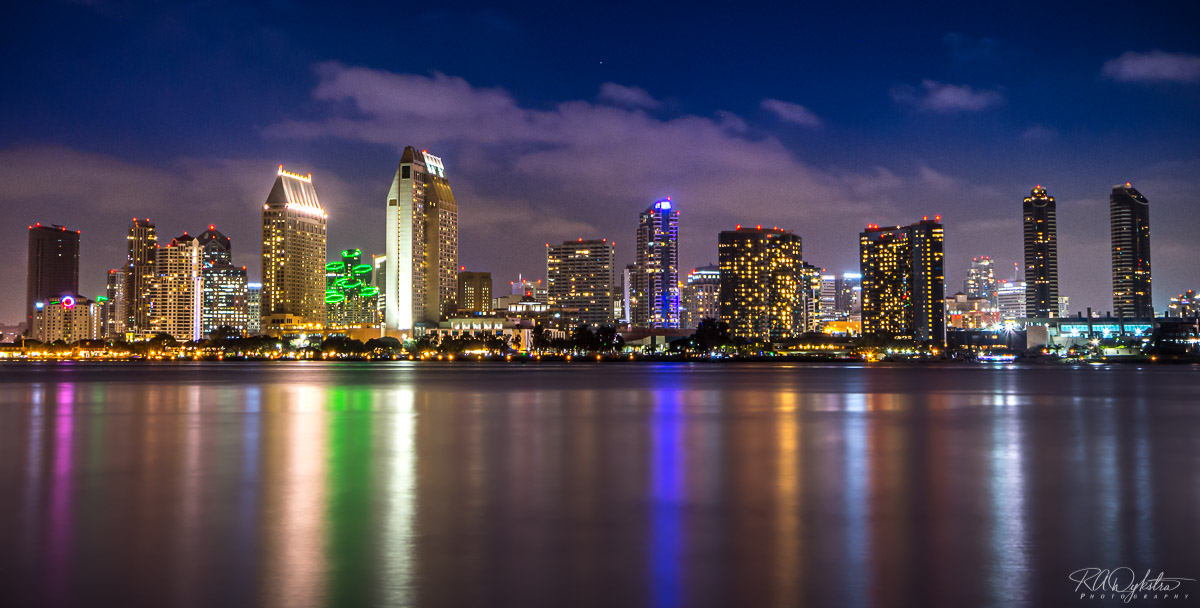
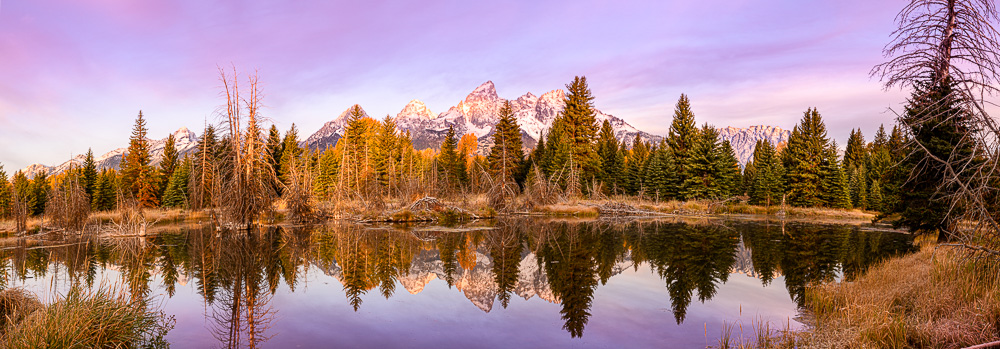
Here is closer to my final image.. I'm considering swapping skys... final product will be a set of 3 24x24 square canvas wrapped images.. this is almost 180 deg sweep |
Apr 9th |
 |
| 33 |
Apr 20 |
Reply |
I took 3 bracketed (+-2 stops) shots with my camera in the vertical position. (this gives me over 8000 pixels up/dwn)
I then did the same but moved over a little more than 1/2 frame. Did this 5 times
I made HDR image from each set of 3. I then took those 5 images and made a pano. I then cropped as need.
This image is not the full final image but one I cropped to fit most internet sites. I've actually done a lot of work on it since the image above.
Final image will be 3:1 ratio with width over 15000 pixels... |
Apr 9th |
5 comments - 7 replies for Group 33
|
5 comments - 7 replies Total
|