|
| Group |
Round |
C/R |
Comment |
Date |
Image |
| 2 |
Apr 21 |
Reply |
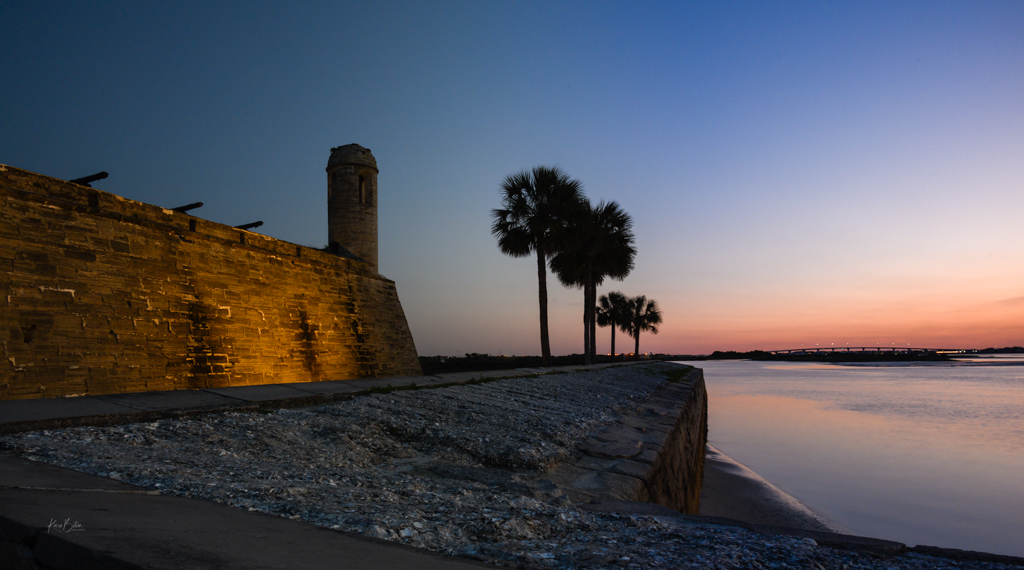
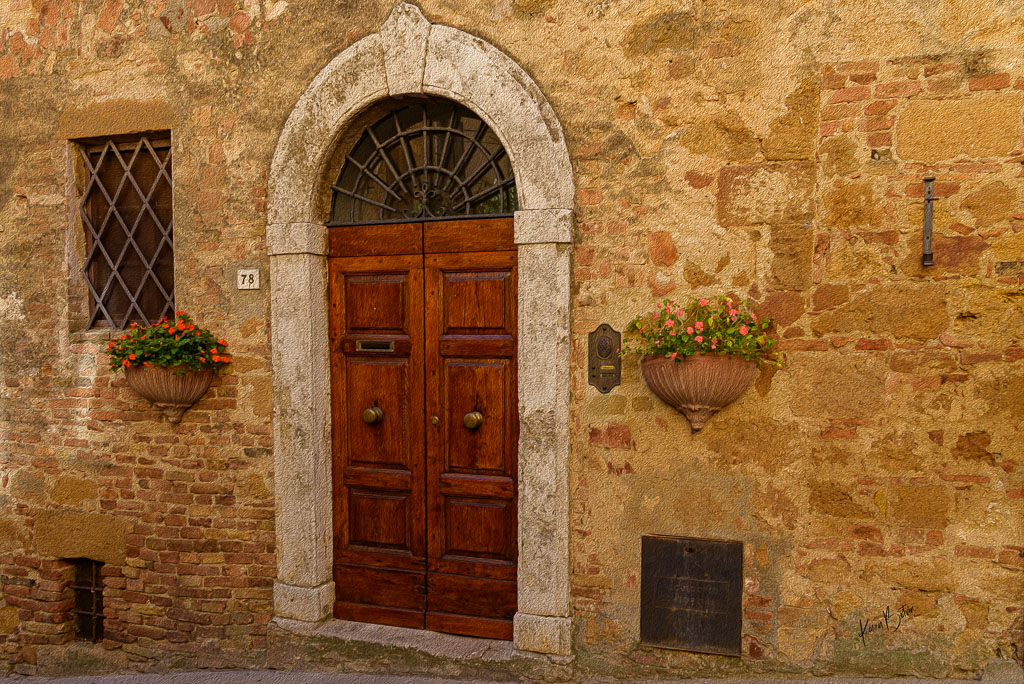
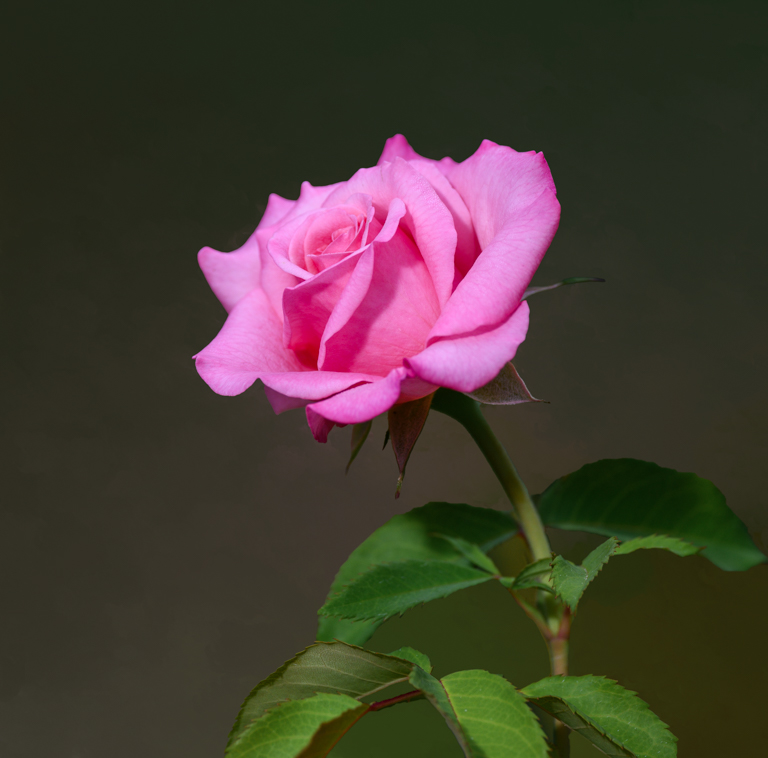
I like it. Great framing and what a story it tells. Sounds like you know the area fairly well. Washington Oaks is my 'go to' for roses. It's fun to watch the Snowbirds come down the Intercoastal in their large boats as well. Always something to shoot there! |
Apr 3rd |
| 2 |
Apr 21 |
Reply |
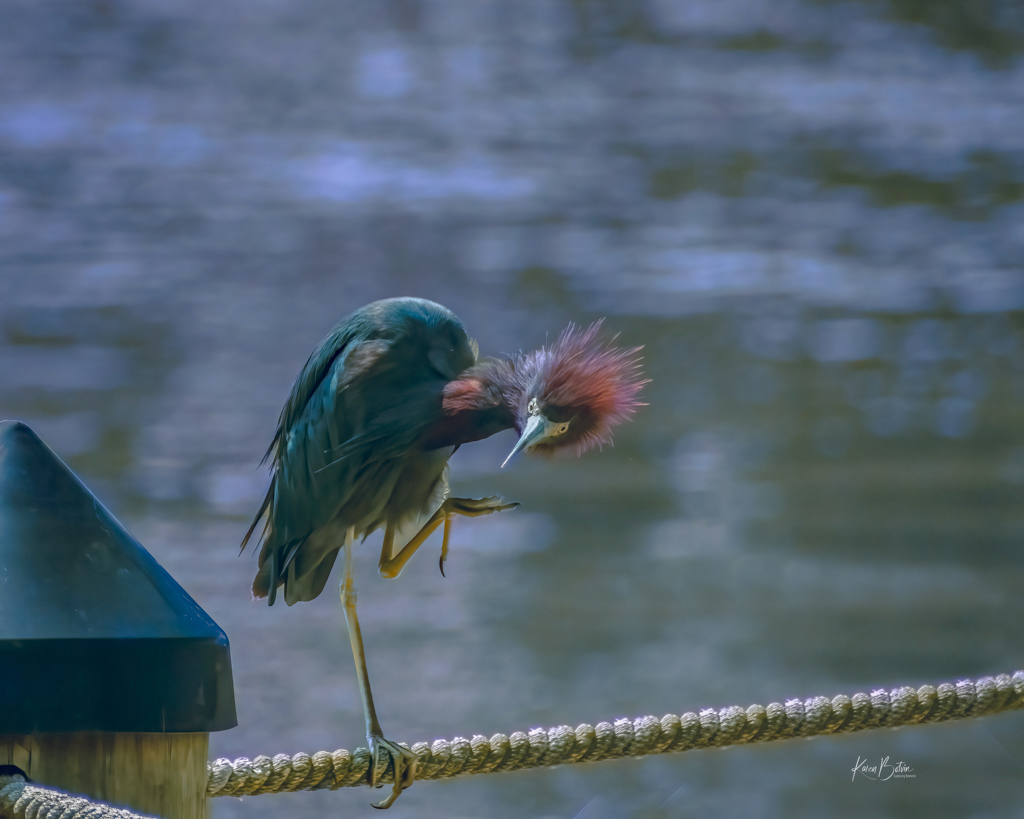
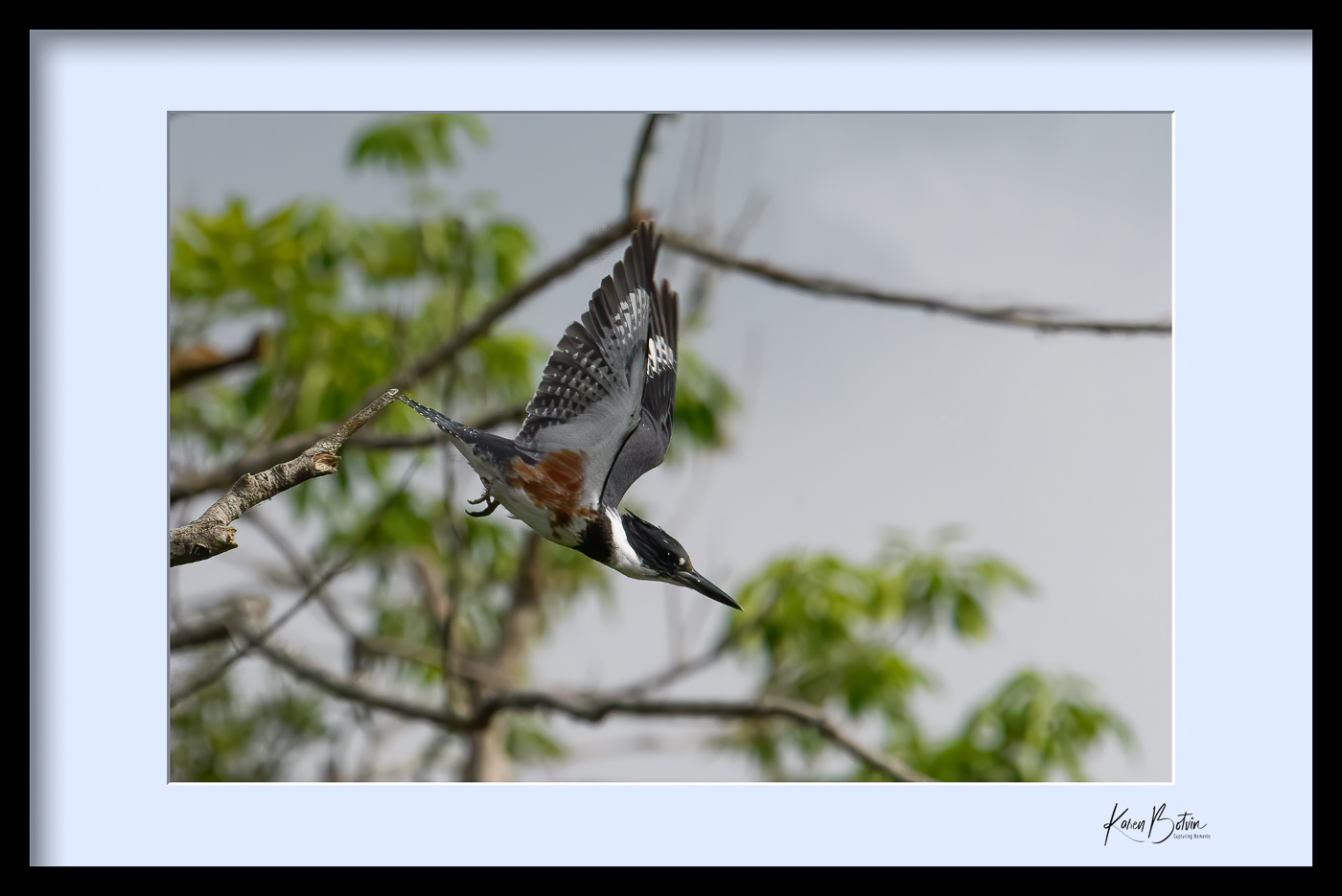
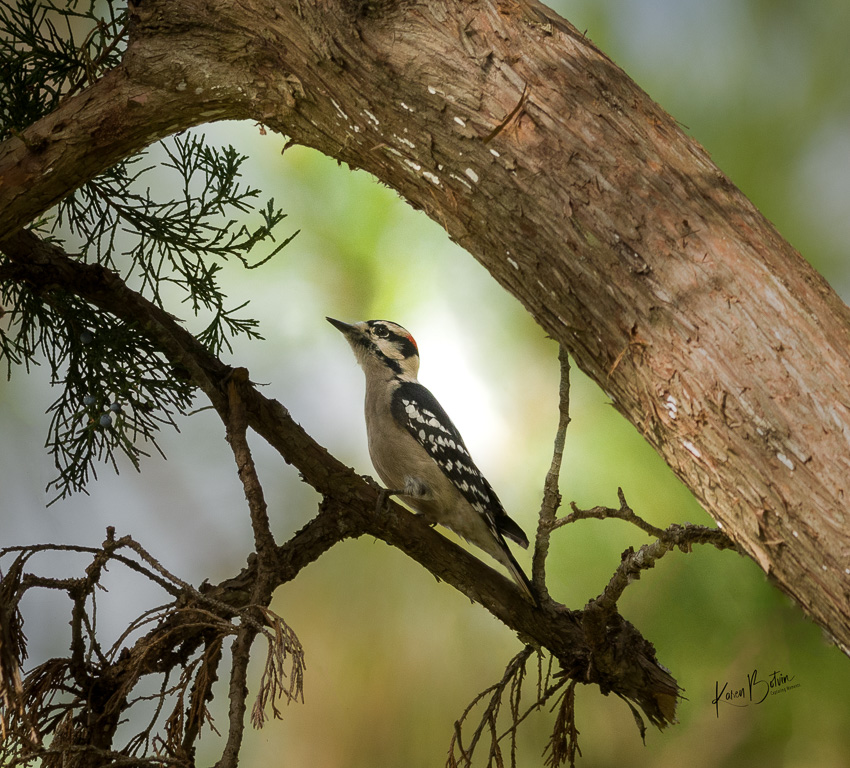
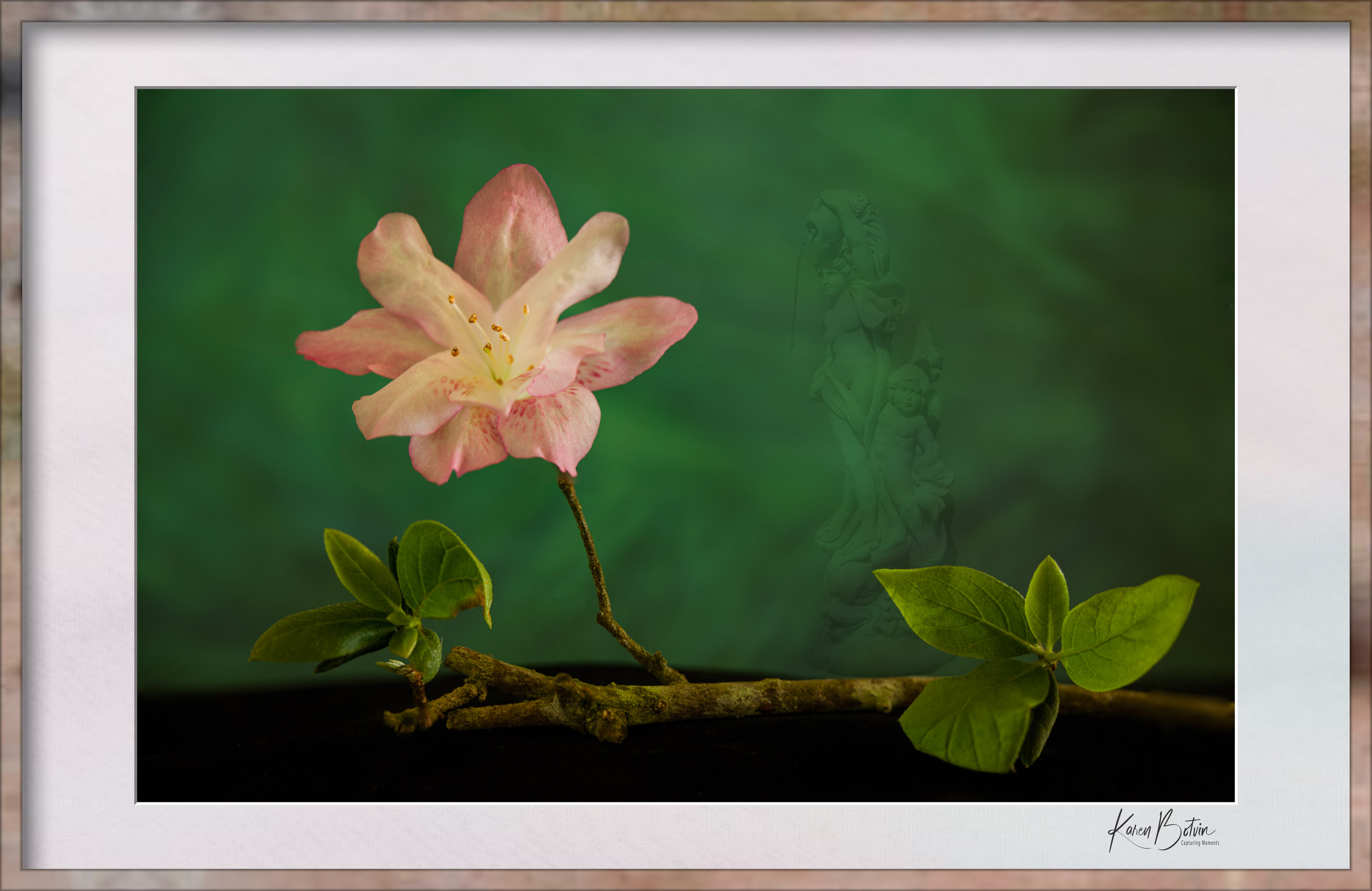
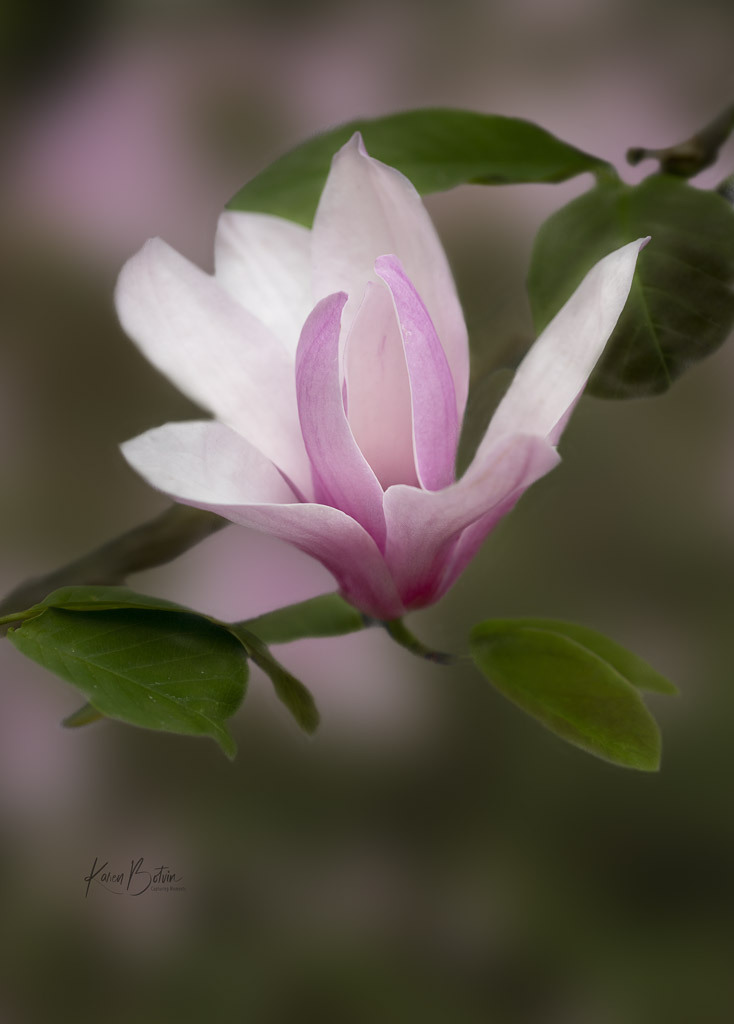
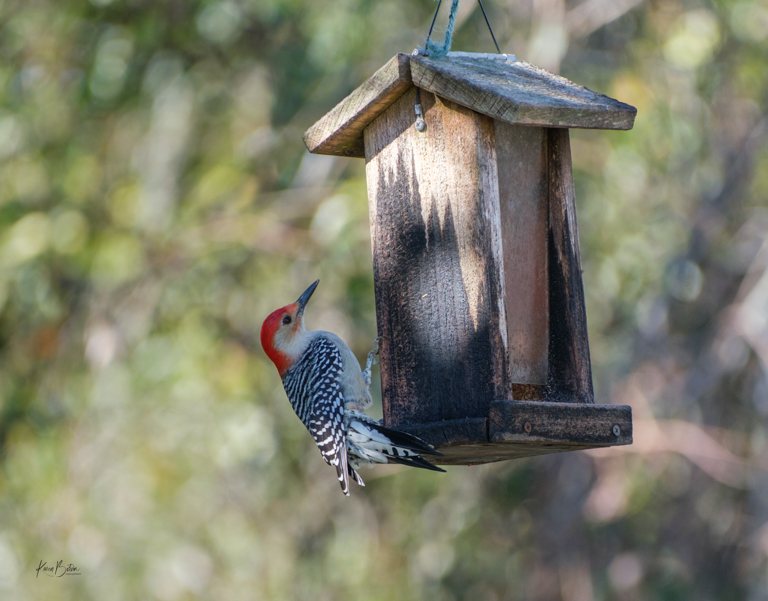
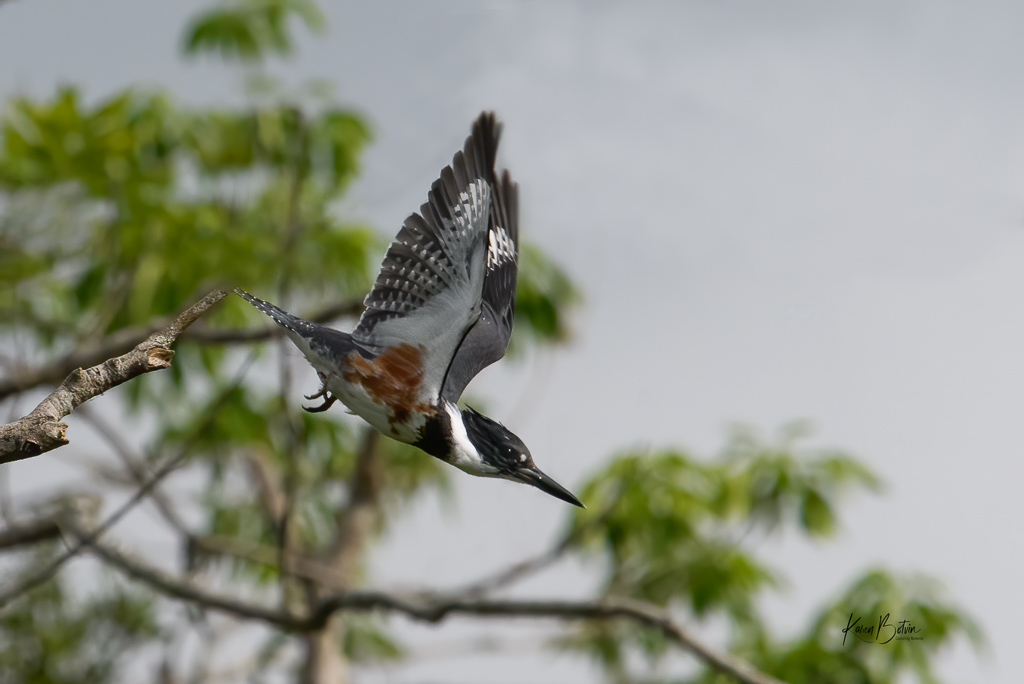
Kingfishers are a challenge to capture in flight and yes it was the last frame of a burst. He had been sitting on the branch that's in focus and made his leap. My frames include the setup for the leap. I was happy with getting them in focus since I'm not a birder. Flowers don't move unless it's windy! Lol! |
Apr 3rd |
 |
| 2 |
Apr 21 |
Reply |
Princess Place is a really nice historical site. It's about a mile from me. If you drive down A1A again, you really need to stop at Marineland Beach. It's famous for it's coquina rock along the beach. You can get some really good sunrise shots. |
Apr 3rd |
| 2 |
Apr 21 |
Reply |
There are some excellent YouTube video's out there for learning different adjustments in most software applications. I mainly use LightRoom and Photoshop, Nik and Topaz. I also have Luminar but don't use it very often. If you have questions on "how to", don't hesitate to post them. We'd be happy to help. |
Apr 3rd |
| 2 |
Apr 21 |
Reply |
You're absolutely correct, Martin. Blown out is blown out, and when it turn grayish, that's just as bad. |
Apr 3rd |
| 2 |
Apr 21 |
Comment |
What a great story! Sorry she's disappeared. I love the B&W version best. I think her hard life on the street is much more dynamic in B&W. I like the harder tones that you chose for the B&W as well. Great shot, especially if it was a hurried one! |
Apr 2nd |
| 2 |
Apr 21 |
Comment |
Wow, this is a great capture of action in a difficult lighting situation. I like Martin's adjustments except to the cloning of the pant's leg. Wouldn't the adjustment brush help to bring down the highlights. Or if you know how to use a curves adjustment, I would probably start there. The problem I see with the cloning is that it doesn't match and to me becomes very noticeable. Kudos to you for getting the lighting in the original without it being too dark or too light to work with. |
Apr 2nd |
| 2 |
Apr 21 |
Comment |
This is a great image. I like Jaqueline's suggestion to crop into the left side of the puddle as it would remove the doorway and motorbike at the top left. I like that you captured her in the right third of the image, giving her space to walk into the frame. I wonder if you flipped this image horizontally if it would feel more natural, having her walk from left to right rather than right to left. Initially, I thought the same as Beverly in that I wonder what she looks like, but not seeing her face tells its own story. Nicely done! |
Apr 2nd |
| 2 |
Apr 21 |
Comment |
Wow, this light is what every photographer hopes to find! I like the format of the original better than the portrait crop. I probably would have cropped as a 17x11 or 16x9. I also find the branches on the bottom left to be a bit much. Perhaps if you were able to move left or right just a bit, some of them could have been avoided and the image would not have been so straight on. I do realize, that's not always possible. Great color tones! |
Apr 2nd |
| 2 |
Apr 21 |
Comment |
Jim, if you were in St Augustine, you were only about 15-20 miles away from me. I live just south of were you were photographing. I really like your composition and the way you captured the sun coming up from under the tree. In my opinion, the tree is too light for a morning sunrise. There would be shadows on the tree from the angle that it was shot as its back is to the sunrise. Next time you come to shoot sunrise, consider bringing a graduated neutral density filter instead of the circular polarizer. At f/20 you may get a sunburst and you should be able to reduce your ISO and shutter speed. Nice image. |
Apr 2nd |
| 2 |
Apr 21 |
Reply |
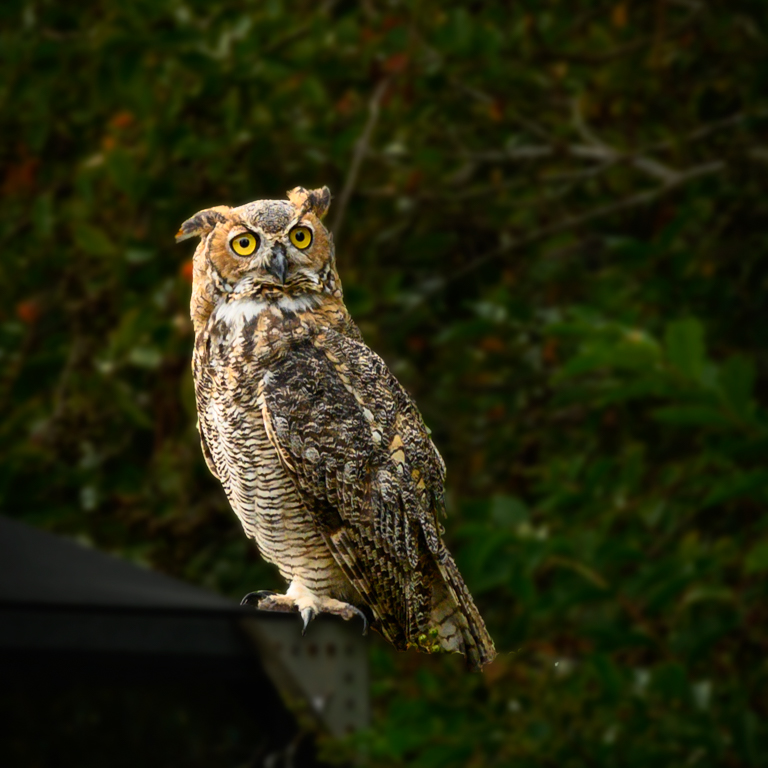
Thanks, Jaqueline for your comments. See my revisions under Jim's comments. I removed the branches that were in closer focus, except for the one the bird was leaping from. I think it made a difference. If you work in Photoshop, it has a "Select Subject" tool that works fairly well. If you make a selection of the bird, then invert the selection so everything but the bird is selected, you can then use one or more of the blur tools to blur the background. It does take some practice as you don't want to do too much as it won't blend well. Make sure you make a copy of the main layer before trying so you can always change it or delete it if you don't like the outcome. |
Apr 2nd |
| 2 |
Apr 21 |
Reply |
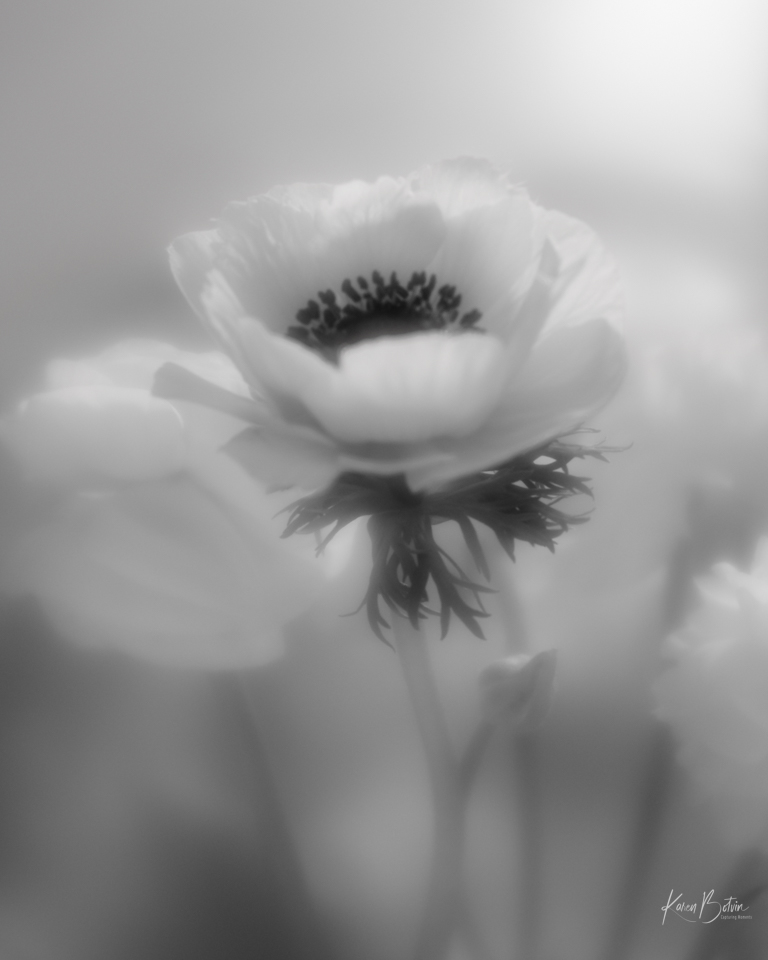
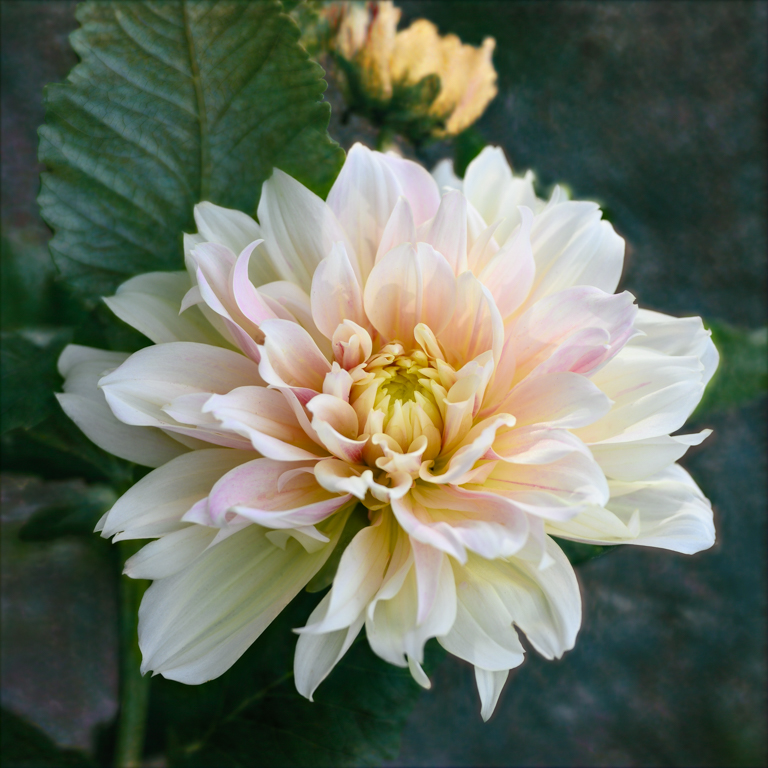
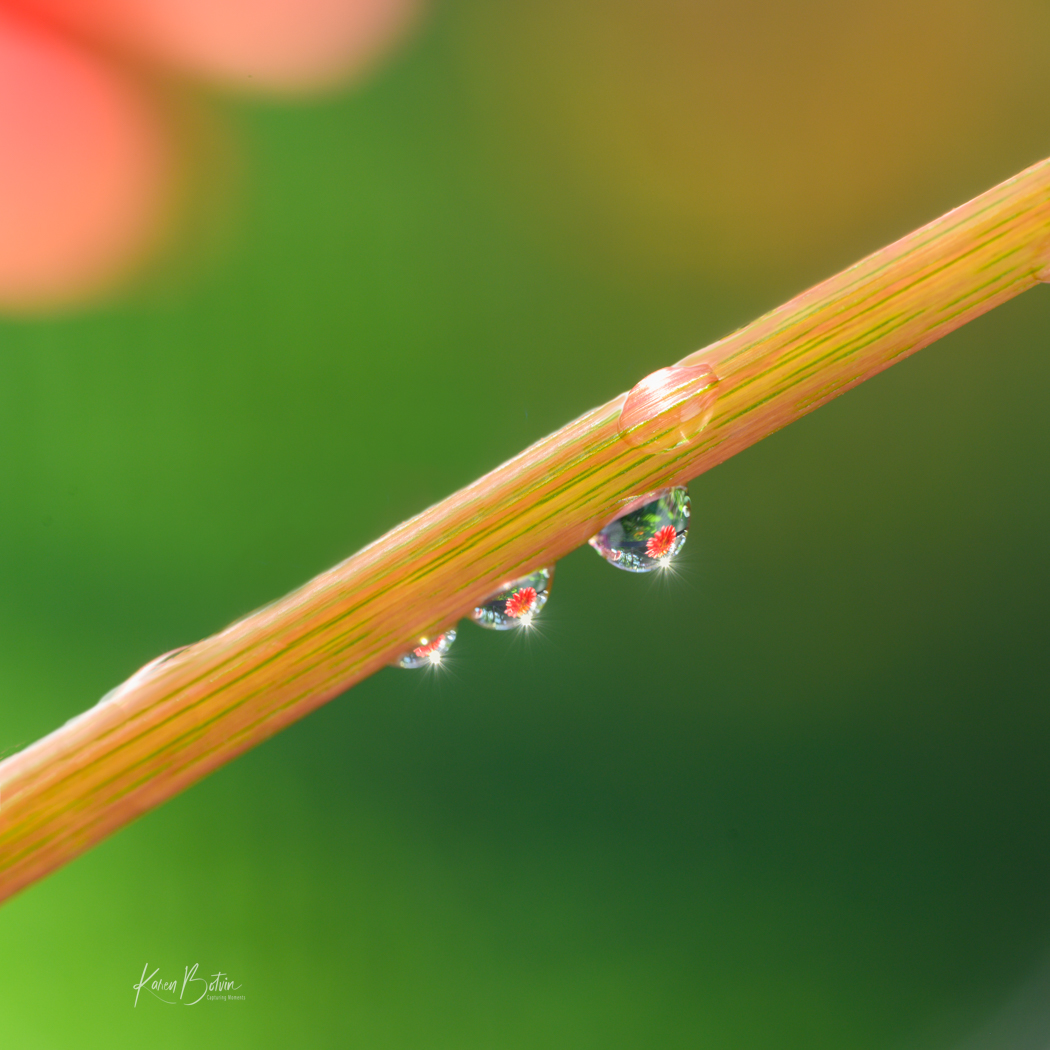
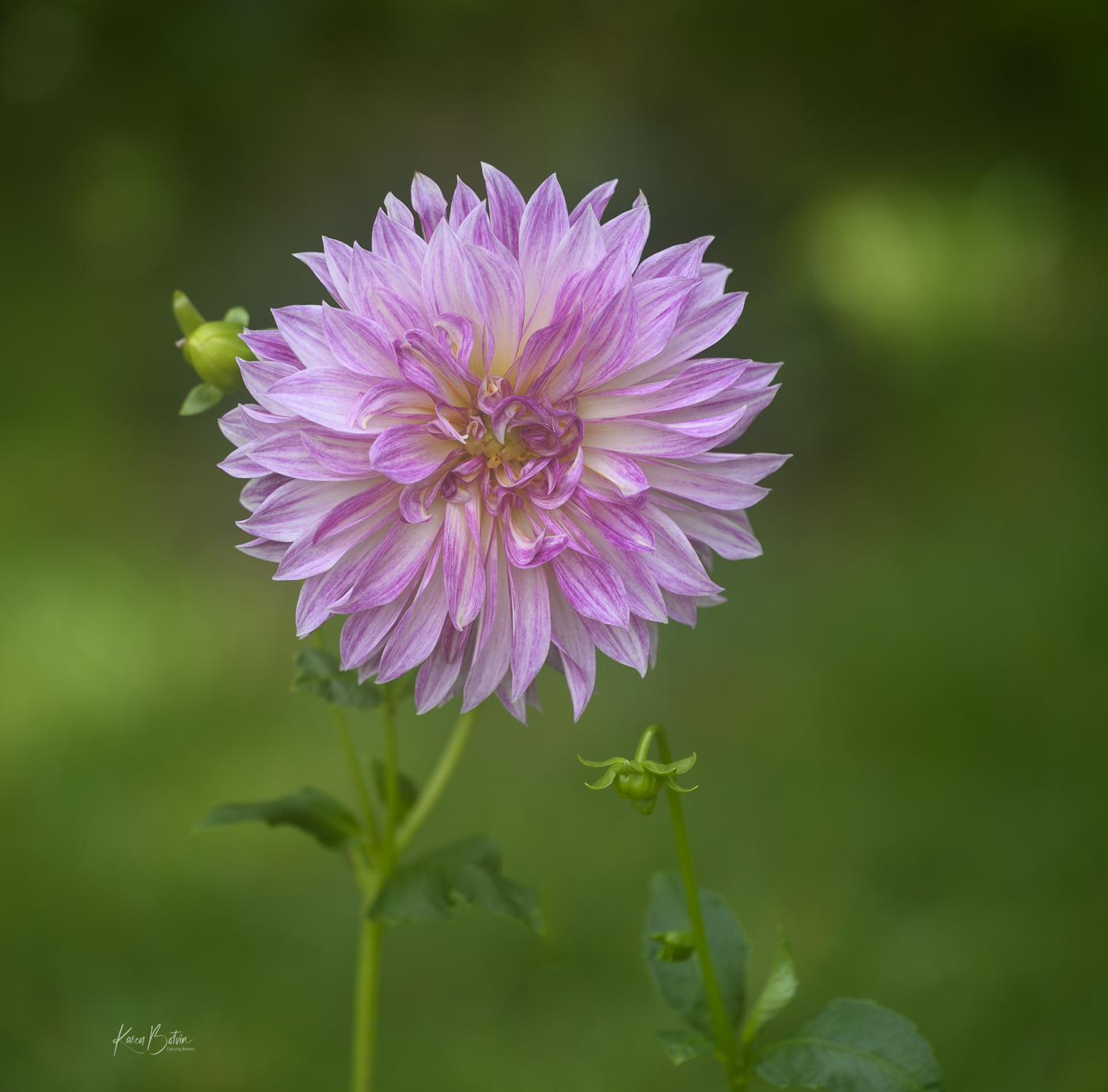
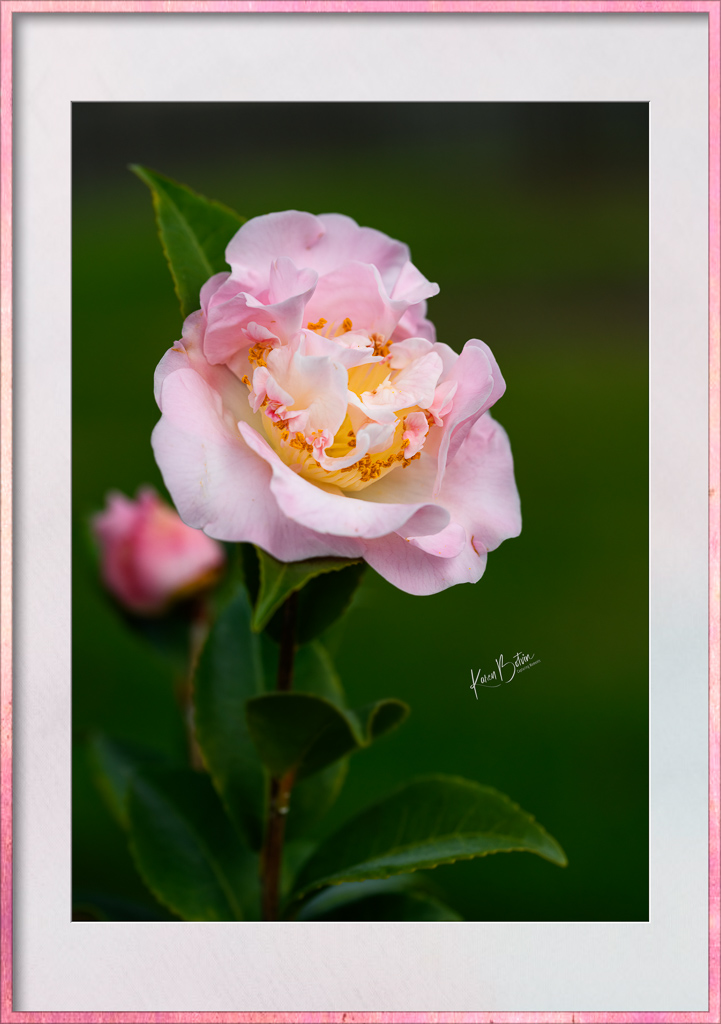
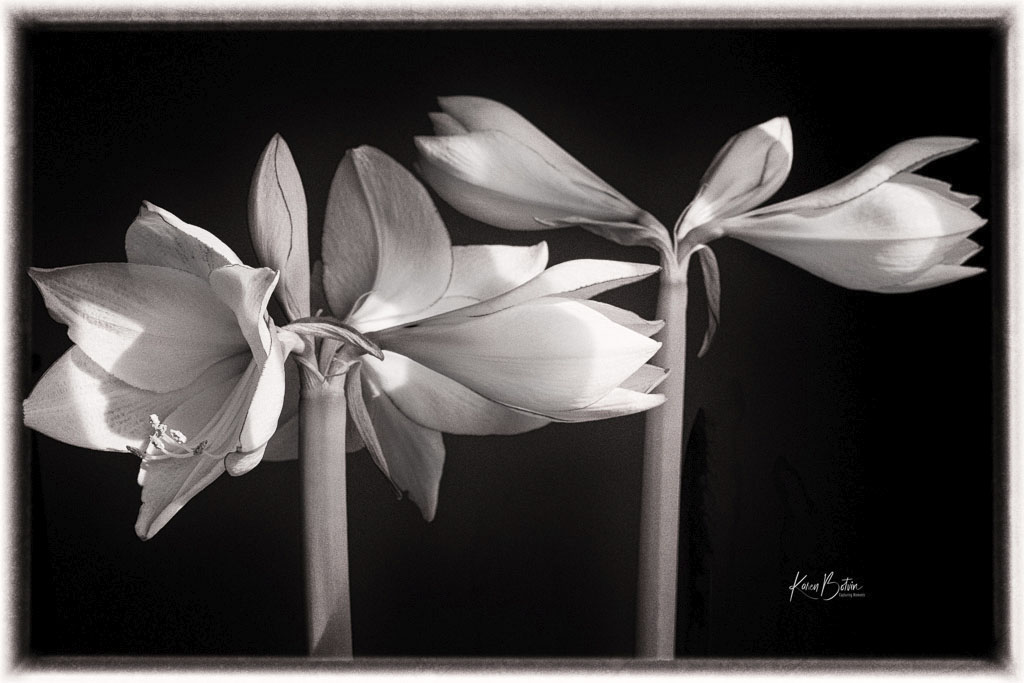
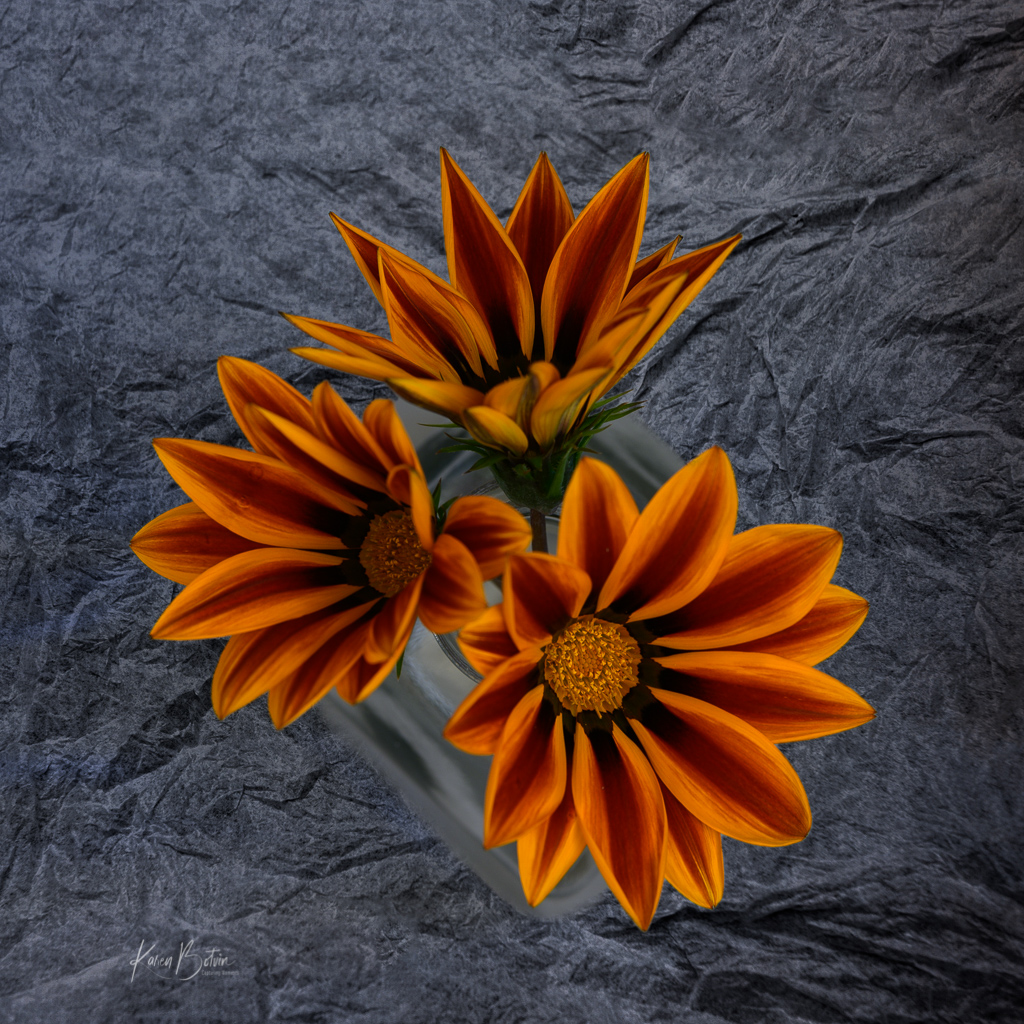
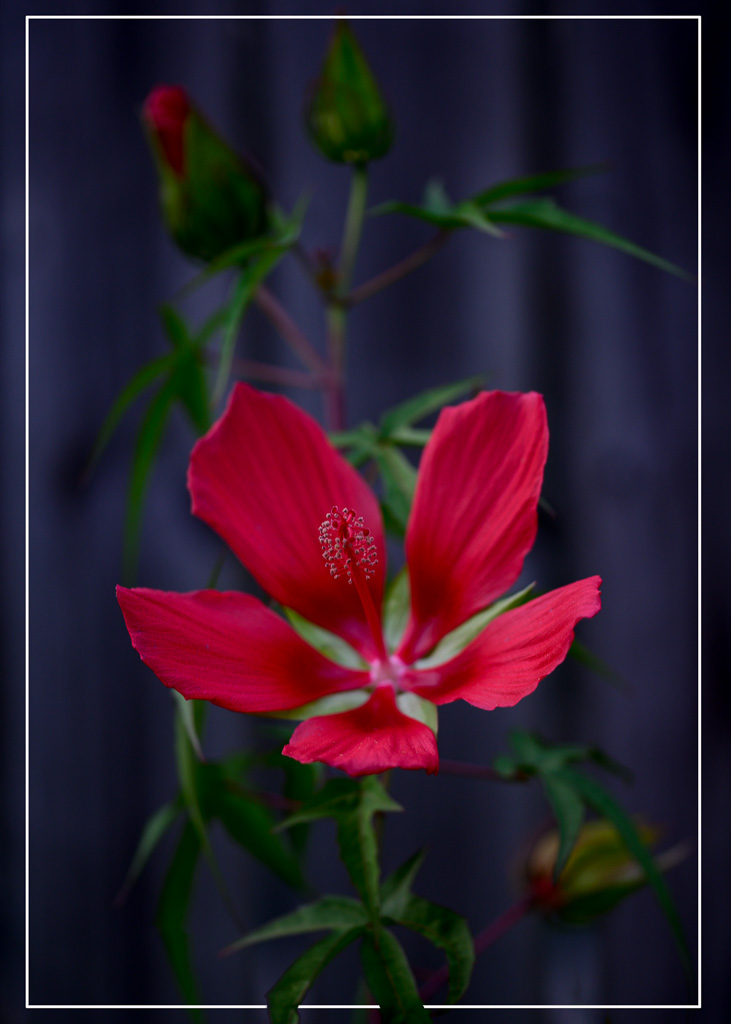
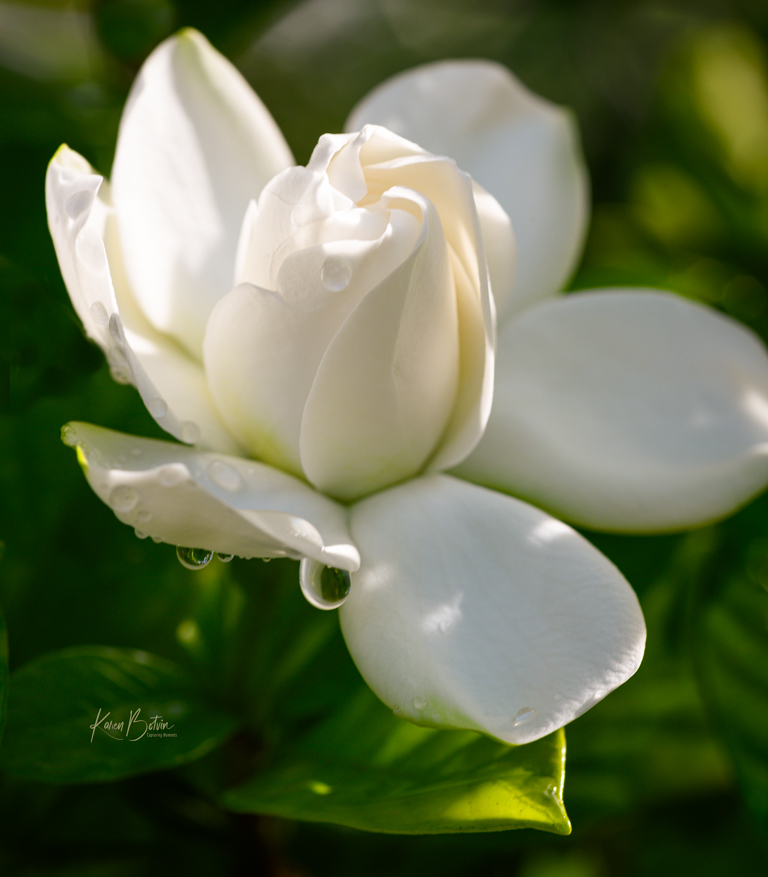
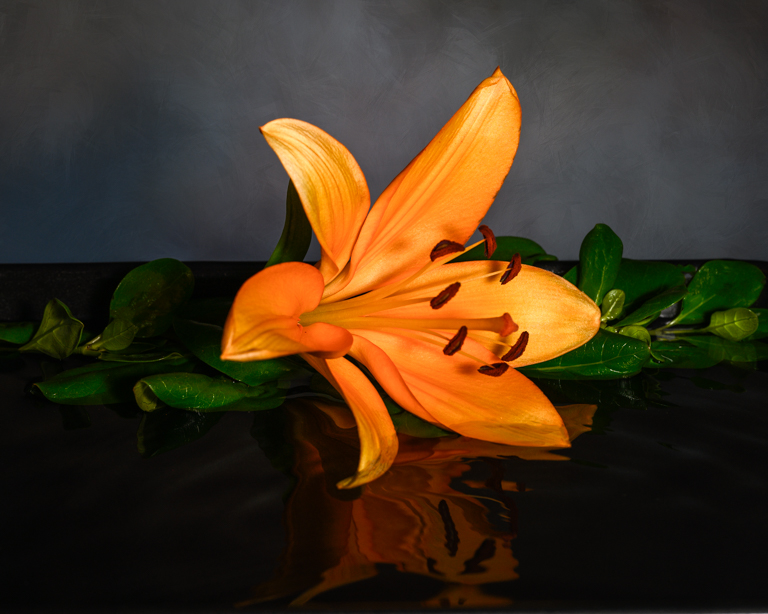
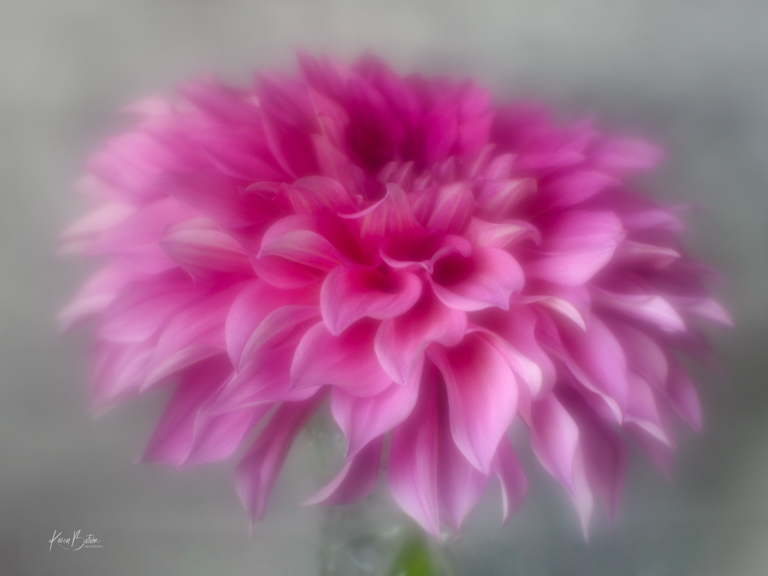
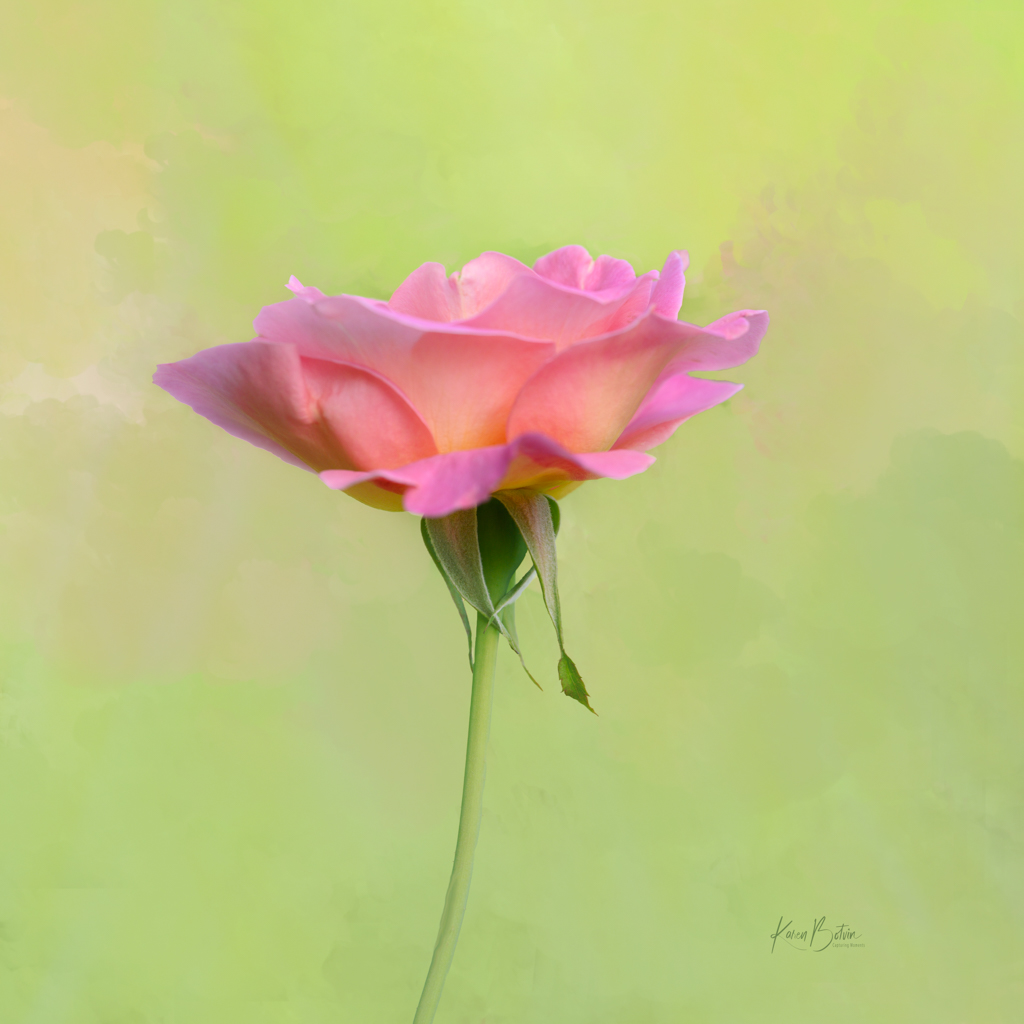
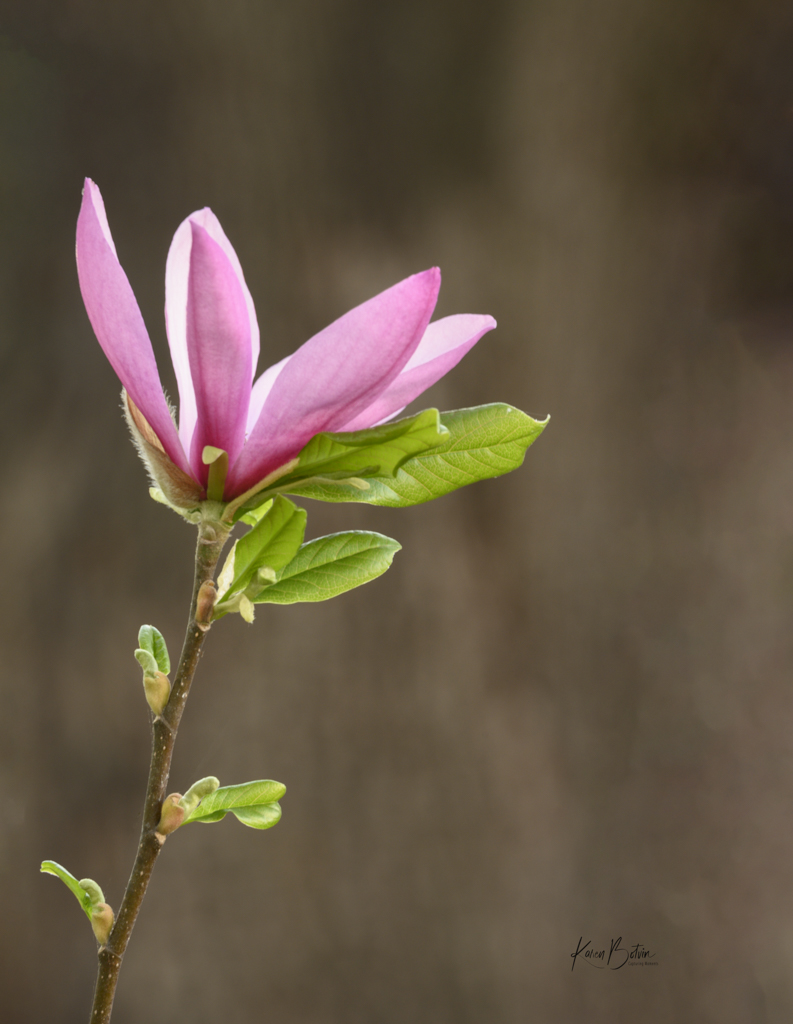
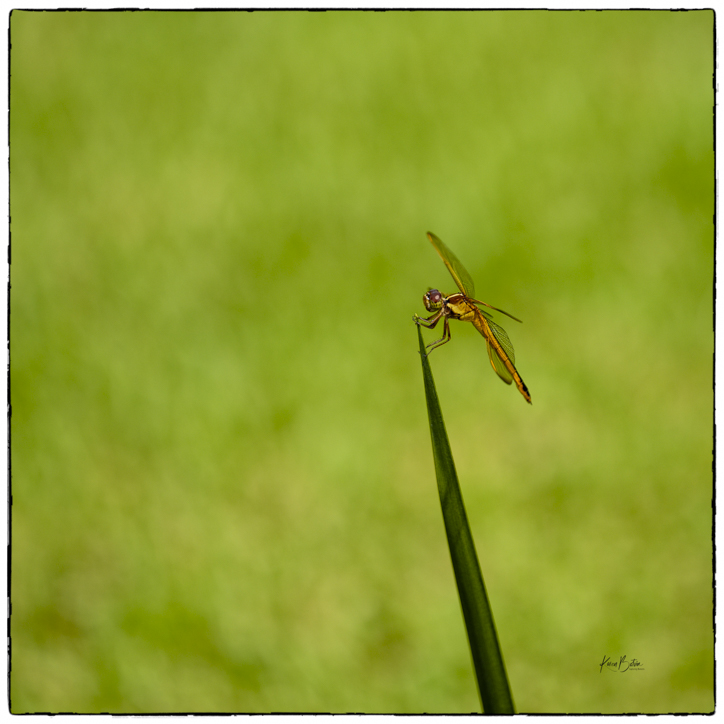
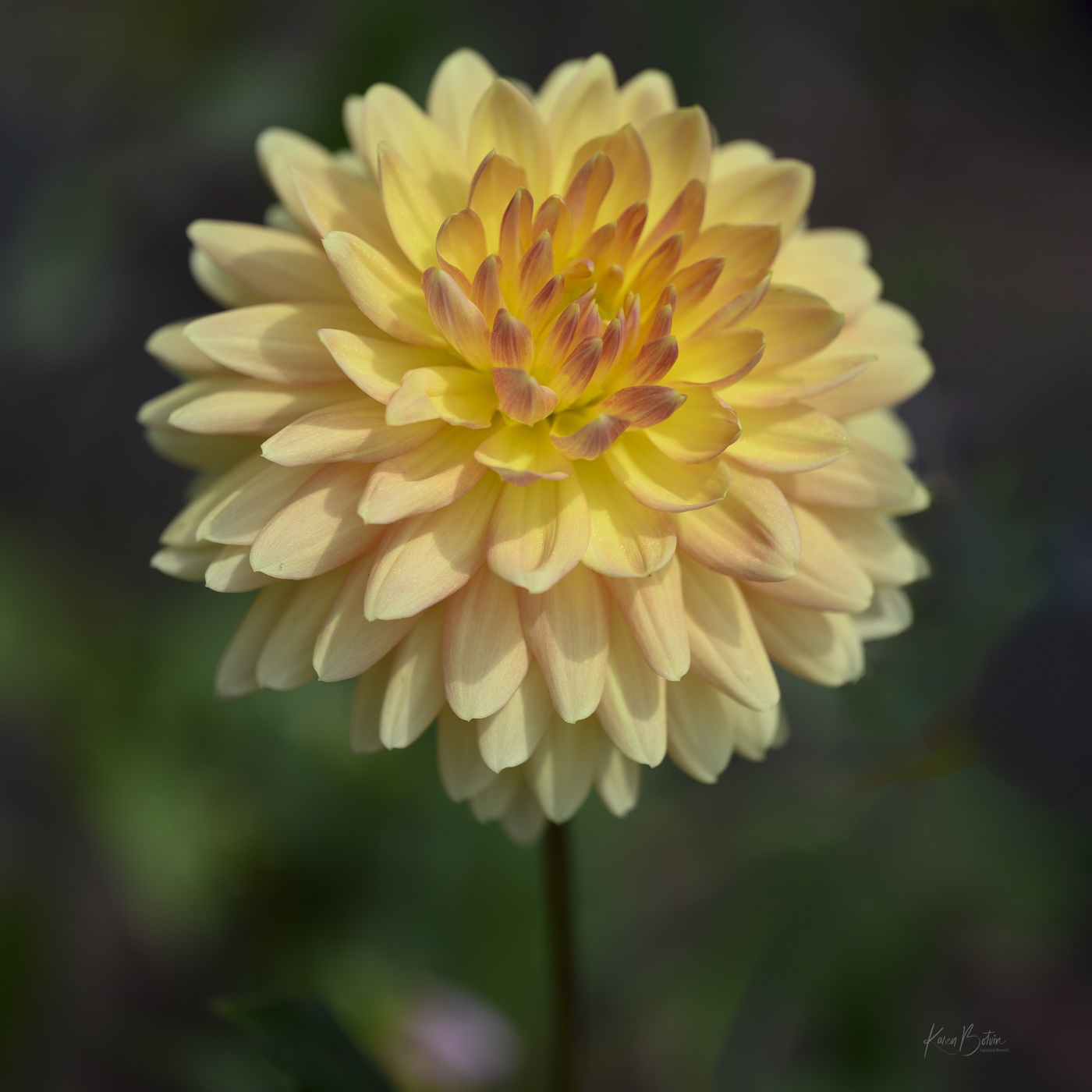
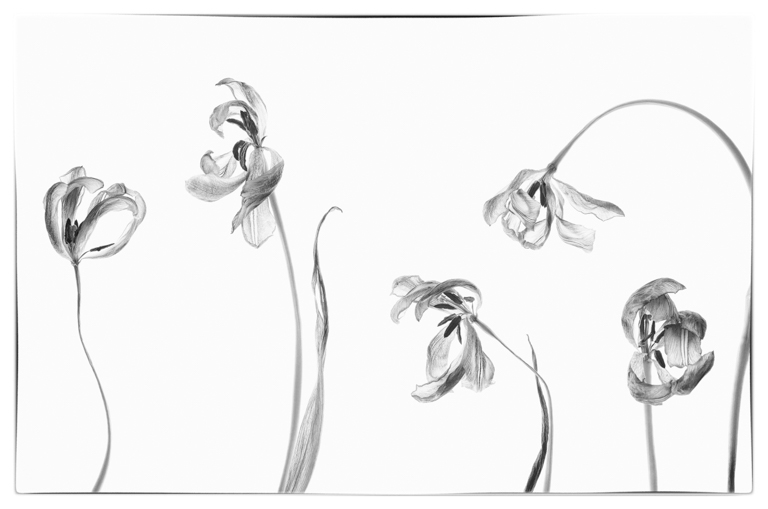
Thank you for the great comments, Jim. Actually, I'm a macro/close up flowers mostly photographer. But living by the ocean, one most take a shore bird now and then. Lol! I've done a few edits based on your comments. Let me know what you think. |
Apr 2nd |
 |
5 comments - 7 replies for Group 2
|
5 comments - 7 replies Total
|