|
| Group |
Round |
C/R |
Comment |
Date |
Image |
| 77 |
May 20 |
Reply |
I haven't used The Photographers Ephemeris but it seems I should give it a try based on Georgianne's recommendation. |
May 6th |
| 77 |
May 20 |
Comment |
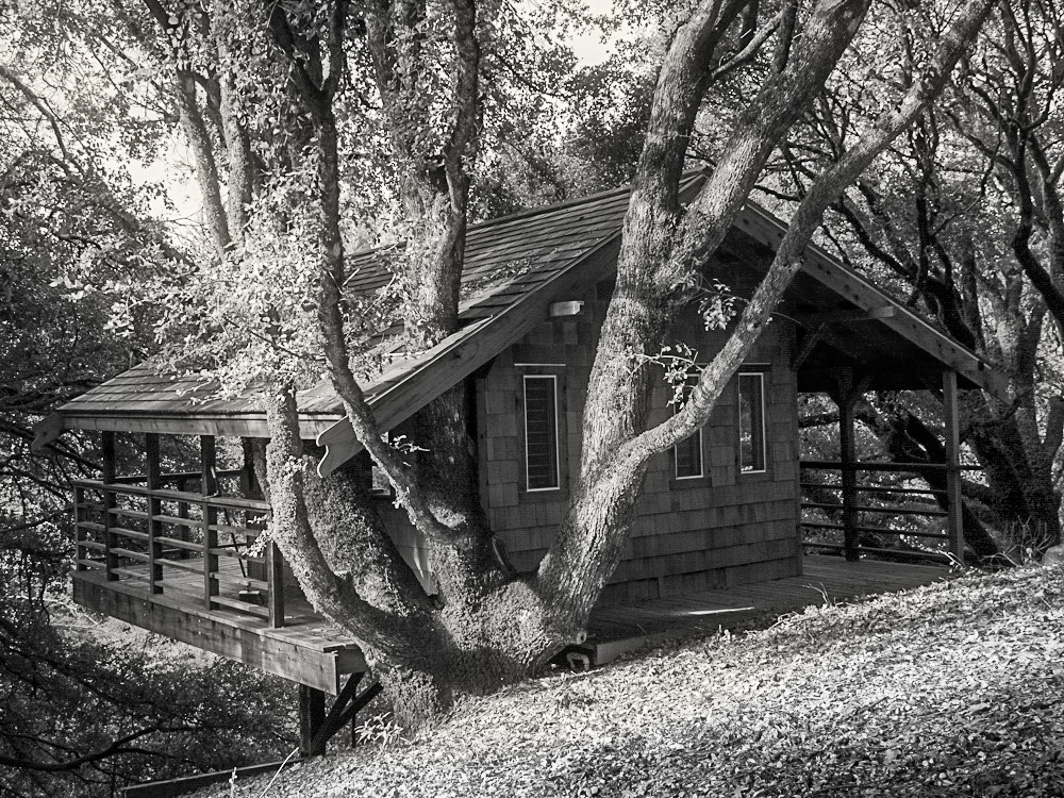
Bunny, This is a beautiful tree house. How lovely that you own it and get to spend time there. The way you have composed the image indeed shows that it is a tree house just barely supported by the huge foreground oak. I love the curvaceous lines of the darker oak trunks that surround and embrace the house.
I believe the image needs a little more contrast through added light. I blended a couple of Luminar 4 looks (B&W landscape and Extreme Glow) to add the additional light. I removed some of the light from the foreground leaf cover bank to move the eye forward into the image. If you are able to re-take this image with sunlight streaming down through the branches, it would be magical. |
May 5th |
 |
| 77 |
May 20 |
Comment |
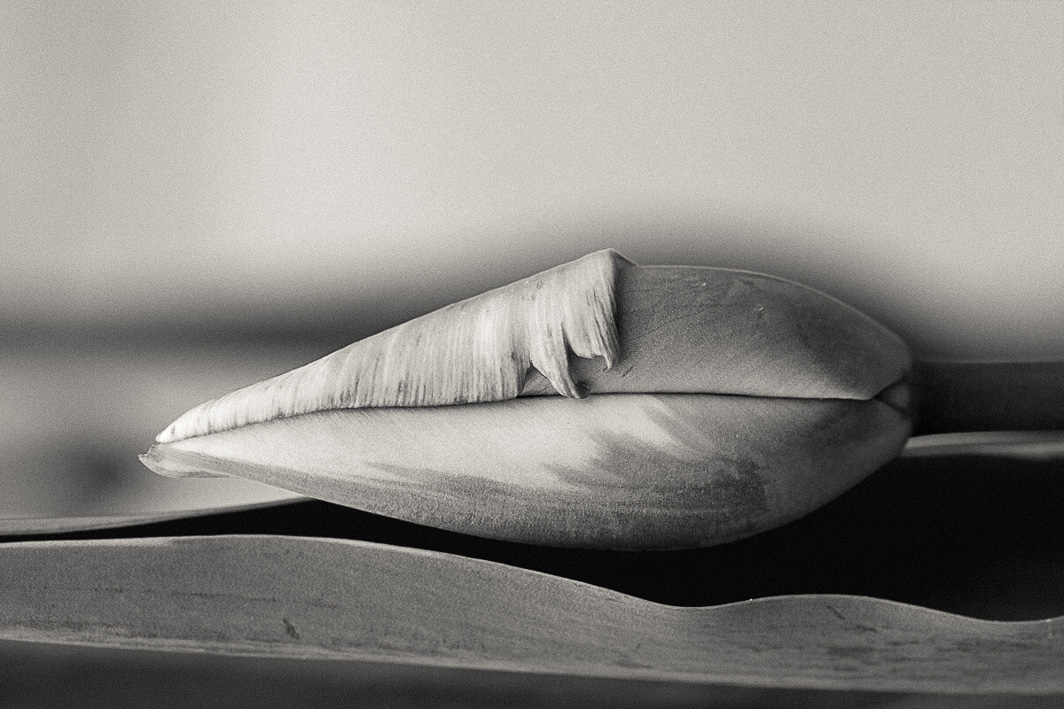
So, after the color image, I kept going. In LR I converted to B&W, increased the luminance in red, orange, yellow, and decreased the luminance in green. Used a platinum toning profile and most everything else was the same as the color image without the purple gradient. Making it both black and white and horizontal lends an abstract quality. |
May 5th |
 |
| 77 |
May 20 |
Comment |
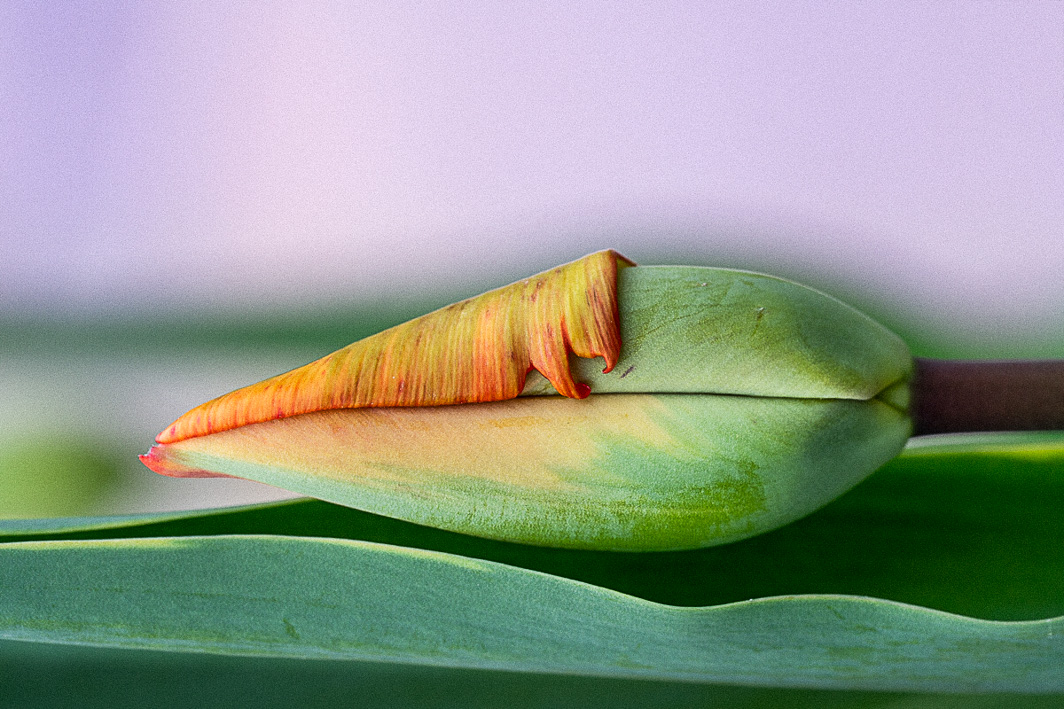
Hi Denise, Welcome to the group. Your tulip image is lovely and elegant. I like the post-processing alterations you've made to the image. To my eye, the tulip side feels a little heavy with so much negative space (almost 50%) on the right.
This was a fun image to play with so I did. In LR I made it a horizontal image with the tulip on the bottom. Adjusted exposure to lighten both shadows and whites plus increased luminance in the greens. Added some grain, added some clarity and sharpness only to the tulip bud with the adjustment brush. Darkened shadow on the lower portion of leaf using gradient. Staying in LR, I added a purple gradient on the upper part and brushed it out of the tulip bud and leaves. |
May 5th |
 |
| 77 |
May 20 |
Comment |
Mary, This is a great action shot and as you pointed out her opponent's hand is about to tap out signaled by the slight movement blur.
Regarding the intense overhead light addition. I'm not sure it helps the image. From the shadows it looks like the flash was coming from the front of the image. I like Witta's addition of light streaks of light coming from the lower left toward upper right. That effect looks more believable.
I also reworked your image. In LR, I converted to B&W and pulled down the pinks (magenta slider) so those pink boots don't jump out and increased the highlights in the skin color tones (orange and yellow sliders). I cropped out the bottom and right sides and straightened it a little. I applied Light Sepia Highlight toning and adjusted the exposure to mostly increase the white slider. I exported to PS and then to Luminar 4. In Luminar 4 I used the portrait panel to apply a significant Orton Effect brushing out the two fighters and leaving the effect only on the background for a blur. That's my 2 cents. |
May 5th |
 |
| 77 |
May 20 |
Comment |
Connie, Your final image definitely looks like a painting. The composition is balanced and the colors pleasing. When I view the bird in the original image, it is easy to see where the really long beak leaves off. In the painterly image, that is more difficult. I like the background texture and the vignette but wonder how it would look if you reduced some of the brush effects on the subject pieces.
|
May 5th |
| 77 |
May 20 |
Comment |
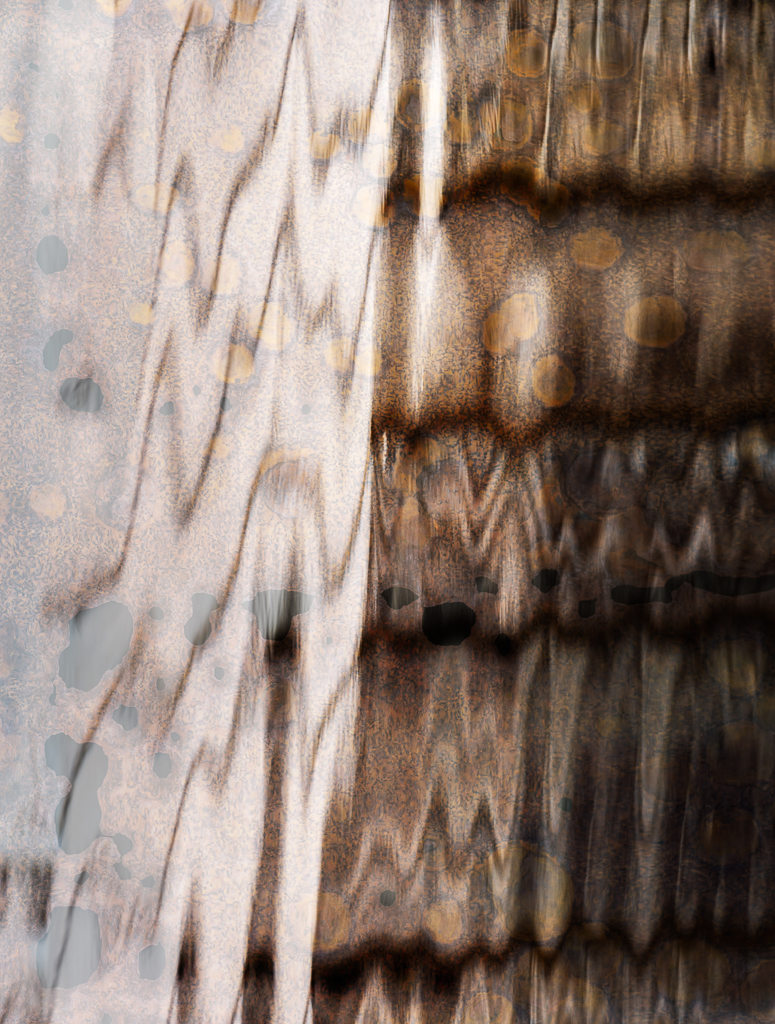
Witta, Your final image looks like the detail of an exquisite piece of blown glass. Lovely abstract. I like the color, but the blue would be equally as nice in this image. To my eye the distorted outer red thorns look like geckos or lizards which give your abstract a rather mythical quality.
Nice job. |
May 5th |
| 77 |
May 20 |
Comment |
Georgianne, You have done an amazing job of making a so-so still life compelling with the addition of textures and your cloudy sky. While it wasn't part of this artistic vision, I think you might be able to do a future still life with the title of the book taking center stage. It reflects a time, hopefully, long gone but is definitely part of our histories. When my mother-in-law died, I salvaged one of her books that I cherish still. The title "The way to a man's heart/The Settlement Cook Book" is a glimpse of the history of times past. This is what our mothers and grandmothers were taught. My book is a 1947 edition retailed by Macy's. Years ago I found an older edition and gave it as a gift to a friend who was marrying. It is a road sign on the path to the 21st century.
So, enough about the book. I feel that the left side needs a little more space between the lovely red candle and the edge of the image.
I enjoyed your description of your photo manipulations. Almost every time you post a photo I learn something new. |
May 5th |
| 77 |
May 20 |
Reply |
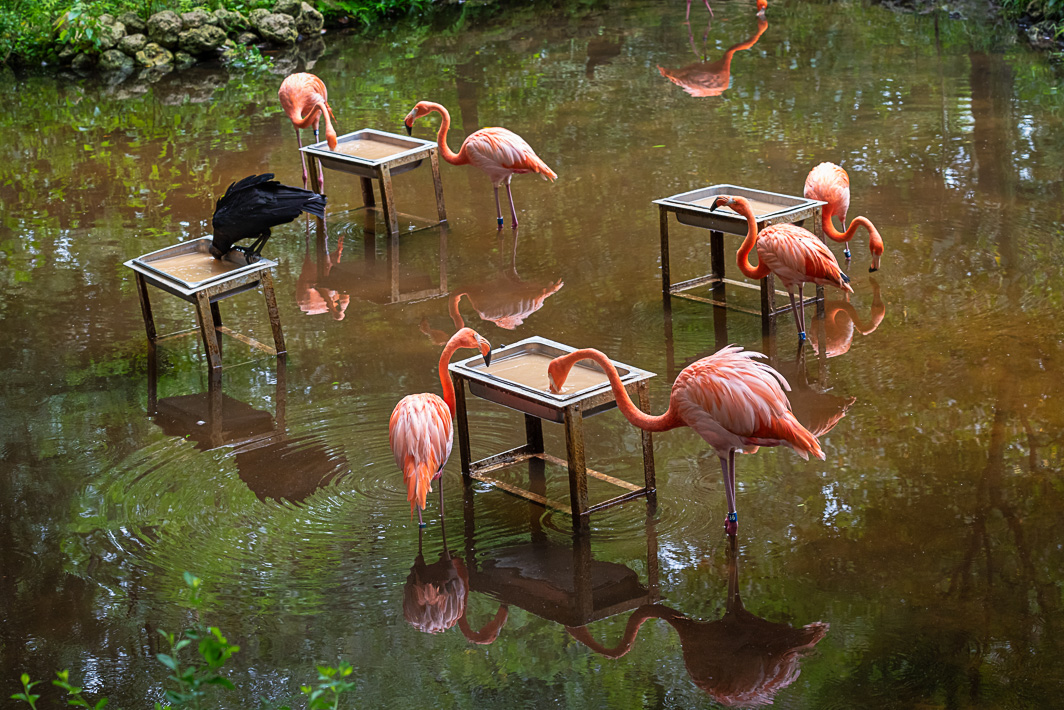
Bunny, thank you for giving your perspective. Regarding straightening the image, at first I did the same thing you did. But when I put guides on it in PS, the upper right tray is almost straight as is. I decided to go with the reflection of the tree as my guide and it is parallel to the right side of the image. Anyway, perhaps the crooked trays are just part of the fanciful image of flamingos having their lunch served in trays. |
May 5th |
| 77 |
May 20 |
Reply |
Georgianne, Thanks for the insight and tips. The bottom reflection always bothered my eye as well. I tried the crop/content aware option to add about 1/4 inch to give the bottom reflection some room. It worked well except that I had to do some cloning to make sure patterns didn't repeat to obviously.
Regarding the upper reflection I like it but agree with Bunny that the beak of the real bird should be removed. To my eye, the reflection at the top gives balance to the entire image.
I do appreciate the extra eyes helping this be a better overall image. |
May 5th |
7 comments - 3 replies for Group 77
|
7 comments - 3 replies Total
|