|
| Group |
Round |
C/R |
Comment |
Date |
Image |
| 96 |
Aug 21 |
Reply |
Hi Cheryl, Thank you. I will have to give those editing options a try a bit more, as I think the effect creates a more 3-D effect in the image. |
Aug 22nd |
| 96 |
Aug 21 |
Reply |
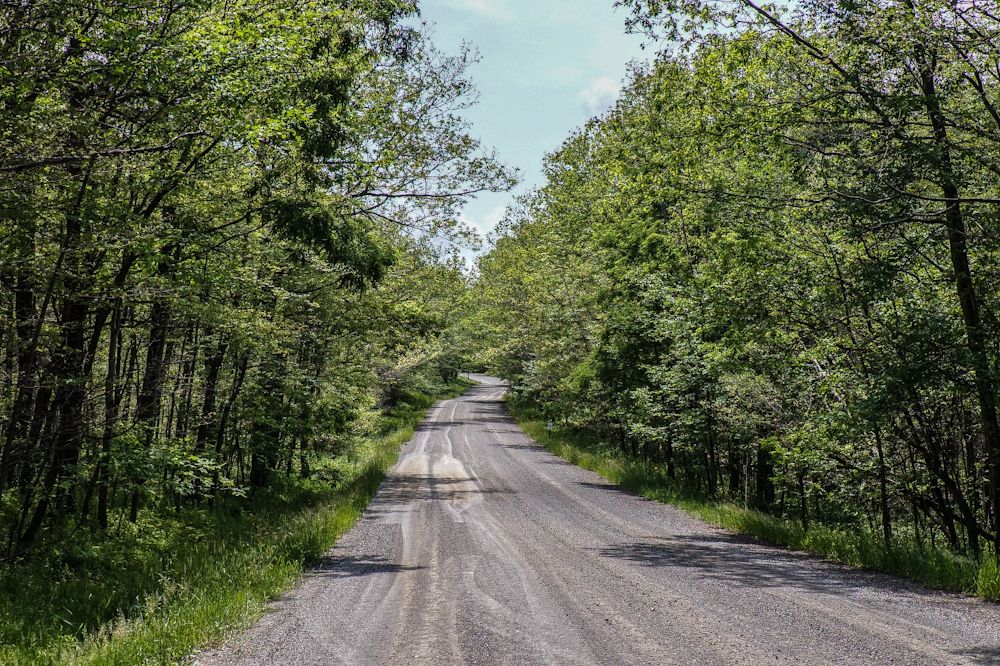
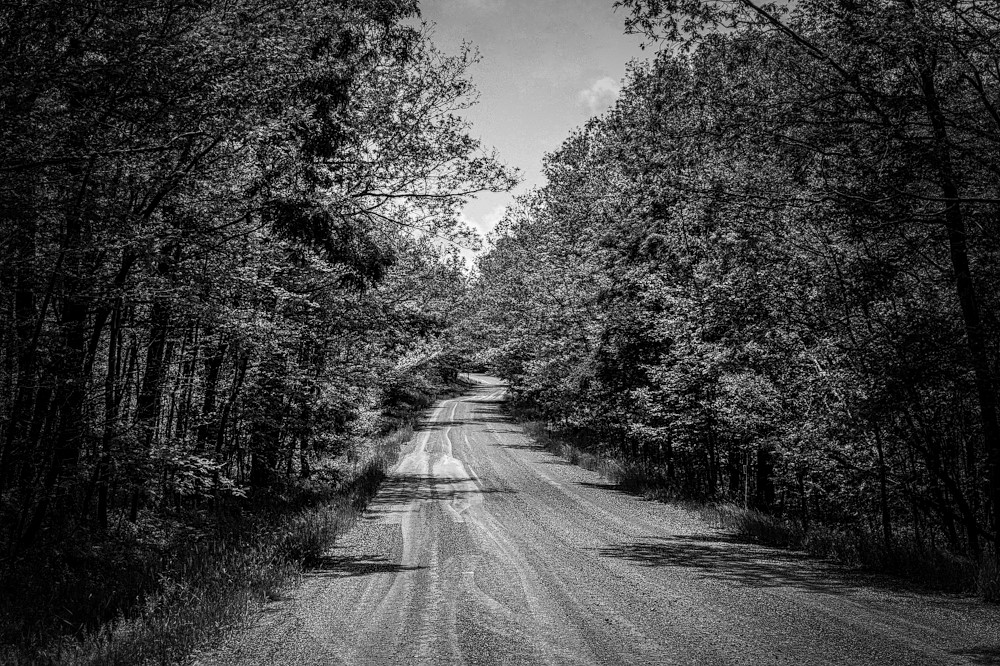
Thank you Robert. I like your B&W edit, as it definitely adds more depth, weight (if that makes sense), richness and atmosphere to the scene. When I as doing my initial editing, I struggled a bit with how much to darken up the trees and the sky. So, shifting it into B&W might be a good option/solution for this image.
I played around in Luminar to see to give it more depth (i.e. "lengthen" the road so it creates the illusion of depth). I converted it into B&W and added a vignette with the road in the background as the subject. I know that my use of greyscale need more work (but that's the beauty of photography and the PSA group - to try stuff out and elicit constructive feedback). But it was fun to see how to play with the image and discover even more options for editing in Luminar 4. So, thank you as always for yours and everyone's great ideas/suggestions/feedback. |
Aug 22nd |
 |
| 96 |
Aug 21 |
Comment |
Bob, you captured a great long-exposure shot. The details of the street and buildings are crisp and detailed. The complementary colors of the illuminated street and headlights (a warm yellow/orange hue) and the fence and parking lot (a deep blue) are well-balanced. As someone who lives in a major metropolitan area and also loved long-exposure shots, I an only wish that so many stars could be visible in the night sky (as light pollution pretty much obscures almost all of them). Beautiful shot and very creative edit! |
Aug 21st |
| 96 |
Aug 21 |
Comment |
Great image and edit Cheryl. Your idea to blend the two images worked perfectly and shows exactly the scene you had hoped to photograph. I agree with Robert that the clouds are really spectacular. Their warm color contrasts and balances nicely with the blue/purple sky. Your image makes me wish I had more proximity and access to, and could therefore visit, more natural scenes (ex: lakes, forests etc.) and rugged terrains. |
Aug 21st |
| 96 |
Aug 21 |
Comment |
Wow Dan, you captured a beautiful scene when the lighting was just right. I would have never guessed that you added in the birds, they blend in with the scene perfectly. The reflections of the sky in the pools of water and the arrangement of the rocks seems well-balanced. You captured the wispiness of the clouds as well as the sunset and rocks in the background perfectly. I agree with Robert in that the birds do add to the scene nicely. As a new user of Luminar 4, it is exciting to see how others use it and what options it has that I don't /didn't know about (i.e. adding birds). Great shot and wonderful edit! |
Aug 21st |
| 96 |
Aug 21 |
Comment |
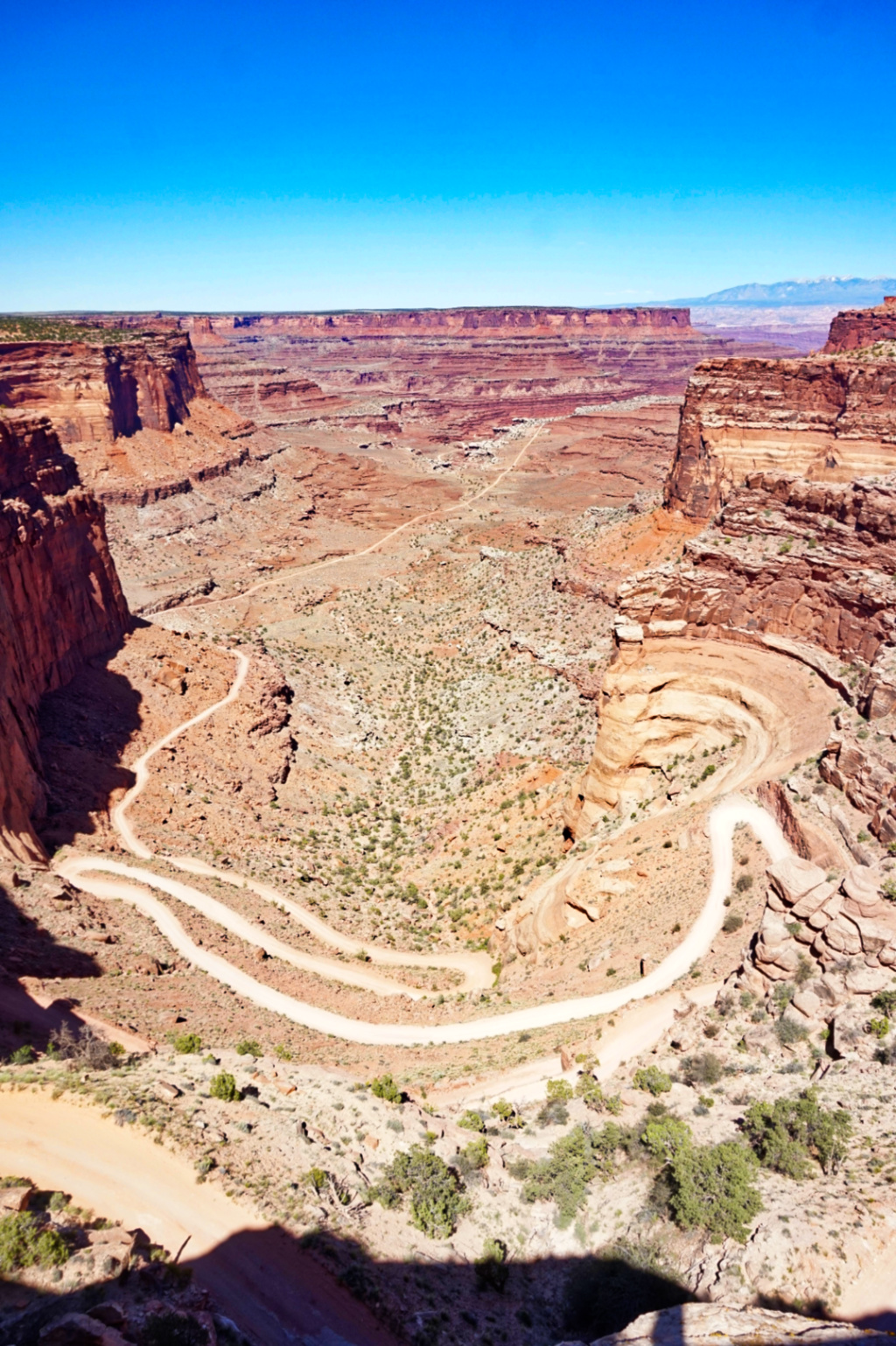
Wow Robert, another gorgeous image of the canyon (which never gets old to look at, by the way). Kudos to all of your hard work to get there, set everything up, and capture a beautiful shot. I like your first image, but love how your re-edit made it pop even more. The canyon walls are a perfect example of the word "undulating" (which was the second word to pop into my head after "serene", when I first viewed your image). |
Aug 21st |
| 96 |
Aug 21 |
Reply |
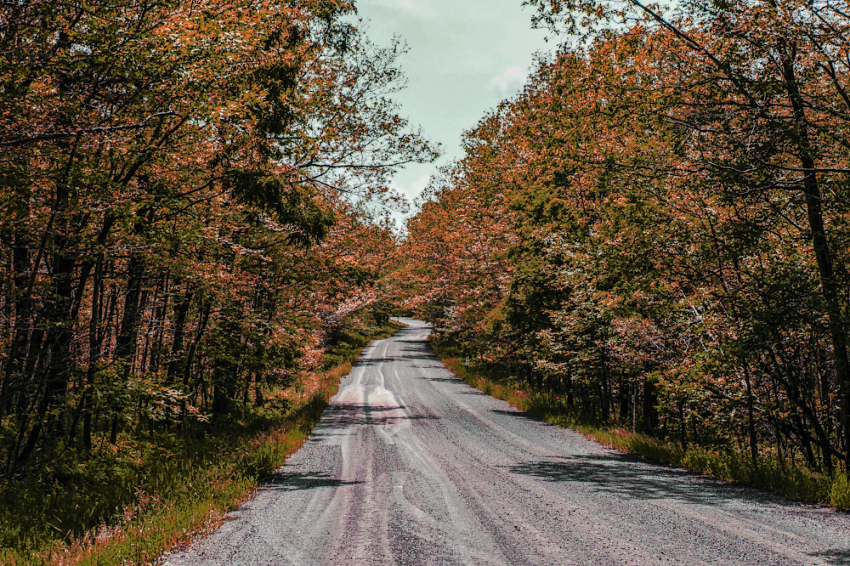
Thank you Dan. I experimented a bit with layers and adding some opposite color to the foliage. It creates an interesting "early autumn" look to the scene. |
Aug 21st |
 |
| 96 |
Aug 21 |
Reply |
Thank you Bob. I agree. This first image was a quick edit on Adobe Photoshop Express on my phone, as my laptop wasn't cooperating with me that day. But, I have been using Luminar 4 for a few months, and am slowly discovering more of the editing options available (of which there are so many that it's a bit overwhelming to know which to play with/learn first).
I like how your edit has a soft, dreamy, slightly grainier quality to it. It reminds me of the results whenever I shoot with my Holga using 120mm film. |
Aug 21st |
| 96 |
Aug 21 |
Reply |
Hi Cheryl, thank you. I do the same thing too (look at/reflect on/write about peoples' images before reading others' comments). I like how your edit brings out more layers/depth. For the dodging and burning, did you do that with a second layer or just as an edit to the one image/layer? Thanks to everyone comments about this photo, I have been playing around with having different layers a bit, and I see in Luminar 4 that Dodge & Burn shows as one of those option when using layers. |
Aug 21st |
4 comments - 5 replies for Group 96
|
4 comments - 5 replies Total
|