|
| Group |
Round |
C/R |
Comment |
Date |
Image |
| 87 |
Jan 25 |
Comment |
|
Jan 2nd |
 |
| 87 |
Jan 25 |
Reply |
I went back and made two quick changes to my previous image. |
Jan 2nd |
| 87 |
Jan 25 |
Comment |
Jennifer, this is an amazing image. It is filled with a series of nearly horizontal lines. I do wonder if you added texture in Lr? If so, the breaking waves appear to have an overabundance of it. I like to add some texture in my images but am learning to be very careful with it. |
Jan 2nd |
| 87 |
Jan 25 |
Comment |
Thank you, Cindy. I had never heard of a Marker tree, much less ever seen one. I, too, enjoy this B&W image. I could simply leave my remarks there. However, I have promised to investigate other options. In the image I have attached I have done no more than reduce the contrast and add a crop. This group helped me so much with my December image by suggesting a less contrasty B&W image. I hope my attached image will do that for you. |
Jan 2nd |
 |
| 87 |
Jan 25 |
Comment |
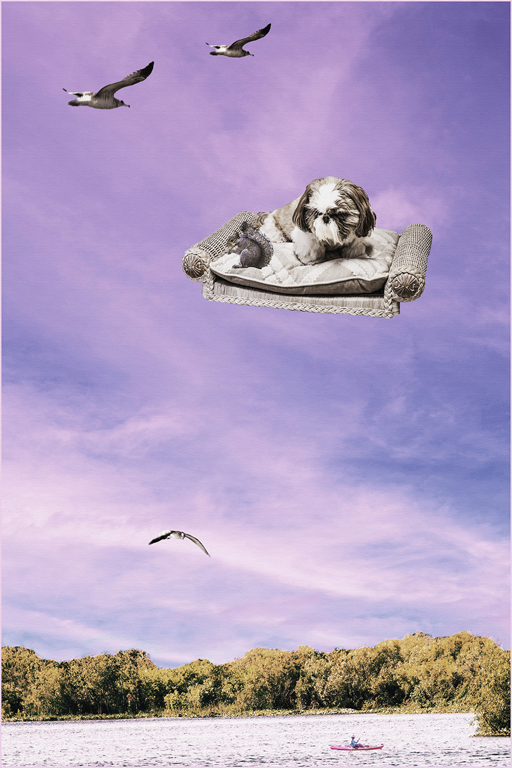
Will, what an interesting image. Well done!! It took me a few minutes of confusion to realize that this is a composite image. Perhaps you went a little too far in the compositing process. You might try removing a layer or two of the smaller elements. Isn't it fun to experiment with photography? |
Jan 2nd |
| 87 |
Jan 25 |
Comment |
Dale, I am not much of a wildlife photographer, so I may be way off. I like what you have done on the recording of the image and the presentations. I think I would like the image even better if you had directed the deer to turn his (her?) head slightly to the right so as to not look so directly at you. What do I know? In the image I am attaching I first selected the deer and placed him on a separate layer. I went to that new layer containing only the deer and entered a Curves adjustment where I applied a modest "s" curve to enhance the deer. I then went back to the original layer and slightly darkened and desaturated the image. I used the mask on the layer to remove the foreground from the effect. All of this was done in Photoshop to try to separate the deer from the background. Lastly, I added a closer crop. Simply a suggestion. |
Jan 2nd |
 |
| 87 |
Jan 25 |
Reply |
Steven, thank you. You were so helpful to me in improving my December image. What you and others did for me last month has (hopefully) carried over into this image. |
Jan 2nd |
| 87 |
Jan 25 |
Reply |
Thank you, Cindy. This group of photography friends pushes me to improve my work. I now find that what I use to think was good enough is not good enough. I hope you will continue to demand better work. |
Jan 2nd |
| 87 |
Jan 25 |
Reply |
Dale, your helpful remarks are always appreciated. Sadley, the corner of the fence was not in the original image. As I noted, this one of my first images recorded by my cell phone. I am most comfortable with the viewfinder on my Canon cameras and find it hard with my degree of unsteadiness to properly frame with my cell phone. I hope to get better. |
Jan 2nd |
| 87 |
Jan 25 |
Reply |
Thank you, Will. I greatly appreciate the help this group gave me with my December image. That help also pushed me to keep working on this image in an attempt to fix everything I could find that was not right. |
Jan 2nd |
| 87 |
Jan 25 |
Reply |
As I indicated, I may have gone too far. The effect could be toned down. I was not there when you recorded this image, and I do not know what you saw.
Your original is a very well-done image. I would like to see a little attention given to the rocks. |
Jan 2nd |
| 87 |
Jan 25 |
Comment |
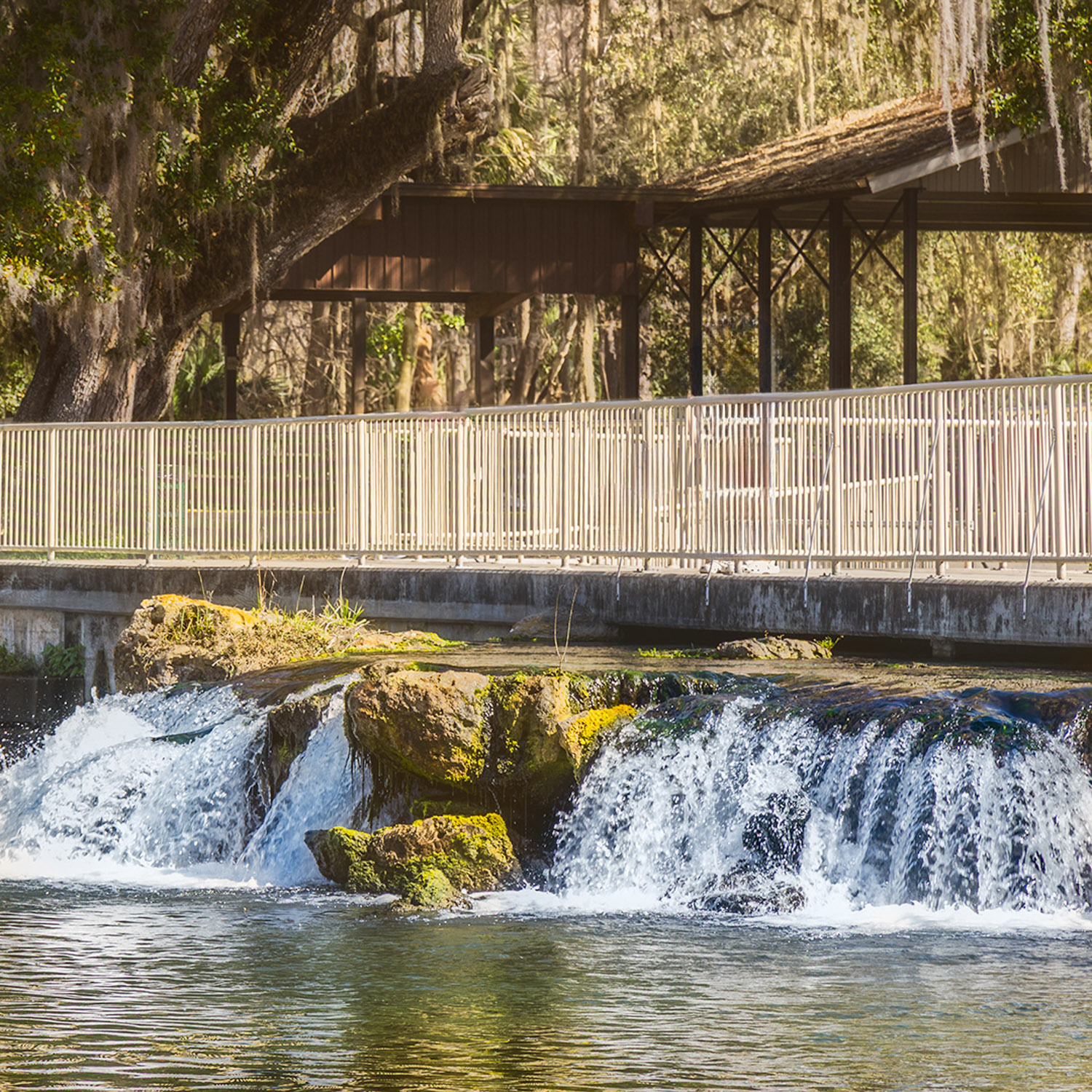
Steven, this is a very interesting and well-presented image. There is so much here to like. I could stop here but have promised to suggest other approaches you could consider.
As I looked at the image, I felt that there was more color in the rocks that might add to the presentation. I may have gone a little too far as I tried to bring out the color using the point color tool in ACR (Ps or LrC.)
|
Jan 2nd |
 |
| 87 |
Jan 25 |
Reply |
Thank, Lance. I will look it up. |
Jan 1st |
| 87 |
Jan 25 |
Reply |
Thank you, Lance. Your comments are very valuable to me. I worked on this image on a number of session before I finally felt happy with it. Some changes helped, but others did not work and had to be deleted. You encourage me to keep working and learning. |
Jan 1st |
| 87 |
Jan 25 |
Comment |
Lance, you just will not allow me to settle comfortably into what I already know. You continue to stretch me. I now feel I must learn more about Japanese art philosophy. Will you give the full title of the book that you mentioned?
Due to my lack of understanding of Yugen, I feel unprepared to comment other than to say, "I like it, I think." |
Jan 1st |
| 87 |
Jan 25 |
Comment |
A Message to All in This Group.
I need your help! I have spent all of last year studying the amazing tools available in Photoshop. Now I need to learn when and how to use them. My goal is to make this new year, 2025, the year when I learn how to present images that both express my vision and create an experience for the viewer.
Some of you gave me much appreciated help with my December image. Thank you!
I am asking each of you to do more than simply look at my image each month and respond with a short, "I like this." Please tell me what you like and suggest what needs to be improved.
I will attempt to do the same for you.
|
Jan 1st |
8 comments - 8 replies for Group 87
|
8 comments - 8 replies Total
|