|
| Group |
Round |
C/R |
Comment |
Date |
Image |
| 31 |
Apr 21 |
Reply |
Thank you Lance, I appreciate your analysis. |
Apr 28th |
| 31 |
Apr 21 |
Reply |
Thank you John, I appreciate it. |
Apr 15th |
| 31 |
Apr 21 |
Reply |
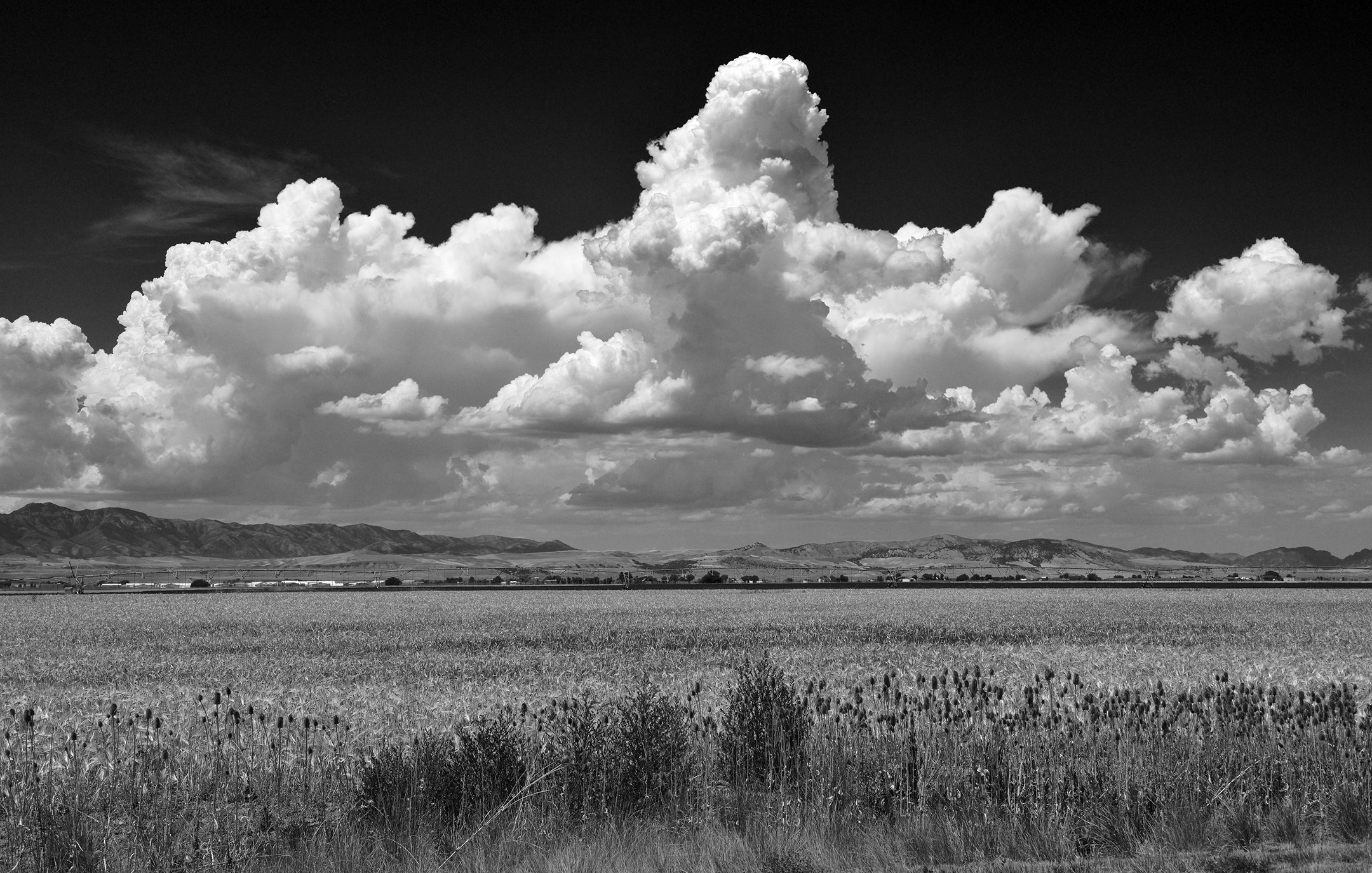
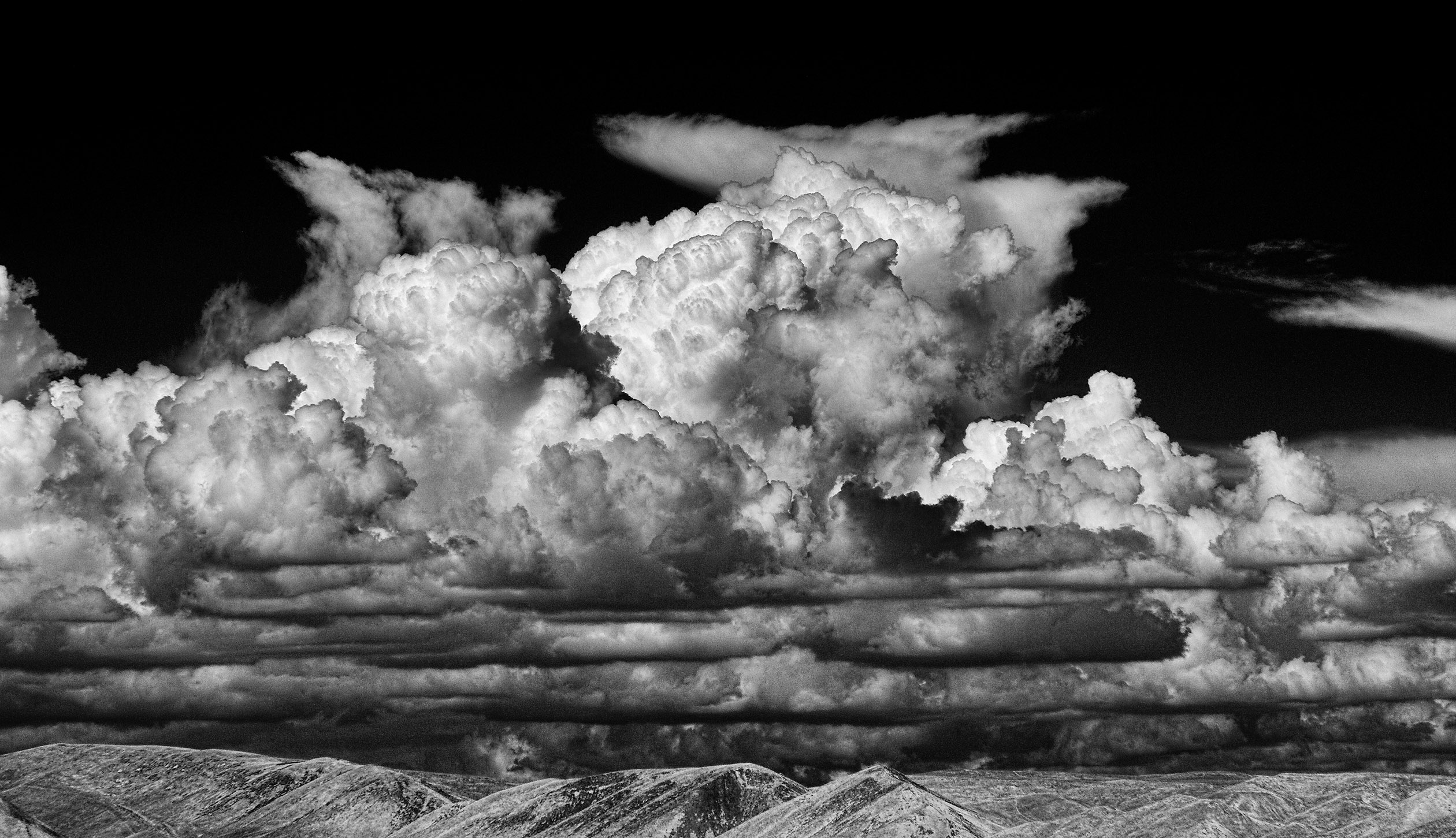
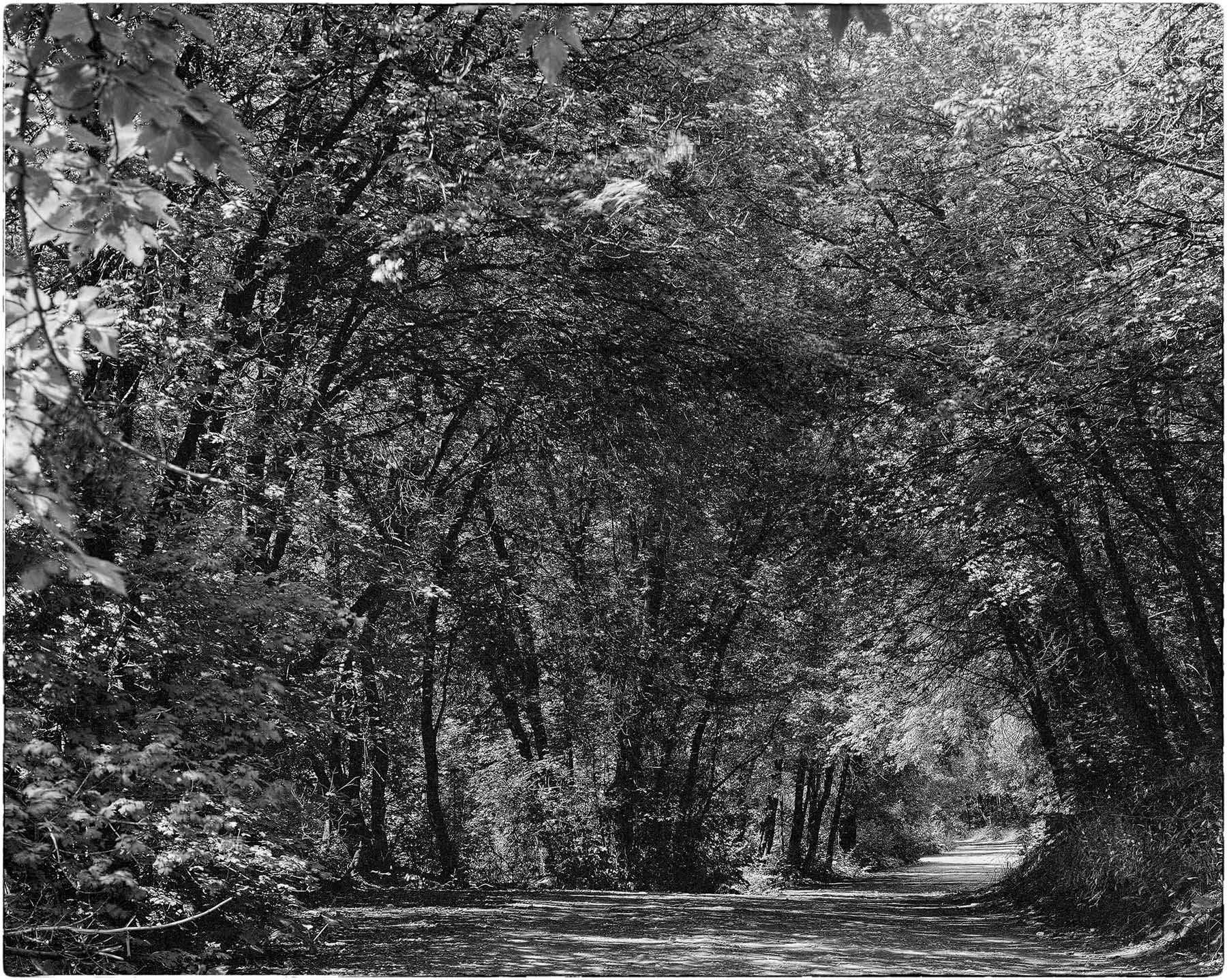
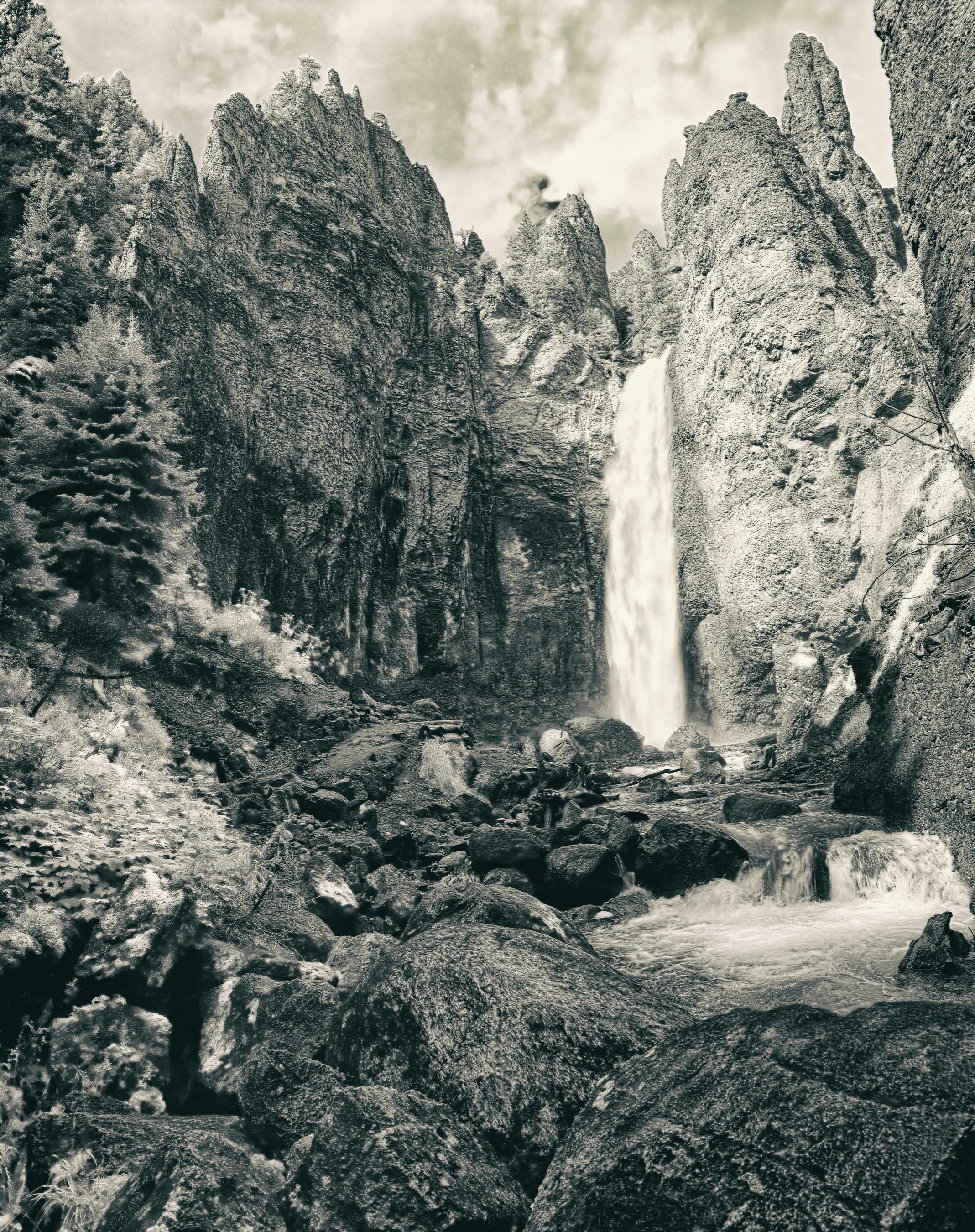
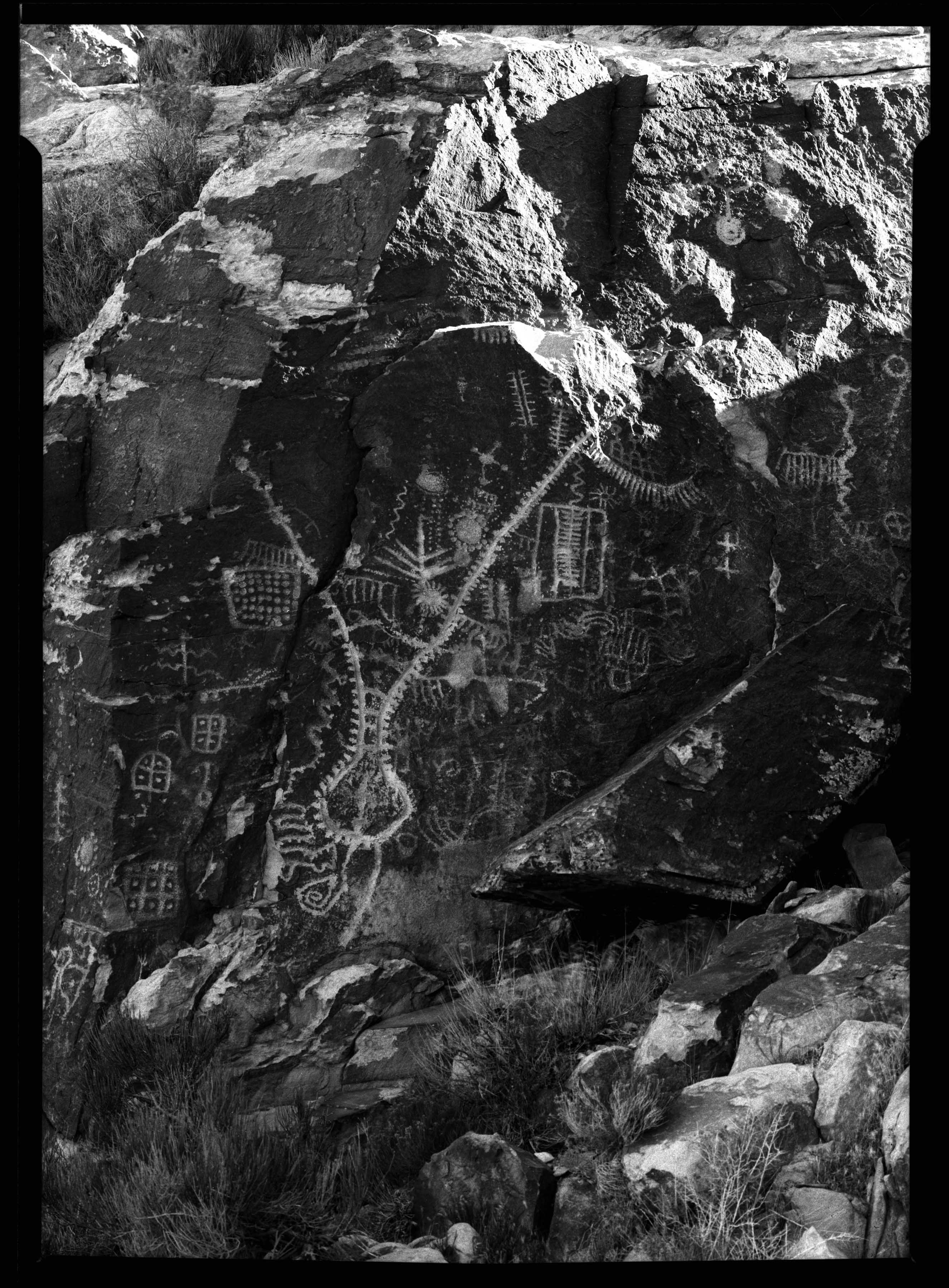
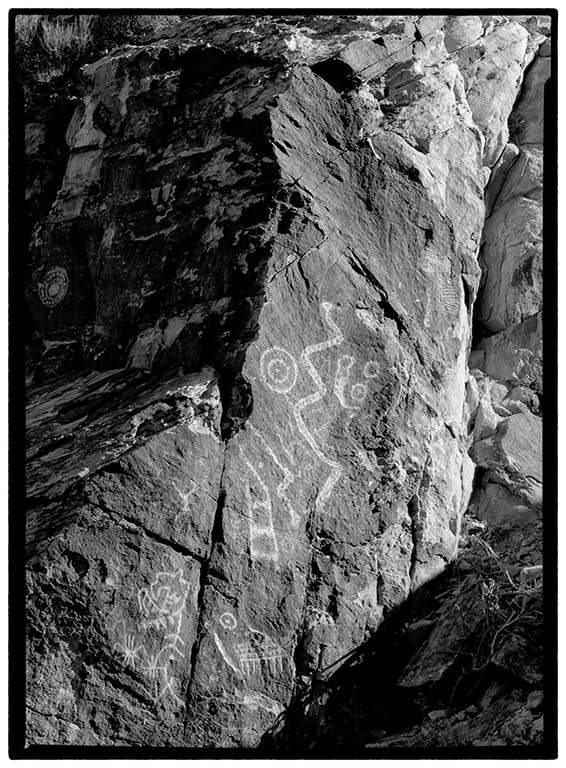
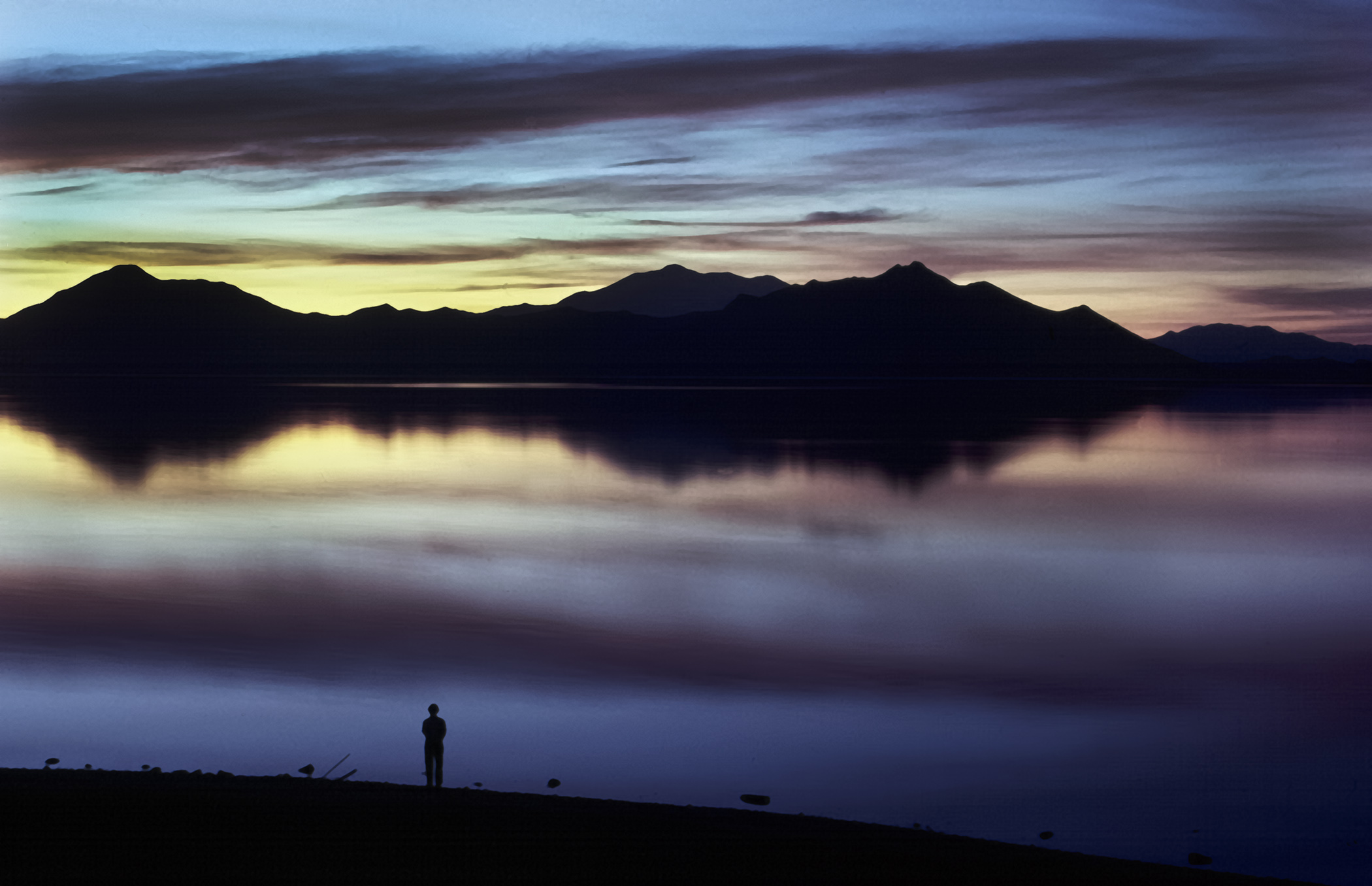
Thank you Ian, I appreciate the compliments. For me as a former teacher, this type of image was useful as an example for my students of the Zone System of exposure and development as described by Ansel Adams. Any time I am using a large format camera (as with this image) I am using the zone system of exposure and development as it gives me the control to "pull off" (as you put it) these types of exposures relatively easily. The best part for me is that it is applicable to color work as well and makes any post processing in Photoshop much easier. |
Apr 14th |
| 31 |
Apr 21 |
Reply |
Thank you Paul, I appreciate it. |
Apr 11th |
| 31 |
Apr 21 |
Comment |
Thank you Ed. |
Apr 10th |
| 31 |
Apr 21 |
Reply |
This was taken in 2018 and the location has not changed. Glad you found it interesting. |
Apr 8th |
| 31 |
Apr 21 |
Comment |
Very well done Ella. I agree with Peter completely. |
Apr 7th |
| 31 |
Apr 21 |
Comment |
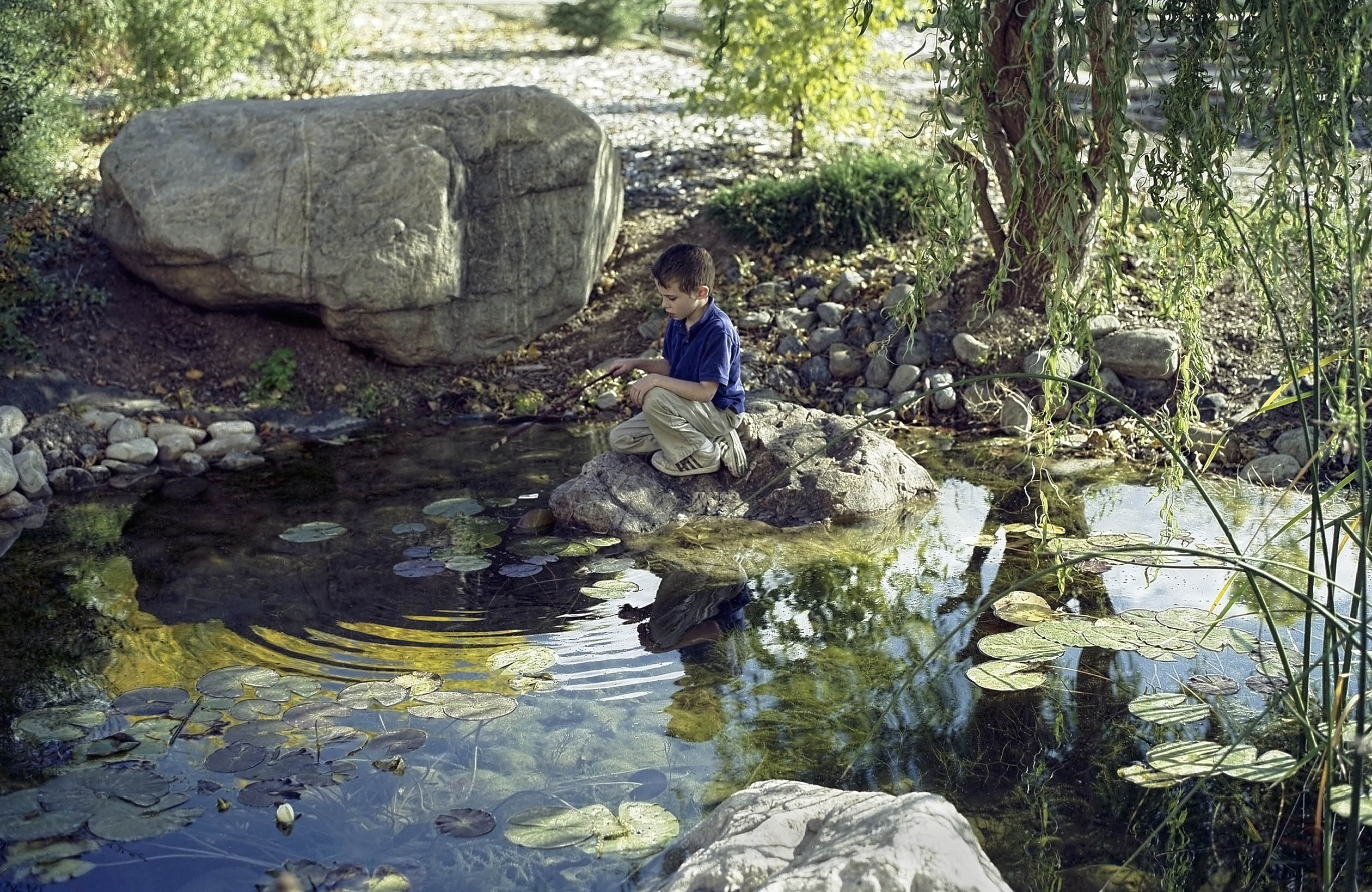
Excellent portrait of the boy. Excellent skin tonality that is not too dark. |
Apr 7th |
| 31 |
Apr 21 |
Comment |
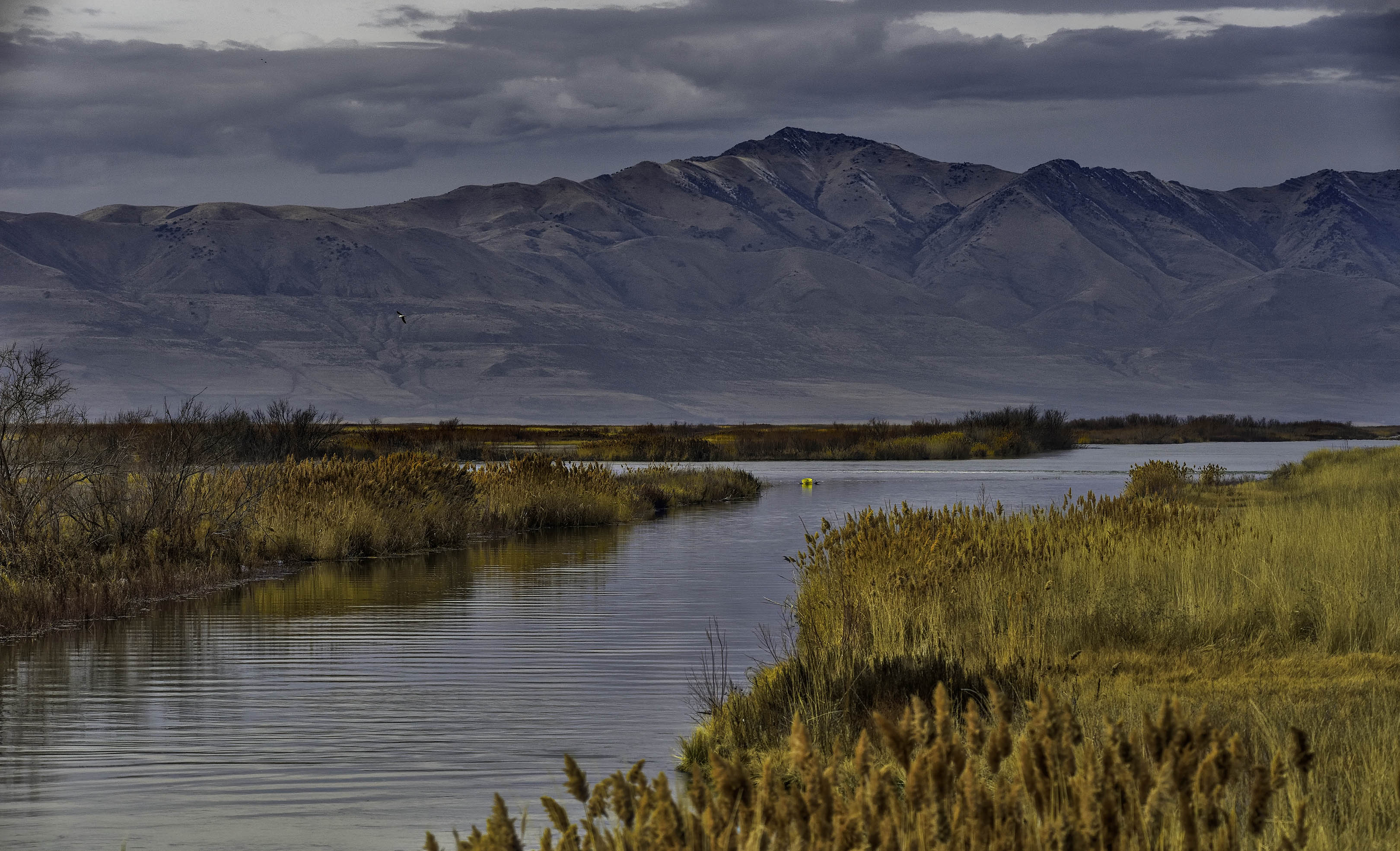
Well done Ed. I like the repetitive pattern of the salt in the foreground. I agree with Peter about the side lighting emphasizing the granularity of the salt. The only distraction for me is the slight halo above the mountains on the right where the ridgeline is against the dark clouds. |
Apr 7th |
| 31 |
Apr 21 |
Comment |
Well done Ian. I agree with Peter. |
Apr 7th |
| 31 |
Apr 21 |
Comment |
A nice high key image Peter with the plant silhouette framed by the slightly darker curve in the snow. Technically very well done but minimalism, even as well done as this, does not appeal to me. |
Apr 7th |
| 31 |
Apr 21 |
Comment |
Interesting silhouette but, to me , is lacking a center of interest - the tree branch and the sky are to evenly balanced. The image needs another element of some kind. |
Apr 7th |
| 31 |
Apr 21 |
Reply |
Thank you Peter, I appreciate your honest opinion. |
Apr 7th |
7 comments - 6 replies for Group 31
|
| 93 |
Apr 21 |
Comment |
Well composed image Paul. I like the balance between the truck with the house and the grain elevator on the right. |
Apr 27th |
| 93 |
Apr 21 |
Comment |
Another fine photograph Ed. Atypical for a golf course image without including the 18th hole. |
Apr 27th |
| 93 |
Apr 21 |
Comment |
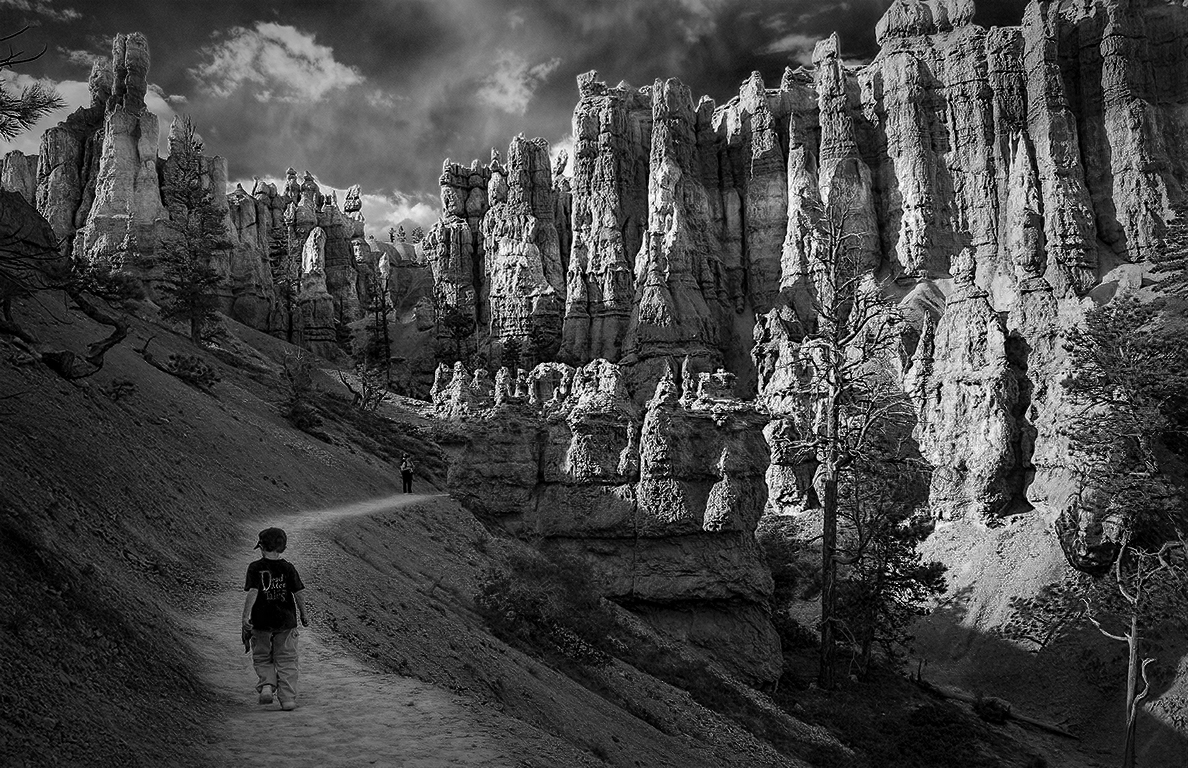
Thank you Darcy and Paul, I appreciate it.
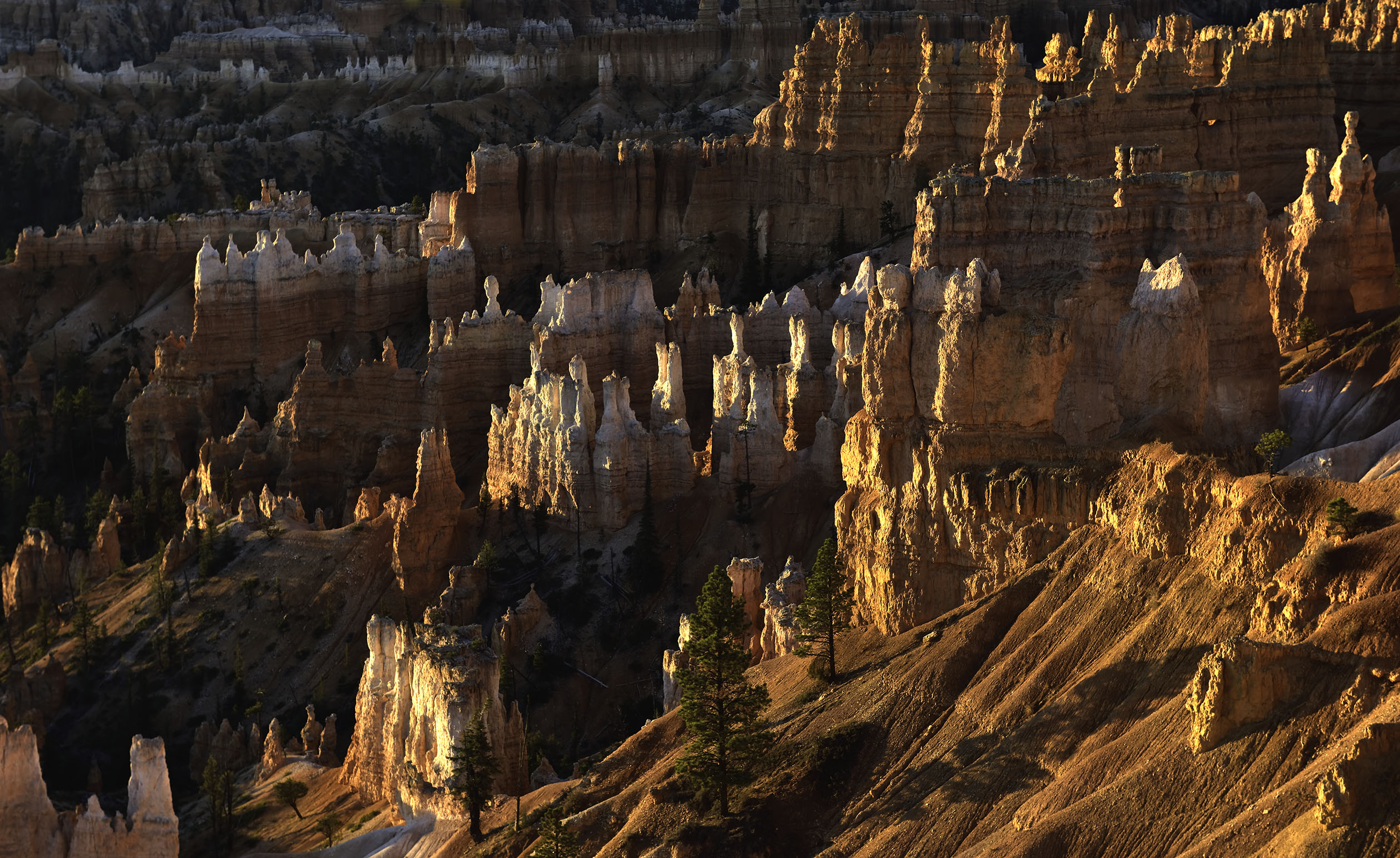
Paul, did you get to visit Dead Horse Point while in Moab? The view there is like my March image last month. |
Apr 27th |
| 93 |
Apr 21 |
Comment |
Thank you Jeff and Ed, I appreciate it. |
Apr 23rd |
| 93 |
Apr 21 |
Reply |
Thank you for the compliment Mark, I appreciate it.
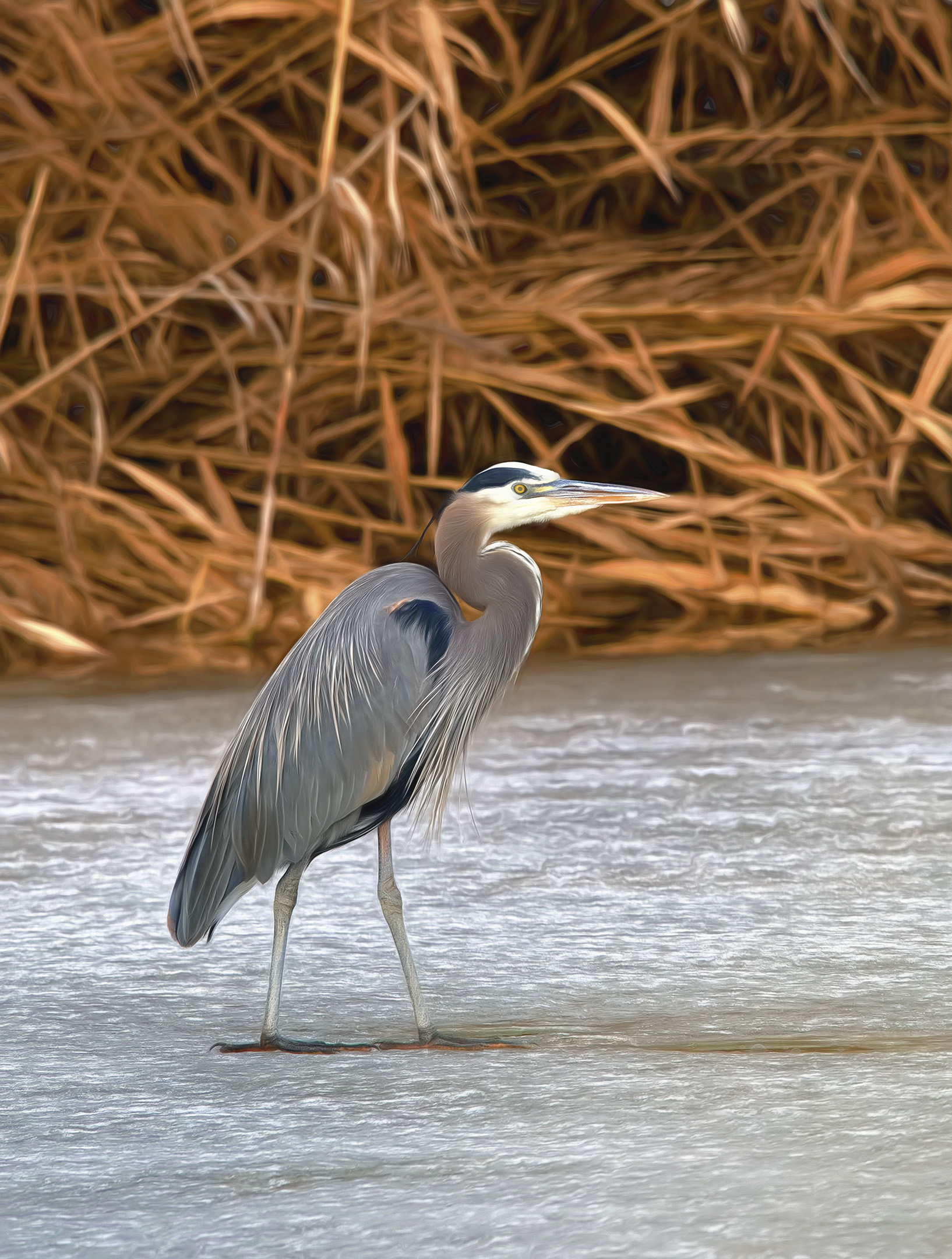
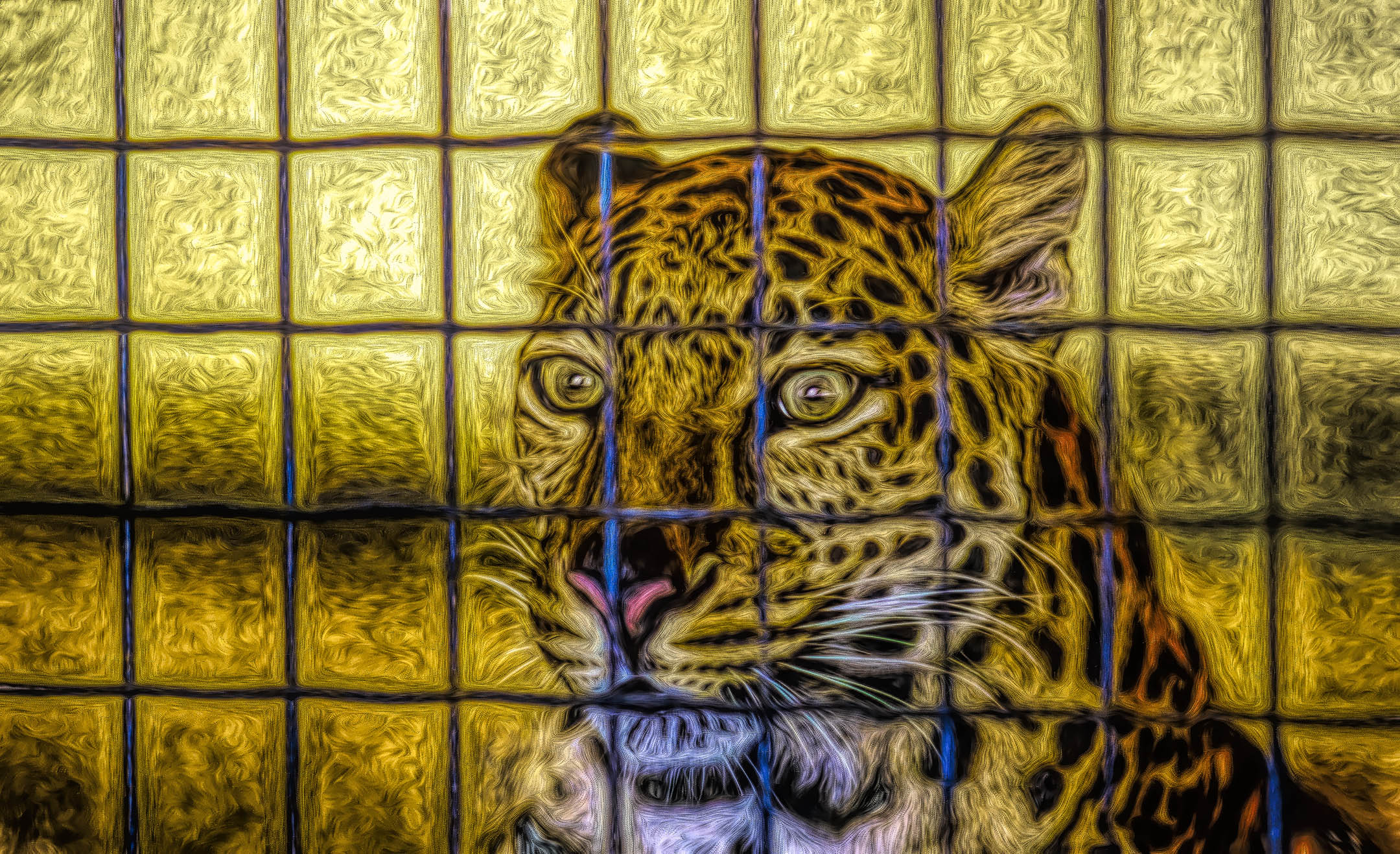
To answer your question, NIK is a set of plugins for Photoshop, of which Vivenza is one of the choices a photographer can use to perform a set of changes on a single layer (not necessarily a smart layer though that option is available also). Vivenza provides a set of sliders to adjust either positively or negatively the brightness, the contrast, the saturation, the structure, levels, and/or curves along with control points on a single layer. Once you have made the adjustments that you want, and the entire image is visible, you can choose "OK" to apply the changes to the entire image OR you can choose "BRUSH" to apply the changes with the brush tool to smaller selected areas of the image. When you click "APPLY", a separate layer appears with a layer mask indicating where the brush applied the changes.
If you choose to create a smart layer in Photoshop first, you can make all the changes mentioned above and retain the ability to change your adjustments later, but you lose the ability to "BRUSH" in the changes to smaller areas. However, for some people, changing their mind later is more important than selecting a smaller area to adjust. For me personally, I prefer to use the "BRUSH" to adjust just part of the image. I can then use Vivenza (or any of the other tools in NIK) to create as many adjustment layers that I want and apply the separate adjustments to different or even overlapping areas of the image. From within Photoshop, I can then adjust the blending modes separately for each layer prior to flattening and printing the image.
As you can imagine, the possibilities are essentially limitless. DxO bought the NIK software and now offers it for resale only. I use an older version that Google gave away for free. If you wish to try it, search the internet for the free version. It has a few bugs but nothing I can't work around from within Photoshop. |
Apr 13th |
| 93 |
Apr 21 |
Comment |
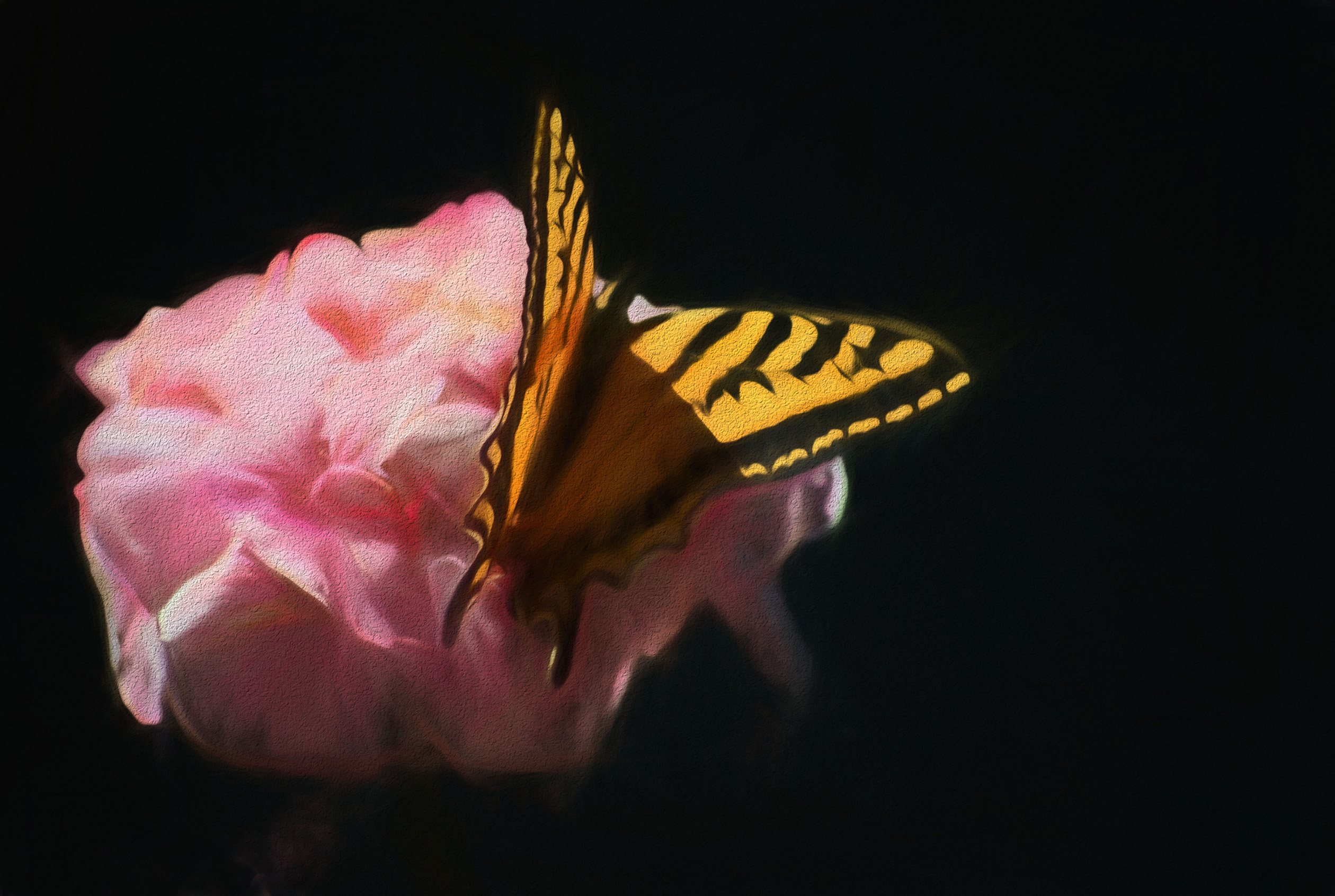
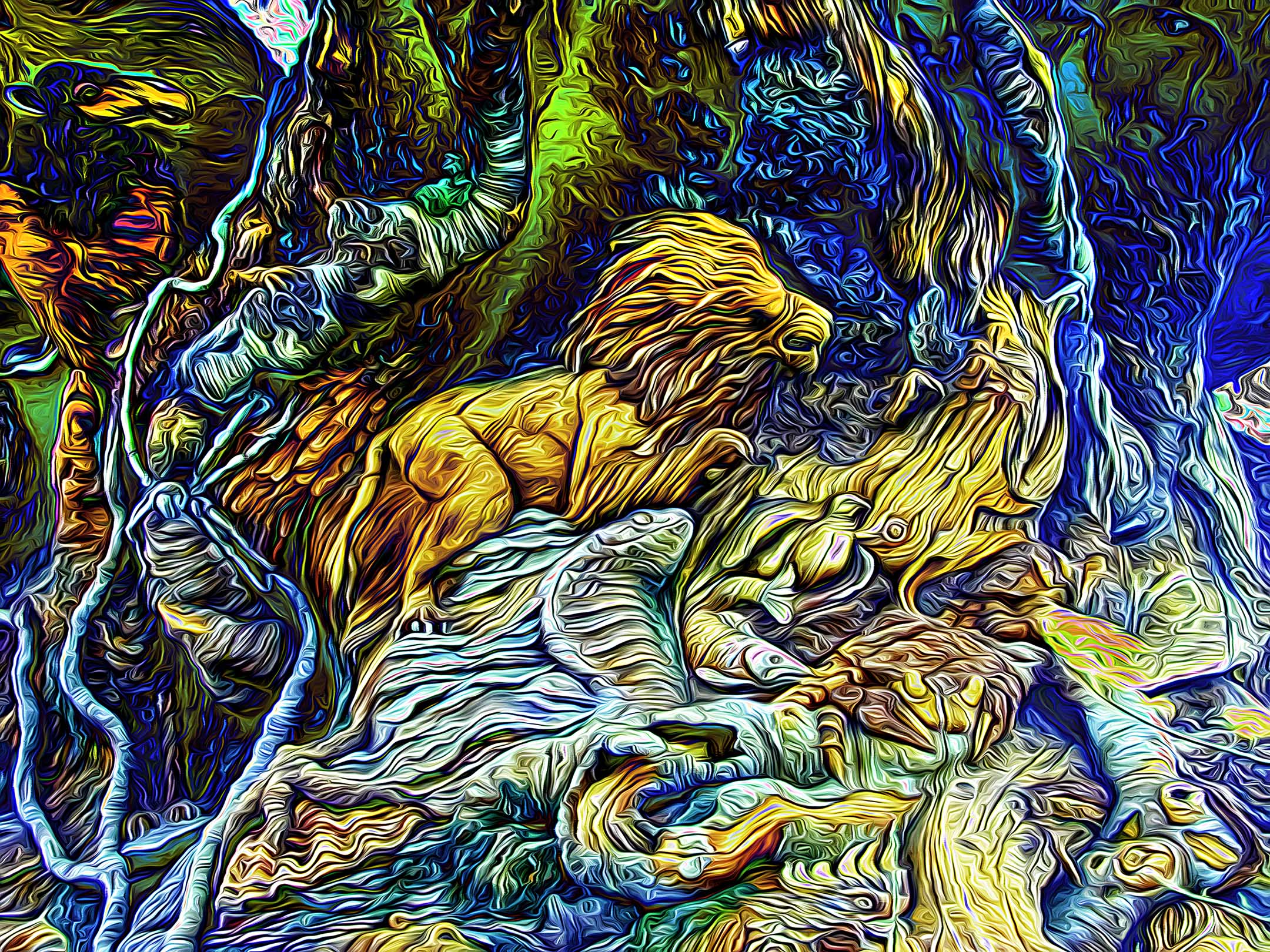
Impressive final image Mark, very well done. A lot of work in post processing but the results are amazing and well worth the extra effort. |
Apr 11th |
| 93 |
Apr 21 |
Comment |
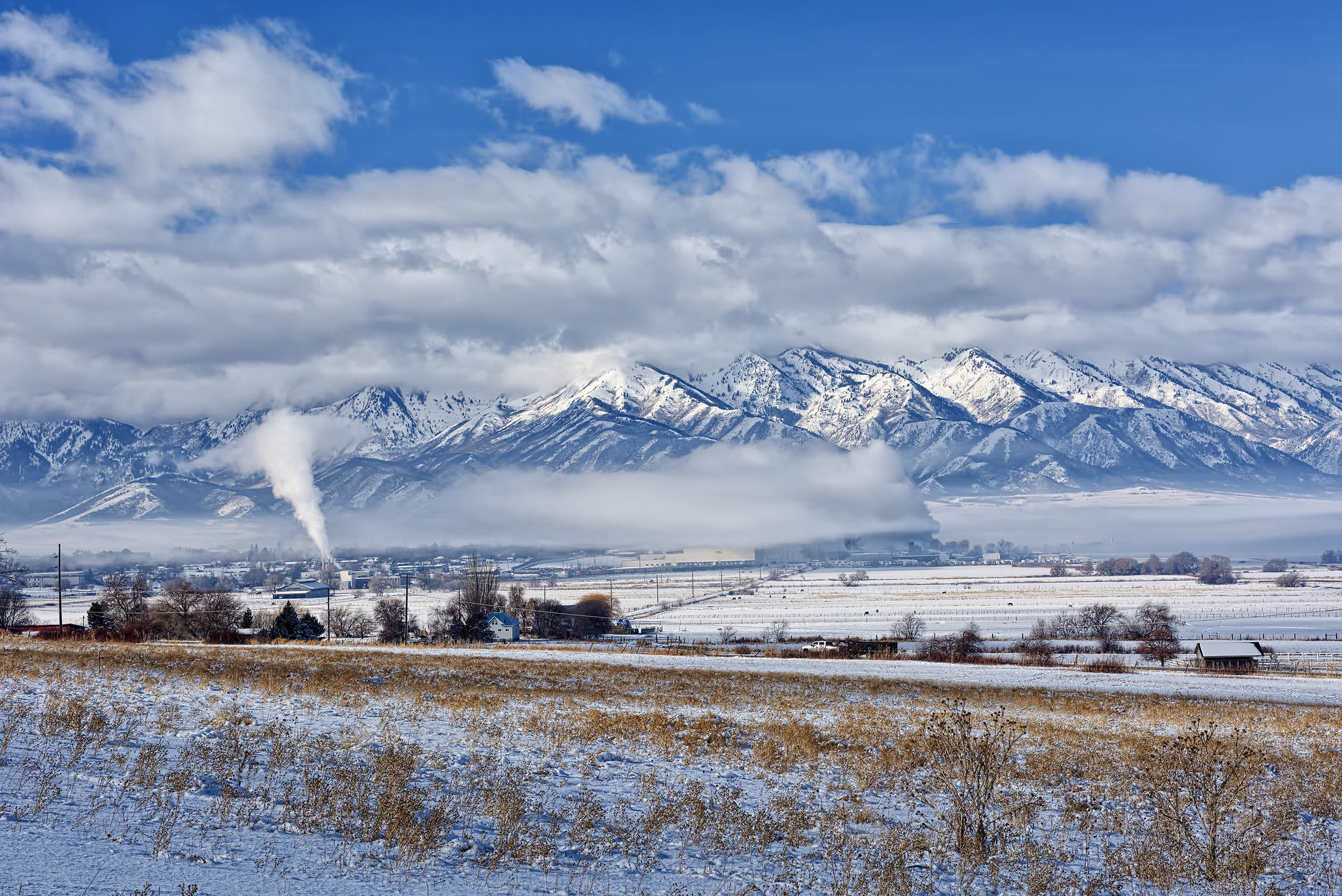
Well done Darcy. There is detail and texture in the snow, the clouds, and the mountains. |
Apr 11th |
| 93 |
Apr 21 |
Comment |
Excellent and creative use of a slight zoom with the lens. I am guessing, but was this done hand held? |
Apr 11th |
| 93 |
Apr 21 |
Comment |
Interesting city scene where the arcs of water draw my eye in. Having the water close and the buildings far away is the opposite of what is more commonly scene. I like the juxtaposition of the two. |
Apr 11th |
| 93 |
Apr 21 |
Reply |
Thank you Larry, I really appreciate it. |
Apr 2nd |
8 comments - 2 replies for Group 93
|
15 comments - 8 replies Total
|