|
| Group |
Round |
C/R |
Comment |
Date |
Image |
| 31 |
Jan 21 |
Reply |
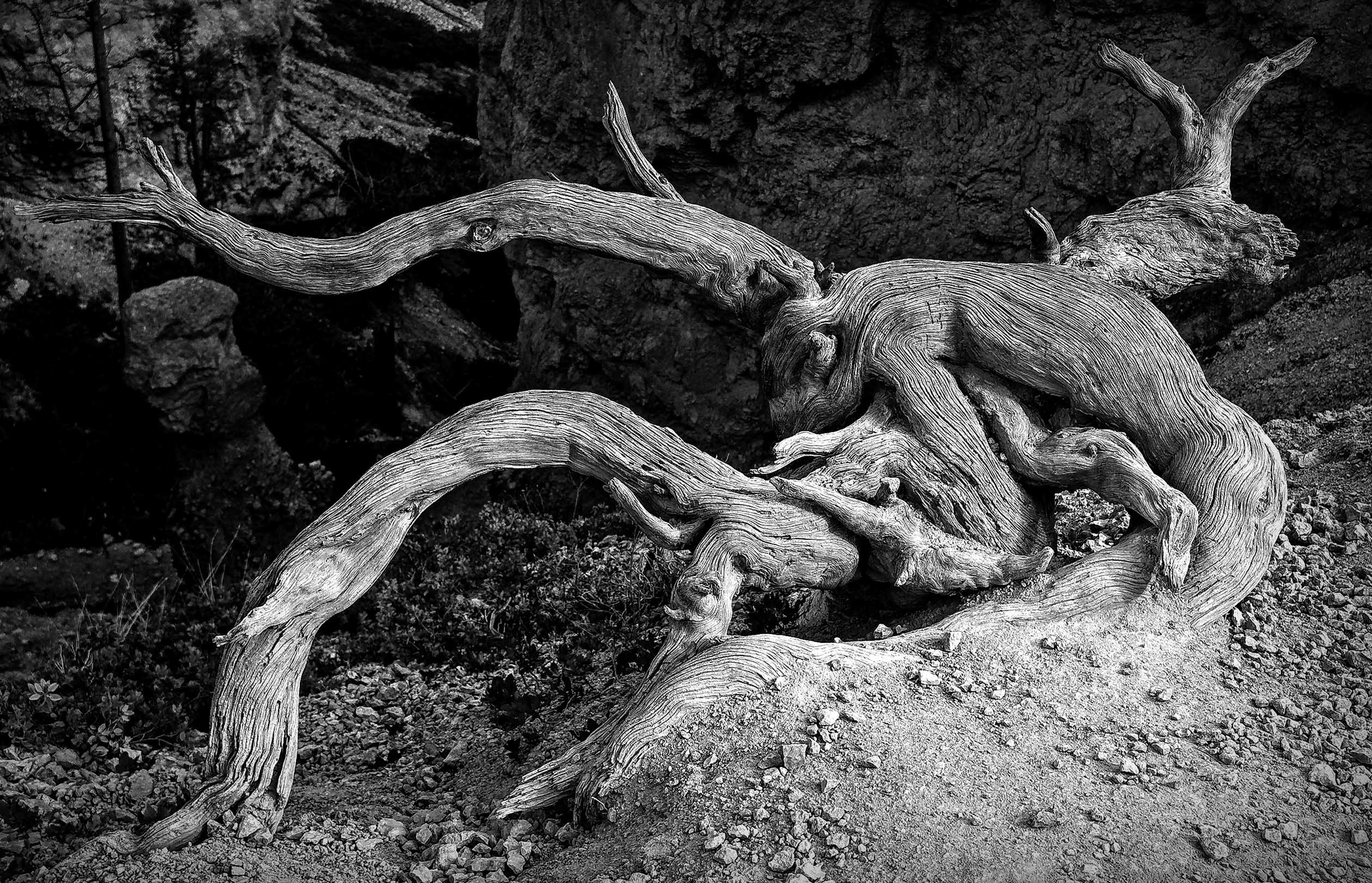
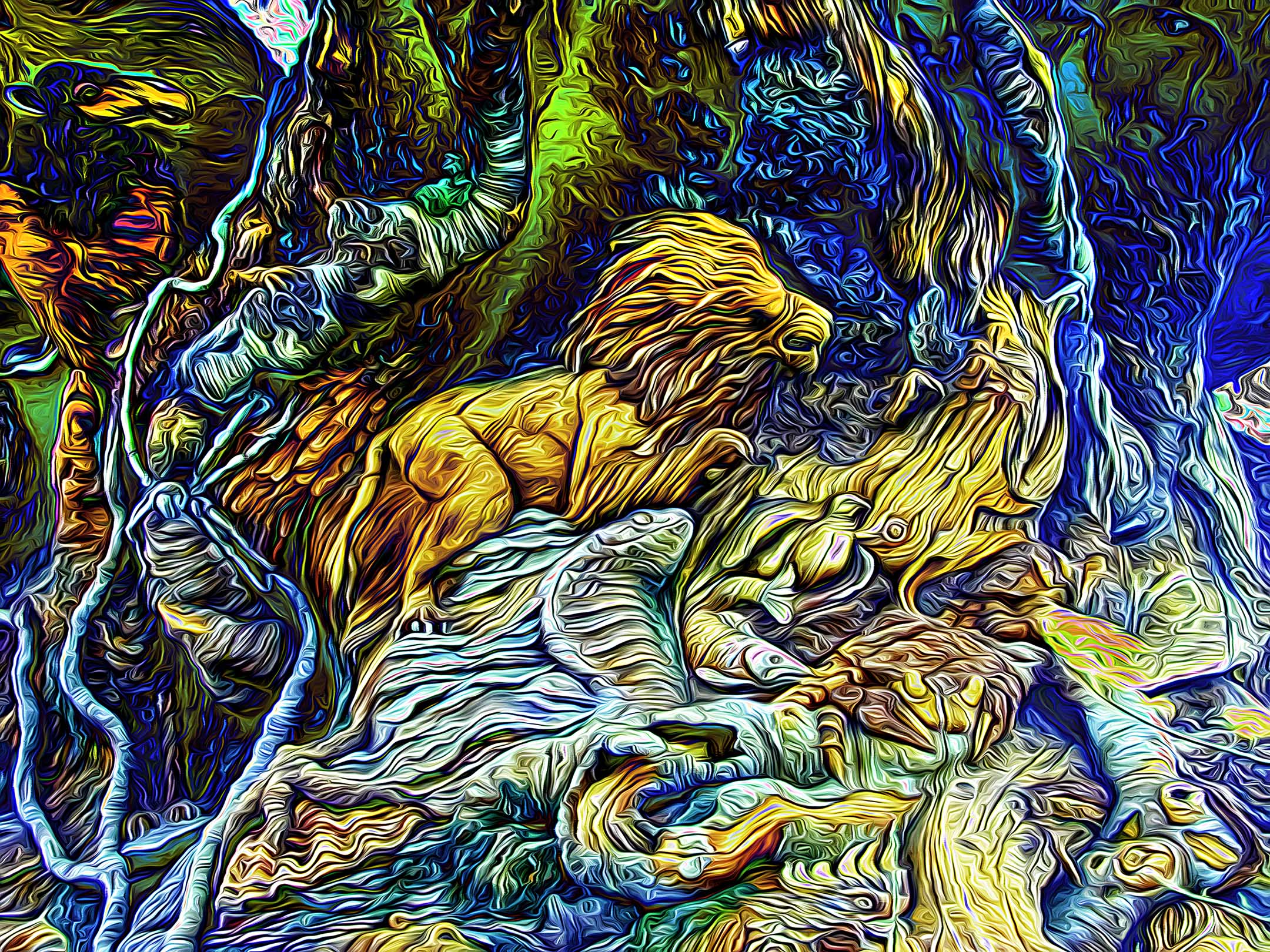
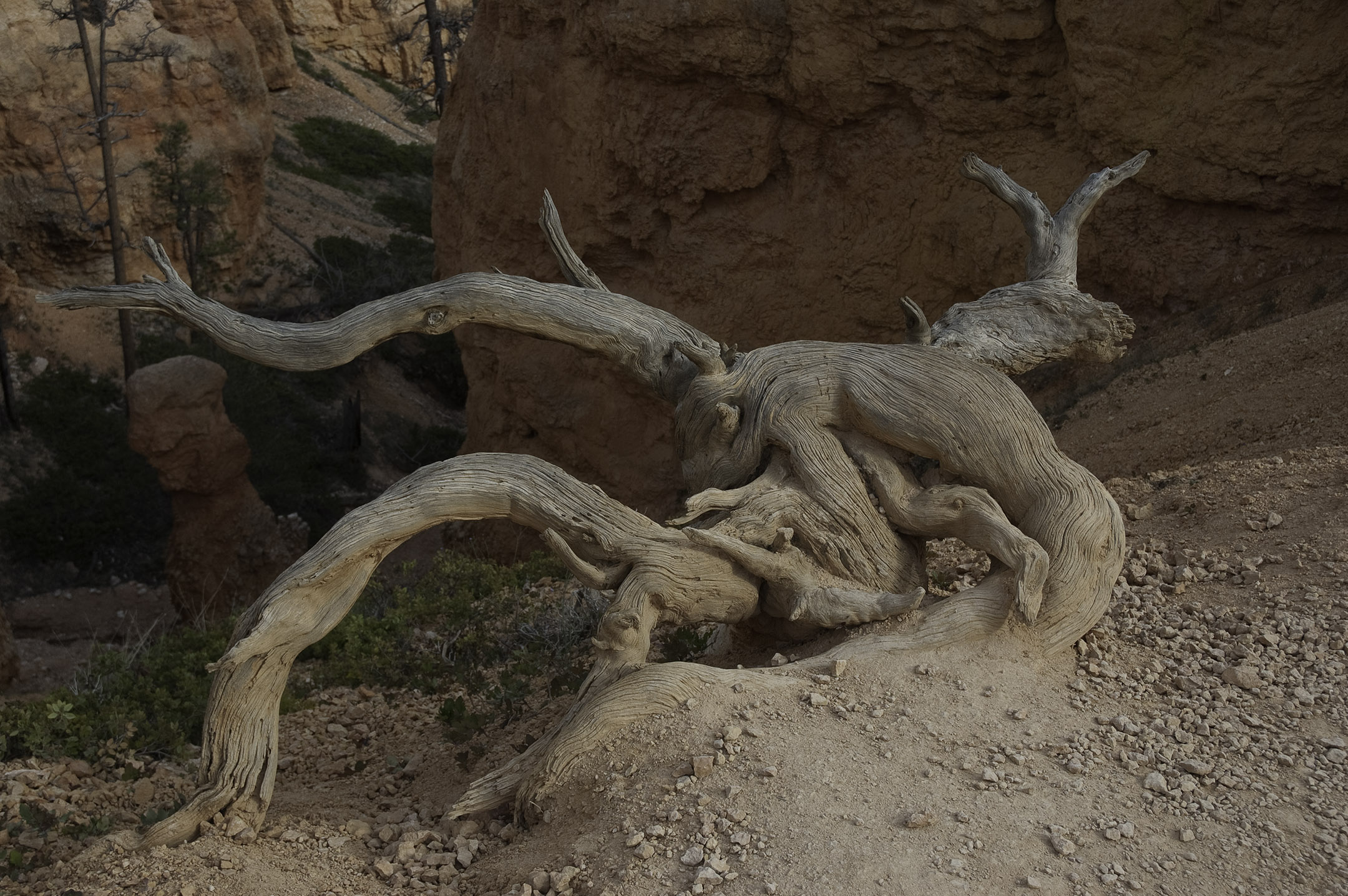
Beauty is in the eye of the beholder John. I saw a lot of texture in the wood that was distorted due weather and habitat. Your vision is unique to you. Feel free to download the image and extract what you see. There is a lot of potential there for you to enjoy. |
Jan 26th |
| 31 |
Jan 21 |
Reply |
Thank you Paul. I appreciate it. |
Jan 26th |
| 31 |
Jan 21 |
Reply |
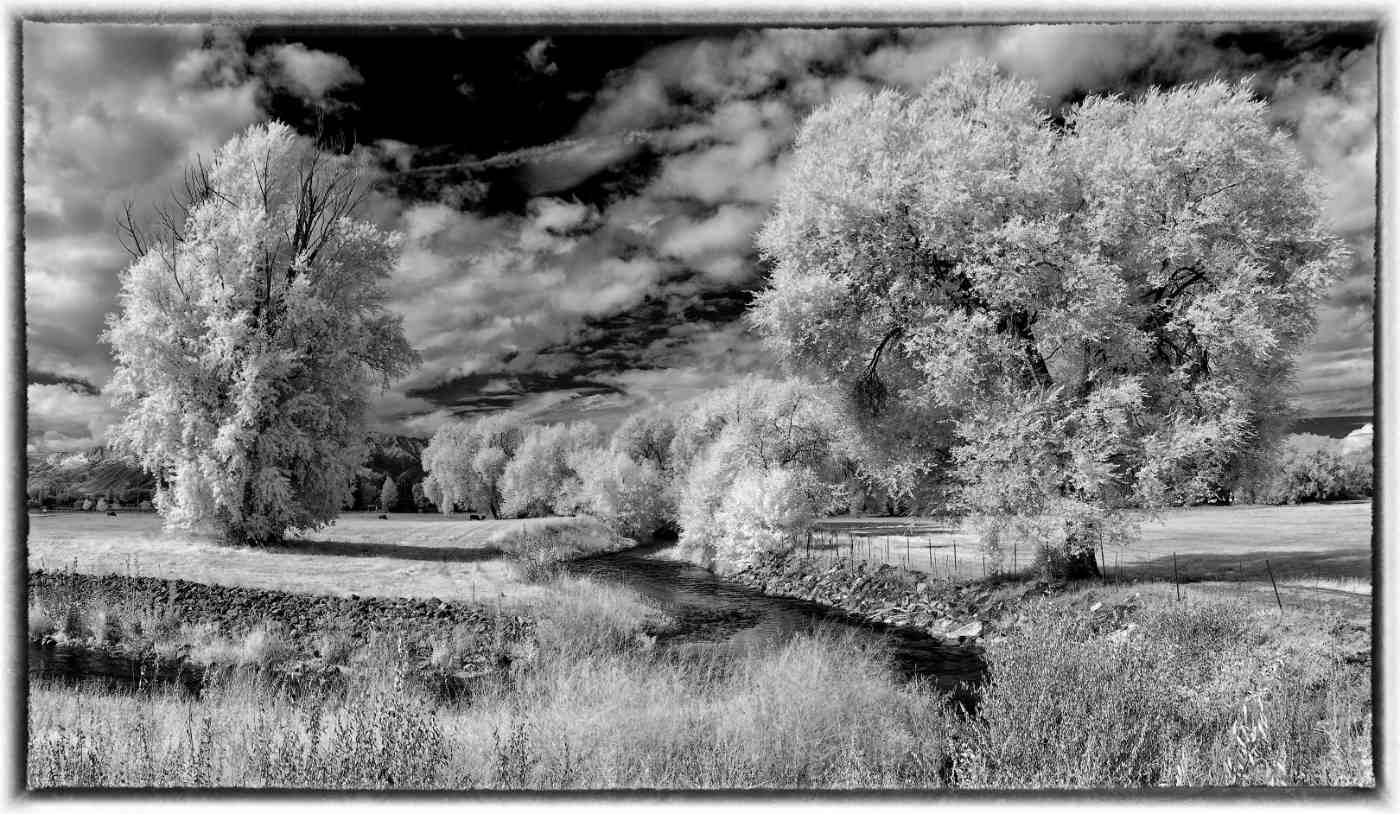
Thank you Ian. Hopefully you and Dr. Isaac can share a valium or two with some prozac to extend your happiness. Attached is the original color image to compare with the finished product. The lighting was actually rather flat at the time. |
Jan 11th |
 |
| 31 |
Jan 21 |
Comment |
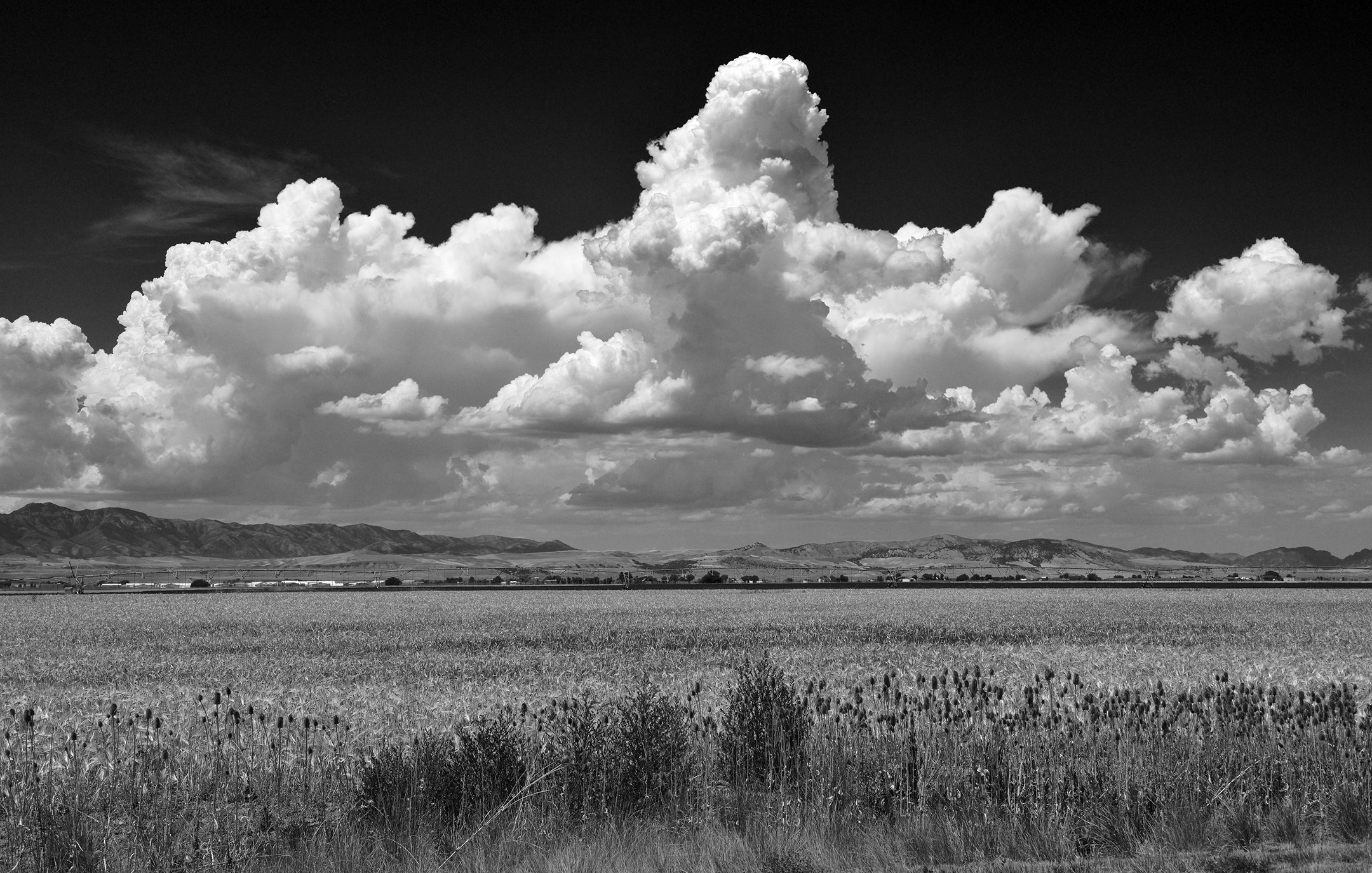
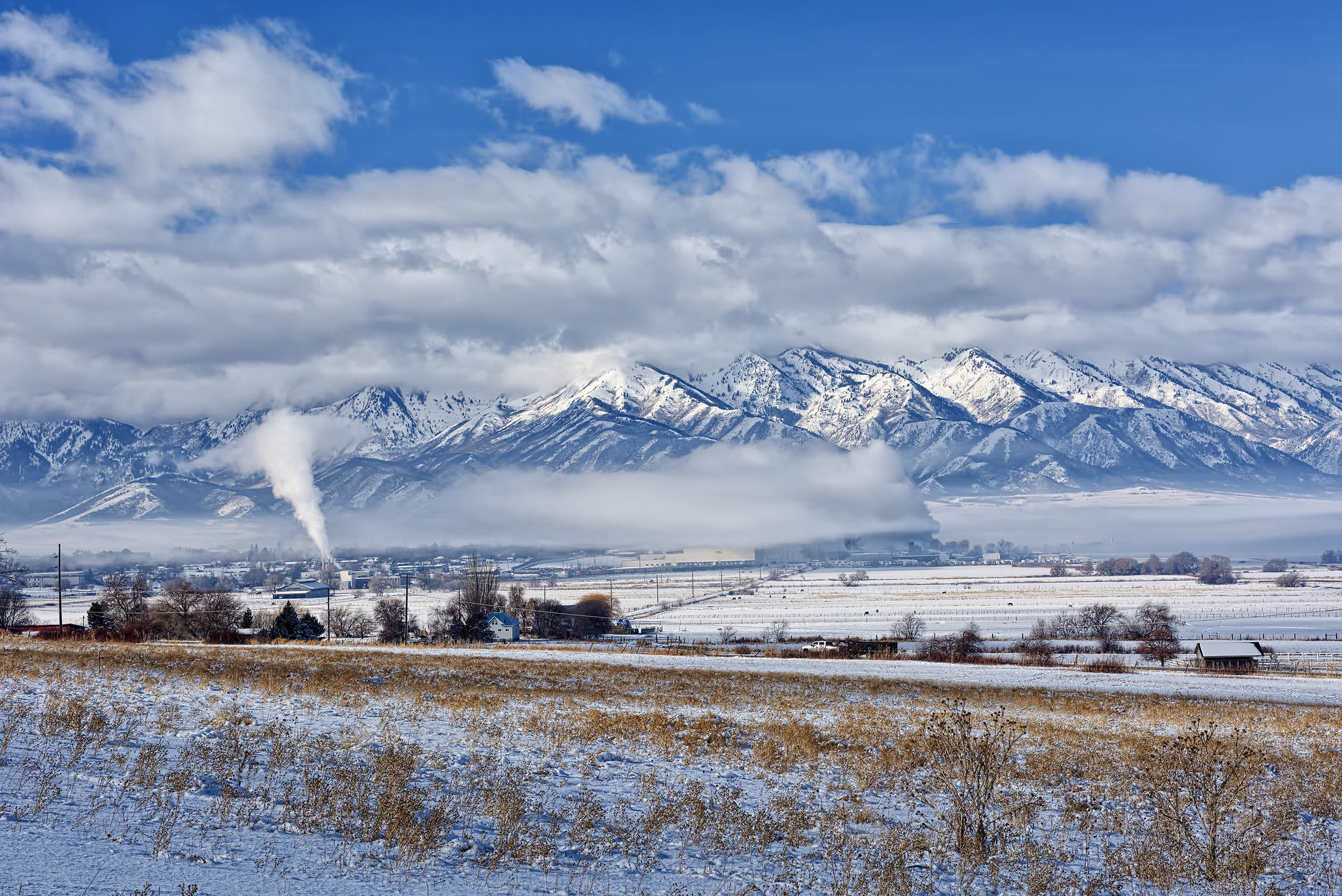
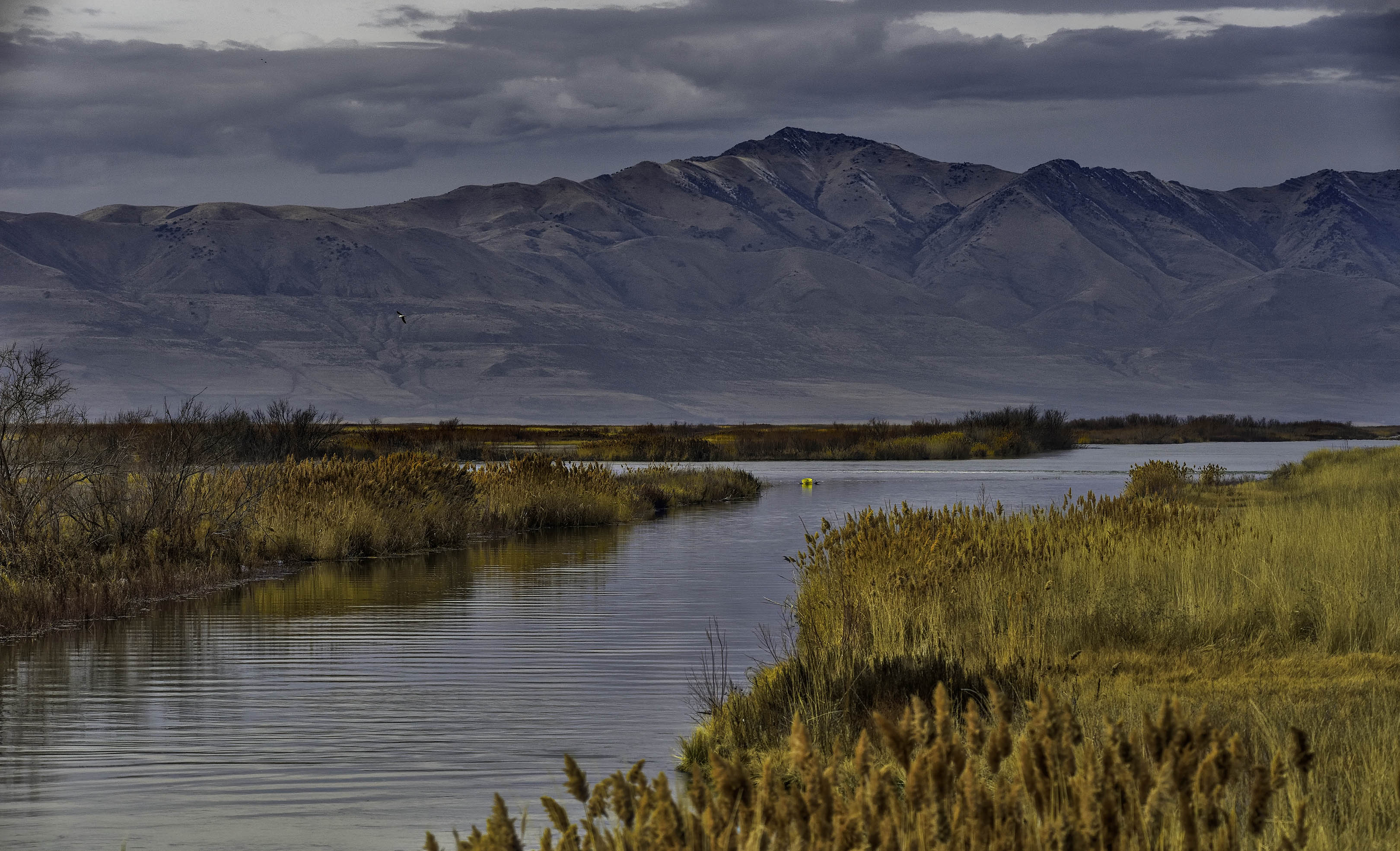
Well done Ed, this reminds me of the low rolling hills of the prairie in the midwest. |
Jan 11th |
| 31 |
Jan 21 |
Reply |
Thank you Ed, I appreciate it. I do try to use the Zone System of exposure when shooting film or digital. |
Jan 9th |
| 31 |
Jan 21 |
Reply |
Thank you Ella, I appreciate it. |
Jan 9th |
| 31 |
Jan 21 |
Reply |
Thank you John, I appreciate it. |
Jan 8th |
| 31 |
Jan 21 |
Reply |
Thank you Peter, I appreciate it. |
Jan 8th |
| 31 |
Jan 21 |
Reply |
Thank you Dr. Vaisman, I appreciate it and I'm glad you like it. |
Jan 5th |
1 comment - 8 replies for Group 31
|
| 93 |
Jan 21 |
Reply |
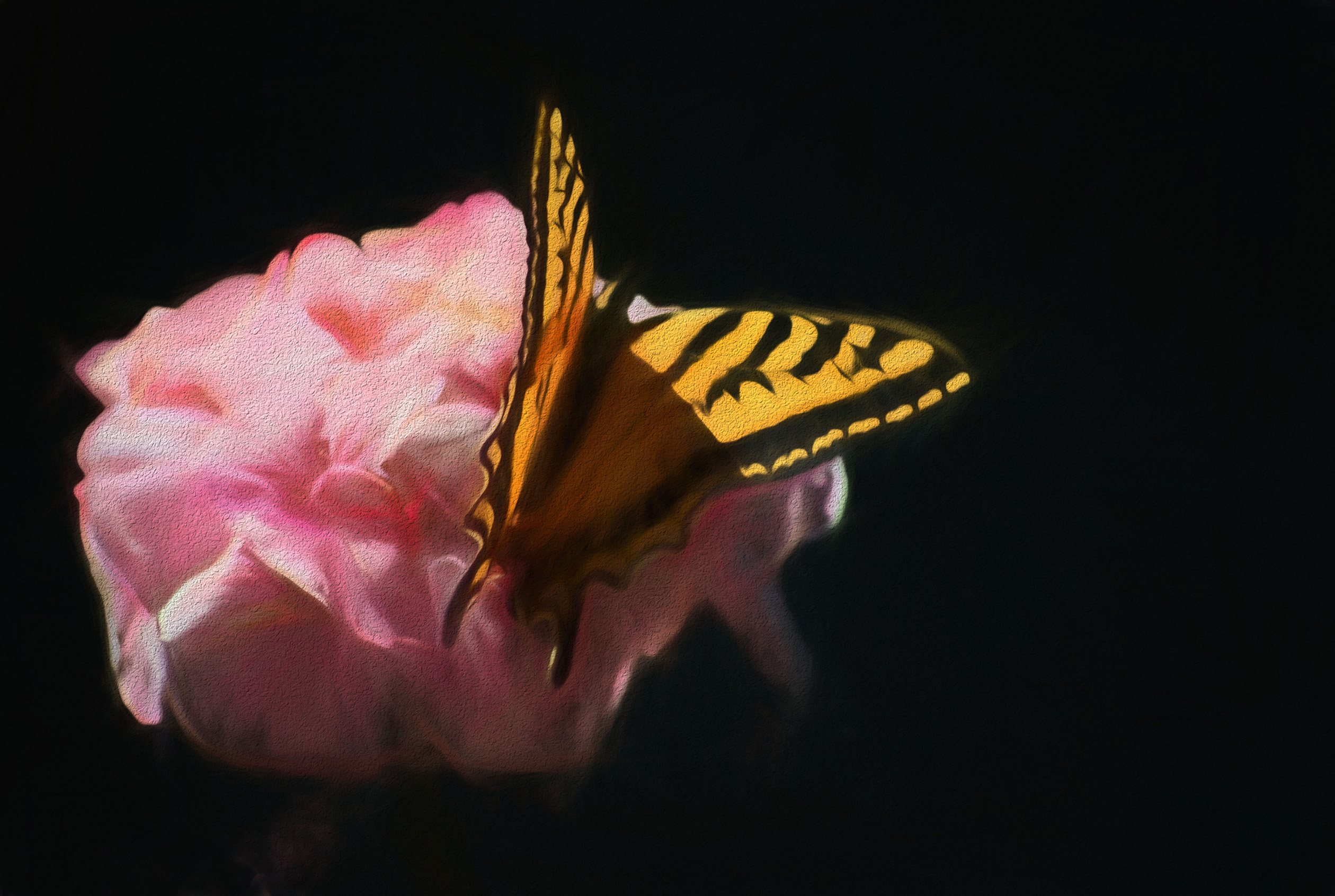
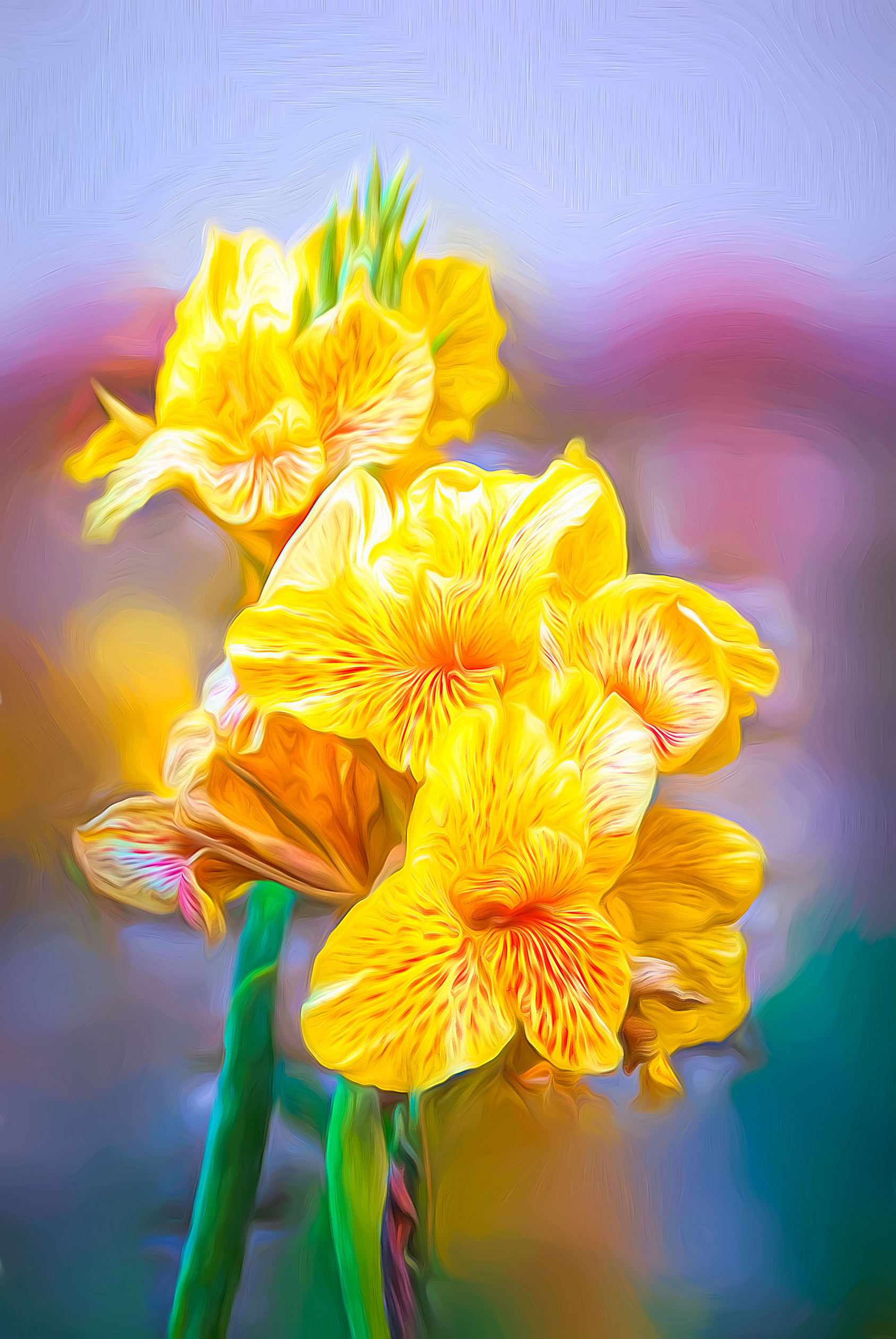
Topaz filters create a separate layer from within Photoshop or Affinity. After the layer has been created, you can manipulate that layer in any fashion that you wish including adding a layer mask. If, like me, you create several separate layers using Topaz then you can add separate layer masks in different areas of the image on each of the separate layers created by Topaz. Blending and opacity options also exist for each layer also. The various combinations that become possible are essentially limitless. When all else fails, experimenting with all the possibilities is a great time killer during this age of self quarantine due to covid-19. |
Jan 25th |
| 93 |
Jan 21 |
Reply |
Thank you Jean, I'm glad you liked them both. |
Jan 11th |
| 93 |
Jan 21 |
Comment |
An interesting image Ed. The leading lines of the steps on the left contrast nicely with the leading line of the tree trunks supporting the elevated abode. Seeing the contrast between the man made construction with the wilderness background adds to the composition. I am curious as to the function of the smaller building. Outhouse? |
Jan 11th |
| 93 |
Jan 21 |
Comment |
Nicely done Paul. To see the cork pad on the side valve and the grain in the wood reveals the age of the clarinet. Definitely an heirloom. |
Jan 11th |
| 93 |
Jan 21 |
Comment |
Nicely done Jean. I agree with Ed and Paul about the corrections. Good job with the adjustments. |
Jan 11th |
| 93 |
Jan 21 |
Comment |
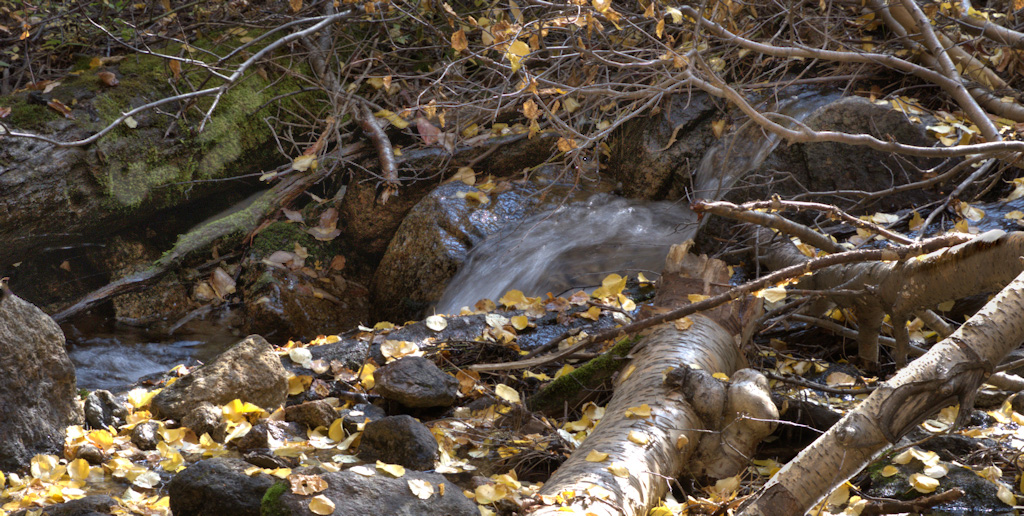
Very nice image Darcy. I agree with Ed about the cropping and composition. An alternative adjustment to a separate exposure, if you have NIK Color Effects Pro, would be to duplicate the layer (so you can change your mind without ruining the image) then click on NIK Color Effects Pro and clicking on Detail Extractor. Adjust the entire image with the detail extractor slider until you are happy with how the dark bank looks, THEN choose BRUSH, then Paint, and using a rather large soft brush, paint only the area needing to be lightened. This will create a layer mask (a third layer) with adjustment applied. You can then adjust the blending mode and opacity of the adjustment layer as desired. |
Jan 11th |
 |
| 93 |
Jan 21 |
Comment |
Very well done Jeff. To see the fog settling in the trees in the background with the contrasting clear view in the foreground is an effective compositional tool. I like it. |
Jan 11th |
| 93 |
Jan 21 |
Reply |
Thank you Ed, I appreciate it. |
Jan 11th |
| 93 |
Jan 21 |
Reply |
Thank you Paul, I appreciate it. I will admit, Topaz filters are an effective anti-boredom device for me during all the Covid lockdowns that are in effect when we are unable to get out and about. |
Jan 3rd |
5 comments - 4 replies for Group 93
|
6 comments - 12 replies Total
|