|
| Group |
Round |
C/R |
Comment |
Date |
Image |
| 93 |
Feb 23 |
Reply |
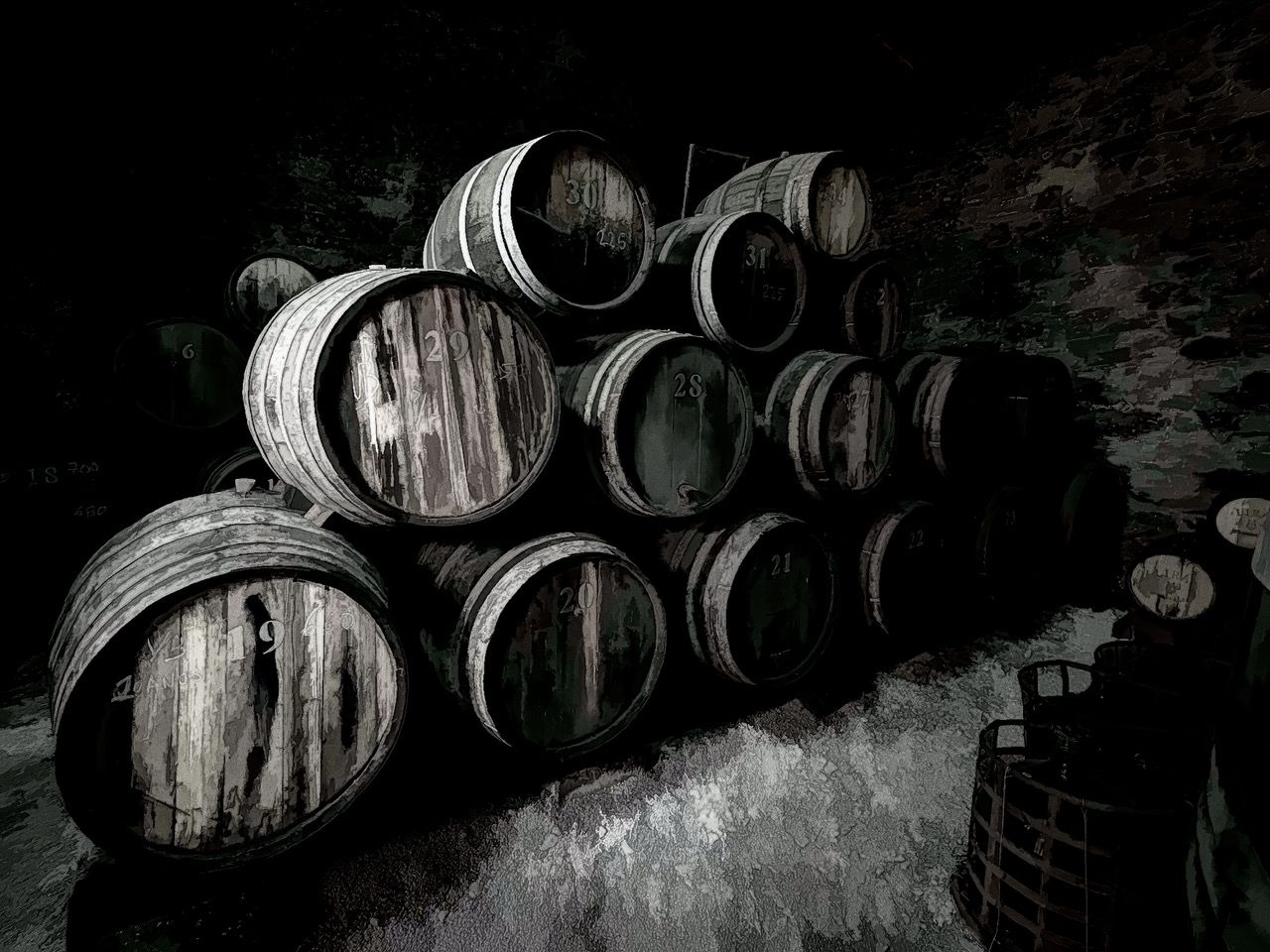
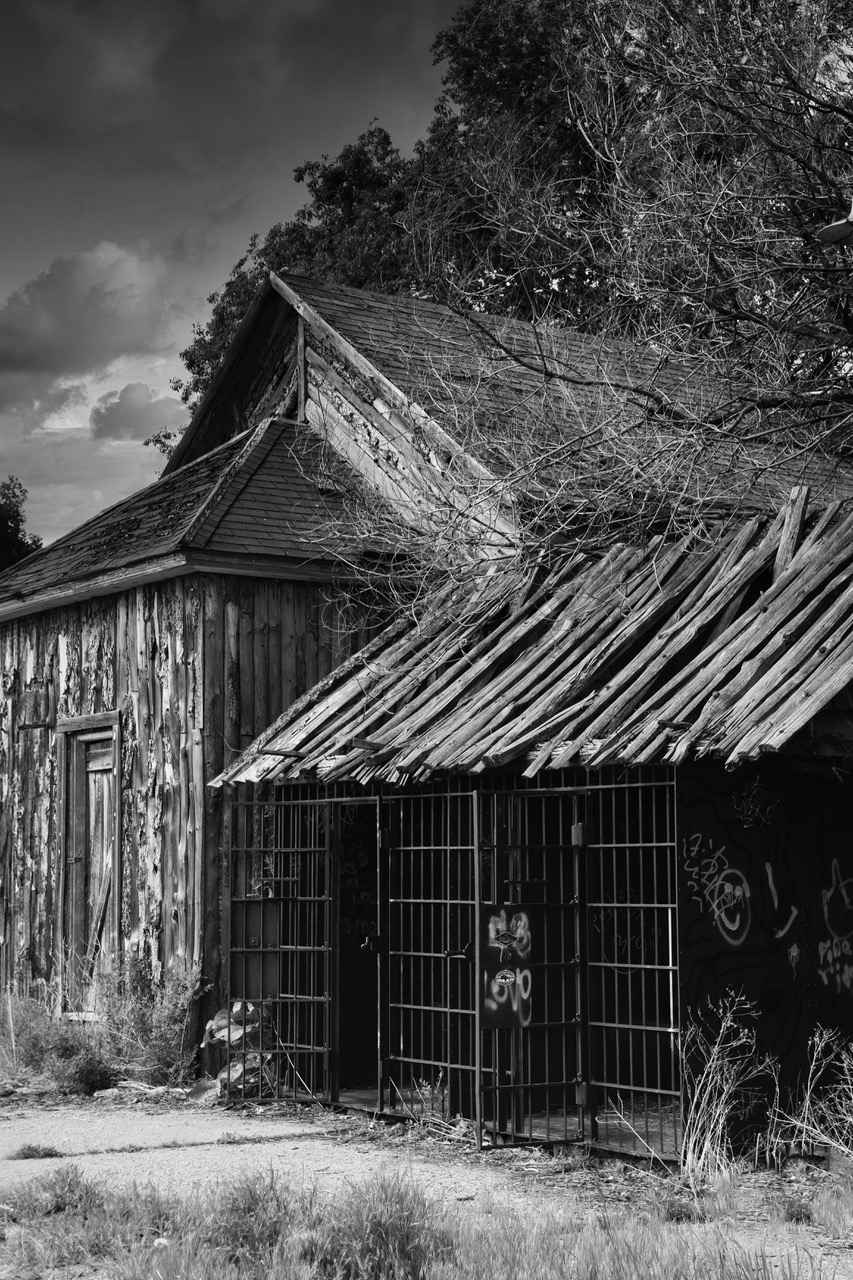
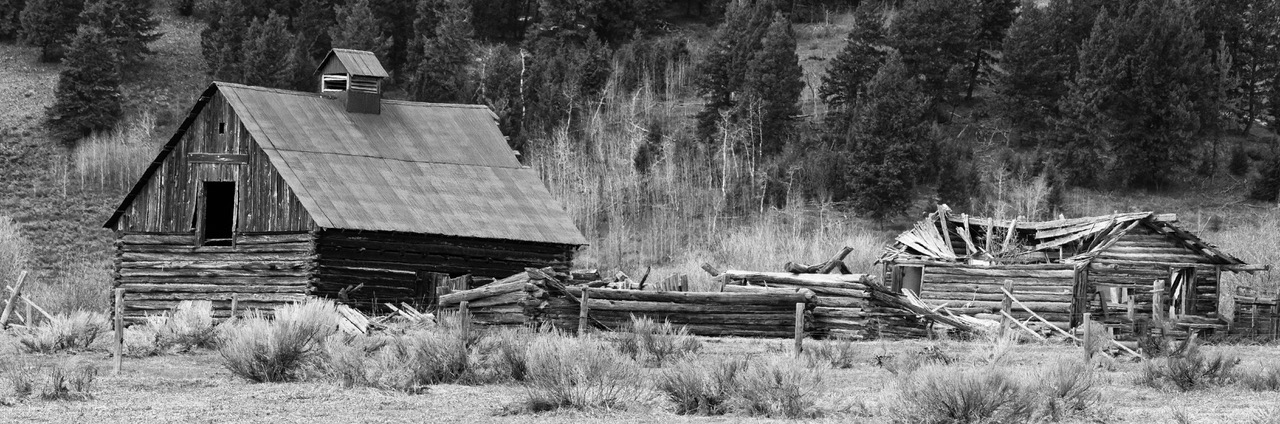
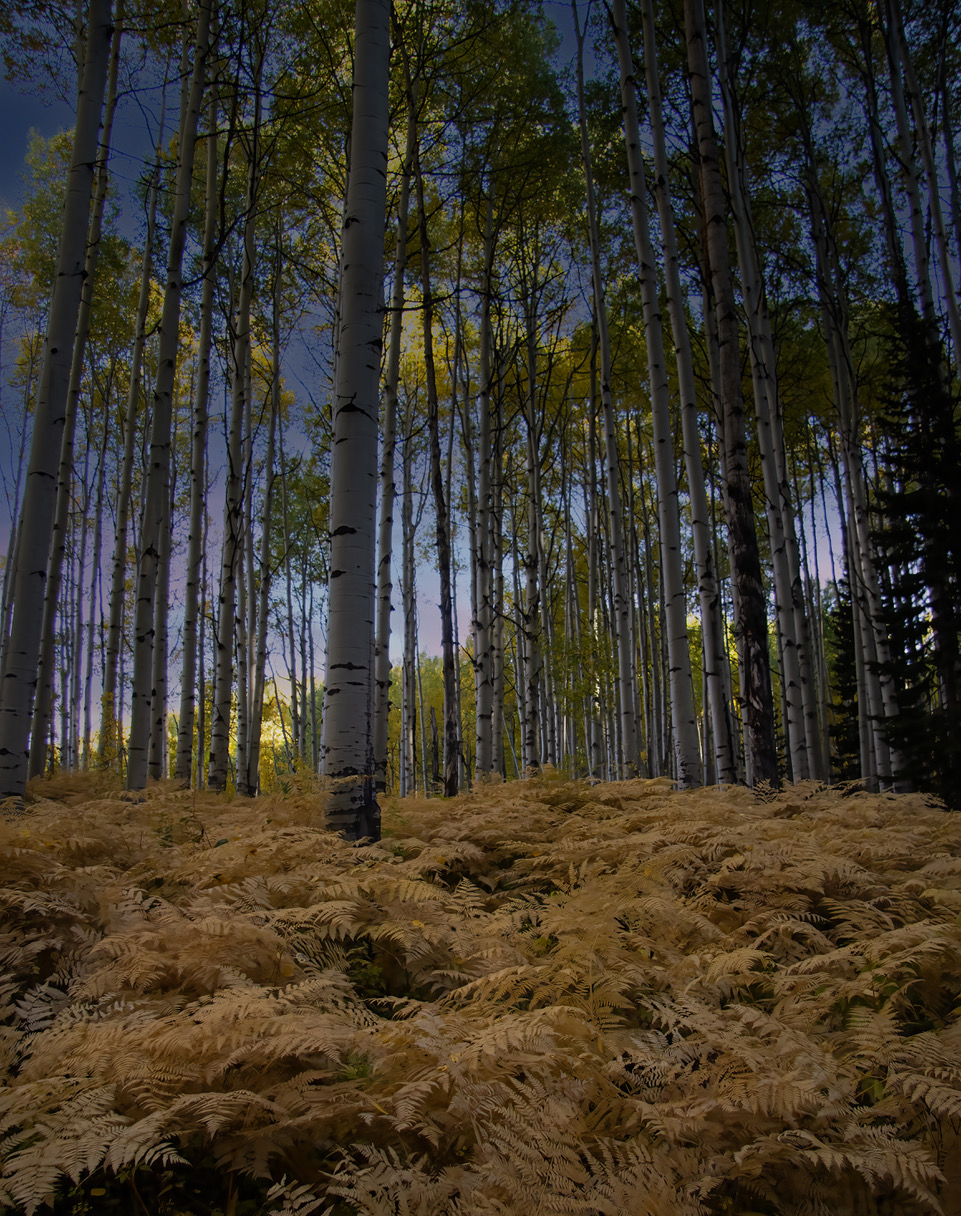
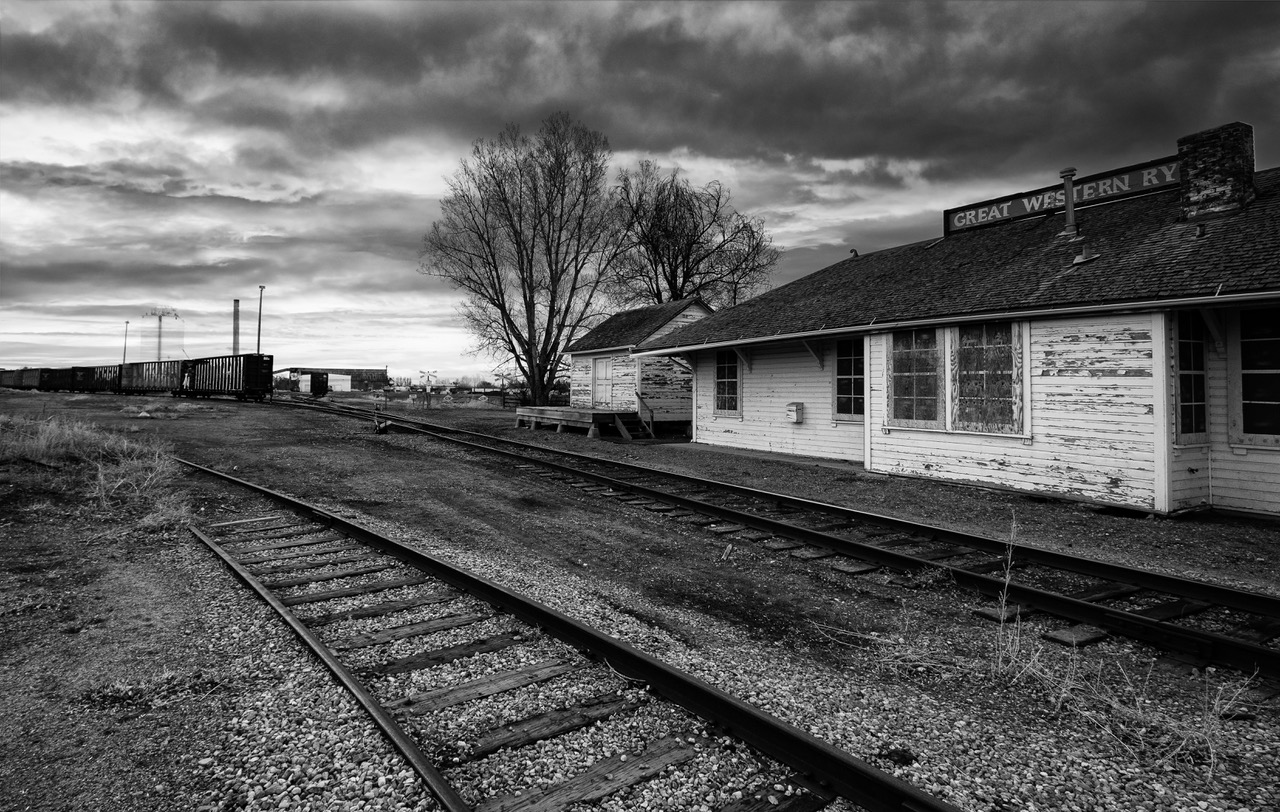
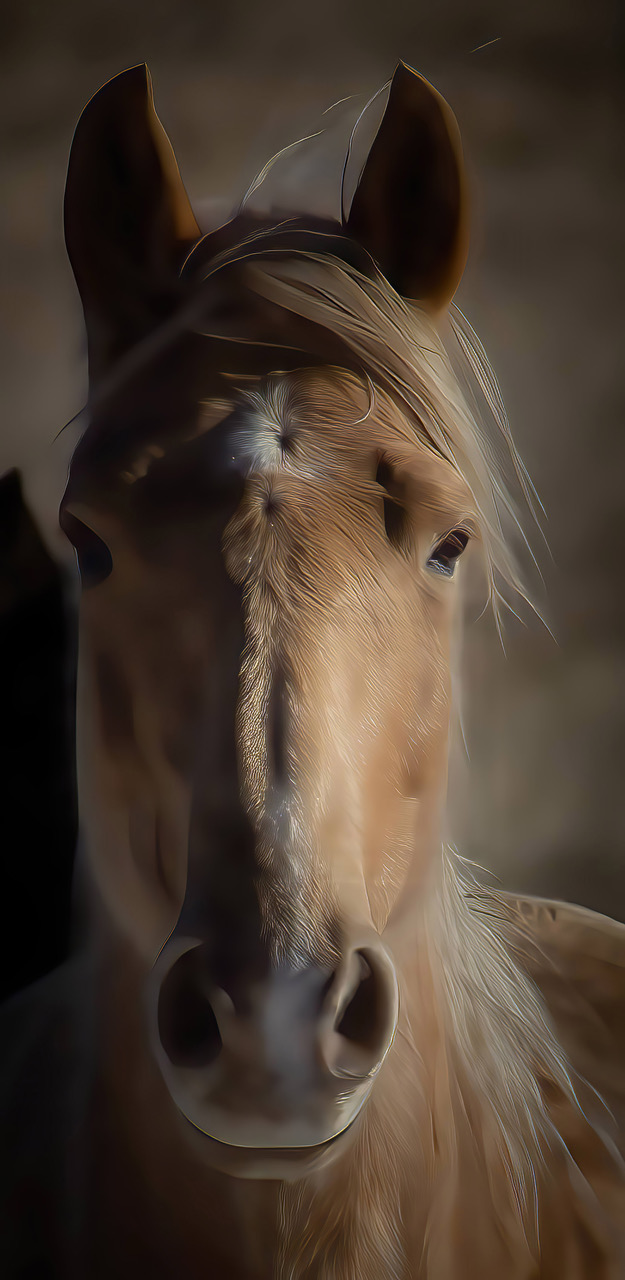
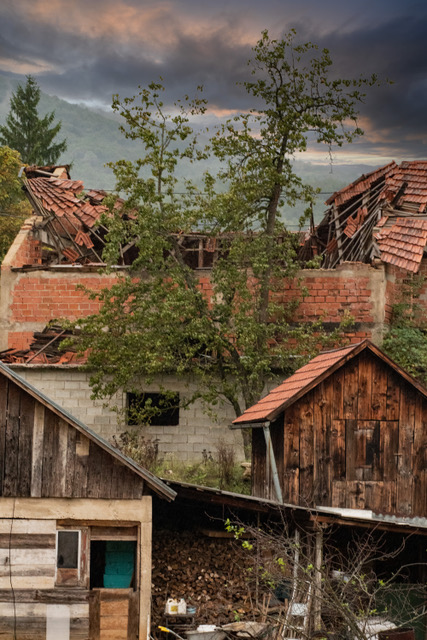
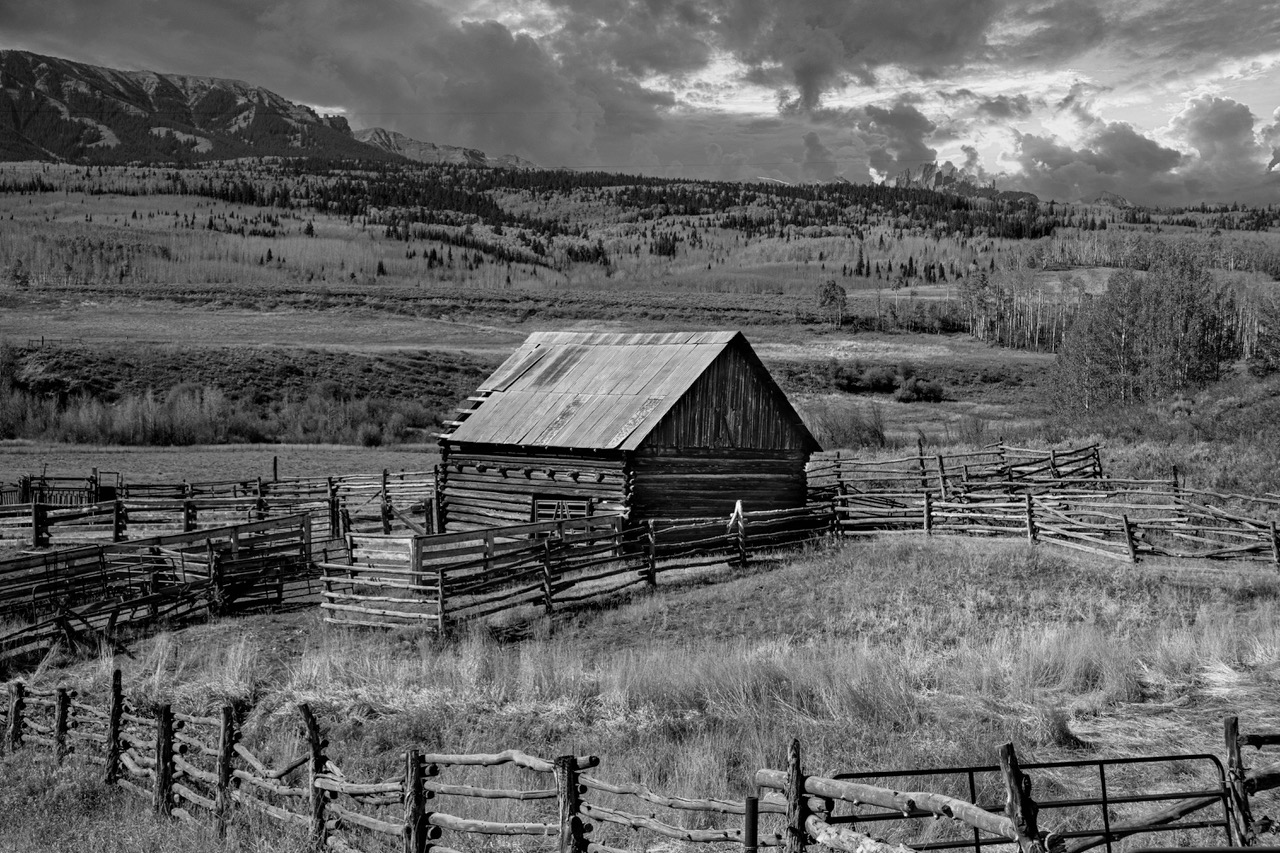
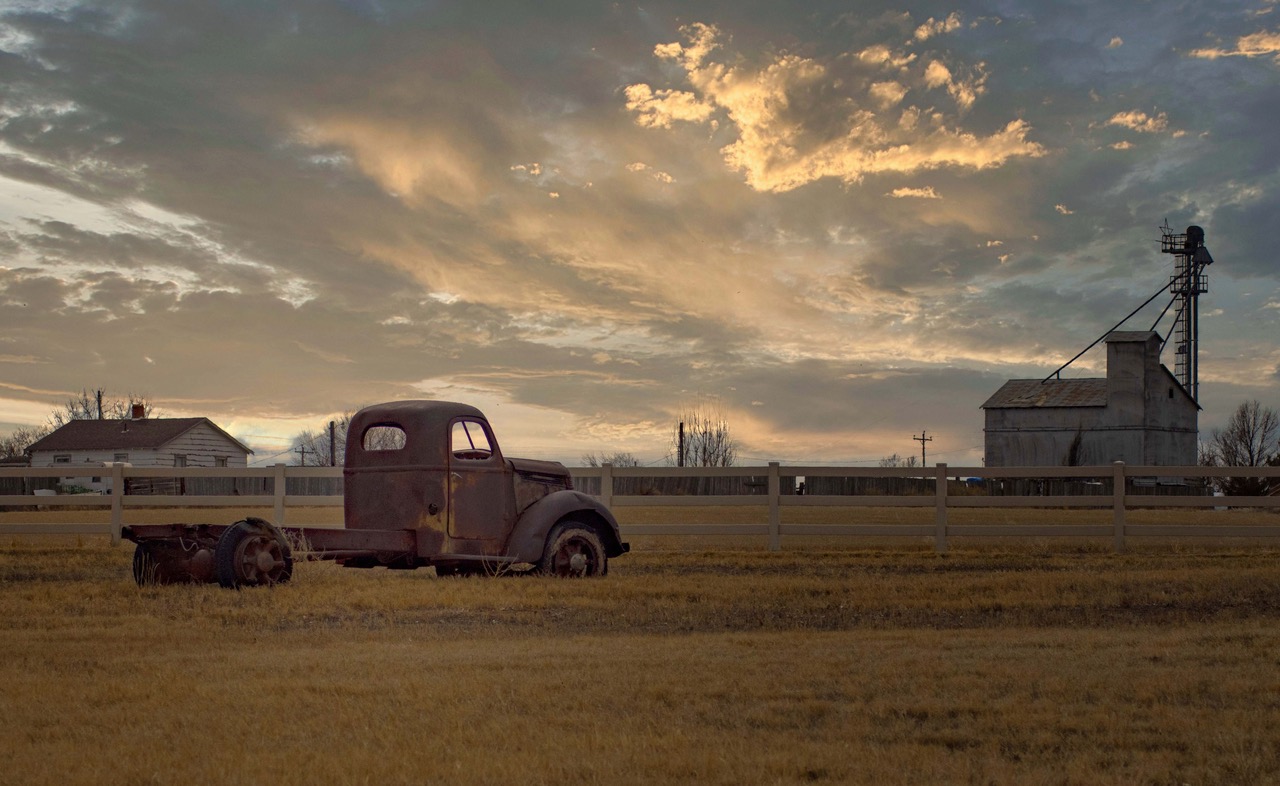
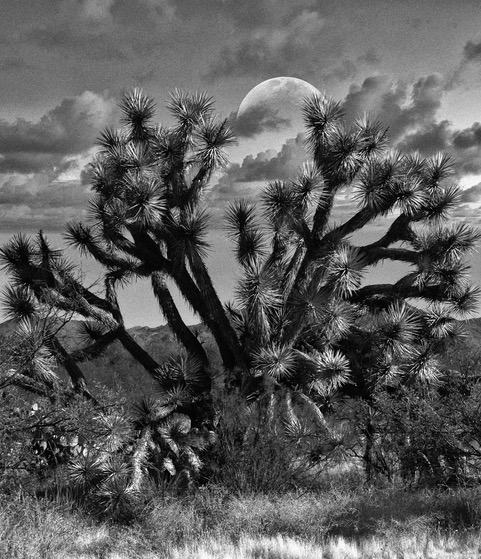
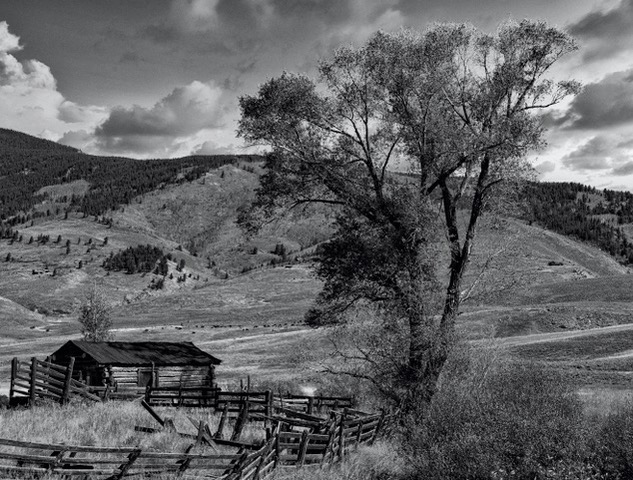
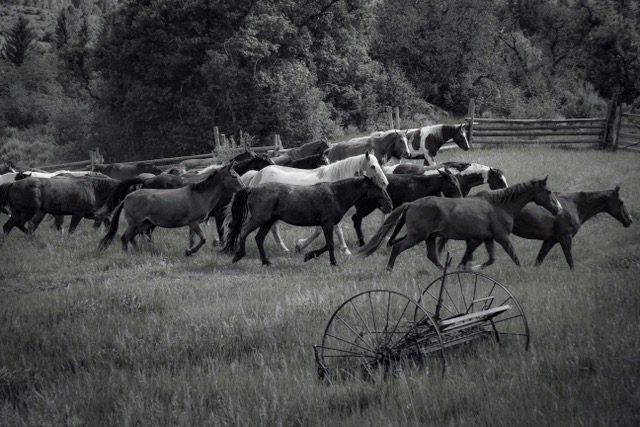
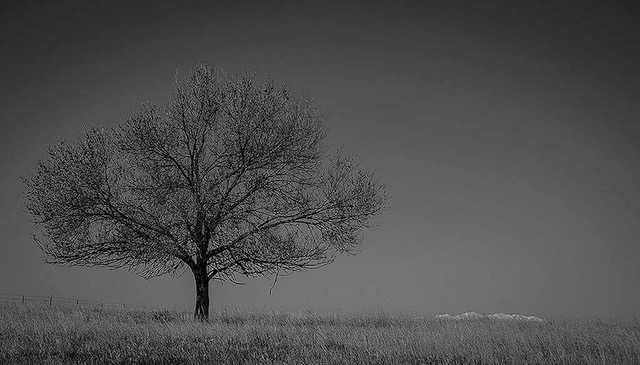
You are spot on, with the "Darkening". This was shot from 80-100 yards, and originally included distracting out-buildings and sheds. And my Canon 80D offers only 24 mpxls, so when I cropped out the distractions I was left with noise and grain. This is not a pano. I used Sharpeners and Gigipixel, in an attempt to restore the look...which did help. Then, darkening it via Multiply blend mode gave me the effect I wanted. Thanks for your comments. |
Feb 27th |
| 93 |
Feb 23 |
Comment |
Since I reside in the high desert of Colorado I struggle to imagine photographing Crashing Waves. I agree with Dawn that the left side is over exposed and FWIW, the concrete barrier and light pole, on the right detract for the power of the image. |
Feb 15th |
| 93 |
Feb 23 |
Reply |
good job |
Feb 14th |
| 93 |
Feb 23 |
Comment |
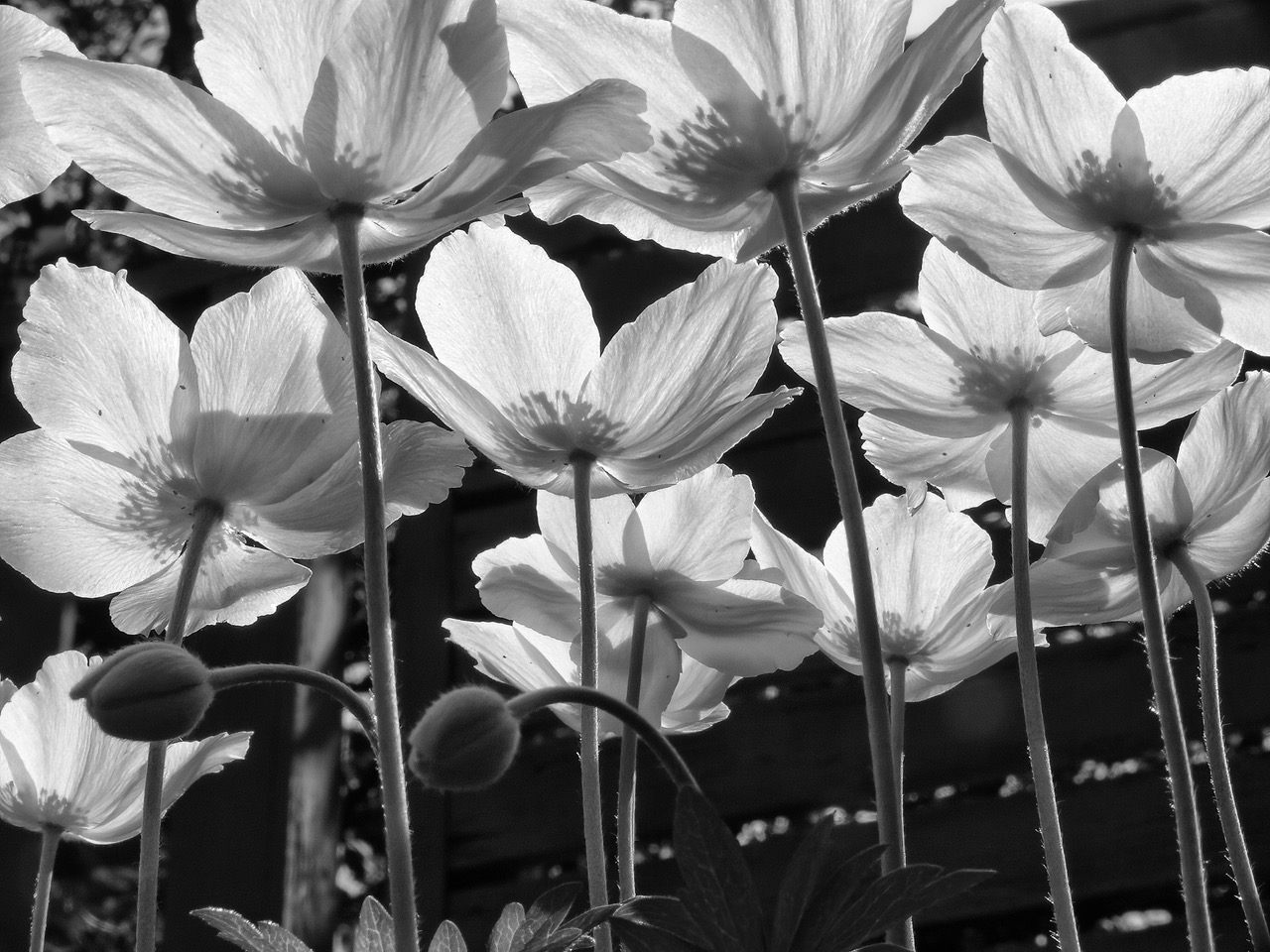
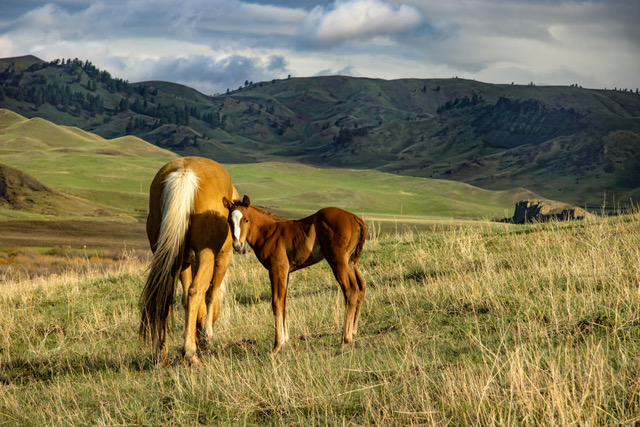
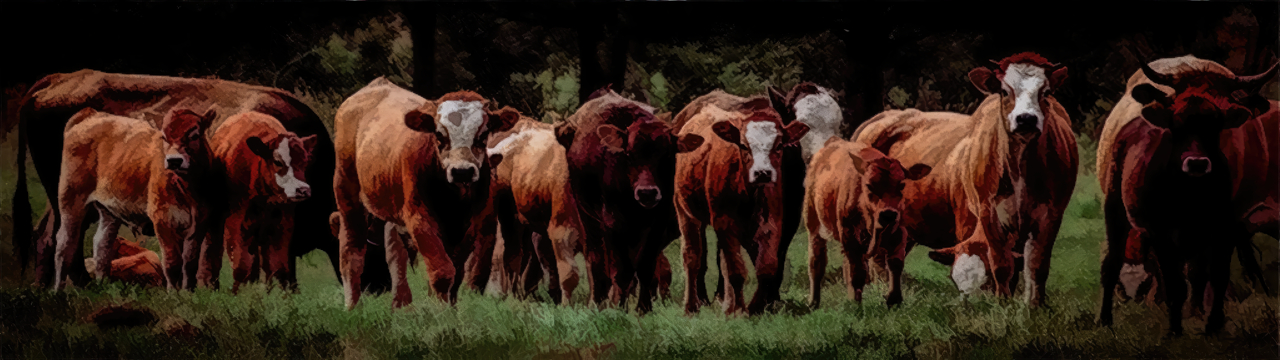
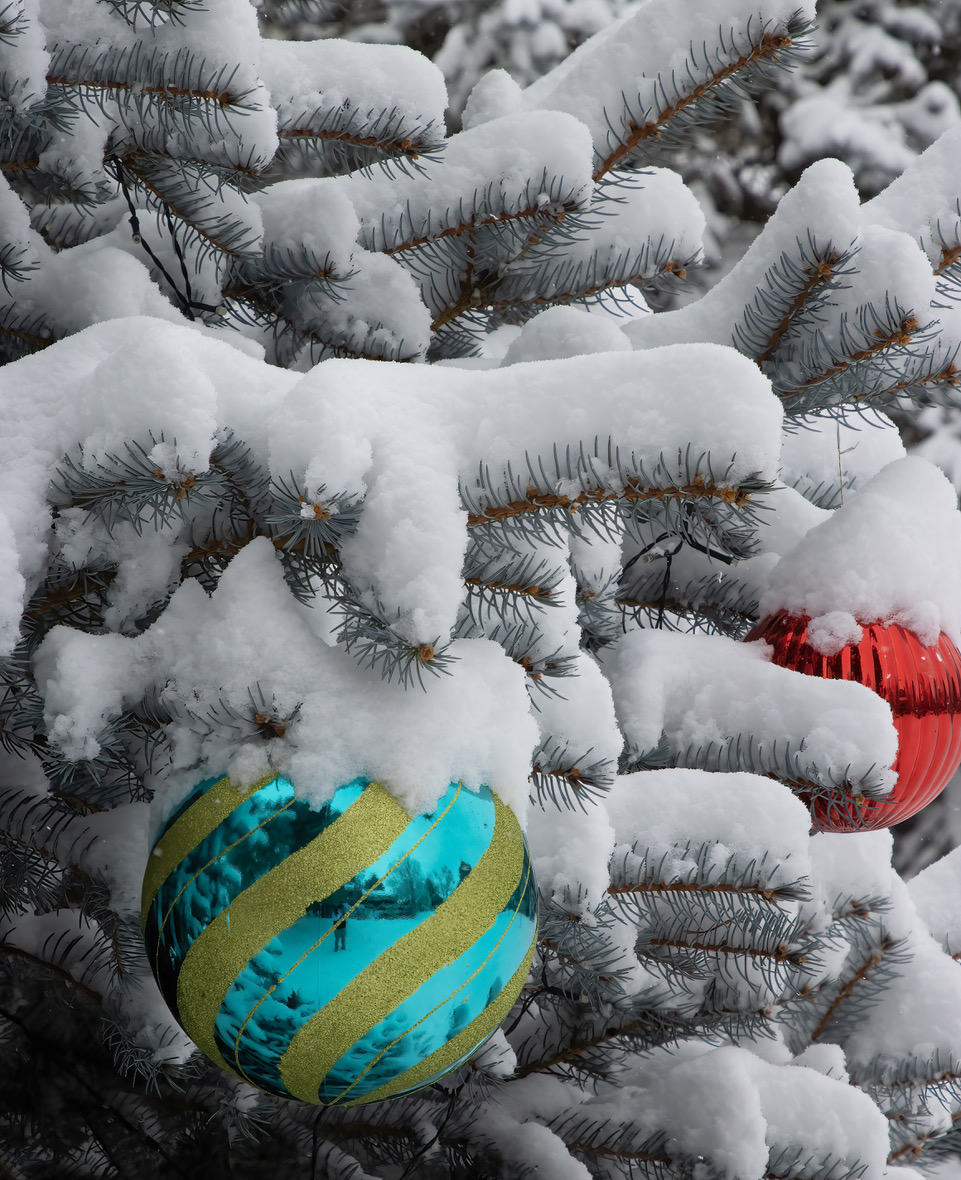
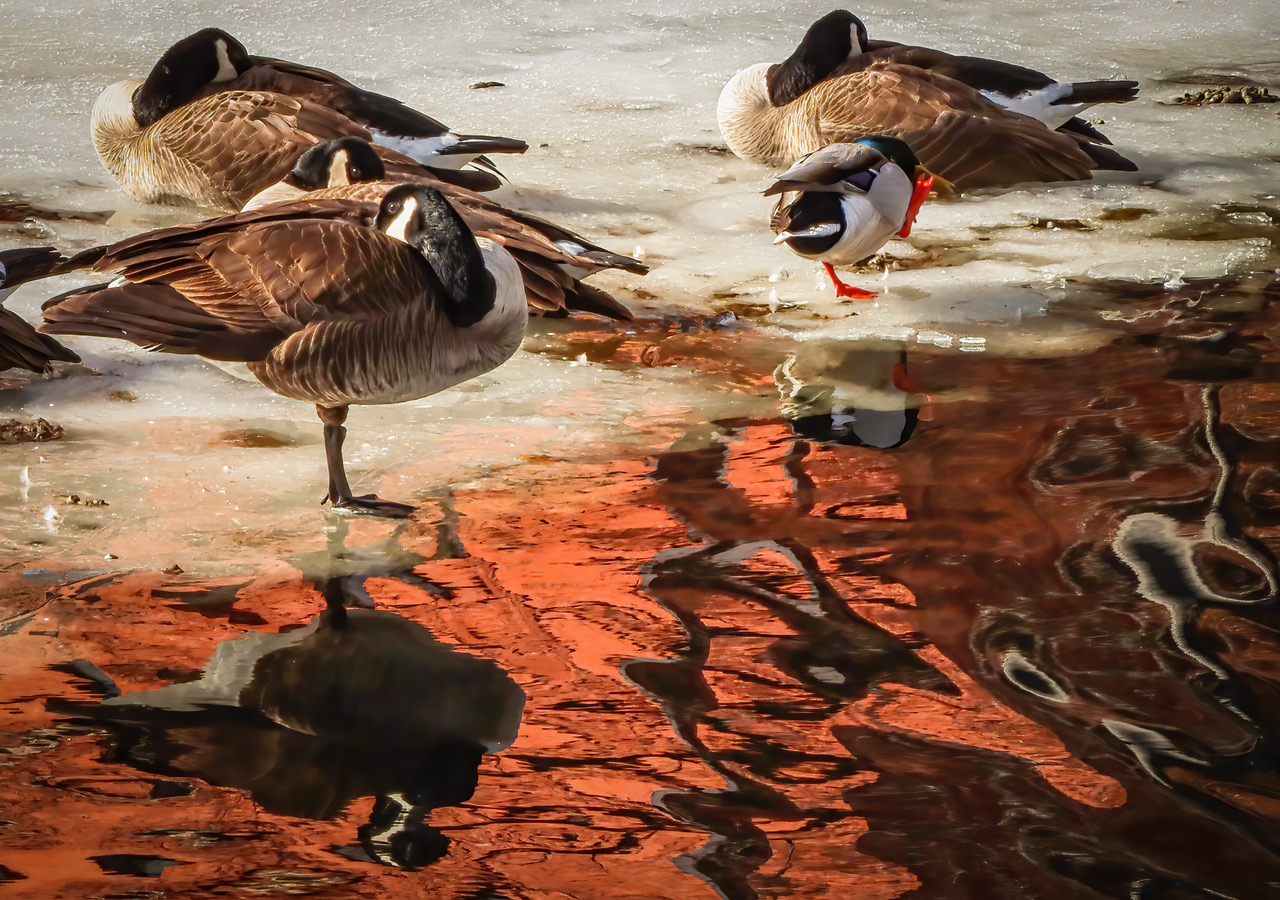
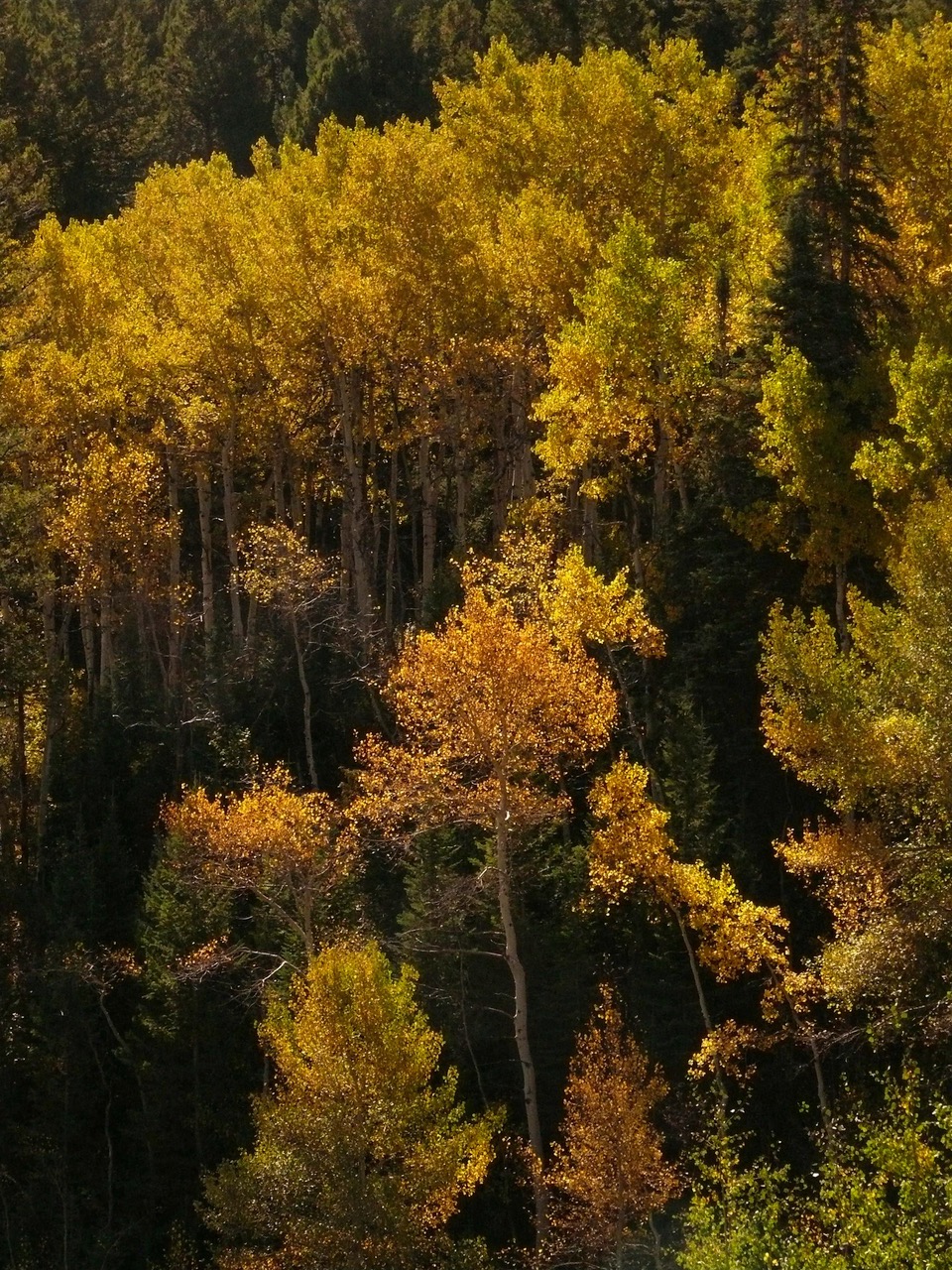
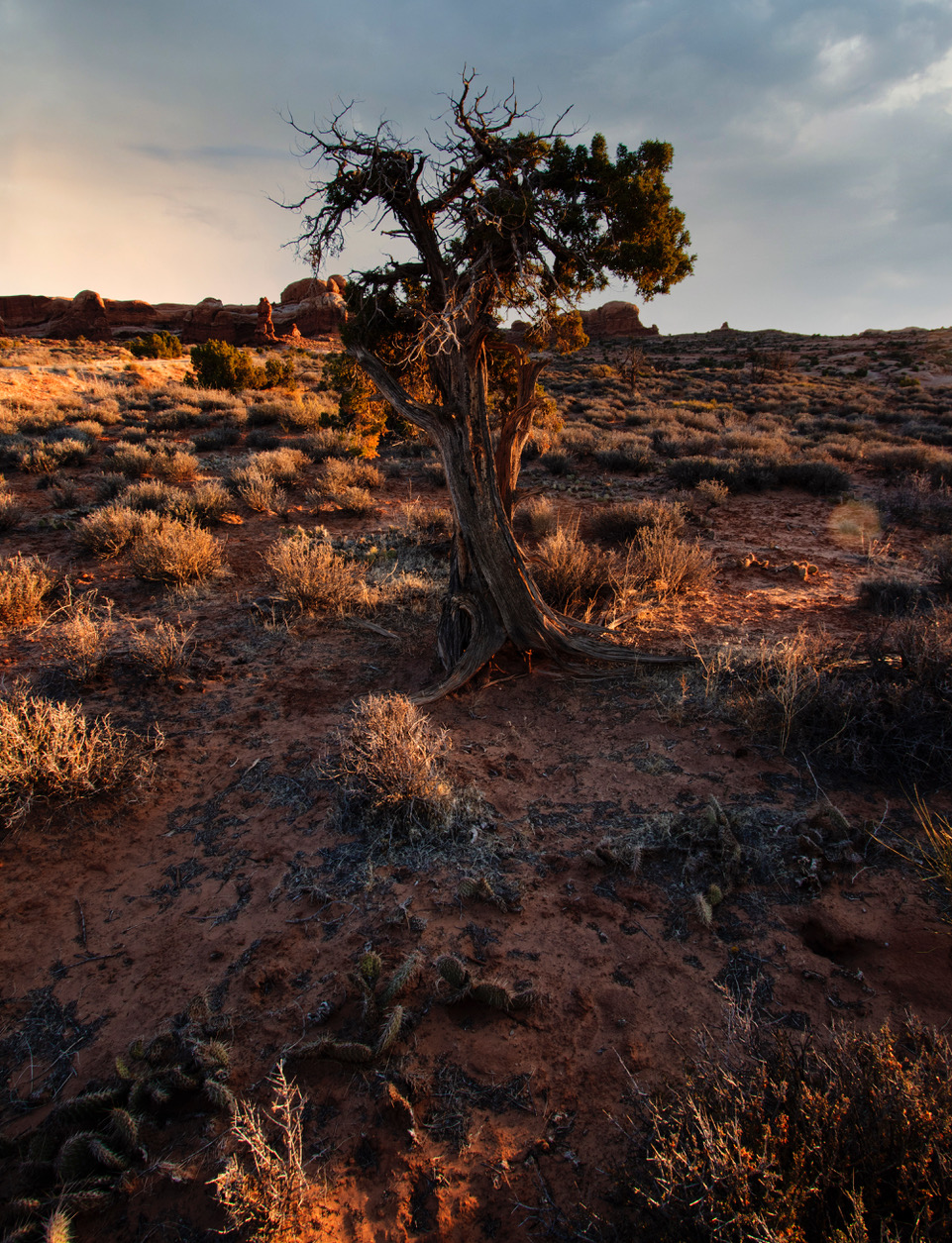
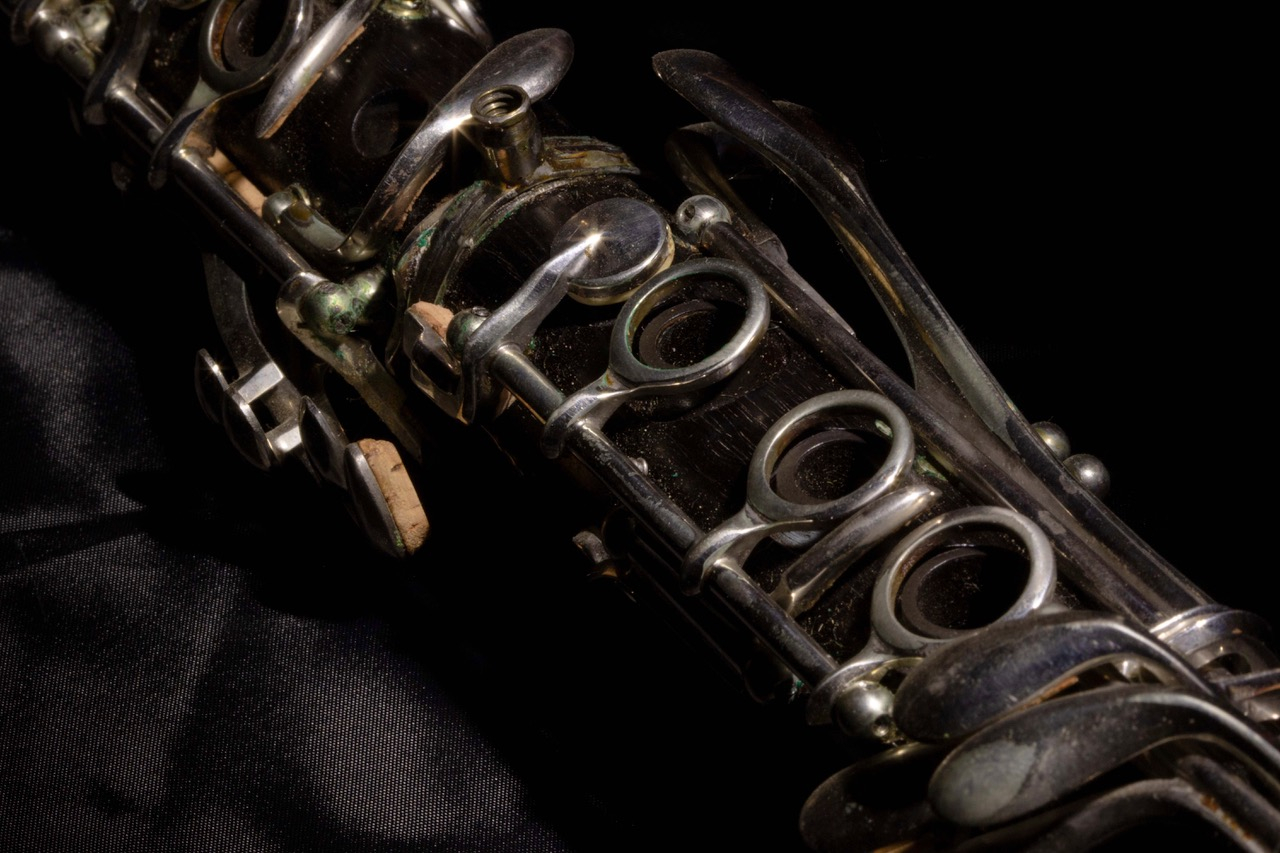
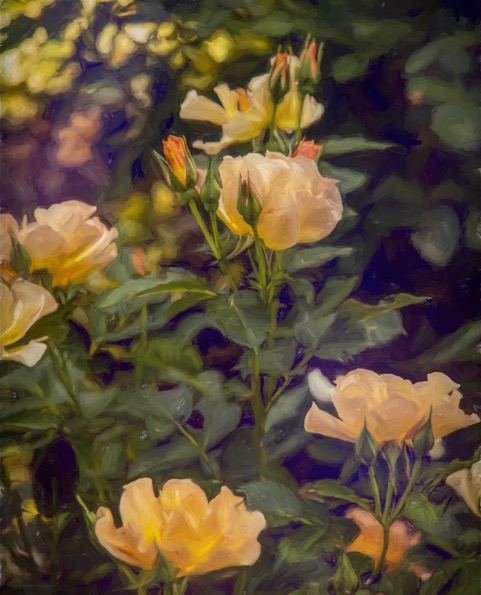
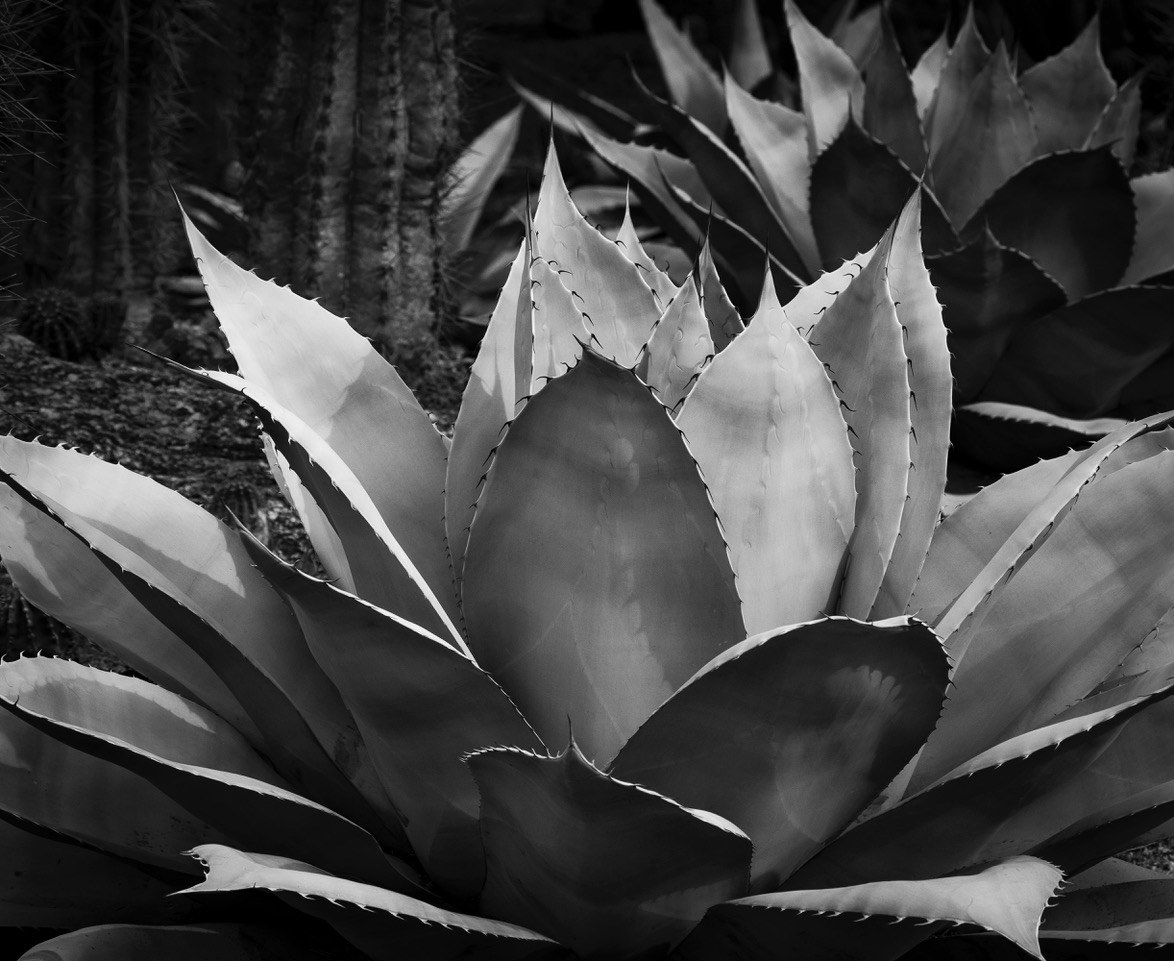
I agree with Ed regarding Contrast and Saturation. At first, I thought you selected this image for "focus stacking", but I see it is one image at f/11. |
Feb 13th |
| 93 |
Feb 23 |
Reply |
Thank you, Ed. I'm glad you noticed the "deep colors and dark greens" in the background! |
Feb 13th |
| 93 |
Feb 23 |
Comment |
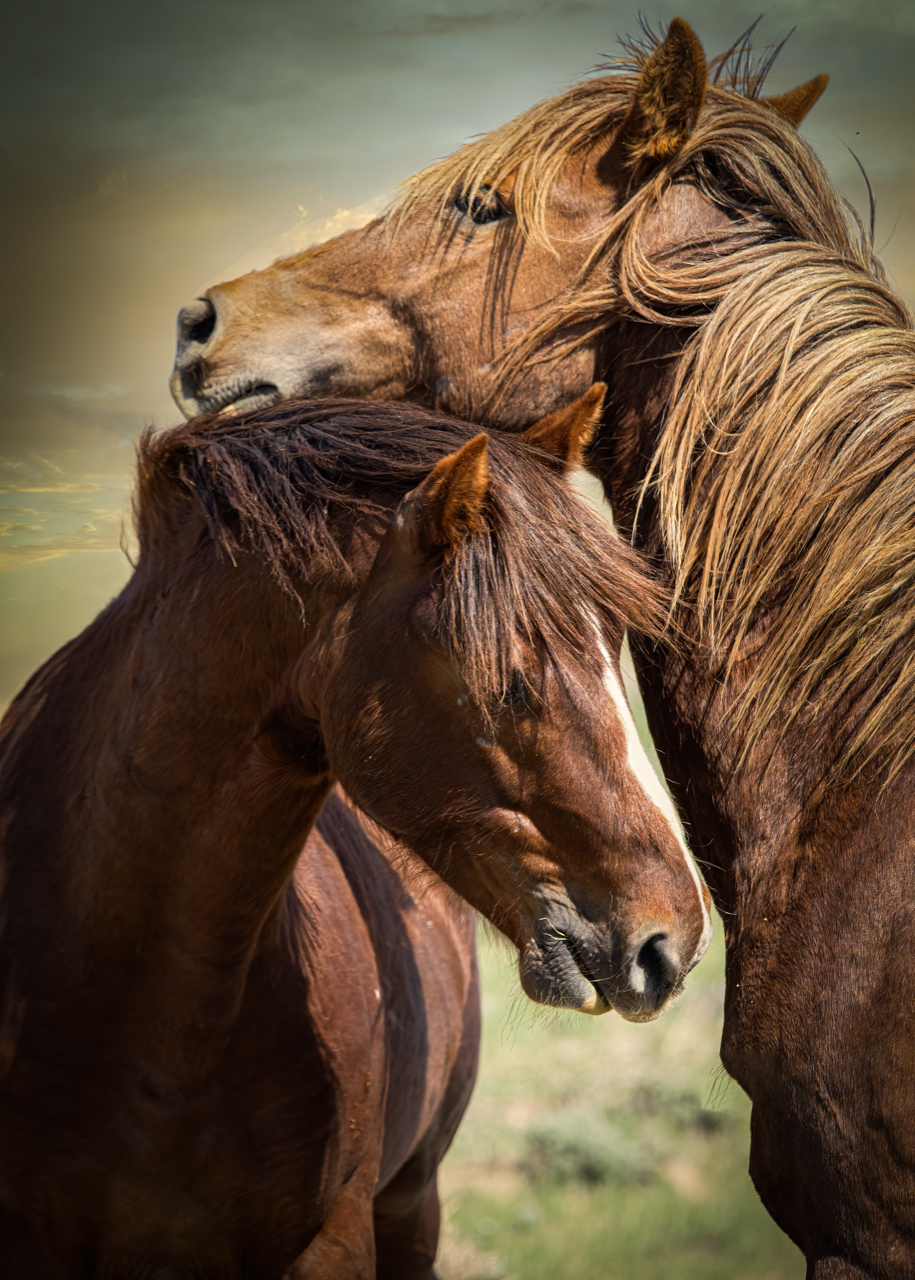
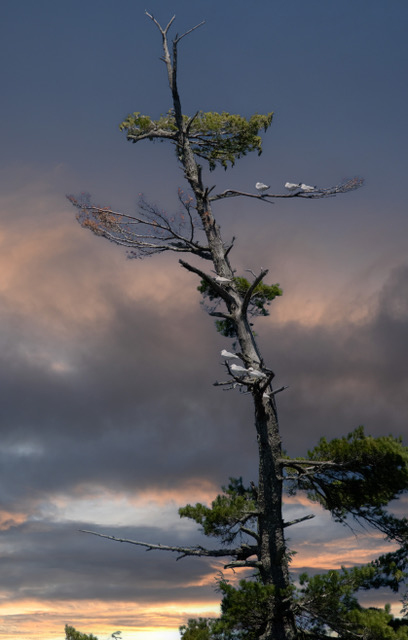
OK, let's take a moment to compare the story, the color and the drama of this image to the one you submitted, last month! This is much more in keeping with the Neil images we have grown to enjoy and appreciate. Your clarity, here, is remarkable! And great saturation. Welcome back! |
Feb 6th |
| 93 |
Feb 23 |
Comment |
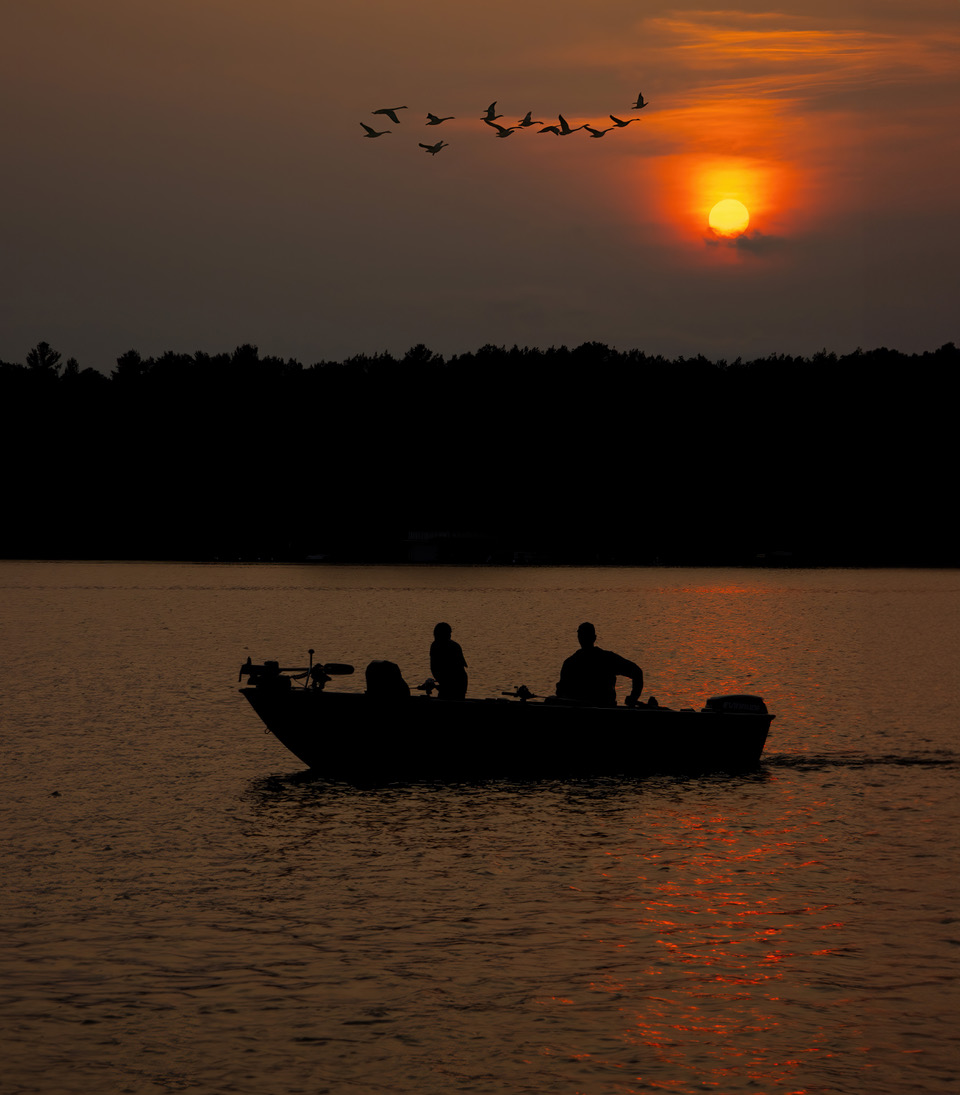
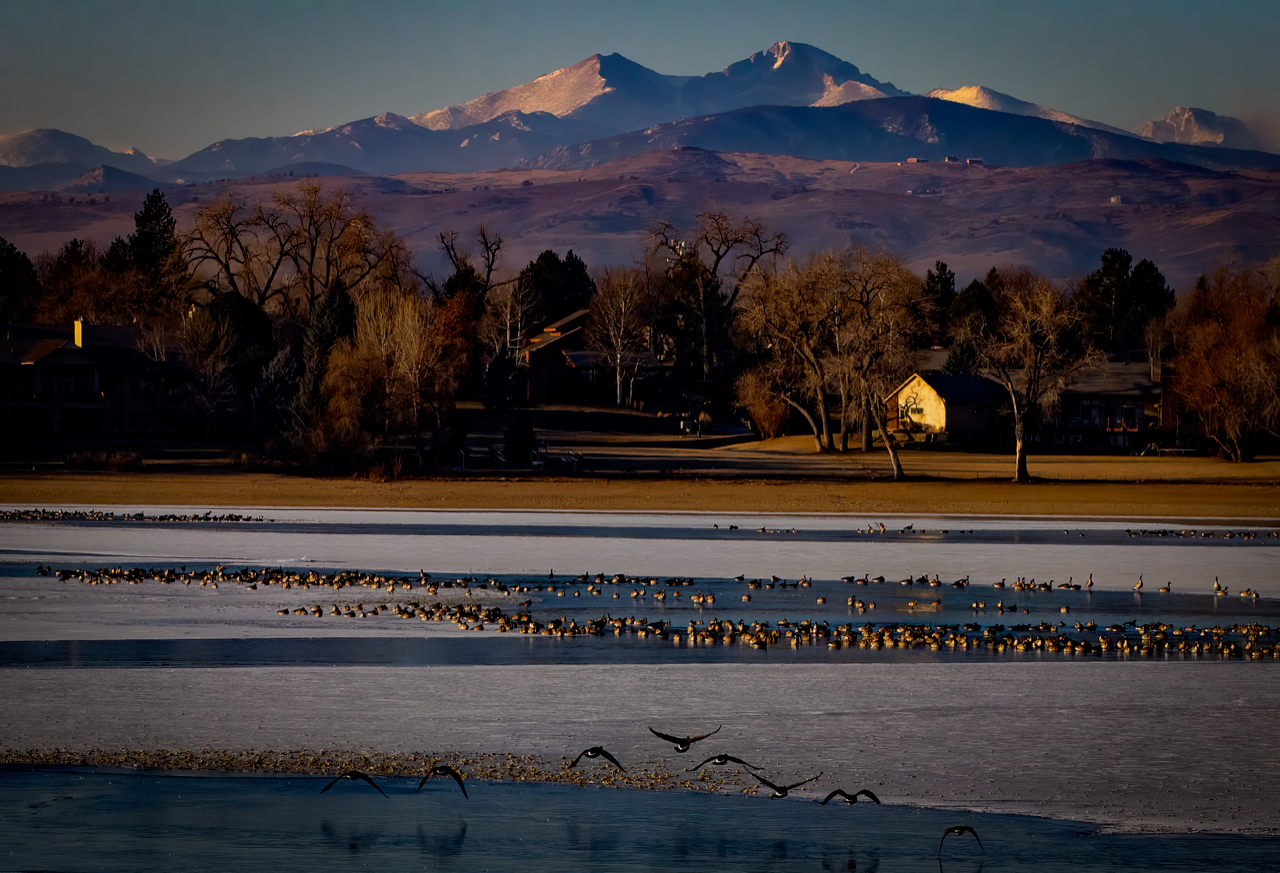
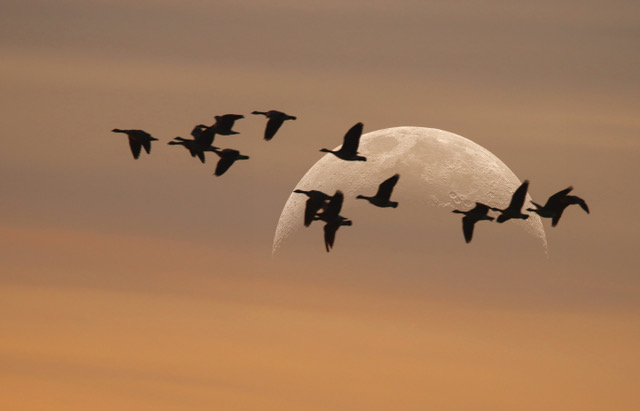
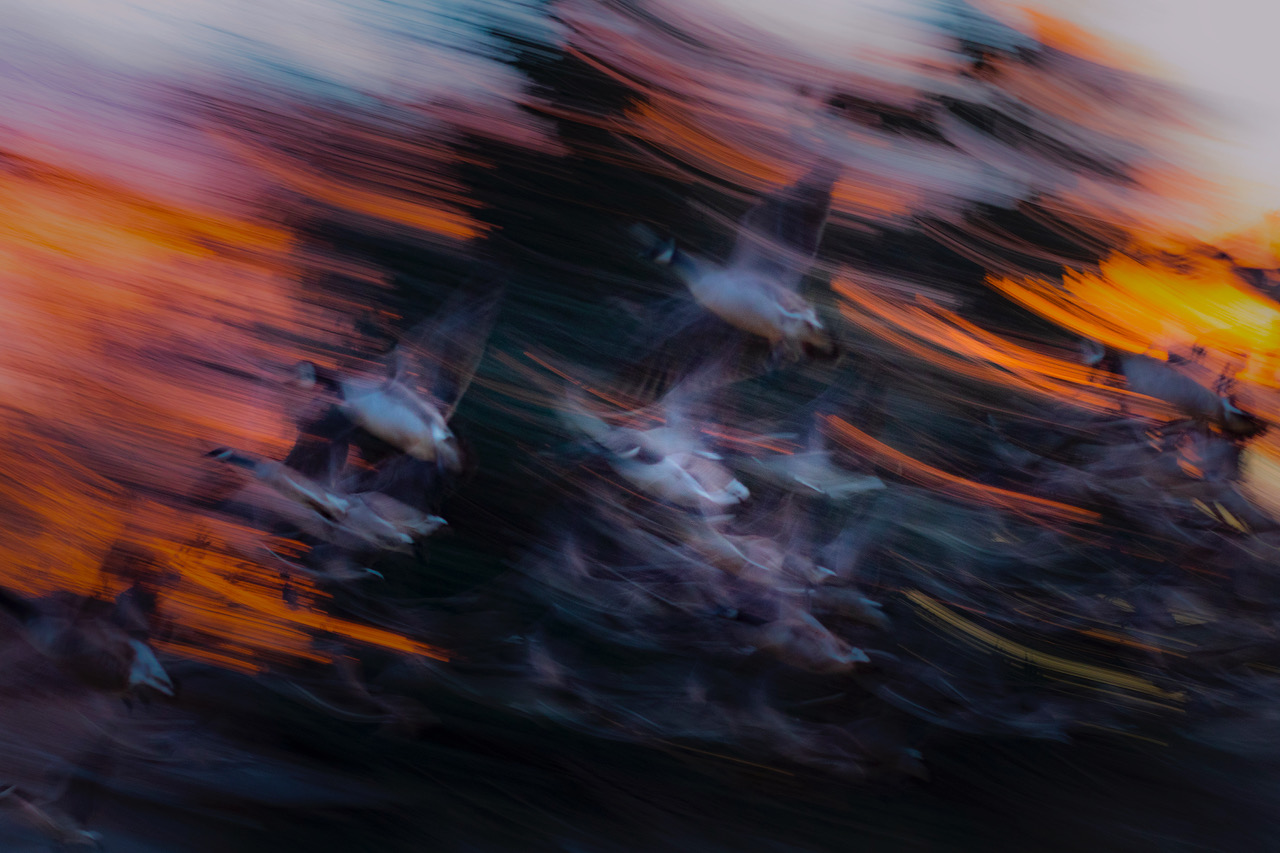
Edward, this is fun to look at! Your 1/500 ss has really captured the bird-in-flight portion of your image. FWIW, in my view, the lower 1/3 of this image does not contribute to the overall appeal...not as interesting! Have you considered removing the lower 1/3, zooming in a bit and focusing on a few birds in flight? |
Feb 6th |
| 93 |
Feb 23 |
Reply |
Now, I better understand "your" workflow. I never use LR. PS has been cumbersome to introduce multiple images in their own layer, until Place Embedded. PS>file>place embedded>browse !! Let me know how that works for you...and thanks again for explaining your multi-image Stacking technique...very creative |
Feb 6th |
| 93 |
Feb 23 |
Reply |
Thank you, Dan. It's always good when you drop by! |
Feb 6th |
| 93 |
Feb 23 |
Reply |
"Place embedded" is one way of placing multiple images into PS, each in their own layer. ( File> Place embedded )Do you have 2 layers in this image...and how did you get each into PS |
Feb 4th |
| 93 |
Feb 23 |
Comment |
This is powerful stuff! Your PP techniques are as impressive as the resulting image. I have taken notes regarding your "stacking". Once you stacked the 16 into one, did you use "Place Embedded" to create the separate layer? And how in the world did you come across StarryLandscapeStacker?
This is a Keeper! |
Feb 3rd |
| 93 |
Feb 23 |
Comment |
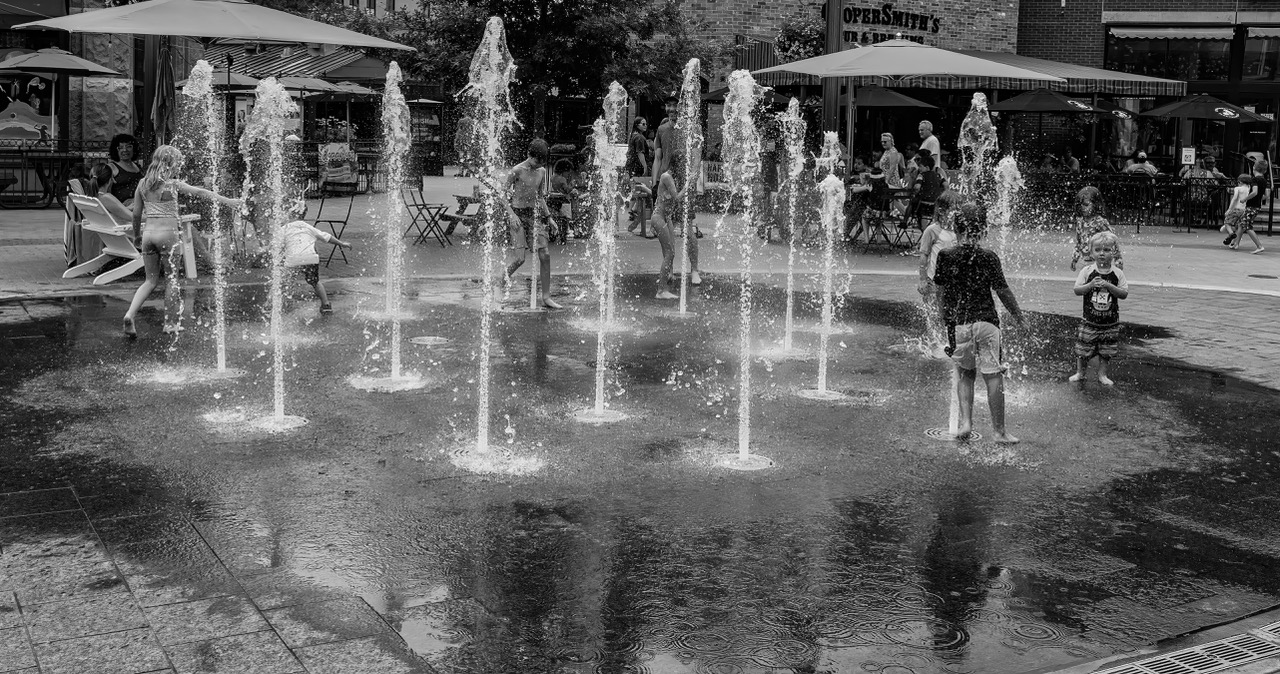
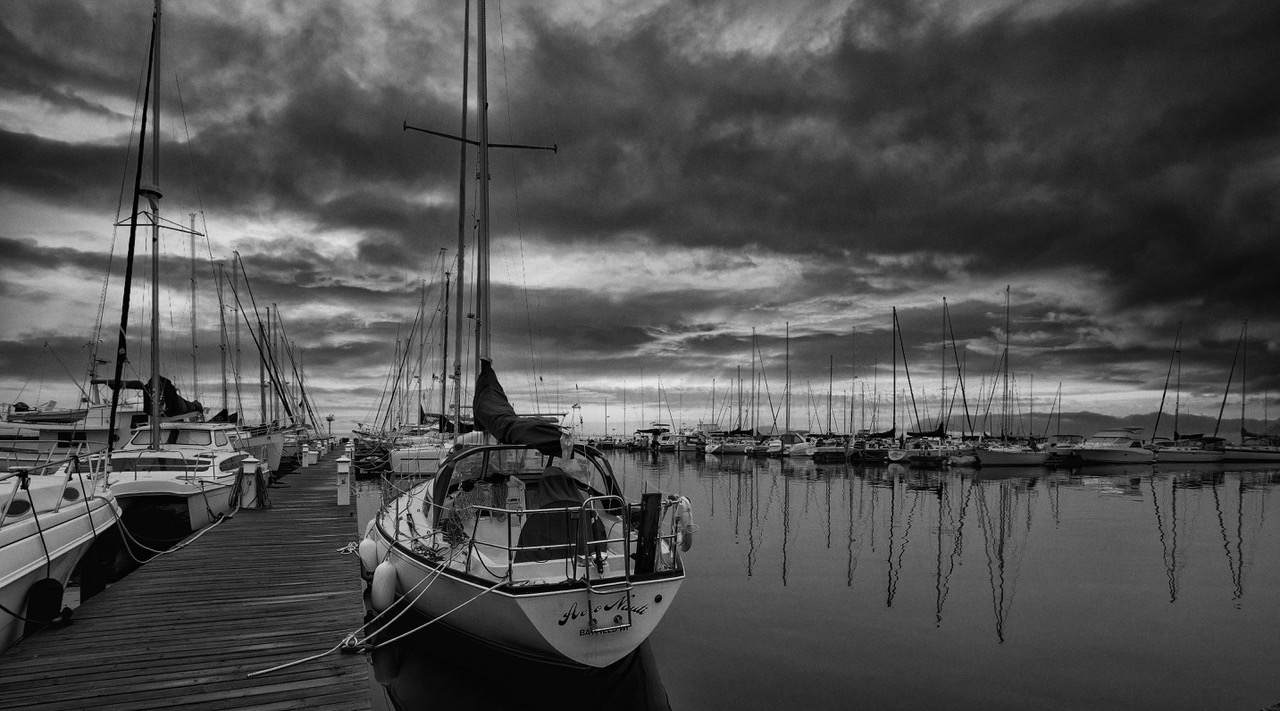
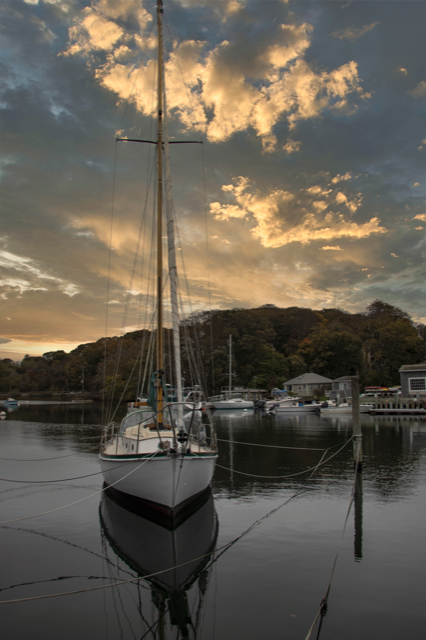
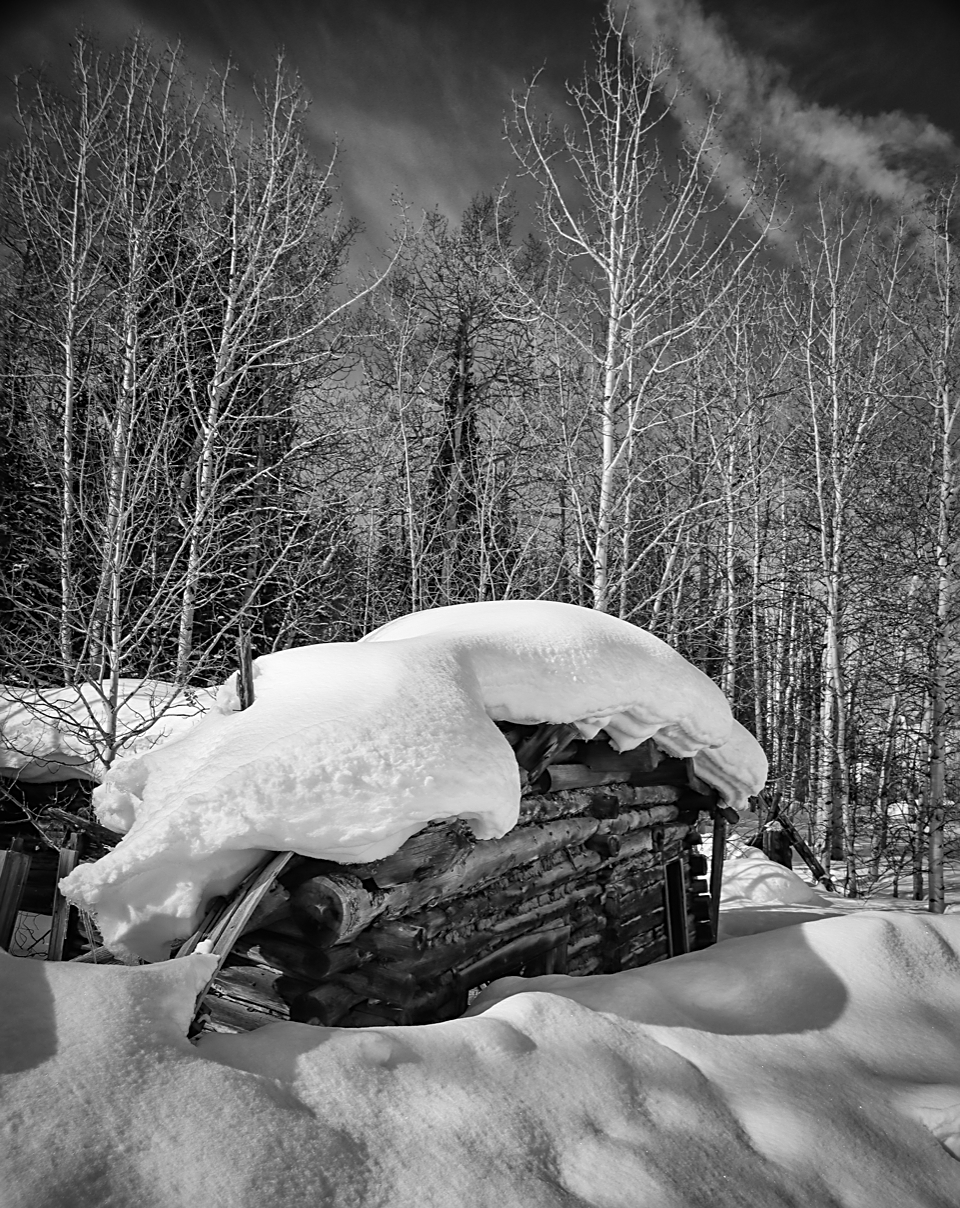
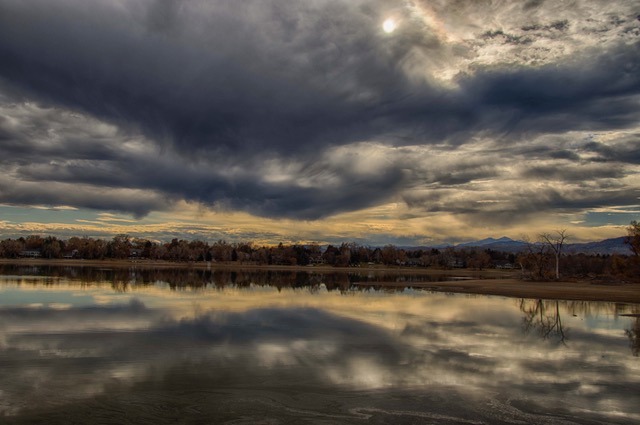
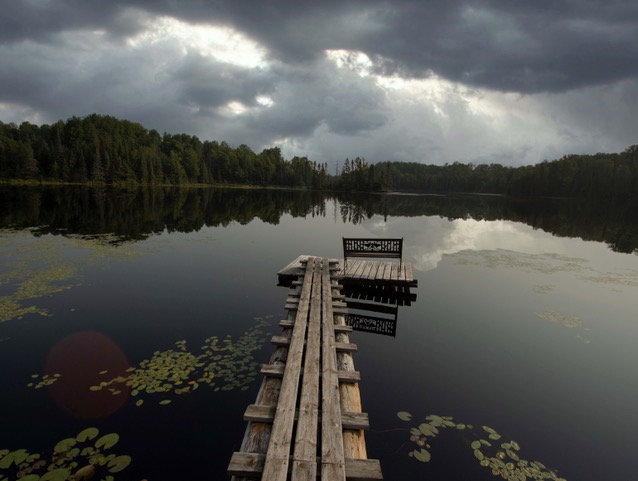
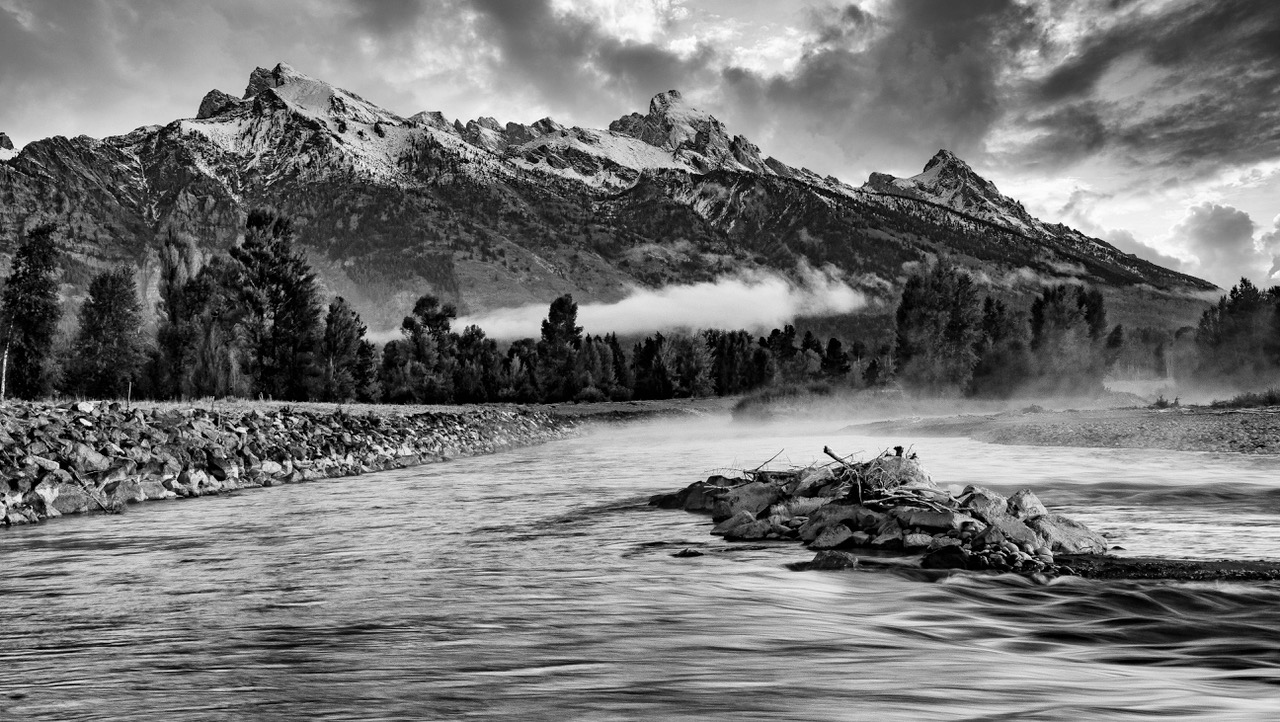
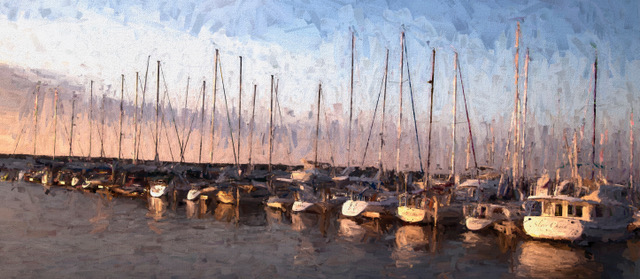
Great reflections! In my view, your original is Not too green, but I agree with your converting to B/W. Your grasp of PP tools is paying dividends. |
Feb 3rd |
6 comments - 6 replies for Group 93
|
| 96 |
Feb 23 |
Comment |
You, sir, are a Wizard! |
Feb 3rd |
1 comment - 0 replies for Group 96
|
7 comments - 6 replies Total
|