|
| Group |
Round |
C/R |
Comment |
Date |
Image |
| 78 |
Feb 25 |
Reply |
Adding these deers is a nice touch. I suggest to fine tune deers's light/color tone so they will 'blend in' with the surrounding to make them more realistic. |
Feb 23rd |
| 78 |
Feb 25 |
Reply |
Love it! |
Feb 23rd |
| 78 |
Feb 25 |
Reply |
Thanks! Your revision is nice but I would change color and tonality to BW only and darken the background so snow will be visible. |
Feb 16th |
| 78 |
Feb 25 |
Reply |
Thanks! |
Feb 14th |
| 78 |
Feb 25 |
Comment |
i love both revisions!! |
Feb 11th |
| 78 |
Feb 25 |
Reply |
Thank you! |
Feb 9th |
| 78 |
Feb 25 |
Comment |
You did a wonderful job in post processing both in the 1st and the 2nd version. I do agree with Robert on the cloud and their reflections. Robert's modified version on the cloud looks more realistic in terms of the color tones. |
Feb 8th |
| 78 |
Feb 25 |
Comment |
Nice image and I agreed with all comments posted. I felt the fog area is still too bright in your modified version. For your reference only, I based on your modified version and used Nik Collection Viveza presets to adjust color and tonality.
|
Feb 8th |
 |
| 78 |
Feb 25 |
Comment |
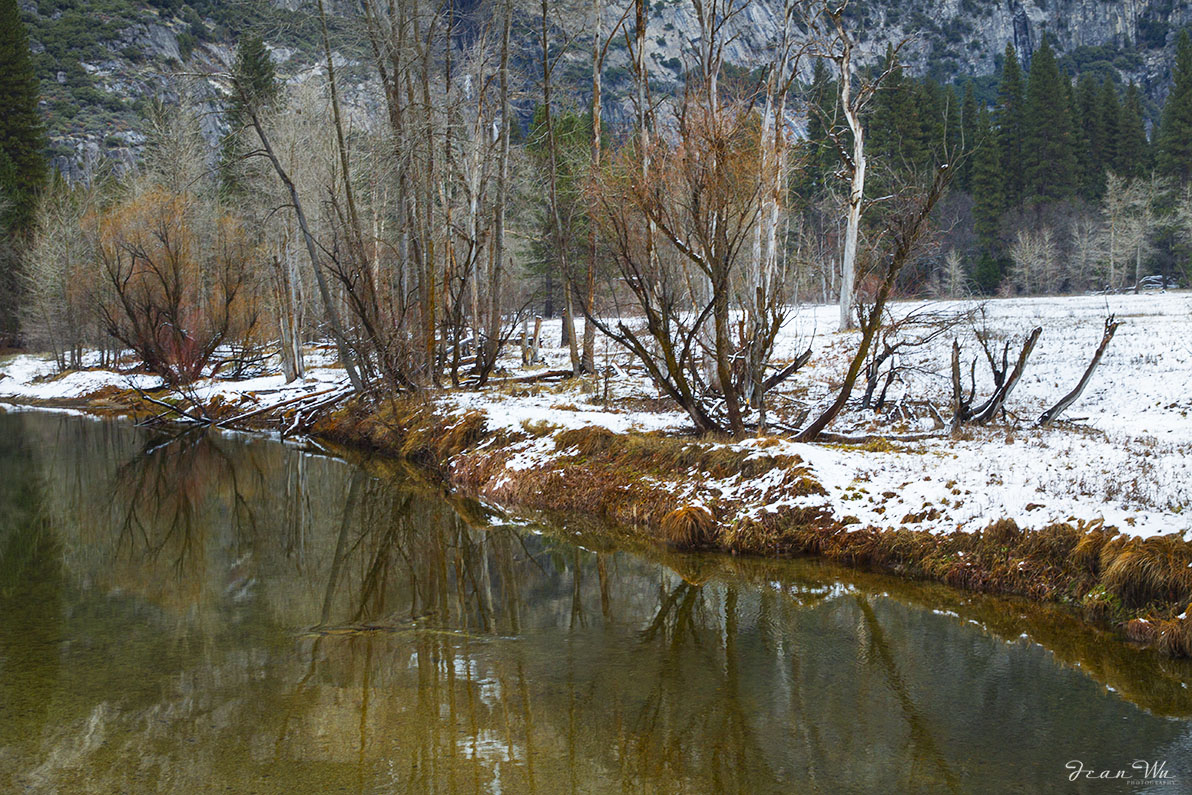
I love leafless trees which are not dead. You captured well of winter atmosphere and good color contrast. I would convert this to BW with few adjustments that may better convey 'dead winter'. |
Feb 8th |
| 78 |
Feb 25 |
Reply |
I used Nik Collection 7 one of the Silver Efex presets with few adjustments. Here is the link to this product site: https://nikcollection.dxo.com/
Check it out. I think you can download for free trial.
I learned about this tool few years back from the instructor of image EVAL course (PSA). It is a powerful tool and I only knew few of them and still exploring. |
Feb 8th |
| 78 |
Feb 25 |
Comment |
I love the colors but not fond of the main subject in the center of the frame. Yes, you might consider cropping your frame as Brenda suggested. |
Feb 6th |
| 78 |
Feb 25 |
Reply |
It is my personal subjective thinking. The "Y" shape tree branches are beautiful but it occupied larger space in comparison to the little bird in the frame. It is overpowering. I thought you may be able to enlarge the bird and reduce the size of the "Y" with the same background which is beautifully done. |
Feb 5th |
| 78 |
Feb 25 |
Reply |
Thanks! |
Feb 5th |
| 78 |
Feb 25 |
Comment |
What a beautiful God creature! I love your post processing and totally on board with your decision :-) If I had to make any comment, I would suggest you reverse the aspect ratio of the bird and the tree branches. |
Feb 3rd |
6 comments - 8 replies for Group 78
|
6 comments - 8 replies Total
|